An Apple Watch can work as a medical alert device for people at low risk of falls, because it has free fall detection, an SOS button that calls emergency services, and a Medical ID that first responders can read from the lock screen. It is not a professionally monitored medical alert system: there is no call center between you and 911, no one checks on you if you do not answer, and it cannot detect every fall. The cheapest current model, the Apple Watch SE 3, starts at $249 with no monthly fee.
That trade is the whole decision. A dedicated medical alert system costs a monthly fee but gives you a trained operator who answers, stays on the line, and sends help even when you cannot speak. An Apple Watch costs more up front, charges no monthly fee, and calls 911 directly. If you are active, comfortable with a smartwatch, and want fall detection without a subscription, the watch is worth a serious look.
The Short Answer: Can an Apple Watch Replace a Medical Alert System?
Yes, for a healthy, active adult at low risk of falls who wants fall detection and an SOS button without a monthly fee. No, for someone at high risk of falls, someone who lives alone with serious health conditions, or someone who cannot manage a smartwatch, its charging, and its settings. Those people need a professionally monitored system with a call center.
The National Council on Aging, which reviewed the watch as a medical alert option, says the same thing: the Apple Watch is expensive, somewhat difficult to use, and not a great fit for every person’s fall detection needs, even though its health and safety features are strong. See the NCOA guide to the Apple Watch as a medical alert system for its full verdict.
The sections below walk through what the watch actually does in a fall, what it cannot do, what it costs, and the setup steps that must be right before you trust it.
What Medical Alert Features Are in an Apple Watch?
Fall detection is the headline feature. When the watch senses a hard fall, it taps your wrist, sounds an alarm, and shows an alert. If you are moving, it waits for your answer. If you stay still for about a minute, it starts a 30-second countdown, then calls emergency services on its own and texts your emergency contacts with your location.
The SOS button works with a press and hold of the side button, which calls emergency services even when the watch has not detected a fall. Medical ID holds your allergies, medications, conditions, and emergency contacts, and first responders can open it from the lock screen without unlocking the watch. Crash detection calls for help after a severe car crash, and the siren on Ultra models sounds a very loud alarm that rescuers can hear from far away.
Heart alerts add a second layer. The watch warns you when your resting heart rate runs too high or too low, and some models take an ECG. Fall detection, the SOS button, and Medical ID together are what make the watch a real safety device, not just a fitness tracker.
How Fall Detection Works, Step by Step
Fall detection uses the accelerometer and gyroscope to read your wrist’s motion and impact. When it senses a hard fall, the watch taps your wrist, plays a loud alarm, and shows an alert with two choices: contact emergency services, or tap “I’m OK” to dismiss it. You can also press the Digital Crown or tap Close to dismiss the alert.
If you are moving after the fall, the watch waits for your response and does not call anyone. If you stay still for about a minute, it begins a 30-second countdown while the alarm grows louder, so someone nearby can hear it and help. If nobody cancels the countdown, the watch calls emergency services automatically.
During the call, the watch plays a recorded message telling the dispatcher that it detected a hard fall, and it shares your location as latitude and longitude. After the call ends, it texts your emergency contacts with your location and the news that a fall was detected. Your emergency contacts come from your Medical ID, so set that up first or the messages have nowhere to go.
Apple warns plainly that fall detection cannot detect all falls. SafeWise tested fall detection on three Apple Watches and could not trigger a fall on any of them in testing, though anecdotal reports show it does work in real falls. See the SafeWise Apple Watch medical alert review for its test results and its verdict that the watch suits people at low risk of falls.
Which Apple Watch Models Have Fall Detection?
Fall detection needs an Apple Watch SE, an Apple Watch Series 4 or later, or an Apple Watch Ultra or later. Earlier models do not have the feature at all. You also need a paired iPhone, and fall detection turns on automatically only if you are 55 or older; everyone younger must switch it on by hand in the Watch app under Emergency SOS.
Caption: Current Apple Watch models with fall detection — prices from Apple, checked 23 November 2026.
| Model | Starting Price | Fall Detection | Best For |
|---|---|---|---|
| Apple Watch SE 3 | $249 | Yes | Lowest-cost safety watch |
| Apple Watch Series 12 | $399 | Yes | Full health features |
| Apple Watch Ultra 4 | $799 | Yes | Longest battery, loud siren |
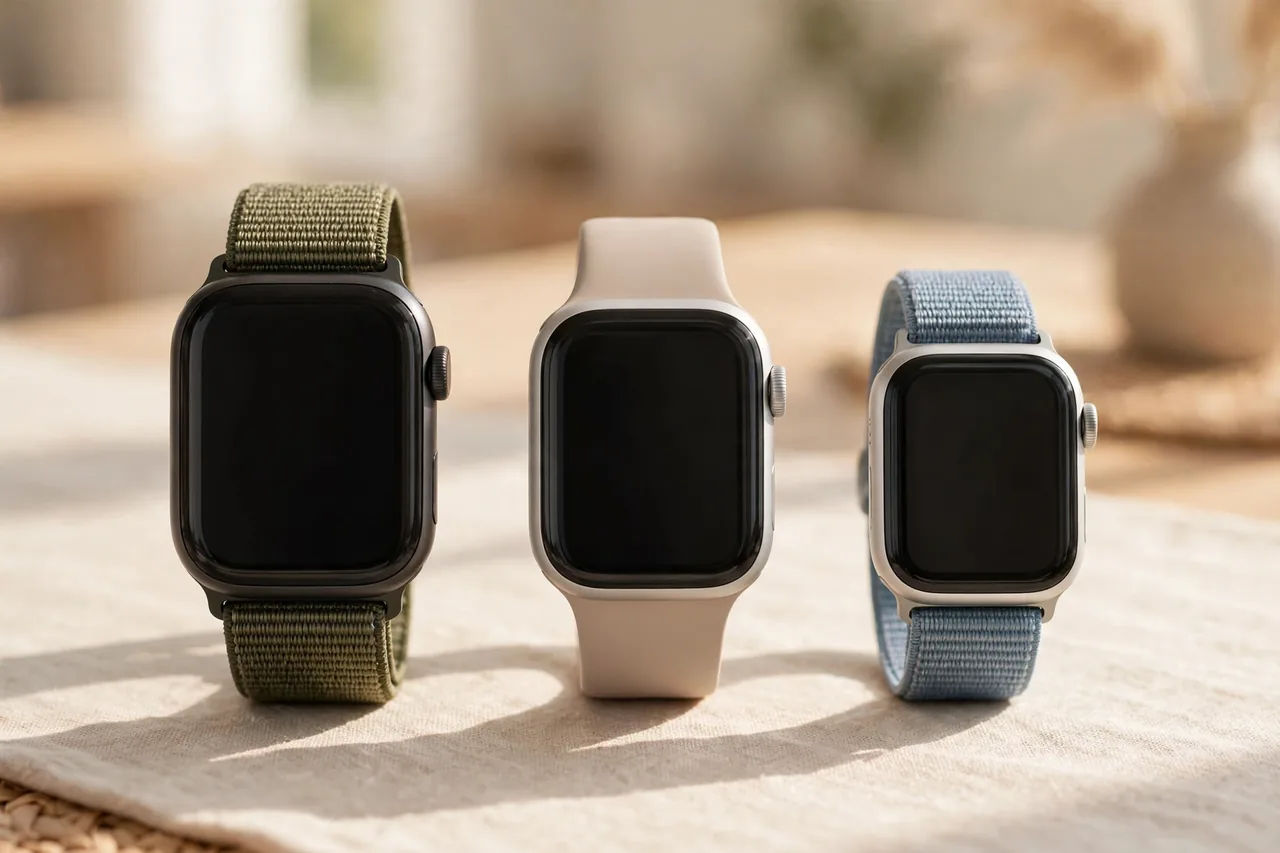
Apple sells three watches now: the SE 3 from $249, the Series 12 from $399, and the Ultra 4 from $799. The SE 3 is the value pick for safety use, because it has the same fall detection, SOS, and Medical ID as the expensive models. What it lacks is the ECG app and the blood oxygen sensor, which matter for health tracking but not for fall safety. MacRumors confirms the current lineup and prices in its 2026 buying guide. See the MacRumors guide to the best Apple Watch to buy in 2026 for the full comparison.
Cellular matters more than the model. A GPS-only watch can call for help only when your iPhone is nearby. A cellular watch calls 911 on its own, even when the phone is at home. If the watch is meant to protect someone who walks alone, pay the extra $50 for cellular, or the safety net has a hole in it.
What Medical Alert Features Are Missing?
The biggest gap is professional monitoring. A dedicated medical alert system connects you to a trained operator at a call center, and that operator stays on the line, talks to you, and sends help even if you cannot speak. An Apple Watch calls 911 directly, and if you cannot speak, the dispatcher has only the recorded fall message and your location to work with.
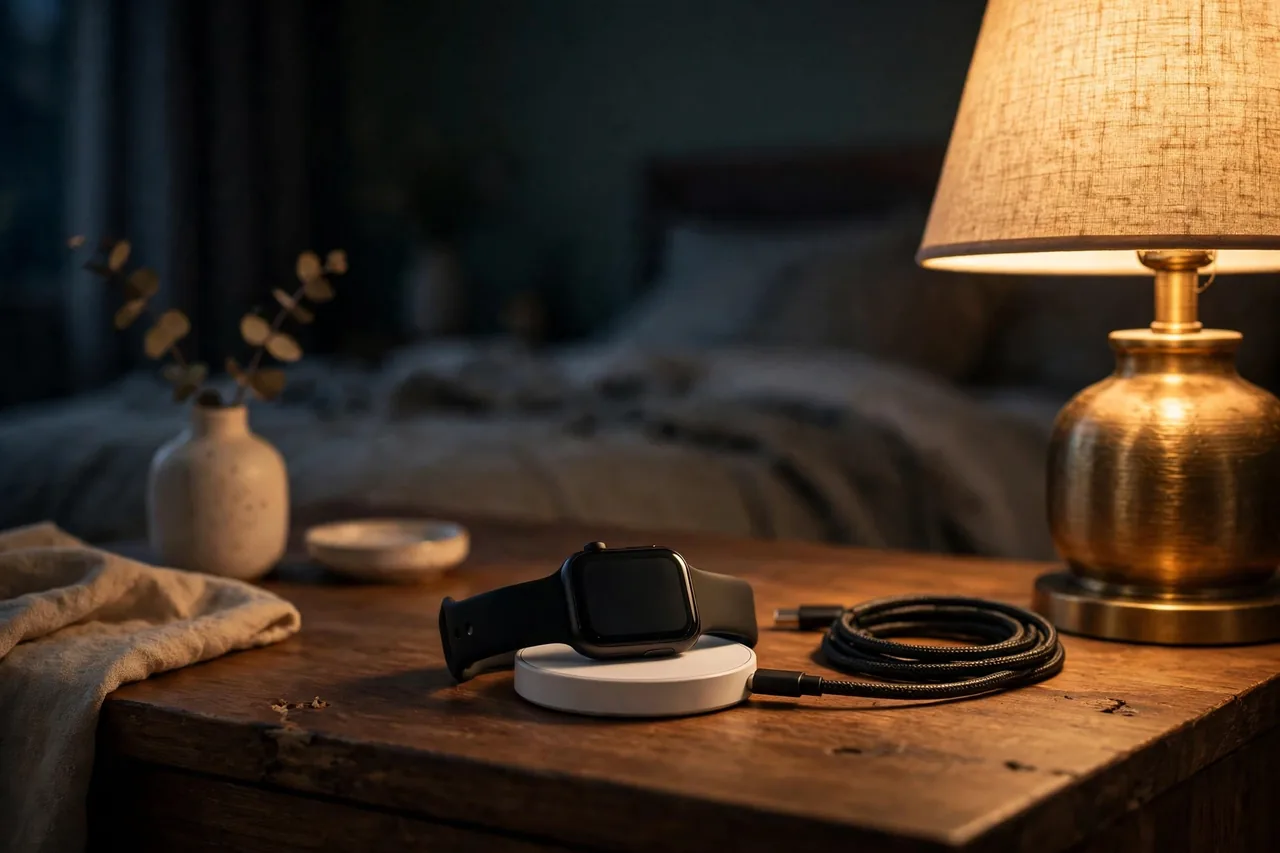
The second gap is the battery. An Apple Watch needs charging every day or two, and a watch on a charger cannot detect a fall. Most falls at home happen at night, often on the way to the bathroom, which is exactly when many people charge their watch. A dedicated medical alert pendant runs for days or weeks on a charge and is built to be worn in the shower, where the watch should not be worn.
The third gap is simplicity. A medical alert pendant has one big button. An Apple Watch has a small screen, menus, and settings that must be right, and its fall alert must be answered or dismissed on a tiny display. A device that is hard to use in a panic is a device that fails when it matters most, so be honest about who will actually wear it and manage it.
The fourth gap is false alarms. The watch can mistake high-impact activity for a fall, and very active people get false alerts. The 30-second countdown gives you time to cancel, but a false 911 call is still a false 911 call, and repeated false alarms can bring a fine in some towns.
How to Set Up the Apple Watch as a Medical Alert
Start with Medical ID, because everything else depends on it. Open the Health app on the iPhone, tap your profile picture, tap Medical ID, and fill in your conditions, allergies, medications, blood type, and emergency contacts. Turn on Show When Locked so first responders can read it without your passcode, and turn on Share During Emergency Call so dispatchers get it too.
Next, turn on fall detection. Open the Watch app on the iPhone, tap My Watch, tap Emergency SOS, and switch on Fall Detection. You can choose Always On or Only During Workouts; for safety use, pick Always On. Check that Wrist Detection is on as well, because the watch will not call for help automatically without it.
Then test the SOS button while you are calm. Press and hold the side button until the Emergency SOS screen appears, and learn where the slider sits before you ever need it in a panic. Tell your emergency contacts that they are listed, and show them the message they will receive, so a 2 a.m. text does not confuse them.
Finally, build a charging habit that keeps the watch on the wrist at night. Charge it while you shower and dress in the morning, not overnight. A watch that is always charged and always worn is the only version of this plan that works.
Apple Watch vs a Dedicated Medical Alert System
Caption: Apple Watch vs a monitored medical alert system — the honest trade.
| Factor | Apple Watch | Monitored System |
|---|---|---|
| Monthly fee | None | Yes, every month |
| Up-front cost | $249 and up | Low or free device |
| Fall detection | Yes, free | Yes, often extra |
| Who answers | 911 dispatcher | Trained operator |
| Works without phone nearby | Only cellular models | Yes |
| Battery life | About 1 to 2 days | Days to weeks |
| Shower safe | No | Usually yes |
| Ease of use | Menus and small screen | One big button |
| Extra features | Calls, texts, apps, ECG | Few or none |
The watch wins for an active adult who already wears a smartwatch, wants no monthly fee, and values the extra features. The monitored system wins for anyone at high risk of falls, anyone who lives alone with serious conditions, and anyone who wants a human to answer and stay on the line.
There is a middle path: wear the Apple Watch for daily life and keep a monitored pendant or a medical alert bracelet for the shower and the night. Our bracelet guide explains what to engrave so responders get the facts fast. Our cost comparison of monitored systems is coming in the same batch. .
What Most People Get Wrong
Most people think the watch calls for help the moment they fall. It does not. It waits about a minute to see if you move, then counts down 30 more seconds before it calls. That delay is sensible, because it stops false alarms, but it means a person who is conscious and hurt must press the SOS slider themselves instead of waiting for the automatic call.
The second wrong belief is that any Apple Watch can do this. A Series 3 or older has no fall detection at all, and a GPS-only watch cannot call for help when the phone is out of range. Check the model and the cellular option before you buy a watch for safety.
The third mistake is setting it up once and forgetting it. Fall detection can be switched off by an update, a reset, or a family member “tidying” the settings. Check the settings every month, and check them again after every watchOS update.
Guess which setup step people skip most often? Medical ID. A watch with no emergency contacts sends its fall text nowhere, and a watch with no medical details gives responders nothing to read. The watch is only as good as the information inside it.
Related Guides
. A bracelet carries the facts responders need, and a monitored system adds the call center the watch lacks.
Frequently Asked Questions
What medical alert features are in an Apple Watch?
Fall detection, an SOS button that calls emergency services, Medical ID readable from the lock screen, crash detection, heart-rate alerts, and a siren on Ultra models. Fall detection needs an Apple Watch SE, Series 4 or later, or Ultra, and it turns on automatically only for users aged 55 and over.
What medical alert features are missing in an Apple Watch?
Professional monitoring is missing: there is no call center operator between you and 911. Battery life is short at one to two days, it should not be worn in the shower, and the small screen and menus are harder to use in a panic than a pendant’s single big button.
Can an Apple Watch replace a medical alert system?
It can for a healthy, active adult at low risk of falls who wants fall detection without a monthly fee. It cannot replace a monitored system for someone at high risk of falls, someone who lives alone with serious conditions, or someone who cannot manage a smartwatch and its daily charging.
Which Apple Watch models have fall detection?
Apple Watch SE, Apple Watch Series 4 and later, and Apple Watch Ultra and later. Earlier models do not have it. The current SE 3 starts at $249, the Series 12 at $399, and the Ultra 4 at $799, as checked on 23 November 2026.
Does the Apple Watch call 911 automatically after a fall?
Yes, if you stay still for about a minute after a hard fall and do not cancel the 30-second countdown. If you are moving, it waits for you to answer the alert instead. After the call, it texts your emergency contacts with your location.
This article is general information, not medical advice. Talk with your doctor about whether a smartwatch, a monitored alert system, or both fit your health and your fall risk, and test the setup with the person who will wear it before you rely on it. A safety device only helps when it is charged, worn, and set up right.