
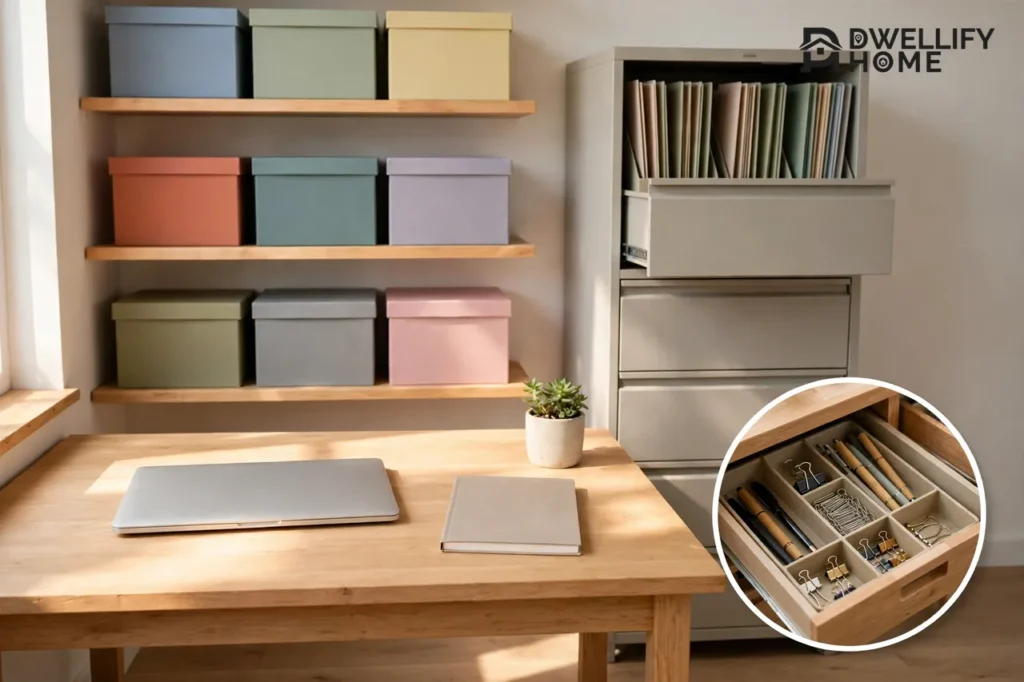
To declutter an office, clear the desk completely, sort everything into keep, shred, relocate, and trash boxes, give each category a home, and finish with a five-minute daily reset. That is the whole job, and most home offices need one focused weekend to get there. When you declutter office clutter this way, you stop shuffling piles around and start working at a desk that helps you think.
A messy desk is not a moral failure. It is what happens when papers, cables, chargers, and half-finished projects pile up faster than you can put them away. The fix is not a bigger desk or fancier organizers. It is fewer things, each with a place to live. This guide walks through the full reset for your workspace, step by step, so your desk stays clear long after the weekend ends. For the bigger picture across the whole house, start with our full decluttering guide, then use this page for the office itself.
Start With the Desk, Not the Whole Room
Do not try to declutter the entire office in one go. Start with the desk surface, because it is where you work and where the mess hurts most. Pull everything off the desk — every paper, pen, cable, mug, and gadget — and set it aside in boxes. Wipe the bare surface clean. A clear desk, even for ten minutes, shows you what a calm workspace feels like, and that feeling carries you through the rest of the job.
Once the surface is bare, put back only what you use every single day: your laptop or keyboard, one notebook, one pen, and your water glass or coffee mug. Everything else earns its spot by proving you touch it daily. The daily-use test is ruthless, and that is why it works. If you did not touch it during yesterday’s real work, it does not live on the desk.
Work in small zones after the desk is done: one drawer, one shelf, the bookshelf, then the filing cabinet. Finish each zone before you open the next one, so you always have a finished area to look at. If the office feels too big to face, our guide on how to start decluttering when overwhelmed breaks any room into the same small steps.
The Four-Box Desk Sort
Sorting goes fastest with four boxes and a timer. Set a timer for fifteen minutes, grab four boxes, and decide on every item before the alarm sounds. No “maybe” box. A maybe box is just a junk drawer with a lid, and it always comes back to haunt you.
| Box | What goes here | What happens next |
|---|---|---|
| Keep | Daily tools and items you use every workday | Goes back to the desk or its drawer |
| Shred | Old papers, expired notices, sensitive documents | Shredded the same day |
| Relocate | Belongs in another room, like the living room or kitchen | Carried to its real home right away |
| Trash | Broken pens, dead batteries, dried markers, junk | Bagged and taken out at once |
As you sort, group like items together: all the pens with pens, all the cables with cables, all the notebooks with notebooks.
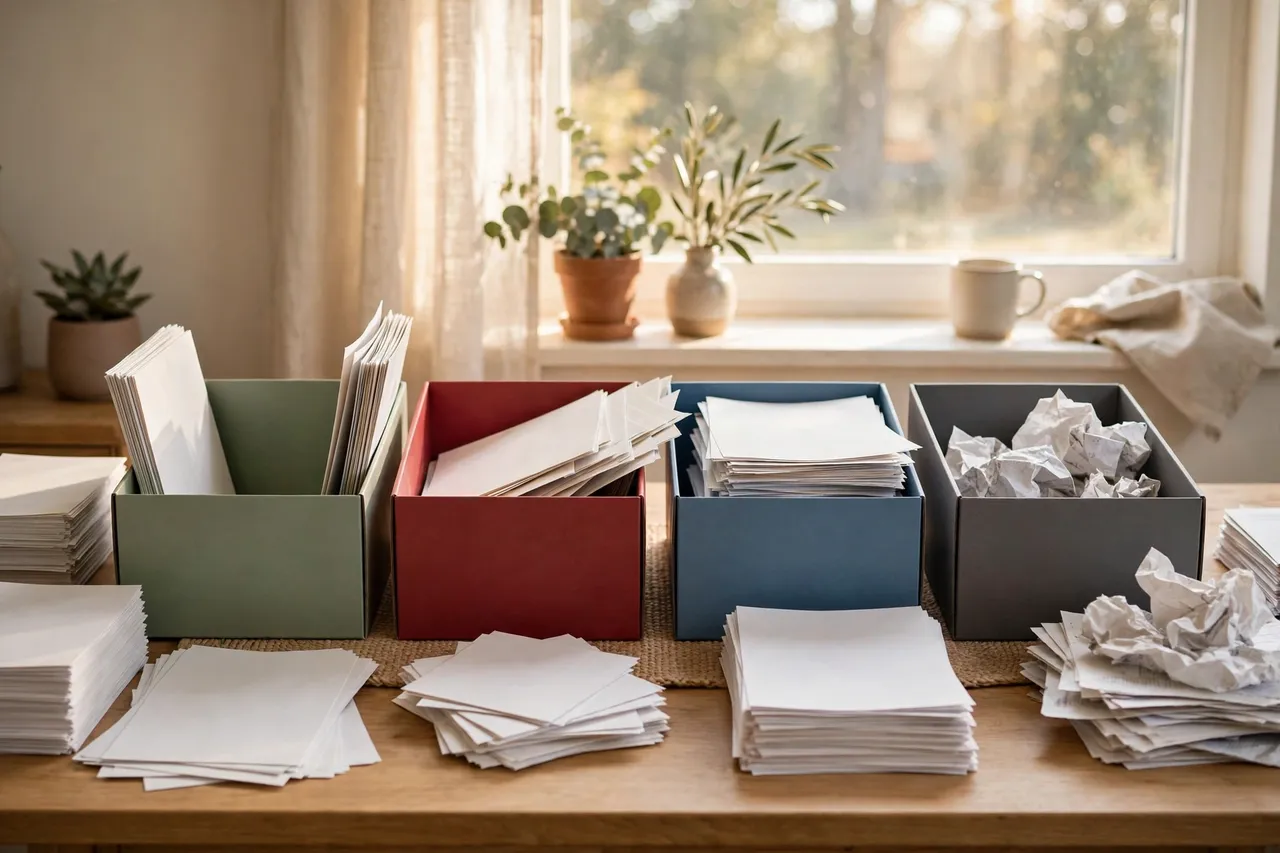
You will find duplicates everywhere — four staplers, eleven pens that do not write, three phone chargers for a phone you no longer own. Keep the best one of each and let the rest go. Decluttering your desk is mostly a hunt for duplicates wearing different disguises.
Test every pen and highlighter as you sort. Toss the ones that do not write, the pencils without leads, and the half-empty notepads you will never finish. A drawer full of working tools beats a drawer full of maybe-tools every time. When the sort is done, the keep box should be the smallest box on the desk, not the biggest.
Tame the Paper Piles
Paper is the number one source of office clutter, and it grows silently. Old bills, school forms, receipts, manuals, and printed emails stack up in corners until the desk disappears. The rule is simple: every piece of paper gets a decision the moment you touch it. File it, scan it, shred it, or toss it. Never put it back in a pile to decide later.
Set up three trays on or near the desk: To Do, To File, and Done. Incoming paper lands in To Do. Once a week, empty the To Do tray: file what matters, scan what you need to keep digitally, and shred the rest. Digitizing is one of the best ways to cut paper clutter for good — scan receipts, contracts, and reference pages, store them in a backed-up folder, and shred the originals you no longer need by law to keep.
Go through your paper files once a year and shred what has expired.
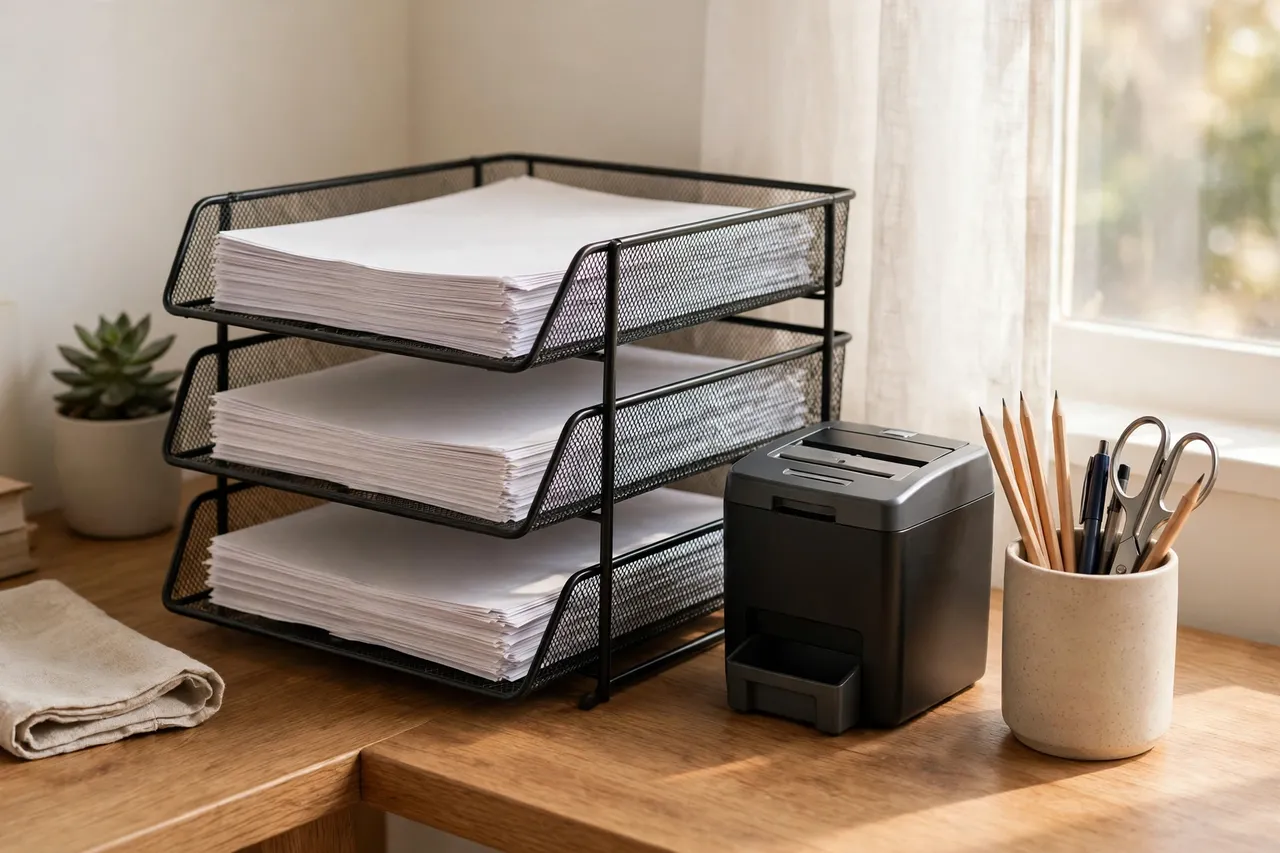
Tax papers, bank statements, and old warranties all have a keep-until date, and most of them are shorter than you think. Keep a small shredder or a shred bag beside the desk so paper never has to travel far to leave. For the full paper system, see our guide on how to organize paperwork at home — it covers what to keep, what to scan, and what to shred.
Drawers: One Drawer, One Job
Desk drawers turn into junk drawers when nothing owns them. Give every drawer one explicit job, and nothing that does not fit the job goes inside. The top shallow drawer holds daily tools: two good pens, sticky notes, and your earbuds. The middle drawer holds tech accessories: short cables, a thumb drive, and a power bank, grouped in small bins. The bottom deep drawer holds active files in hanging folders.
Empty each drawer completely before you sort it, and wipe it out while it is empty.
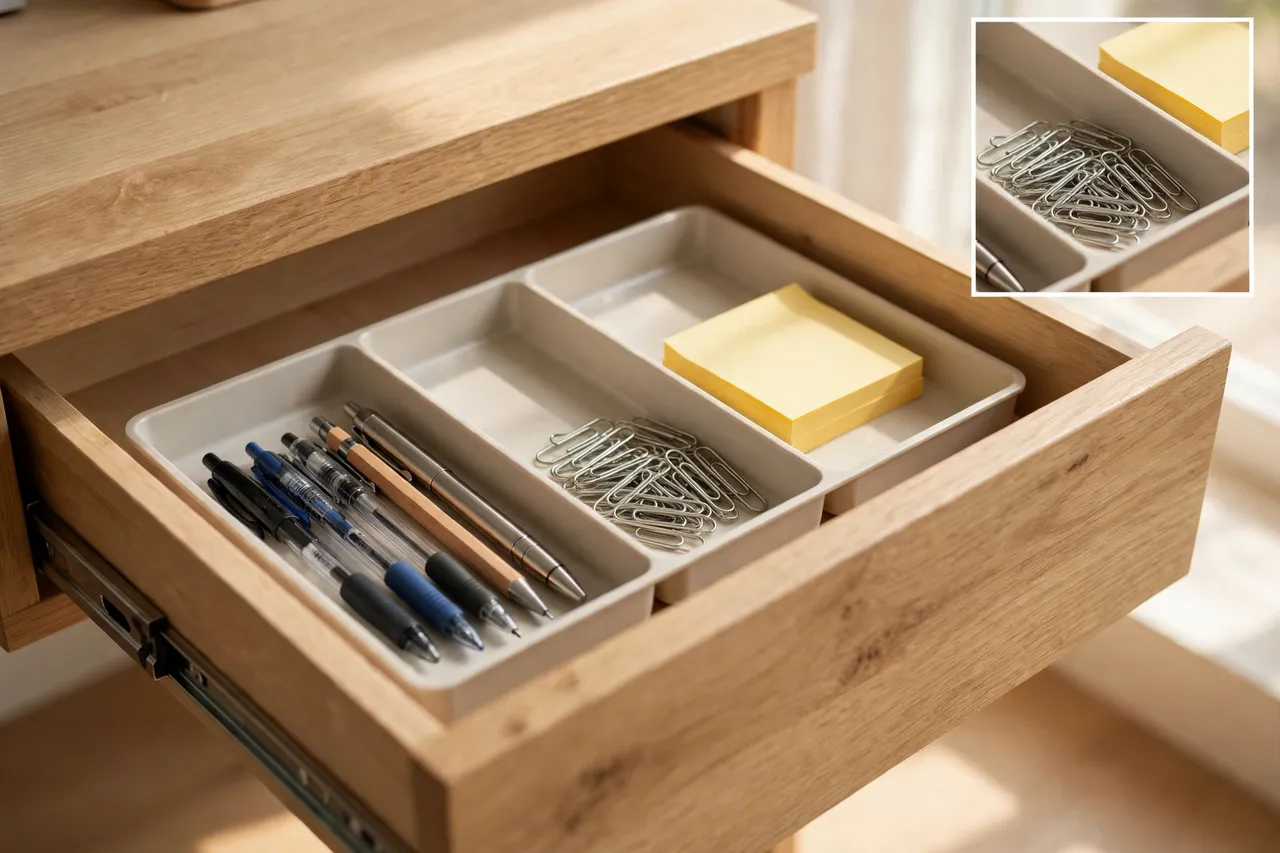
You will find things you forgot you owned — and things you are glad to finally throw away. Use drawer dividers or small trays so little items stop sliding into a tangled mess. A divided drawer stays tidy with almost no effort, because every item has edges around it.
Banish the junk drawer for good. If you catch yourself tossing random items into one drawer “for now,” that drawer needs a real job instead. Turn it into the charging drawer, the stationery drawer, or the filing drawer — anything with a name. A drawer with a name gets used properly. A drawer without one becomes a landfill in slow motion.
Cables, Tech, and the Stuff That Tangles
Cables multiply in the dark. Gather every cable in the office, test each one, and toss the ones that fit nothing you own. Label the keepers with a small tag or a strip of tape: “laptop charger,” “phone,” “headphones.” Coil each cable with a velcro tie and store them upright in a small bin, so you can see them all at a glance instead of digging through a knot.
Run the cables you use daily through a tray or box under the desk, so they stop hanging in a tangle behind your legs.
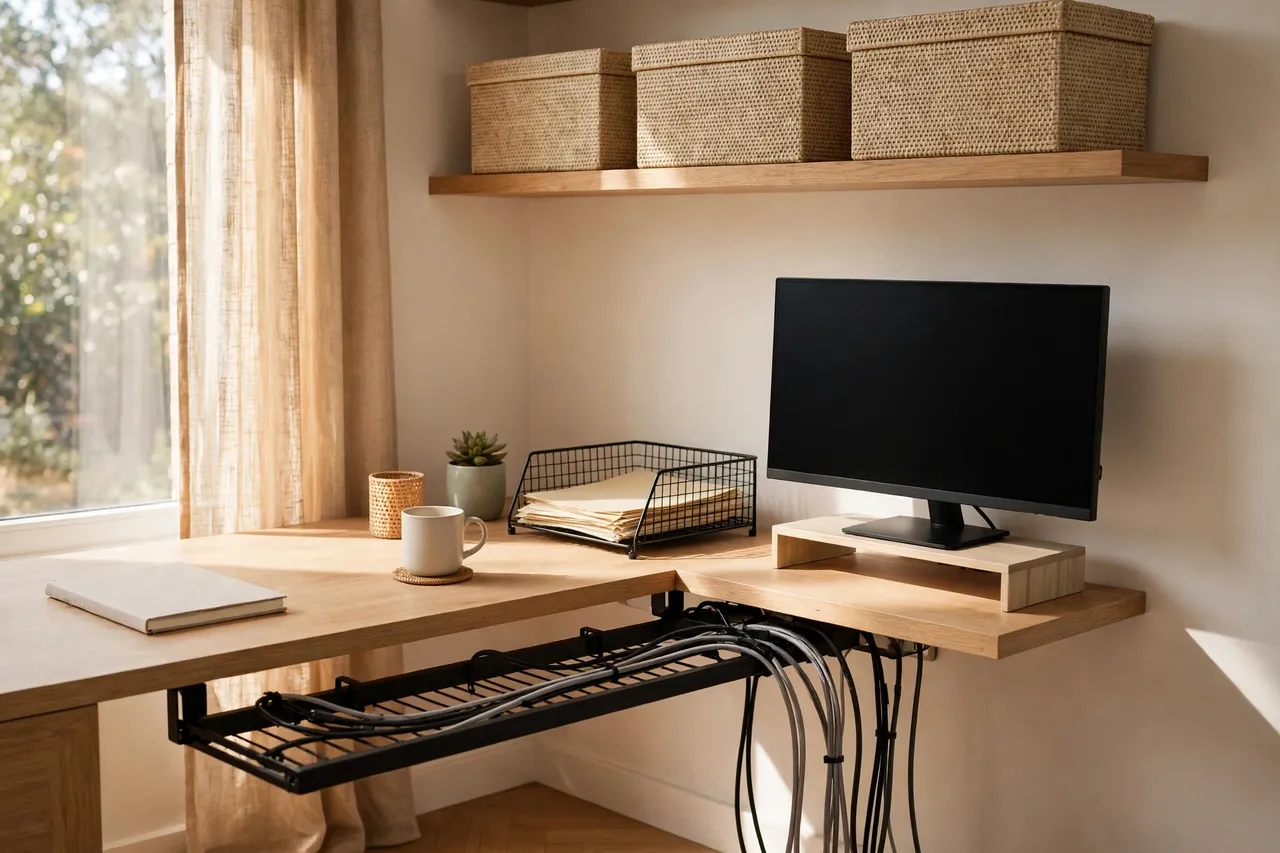
A monitor riser lifts the screen to eye level and frees the space underneath for a notebook or a small tray. Keep only the tech you use weekly on the desk. Old phones, dead tablets, and spare keyboards belong in a labeled bin on a shelf — or out of the house entirely.
Put infrequently used equipment away from the desk. A printer can live on a side table or a shelf, and spare monitors and docks can wait in a closet until you need them. The desk is for the work you do today, not the equipment you might need someday. Fewer gadgets on the surface means fewer things to dust, move, and trip over.
Set Up Zones That Fit How You Work
Once the clutter is gone, arrange the office in zones that match your real workday. The main zone is the desk itself, with your screen, keyboard, and daily tools inside arm’s reach. A second zone holds reference material: books, manuals, and files you consult weekly, on a shelf within a few steps. A third zone is for admin: the shredder, the filing trays, and the stationery, grouped together so paperwork has one place to happen.
Keep personal touches small. One framed photo, one small plant, or one piece of art is enough. A desk crowded with decorations is a desk with no room to work, and every extra object is one more thing to dust and move. Soothing colors and soft light help too — a tidy desk in a calm corner makes it easier to focus, and a calm mind gets more done in less time. A tidy workspace can genuinely reduce stress and sharpen your focus for the work ahead.
If your office doubles as a guest room or a corner of the bedroom, zones matter even more. Use a room divider, a rug, or a bookshelf to mark where work ends and the rest of the room begins. When work has a clear edge, clutter has a harder time spreading past it. For more layout ideas, see our home office organization ideas.
The Five-Minute Daily Reset
A decluttered office stays clear because of a habit, not a heroic weekend. Spend five minutes at the end of every workday resetting the desk: file the papers, return tools to their drawers, toss the trash, and wipe the surface. Set a timer if it helps. Five minutes is short enough that you will actually do it, and it means you start every morning at a clean desk instead of yesterday’s mess.
Make the reset easy by keeping a small trash bin and a shred bag within reach of your chair.
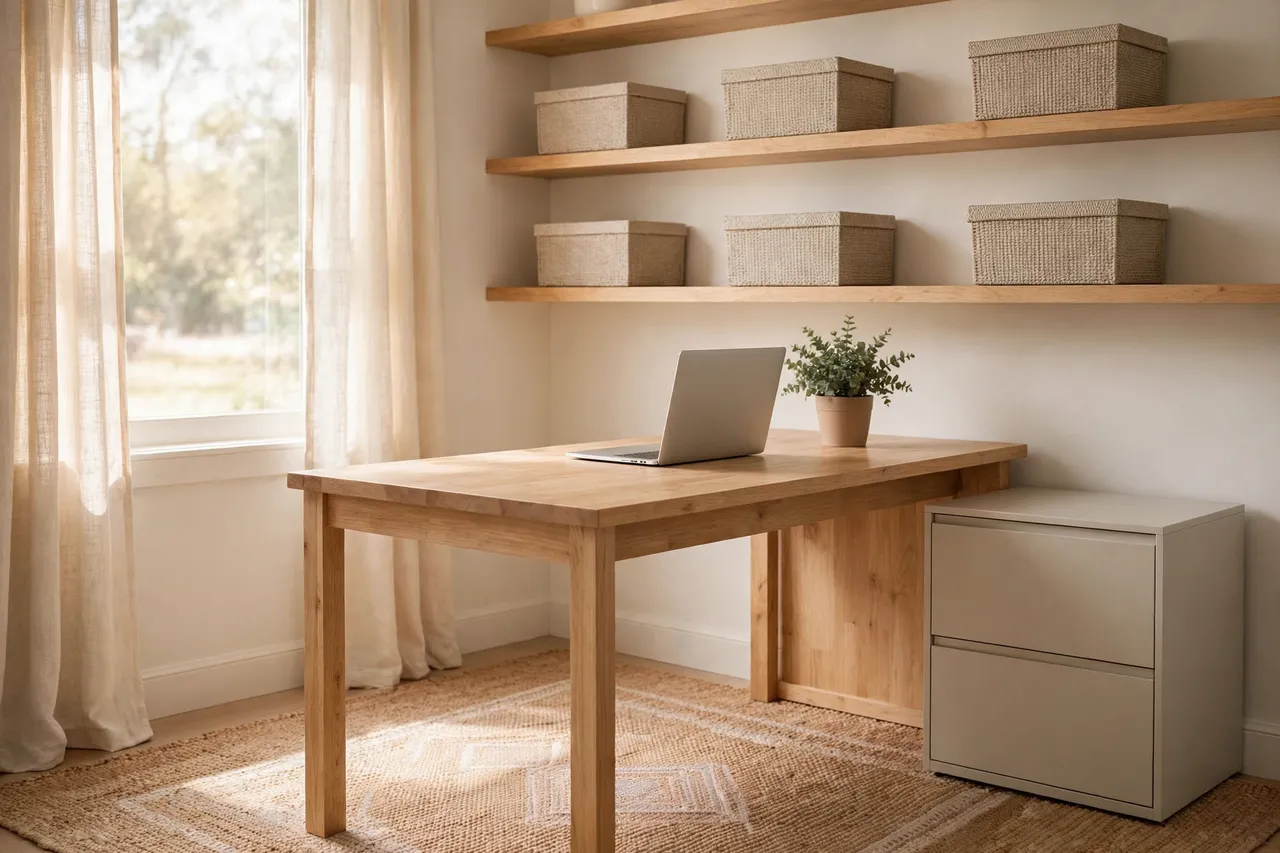
When tossing something takes two seconds, you toss it. When it takes a trip across the house, it lands on the desk instead. The same logic applies to filing: a tray on the desk beats a filing cabinet in another room, because the tray is where the paper already is.
Do a ten-minute check every Friday: clear the To Do tray, shred what is ready, and scan anything still waiting. A weekly reset stops small piles from becoming big ones, and it takes less time than one panicked clean-up before a video call. This is the habit that protects everything the weekend declutter achieved.
Keep It Clear: One In, One Out
The rule that saves every organized office is one in, one out. Every time a new notebook, gadget, or supply comes in, something old leaves. A new pen means an old pen goes. A new cable means a dead cable goes. The rule takes ten seconds and stops the slow refill that undoes most declutters within a month.
Watch for the usual refill sources: conference swag, free notebooks, promotional pens, and “just in case” cables. Most of it never gets used, and it all takes up the same drawer space as the tools you actually need. Say no at the source when you can, and toss it at the door when you cannot.
If your desk is clear but the rest of the house still needs work, carry the same method room by room. Fifteen minutes a day is enough — see our guide on how to declutter your home in 15 minutes a day. The office was the room that paid your bills. Keep it clear, and it keeps paying you back in focus.
Related Guides
Keep going with these room-by-room guides from the same series:
Frequently Asked Questions
How do you declutter an office?
Clear the desk completely, then sort everything into four boxes: keep, shred, relocate, and trash. Put back only the tools you use every day, give each drawer one job, set up trays for paper, and finish with a five-minute daily reset that keeps the desk clear.
How do you declutter a messy desk step by step?
Remove everything from the desk and wipe the surface clean. Sort what you removed into categories like office supplies, documents, and personal items. Purge what you no longer need, give each category a home in a drawer or tray, and end each day by putting things back.
Where do I start with a messy desk?
Start by clearing the desk surface completely, even before you touch the drawers. Remove every item and paper so you have a clean slate, then sort what you removed into categories. The clear surface shows you what you truly need to keep.
How do you keep a desk clear every day?
Build a clean-as-you-go habit and spend five minutes at the end of each day putting things away, filing papers, and wiping the surface. Keep a trash bin and shred bag within reach so tossing things takes seconds, not a trip across the house.
How often should you declutter a work desk?
Do a five to ten minute clear-out at the end of every workday, and a deeper declutter once a week. Clear coffee cups, file papers, and return stray items to their homes daily, then check drawers and trays weekly so small piles never grow back.
A clear desk is not about looking perfect for a photo. It is about sitting down in the morning and starting work in seconds, without moving piles or hunting for a pen. Clear it once, reset it daily, and let the calm desk do its quiet work for you.