
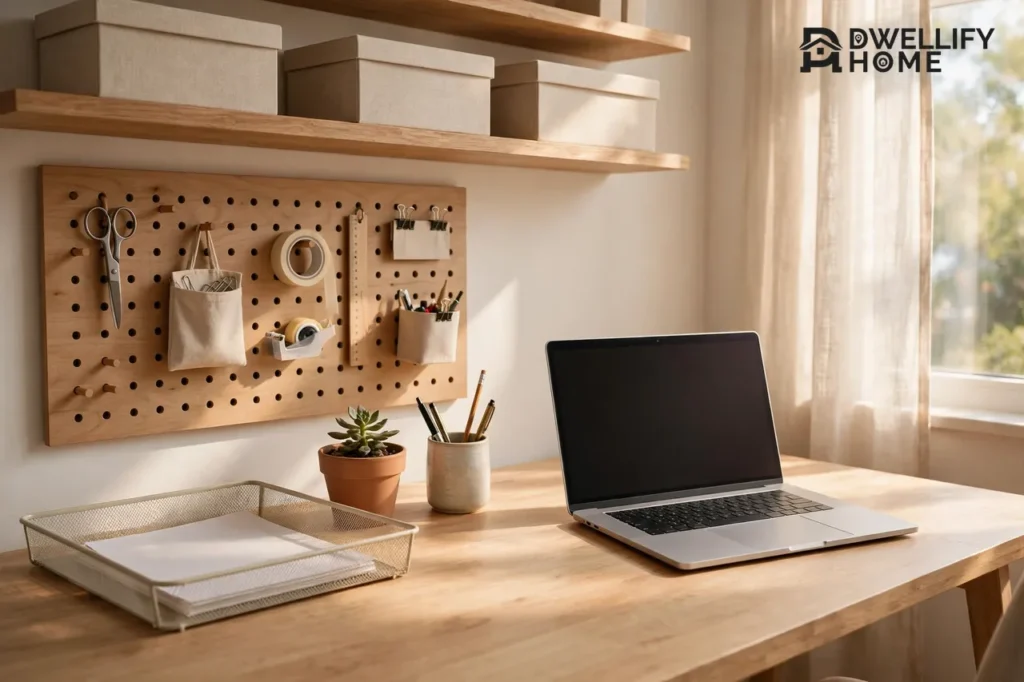
Home office organization ideas work when the desk holds only what you touch every day and everything else has a fixed home within reach. A clear desk, a shallow tray for current paper, and one charging spot do more for focus than a full set of matching organizers ever will.
Most home offices get messy for the same reason: the desk is doing four jobs at once, and nothing has a zone of its own. This guide walks through a five-minute audit, desk zones, vertical storage, a paper flow, cable control, and a two-minute shutdown routine, so ideas for organizing a home office turn into a setup that still works a month from now, even in a small room or a shared corner.
Start With a Five-Minute Audit, Not a Shopping Trip
Before you buy a single organizer, look at what is actually on and around your desk. Empty one drawer or one shelf and sort everything into three piles: things you touched this week, things you touched this month, and things you have not touched since you put them there. The audit tells you exactly which storage you need and which problems you do not actually have.
Most home offices fail because the storage was bought before the work was understood. A desk covered in supplies for three different jobs cannot be fixed with a prettier tray. Sort by what happens at the desk first, then build storage around those real tasks. Ideas for organizing a home office only work when they match the work you do every day.
Write down the three or four jobs your desk supports. Paid work, household admin, school papers, and a hobby each need their own small zone. When a job has no zone, its papers and tools spread across the whole desk. Give each job a tray, a shelf, or a drawer, and the desk stops being a shared dumping ground.
Keep the audit honest and fast. If you have not used an item in a month, move it out of the prime space. It can live in a closet shelf or a labeled box. The goal is not a bare desk. The goal is a desk where everything left on it earns its place every single day.
Give the Desk Zones That Match Your Day
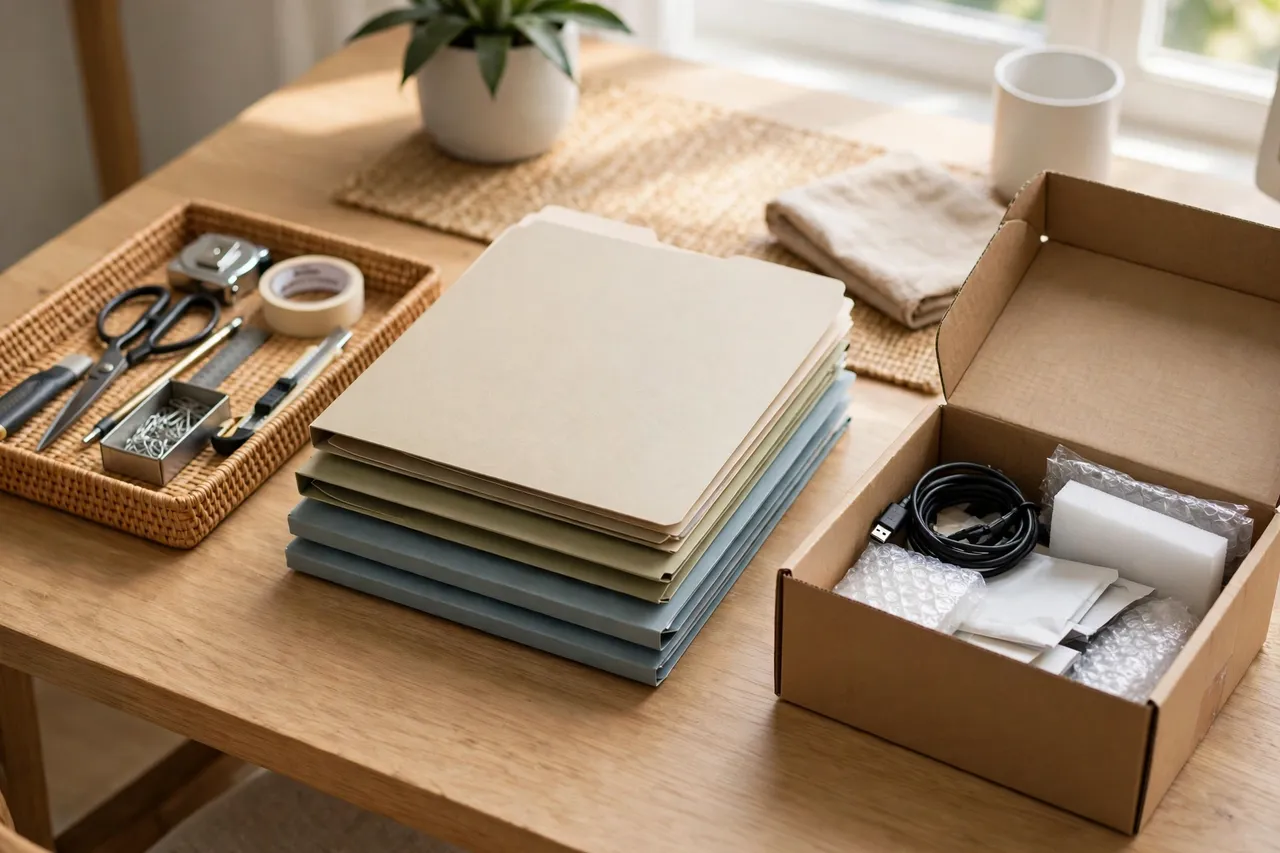
Organizing home office space works best when the desk is divided by how often you reach for things. The primary zone is the space directly in front of you, about the width of your keyboard and mouse. Keep only the current task, your computer, and a notepad there.
The secondary zone sits to one side and holds items you use several times a day: a pen cup, a desk lamp, a small tray for sticky notes. A shallow organizer with two or three compartments keeps these grouped without letting them spread. Anything you use weekly, not daily, belongs one step further away, on a shelf or in a drawer.
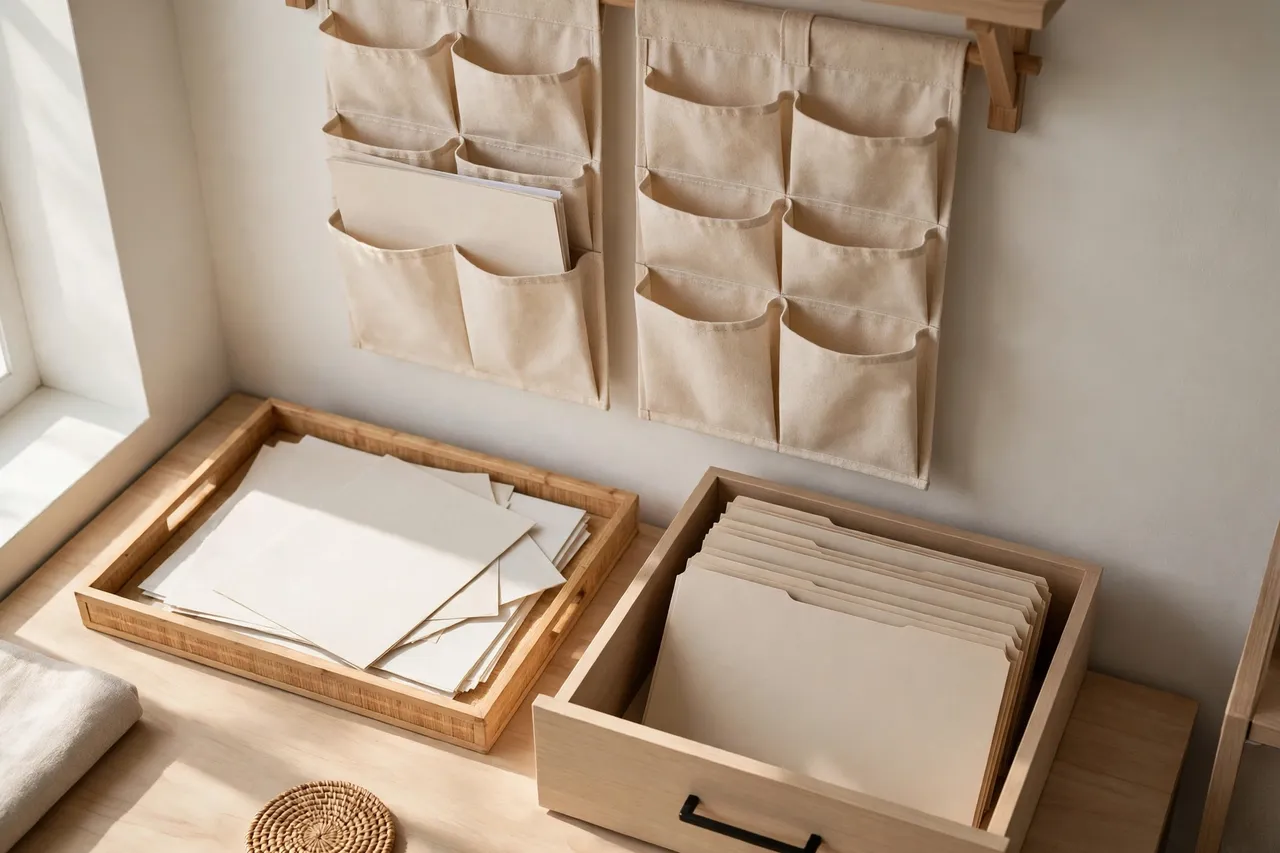
Paper needs its own zone too. A shallow tray for in-progress paper beats a stack every time. If a sheet does not fit in the tray, it gets filed or tossed that day, not later. A second tray or wall pocket can hold the papers waiting on someone else, so they stay visible without covering your work.
Charging deserves a zone as well. One power strip in a small tray or basket, tucked at the back corner, ends the daily hunt for cables. Phones, tablets, and headsets all return to the same spot. When every category has a zone, putting things away takes seconds instead of decisions.
Go Vertical When Floor Space Runs Out
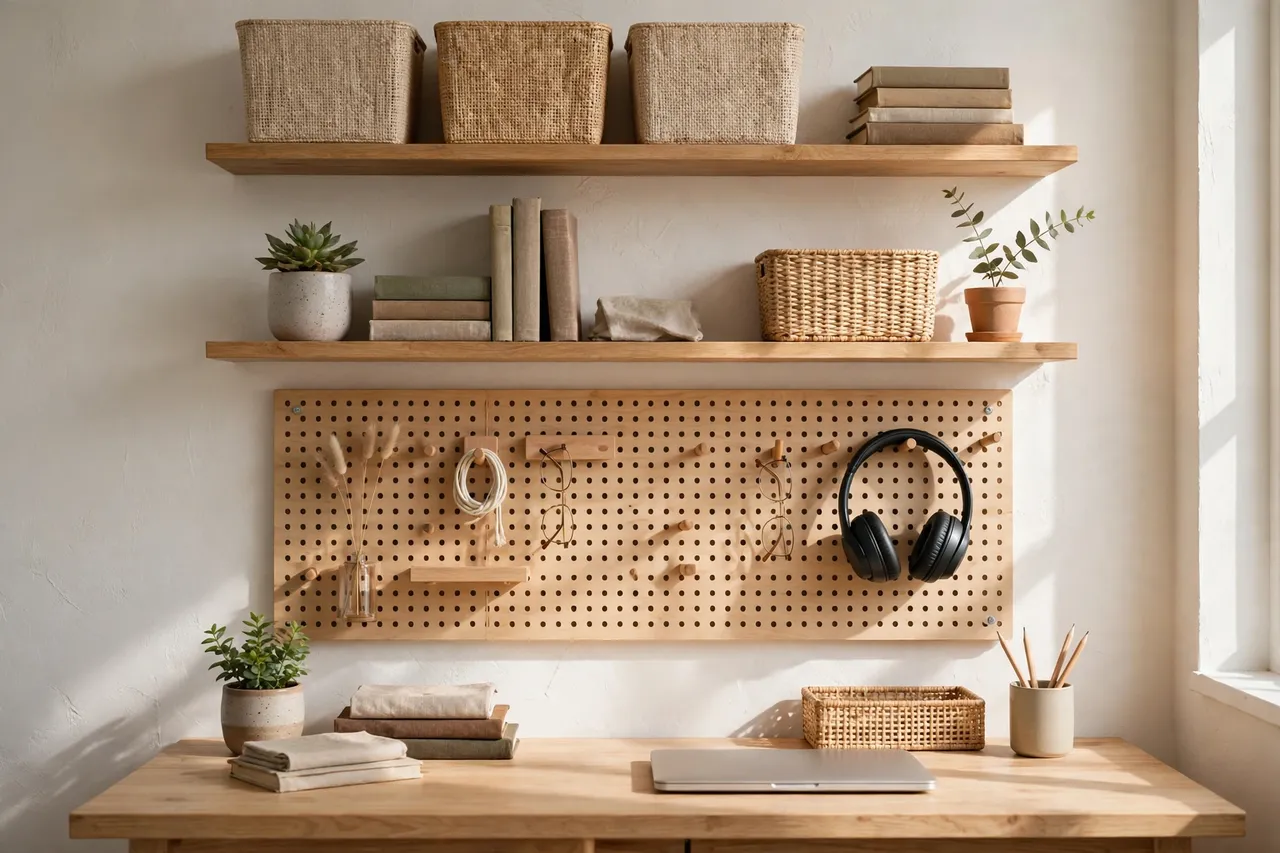
Small home office organization ideas start with the walls, because the floor is already full. Floating shelves above the desk hold reference books, a small plant, and closed storage boxes, while the open shelf space stays for things you actually want to look at. Boxes hide the rest.
A pegboard turns a blank wall into flexible storage, and the same wall-first thinking shows up in small closet storage ideas for headphones, cables, scissors, and tools you grab constantly. Hooks and small baskets move in minutes when your work changes, which fixed shelving cannot do. A magnetic board or corkboard above the desk keeps current projects, calendars, and to-do lists visible without eating desk space.
Hanging file pockets on the wall keep active paperwork off the desk but still in sight. That matters, because paper you cannot see gets forgotten, and paper on the desk gets buried. Wall storage also keeps the floor clear, which makes a small room feel bigger and makes cleaning faster.
Measure before you mount anything. Shelves should sit high enough to clear your monitor but low enough to reach without a step stool. Leave the wall behind the desk for the items you reach for most, and use higher shelves for archives and supplies you touch once a month.
Build a Paper Flow That Ends the Piles
Paper is the fastest-growing clutter in any home office, and the fix is a flow, not a bigger drawer. Every sheet gets one of three verdicts the day it arrives: act, file, or recycle. Act papers go in one upright folder by the door or desk. File papers go straight to labeled folders. Everything else leaves the house.
How to organize home office paperwork comes down to this daily habit. Spend two minutes at the end of each workday moving papers to their verdict. Bills to pay, forms to sign, and letters to answer stay in the action folder with the date written in the corner. If a paper sits there for two weeks, it is either done or honestly let go.
File folders work best when labeled by the question you will ask when you need the paper, like car, home, taxes, or health, instead of by who sent it. Put every tab in the same position so your eyes find it fast. Keep the folders you open weekly at the front and the archives at the back.
Going digital helps where it fits. Scan receipts and statements you only need as proof, then shred the paper copy. Cloud storage and a simple naming rule, such as year, category, and sender, make a scanned file findable in seconds. Keep originals of birth certificates, deeds, and titles in one safe place instead of a desk drawer.
Tame Cables and Tech Clutter
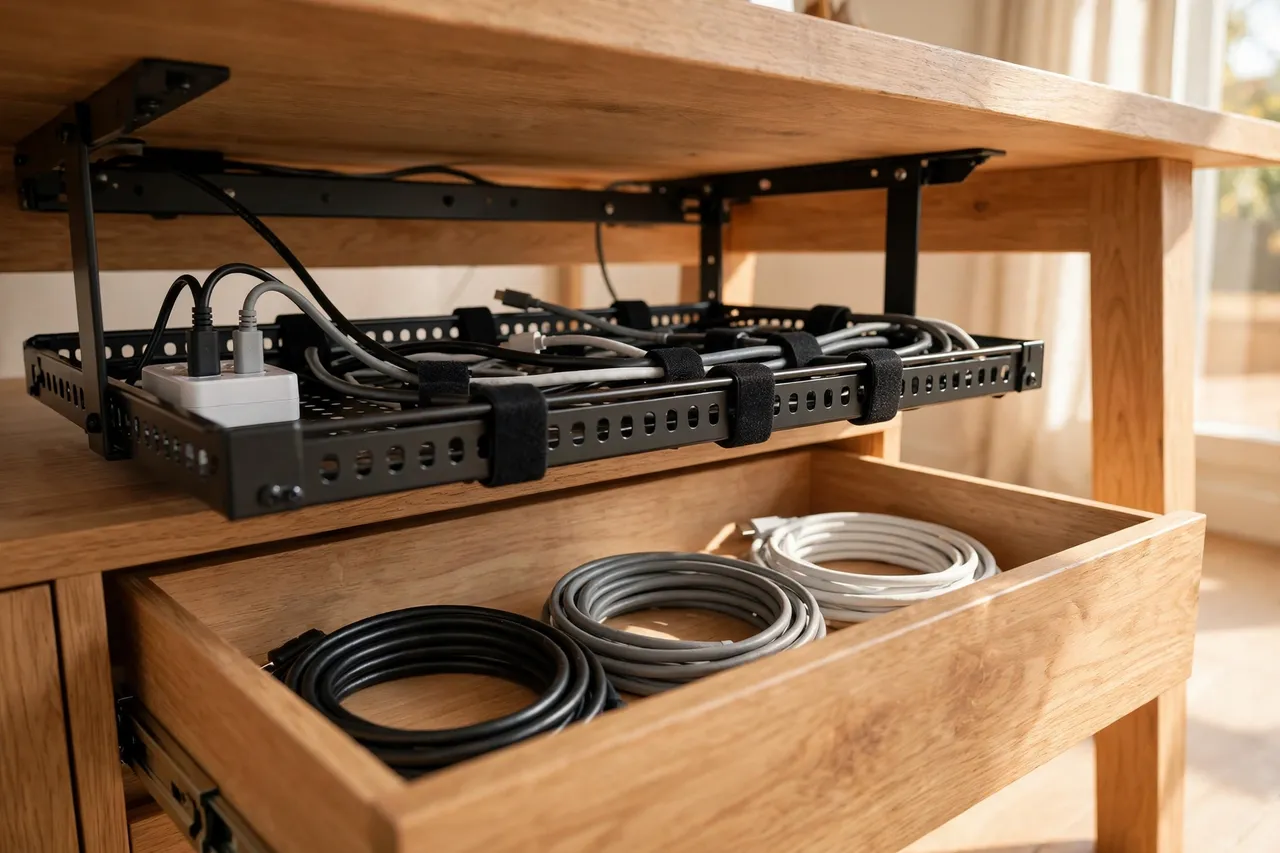
Cables are the mess that makes even a tidy desk look chaotic, and they are also the mess that wastes the most time. Mount a cable tray under the desk and run every cord through it, so nothing dangles or tangles on the floor. A power strip inside the tray keeps plugs in one place.
Color-code cord ends with small pieces of tape so you can match each cord to its device without tracing it. Label the strip itself: monitor, laptop, lamp, charger. When you need to unplug one thing, you pull one cord, not the whole nest. Keep a small box of spare cables in a drawer, labeled by device, instead of a drawer full of mystery cords.
Docking stations and monitor arms earn their keep in small offices. A monitor riser or arm frees the desk surface underneath for a notebook or a shallow tray, and a single cable from a dock replaces four cables to the laptop. Printers belong on a rolling cart or a low shelf, not on the desk, unless you print every day.
At the end of the week, run a quick cable check. Unplug chargers you no longer use, coil spare cables with a tie, and wipe the dust that gathers behind the desk. Five minutes keeps the system working, and a clean cable run makes the whole office feel calmer and more professional on video calls.
Choose Storage That Fits How You Work
Storage should match how often you open it, not how pretty it looks in a photo. Daily supplies live within arm’s reach in a drawer organizer or desktop caddy. Weekly items live one step away on a shelf or in a rolling cart. Monthly and archive items live higher up or in another room entirely.
Drawer dividers turn one junk drawer into five useful compartments for pens, clips, sticky notes, batteries, and chargers. Clear bins on shelves let you see what is inside without opening every box. Label every bin on the front, not the top, the same habit that makes linen closet organization work, because you read the front when the bin sits on a shelf.
A rolling cart is the most flexible storage in a small office. It holds current projects, moves to the desk when you need it, and rolls away when guests arrive. A small filing box with hanging folders works for homes without a filing cabinet and fits on a closet shelf when the workday ends.
Before buying storage, measure the space and count what must fit inside it. A bin that is too big invites clutter, and a drawer unit that blocks a door swing is worse than no storage at all. Buy one piece, live with it for a week, then decide what is still missing.
Set Up a Shutdown Routine That Holds It Together
An organized office is a habit, not a one-time project, and the habit that matters most is the shutdown routine. Two minutes at the end of every workday keeps the system alive: file or toss the day’s papers, return tools to their zones, clear the desk surface, and plug in devices at the charging station.
Once a week, spend ten minutes on a deeper reset. Wipe the desk, test the pens, empty the small trash bin, and move anything that drifted onto the desk back to its real home. A weekly reset stops small drifts from becoming a full reorganization project every month.
Once a month, pick one drawer or shelf and empty it completely. Sort, toss, file, and return only what still earns the space. Monthly rotation means no corner of the office goes untouched for long, and the work stays small enough to finish in one sitting.
Keep a small list on the wall of the three rules that hold your office together: only daily items on the desk, every paper gets a verdict, and the desk is clear before you log off. When the rules are visible, the whole household can follow them, and the office stays organized even on your busiest weeks.
Make a Small Office Feel Bigger
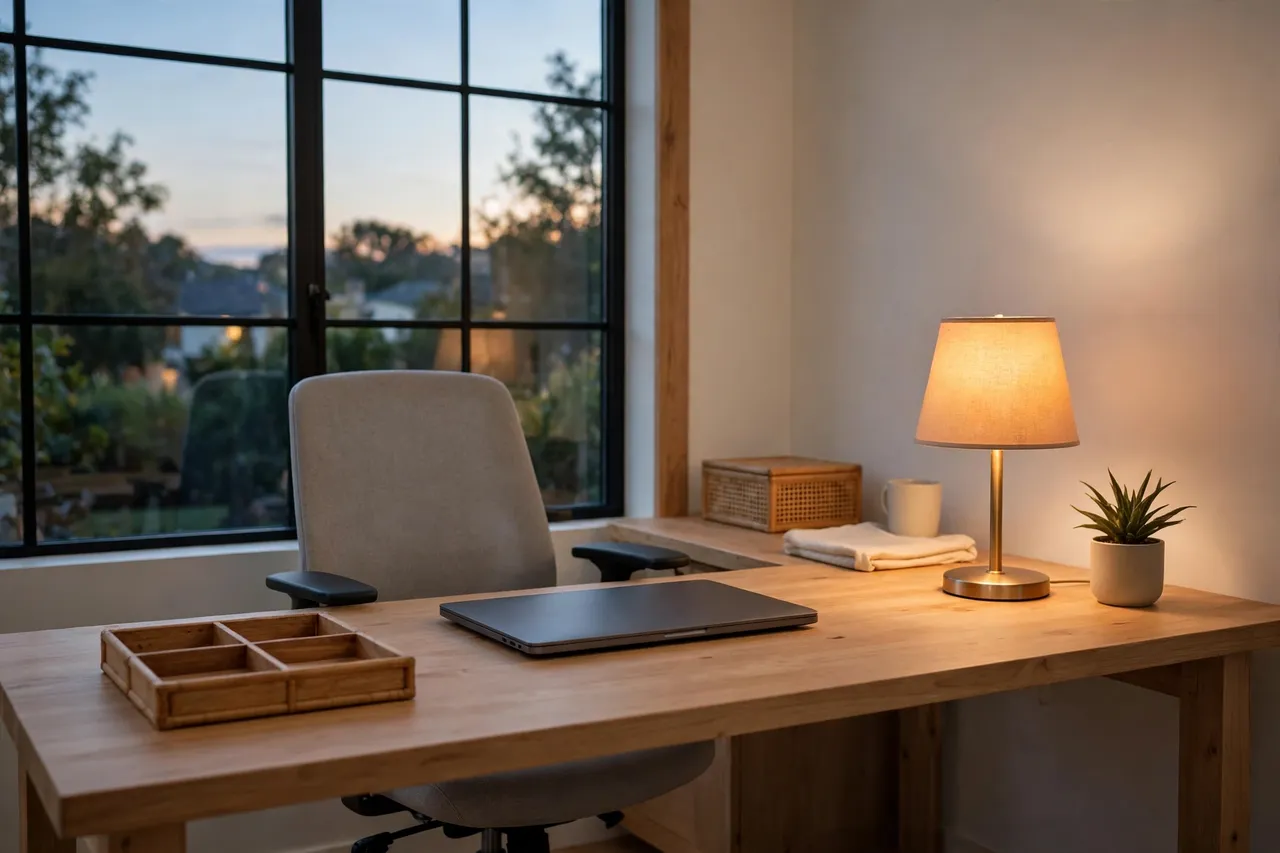
Small spaces need light and clear sightlines more than they need more furniture. Put the desk near natural light when you can, facing into the room or beside a window, so the work area feels open instead of boxed in. A light-colored desk and shelves reflect light and make a corner office feel larger.
Keep the floor visible. A chair that tucks fully under the desk, a cart that rolls away, and shelves instead of floor-standing cabinets all protect the open floor. Even a few inches of visible floor around the desk changes how big the room feels.
Use the back of a door for storage that would otherwise sit on the desk: an over-door organizer for supplies, a hanging file for current papers, or hooks for a headset and bag. Doors are free wall space that most offices waste completely.
Finally, keep one personal touch in sight, like a framed photo or a small plant, and let the rest be work tools. A single personal item makes the office feel like yours without turning the desk into a display shelf. When the room feels good to sit in, you will keep it organized because you enjoy being there.
Related Guides
If this guide helped, these next steps keep the momentum going:
- Home Organization — the full hub for organizing every room of your home.
- Declutter Office — clear the desk and the room before you organize it.
- How to Declutter a Small Apartment — the same small-space rules, room by room.
- Declutter Home for Sale — a ruthless sort that works for any crowded room.
Frequently Asked Questions
How do I organize a home office for maximum productivity?
Start by clearing the desk to only what you touch every day, then give every other item a fixed home within arm’s reach. Keep current work in one shallow tray, move reference papers to a labeled file, and end each day with a two-minute reset so tomorrow starts clean.
What is the best way to organize a home office on a small desk?
Divide the small desk into zones: a primary zone for the keyboard and current task, and a side zone for a pen cup, lamp, and small tray. Move everything else to wall shelves, a drawer unit, or a rolling cart so the surface stays open for actual work.
How much space do I need for a functional home office?
A functional home office can fit in about 24 inches of desk depth and enough room for a chair to pull out comfortably. What matters more than size is a clear work zone, good light, a power outlet nearby, and storage that keeps supplies off the desk surface.
How do I hide cables without buying expensive equipment?
Route cables behind the desk with simple clips or ties, and gather chargers at one small power strip in a tray or basket. Label each cord end with a small tag so you can unplug the right one without pulling the whole tangle apart.
How often should I clean out my home office?
Do a quick two-minute tidy every evening and a deeper ten-minute clean-out once a week. Once a month, empty one drawer or shelf, test every pen, toss dead supplies, and file or shred the paper that piled up during the month.
Start tonight with the five-minute audit and the two-minute shutdown. Those two small habits do more than any organizer you could buy, and by the end of the week your desk will feel like a place where work actually gets done.