
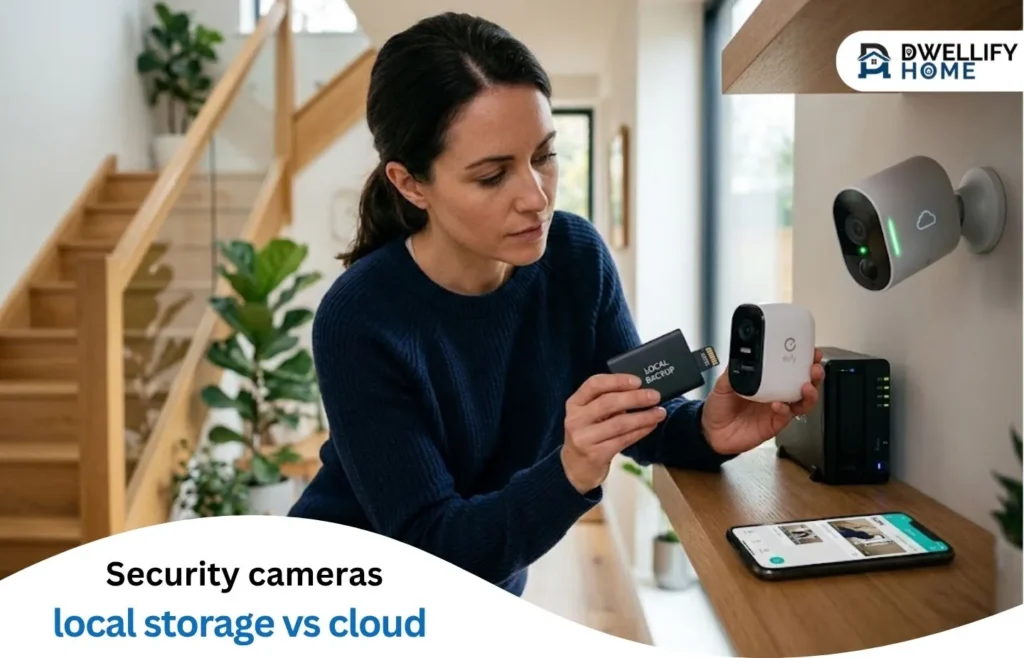
Where your security camera footage ends up matters more than most buyers expect when they’re comparing specs. Local storage keeps recordings on hardware inside your home. Cloud storage routes clips to the provider’s servers over your internet connection, accessible through an app from wherever you have service.
Those two paths diverge in a few areas that affect daily use: ongoing costs, what happens to recordings if the internet drops, and who technically holds the files. Getting clear on those before buying usually saves friction later. For most households, local storage tends to be the better fit when keeping recordings on-site and avoiding monthly fees matters more than checking clips remotely. Cloud is more practical when remote access from anywhere is a regular need and managing physical hardware is not.
Where footage actually lands
Security cameras with local storage save clips to hardware at your location. Depending on the setup, that might mean the camera’s internal storage, a microSD card, or a hub device like a HomeBase. Nothing leaves your property unless you export and share it yourself.
Cloud security camera storage works differently. Each clip uploads to the provider’s remote servers over your internet connection, then becomes accessible through an app or browser from any device. That makes remote viewing easy, but the upload path depends entirely on your connection staying active.
alt: Local vs cloud security camera storage comparison showing on-site footage vs remote server upload
File name: security-camera-local-storage-vs-cloud-storage-comparison.png
How local and cloud compare on 5 key factors
Privacy, remote access, resilience during outages, cost, and maintenance requirements tend to drive the decision for most homeowners. The table below breaks down local security camera storage against cloud across these five dimensions.
| Local storage | Cloud storage | |
| Privacy | Footage stays on your property and isn’t routed through a third-party server during normal operation | Footage is stored on the provider’s servers; review the data access and retention policy for your plan |
| Remote access | Available through the camera’s app when the hub and internet are both online; if internet drops, remote access stops, though local network viewing may still be possible on the same Wi-Fi | Available from any internet-connected device without extra configuration |
| Network resilience | On compatible systems, local recording can continue even when internet drops | Recording pauses or stops without an active internet connection |
| Cost | One-time hardware cost for the camera, hub, and any external drive; no recurring fees for storage | Monthly or annual subscription required for extended retention; price scales with footage length and number of cameras |
| Maintenance | You manage physical storage capacity, drive upgrades, and firmware | Provider manages infrastructure; you manage account access and plan renewals |
Cloud is the simpler path if you regularly check clips from a different location. Local gives you more direct control when keeping recordings on your own hardware matters more than access from anywhere.
The right choice depends on which of these factors matters most to your household.
Local storage tends to be the better fit when:
- Monthly fees are a concern and keeping recordings on your own property matters
- Your internet connection is inconsistent and recording continuity during outages is a priority
- You’re comfortable managing a local hub and physical storage drive
Cloud is more practical when:
- Checking footage from a different location is a regular part of your routine
- You’d rather not manage local hardware or storage expansion
3 scenarios that push buyers toward one model
Three usage patterns tend to separate which model works better in practice.
Short-term event review
Most homeowners check footage shortly after an alert: a package delivery, a visitor, or a triggered alarm. Both local and cloud handle this without friction. Cloud lets you pull up a clip from your phone wherever you are; local gives you the same access through the system’s app as long as the hub is connected.
Long-term archiving
If you want to retain footage beyond the default window, local storage on an expandable drive tends to be more cost-effective over time. Many cloud plans charge a recurring monthly fee that scales with retention length and the number of cameras you run. A compatible external drive is a one-time purchase, so the cost gap widens the longer you keep the system.
Recording when the internet is down
ISP outages and power interruptions affect cloud-based recording immediately. Local systems can continue capturing clips to on-site storage during internet outages, provided the hub remains powered. If your area has frequent outages, this distinction is worth factoring into your decision.
4 things worth checking before you commit
Running through these before purchasing will help you avoid compatibility and cost surprises later.
Storage ceiling and how to expand it. Check whether the hub supports external drives and what specifications those drives need to meet. Some systems only work with specific drive interfaces or voltage ratings, so confirming compatibility before buying additional storage is worth the step.
What happens if the hub or drive fails. A hub that’s damaged, lost, or stolen takes your recordings with it unless you have a separate backup copy. Consider whether a second copy location, even periodic manual exports, fits your setup.
Subscription terms and what they mean for your recordings. Providers typically delete stored footage when a subscription lapses or an account is closed. If you’re evaluating cloud options, review the data retention and deletion policy for each plan before storing months of footage on it.
Compatibility with what you already own. Both local and cloud systems can have requirements around other devices, app ecosystems, and firmware versions. Confirming that a new camera works with your existing hub or router setup saves you from a return.
When local storage makes the practical difference
alt: eufyCam S330 wireless solar outdoor security camera mounted near a home entrance
File name: eufy-security-4k-solar-outdoor-camera-wall-mounted.png
Local storage keeps footage on your own hardware, which removes the provider’s servers from the equation during normal operation. That’s a real advantage, though overall security still depends on the physical device and the network it runs on. Cameras with encrypted local storage close most of that gap.
For households looking for a security camera without subscription fees, local-first systems keep recordings on your own hardware and eliminate recurring costs in one purchase. The storage stays under your control, and clips remain on-site during normal operation.
The eufyCam S330 fits this use case. It records 4K footage locally through HomeBase™ 3, with 16 GB of built-in storage expandable up to 16 TB via a compatible external drive. No monthly subscription is required to access your own recordings. Storage is encrypted with 3-step advanced AES-128 encryption. The camera’s integrated solar panel and battery-based power keep it running during internet outages, allowing local recording to continue as long as HomeBase 3 remains powered. Note that HomeBase 3 requires AC power to operate and has no built-in battery backup; a grid outage will take it offline unless it is connected to an external UPS.
The eufyCam S330 requires HomeBase™ 3 to operate. Compatible external drives are 5V 2.5″ HDD or SSD with a SATA interface; 12V drives are not supported. Confirm product availability and specifications on the product page before purchasing.
Conclusion
The table above captures the core trade-offs. In practice, expansion capacity and how the system handles an offline hub are the two things buyers most often miss before committing. Both are worth confirming against your actual home setup before purchasing.
If local storage fits your priorities, you can browse no-subscription security camera options across different form factors and coverage needs.
Some links within this article may generate commissions through affiliate or sponsored partnerships. Any qualifying commissions received by Dwellifyhome.com help fund website maintenance, content development, and the publication of additional resources.