A garage door sensor yellow light is normal on most LiftMaster, Chamberlain, and Craftsman openers. The yellow or amber light marks the sending sensor, and it simply means that sensor has power and is sending its invisible infrared beam. The light that matters for a door that will not close is the green light on the receiving sensor. If the green light is off or blinking, the beam is broken, and the door will not close until you fix it.
That one fact clears up most of the worry. Homeowners see a yellow light, assume something is broken, and start shopping for new sensors. In most cases the yellow sensor is fine, and the real problem is a dirty lens, a bumped sensor, or a blocked beam path on the other side. This guide shows you how to read both lights and fix the cause.
How Garage Door Sensors Work
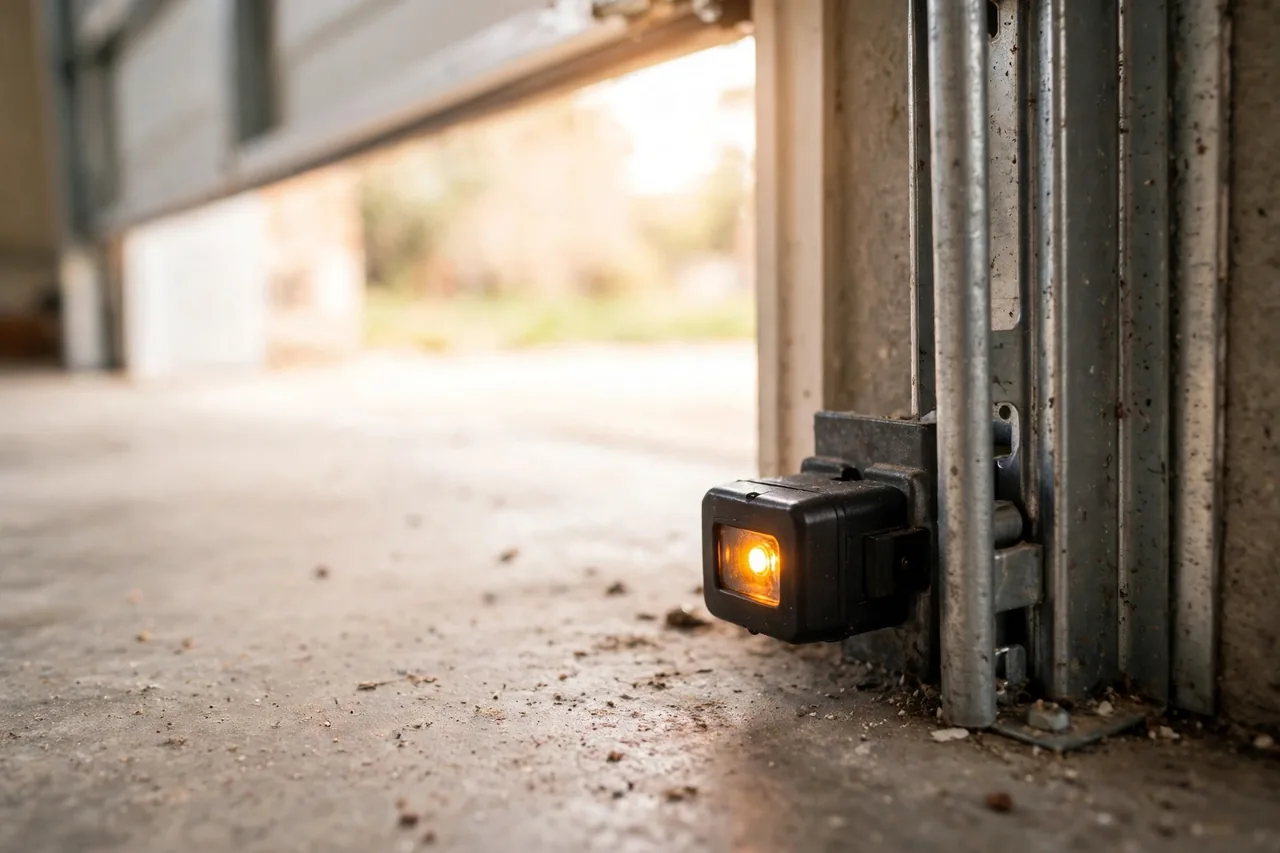
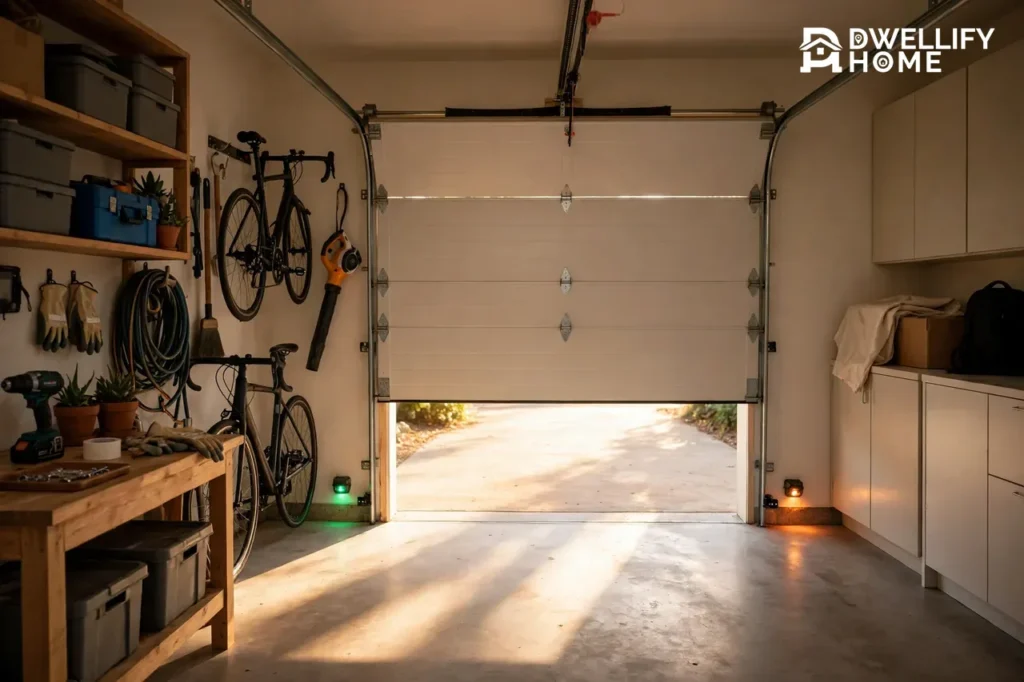
Every residential garage door opener built since 1993 must have a pair of photo-eye safety sensors mounted near the floor on each side of the door, about four to six inches above the ground. One sensor sends an invisible infrared beam across the doorway, and the other receives it. If anything breaks the beam while the door is closing, the opener stops and reverses the door.
The two sensors have different jobs, and their lights tell you which is which. The sending sensor, also called the transmitter, has the yellow or amber light. It glows steadily whenever the sensor has power, and it never blinks when the beam is blocked, because its only job is to send. The receiving sensor has the green light, and it glows solid green only when it sees the beam clearly.
So a solid yellow light plus a solid green light means the system is working exactly as it should. A solid yellow light plus a dark or blinking green light means the transmitter is fine but the receiver is not getting the beam. That is the combination to fix.
What Each Sensor Light Combination Means
Read both lights before you touch anything. The pair tells you where the fault sits.
| Yellow (sending) light | Green (receiving) light | Meaning |
|---|---|---|
| Solid on | Solid on | Normal — sensors aligned, beam clear, door should close |
| Solid on | Off or blinking | Beam broken — misalignment, blockage, dirt, or sun glare |
| Off | Off | No power to sensors — check wiring and opener power |
| Off | Solid on | Sending sensor has no power — wiring fault at the sender |
| Blinking | Off or blinking | Sensor fault or wiring fault — check connections, then call a technician |
Watch the green light, not the yellow one. The yellow light only reports power, so it stays on even when the sensors are out of line. The green light is the health check for the whole system: solid green means the beam is arriving, and anything else means it is not.
Do Not Confuse the Yellow Sensor With the Yellow Learn Button
Many LiftMaster openers also have a yellow learn button on the motor unit on the ceiling. That button is only for programming remotes and keypads on 2011 and newer models, and it has nothing to do with the sensors or with a door that will not close. If your door will not close, look at the small sensors near the floor, not the motor unit.
Why Is One Garage Door Sensor Yellow?
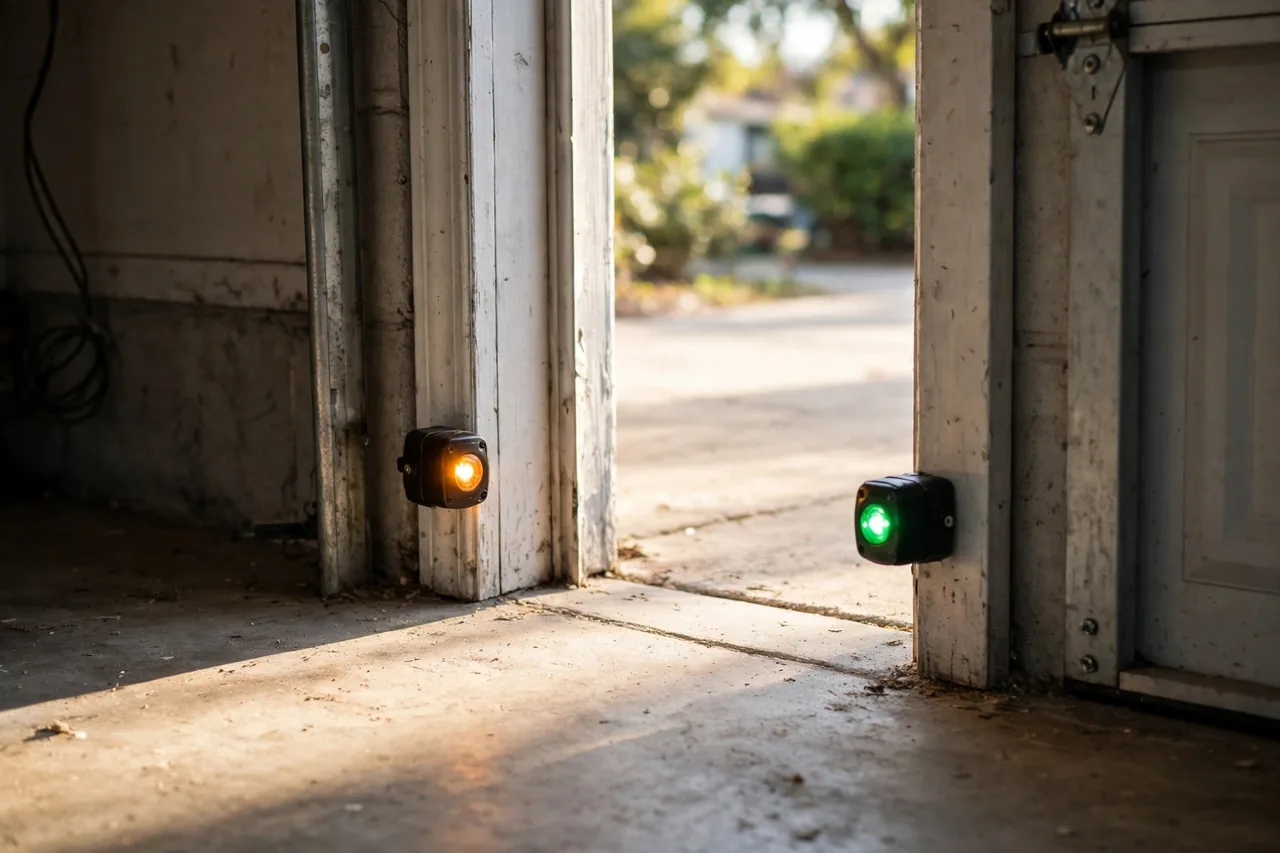
One garage door sensor is yellow because it is the sending sensor, and on LiftMaster, Chamberlain, and Craftsman openers the sender always glows amber or yellow. The other sensor is green because it is the receiver. This color split is normal, and you should not expect both sensors to be green.
Other brands use different colors. Genie Safe-T-Beam sensors use a red sending light and a green receiving light, Marantec uses green and red, and Ryobi uses red and green. The colors change, but the rule stays the same: the sending light means power, and the receiving light means the beam is arriving. Always check your opener’s manual for your brand’s colors before you decide something is broken.
Why the Green Light Goes Off When the Yellow Stays On
When the yellow light is solid but the green light is off or blinking, the beam is not reaching the receiver. The most common cause is misalignment. A bump from a car, a bike, or a storage box can shift a sensor by a fraction of an inch, and that is enough to send the narrow infrared beam past the receiver. Vibration from daily use can do the same thing over time.
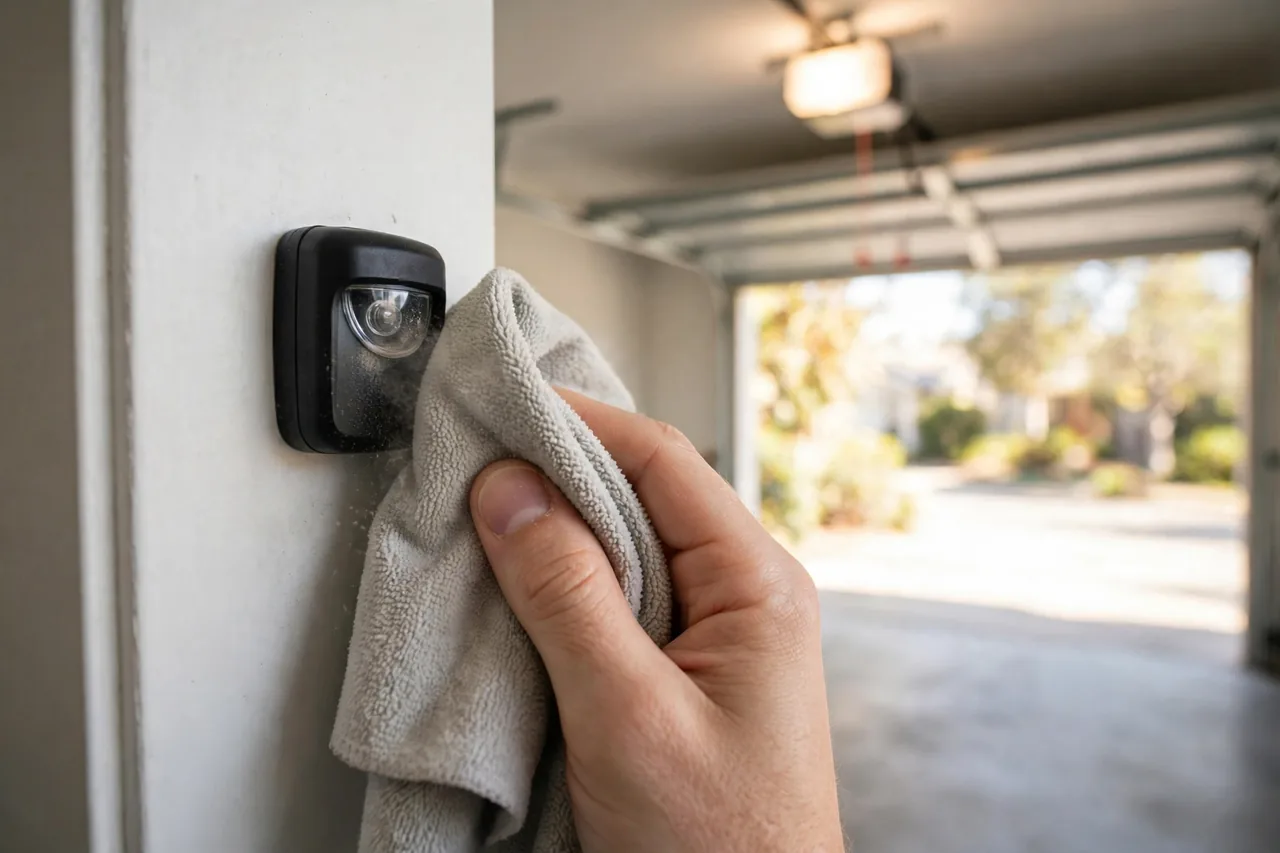
The next cause is a dirty lens. Dust, cobwebs, or a thin film of grime on either lens can scatter the infrared beam so the receiver cannot see it. Because the sensors sit near the floor, they collect dirt faster than anything else in the garage. A spiderweb across the lens is a classic cause of a door that worked yesterday and will not close today.
Sunlight can also break the beam. Direct sun on the receiving sensor can overwhelm it with infrared light from the sun itself, especially in the morning or late afternoon when the sun shines straight into the garage. If the door only fails at the same time each day, sun glare is a likely cause. A small shade over the receiving sensor, or swapping the two sensors so the receiver sits on the shaded side, often fixes it.
Loose wiring is the last common cause. The thin low-voltage wires that run from the sensors to the motor unit can pull loose at the sensor or at the opener terminals. If the lights flicker when you wiggle a wire, the connection is loose. Do not yank wires or strip them unless you are comfortable with low-voltage wiring, and always unplug the opener first.
How to Fix a Yellow Sensor That Will Not Let the Door Close
Work through these steps in order. Most doors close again by step three.
- Clear the beam path. Move anything between the sensors, even a rake handle or a trash can edge, and check for cobwebs across the lenses.
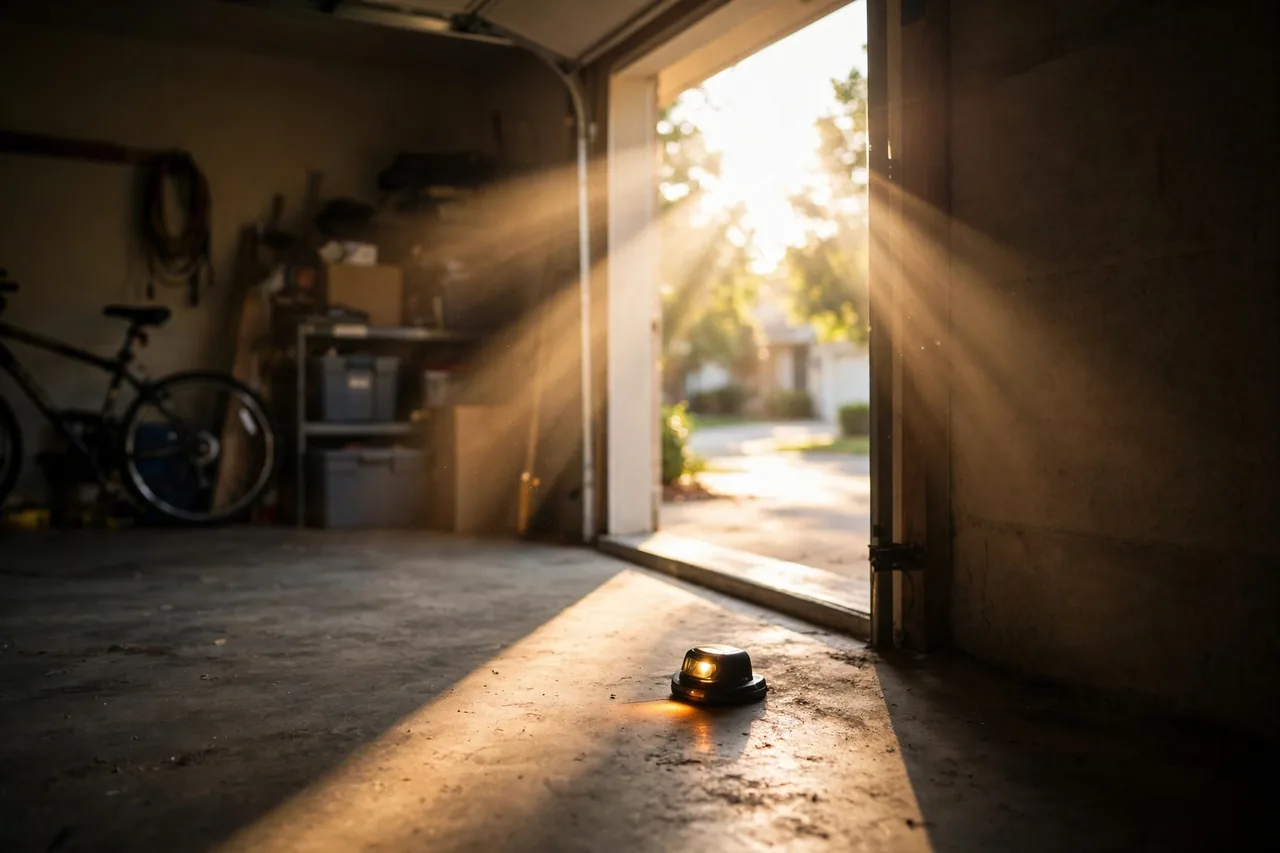
- Clean both lenses with a soft, dry cloth. Wipe gently so you do not scratch the plastic, and do not use harsh chemicals or abrasive pads.
- Realign the sensors. Loosen the wing nut or screw on the receiving sensor, pivot it in tiny steps until the green light turns solid, then tighten it while holding it still.
- Check that both sensors sit at the same height, about four to six inches above the floor, and face each other squarely.
- Check the wiring. Look for loose wires at the sensor and at the opener terminals, and press any loose wire firmly back into place with the power unplugged.
- Test the door. Close it fully and watch it travel without reversing. Then test the safety reverse by placing a roll of paper towels in the door path; the door should reverse when it touches it.
If the green light stays dark after cleaning, realignment, and a wiring check, the receiving sensor or the opener logic board may have failed. At that point, call a garage door technician rather than replacing parts by guesswork. Sensors are cheap, but a wrong part can waste a day.
When to Call a Professional
Call a technician if both sensor lights are off, if wires look burned or chewed, if the opener light blinks a fault code you cannot clear, or if the door has broken springs or cables. Springs and cables hold heavy tension and can cause serious injury, so never touch them yourself. A sensor fix is a homeowner job; a spring fix is not.
Prevent Sensor Problems
Sensor trouble is mostly preventable. Wipe the lenses once a month when you sweep the garage, keep storage at least a foot clear of both sensors, and check the lights after any bump from a car or bike. In autumn, clear leaves and cobwebs from the beam path, and in winter, wipe off condensation that can fog the lenses.
For more garage help, see our guide to the garage security camera, which covers choosing and placing a camera in the same space. If the door still will not close after the sensor fix, check the tracks, rollers, and limit settings next, or call a garage door technician.
Check Your Manual Before You Buy Parts
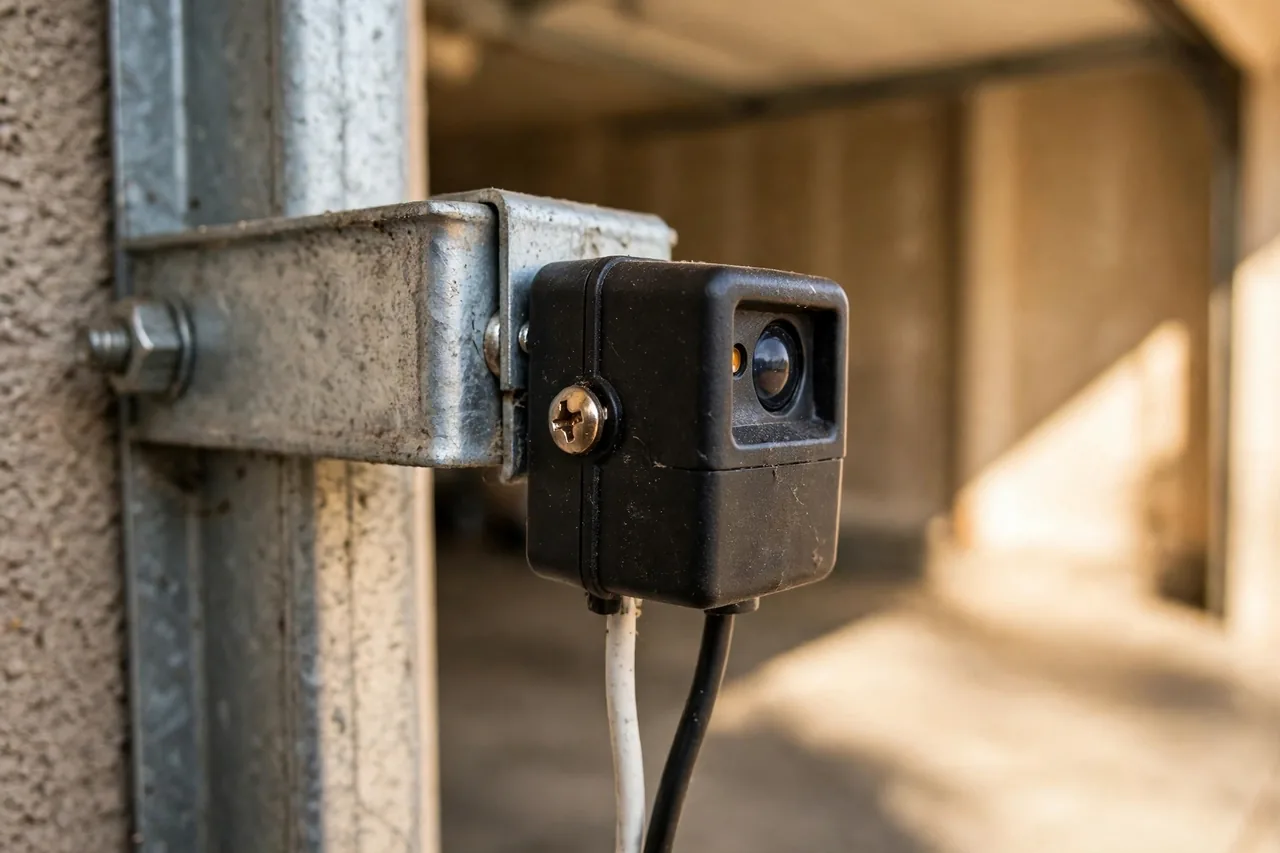
Sensor colors and wiring differ by brand, so check your opener manual before you order anything. LiftMaster, Chamberlain, and Craftsman sensors share the amber-sending and green-receiving pattern, but Genie, Marantec, and Ryobi use different colors, and a part made for one brand may not fit another. Your manual also shows the exact wire colors for your model and the blink codes on the motor unit.
If you have lost the manual, most makers publish it online by model number, which sits on a label on the motor unit. Engineer Fix explains the yellow-transmitter and green-receiver pattern and why a solid yellow light with a dark green light means the beam is broken, and Farnsworth Garage Doors shows how to read LiftMaster lights and why the yellow learn button on the motor is unrelated to the sensors. Buy parts only after the manual confirms the brand, the colors, and the wire terminals.
Frequently Asked Questions
Is a yellow light on a garage door sensor bad?
No. On LiftMaster, Chamberlain, and Craftsman openers, a solid yellow or amber light on the sending sensor is normal and means it has power and is sending the beam. It only becomes a problem when the green light on the receiving sensor is off or blinking, which means the beam is not arriving.
Why is one garage door sensor yellow and the other green?
The yellow sensor is the transmitter that sends the infrared beam, and the green sensor is the receiver that catches it. The colors mark their different jobs. Both lights solid means the system is working. Other brands use different colors, so check your manual.
Why is my garage door sensor yellow and blinking?
A blinking yellow light on the sensor usually means a sensor fault or a wiring problem, and the door will not close until it is fixed. Clean the lenses, check the wiring connections with the power unplugged, and realign the sensors. If the blinking continues, call a garage door technician.
Should both garage door sensors be green?
Usually no. On most LiftMaster, Chamberlain, and Craftsman openers, only the receiving sensor is green, and the sending sensor is yellow or amber. Some models light both sensors the same color. What matters is that both lights are steady, not blinking, dim, or dark.
Why does my garage door sensor turn yellow in sunlight?
The yellow light itself does not change with sunlight, but direct sun can overwhelm the receiving sensor so its green light goes out and the door refuses to close. If the problem happens at the same time each day, shade the receiving sensor or swap the sensors so the receiver sits on the shaded side.
Remember the simple rule: yellow means power, green means the beam is arriving. Check the green light first, clean the lenses, and realign the sensors. Most yellow-sensor worries end there.