A burglar alarm beeping usually means a low backup battery, a power cut, or a sensor fault, and in most cases you can stop it in a few minutes by reading the keypad message, entering your code, and fixing the cause. The beep is not random noise. It is the system telling you it needs attention, and once you fix the cause, the beeping stops. This guide walks you through what each beep means and how to stop it safely.
First, make sure the beep is really your burglar alarm and not a smoke alarm. A smoke alarm chirp usually means a low battery or a unit at the end of its life, and it comes from the ceiling, not the panel. If you smell smoke or gas, or the alarm is sounding a full siren, get everyone out and call for help instead of troubleshooting.
Why Is My Burglar Alarm Beeping?
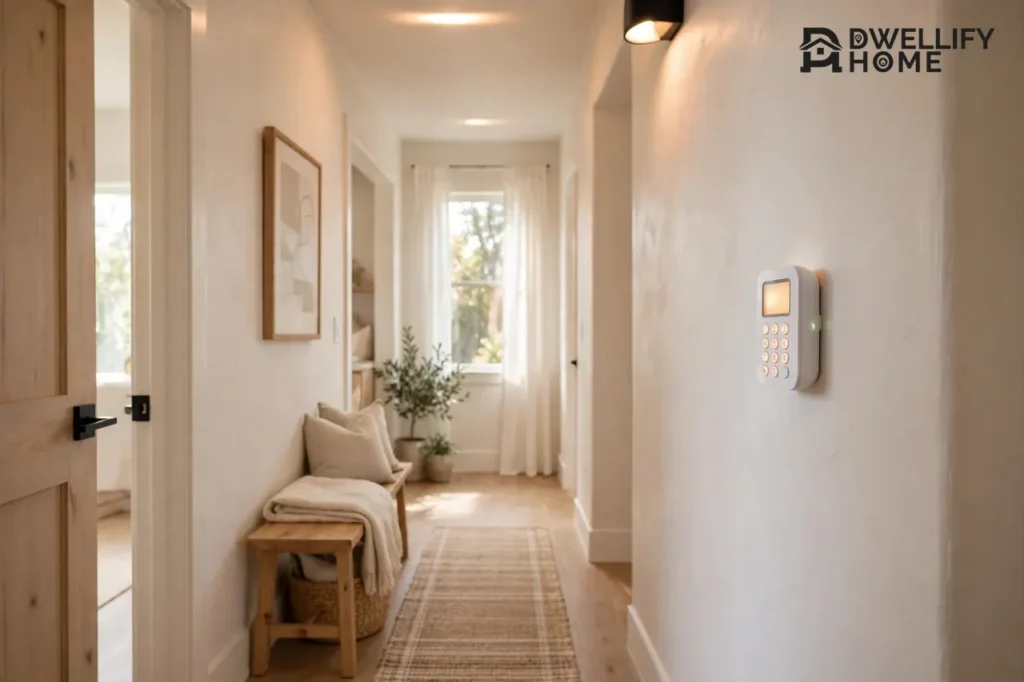
A beeping burglar alarm is a trouble signal, not a break-in alarm. The panel beeps when something in the system is not right, and the keypad display usually tells you exactly what. The most common causes are a low backup battery, a loss of mains power, a sensor fault, or a communication fault on a monitored system.
A low backup battery is the number one cause. The panel battery keeps the alarm running during a power cut, and it usually needs replacing every three to five years. When it runs low, the panel beeps to warn you that it cannot protect you during an outage. Sensor batteries run low too, especially on wireless door and window sensors, and each one can trigger its own beep.
Other causes are simpler than they sound. A power cut switches the system to battery mode, which can beep until power returns. A loose sensor cover can trigger a tamper fault. A door or window left open can leave a zone fault beeping. And on a monitored system, a lost phone line or mobile signal can cause a communication fault beep. The keypad message points you to the right fix.
Stop the Beeping in 5 Steps
Work through these steps in order. Most beeping alarms stop at step two or three.
- Read the keypad display. It usually shows a fault message or code, such as low battery, no AC, or a zone number. Check your manual for what the code means.
- Enter your user code to silence the beep while you investigate. On most systems, the code plus the off key silences trouble beeps. Never share your code with anyone outside your household.
- Check the power. Make sure the panel transformer is plugged in firmly, and check your breaker panel for a tripped breaker. If the power is out in the whole house, the beep should stop when power returns.
- Replace the low battery. If the display names a sensor or the panel battery, swap in a fresh battery of the same type, then reset the panel so it registers the new battery.
- Close open zones and check sensors. Shut every door and window, press loose sensor covers back into place, and look for a sensor that has been knocked or moved.
Read the keypad first, because the display tells you the cause and saves you from guessing. A “low battery” message needs a battery, while a “no AC” message needs a power check, and swapping batteries will not fix a power fault.
How to Replace an Alarm Battery
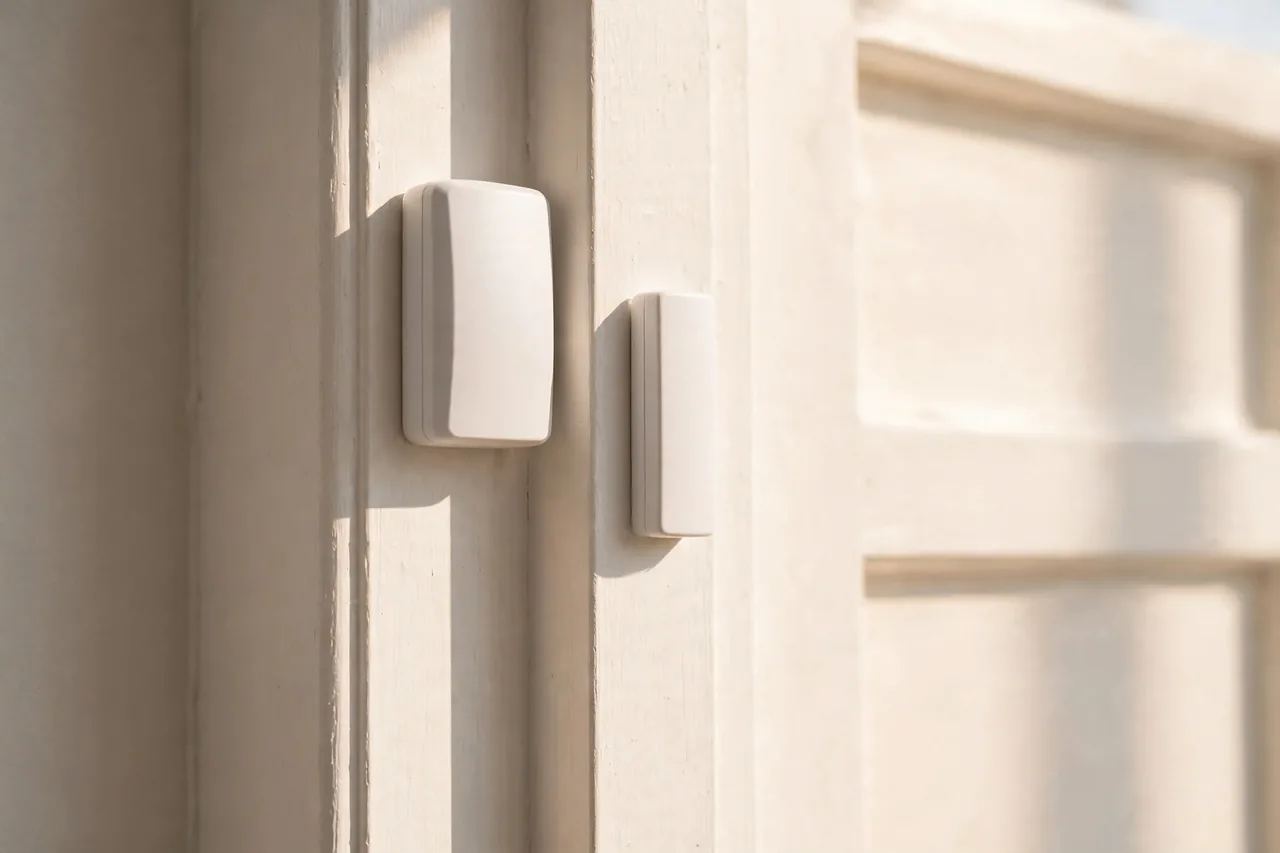
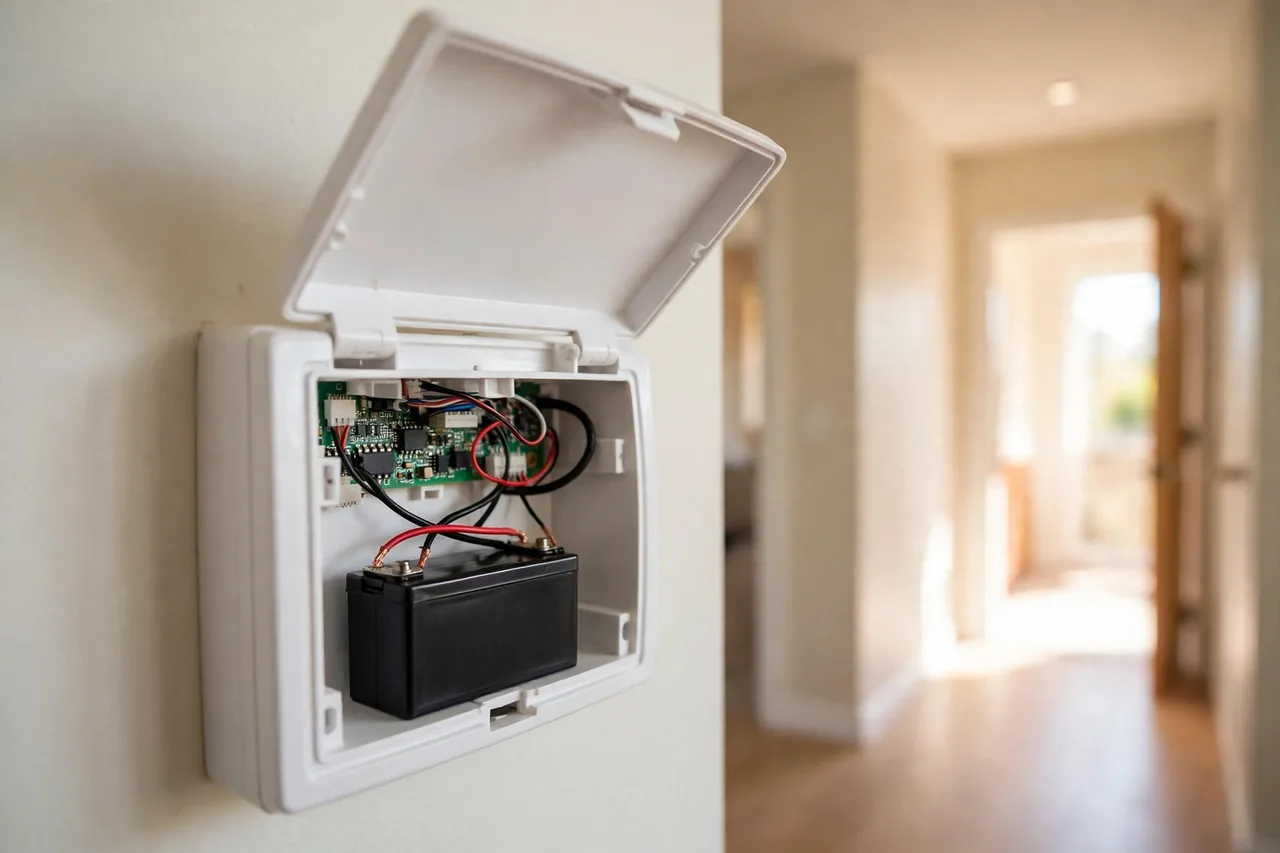
Panel backup batteries and sensor batteries are different jobs, but both are simple. For a sensor battery, open the sensor case, note the battery type printed inside, and fit a fresh battery of the same type. For the panel battery, open the control panel, find the battery, disconnect it, and connect the replacement the same way, red wire first, then black, as Security.org explains in its guide to disabling home alarms during false alarms.
After fitting a new battery, reset the panel so it sees the fresh battery. Enter your code, then follow your manual’s reset step. The beep should stop within a minute. If the beep keeps going after a new battery, check that the battery is the right type and fully charged, and that the battery drawer or cover is fully closed.
One warning: never open the panel while the system is armed, and never touch wiring that looks burned or damaged. If the panel smells of burning or the battery is swollen or leaking, stop, leave the panel alone, and call your alarm company or an alarm technician.
Beep Patterns and What They Mean
The pattern of the beep is a clue, and learning it helps you find the cause faster. Use this table as a starting point, then confirm with your manual, because patterns vary by brand.
| Beep pattern | Likely cause | First fix |
|---|---|---|
| Short chirp every 30 to 60 seconds | Low battery | Replace the named battery |
| Fast beeps about a minute apart | Mains power failure | Check plug, breaker, and power supply |
| Steady beep after an alarm | Unresolved alarm event | Enter code, clear the memory of alarm |
| Beep when a door opens | Zone fault or chime on | Close the zone, check the sensor |
| Random beeps at night | Cold battery or loose wire | Check batteries and connections |
On many systems, a beep after an alarm event is a memory-of-alarm warning. The panel beeps rapidly when you enter to tell you an alarm went off while you were away. If you come home to a sounding alarm, do not go in. Call the police from a safe place first. Once it is safe, enter your code and the off key twice to clear the memory display.
When the Beep Is a Sensor or Wiring Fault
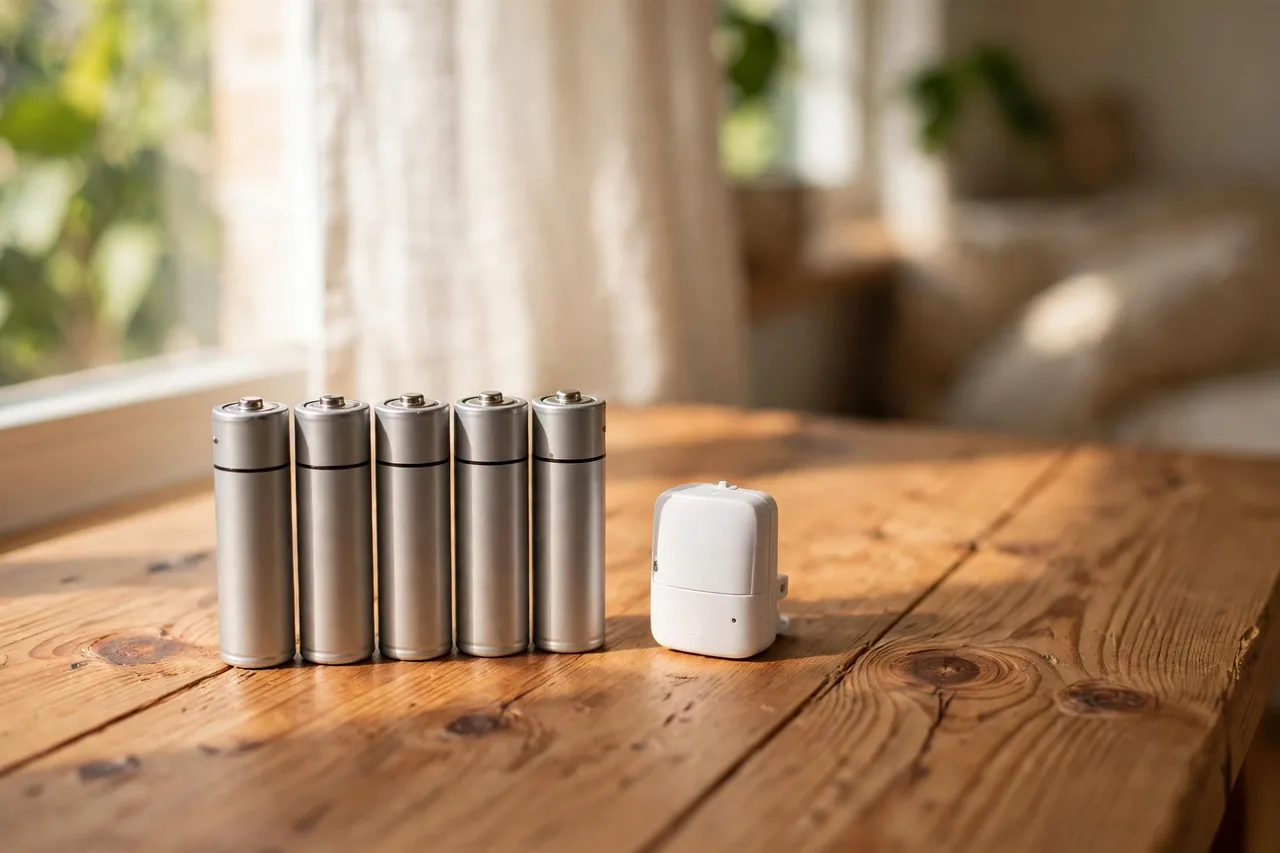
If new batteries and power checks do not stop the beep, look at the sensors. A door or window sensor that has shifted, a motion sensor covered in dust, or a sensor with a loose cover can all cause a fault beep. Clean the sensor face gently, press the cover firmly back on, and check that the sensor and its magnet line up when the door is closed.
Wiring faults are harder. On a hardwired system, a loose wire at the panel or a wire chewed by a rodent can break the connection to a zone. Look for visible damage, but do not strip or rewire anything yourself unless you know the system. Bad wiring is a job for an alarm technician or an electrician, and guessing can damage the panel.
Cold weather can also cause beeping. Batteries drain faster in the cold, so a sensor battery that was fine in summer can run low in winter. If the beep starts on the first cold nights, check the batteries on the coldest sensors first, such as those in a garage or near an outside door.
How to Stop a Beeping Alarm Without the Code
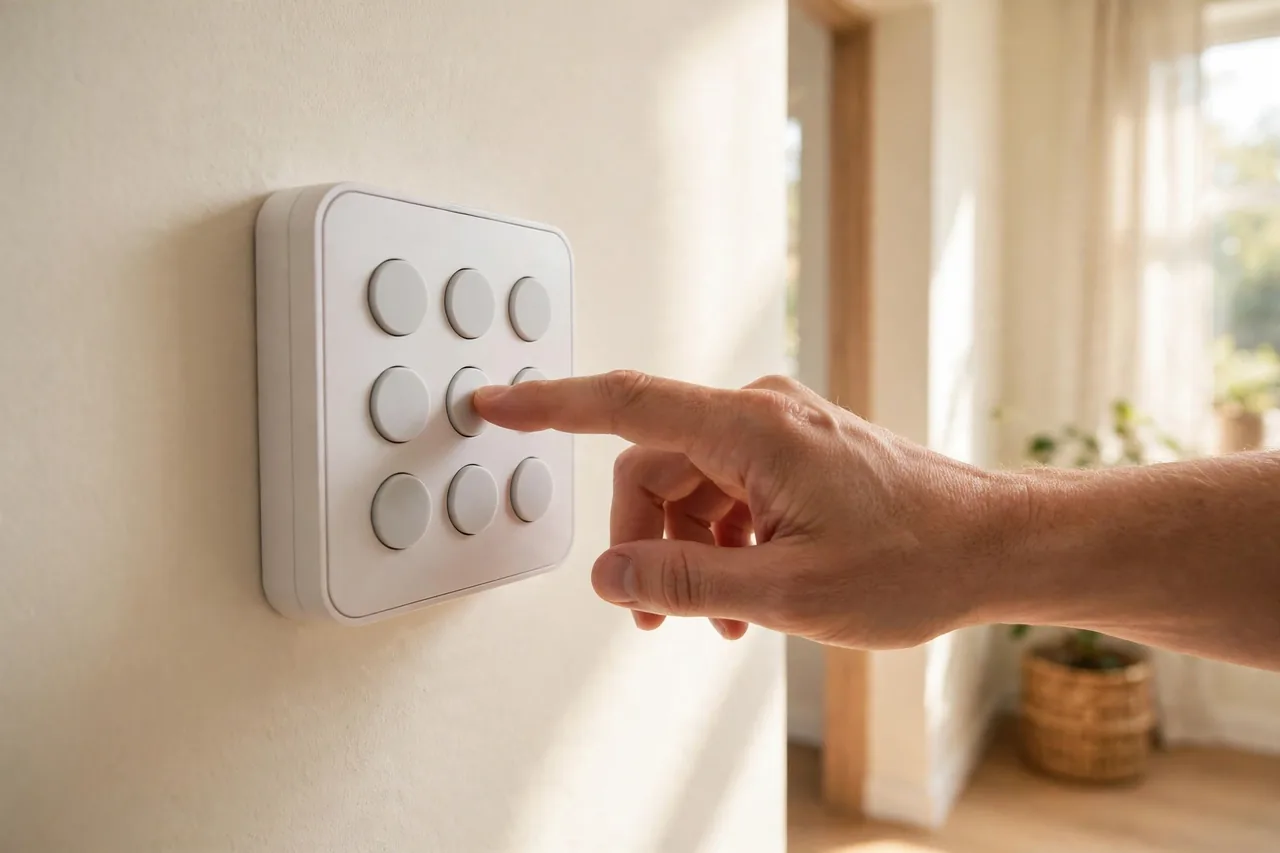
If you do not know the code, start with the safe steps. Make sure no break-in is happening, then check for low batteries in wireless sensors and replace them, because a dead sensor battery can be the whole cause. On a hardwired system, you can unplug the transformer to stop the beep, but the panel battery will keep beeping until it runs down, so this is only a short-term quiet fix.
For a full fix without the code, call your alarm company. They can verify you with your safe word or account details and guide you through a reset, or send a technician. Never try to cut wires or smash the panel. That can trigger the external siren, damage the system, and leave your home unprotected.
Prevent the Beeping From Coming Back
Most beeping alarms are preventable with a little routine care. Replace sensor batteries once a year, even if they have not beeped yet, and replace the panel backup battery every three to five years. Test the system once a month, keep the manual and your code in a safe place, and clean sensors when you dust the house.
After a power cut, check the panel the next day. If the beep has not cleared, the backup battery may be too old to recharge fully, and it is time for a new one. If your system is monitored, tell your monitoring company before you test the alarm, so a test does not bring a false call-out.
For a wider view of home security, read our guide to the best home security camera system, which covers the cameras and sensors that work alongside an alarm, and cellular home security systems, which keep working when phone lines fail. If you use Apple devices, see HomeKit alarm system for alarms that work with HomeKit.
Monitored vs Unmonitored: Does Beeping Mean Help Is Coming?
A beeping alarm does not mean the monitoring company has been called. On a monitored system, the panel calls the monitoring center only when the alarm itself sounds, not when it beeps a trouble warning. The beep is a local message for you, and if you ignore it, no one else will fix the fault.
On an unmonitored system, the same is true with one difference: there is no monitoring center at all, so a real alarm only makes noise at the house. Either way, a beep is a maintenance job, not an emergency call. Security.org explains the full silence-and-fix sequence, from entering your code to checking the transformer, and Blake Fire & Security Systems notes that a quick beep about once a minute usually points to a mains power failure, while slower beeps usually point to a low backup battery. If your system is monitored, tell the company before you test anything, so a test does not bring a false call-out.
Related Guides
For alarms and sensors that work together, see the best home security systems with cameras and our guide to the glass break alarm, which explains how a glass break sensor hears a break-in before it happens. For smoke alarms that can be mistaken for a burglar alarm beep, read the best smoke alarm and carbon monoxide detector guide.
Frequently Asked Questions
Why is my burglar alarm beeping every 30 seconds?
A chirp every 30 to 60 seconds usually means a low battery, either in the control panel or in one sensor. Read the keypad display to find which battery is low, replace it with the same type, then reset the panel. The beep should stop within a minute of the new battery.
How do I stop my burglar alarm from beeping?
Enter your user code to silence it, read the keypad fault message, then fix the cause: replace a low battery, restore mains power, or close an open door or window. If the beep continues after the fix, reset the panel using your manual, or call your alarm company for help.
Will a burglar alarm beep if the power goes out?
Yes. When mains power fails, the system switches to its backup battery and may beep to tell you it is on battery power. The beep usually stops when power returns. If it keeps beeping after power returns, the backup battery may be too old to recharge and needs replacing.
How do I turn off a burglar alarm without the code?
Check for low sensor batteries first and replace them, since that can stop the beep without a code. For a hardwired panel, you can unplug the transformer for a short quiet period. For a full fix, call your alarm company with your safe word or account details.
Why does my alarm beep after I change the battery?
The panel may need a reset to register the new battery, the replacement may be the wrong type or not fully charged, or the battery cover may not be fully closed. Check the battery type, fit it firmly, reset the panel, and if the beep continues, the sensor or panel itself may be faulty.
Start with the keypad. It tells you the cause, and most beeping alarms stop with a fresh battery, a firm plug, or a closed door. If the beep will not stop after those fixes, call your alarm company before the backup battery runs out.