The best home security camera system for most homes in 2026 is a no-subscription Eufy or Reolink setup. You get sharp 4K video, local storage, and smart alerts with zero monthly fees for five years — while Arlo, Ring, and Google Nest only win if you already live inside their smart-home world. One pick on this list costs $0 in subscriptions over five years, and the table halfway down shows exactly which one.
That subscription question matters more than any camera spec. Over five years, a cloud plan can cost more than the cameras themselves — Ring Protect Pro runs $999.95 across five years at its annual rate, according to TechRepublic’s 2026 test. So this guide starts with the money, then the cameras, then where to put them. Read it in order and you will buy once, mount once, and stop second-guessing.
The Short Answer: Which System Wins in 2026?
If you want the whole answer in one paragraph, here it is. Buy Eufy if you hate monthly fees, buy Reolink PoE if you want the most reliable wired system, buy Arlo if you want the best camera hardware, buy Ring if your house already runs on Alexa, and buy Google Nest if your house already runs on Google Home. The subscription decides the real price, not the camera. Everything below proves that line with real numbers.
| System | Best for | Video | Price per camera | Subscription |
|---|---|---|---|---|
| Eufy (HomeBase 3) | No monthly fees | 2K–4K | 2-cam kit ~$400 | $0 |
| Reolink PoE kit | Wired reliability | 4K | 4-cam kit $699.99 | $0 |
| Arlo Pro 6 | Best camera hardware | 2K HDR | $124.99 | From $9.99/mo |
| Ring Outdoor Cam 4K Pro | Alexa homes | 4K | $199.99 | From $4.99/mo |
| Google Nest Cam Outdoor | Best AI alerts | 2K HDR | $199.99 | From $10/mo |
| Wyze Cam v4 | Tight budgets | 2.5K | $36 | $0 for local recording |

The eufyCam S330 2-camera kit runs about $400 and the eufyCam S4 lists at $349.99. Prices are US retail, checked Nov 11, 2026, and change often — confirm on the maker’s store before you buy.
What Most People Get Wrong About Security Camera Systems
Most buyers shop backwards. They compare megapixels first and discover the monthly bill later. The most common mistake is believing a higher resolution makes a home safer. It does not. Resolution is the least important number on the box. What actually protects you is a camera that records when it matters, stores the footage where you can reach it, and sends an alert you act on.
The second mistake is buying one camera at a time with no plan. A single doorbell camera watches one door. A system watches the approaches to your home: the front door, the driveway, the back door, and the garage. That is why this guide treats the system as the purchase, not the camera.
The third mistake is ignoring the ecosystem lock-in. Ring works with Alexa and not with Google Home or Apple HomeKit. Nest needs Google Home. Arlo is the only big brand that works with Alexa, Google Assistant, and Apple HomeKit. Pick the brand that matches the smart home you already own, or you will pay for features you cannot use. That mismatch is the expensive part — and it hides in plain sight on every product page.
The 6 Best Home Security Camera Systems for 2026
Each pick below earns its place for a different home. Prices are US retail, checked Nov 11, 2026, from TechRepublic’s 2026 test and the makers’ own stores. Start with the pick that matches your house, then check the 5-year cost table before you pay.
1. Eufy With HomeBase 3 — Best System With No Monthly Fees
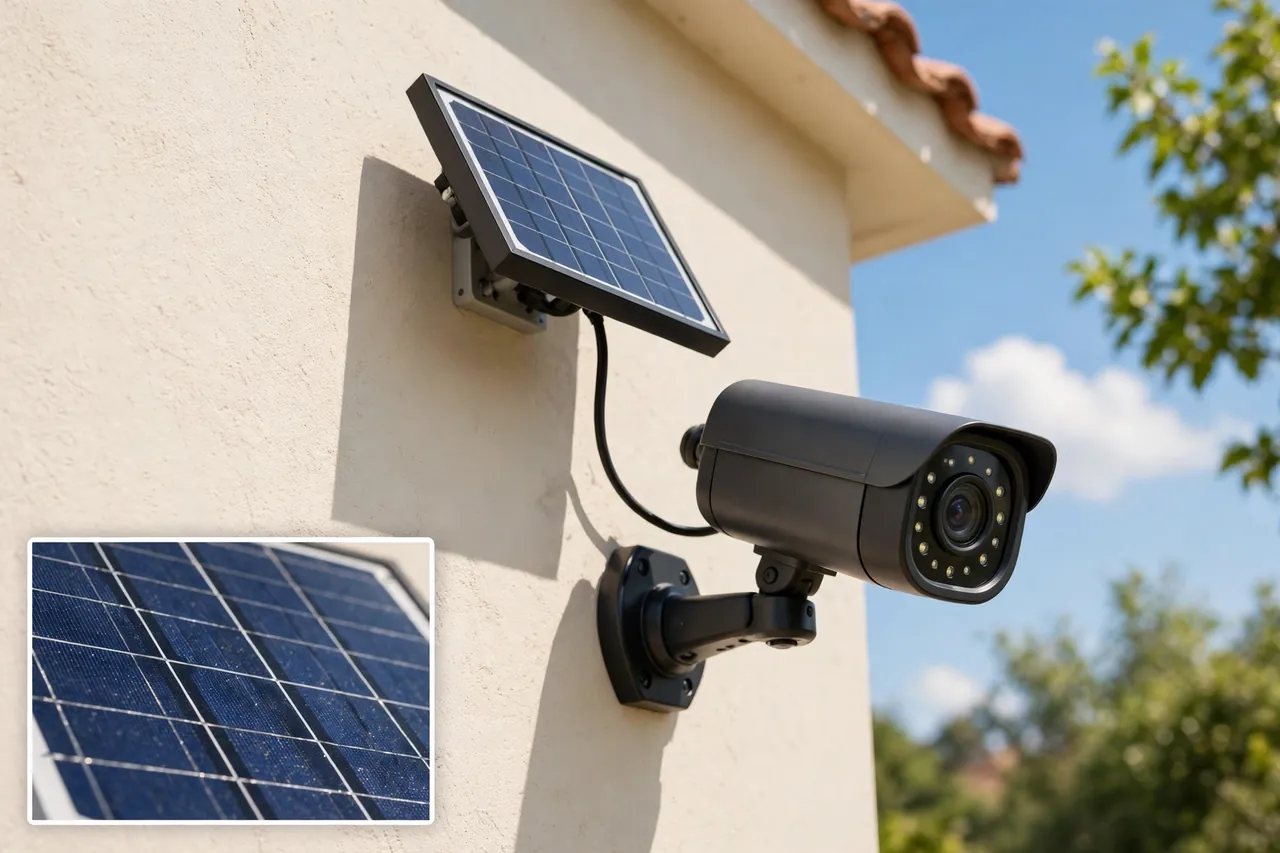
Eufy is the pick for anyone who refuses to rent their own security footage back every month. The cameras record to a HomeBase 3 hub in your house, with 16GB built in and room to expand to 16TB. Person, pet, and vehicle detection run on the device, not in the cloud. The eufyCam S4 lists at $349.99 with 4K video, a motorized tracking lens, solar charging, and local recording. The eufyCam S330 2-camera kit runs about $400. There is no subscription to buy, ever.
The trade-off is honest: if someone steals the HomeBase itself, the footage goes with it. Cloud storage survives a break-in; local storage does not. Keep the hub hidden and out of easy reach. For most homes, that one precaution makes Eufy the best value on this list — and the reason it leads the short answer above.
2. Reolink PoE Kit — Best Wired System for Reliability
A PoE system runs one Ethernet cable to each camera. That cable carries power and video, so the camera never drops off Wi-Fi and never needs a battery charge. The Reolink RLK8-810B4 kit — four 4K cameras, an 8-channel recorder, and a 2TB drive included — lists at $699.99. Extra 4K PoE cameras run $60 to $150 each. Four-camera PoE kits in general run $300 to $700.
PoE is the right call when you own the home and can run cable through an attic or along eaves. It is the wrong call for most renters. If drilling and cable runs sound like a weekend you do not want, skip to the battery picks below — a wireless camera you actually install beats a wired system you never finish.
3. Arlo Pro 6 — Best Camera Hardware
Arlo makes the best camera hardware in this category. The Pro 6 records 2K HDR video with a 160-degree field of view, color night vision, an integrated spotlight, two-way audio, and a built-in siren, all on a rechargeable battery. It lists at $124.99 per camera. Arlo is also the only major brand that works natively with Alexa, Google Assistant, and Apple HomeKit, so it fits any smart home.
The catch is the subscription. Basic alerts are free, but smart detection and cloud recording need Arlo Smart Aware, from $9.99 a month for one camera. Arlo changed its plan names in September 2026, so older guides quoting Secure Plus and Secure Premium are out of date. Check the current plan names on Arlo’s site before you buy.
4. Ring Outdoor Cam 4K Pro — Best for Alexa Homes
If your house already runs on Alexa, Ring is the natural pick. The Outdoor Cam 4K Pro lists at $199.99 with 4K video, up to 10x enhanced zoom, and 3D motion detection. Ring has the widest product range at every price point, and its cameras, doorbells, and alarm all live in one app. Ring Solo — one camera of cloud recording and smart alerts — costs $4.99 a month.
Ring’s limit is its ecosystem. It does not work with Google Home or Apple HomeKit. If you ever switch smart-home platforms, your Ring cameras do not follow. Buy Ring when Alexa is your home’s platform for the long term, not as a trial.
5. Google Nest Cam Outdoor — Best AI Alerts
Google Nest has the smartest alerts of any system here. Its on-device machine learning tells people, vehicles, animals, and packages apart with the fewest false alarms, according to multiple 2026 tests. The wired outdoor camera (2nd generation) lists at $199.99 with 2K HDR video, a 152-degree field of view, and 6x digital zoom. Nest Aware Premium starts at $10 a month.
The free tier is thin: about six hours of event previews, and most useful AI features sit behind the subscription. Nest is the right pick for Google Home households that want the quietest, most accurate alerts — and the wrong pick if you resent paying monthly for features the camera hardware already has.
6. Wyze Cam v4 — Best Budget Camera
At $36, the Wyze Cam v4 is the cheapest good security camera on this list by a wide margin. It records 2.5K video with color night vision and stores footage locally on a microSD card up to 256GB, sold separately. Person detection and standard motion alerts work without a subscription. The full-length clips and advanced detection need Cam Plus at $2.50 a month per camera.
Wyze is a plug-in camera, not a battery one, so each spot needs an outlet or a USB run. It is the smartest way to cover an indoor room, a garage interior, or a covered porch on a tight budget. It is not the way to build a whole-home outdoor system — for that, start with Eufy or Reolink and add Wyze indoors.
Two prices decide every pick on this list: the camera price and the subscription price. The next section puts them together over five years, because that is the number no product page shows you.
The 5-Year Cost Table Nobody Shows You
Camera prices lie by omission. A $125 camera with a $10 monthly plan costs $725 over five years. A $350 camera with no plan costs $350. Guess which system the ads push? The table below prices a four-camera home over five years, using the verified prices above. Hardware is four cameras at the listed price; the subscription is five years at the plan a four-camera home actually needs.
| System | Hardware (4 cameras) | 5-year subscription | 5-year total |
|---|---|---|---|
| Reolink PoE kit | $699.99 (kit incl. drive) | $0 | $699.99 |
| Eufy HomeBase 3 | ~$800 (two 2-cam kits) | $0 | ~$800 |
| Wyze Cam v4 | $144 (4 × $36) | $0 (local recording) | $144 + microSD cards |
| Arlo Pro 6 | $499.96 (4 × $124.99) | ~$1,079.40 (unlimited, monthly rate) | ~$1,579.36 |
| Google Nest Cam | $799.96 (4 × $199.99) | $600 (Aware Premium $10/mo) | ~$1,399.96 |
| Ring Outdoor Cam 4K Pro | $799.96 (4 × $199.99) | $999.95 (Protect Pro, annual rate) | ~$1,799.91 |
Read that table twice. The cheapest camera on day one becomes the most expensive system by year five. Ring’s four cameras cost about the same as Eufy’s on day one, then add $999.95 in subscription fees. Arlo’s cheap $124.99 cameras add about $1,079.40 at the monthly unlimited rate (annual billing is lower — check Arlo’s current annual price). The no-subscription systems stay exactly where they started.
That does not make subscriptions a scam. Cloud storage survives a stolen camera, and professional monitoring can call for help when you cannot. What it makes them is a second price tag — one you should read before you buy, not discover in year two. If you want the subscription, buy it with open eyes. If you do not, Eufy, Reolink, and Wyze are waiting.
Wired vs Wireless vs Battery: Pick by Your House, Not the Box
Every camera gets power one of three ways, and your house decides which way works. Wired (PoE) cameras take power and video through one Ethernet cable. They never drop off Wi-Fi, never need charging, and record 24/7. They need cable runs, so they suit owners, not renters. Wireless cameras use your Wi-Fi and a plug-in outlet. They install in minutes and record 24/7, but each spot needs an outlet nearby and a strong Wi-Fi signal. Battery cameras go anywhere — no cable, no outlet — and run 4 to 6 months per charge on Arlo, up to 180 days on some Tapo models. They record motion clips, not continuous video, and cold weather shortens battery life.
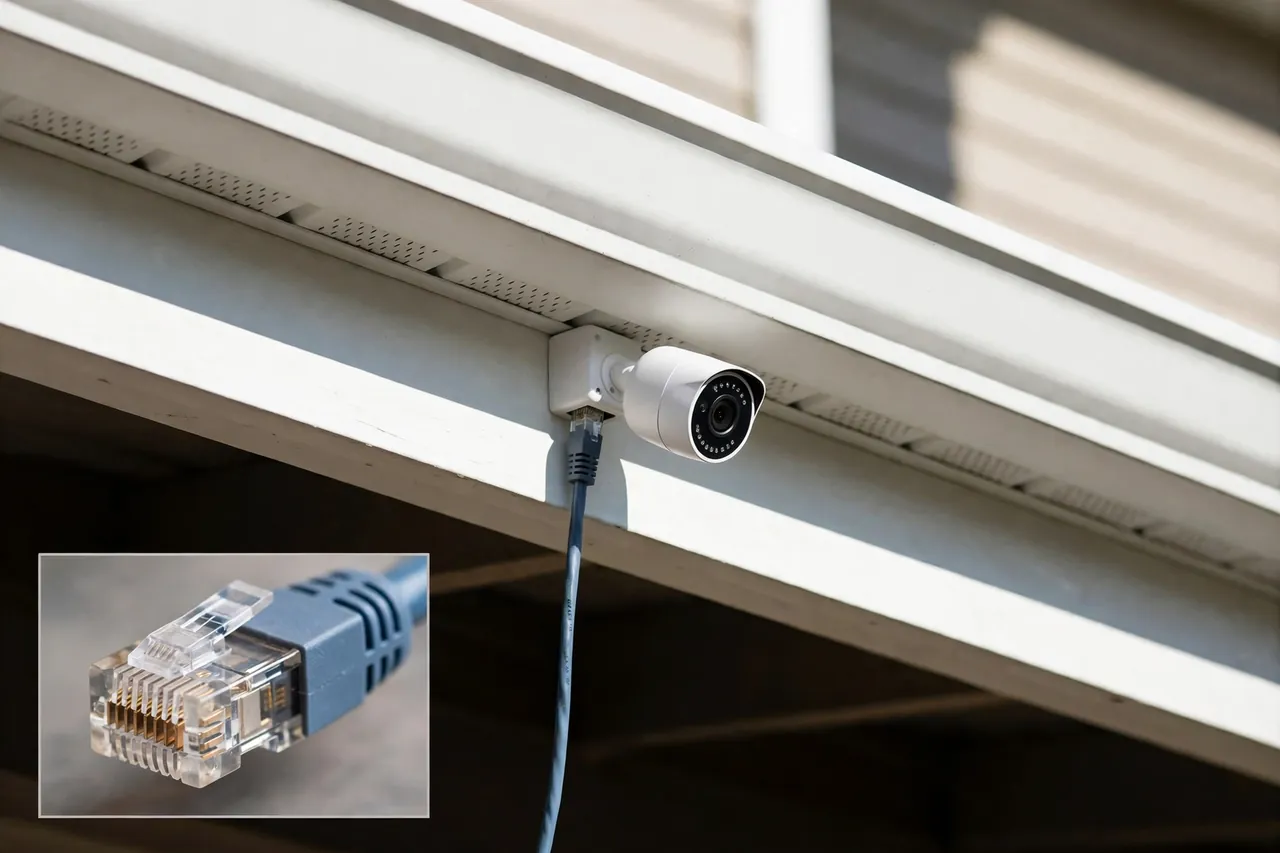
The honest rule is simple. Wired wins on reliability, battery wins on ease, and wireless sits in between. Match the power type to the spot: wired for the driveway and back door you never want to climb a ladder to reach, battery for the rental or the far corner with no outlet, wireless for the covered porch with an outlet already there. A mixed system is normal — most good setups use two power types, not one.
Wi-Fi strength decides more than the camera brand does. Test your Wi-Fi at each mount point with your phone before you buy. If the signal is weak at the far corner, a battery camera will still struggle — it needs Wi-Fi to send alerts. A Wi-Fi extender or a wired camera fixes that spot. That test takes two minutes and saves a return.
Storage: Cloud, microSD, NVR — Where Your Footage Actually Lives
Footage lives in one of three places, and the choice changes what happens after a break-in. Cloud storage keeps video on the maker’s servers. It survives a stolen camera, and you can watch it from anywhere. It costs $4.99 to $20 a month and usually deletes footage after 30 to 180 days. A microSD card keeps video inside the camera. It costs $15 to $30 once, holds weeks of clips, and dies with the camera if someone takes it. An NVR or DVR keeps video on a recorder in your house. It holds terabytes, records 24/7, and costs nothing monthly — but it also stays in the house it protects.
Most homes do best with local storage plus one habit: hide the recorder. Local storage dies with the camera, so hide the box that holds it. Put the NVR or HomeBase in a closet, not next to the front door. If you want both safety nets, pick a system that records locally and backs up key clips to the cloud — Reolink and Eufy both offer that mix, and it costs less than a full cloud plan.
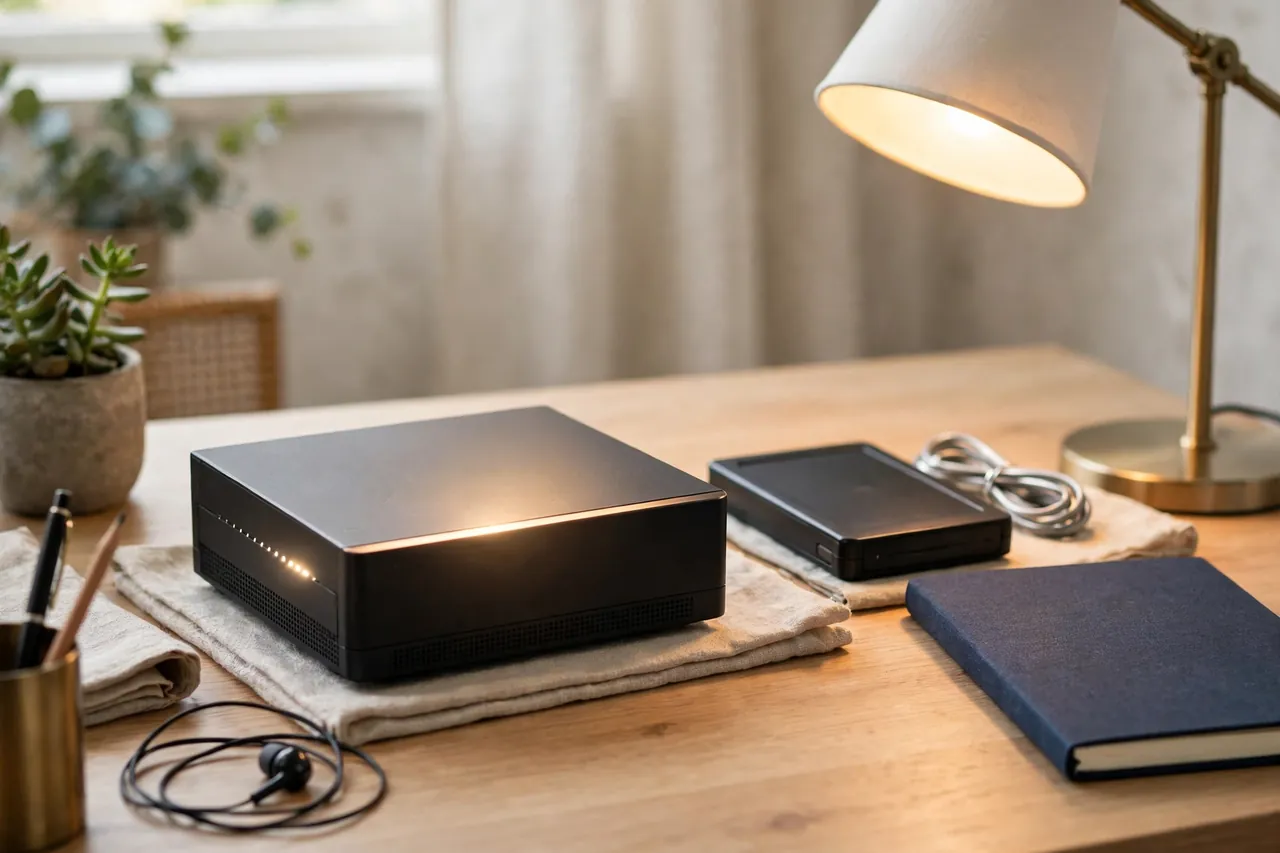
How long footage stays matters too. Ask two questions before you buy: how many days of history do I get, and what happens when storage fills up? Cloud plans answer in days (30, 60, or 180). Local storage answers in gigabytes — a 256GB card holds roughly two to four weeks of motion clips, and a 2TB NVR drive holds months of continuous video. Match the answer to your life: if you travel for weeks, you need longer history than someone who checks the app daily.
How Many Cameras Does Your Home Need?
Most single-family homes need four cameras. One watches the front door, one watches the driveway, one watches the back door, and one watches the garage or side gate. That is the whole system for most houses. Four cameras cover most homes — start there and add only where you find a blind spot. More cameras do not mean more safety; they mean more alerts you learn to ignore.
Walk your property at dusk and mark the approaches, not the rooms. A burglar does not enter through your living room. They enter through a door, a ground-floor window, or a garage. Cover the approaches and the doors, and the inside takes care of itself. Wide-angle cameras help here — one wide-angle camera can watch a whole driveway where two narrow ones would fight for coverage.
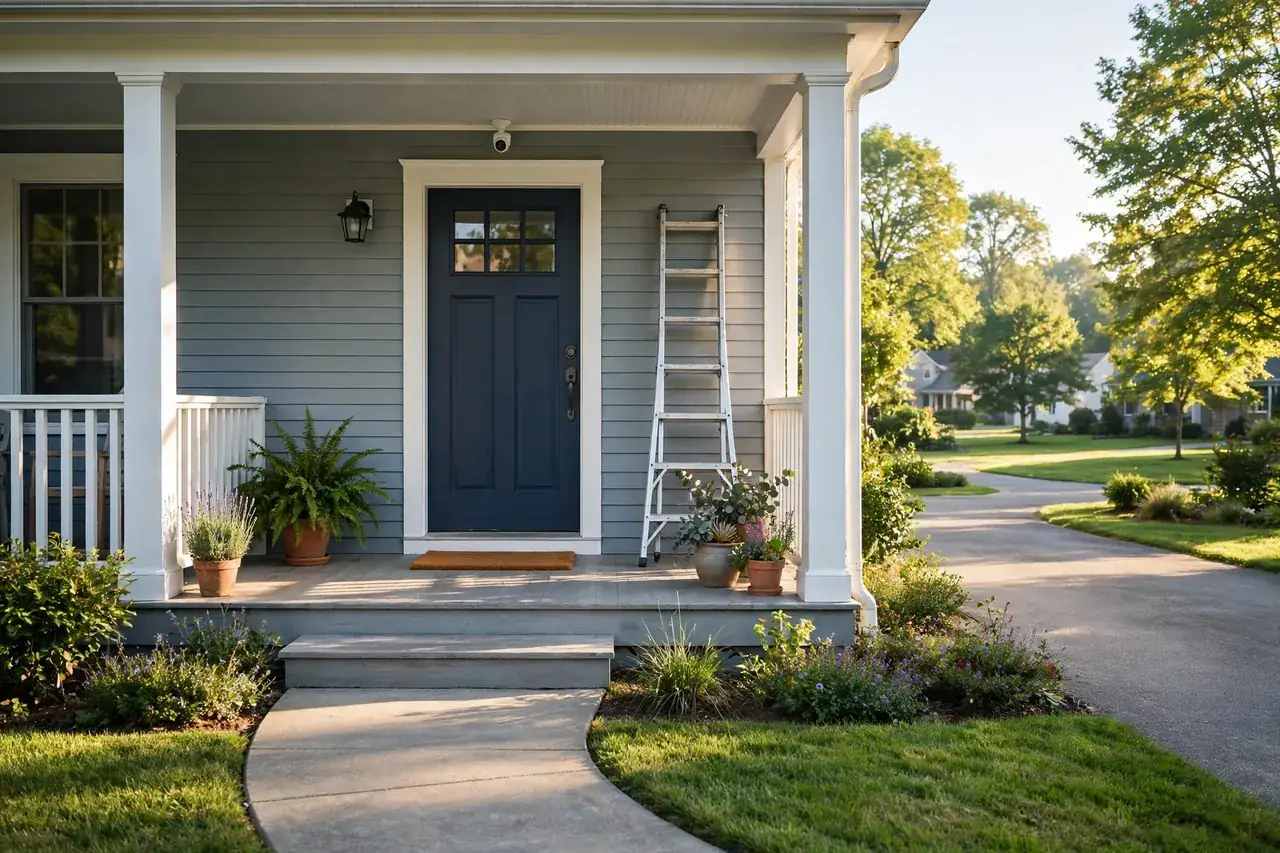
Height matters more than most people think. Mount outdoor cameras 8 to 10 feet high: high enough that a person cannot reach up and cover the lens, low enough that faces are still recognizable. Angle each camera down about 15 to 30 degrees. A camera pointed at the sky films clouds; a camera pointed at the ground films shoes. Test the angle on your phone before you tighten the mount.
What About Apartments and Renters?
Renters need a different system, and it is simpler than the homeowner version. Battery cameras are the answer: no drilling, no cable, no landlord permission for wiring. A battery camera on a shelf watches the front door from inside, and a second one covers the balcony or the hallway window. Stick-on mounts and magnetic bases leave no holes. No drilling needed — battery cameras and indoor placement cover most rentals.
Two rules for rentals. First, point cameras at your own entry points, never at a neighbor’s door or window — shared hallways and neighbors’ spaces are a privacy line, not a gray area. Second, check your lease and your building’s rules before mounting anything outside the unit. Many buildings allow a doorbell camera and forbid exterior mounts. An indoor camera aimed at the door from inside the apartment solves both problems at once.
Installation: DIY or Hire a Pro?
Battery and wireless cameras are a DIY job — most people mount four cameras in an afternoon with a drill, a ladder, and the app. Wired PoE systems are a bigger job: cable runs through an attic, drilling through walls, and terminating Ethernet ends. If any part of that sounds like a weekend you will regret, hire it out.
Professional installation is the part of the budget most guides skip. Labor runs $80 to $200 per camera, and a whole-home job averages $1,288 nationally. That is Angi and HomeAdvisor’s 2026 data, from thousands of verified projects, with a typical range of $590 to $2,040. Labor is 50 to 70 percent of a typical camera budget — the hardware is the smaller half. A professionally installed four-camera system usually lands between $500 and $1,600, according to HomeGuide.
Do the math before you call anyone. Four battery cameras at $125 each cost $500 in hardware and an afternoon of your time. The same four cameras professionally installed cost $500 in hardware plus $320 to $800 in labor. If the cable runs are easy and you own a drill, DIY keeps that money. If the runs cross a finished attic or a brick wall, the pro earns it. Get two written quotes either way — the spread between installers is often wider than the spread between cameras.
How to Set Up Your First System in a Weekend
Setting up a four-camera system takes one weekend, and the order matters. Do it in this order and you will not redo any of it.
- Walk the property at dusk and mark four mount points: front door, driveway, back door, garage or side gate.
- Test Wi-Fi at each point with your phone. Fix weak spots with an extender or pick a wired camera for that point.
- Mount the cameras 8 to 10 feet high, angled down 15 to 30 degrees. Do not tighten anything yet.
- Open the app, check each camera’s live view, and adjust the angle until faces are clear and the approach is covered.
- Set motion zones so the camera ignores the street and the neighbor’s yard. This one step cuts most false alerts.
- Turn on person detection and set alert hours. Night alerts on, daytime alerts only for the doors you care about.
- Test the system: walk each approach, check the alert arrives, and confirm the clip saved where you expect it.
- Hide the recorder or hub in a closet, and write down where it is — future you will forget.
One step in that list does more than the other seven combined. Test the Wi-Fi at each mount point first — a camera with no signal is a decoration. Everything else is just screwing things to walls.
While you are thinking about the whole home, remember the rest of the security picture. Cameras watch; locks stop. Pairing your cameras with better door locks closes the gap cameras cannot — a camera records a break-in, a good lock prevents one. That pairing is the cheapest security upgrade most homes never make.
Related Guides
Every guide below covers one piece of this system in depth. Read the one that matches the camera or the room you are still unsure about.
- Best home security systems with cameras — the full-system comparison, alarm included.
- Wireless security cameras for outdoors — Wi-Fi cameras that survive rain and cold.
- Battery-operated security cameras — wire-free cameras for rentals and far corners.
- PoE security cameras — wired power and video over one cable.
- High-resolution security cameras — when 4K matters and when it does not.
- Wiring outdoor security cameras — how the cable runs actually work.
- Driveway security cameras — covering the approach cars use.
- Closed-circuit cameras (CCTV) — the classic wired setup, explained simply.
- Security camera DVRs — how recorders store weeks of footage.
- Security cameras with SD cards — local storage without a subscription.
- Garage security cameras — the entry point most people forget.
- Front porch cameras — doorstep coverage and package alerts.
- Security cameras for apartments — renter-friendly, no-drilling setups.
- How long security cameras keep footage — retention times by storage type.
- Wide-angle security cameras — one camera for a whole driveway.
- Security cameras that connect to a phone without Wi-Fi — coverage where there is no internet.
- What Americans actually search for in smart home (2026) — the data behind this guide.
- How to improve home security with better locks — the lock upgrade that pairs with any camera system.
Disclaimer: Wired and PoE installation involves drilling, attic work, and low-voltage wiring — if you are not comfortable with any of that, hire a licensed installer. Check your local laws before recording audio or pointing cameras at shared spaces; audio recording and neighbor-facing cameras are restricted in some places.
Frequently Asked Questions
What is the best home security camera with no monthly fee?
The Reolink Argus 4 Pro is the best no-fee camera in 2026, according to Daily Vanguard’s test of 14 subscription-free systems. It records 4K video with a 180-degree view, detects people and vehicles on the device, and stores footage on a microSD card or NVR for about $180 to $240, with zero recurring costs.
How much does a basic CCTV system cost?
A basic four-camera CCTV system costs between $800 and $1,500 including cameras, a recorder, cabling, and professional installation, according to CCTV Planner’s 2026 guide. Installing it yourself saves $200 to $400. Budget IP cameras start around $50 to $60 each, and a four-channel NVR with built-in PoE costs $150 to $200.
What do security camera subscriptions cost over five years?
At current annual rates, five years of Ring Protect Pro costs $999.95, Ring Protect Plus $499.95, and Ring Protect Basic $249.95, according to TechRepublic’s 2026 test. Arlo Smart Aware for one camera costs $479.40 over five years. Eufy, Reolink, and Wyze local recording cost $0 over the same period.
How much does security camera installation cost?
Professional security camera installation averages $1,288 nationally in 2026, with a typical range of $590 to $2,040, according to Angi’s data from over 4,000 verified projects. Labor runs $80 to $200 per camera and makes up 50 to 70 percent of most camera budgets. DIY installation removes the labor cost entirely.
How long do security cameras keep footage?
It depends on storage. Cloud plans usually keep clips 30 to 180 days, depending on the plan. A 256GB microSD card holds roughly two to four weeks of motion clips, and a 2TB NVR drive holds months of continuous video. Check the retention time before you buy, especially if you travel for weeks at a time.
Start with the four-camera plan: front door, driveway, back door, garage. Pick the system that matches your smart home and your feelings about monthly fees, mount the cameras this weekend, and test every alert before you call the job done. The best system is the one that is installed, recording, and paid for — not the one still sitting in a shopping cart.