
Yes, a security camera that connects to phone without wifi is real, and it works in two main ways. A cellular camera uses a 4G LTE SIM card to send live video and alerts to your phone from anywhere, just like your phone sends a text. A camera in access point mode creates its own short-range wireless signal that your phone joins directly when you stand nearby. Both skip your home router completely, but only the cellular type gives you remote viewing from miles away.
That difference matters more than any brand name. If you need to check a rural cabin from your couch at home, you need cellular. If you only need to pull up the feed while you stand in the yard, a direct-connection camera costs far less. This guide shows you all four ways a camera reaches your phone without home Wi-Fi, what each one costs to run, which setup fits a cabin, a rental, a construction site, or an RV, and the limits nobody puts on the box.
What “Without WiFi” Really Means
First, clear up a mix-up that wastes a lot of money. “Wireless” and “without Wi-Fi” are not the same thing. A wireless camera simply has no video cable. Most wireless cameras still need your home Wi-Fi to send video to your phone, save clips to the cloud, and push alerts. Take the Wi-Fi away, and a normal wireless camera goes quiet.
A camera that truly works without Wi-Fi needs a different path for its video. That path is one of four things: a cellular network, a direct wireless link to your phone, a memory card you read later, or a cable to a local recorder. Only the first two put a live picture on your phone, and they do it in very different ways. Eufy puts it plainly in its guide to cameras without internet: local-storage cameras keep recording offline, but remote viewing and app alerts usually need internet, while 4G/LTE models stay connected through a SIM data plan. That split is the whole buying decision.
So before you shop, ask one question: do I need to see the camera from far away, or only when I am there? Your answer picks the method, and the method picks the camera.
The 4 Ways a Camera Connects to Your Phone Without WiFi
Every no-Wi-Fi camera on the market uses one of these four methods. Some cameras combine two of them, which is often the smartest buy. Read the table first, then the detail under it.
Four ways to connect a camera to your phone without home Wi-Fi
| Method | How it reaches your phone | Remote viewing | Ongoing cost |
|---|---|---|---|
| 4G LTE cellular | SIM card sends video over cell towers | Yes, from anywhere | Data plan, about $15 to $35 a month |
| Access point mode | Camera broadcasts its own short-range signal | No, only when nearby | None |
| Phone hotspot | Camera joins your phone’s hotspot | Yes, while the hotspot is on | Your phone data plan |
| SD card or local recorder | Video saved on site, read later | No live view | None |
1. Cellular Cameras: The Only True Remote Option
A cellular camera has a small modem and a SIM card slot built in. It connects to the nearest cell tower exactly the way your phone does, then sends video through the mobile network to the maker’s app on your phone. No router, no broadband, no Wi-Fi password. As long as the camera has cell signal and an active data plan, you can open the live feed from anywhere in the world and get motion alerts in seconds.
This is the only method that gives you the full smart-camera experience without home Wi-Fi: live view, push alerts, two-way talk, and cloud clips. Reolink’s guide to cameras without internet states it directly: a cellular camera is the only standalone wireless type that offers real-time push alerts and remote viewing when you are miles away from the camera. That is why cellular cameras lead every off-grid recommendation, from cabins and farms to construction sites and RVs.
The trade is the data plan. Video eats mobile data fast, so every cellular camera needs a plan, and the plan is a monthly bill for as long as the camera runs. Most makers also add a microSD card slot, so the camera keeps recording locally even if the signal drops. That backup matters, because a camera that stops recording the moment the signal dips is not much of a security camera.
2. Access Point Mode: Your Phone Talks Straight to the Camera
Many modern cameras can broadcast their own short-range wireless signal, called access point (AP) mode or direct link. Your phone joins that signal directly, with no router in the middle, and the camera’s app shows you the live feed. Think of it like pairing a Bluetooth speaker, except the link carries video.
The catch is range. AP mode works only when your phone sits within roughly 30 to 100 feet of the camera, often less through walls. Walk away, and the feed dies. You get no alerts while you are gone and no cloud backup. What you do get is a free, simple way to aim the camera, check the live view, and pull clips off the card while you stand on the property. For a shed, a barn, or a cabin you visit on weekends, that is often enough.
Setup is simple. Turn on AP mode in the camera app or with a button on the camera, find the camera’s network name in your phone’s Wi-Fi settings, join it with the password from the manual, and open the app. Some cameras switch to AP mode automatically when they cannot find a known Wi-Fi network, so check the manual before you assume yours does.
3. Your Phone’s Hotspot: A Quick Fix, Not a Permanent Setup
If your camera is a normal Wi-Fi camera, you can feed it internet from your phone’s personal hotspot. Turn on the hotspot, join the camera to that network name in the app, and the camera behaves like a normal Wi-Fi camera. You get live view and alerts on a second phone, or on the same phone once the camera is set up.
This works well as a test or a short-term fix, for example while you set up a camera at a rental before the broadband is installed. It fails as a permanent setup for three reasons. First, the hotspot must stay on, which drains your phone battery fast. Second, the camera eats your phone’s data plan, and a busy camera can burn through gigabytes in days. Third, the camera goes offline the moment you leave with your phone. Use the hotspot to test a spot, then buy a camera built for the job.
4. SD Card and Local Recorders: Recording Without Any Connection
A camera with a microSD card records motion clips straight onto the card, with no network at all. A wired system records to a DVR or NVR box in the same way. Nothing reaches your phone live, but nothing is lost either. When you visit the property, you open the app over AP mode or pull the card and watch the clips on a computer.
This is the cheapest and most reliable way to keep a record of what happened at a place with no Wi-Fi and no cell signal. It is also the most limited: no alerts, no live view from home, and if someone steals the camera, the footage goes with it. Pair it with a cellular camera at the main entry and SD-only cameras at the quiet corners, and you cover both needs without paying for two data plans. Our guide to a security camera with an SD card explains card sizes, loop recording, and how much footage each card holds.
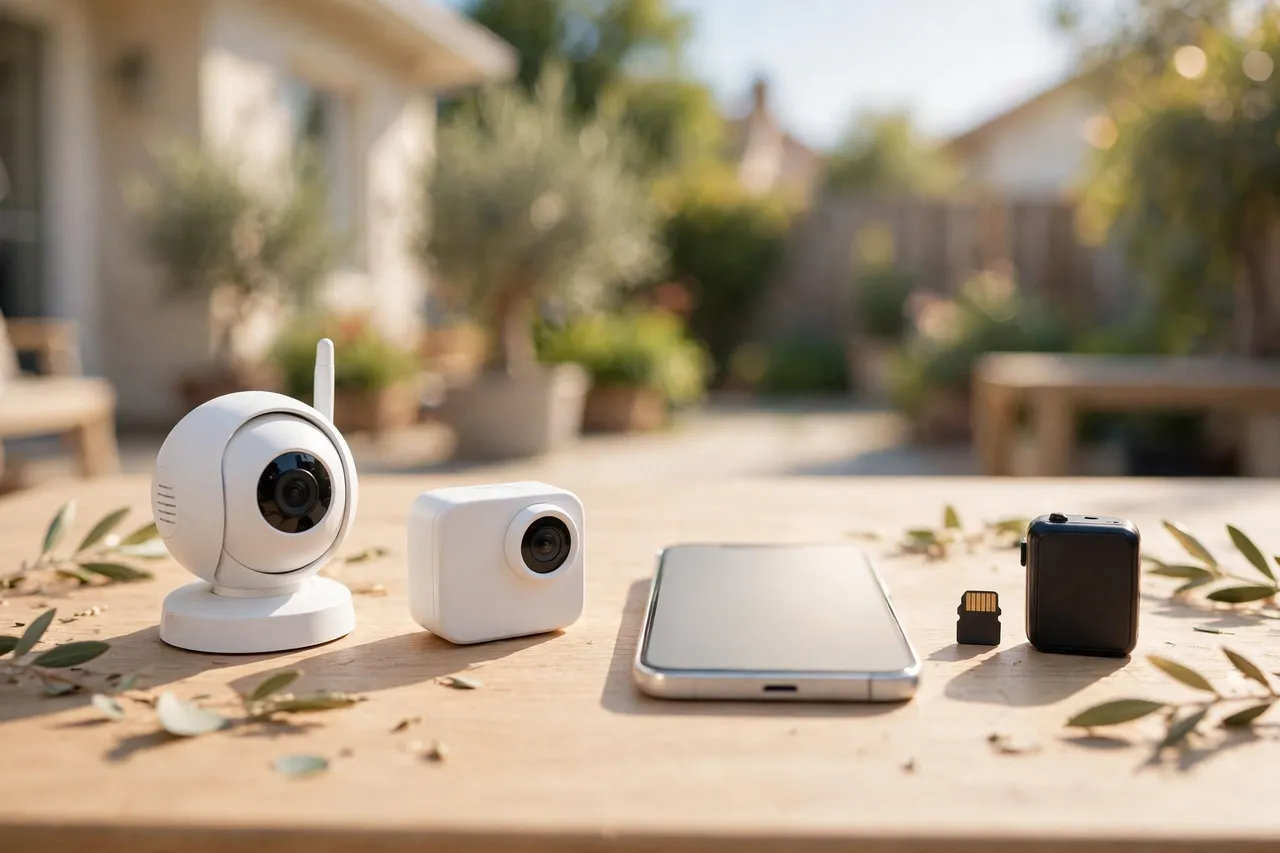
Which Method Fits Your Situation?
The right method depends on the place, not the camera. Match your situation to the row below before you look at a single product page.
Which no-WiFi method fits each situation
| Situation | Best method | Why it wins |
|---|---|---|
| Rural cabin or farm | Cellular + solar | Remote alerts, no power or Wi-Fi needed |
| Rental apartment | AP mode or hotspot | No drilling, no new contract, take it with you |
| Construction site | Cellular + SD card | Moves with the site, records even if signal drops |
| RV or camper | Cellular or hotspot | Works wherever you park with signal |
| Detached garage or shed | AP mode + SD card | Cheap, no monthly bill, check it when you are there |
| No cell signal at all | SD card or DVR | Records with zero network of any kind |
Rural Cabin or Farm
A cabin or farm is the classic cellular camera job. Nobody is there most of the week, the nearest router is miles away, and the thing you need most is an alert on your phone the moment someone pulls into the drive. A battery-powered cellular camera with a solar panel covers it: the panel keeps the battery topped up, the SIM sends the alert, and the SD card saves the clip even if the signal wavers. Check the cell signal at the exact mounting spot with your phone first. One bar on your phone usually means a camera will struggle there too, so test before you mount anything. For more on battery life and solar panels, see our guide to the battery operated security camera.
Rental Apartment or House
Renters need a camera they can install without drilling, without a landlord’s permission for wiring, and without a broadband contract. A battery camera in AP mode fits: mount it with a magnetic or adhesive base, join its signal from your phone, and take it with you when you move. If your building already has Wi-Fi but you do not want the camera on it, AP mode keeps the video off the shared network entirely. Check your lease before you mount anything outside, and point the camera at your own door, not a shared hallway.
Construction Site
A construction site has no Wi-Fi, no fixed address for a broadband install, and a real theft problem. A cellular camera on a post or a job trailer watches the gate and the tool storage, sends alerts to the site manager’s phone, and moves to the next job when this one ends. Add a second camera that records only to an SD card at the back of the site, so a signal dead spot does not leave a gap in the record. Battery plus solar is the practical power choice, because site power is unreliable and often switched off at night.
RV, Camper, or Boat
An RV moves, so a fixed Wi-Fi camera makes no sense. A cellular camera travels with you and works at any campsite with cell coverage. Your phone’s hotspot is the backup for a normal Wi-Fi camera you already own, but only while you are in the RV with the hotspot on. For a boat in a marina, check the signal at the slip, not at the dock office, because metal hulls and masts block signal in ways that surprise first-time buyers.
What It Costs to Run: Cameras and Data Plans
A no-Wi-Fi camera has two prices: the camera you buy once, and the data plan you pay every month. Budget for both before you buy, because the cheapest camera can become the most expensive one once the plan is added. Prices below were checked on November 8, 2026, from the makers’ own US stores and guides, and they change often.
Cellular camera prices and data plans, checked November 8, 2026
| Camera or plan | Price | What you get |
|---|---|---|
| Reolink Go PT Plus | $161.49 | 2K cellular camera, battery, pan and tilt |
| Reolink Go PT Ultra | $188.99 | 4K cellular camera, battery, pan and tilt |
| Reolink Go Ranger PT | $186.99 | Cellular camera, battery, pan and tilt |
| Soliom S800C 4G solar | $89.00 | 2K cellular camera, solar panel, battery |
| Soliom S40R 4G solar | $39.90 | 2K cellular camera, built-in SIM, solar |
| AT&T prepaid data, 15 GB | $35 a month | No upfront commitment |
| AT&T prepaid data, 20 GB | $25 a month | Pay $300 upfront for 12 months |
| Soliom data plan | $14.90 a month | 3 GB, 300 MB free trial |
Two details in that table deserve a closer look. First, the AT&T $25-a-month figure only applies if you pay $300 upfront for a full year. Without that commitment, the real starting price is $35 a month for 15 GB. Reolink’s own AT&T guide spells that out, and it is the kind of fine print that doubles a budget. Second, the cheapest cameras, like the Soliom S40R at $39.90, often lock you to the maker’s own SIM and data plan. You cannot swap in a cheaper carrier SIM later, so compare the plan price over two years, not just the camera price on day one.
How much data will you actually use? It depends on how you set the camera up. Motion-only recording with short clips and occasional live checks uses far less data than continuous recording or daily live viewing. Reolink notes that data is consumed strictly during live streaming, app configuration, or cloud backups, so a camera that sits quietly and records motion clips to its SD card sips data, while a camera you watch live for ten minutes a day drinks it. Set the camera to motion-only recording, keep the resolution at 2K instead of 4K, and turn off continuous cloud upload if the app allows it. Those three settings are the difference between a $15 plan and a $35 plan.
Also ask about the SIM before you buy. Some cameras take any carrier SIM, so you can pick the carrier with the strongest signal at your spot. Others ship with a built-in SIM tied to one provider, and you cannot change it. A camera with an open SIM slot costs a little more upfront and saves you far more over time, because you can shop for the cheapest plan that works at your location.
How to Set Up a Cellular Camera, Step by Step
Setting up a cellular camera takes about 20 minutes once you have the SIM and the signal checked. Do the checks first, because a camera mounted in a dead spot is a camera you will take down again.
- Check the cell signal at the mounting spot. Stand there with your phone and look at the bars. Two bars or more is good. One bar means the camera will connect slowly or drop out, so try a spot a few feet away or higher up.
- Pick the carrier with the strongest signal there, not the cheapest plan in general. Ask neighbors which carrier works best at your address, because coverage maps lie about valleys, metal roofs, and thick walls.
- Activate the SIM and data plan before you mount the camera. Some makers activate the SIM in the app, others need a carrier store visit. Do this at home, where you have help and a second phone if something goes wrong.
- Charge the battery fully and insert the microSD card. Format the card in the camera app, not on your computer, so the camera writes to it correctly.
- Mount the camera 8 to 10 feet high, angled down about 15 to 30 degrees. That height sees faces instead of the tops of heads, and it keeps the camera out of easy reach.
- Open the app, add the camera, and watch the live feed for a full minute. Walk through the frame and check that motion alerts reach your phone. If the feed stutters, move the camera a few feet or raise it higher.
- Turn on motion-only recording, set the detection zone to the path or driveway, and turn on person detection if the camera offers it. These three settings save battery and data from day one.
- Point the solar panel south, in direct sun, with no shade from eaves or trees. A panel in shade is decoration, not power.
If the camera will not connect, check three things in order: the SIM is active and has data left, the camera has signal at its mounting spot, and the app is logged into the right account. Nine times out of ten, the problem is one of those three.
Power: Battery, Solar, and Plug-In
A camera without Wi-Fi is often a camera without power too. A cabin, a fence line, or a construction site rarely has an outlet where you want the camera, so power decides as much as connectivity does.
Battery cameras are the most flexible. Most run 2 to 6 months on a charge with normal motion-triggered use, and a busy spot facing a road can cut that to weeks. Cold weather shortens battery life further, and a camera that records constantly will drain in days. Our battery operated security camera guide breaks down exactly what drains a battery fastest and how to stretch it.
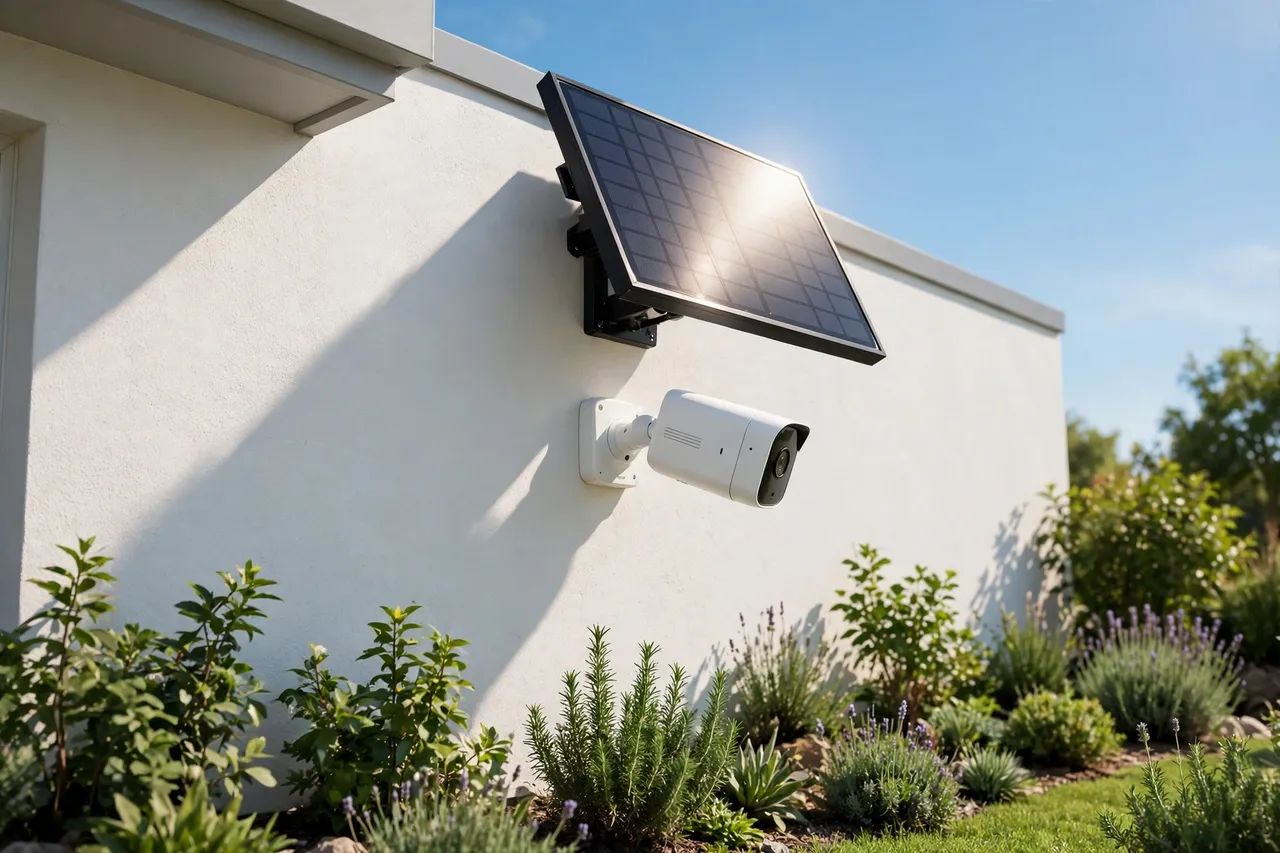
Solar panels fix the charging chore in sunny spots. A small panel keeps the battery topped up, so you rarely climb a ladder at all. The panel needs 3 to 4 hours of direct sun a day to keep up, and it fails on a shaded north wall or under a deep eave. Treat solar as a battery stretcher, not a power plant: it works when the camera triggers a reasonable number of times a day, not when it faces a busy street around the clock.
Plug-in power is the most reliable choice wherever an outlet exists, because it supports continuous recording and never needs charging. The Defender PhoenixM2 system takes a different approach entirely: its cameras plug in and send video over a private radio link to a 7-inch monitor with a built-in recorder, no Wi-Fi and no phone app at all. That suits a small shop or office where someone watches the monitor on site, but it does not put video on your phone, so it answers a different need than this guide covers.
The Limits Nobody Puts on the Box
No-Wi-Fi cameras are honest tools with real limits, and knowing them now saves you from disappointment later.
No Signal Means No Alerts
A cellular camera is only as good as the cell signal at its mounting spot. In a valley, a metal barn, or a basement-level garage, the camera may connect slowly, send alerts late, or drop offline entirely. The SD card keeps recording through a signal dip, but you will not know about a visitor until the signal returns. Test the signal first, and never mount a cellular camera where your phone shows no bars.
Data Plans Cap What You Can Watch
Every gigabyte has a price. Live viewing is the biggest data cost, so a household that checks the camera ten times a day will pay far more than a household that checks it once a week. Set a monthly data budget in the app if it offers one, and turn on alerts for data use so a busy week does not blow the plan. If the plan runs out mid-month, most cameras keep recording to the SD card but stop sending live video and alerts until you top up.
Battery Cameras Record Clips, Not Continuous Video
Most battery cameras sleep between motion events to save power, so they record clips of 10 to 60 seconds instead of round-the-clock video. That covers the moments that matter, but there is no continuous footage to rewind. If you need 24/7 recording, a plug-in camera with a local recorder is the right tool, and it works without Wi-Fi too.
Cloud Storage Needs a Connection Too
Cloud clips are a backup, not a guarantee. A cellular camera uploads clips over the same mobile data you pay for, so cloud backup costs data on top of live viewing. An SD card costs nothing per month and works with no signal at all, but a stolen camera takes its clips with it. The safest setup is both: SD card for the full record, cloud for the motion clips that matter most. Our guide to high resolution security cameras explains how resolution choices change storage needs, which matters twice as much when every gigabyte is metered.
Privacy and the Law Still Apply
A camera that watches a shared walkway, a neighbor’s yard, or a public sidewalk can create legal trouble, and rules vary by state and city. Point cameras at your own property, tell household members and regular visitors that cameras are recording, and check local audio-recording rules before you enable the microphone. Renters should also check the lease and ask the landlord before mounting anything outside. If you are still choosing the camera itself, our guide to wireless security cameras for outdoors covers placement, weatherproofing, and mounting height in detail.
Cellular vs AP Mode vs SD Card: The Quick Decision Guide
If you have read this far and still feel torn, use this one-paragraph rule. Buy a cellular camera if you need alerts and live video while you are away from the property, and budget for the data plan as part of the camera’s real price. Choose AP mode with an SD card if you visit the property often, want no monthly bill, and only need to check footage while you are there. Use your phone’s hotspot only as a temporary fix while you decide. And if the spot has no cell signal at all, skip the phone connection entirely and buy a good SD card camera or a wired recorder, because a camera that cannot reach any network cannot lie to you about being connected.
Related Guides
If this guide helped you choose a connection method, these guides cover the next decisions: our battery operated security camera guide explains battery life and solar power, our security camera with an SD card guide covers local storage in depth, and our wireless security cameras for outdoors guide covers placement and weatherproofing for the camera once it is mounted.
Frequently Asked Questions
Can wireless indoor security cameras work without the Internet?
Yes, with limits. Eufy explains that without internet, its wireless indoor cameras can still record locally to an SD card or a connected base station, so you can review footage directly from the camera or its storage. You lose live remote viewing, cloud storage, and real-time alerts until the connection returns.
Can a WiFi camera work without internet?
Yes, some Wi-Fi cameras can work without an active internet connection. They may still record footage locally to a microSD card or a connected home base, and basic functions like motion detection can continue. Remote viewing, cloud storage, and real-time alerts will not be available without internet.
What security cameras work without WiFi?
Cameras that work without Wi-Fi include 4G LTE cellular cameras, which use a SIM card and mobile data, and wired cameras with built-in storage or a DVR recorder. Eufy notes that these cameras can be installed anywhere and operate independently of the internet, providing continuous monitoring in places with limited or no Wi-Fi access.
Can I use a 4G security camera without a SIM card?
No, a 4G security camera requires a SIM card with an active data plan to transmit footage and send alerts. Without a SIM, the camera may still record to an internal microSD card if it supports one, but you will not be able to view the live feed or receive remote notifications on your phone.
What is the Best Camera that Connects to Your Phone without Wi-Fi?
The best camera that connects to your phone without Wi-Fi is a 4G LTE cellular camera, such as models from the Reolink Go series. These cameras use cellular networks to transmit video and notifications directly to your smartphone app, with no home router involved. Pick the model that matches your carrier’s signal and your budget for the data plan.
Start with the signal test, not the shopping cart. Stand where the camera will hang, check your phone’s bars, and let that one reading choose the method: cellular if you need alerts from far away, direct AP mode if you only check footage on site, and an SD card camera if no signal reaches the spot at all. Buy the camera that fits that answer, set it to motion-only recording, and test the alerts before you walk away. Your property will be watched, your phone will tell you when it matters, and no router will stand in the way.



