
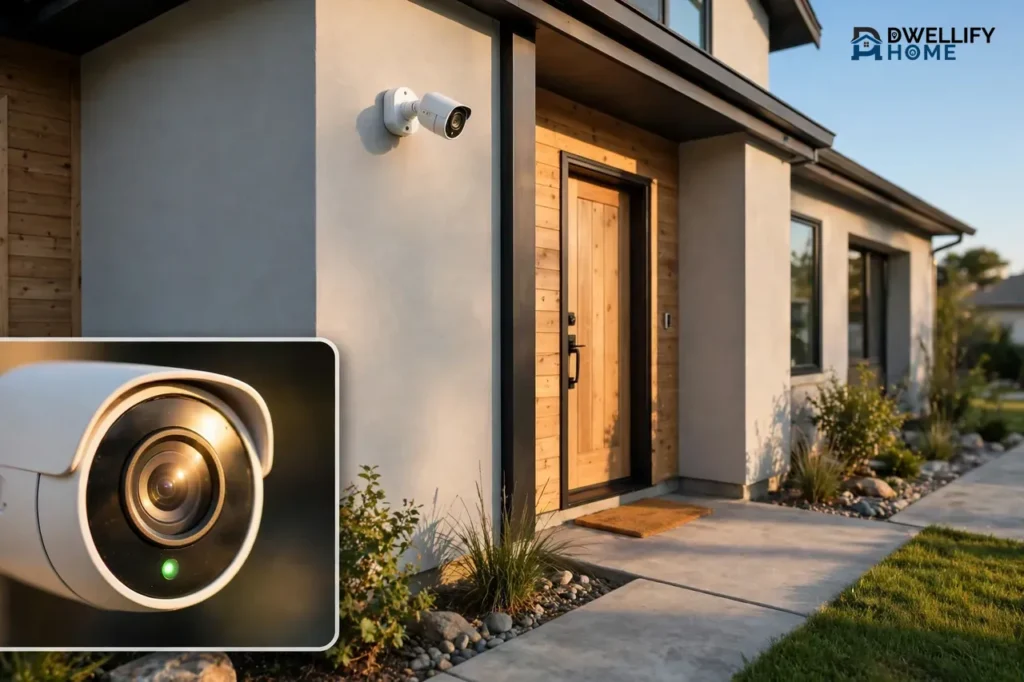
The best wireless security cameras for outdoor use are the ones that survive your weather, hold a steady Wi-Fi signal where you mount them, and record clear video day and night without surprise monthly fees. Most buyers pick a camera first and think about placement later, and that is exactly backwards. A great camera in a bad spot misses faces, floods you with false alerts, or drops offline in the rain.
Start with placement, then match the camera to the spot. This guide covers weatherproofing, Wi-Fi range, mounting height, power, video quality, and storage, then matches cameras to real situations with prices checked on November 6, 2026.
💡 Practical Home Tip: Before you buy anything, stand at your front door and your back door and look at what a camera would actually see. If a bush, a porch post, or a bright light blocks the view from where you stand, it will block the camera too. Move the mounting spot first, not the camera later.
Weatherproofing: What IP Ratings and Temperature Limits Really Mean
Outdoor cameras live outside in every season. The two numbers that tell you whether one will survive are its IP rating and its operating temperature range. Check both before you buy.
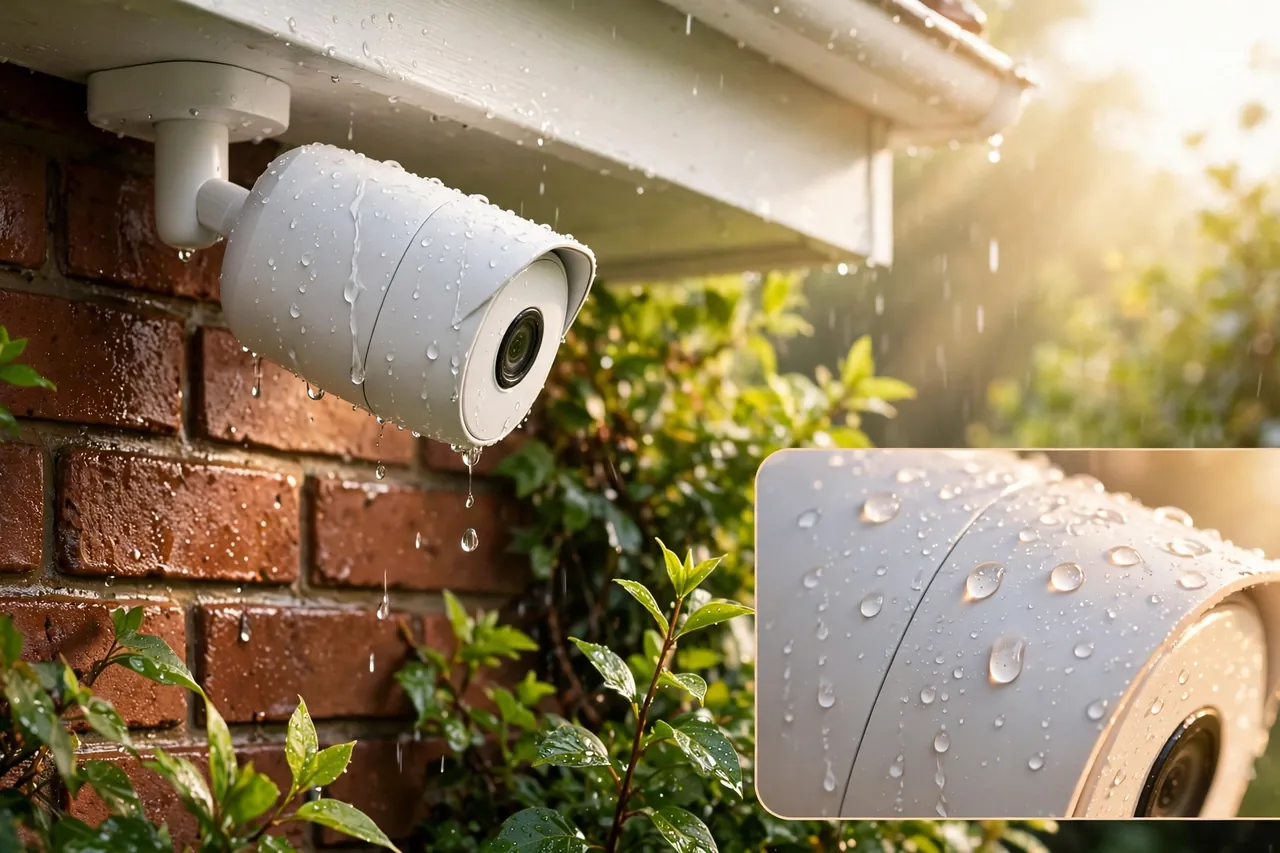
IP Ratings, Explained in Plain Words
An IP rating has two digits. The first digit rates dust protection, and the second rates water protection. For outdoor cameras, look for IP65 or better.
| Rating | What it handles | Good enough outdoors? |
|---|---|---|
| IP65 | Dust-tight and rain from any direction | Yes, for most homes |
| IP66 | Dust-tight and strong water jets | Yes, for heavy rain and storms |
| IP67 | Dust-tight and brief dunking in water | Yes, for flood-prone spots |
| Below IP65 | Light rain at best | No, keep it under a deep porch roof |
IP65 is the sweet spot for most homes: it handles rain, snow, and dust. IP66 and IP67 add margin for harsh storms, but they cost more. Never mount a camera rated below IP65 fully out in the open.
Temperature Limits Matter More Than Most Buyers Expect
Every outdoor camera lists a working temperature range, and cold is the bigger problem. Batteries lose charge faster in the cold, and some cameras will not charge at all below freezing. Google notes that its Nest Cam battery will not charge in freezing temperatures, so owners in cold climates may need to bring it inside to charge in winter.
Heat causes trouble too: a camera baking in direct afternoon sun can overheat and shut down. Check the listed range against your coldest winter night and your hottest summer afternoon, not your average day.
Wi-Fi Range Outdoors: How Far Is Too Far?
Wi-Fi range is the number one reason outdoor cameras disappoint. The box may promise hundreds of feet, but walls, trees, and metal eat that range fast. Test your signal at the mounting spot before you drill.
2.4 GHz Reaches Farther, 5 GHz Runs Faster
Most outdoor wireless cameras connect on the 2.4 GHz Wi-Fi band because it travels farther and passes through walls better than 5 GHz. The trade-off is speed: 2.4 GHz is slower and more crowded. A few newer cameras, like the Arlo Pro 5S, support both bands, so you can pick reach or speed per camera.
| Wi-Fi band | Open-air range | Real-world range with walls and trees |
|---|---|---|
| 2.4 GHz | Up to 500 feet | About 40 to 150 feet |
| 5 GHz | Up to 200 feet | About 50 to 100 feet |
What Kills Wi-Fi Signal Outdoors
Walls are the biggest signal killer, especially brick, stone, and metal siding. Trees and thick shrubs absorb signal too, and metal fences, sheds, and garage doors reflect it away. Even the router’s spot matters: one buried in a basement corner has to fight through the whole house before its signal reaches the yard.
Test the Signal Before You Mount Anything
Walk to the exact mounting spot with your phone and check the Wi-Fi signal there. If you see two bars or fewer, the camera will struggle. Open a video from that spot to confirm, and fix the signal first if it stutters.
Three fixes work well. Move the router closer to the camera’s side of the house, or higher up. Add a mesh Wi-Fi node or an outdoor access point on that side. Or add a Wi-Fi extender in a window with a clear view toward the camera, which can add roughly 75 to 150 feet of usable coverage. For a detached garage more than 150 feet away, a point-to-point wireless bridge is the reliable answer.
Where to Put Outdoor Wireless Cameras
Placement is where most buyers go wrong, and it is where this guide differs from the big roundups. SafeHome and CNET rank cameras but say far less about where to put them. Yet a camera’s spot decides what it sees, how many false alerts it sends, and whether its footage is ever useful.
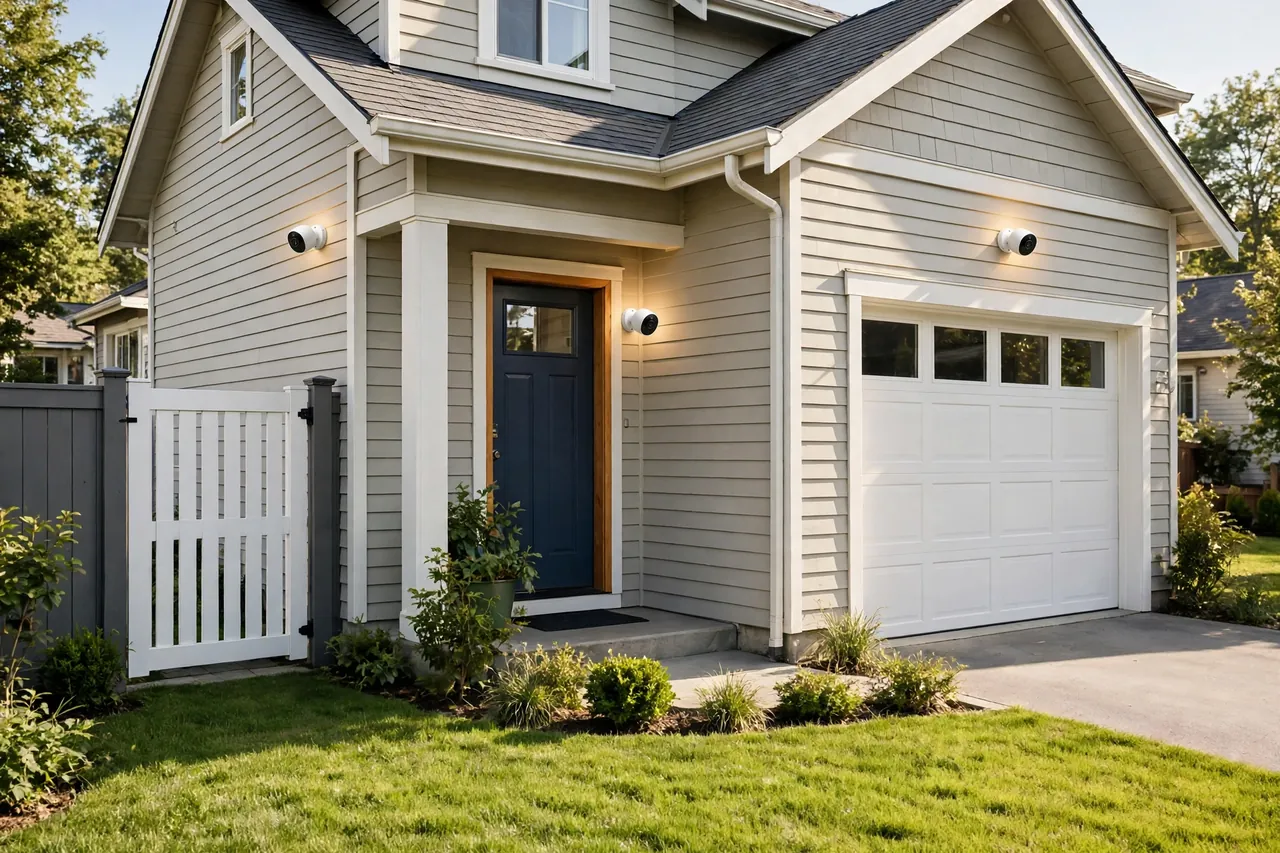
Mount at 8 to 10 Feet High
Mount outdoor cameras 8 to 10 feet off the ground. That is high enough that a passerby cannot easily reach the lens, and low enough that the camera still sees faces instead of the tops of heads. Above 12 feet you see hats and hoods, not faces.
Angle the camera down about 15 to 30 degrees. That keeps the horizon out of the frame, cuts sky glare, and puts faces in the center of the picture. Walk through the view wearing a hat and check the live feed on your phone. If you only see your hat brim, lower the angle.
Cover the Entry Points First
Start with the front door, the back door, and the driveway, the spots any visitor or intruder must pass. A front-door camera should see the porch and the walkway, not just the doormat. A driveway camera should see the cars and the approach, and a back-door camera should cover the door and the yard path to it.
Add one over the garage door if it faces the street, and one at a side gate if you have one. Side yards are the quiet approach most cameras miss. Four well-placed cameras cover most single-family homes.
Pairing a front-door camera with a smart lock for the front door gives you the full picture: you see who is there and you control the lock from the same phone.
What to Avoid When Placing Cameras
Never point a camera straight into the rising or setting sun: the glare whites out the image for an hour each day. Never point one at a busy street either. Every passing car becomes a motion alert, your battery drains fast, and your recordings fill up with strangers who never came near your house.
Keep cameras away from tree branches that sway in the wind, since the motion sensor reads them as movement all day. Aim away from air conditioner units and dryer vents too, since heat can trigger sensors on cold nights. And never mount a camera where a porch light shines straight into its lens at night.
Your Placement Checklist
- Mount 8 to 10 feet high, angled down 15 to 30 degrees.
- Cover the front door, back door, and driveway before anywhere else.
- Check the live view on your phone while wearing a hat.
- Confirm at least two bars of Wi-Fi at the mounting spot.
- Keep the sun, busy streets, and swaying branches out of frame.
- Make sure the camera sees faces, not just the tops of heads.
- Leave room to reach the camera with a ladder for charging or cleaning.
Power Options Compared: Battery, Solar, and Plug-In
Every outdoor wireless camera gets power one of three ways. Battery is the most flexible, solar removes the charging chore, and plug-in is the most reliable.
| Power option | Best for | Main drawback | Upkeep |
|---|---|---|---|
| Battery | Spots far from outlets | Needs recharging every few months | Take down and charge 2 to 4 times a year |
| Solar | Sunny walls and fences | Needs direct sun to keep up | Wipe the panel now and then |
| Plug-in | Porches and spots near outlets | Needs an outlet nearby | Almost none |
Battery Power: Total Freedom, With a Charging Chore
Battery cameras mount anywhere with Wi-Fi, which is why they are the most popular outdoor choice. A typical battery lasts three to six months on a charge, depending on how often motion triggers it. A camera watching a quiet backyard lasts far longer than one facing a busy driveway, and cold weather shortens battery life.
The chore is real: you climb a ladder, take the camera down, charge it, and put it back. Keep a spare battery charged if your model supports one, so the swap takes a minute.
Solar Power: Set It and Mostly Forget It
A small solar panel keeps a battery camera topped up, so you rarely climb a ladder at all. Eufy says its SoloCam S340 runs on about two hours of direct sun a day. The catch is sunlight: a panel on a shaded north wall or under a deep eave will not keep up, and short winter days can leave the battery draining slowly.
Plug-In Power: The Reliable Workhorse
Plug-in cameras draw steady power from an outlet, so they can record around the clock and never need charging, which makes them the best choice for a porch or garage with an outlet nearby. The trade-off is placement: you can only mount them within reach of an outlet. A plug-in camera also stops in a power cut, while a battery camera keeps recording to local storage. Eufy explains this in its guide to cameras during power outages: battery and solar cameras keep running on their own charge, but plug-in cameras stop the moment the power goes out.
Video Quality and Night Vision That Actually Matter Outdoors
Resolution numbers sell cameras, but outdoors, field of view, night vision range, and motion handling matter just as much. A 4K camera aimed badly still produces useless footage.
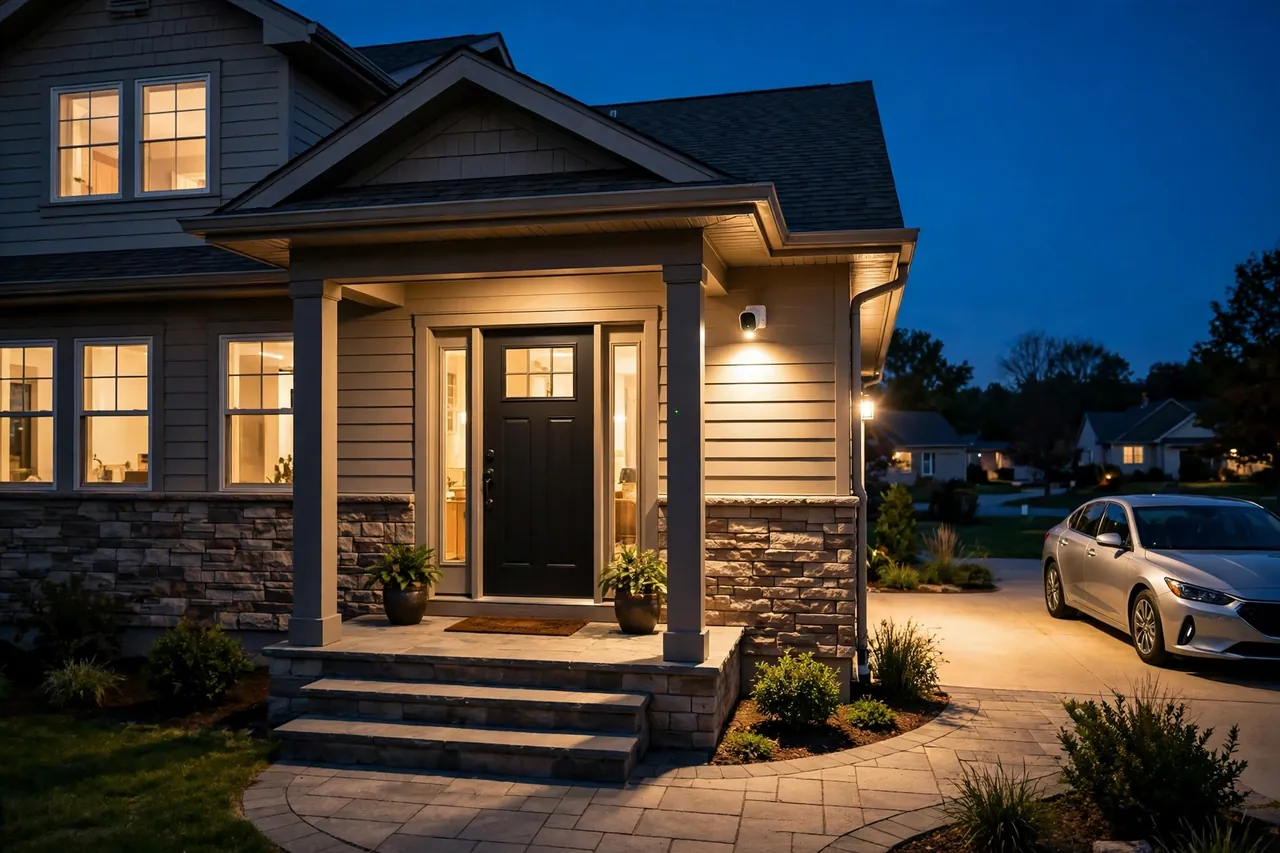
Resolution: 1080p, 2K, or 4K?
1080p is enough to see that someone is on your porch. 2K gives you a clearer face at 20 to 30 feet, and 4K lets you zoom in on a license plate across a wide driveway. Most homes do fine with 2K; buy 4K for a long driveway or large yard. Higher resolution also uses more Wi-Fi bandwidth and storage, so a weak signal hurts 4K cameras most.
Field of View: Wide Beats Zoomy Outdoors
Field of view is how much of the scene the camera sees. A wide 160 to 180 degree view covers a whole driveway or yard from one corner mount, while a narrow view leaves blind spots at the edges. The Reolink Argus 4 Pro stands out with a 180 degree view, which is why it tops SafeWise’s outdoor list for wide coverage.
Night Vision: Infrared vs. Color
Most outdoor cameras use infrared night vision, which shows a clear black-and-white picture in the dark. Typical infrared range runs 30 to 50 feet, while stronger models reach up to 100 feet. Color night vision uses a built-in spotlight or a very sensitive sensor to show color at night, which helps you describe clothing or a car’s color. If your camera watches a dark backyard, pick a model with a spotlight or strong color night vision rather than basic infrared alone.
Smart Detection Cuts False Alerts
Basic motion detection alerts you to everything: cars, cats, rain, and branches. Person, vehicle, and animal detection filters that noise so your phone only buzzes when it matters. This feature often sits behind a subscription on Ring and Arlo, while Google’s Nest Cam includes free person, animal, and vehicle alerts with a free three-hour video history.
Storage: Local vs. Cloud
Storage decides whether you can watch a clip from last Tuesday. Cloud storage saves clips on the maker’s servers, usually for 30 to 60 days, for a monthly fee. Local storage saves clips on a memory card or a hub in your home, with no monthly fee.
| Storage type | Monthly cost | What you get | Risk |
|---|---|---|---|
| Cloud | About $3 to $13 a month | Clips saved off-site, easy sharing | Stops if you stop paying |
| Local (memory card or hub) | $0 | Clips stay in your home | Lost if the camera or card is stolen |
Ring Protect starts at $4.99 a month for one camera or $9.99 a month for unlimited cameras, according to SafeHome, and without it Ring cameras show live video but save no recordings. Arlo Secure starts around $7.99 a month for a single camera, and SimpliSafe’s cloud recording comes with monitoring plans from $32.99 a month.
Local storage avoids all of that. Eufy, Reolink, and Lorex cameras record to a memory card or a home hub with no required fee. The trade-off is that a stolen camera takes its clips with it, so check the card now and then.
Best Outdoor Wireless Security Cameras by Situation
There is no single best outdoor wireless camera for every home. The right pick depends on your budget, your smart home, and whether you will pay a monthly fee. Prices below were checked on November 6, 2026, and they change often, especially around sales.
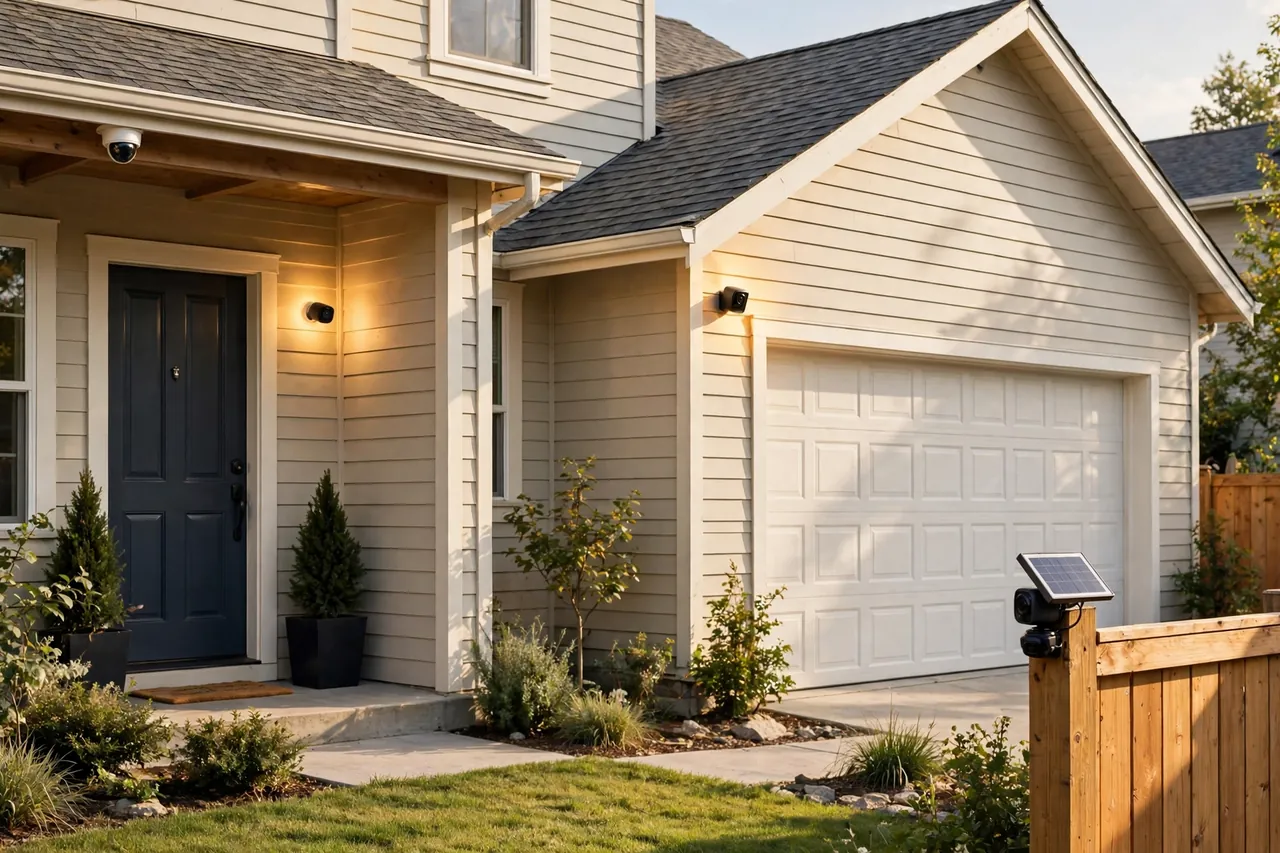
| Camera | Best for | Price | Standout feature |
|---|---|---|---|
| Arlo Pro 5S 2K | Best overall picture and detection | $179.99 | 2K HDR, 160 degree view, dual-band Wi-Fi |
| Ring Stick Up Cam Battery | Alexa homes on a budget | $49.99 | Cheapest way into the Ring system |
| Blink Outdoor 4 | Longest battery life, lowest upkeep | $99.99 | Up to two years on AA batteries |
| Google Nest Cam (battery) | Free smart alerts, no required fee | From $149.99 | Free person, animal, and vehicle alerts |
| Reolink Argus 4 Pro | Widest view, no subscription | $179.99 | 4K, 180 degree view, local storage |
| SimpliSafe Outdoor Camera | Live agent deterrence | $199.99 | Agents can warn intruders in real time |
Best Overall: Arlo Pro 5S 2K
The Arlo Pro 5S 2K is the strongest all-rounder, with sharp 2K HDR video, color night vision, a 160 degree field of view, and dual-band Wi-Fi that helps it hold a signal. It costs $179.99 for a single camera at Best Buy, checked November 6, 2026. The catch is the subscription: Arlo Secure unlocks cloud recording and its smartest detection, so budget for the monthly fee. Security.org lists the Pro 5S at the same $179.99 price in its 2026 outdoor camera roundup.
Best Budget: Ring Stick Up Cam Battery
If your home already runs on Alexa, the Ring Stick Up Cam Battery is the cheapest way in at $49.99, according to SafeHome. It mounts anywhere and pairs with Ring doorbells and lights in one app. You will need Ring Protect at $4.99 a month to save recordings, so count that in the true cost.
Best Battery Life: Blink Outdoor 4
The Blink Outdoor 4 runs up to two years on two AA batteries, the longest battery life of any camera here. It costs $99.99, or $119.99 with the Sync Module that adds local storage, according to Security.org. The picture is 1080p, fine for a porch or side yard, but not for reading plates across a long driveway.
Best Without a Subscription: Reolink Argus 4 Pro
The Reolink Argus 4 Pro records 4K video across a 180 degree view and saves clips to a memory card with no required monthly fee. SafeWise lists it at $179.99 and names it the best outdoor camera overall for 2026.
Best for Professional Monitoring: SimpliSafe Outdoor Camera
SimpliSafe’s outdoor camera costs $199.99, according to SafeHome, and its standout feature is Active Guard Outdoor Protection: live agents can warn a verified threat off with the camera’s siren, spotlight, and two-way audio. That needs the Pro monitoring plan at $49.99 a month, and the camera must be plugged in for Active Guard to work.
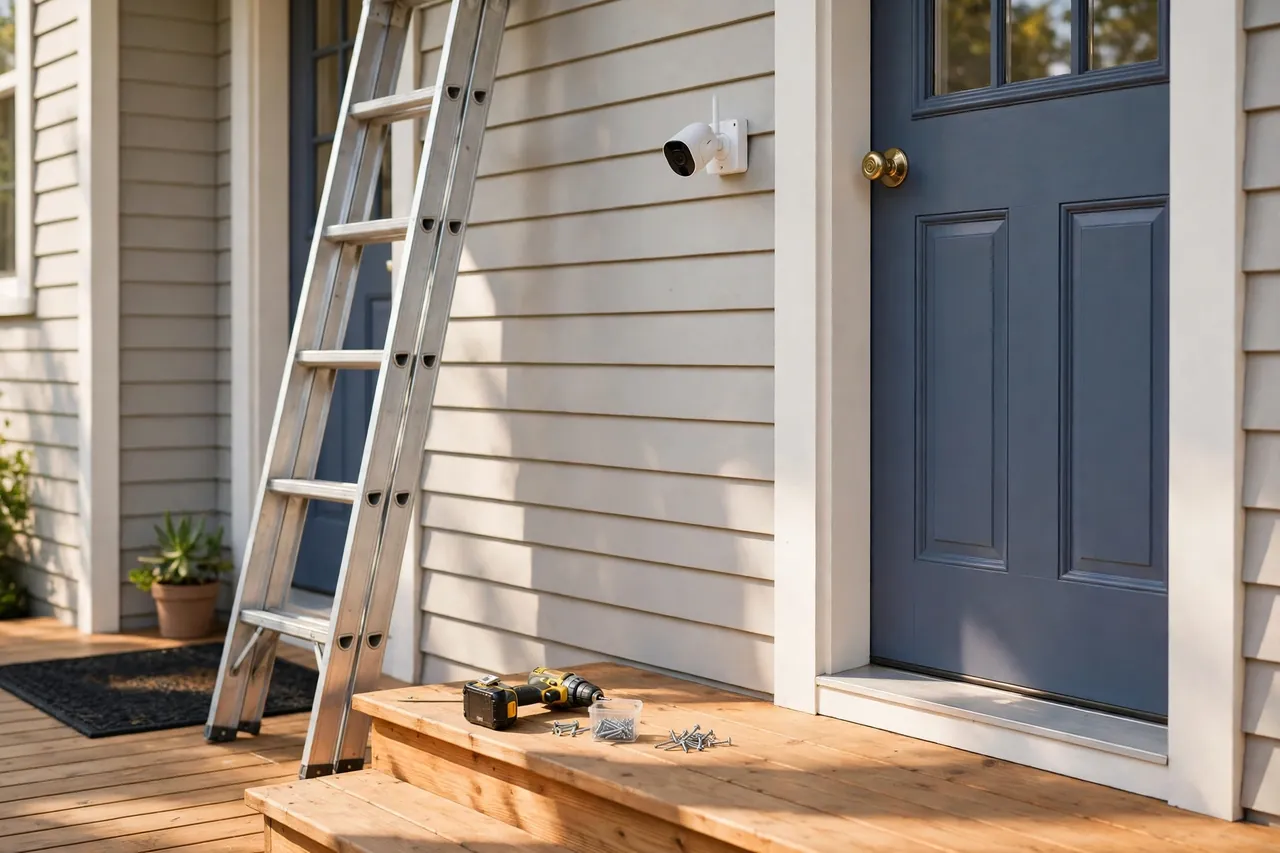
How to Install Outdoor Wireless Cameras in an Afternoon
Most battery wireless cameras take 15 to 30 minutes each to install. Do the job in this order.
- Test the Wi-Fi at each mounting spot with your phone before you drill anything.
- Mark the mounting height at 8 to 10 feet and check the view on your phone with the camera held in place.
- Drill pilot holes, fix the mount with the screws in the box, and clip the camera in.
- Angle the camera down 15 to 30 degrees and check the live view again.
- Set motion zones in the app to cut out the street, the sidewalk, and swaying branches.
- Turn on person detection if your camera offers it, so alerts mean something.
- Walk through each camera’s view, day and night, and adjust the angle until faces are clear.
Do the night walk on the same day. A camera that looks perfect at noon can stare straight into a porch light at midnight, and fixing it then takes five minutes.
Mistakes That Waste Your Money
- Buying a 4K camera for a spot with one bar of Wi-Fi. The video will stutter and the camera will drop offline.
- Mounting above 12 feet. You get a great view of hats and nothing else.
- Pointing a camera at the street. False alerts drain the battery and bury the alerts that matter.
- Skipping the subscription math. A $50 camera plus $10 a month costs $410 over three years.
- Forgetting the cold. Batteries die fast in winter, and some will not charge below freezing.
- Skipping the night check. Test every camera after dark on installation day.
Motion-triggered lighting makes cameras work better at night, and light automation for your home can switch porch and yard lights on with motion, so the camera sees color instead of grainy infrared.
Related Guides
If you are building out your smart home security, these guides pick up where this one leaves off: the best smart lock for your front door pairs with a front-door camera, light automation for your home makes your cameras see better at night, and a light switch with a timer keeps your home looking lived-in while you are away.
Frequently Asked Questions
What is the best wireless outdoor security camera?
For most homes, the Arlo Pro 5S 2K is the strongest all-rounder, with 2K HDR video, color night vision, and dual-band Wi-Fi for $179.99, checked November 6, 2026. If you want no monthly fee, the Reolink Argus 4 Pro at the same price records 4K to a memory card. Pick by your situation, not by a single ranking.
Do wireless security cameras work without an internet connection?
Mostly no for the features you bought the camera for. You need Wi-Fi for motion alerts, live video away from home, and cloud clips. But cameras with local storage, like a memory card or home hub, can keep recording while the internet is down, and you can watch those clips later.
How long do wireless security camera batteries last?
Most rechargeable wireless camera batteries last three to six months on one charge, depending on how often motion wakes the camera. A quiet backyard camera lasts far longer than one facing a busy driveway. The Blink Outdoor 4 is the outlier, running up to two years on two AA batteries.
Can wireless cameras work without Wi-Fi?
Most standard wireless home cameras need Wi-Fi to send live video and alerts to your phone. If you have no Wi-Fi at the spot, your options are a cellular camera, such as the Arlo Go 2, which runs on a 4G LTE data plan, or a camera with local storage that records without a network and lets you review footage later. A weak Wi-Fi signal is not the same as no Wi-Fi: fix the signal first before you pay for cellular.
How far can a standard 2.4 GHz security camera stay connected?
In open air, a 2.4 GHz camera can reach up to 500 feet from the router, while 5 GHz reaches about 200 feet. In a real home, walls, trees, and metal siding cut that down fast, and a reliable range of 40 to 60 feet through walls is common. Always test the signal at the mounting spot before you buy or drill.
A quick note on privacy and the law: camera rules vary by state and town, and recording audio has stricter rules than video in many places. Point cameras at your own property, avoid neighbors’ windows and private spaces, and check your local rules before you record audio. Mount cameras firmly, use a stable ladder, and ask a professional for help with any high or hard-to-reach install.
Start with the three spots that matter most: the front door, the back door, and the driveway. Test the Wi-Fi at each one, mount at 8 to 10 feet, and check the view at night on the same day you install.



