
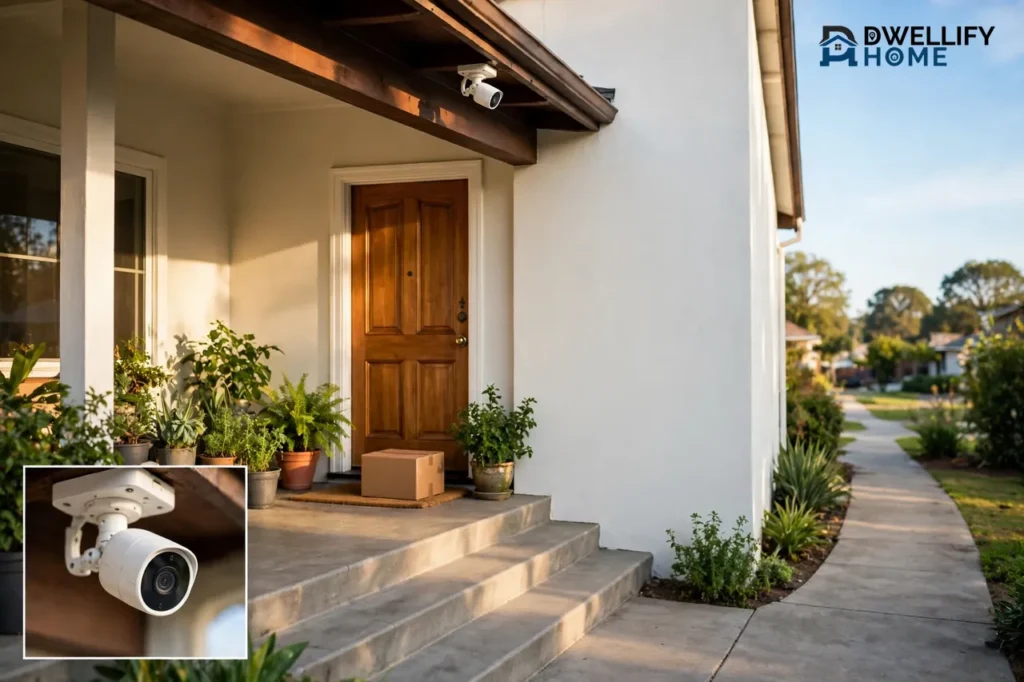
A front porch camera watches the small zone where packages land, visitors knock, and porch pirates strike. Mount it 8 to 10 feet high, aim it at the walkway and the spot where deliveries land, and choose at least 1080p video with person detection, and you can see faces clearly, catch every delivery, and cut most false alerts.
This guide covers the whole porch decision: camera or doorbell, package-theft setup, mounting height and angle, lighting and night vision, power, weather, privacy, and storage. Follow it and you buy once and place it right the first time.
What a Front Porch Camera Actually Does
A front porch camera is an outdoor camera aimed at your entryway. It covers the front door, the steps, the walkway, and the exact spot where drivers leave packages. That zone is the busiest patch of ground around most homes, and it is also the patch a doorbell alone cannot fully cover.
The camera records motion events, sends a phone alert when someone approaches, and lets you watch live or play back clips later. Most models add two-way audio, so you can speak to a visitor or warn off a stranger without opening the door. Person detection tells the camera to flag people and ignore swaying branches, pets, and passing cars.
Think of the porch as the middle zone of your home security. A doorbell watches faces at the door. A driveway camera watches cars and the street. The porch camera sits between them and watches the ground where things actually happen: the knock, the delivery, and the grab-and-go theft. If you want that middle zone covered, a porch camera is the tool for the job.
Front Porch Camera vs. Video Doorbell: When Each One Wins
The doorbell and the porch camera look like rivals, but they do different jobs. A video doorbell is built around a button and a conversation. It sits at chest height beside the door, shows the visitor head to toe, and lets you talk to them. A porch camera sits higher, sees a wider area, and records what happens before and after the knock.
Here is how they compare, side by side.
Porch camera vs. video doorbell at a glance
| Feature | Front porch camera | Video doorbell |
|---|---|---|
| Best job | Recording the porch, walkway, and package spot | Talking to visitors at the door |
| Mounting height | 8 to 10 feet, under the eave or on the wall | About 4 to 5 feet, beside the door |
| View | Wide view of the approach and the porch | Narrow, head-to-toe view of the doorstep |
| Package view | Strong, if aimed at the drop spot | Good, if the lens reaches down to the mat |
| Power | Battery, plug-in, solar, or PoE | Battery or existing doorbell wiring |
| Weak spot | No button, no chime, faces less sharp | Narrow view, easy to cover or remove |
Choose the doorbell first when talking to visitors matters most: frequent deliveries, guests, and service calls. A battery-operated doorbell is the easy start when you have no doorbell wiring, and it needs no electrician. If you want the chime and the button but no camera at the door itself, a smart doorbell without a camera pairs well with a separate porch camera above.
Choose the porch camera first when coverage matters most: a wide porch, a side path, packages left out of the doorbell’s view, or a history of theft. A wired porch camera also records more reliably than a battery doorbell, because it has continuous power and sits out of easy reach.
For a main entrance with daily deliveries, the honest answer is often both. The doorbell handles faces and conversations at the threshold. The camera above records the walkway, the porch, and anyone who approaches without ringing. Together they leave almost no blind spot at the front of the house.
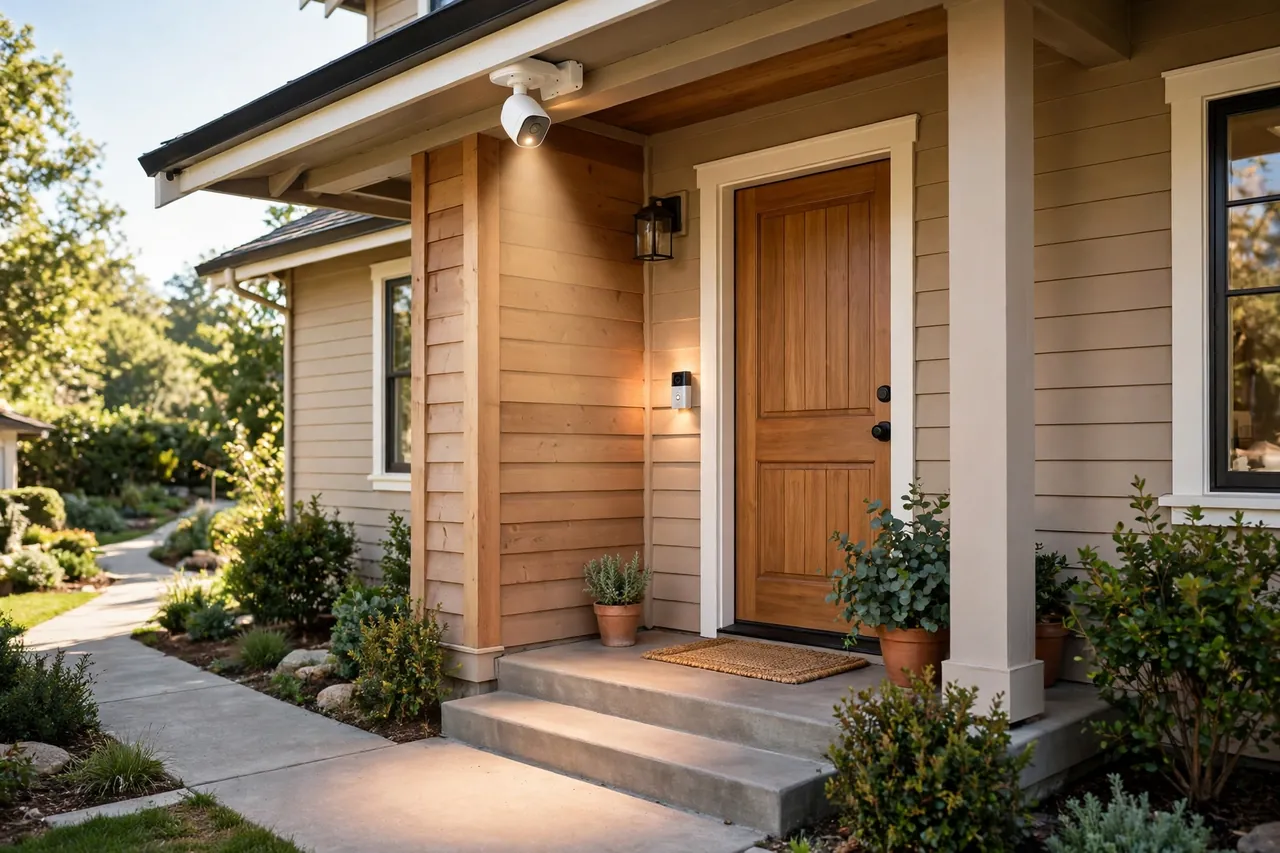
How a Porch Camera Stops Package Theft
Package theft is not a rare annoyance. SafeWise’s 2025 U.S. Package Theft Report estimates that more than 104 million packages were stolen in the past year, roughly 250,000 every day, at a cost of about $15 billion to consumers, with the average stolen package worth around $143. About 31% of Americans had a package stolen in the past 12 months. (SafeWise 2025 U.S. Package Theft Report)
A camera helps in three ways. First, a visible camera makes a thief think twice, because the theft is on record. Second, clear footage gives police and the retailer something to work with when a package does disappear. Third, package detection alerts tell you the moment a delivery lands, so the box spends less time sitting outside.
Placement decides whether any of that works. Aim the camera so one frame shows both the approach path and the drop spot, the place where drivers usually leave boxes. On most homes that is the area right in front of the door, under the bell, or beside a porch column. If your camera sees only the door handle, it will miss the box on the mat, and it will miss the person who picks it up.
Keep the drop spot out of easy view from the road when you can. Research cited by SafeWise found that 93% of stolen packages were visible from the road, so a box tucked behind a column, a planter, or a porch wall is a harder target than one sitting in plain sight. Ask drivers to leave packages in that sheltered spot, and tell the camera to watch it.
One camera cannot watch everything. If your walkway is long or the driveway feeds the porch from the side, a second view of the approach helps. Our guide to a driveway security camera covers that outer zone, so the porch camera can stay focused on the door.
Be honest with yourself about limits. A camera records a theft and helps you prove it, but it cannot physically stop someone from grabbing a box. Pair it with fast pickup, delivery instructions, a lockbox, or a neighbor who grabs the box for you, and the camera becomes the last layer of a plan instead of the whole plan.
Where to Mount It: Height, Angle, and the Package Spot
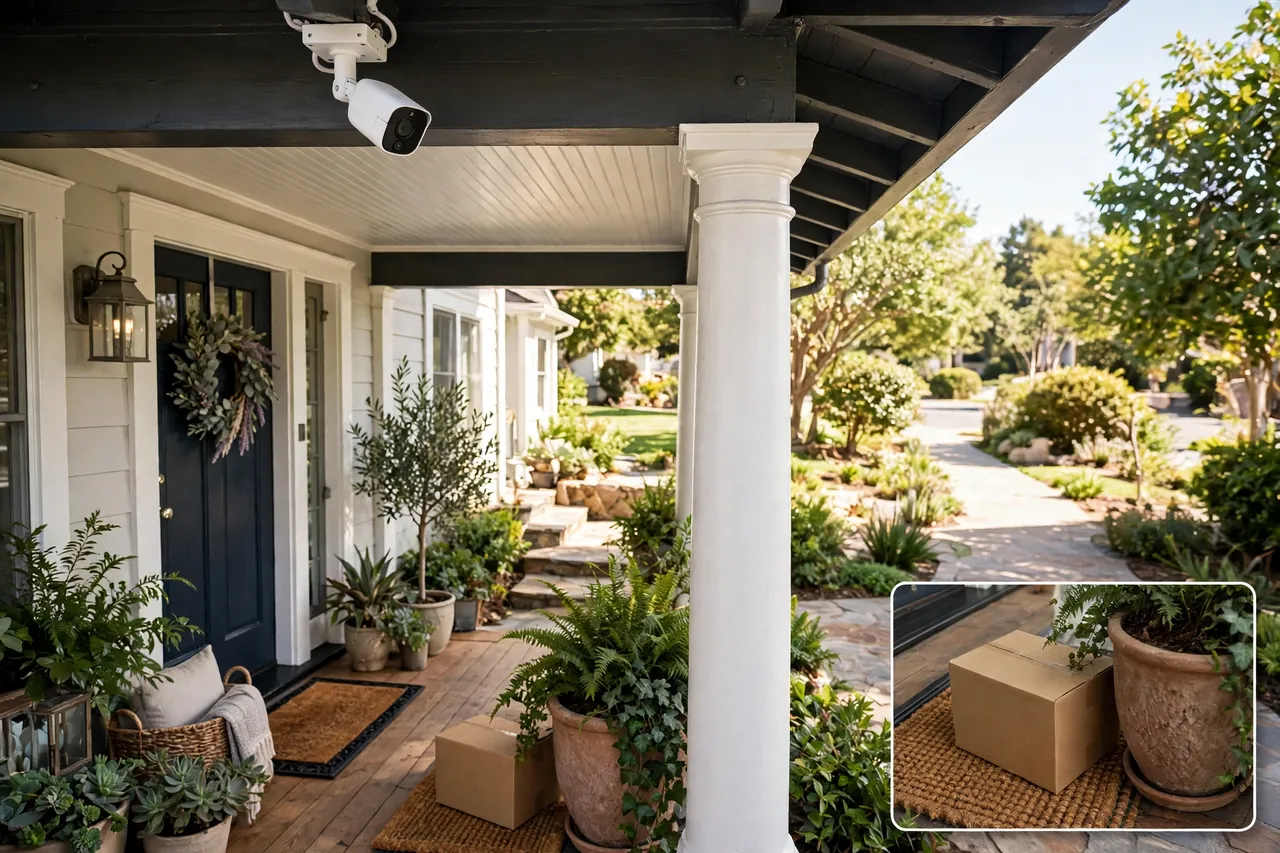
Mount a porch camera 8 to 10 feet high, under the eave or high on the wall beside the door. That height keeps the camera out of easy reach, gives it a wide view of the porch, and still keeps faces readable. Guides from Reolink put a standalone front-door camera at 8 to 12 feet, and Vivint recommends about 9 feet for outdoor cameras, so 8 to 10 feet is a safe middle ground.
Angle the lens down just enough to include two things in one frame: faces at the door and packages on the ground. A camera pointed straight down at the doormat sees boxes but misses faces. A camera pointed level at the street sees faces but misses the mat. Walk the frame with your phone’s live view and adjust until both are in shot.
Angle across the walkway, not straight along it. The motion sensors in most battery cameras pick up side-to-side movement far better than someone walking straight toward the lens. A camera mounted to the side of the door, looking across the path a visitor takes, catches the approach seconds earlier than one staring straight down the walk.
Follow these steps when you mount it:
- Hold the camera at the planned spot and check the live view on your phone before you drill anything.
- Confirm the frame includes the door, the steps, the walkway, and the package drop spot.
- Check the Wi-Fi signal at that exact spot, because a weak signal means delayed alerts and choppy video.
- Mount the bracket, aim the camera, then walk the path yourself and watch the alerts arrive.
- Test again at night, when lighting and night vision change everything.
Renters can skip the drilling. A battery camera on a no-drill mount, a clamp mount on a porch column, or a camera screwed into a wooden porch post leaves little or no damage, and you can take the camera with you when you move.
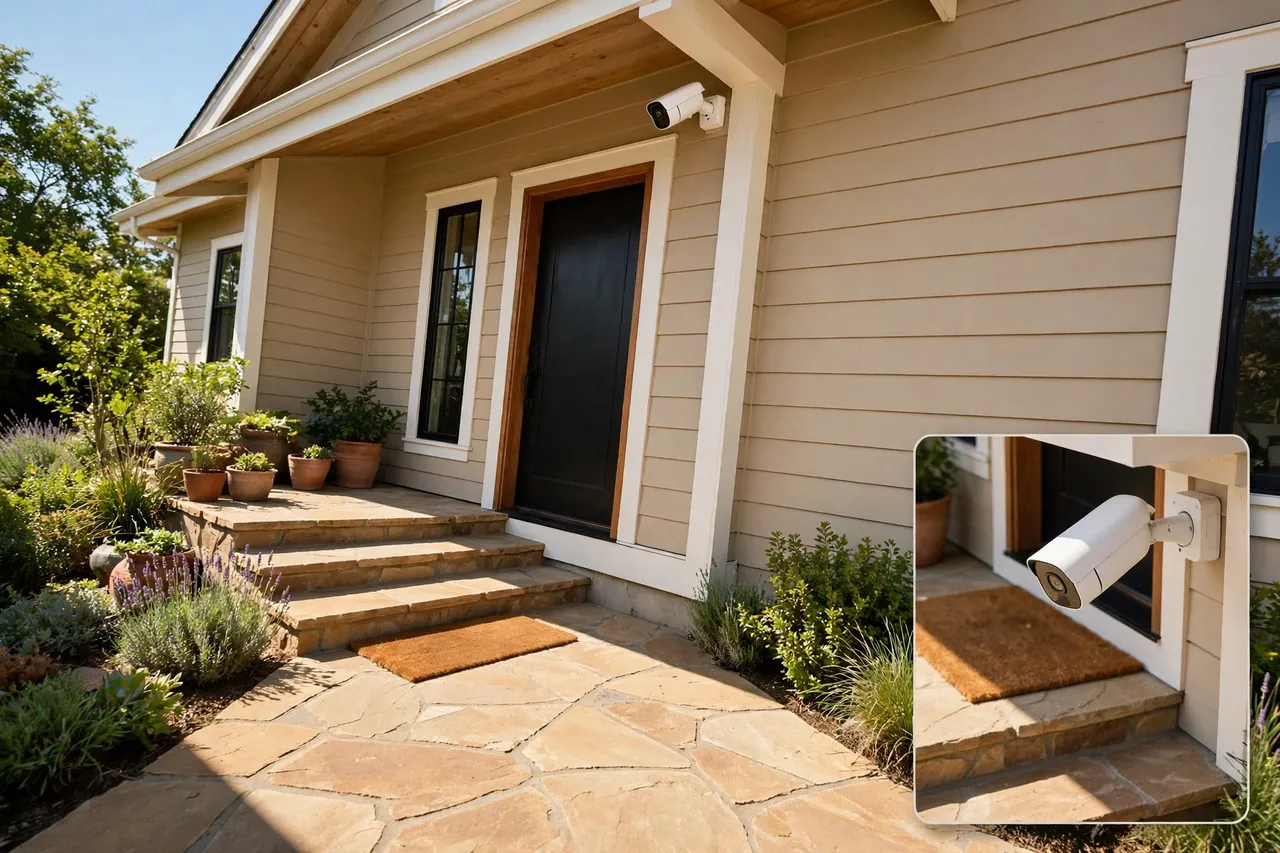
Porch Lighting and Night Vision That Actually Identify Faces
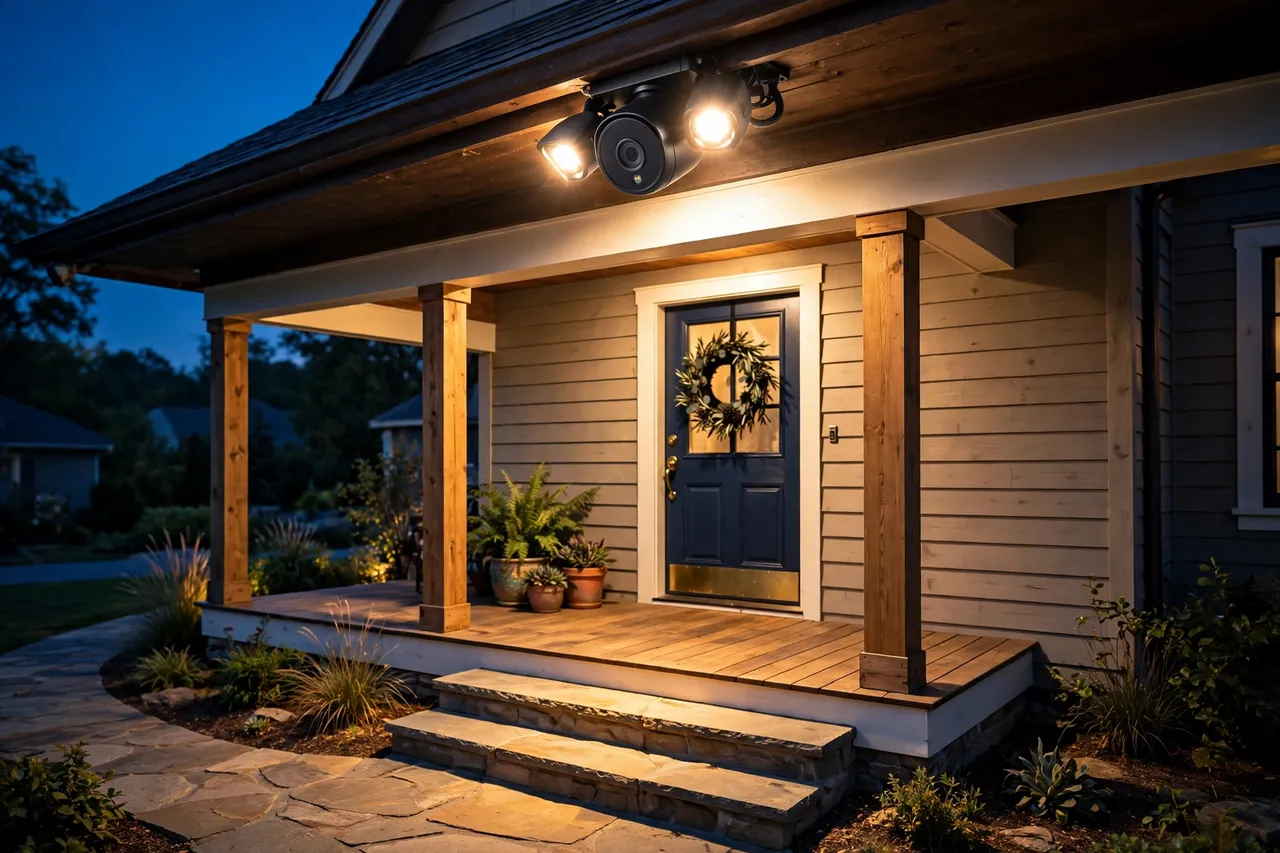
Most porch thefts and break-ins happen after dark, so night performance matters as much as daytime sharpness. Two kinds of night vision exist. Infrared night vision turns the picture black and white and works in total darkness, but faces can look washed out. Color night vision uses a built-in spotlight or a large-aperture lens to keep the picture in color, which makes clothing and skin tones easier to describe to police.
Choose at least 1080p resolution, and step up to 2K or 4K if faces and license plates matter to you. Below 1080p, a face blurs into pixels the moment someone steps back from the lens. A wide field of view, 120 degrees or more, covers the whole porch from one mount point instead of leaving gaps at the edges.
Your porch light can help or hurt. A bright bulb right next to the lens washes out the image and can trigger false motion alerts from the heat. Reolink’s porch camera guide warns that a camera placed too close to a bright porch light may show washed-out white images with no detail. Keep the camera a few feet from the bulb, or aim the light at the walkway while the camera watches from the side.
A floodlight camera solves the problem by combining the light and the lens in one unit. The light turns on with motion, the camera records in color, and the sudden brightness startles a stranger. If your porch has no light at all, this is often the simplest fix. For a smarter setup, a light automation routine can turn the porch light on at dusk and off at dawn, and a light switch with a timer does the same job without any app.
Test the night view before you call the job done. Walk up to the door after dark, ring the bell, and check the recording. If faces glow white or vanish into shadow, move the camera or the light until both are readable.
Power Options: Battery, Wired, Solar, and PoE
Power decides how much work the install takes and how reliable the camera is. There is no single best option. The right one depends on whether you have an outdoor outlet, an Ethernet cable run, or nothing at all near the porch.
Power options for a front porch camera
| Power type | How it works | Best for | Watch out for |
|---|---|---|---|
| Battery | Rechargeable battery, charged every few months | Renters and porches with no outlet | Charging chores and wake-up delay |
| Plug-in wired | Outdoor outlet powers it around the clock | Continuous recording and fast alerts | Needs a weatherproof outlet nearby |
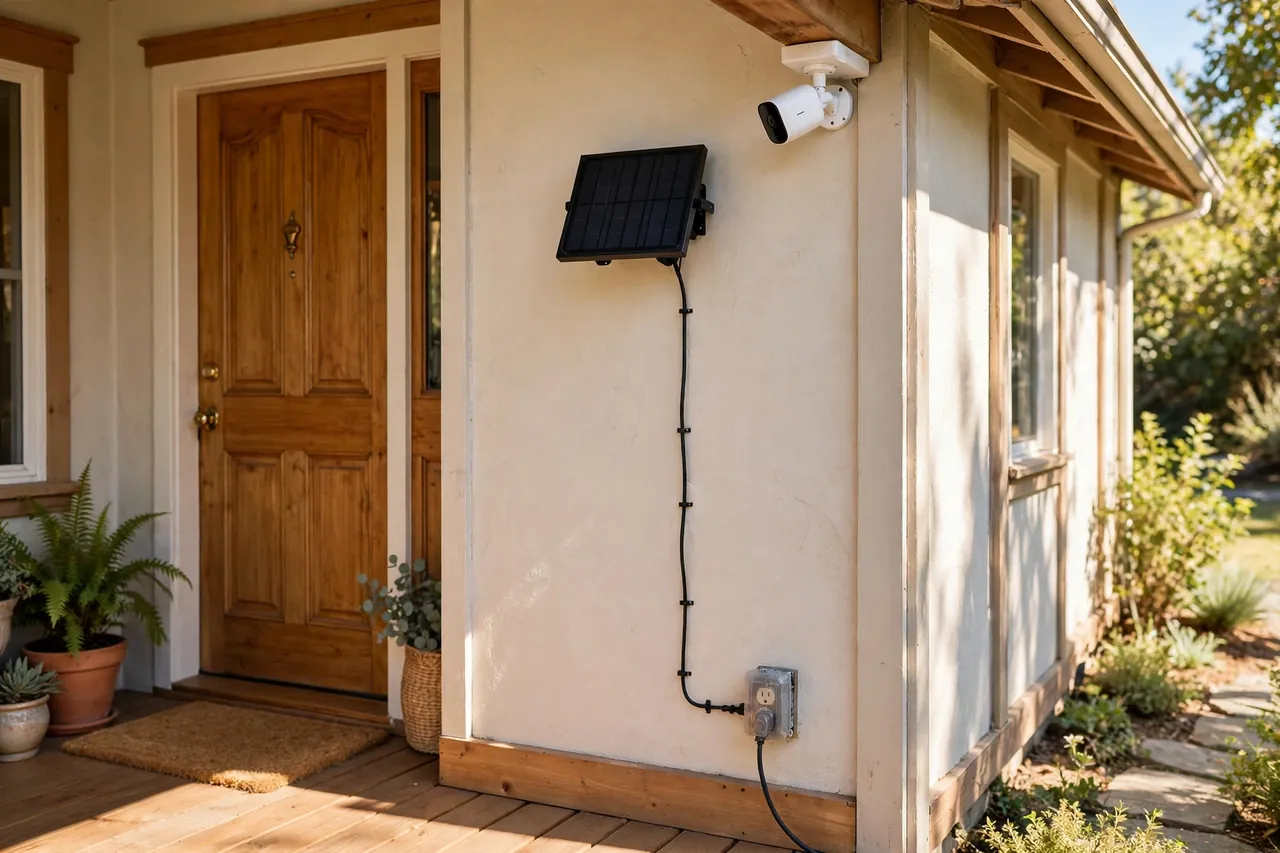
| Solar | Small panel trickle-charges the battery | Sunny porches where you hate charging | Weak sun in winter means more charging |
| PoE | One Ethernet cable carries power and data | The most reliable, always-on setup | Needs a cable run and a PoE switch or NVR |
Battery cameras are the easiest to place anywhere, and a small solar panel can stretch the time between charges to months. But a battery camera sleeps to save power, so it can miss the first second or two of an event while it wakes up. For a porch where packages land all day, that delay is worth knowing about.
Plug-in and PoE cameras stay awake, record continuously, and answer live view instantly. If you already have an outdoor outlet under the eave, plug-in is the easy win. If you are running cable anyway, PoE is the most dependable option of all, with no Wi-Fi dropouts to worry about.
Prices give a sense of the range. The Reolink Argus 4 Pro, a battery camera with a 180-degree 4K view and no subscription, lists at $179.99 on Reolink’s own store. Wyze sells a Front Porch Protection Bundle, a Wyze Cam OG plus a Video Doorbell v2, for $64.99, and a wired version with a Wyze Cam v4 for $99.98. A Ring Battery Doorbell (2K model) lists at $99.99, and a Blink Outdoor 4 Floodlight Camera (one-camera system) lists at $99.99. All prices were checked on November 7, 2026, and they change often, so check the current price before you buy. (Reolink Argus 4 Pro; Wyze Front Porch Protection Bundle)
If you want the full comparison of cable-free options, our guide to wireless security cameras for outdoors walks through battery and solar models in detail.
Weather, Wi-Fi, and Keeping It Running
A porch camera lives outside all year, even under a roof. Rain blows sideways, snow piles on the lens, summer heat bakes the housing, and winter cold drains batteries faster. Check the weather rating before you buy. Look for IP65 at minimum, which handles rain and dust, and IP66 if the camera sits exposed to driving rain. The Reolink Argus 4 Pro carries an IP66 rating, and most good outdoor cameras are rated IP65 or higher.
Check the operating temperature range too, especially in very hot or very cold climates. A camera rated to 14°F will struggle in a Minnesota winter, and a battery camera loses charge faster in the cold. A covered porch helps, but it does not make the camera indoor-safe, so buy a true outdoor rating either way.
Wi-Fi is the other weak link. The camera sits outside, often on the far side of a brick or insulated wall from the router. Before you mount anything, stand at the planned spot with your phone and check the signal. If it is weak, move the router closer, add a mesh node near the front of the house, or pick a PoE camera and skip Wi-Fi entirely. A camera that cannot reach the network is just a decoration.
Keep the lens clean. Spider webs, dust, and rain spots blur night vision first, because the infrared light bounces off the grime. A quick wipe every month or two keeps the picture sharp, and it takes less than a minute.
Motion Zones and Smart Alerts: Cut the False Alarms
A porch camera that alerts you for every passing car, swaying branch, and neighbor’s cat trains you to ignore it. That is the worst outcome, because you will also ignore the one alert that matters. Motion zones fix most of this.
Draw the zone tight around what you actually care about: the porch floor, the steps, and the first few feet of the walkway. Leave the street, the sidewalk, and the neighbor’s driveway out of the zone. Every car that drives past the excluded street is one less buzz on your phone.
Turn on person detection if your camera offers it. The camera then flags people and lets vehicles, animals, and shadows pass without an alert. Some cameras also offer package detection, which flags the moment a box appears on the mat and again if it disappears. Set the sensitivity in the middle to start, then adjust: too high and leaves set it off, too low and it misses a slow approach.
Use schedules and cooldowns to protect your attention. A short cooldown between alerts stops a single visitor from sending five notifications. A schedule that quiets alerts while you are home and awake, then arms fully at night, keeps the system useful instead of noisy.
Where to Keep the Video: Cloud, microSD, or a Home Hub
Video has to live somewhere, and each option trades cost against safety. Cloud storage uploads clips to the maker’s servers, so the footage survives even if someone steals the camera, but it usually needs a monthly plan. A microSD card in the camera costs nothing month to month, yet the card goes with the camera if the camera is taken. A home hub or NVR keeps footage on your own hardware, with the most control and no monthly fee, but you buy the hub and set it up yourself.
Some cameras need no subscription at all for their core features. The Reolink Argus 4 Pro, for example, includes person, vehicle, and animal detection plus local microSD storage up to 512GB with no monthly plan, according to Reolink. That matters over time, because a $10-a-month plan adds $240 over two years, which can erase the savings of a cheap camera.
Ask three questions before you choose. How long do you want clips kept, a few days or a month? What happens to the footage if the camera is stolen? And does the camera still detect people and send alerts with no plan at all? The answers tell you the true cost of the camera, not just the price on the box.
Privacy Rules: Your Neighbors, the Street, and Audio Recording
Video and audio follow different rules, and audio is where porch cameras get homeowners into trouble. Video of your own porch and walkway is generally fine. Audio recording is not.
Federal law sets a one-party consent baseline: under the federal Wiretap Act, 18 U.S.C. § 2511, recording is allowed when at least one party to the conversation consents. But about eleven states go further and require every person in the conversation to agree. Those all-party consent states are California, Delaware, Florida, Illinois, Maryland, Massachusetts, Michigan, Montana, New Hampshire, Pennsylvania, and Washington. (LegalClarity, Is Audio Surveillance Legal?)
The tricky part is passive audio. When you talk to a delivery driver through two-way audio, you are part of that conversation, so consent is straightforward. When the microphone runs all day and records two visitors chatting on your porch, nobody in that conversation consented, and the recording may break the law even in a one-party state. In an all-party state, the risk is higher still.
Protect yourself with simple habits. Angle the camera at your own porch and walkway, not at a neighbor’s windows or front door. Mute the microphone or turn off audio recording if you live in an all-party consent state, unless you are sure everyone recorded has agreed. A small visible sign that says audio and video recording is in use warns visitors and helps show you were open about it. And remember that a door lock is part of the same entryway plan: a good smart lock for the front door and solid door lock security matter just as much as the camera watching over them.
This section shares general information about the law, not legal advice. Recording rules vary by state and change over time, so check your own state’s current law, or ask a local attorney, before you leave audio recording switched on.
A Quick Buying Checklist
Run through this list before you spend anything, and you will avoid the most common porch camera regrets.
- Resolution of at least 1080p, 2K or 4K if you need readable faces.
- Field of view of 120 degrees or more, so one camera covers the whole porch.
- Person detection, so the phone only buzzes for people.
- Weather rating of IP65 or higher, matched to your climate.
- Power that fits your porch: battery, plug-in, solar, or PoE.
- Night vision that fits your light: infrared, color, or a built-in spotlight.
- Storage you can live with: cloud, microSD, or a home hub, with the true monthly cost counted.
- Audio setting checked against your state’s consent law.
- Wi-Fi signal tested at the exact mounting spot.
Related Guides
Driveway Security Camera: How to Choose and Place One That Actually Catches Faces and Plates · Wireless Security Cameras Outdoor: Placement, Wi-Fi Range, and the Best Picks for 2026 · Smart Doorbell Without Camera: A Simple Buying Guide
Frequently Asked Questions
What is the difference between a video doorbell and a front-door security camera?
A video doorbell is a camera built into the button visitors press, mounted at chest height beside the door and made for conversations. A front-door security camera mounts higher, aims at the approach, and is made for recording. One identifies who is at the door, and the other shows how they got there.
Should I get a video doorbell or an outdoor camera first?
If your main concern is activity at the front door, start with a video doorbell, because it gives you a direct view of visitors and deliveries with two-way audio. Choose an outdoor camera first if your bigger concern is a driveway, a side path, or any area the doorbell cannot see.
Can a video doorbell replace a security camera?
Sometimes, but only for compact homes where the entrance is the main point of access. A doorbell will not cover a long driveway, a side gate, or a yard beyond its narrow view. A porch camera above the door records visitors, but it cannot answer the door, so the two devices cover different needs.
Where should a package theft camera go?
Frame the camera to include both the front steps and the exact spot where carriers leave deliveries, rather than only the door handle. Cover the approach path too, so you see the person before they reach the package. A doorbell usually fits the doorstep, while an outdoor camera fills the side-path or driveway gap.
Why is motion detection crucial for deterring porch theft?
Motion detection is crucial because it lets the camera record and alert you the moment someone approaches the porch, instead of recording hours of empty footage. Person detection makes it better still, since it flags people and ignores cars, pets, and moving branches that would otherwise flood you with false alerts.
Where is the best place to put a front door camera?
Mount it 8 to 10 feet up, under the eave or high on the wall, angled to take in the width of your porch or walkway rather than pointing straight down at the doormat. Angle it across the walkway, since motion sensors catch side-to-side movement more reliably than someone walking straight at the lens.
Start with the mount point, not the shopping cart. Stand on your porch, find the spot 8 to 10 feet up where one frame holds the door, the steps, and the package drop spot, and then pick the camera that fits that spot and your power. Get that right and the rest, the alerts, the night view, the storage, falls into place.



