
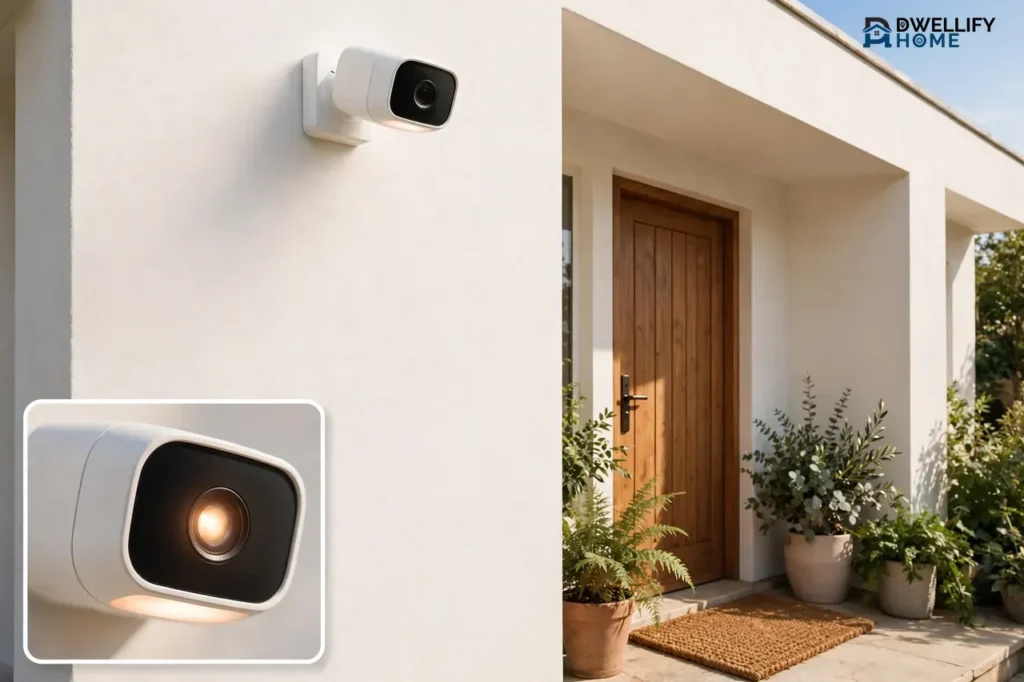
A battery operated security camera is a home camera that runs on a rechargeable or replaceable battery instead of a power cord. It connects to your Wi-Fi, watches for motion, and records short clips when something moves. Most models last 2 to 6 months on one charge with normal use, and they shine where wired cameras cannot go: rentals, sheds, fences, and any spot with no outlet nearby.
That freedom comes with a trade. A battery camera sleeps most of the time to save power, so it records motion-triggered clips instead of round-the-clock video. If you understand that trade before you buy, you will pick the right camera and never feel let down by it. This guide covers how battery cameras work, what really drains the battery, rechargeable versus replaceable batteries, solar add-ons, the honest limits, and the best picks for each situation, with prices checked in October 2026.
💡 Practical Home Tip: Before you buy any battery camera, stand where it will hang and check your phone’s Wi-Fi signal there. A weak signal is the number one battery killer, because the camera works harder to stay connected. If your phone shows one bar, move the camera closer to the router or add a Wi-Fi extender first.
How a Battery Operated Security Camera Works
A battery powered surveillance camera has three jobs: watch, wake, and record. Most of the time it sleeps in a low-power mode and uses almost no energy. A motion sensor, usually a PIR sensor that detects body heat, watches for movement. When it senses a person, pet, or vehicle, the camera wakes up in less than a second, records a clip of 10 to 60 seconds, and sends an alert to your phone.
That sleep-and-wake cycle is the whole secret of battery life. A wired camera can record all day because power is unlimited. A battery camera cannot, so it records only the moments that matter. Some models also offer a live view on demand, two-way talk through a built-in speaker and microphone, a spotlight, and a siren, but every one of those features draws power when you use it.
Most battery cameras connect over Wi-Fi, usually the 2.4 GHz band, because it reaches farther through walls than 5 GHz. A few models use a cellular SIM card instead, which suits cabins, farms, and RVs with no Wi-Fi at all. Your clips go to cloud storage, a microSD card inside the camera, or a small hub in your home, depending on the brand.
How Long Does a Battery Operated Security Camera Last?
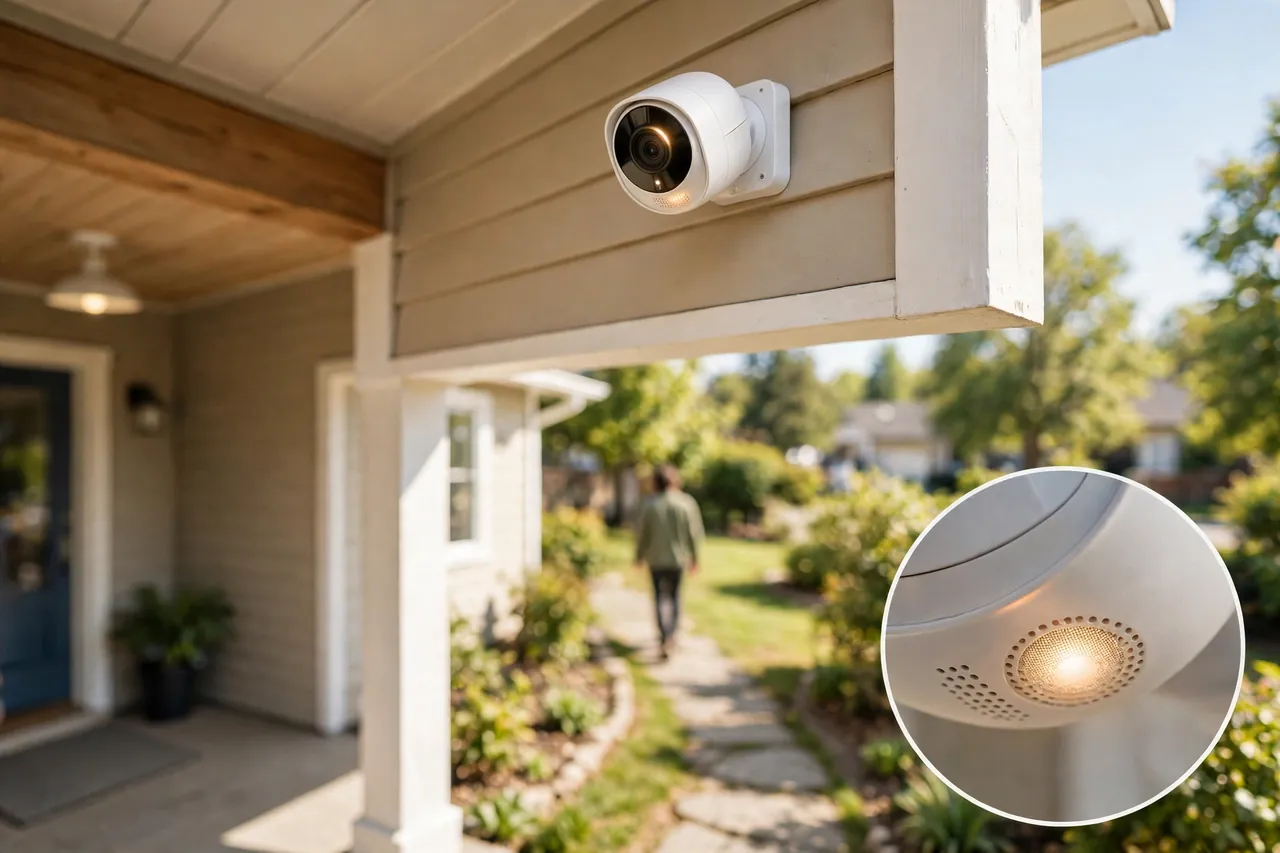
Most battery operated security cameras last 2 to 6 months on a single charge under normal home use. That range comes from several independent guides that agree with each other: eufy puts typical runtime at 2 to 6 months, Pro-Vigil gives 3 months to a year depending on use, and Security.org lists brand averages from 3 to 6 months for Arlo up to 2 years for Blink. The honest answer is that your camera’s real battery life depends far more on where you mount it and how busy that spot is than on the brand name on the box.
Here is what to expect at different activity levels:
| Activity level | Motion events per day | Typical time between charges |
|---|---|---|
| Quiet spot (side yard, shed) | 1 to 3 | 6 to 12 months |
| Normal home (front door, back porch) | 10 to 20 | 2 to 6 months |
| Busy spot (driveway, street-facing yard) | 30 or more | 2 to 6 weeks |
| Continuous recording mode | Always on | A few days to 2 weeks |
Advertised battery life is almost always measured in a lab: mild temperatures, a strong Wi-Fi signal, and only 5 to 10 short recordings a day. Real life is busier. SafeHome’s own testing found a Google Nest Cam battery lasted about three months on average, then dropped to about six weeks in winter cold. Treat the number on the box as a best case, not a promise.
What Drains the Battery Fastest
Seven things decide how fast your camera’s battery runs down. Fix the ones you can control, and you can easily double the time between charges.
- Motion frequency. Every wake-up and recording costs power. A camera facing a busy sidewalk or a street can trigger dozens of times a day, while the same camera on a quiet side gate may trigger twice.
- Video resolution. A 2K or 4K camera processes more data than a 1080p camera, so it drains faster. If battery life matters more than fine detail, drop the resolution one step in the app.
- Weak Wi-Fi. A camera with a poor signal burns extra power just to stay connected and to upload each clip. This is the most overlooked battery drain, and the easiest to fix by moving the camera or the router.
- Cold weather. Lithium batteries lose capacity in the cold. Makers and independent testers report losses of up to 40% below freezing, so a camera that lasts four months in summer may last two in January.
- Live viewing and two-way talk. Watching the live feed and talking through the camera keeps it awake. A few long live-view sessions a week can shave weeks off a charge.
- Spotlight and siren use. A bright spotlight and a loud siren are great deterrents, but they are the hungriest features on the camera. Use them on motion only, not on a schedule.
- Activity zones and detection settings. A camera that watches the whole street records cars all day. Narrow the detection zone to your walkway and turn on person-only detection, and false triggers drop fast.
Rechargeable vs Replaceable Batteries
Battery cameras come in two power styles, and the difference matters more than most buyers expect.
Rechargeable batteries
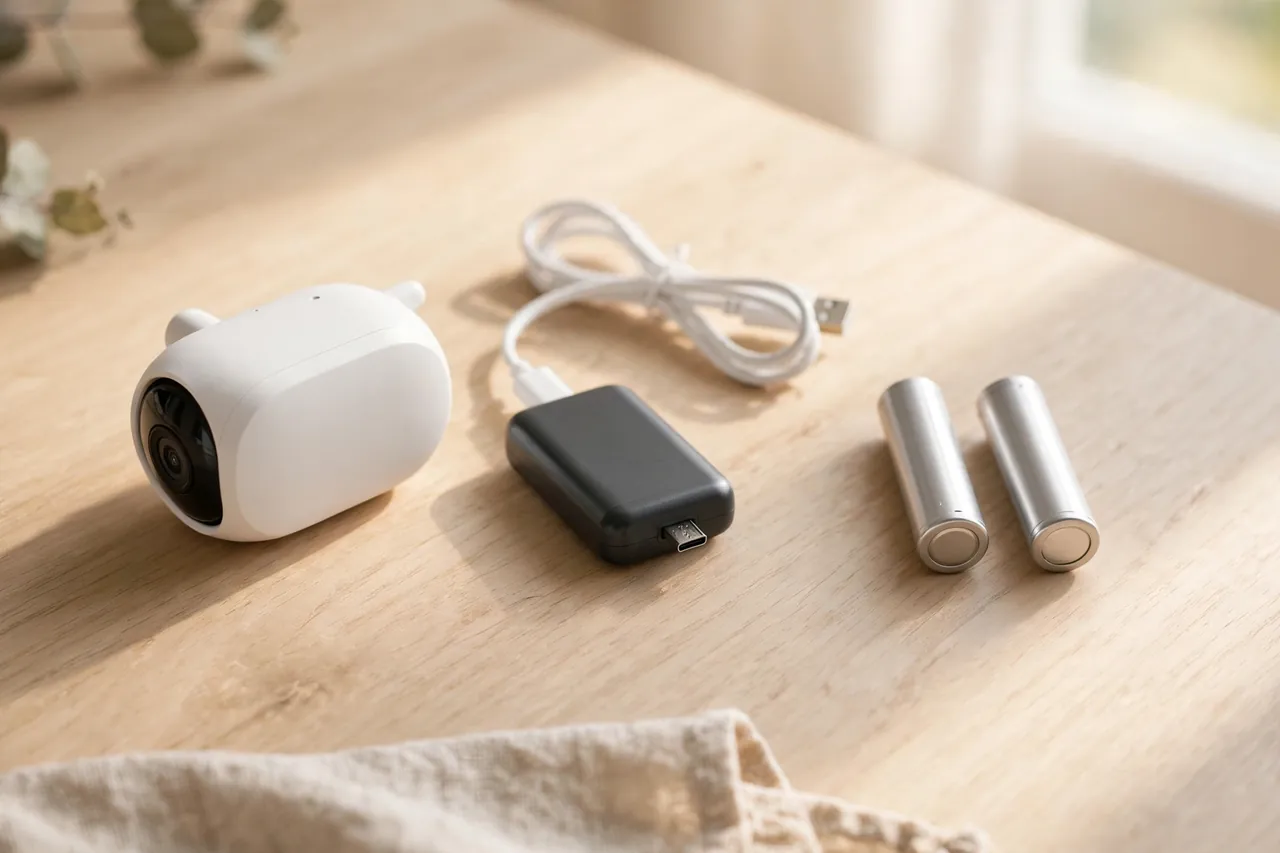
Most battery powered wifi cameras use a built-in or removable lithium-ion pack that you recharge with a USB cable. Some packs pop out so you can swap in a spare, like Arlo and Wyze models, while others, like the Google Nest Cam, charge inside the camera. A rechargeable pack costs you nothing per charge, and the battery itself usually lasts 3 to 5 years before its capacity fades noticeably. The chore is taking the camera down every few months, which gets old fast on a camera mounted high on a wall.
Replaceable batteries
A few cameras, most famously the Blink Outdoor 2K+, run on two AA lithium batteries that you simply replace. Blink rates them at up to two years at 1080p with typical use, the longest claim in this whole category. You never wait for a charge, and a fresh pair costs a few dollars. The trade is a small running cost forever, and you must remember to keep spare batteries in a drawer. Replaceable batteries also suit cold climates well, since lithium AAs handle cold better than many rechargeable packs.
Which one should you pick? Choose rechargeable if you hate buying batteries and your camera sits within easy reach. Choose replaceable if the camera hangs high, you want the longest time between touch-ups, or you want zero charging downtime. If you pick rechargeable and the camera is hard to reach, buy a spare battery pack or a solar panel on day one, not after the first dead battery surprises you.
Solar Panels: Do They Really Keep a Battery Camera Charged?
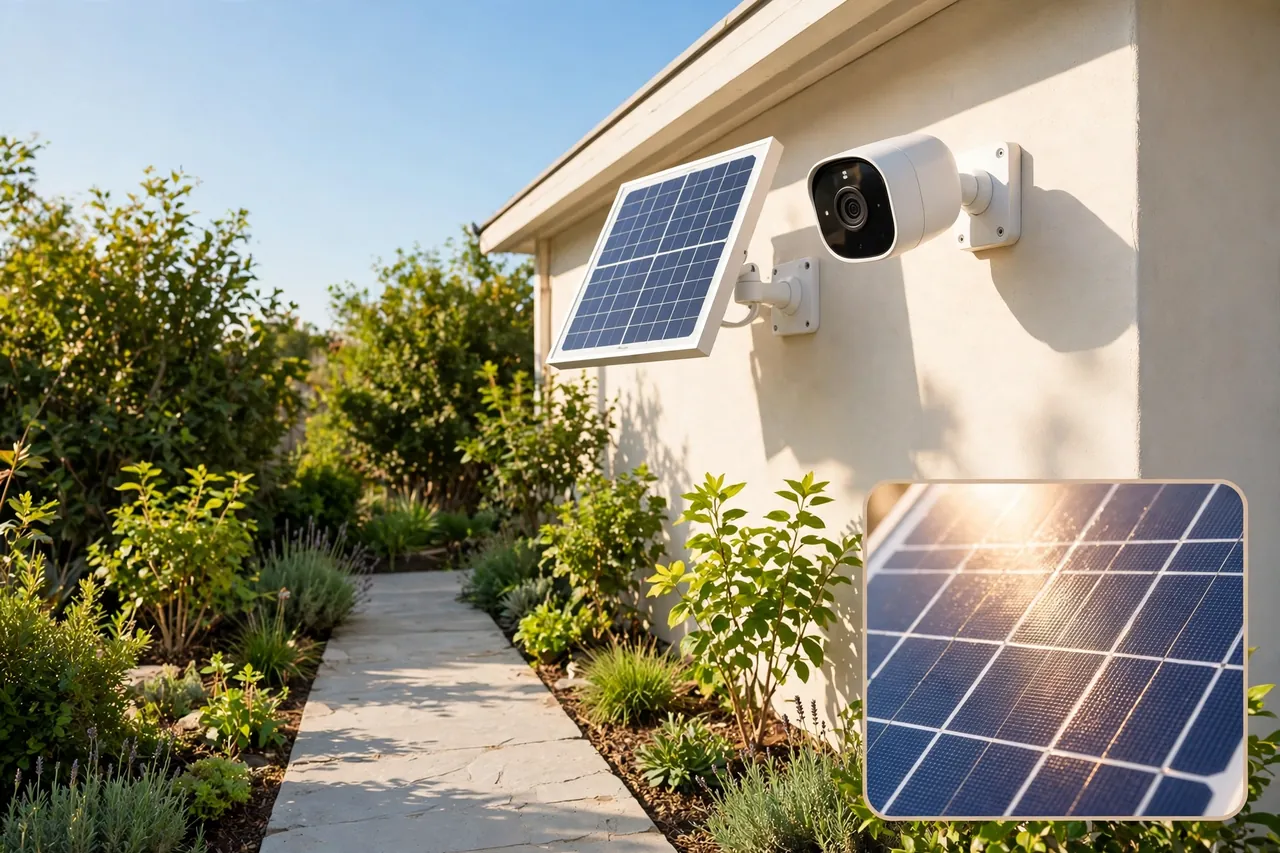
A solar panel is the closest thing to a fix for battery anxiety, and for many homes it works. The panel plugs into the camera and tops up the battery whenever the sun shines. Reolink says a solar panel can keep its battery cameras running year-round without manual recharges, and eufy claims one hour of direct sun gives its eufyCam S4 a full day of power. Independent testing reported by Security.org found that users who added solar charging extended battery life by an average of 137%.
Solar works best when the panel gets 3 to 4 hours of direct sun a day and faces south in the northern hemisphere. It works worst on a north-facing wall, under a deep porch roof, or in a shaded yard. A panel will not save a camera that faces a busy street and triggers 50 times a day in a cloudy winter, because the drain simply outruns the trickle of solar power. Think of solar as a battery stretcher, not a magic power plant.
Panels usually cost $30 to $50 as an add-on, and some cameras bundle one in the box. The Reolink Argus 4 Pro sells as a $179.99 bundle with its Solar Panel 2, and the Tapo C425 solar kit costs $69.99 on Tapo’s store. If your camera sits in full sun, a panel pays for itself in saved ladder trips within the first year.
Where Battery Cameras Beat Wired Cameras
Battery power wins in five situations where wired cameras struggle or fail outright.
- Rentals. No drilling for cables, no electrician, no holes to patch when you move. Most mounts need one or two screws, and some stick magnetically. You take the camera with you, which makes a battery camera the natural pick for renters.
- No outlet nearby. A shed, a detached garage, a garden gate, or a fence line may sit 50 feet from the nearest outlet. A battery camera mounts there in minutes, as long as your Wi-Fi reaches.
- Quick setup. SafeHome’s testers had a Nest Cam running in about 15 minutes. There is no cable run, no junction box, and no appointment to book.
- Power outages. A battery camera keeps watching when the grid goes down, because it never relied on the grid. Your Wi-Fi router still needs power for alerts, but clips saved to a microSD card survive the outage.
- Temporary coverage. Renovations, a package-heavy holiday season, or a short-term rental all call for a camera you can move in minutes. A battery camera is the only type that truly moves with you.
At the front door, a battery camera also pairs well with a smart lock. A camera watches the porch while the lock handles entry, and both run on batteries, so neither needs an outlet by the door. If you are building that front-door setup, see our guide to the best smart lock for a front door.
The Limits You Should Know Before You Buy
Battery cameras are honest tools with real limits. Knowing them now saves you from disappointment later.
Cold weather shortens battery life
Lithium batteries lose capacity in the cold, and some cameras stop charging below freezing even when plugged into a solar panel. Ring rates its Outdoor Cam Plus Battery from -4°F to 122°F, and Blink rates the Outdoor 2K+ from -4°F to 113°F. If your winters regularly drop below 0°F, check the camera’s rated low temperature before you buy, and expect shorter life in January no matter what the box says.
Motion-triggered recording, not 24/7 video
Most battery cameras record only when motion triggers them. That covers the moments that matter, but it means there is no continuous footage to rewind. If you need 24/7 recording, a wired camera or a PoE system with a recorder is the right tool. Our guide to PoE security cameras covers that setup for homes that want constant recording.
Wi-Fi dependence
Almost every battery powered wifi camera needs a Wi-Fi signal where it hangs. Without it, you get no live view, no alerts, and no cloud clips, although some models still record to a microSD card. A few cameras use a 4G LTE SIM card instead and work anywhere with cell signal, but those need a data plan. Test the Wi-Fi at the mounting spot with your phone before you drill anything.
Subscriptions hide in the fine print
The camera price is only part of the cost. Ring saves no video at all without a Ring plan, which starts at $4.99 a month for one device. Arlo keeps live view and alerts free, but cloud video needs Arlo Secure. Reolink, Tapo, and eufy let you save clips to a microSD card with no monthly fee. Add two years of plan costs to the camera price before you compare brands, because the cheapest camera can become the most expensive one.
Privacy and the law
A camera that watches a shared walkway, a neighbor’s yard, or a public sidewalk can create legal trouble, and rules vary by state and city. Point cameras at your own property, tell household members and regular visitors that cameras are recording, and check local audio-recording rules before you enable the microphone. Renters should also check the lease and ask the landlord before mounting anything outside.
Best Battery Operated Security Cameras by Situation
No single battery camera is best for everyone. The right pick depends on your smart home, your budget, and whether you will pay a monthly plan. Prices below are from each maker’s own US store, checked in October 2026.
| Camera | Price | Battery claim | Best for |
|---|---|---|---|
| TP-Link Tapo C425 | $59.99 | Up to 300 days | Best value, no monthly fee |
| Reolink Argus 4 Pro with solar panel | $179.99 | About 2 months per charge | Best overall, no monthly fee |
| Arlo Pro 6th Gen | $124.99 | Up to 8 months | Arlo homes, swappable battery |
| Ring Outdoor Cam Plus Battery | $99.99 | Quick-release pack | Ring and Alexa homes |
| Blink Outdoor 2K+ | From $99.99 | Up to 2 years | Longest battery life |
| Google Nest Cam (battery) | From $199.99 | Built-in 6 Ah pack | Google Home households |
| Wyze Battery Cam Pro | $89.98 | Up to 6 months | Budget swappable battery |
Best value: TP-Link Tapo C425 — $59.99
The Tapo C425 is the cheapest good battery camera you can buy, at $59.99 on Tapo’s store against a $119.99 list price. You get 2K video, a 10,000 mAh battery Tapo rates at up to 300 days, free person, pet, and vehicle alerts with no subscription, and microSD storage up to 512 GB. The catch is 2.4 GHz Wi-Fi only, so it will not join a 5 GHz-only network. For a renter or a first-time buyer, it is the easiest yes in this whole guide.
Best overall: Reolink Argus 4 Pro — $179.99 with solar panel
The Argus 4 Pro stitches two lenses into one 180° picture at 5120 x 1440, so one camera covers a whole yard with no blind spots. It records to a microSD card up to 512 GB with no monthly fee, and the $179.99 bundle includes Solar Panel 2. Reolink’s FAQ says the 5,000 mAh battery lasts about 2 months per charge with 300 seconds of recording a day, which is the shortest claim here, but the solar panel covers that gap in a sunny spot. This is the pick if you want wide coverage and zero monthly bills.
Best for Arlo homes: Arlo Pro 6th Gen — $124.99
Arlo practically invented the battery camera, and the Pro 6th Gen keeps that lead with 2K HDR video, a 160° view, color night vision, and a swappable battery Arlo rates at 8 months. It connects straight to your router on either Wi-Fi band. The trade is the plan: cloud video and smart detection need Arlo Secure, and local storage needs a SmartHub sold separately. Buy it if you already live in the Arlo app and do not mind the subscription.
Best for Ring homes: Ring Outdoor Cam Plus Battery — $99.99
If you already have a Ring doorbell or Ring Alarm, this camera slots straight into the same app, with 2K video, dual-band Wi-Fi 6, and a quick-release battery pack. Spare packs cost $34.99 and a small solar panel $39.99. The hard limit is storage: Ring says videos are not saved without a Ring plan, which starts at $4.99 a month. It is a great camera inside the Ring world and a poor choice outside it.
Longest battery life: Blink Outdoor 2K+ — from $99.99
The Blink Outdoor 2K+ runs on two AA lithium batteries that Blink rates at up to two years, the longest battery life of any camera in this guide. It records up to 2K video and saves clips locally with a Sync Module 2 or Sync Module XR, sold separately. The two-year figure assumes 1080p and light use, and person detection needs a Blink plan, but for a camera you mount once and forget, nothing else comes close.
Best for Google Home: Google Nest Cam (battery) — from $199.99
The Nest Cam works indoors or outdoors, mounts with two screws or a magnet, and includes 3 hours of event video history with no plan. SafeHome’s testers found its rechargeable battery lasted about three months on average, dropping to about six weeks in winter cold. At 1080p it has the lowest resolution here, and its weather rating is IP54, lower than the IP65 and IP66 picks. Buy it for the Google Home integration and the clean app, not for the spec sheet.
If your budget stretches a little further, the Wyze Battery Cam Pro at $89.98 is worth a look too: a removable 6,200 mAh pack rated at up to 6 months, 2.5K video, and microSD recording, with smart alerts behind the $2.99-a-month Cam Plus plan.
One more thing to weigh: a camera is only one piece of a protected home. If you are comparing whole setups rather than single cameras, our guide to the best home security systems with cameras weighs monitored and self-monitored systems side by side. And if your front door needs a doorbell rather than a camera, see our guide to the battery operated doorbell, which covers the same battery ideas in doorbell form.
How to Choose a Battery Operated Security Camera in 5 Steps
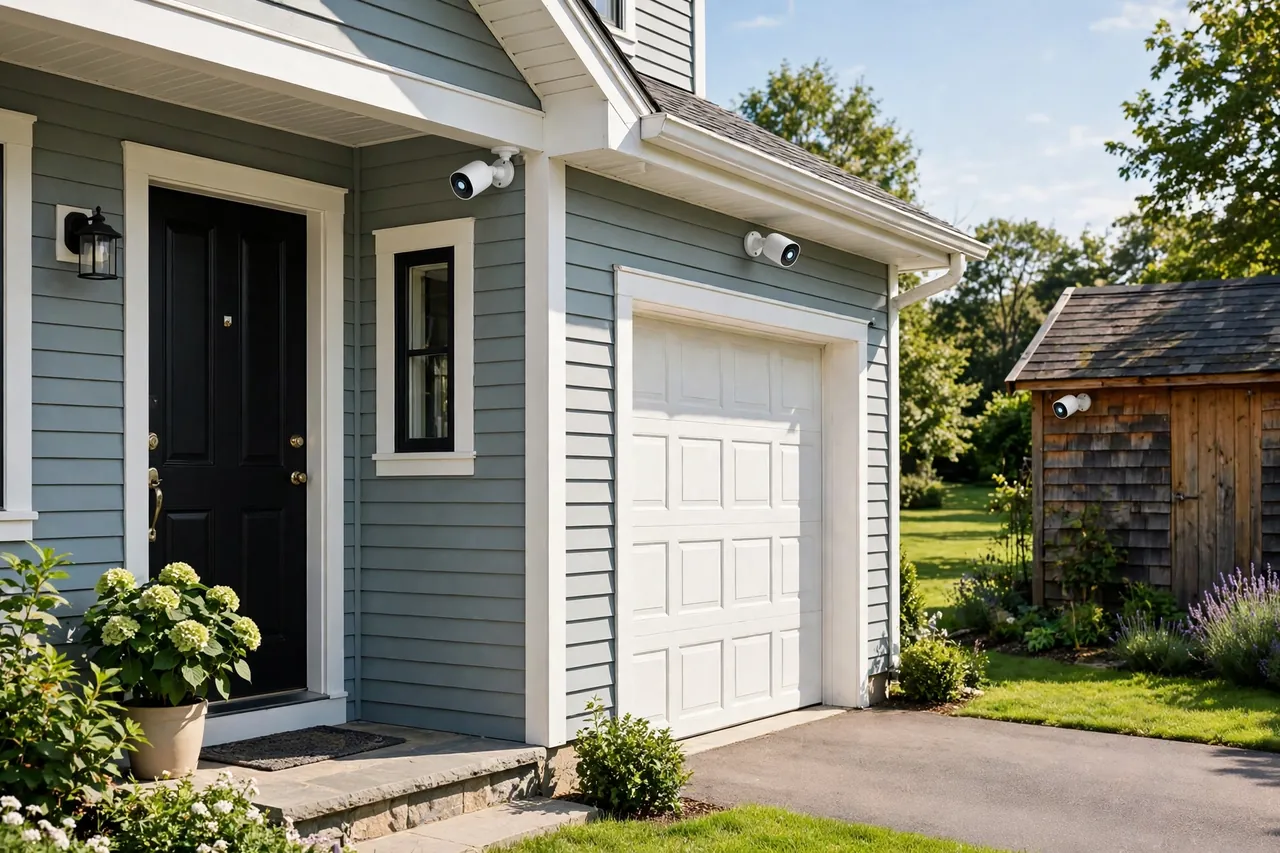
- Check Wi-Fi at the spot. Stand where the camera will hang and look at your phone’s signal. One bar means fix the Wi-Fi first or pick a closer spot.
- Count the motion. A quiet side gate needs a small battery. A busy driveway needs a big battery, a solar panel, or a swappable pack.
- Decide the storage. No monthly fee means a microSD card or a hub, so favor Reolink, Tapo, eufy, or Wyze. Happy with a plan? Ring, Arlo, and Nest open up.
- Match your smart home. Alexa homes fit Ring and Blink, Google homes fit Nest, and Arlo and Reolink work with both Alexa and Google.
- Check the weather rating. Outdoor cameras should be at least IP65. In cold states, check the rated low temperature too, because a camera that quits at 14°F is useless in a Minnesota winter.
How to Make the Battery Last Longer
- Narrow the motion zone to your walkway, porch, or driveway, and cut out the street and the sidewalk.
- Turn on person detection so passing cars and swaying trees do not wake the camera.
- Drop the resolution from 4K to 2K, or 2K to 1080p, if you do not need fine detail.
- Shorten clip length to 10 or 20 seconds instead of 60.
- Keep the camera within good Wi-Fi range, or add an extender halfway to it.
- Mount a solar panel facing south with at least 3 hours of direct sun a day.
- Turn off the spotlight schedule and let motion trigger the light only.
- Check the battery level monthly in the app, and recharge at 20%, not at 0%, to protect the battery’s long-term health.
A timer switch or automated lighting can also help a battery camera do its job, because a lit porch deters visitors before the camera ever needs to record. Our guides to light switches with timers and home light automation cover simple setups that pair well with an outdoor camera.
Related Guides
Wireless Security Cameras Outdoor: Placement, Wi-Fi Range, and the Best Picks for 2026 · PoE Security Cameras: The Wired System That Never Misses a Moment · Best Home Security Systems With Cameras
- Best Smart Lock for a Front Door — pair a battery camera with keyless entry at the same door.
- Wireless Security Cameras Outdoor — the wider outdoor camera guide, where battery is one power option among several.
- Best Smoke Alarm and Carbon Monoxide Detector — the other half of a safe home, covering the alarms every house needs.
A short note before you mount anything: homes, leases, and local rules vary. Check your lease and any local recording rules before you install an outdoor camera, and point it at your own property. When in doubt, ask your landlord or a local professional.
Frequently Asked Questions
How long does a security camera battery last on a single charge?
Most battery-powered security cameras last 3 months to a year per charge, depending on camera type, motion activity, and weather. Outdoor cameras in normal use usually run 2 to 6 months, while quiet spots can stretch past 6 months and busy driveways can drain a battery in 2 to 6 weeks.
Do I need Wi-Fi for a battery-operated camera to work?
Not always. Most battery cameras need Wi-Fi for live view, alerts, and cloud clips, but some models use a cellular SIM card instead, and many can still record to a microSD card without Wi-Fi. Check whether the model you want offers local storage or a 4G version before you buy.
Is there a security camera that doesn’t require Wi-Fi or electricity?
Yes. Battery-powered cameras with local storage and a 4G LTE model need neither an outlet nor Wi-Fi. Cameras like the eufy 4G LTE Cam S330 run on a battery and a cellular data plan, and they record to local storage, which suits cabins, farms, and RVs far from any network.
Do battery-operated security cameras need Wi-Fi?
Most do, because Wi-Fi carries the live stream, the alerts, and the cloud recordings to your phone. A few models work without it: 4G cameras use cell signal, and cameras with a microSD card can record locally during an outage. You still need internet for live monitoring and smart alerts.
How long do wireless security camera batteries last?
Wireless security camera batteries last anywhere from a couple of weeks to a couple of months between charges, depending on the camera, the video quality, how much it records each day, and the battery type. Heavy use and cold weather shorten that time, while a quiet spot and a solar panel stretch it.
Are there security cameras that don’t need to be plugged in?
Yes. Battery-powered cameras from brands like eufy, Arlo, Ring, and Blink run entirely on batteries and need no outlet. They mount anywhere within Wi-Fi range, which makes them the easiest cameras to install in rentals, sheds, and spots far from power.

A battery operated security camera is the simplest way to watch a spot that has no outlet. Pick the battery style that fits your home, check the Wi-Fi where it will hang, and add a solar panel if the sun reaches it. Do those three things and the camera will do its job for months at a time without asking anything of you. Start with the spot that worries you most, usually the front door or the driveway, and add cameras only where the first one proves its worth.



