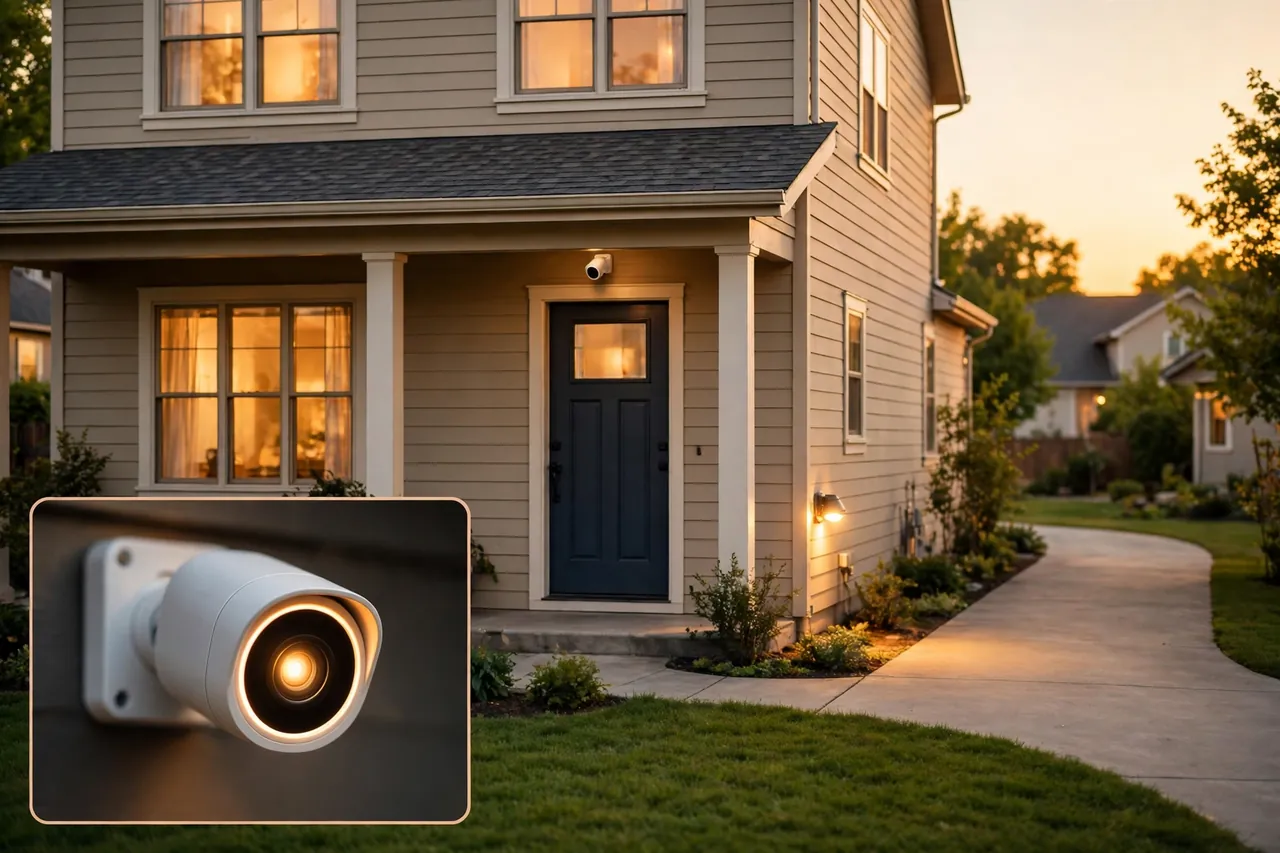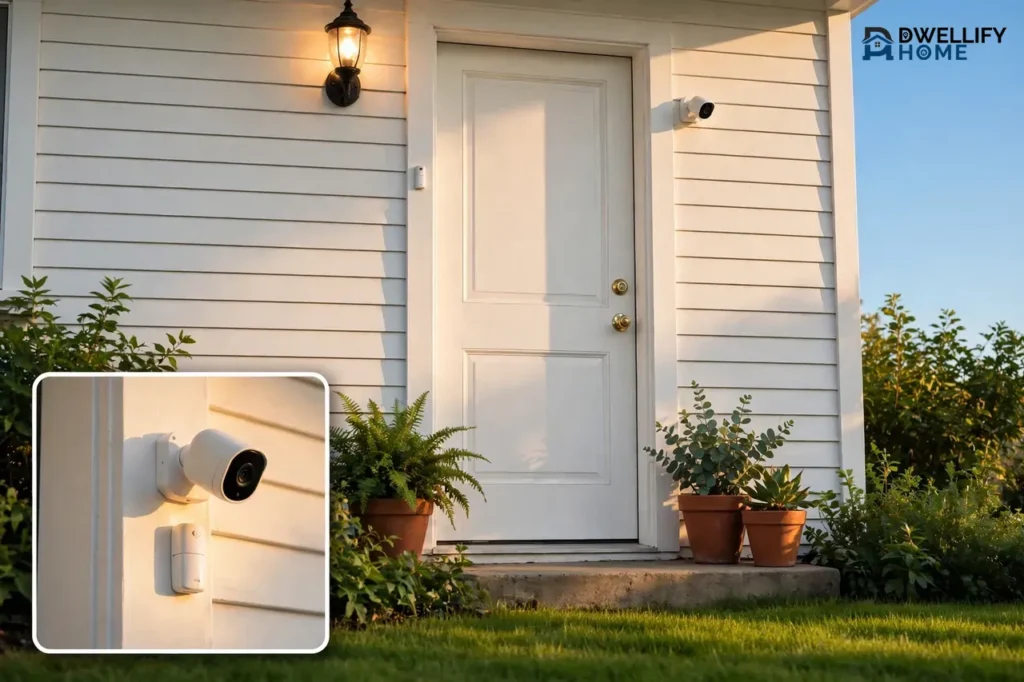
The best home security systems with cameras for most homes in 2026 are SimpliSafe for easy DIY protection, Ring Alarm for the lowest monitored cost, and Abode for flexible no-contract monitoring. A good system pairs door and window sensors with at least one indoor and one outdoor camera, plus a plan that fits how you want alerts handled. Expect to pay $200 to $500 for DIY equipment, or $0 to $20 per month if you self-monitor, and $20 to $50 per month for professional monitoring.
There is no single best system for every home. A renter in a small apartment needs something very different from a family in a large house with a yard. This guide compares the top systems by the same clear criteria — equipment cost, monthly fee, contract, camera quality, storage, and smart-home support — so you can pick the one that fits your home, your budget, and how much help you want when an alarm goes off.
💡 Practical Home Tip: Before you buy anything, walk around your home and count every ground-floor door and window you can reach from outside. That count decides how many sensors you need, and it stops you from buying a starter kit that leaves half your entry points unprotected.
What a Home Security System With Cameras Actually Includes
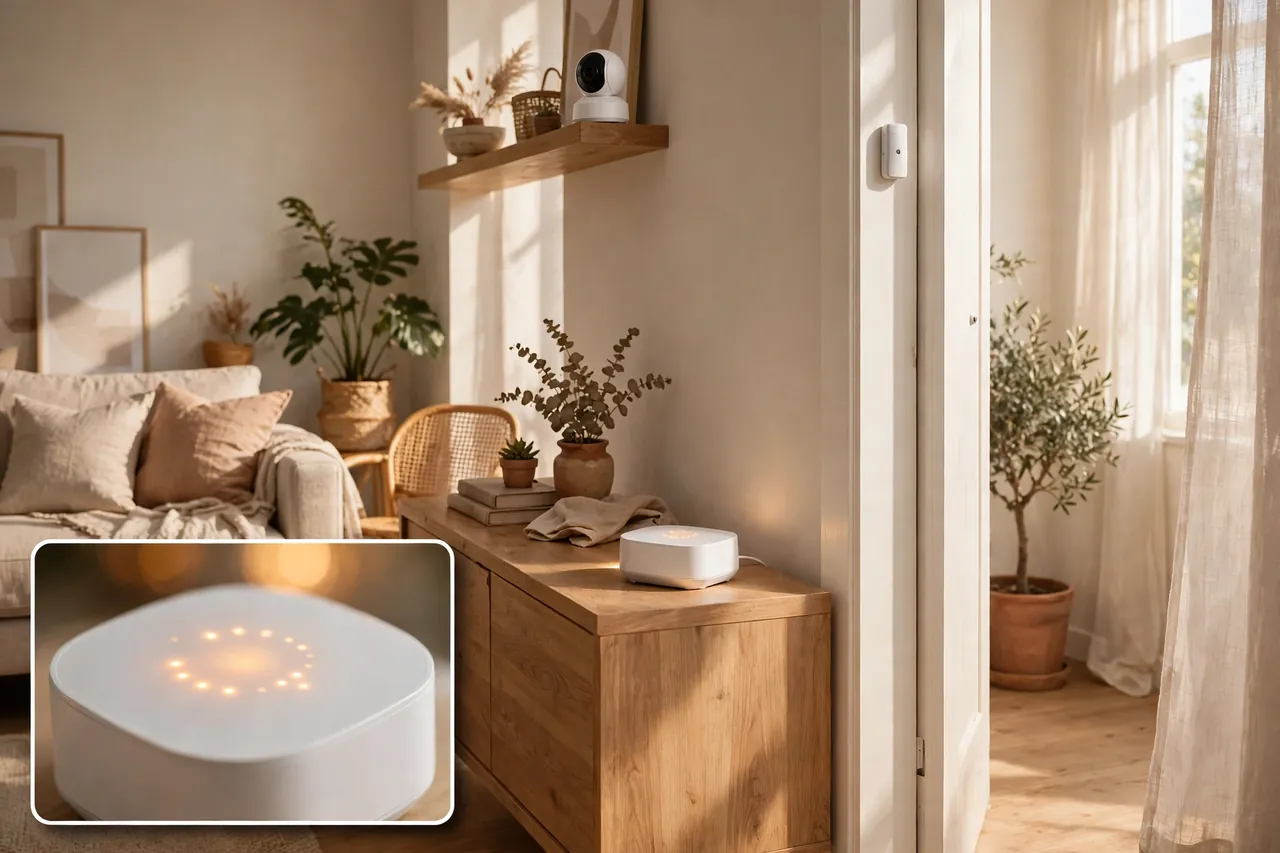
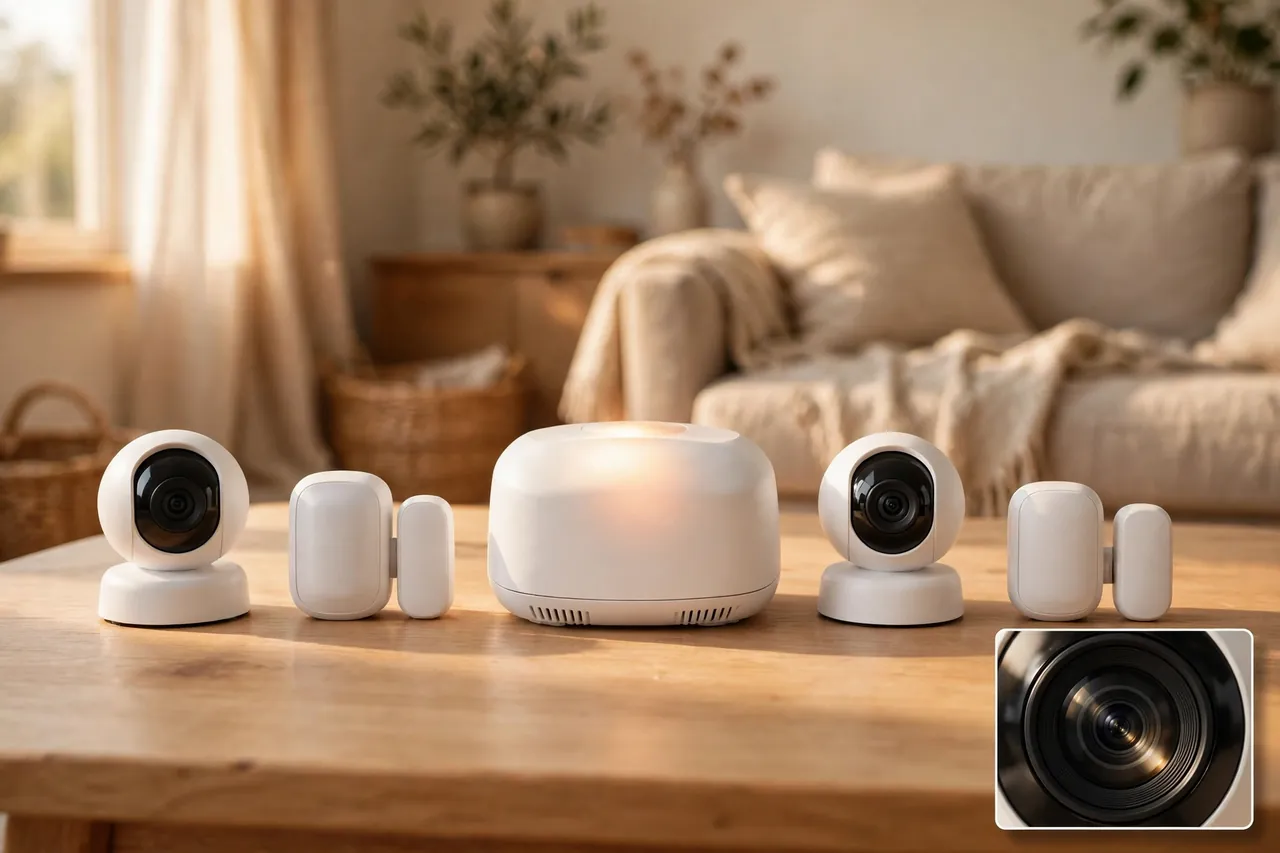
A home security system with cameras is more than a few cameras on the wall. It is a connected set of parts that work together: a hub, sensors, cameras, a way to arm and disarm the system, and a plan for what happens when something triggers an alarm.
The hub is the brain of the system. It talks to every sensor and camera, sounds the siren, and sends alerts to your phone. Most hubs also keep working on cellular backup and a built-in battery if your power or internet goes out. When you compare systems, check whether cellular backup comes with your plan or costs extra, because a system that goes silent when the Wi-Fi drops is not much protection.
Sensors catch what cameras miss. Entry sensors sit on doors and windows and trigger when one opens. Motion sensors watch rooms and hallways for movement. Many systems also offer glass-break sensors, smoke and carbon monoxide detectors, and water-leak sensors that join the same alarm. A camera records what happened, but a sensor is usually what sets the alarm off first.
Cameras add eyes to the system. An outdoor camera watches the front door, driveway, and backyard. An indoor camera covers the main living area or a hallway. A camera with two-way audio lets you speak to someone at the door, and person detection cuts down on alerts every time a tree moves. For most homes, two to four cameras cover the spots that matter most: the front door, the back door, the driveway or garage, and one main room inside.
Finally, every system needs a monitoring choice. Either you watch the alerts yourself, or a monitoring center watches them for you around the clock. That choice shapes the monthly cost more than any piece of hardware, so it deserves its own section.
Monitored vs. Self-Monitored: Which One Fits Your Life?
With professional monitoring, a trained agent at a monitoring center responds when your alarm triggers. The agent tries to reach you, and if you do not answer or confirm it is a false alarm, the agent calls police or fire services for you. This matters most when you are asleep, traveling, or away from your phone. Security.org’s 2026 testing found the fastest average response times among top systems ran from about 28 to 33 seconds, with ADT averaging 28 seconds across its break-in simulations.
With self-monitoring, alerts go straight to your phone and you decide what to do. You save the monthly fee, but you carry the whole job yourself. If you miss the alert, nobody else acts on it. Self-monitoring works best for people who keep their phone close, live near home most of the time, and want cameras and sensors mainly for awareness rather than emergency dispatch.
Some systems let you switch between the two without buying new hardware. SimpliSafe, Ring Alarm, and Abode all offer a free or low-cost self-monitoring option alongside paid professional monitoring. ADT’s professionally installed systems and Vivint require professional monitoring, so you cannot drop to $0 a month with those. Cove also requires a paid monitoring plan on every system.
Ask yourself one honest question before you choose: if an alarm went off at 3 a.m. while you were on vacation, who would act on it? If the answer is “nobody,” professional monitoring is worth the monthly fee. If a trusted neighbor or family member nearby can check, self-monitoring may be enough.
How Much Does a Home Security System With Cameras Cost?
The real cost of a system is equipment plus monthly fees over time, not just the starter-kit price on the box. A cheap kit with a $50 monthly plan costs far more over three years than a pricier kit with no monthly fee. The table below shows the starting equipment price, the cheapest professional monitoring plan, and what year one costs before tax, using prices reported by Security.org and SafeHome.org and checked on 6 November 2026. Promotions change often, so confirm the current price at checkout.
| System | Equipment from | Professional monitoring from | Year 1 (equipment + monitoring) |
|---|---|---|---|
| Ring Alarm | $199.99 (5-piece kit) | $19.99/month | About $440 |
| SimpliSafe | $250.96 (Foundation kit) | $22.99/month | About $527 |
| Abode | $150 (Security Kit) | $26.99/month | About $474 |
| Cove | About $110 (starter) | $22.99/month | About $386 |
| ADT Blu (DIY) | $249 (starter kit) | $24.99/month | About $549 |
| Vivint | $349.99 (packages) | $24.99/month | About $650 before installation |
Year 1 figures above use the cheapest professional monitoring plan for 12 months plus the starting equipment price, before tax, installation, extra sensors, and cameras. Your own total will be higher if you add cameras: a single outdoor camera typically adds $100 to $200, and most homes need two or three.
Watch for costs that hide behind the headline price. Professional installation can add $99 to $200 or more. Some systems charge extra for camera cloud storage on top of alarm monitoring, so check whether video recording is included in the plan you picked. Permits and false-alarm fines vary by city, and a few areas require an alarm permit before a monitoring center can dispatch police.
The Best Home Security Systems With Cameras, Ranked by Clear Criteria
We ranked these systems on the same six criteria, not on gut feeling: starting equipment cost, monthly monitoring cost, contract freedom, camera quality and storage, smart-home support, and how easy the system is to install and use. No system wins on all six. The right pick is the one that wins on the criteria that matter most to you.
For context, Security.org’s 2026 testing named ADT best for professional monitoring and installation, SimpliSafe best for deterring intruders, Vivint best for home automation, and Abode best for no-contract monitoring. Those awards match what the numbers below show, so use them as a cross-check rather than a verdict on their own.
| System | Best for | Contract | Self-monitor | Camera storage |
|---|---|---|---|---|
| SimpliSafe | Easiest DIY setup | None | Yes, from $9.99/month with recordings | Cloud, included on Core plan |
| Ring Alarm | Lowest monitored cost | None | Yes, free | Cloud, included on Protect Pro |
| Abode | Smart-home flexibility | None | Yes, free | Cloud on paid plans |
| ADT | Professional monitoring | 36 months (Pro Install) | Yes, on ADT Blu only | Cloud on video plans |
| Vivint | Premium smart home | Up to 60 months if financed | No | Cloud on top tiers |
| Cove | Cheapest starter cost | None | No, monitoring required | Cloud on Plus and Premium |
1. SimpliSafe: Best for Easy DIY Security
SimpliSafe is the simplest system to set up yourself. Peel-and-stick sensors, a wireless base station, and a guided app setup mean most people finish in under an hour with no drilling. The Foundation kit starts at $250.96, and professional monitoring starts at $22.99 per month for the Standard plan, or $32.99 per month for Core, which adds camera recording. If you only want recordings without dispatch, self-monitoring with camera recordings costs $9.99 per month. There is no contract, so you can cancel any month. The trade-off is limited smart-home automation compared with Abode or Vivint, and camera recording is not included in the cheapest monitored plan.
2. Ring Alarm: Best for the Lowest Monitored Cost
Ring Alarm offers the cheapest path to professional monitoring among the top systems. The 5-piece kit starts at $199.99, and Ring Protect Pro costs $19.99 per month or $199.99 per year, covering 24/7 professional monitoring plus cloud video storage for unlimited Ring cameras at one location. You can also self-monitor for $0 and only pay for camera storage if you want it: Ring Protect plans for cameras alone start at $4.99 per month for one device. Ring works best if you already use Alexa, since it is built for Amazon’s smart home. The trade-off is weaker support for Google Home and Apple HomeKit, and video recording stops if you cancel the plan.
3. Abode: Best for Smart-Home Flexibility and No-Contract Monitoring
Abode is the most flexible system for people who already own smart-home gear. It works with Apple HomeKit, Alexa, and Google Home, plus Z-Wave, Zigbee, and Matter devices, which no other system on this list matches. The Security Kit starts at $150, and the Smart Security Kit at $240. The free plan gives you app control, live video, and push alerts for $0 a month. The Standard plan costs $8.49 per month and adds event history and smart detection, while the Pro plan costs $26.99 per month or $245.99 per year and adds 24/7 professional monitoring with cellular backup. Note that Abode’s own pages have shown conflicting plan names and prices during 2026, so confirm the plan details at checkout before you buy.
4. ADT: Best for Professional Monitoring and Installation
ADT is the pick when you want a company to handle everything and a monitoring network with real depth behind it. ADT runs six monitoring centers across North America, and Security.org recorded its average response time at 28 seconds in break-in simulations. ADT sells two different products: ADT Blu is the DIY line, with a starter kit at $249, self-monitoring from $14.99 per month, and professional monitoring from $24.99 per month with no long-term contract. Professionally installed ADT systems start with monitoring from $49.99 per month and usually require a 36-month contract. Choose ADT if you want professional installation and the strongest monitoring network, and accept the higher monthly cost and the contract.
5. Vivint: Best for a Premium Smart Home
Vivint builds a full smart home around your security system: cameras, smart locks, garage controls, and thermostats in one app, with professional installation included. Monitoring starts at $24.99 per month for the base plan, $34.99 with doorbell camera access, and $44.99 for full camera access plus smart-home features, according to SafeHome.org. Packages start at $349.99, or $199.99 with a three-year contract, and most complete systems cost over $750 once you add cameras and sensors. Professional installation starts at about $199. Vivint requires professional monitoring, offers no self-monitoring option, and financing can lock you into a contract of up to 60 months. It is the best fit for a homeowner who wants a hands-off, premium system and is comfortable with the price and the commitment.
6. Cove: Best for the Cheapest Starter Cost
Cove is the budget pick for professionally monitored DIY security. Monitoring costs $22.99 per month for Basic, $32.99 for Plus, and $42.99 for Premium, with no contract, and starter equipment starts at about $109.95 according to Security.org’s budget comparison. Sensors are cheap — door and window sensors cost as little as $7.50 each on sale — so covering a larger home stays affordable. The catch is that Cove requires a paid monitoring plan on every system, so there is no $0 self-monitoring option, and its camera lineup is thinner than Ring’s or SimpliSafe’s. Pick Cove if you want the lowest upfront cost with professional monitoring and you do not need a deep camera range.
Home Security Systems With No Monthly Fee: What You Actually Get
A system with no monthly fee can still protect your home, but you need to know what you give up. At $0 a month, Ring Alarm and Abode both give you live camera views, app alerts, and a loud local siren. SimpliSafe’s free tier is more limited: push notifications for alarm alerts require a paid plan, so its cheapest useful self-monitoring option is the $9.99-per-month recordings plan. Abode’s free plan is the most generous of the three, with full app control, live video, smart-home integrations, and push notifications included.
The biggest gap in a no-fee setup is cloud video storage. Without a plan, most cameras show you a live view but save nothing, so you have no clip to show police or your insurer after a break-in. The fix is local storage: some cameras record to a microSD card or a home hub, and a few systems pair with local-storage cameras. If you go fee-free, pick cameras with local storage and check how many days of clips the card or hub holds.
Also remember that no-fee does not mean no cost at all. You still pay for the equipment upfront, and you still need to replace batteries, keep the Wi-Fi running, and respond to every alert yourself. For a small apartment or a home where someone is usually present, that trade can be a smart one. For a home that sits empty for long stretches, a monitored plan is usually the better spend.
Camera Quality and Storage That Actually Matters
Camera specs are easy to overthink. Three things matter most for a home security camera: resolution, night vision, and storage. A 1080p camera is enough to recognize a face at the front door in daylight. A 2K camera gives you a clearer image at a longer distance, which helps for driveways and backyards. A 4K camera is sharper still, but it uses more storage and bandwidth, and most buyers will not see the difference on a phone screen.
Night vision matters more than resolution after dark. Look for color night vision or a built-in spotlight, which keeps faces and clothing colors visible instead of turning everything into a gray blur. Person detection matters too: it tells you when a person is near the door instead of alerting you every time a cat crosses the yard or a branch moves.
Storage is the decision that follows you every month. Cloud storage keeps clips safe even if someone steals or smashes the camera, and plans usually hold 30 to 180 days of history depending on the tier. Local storage costs nothing per month and keeps footage in your home, but the clips go with the camera or hub if it is taken. A good middle ground is a system that records locally and backs key clips up to the cloud when an alarm triggers, if your plan supports it.
Before you buy, check the field of view and the power source for each camera spot. A camera above the front door needs a wide view of the porch and the walkway. A battery camera is easy to place anywhere but needs charging every few weeks or months, while a wired camera never needs charging but needs a cable run or an outlet nearby. Match the camera to the spot, not the other way around.
How to Choose a System by Home Type and Budget
Start with your home, not with a brand. The right system follows the size of the home, who lives there, and whether you can drill holes or run cables.
| Home type | Best fit | Why |
|---|---|---|
| Small apartment or rental | Abode or Ring Alarm | No drilling, no contract, portable when you move |
| Small house, tight budget | Ring Alarm or Cove | Lowest equipment and monitoring costs |
| Family home, want it simple | SimpliSafe | Easiest setup, flexible plans, no contract |
| Large house or smart-home lover | Abode or Vivint | Widest device support or full automation |
| Want hands-off protection | ADT or Vivint | Professional install and monitoring included |
Next, set your budget as a three-year total, not a starter-kit price. Add the equipment, three years of the monthly plan, and any installation fee. A $200 kit at $20 a month costs $920 over three years, while a $350 kit at $0 a month costs $350. The “cheap” system is often the expensive one once the monthly fees add up.
Then count your coverage. A typical two-bedroom home needs entry sensors on the front and back doors, sensors on ground-floor windows, one motion sensor in the main living area, and two cameras: one at the front door and one at the back. Add a camera for the driveway or garage if cars or tools sit outside overnight. Buy the sensors for every ground-floor entry point first, and add extra cameras only after the entries are covered.
How to Improve Home Security With Better Locks and Cameras
A security system works best when the rest of the home helps it. Strong locks slow an intruder down, good lighting takes away hiding spots, and cameras record what the sensors detect. Together, they make your home a harder target than the one next door, which is often all the deterrent you need.
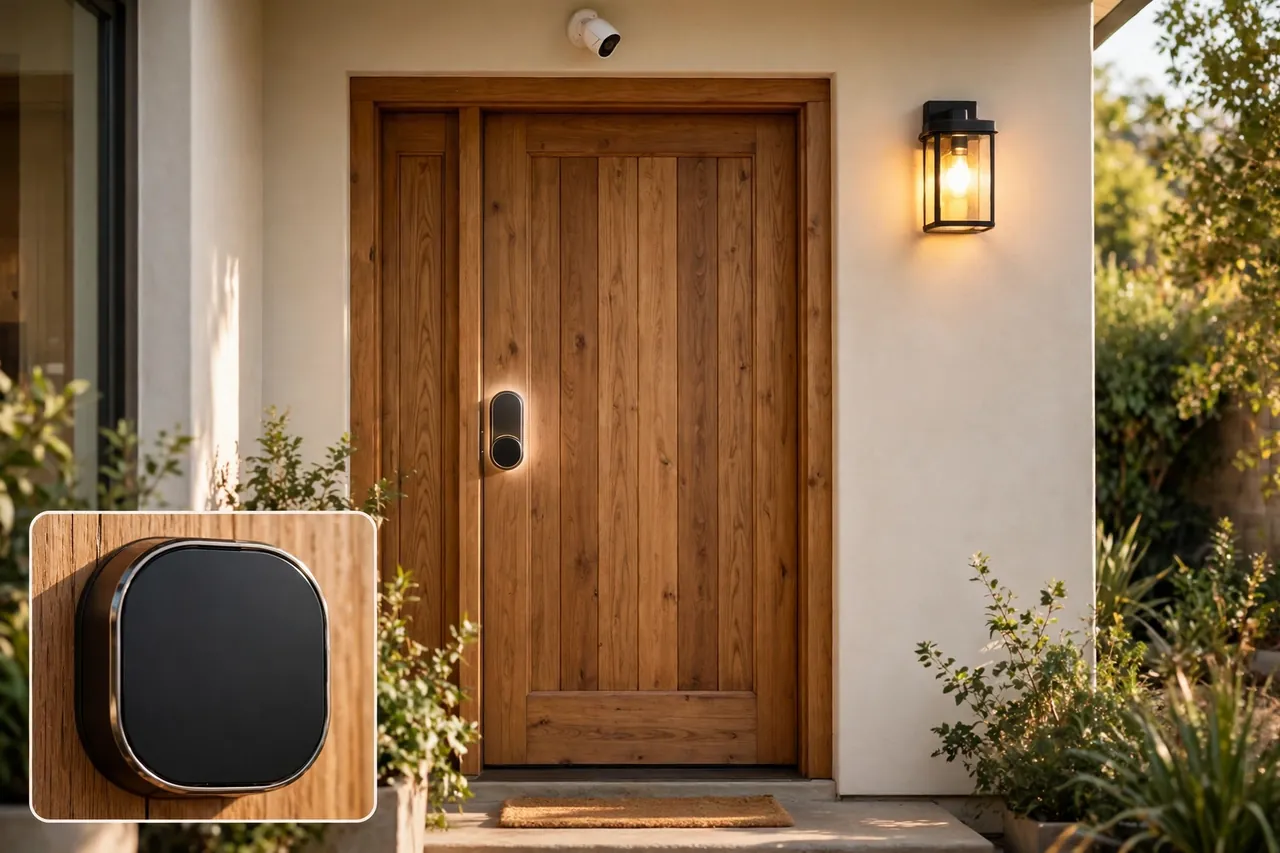
Start at the front door. A smart lock lets you lock up from your phone, give a temporary code to a guest or cleaner, and check whether the door is locked when you are already in bed. If you are choosing one, our guide to the best smart lock for your front door compares the options that pair well with a security system. Keep a good deadbolt on every exterior door, and check that the strike plate screws reach into the wall stud, not just the door frame.
Next, use light as a layer of security. Motion-triggered lights near doors and dark corners make an intruder visible and make your cameras record in color instead of grainy night vision. Light automation for your home shows how to set lights to turn on with motion or on a schedule, and a light switch with a timer makes the house look occupied while you are away.
Finally, tie safety sensors into the same system. A smoke alarm and carbon monoxide detector that connect to your security system can trigger an alert to your phone and to the monitoring center, even when you are not home. Our guide to the best smoke alarm and carbon monoxide detector covers the combination units worth pairing with your alarm. A water-leak sensor near the water heater or washing machine is a cheap add-on that can save you from a flooded floor.
Mistakes to Avoid When Buying a Security System
- Buying cameras before sensors. A camera records a break-in; a sensor triggers the alarm that can stop it. Cover doors and windows first.
- Judging by the starter-kit price alone. Always add three years of monthly fees before you compare two systems.
- Skipping the contract fine print. Check the contract length, the early-cancellation fee, and whether the monthly price rises after the first year.
- Placing cameras too high or too far. A camera mounted above the garage may show the top of a stranger’s head and nothing else. Mount outdoor cameras 7 to 9 feet high, angled down toward the approach path.
- Forgetting the Wi-Fi. Cameras at the far end of the house need a strong signal. Test your Wi-Fi at each camera spot before you mount anything, and add a range extender if the signal is weak.
- Ignoring battery and storage limits. Check how often each battery camera needs charging and how many days of clips your plan stores, so you are not surprised later.
Related Guides
If you are building out the rest of your smart home around your new security system, these guides help with the next steps: the best smart lock for your front door, light automation for your home, a light switch with a timer for a lived-in look while you are away, and the best smoke alarm and carbon monoxide detector to pair with your alarm.
Frequently Asked Questions
How much does a home security system cost?
DIY equipment typically costs $200 to $500 for a starter kit, and a full system with cameras often runs $400 to $800 before installation. Professional monitoring costs about $20 to $50 per month, while self-monitoring can be free or cost about $5 to $20 per month for camera storage. Prices change often, so confirm the current equipment and plan prices at checkout.
What is the best home security system in 2026?
There is no one best system for every home. SimpliSafe is the easiest DIY system to set up, Ring Alarm has the cheapest professional monitoring at $19.99 per month, Abode offers the widest smart-home support with no contract, and ADT leads on professional monitoring and installation. Pick by your budget, home size, and whether you want monitoring or self-monitoring.
Do I really need professional monitoring?
Professional monitoring is worth it if you want emergency dispatch when you cannot respond yourself, such as when you are asleep, traveling, or away from your phone. Self-monitoring saves money but relies on you seeing and acting on every alert. Most systems let you switch between the two without changing your hardware, so you can start self-monitored and add monitoring later.
Do I need a monthly subscription for a security camera?
Not always. Some cameras record locally to a memory card or home hub with no monthly fee, and Abode and Ring Alarm both offer free self-monitoring with live viewing. However, most cloud cameras need a paid plan to save recorded clips, usually $5 to $20 per month. If you cancel the plan, you usually keep the live view but lose the saved recordings.
Are DIY home security systems reliable?
Yes. Modern DIY systems from SimpliSafe, Ring Alarm, and Abode match professionally installed systems on sensors, cameras, and app control, and they skip the installation fee and long contract. The main difference is who installs it and who responds to alarms. If you want professional installation and a monitoring center to handle every alarm, a pro-installed system like ADT or Vivint fits better.
Does a home security system lower my insurance?
Many US home insurers offer a discount for a professionally monitored alarm system, often around 5 to 20 percent depending on the insurer and the system, according to Alarm Reviews’ 2026 FAQ. The discount varies widely, so ask your own insurer what it offers and what proof it needs before you buy. A self-monitored system may qualify for a smaller discount or none at all.
Start with your entry points, pick the monitoring style that fits your life, and compare the three-year total cost before you buy. A system you actually arm every night protects you far better than a fancier one you leave switched off. If you are unsure between two systems, choose the one with no contract first — you can always switch later without paying a cancellation fee.
Disclaimer: Prices, plan features, and contract terms change often and vary by location, so confirm the current details with the provider before you buy. Some areas require an alarm permit, and hardwired cameras or electrical work may need a licensed professional. This guide is general information, not security advice for a specific home.