
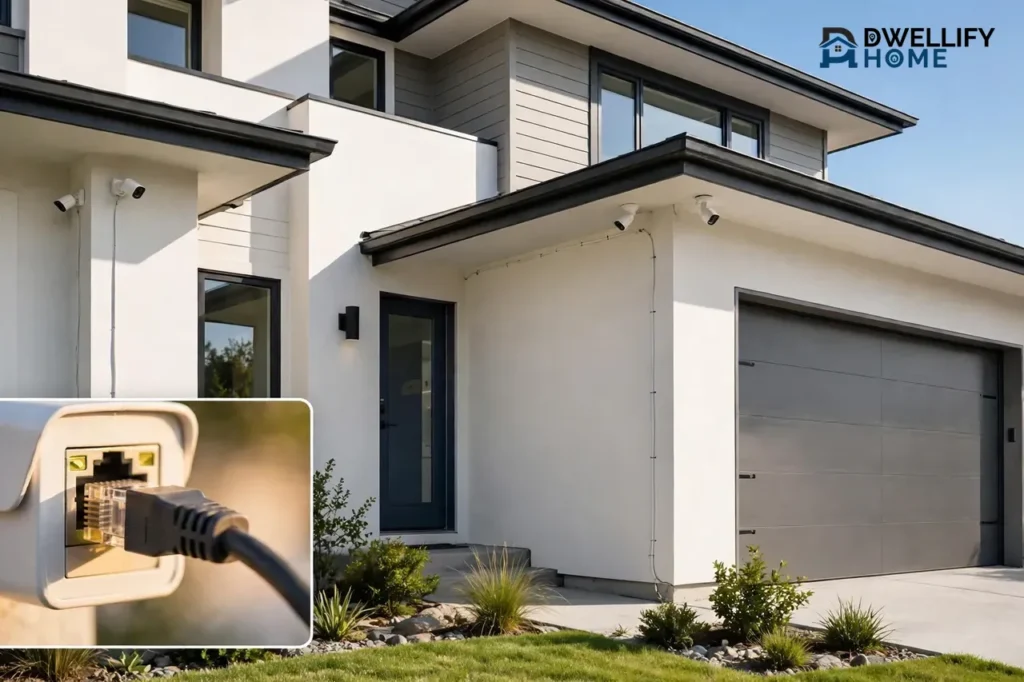
A PoE security camera gets its power and its video signal through one Ethernet cable, so it never needs a battery, a wall outlet, or a Wi-Fi signal to keep watching. The cable runs from each camera back to a recorder called an NVR or to a PoE switch, and the system records around the clock to a hard drive you own. If you want cameras that stay on through storms, dead batteries, and weak Wi-Fi, a power over Ethernet camera system is the most reliable way to protect a home.
This guide explains what PoE means in plain English, how the whole system works, what it costs, and which systems fit which homes. You will also see an honest comparison with wireless cameras, because PoE is not right for everyone.
What Is a PoE Security Camera?
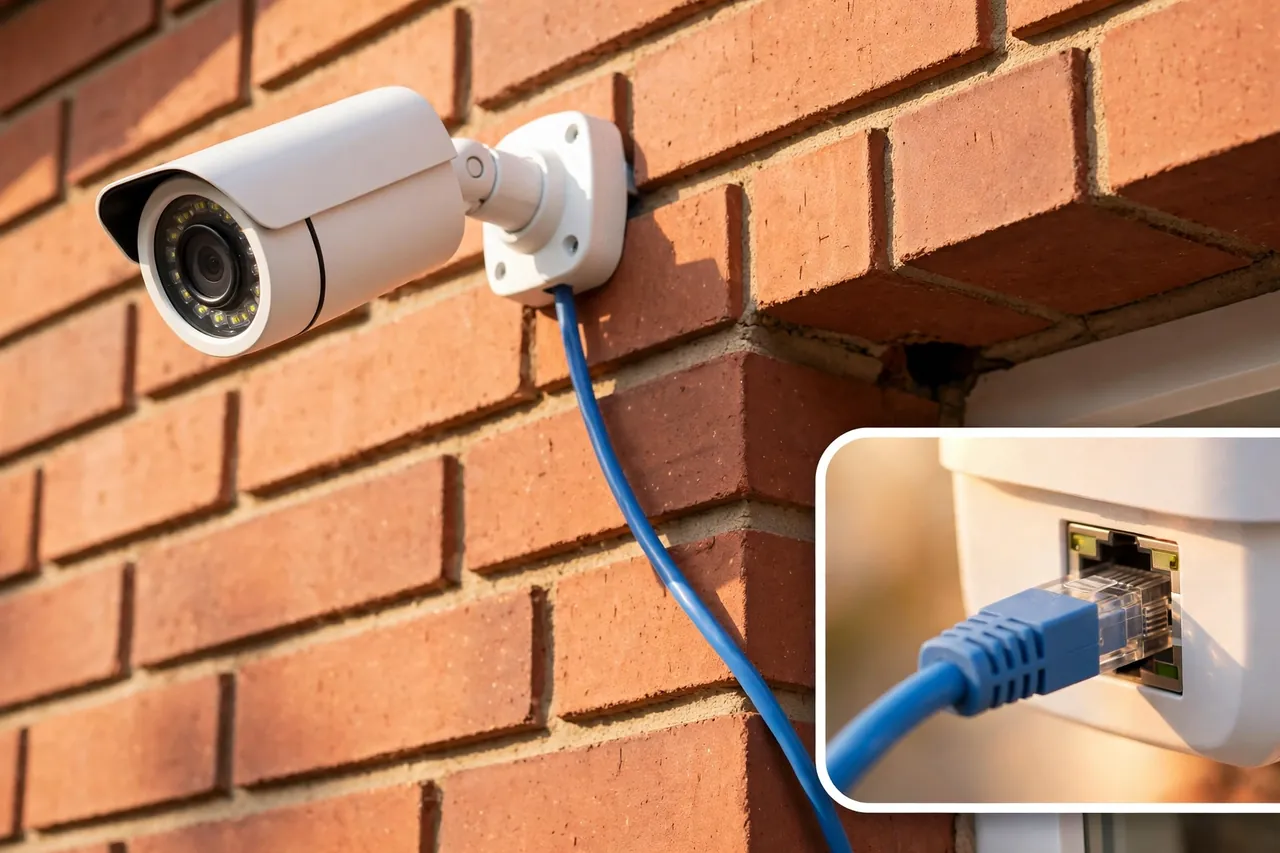
A PoE security camera is a wired internet camera that receives both power and data through a single Ethernet cable. PoE stands for Power over Ethernet, and the idea is simple: the same cable that carries the video back to your recorder also carries the electricity that runs the camera. You plug one end into the camera and the other end into a PoE port on your recorder or switch, and that is the camera’s only connection.
That single cable replaces two things older cameras needed: a power adapter plugged into a nearby outlet and a separate video cable. Because the camera has no battery and no Wi-Fi radio doing the heavy work, it can record in sharp 4K quality all day and all night without stopping. As the team at Verkada explains in their PoE camera guide, PoE cameras receive both electrical power and data through one Ethernet cable, which cuts down on separate power supplies and extra wiring.
Here is the short version you can remember: one cable, one camera, always on. If a camera has an Ethernet port and draws its power from that cable, it is a PoE camera.
How a PoE Security Camera System Works
A PoE camera system has four parts that work together. Once you see the path a video clip takes, the whole system makes sense.
The four parts of a PoE system
- PoE cameras: the cameras on your walls or eaves. Each one films, encodes the video, and sends it down its cable.
- Ethernet cable: usually Cat5e or Cat6 cable. One cable per camera carries power out and video back.
- PoE switch or PoE NVR: the box that sends power down the cables and collects the video. Many home systems use an NVR with PoE ports built in, so you do not need a separate switch.
- Storage and viewing: a hard drive inside the NVR stores the footage, and an app or monitor lets you watch it live or play it back.
The signal path looks like this: PoE camera to Ethernet cable to PoE NVR or PoE switch to local hard-drive recording to your phone, monitor, or computer. Your internet connection is not part of the recording path. Video moves across your own wired network to the recorder, so the cameras keep recording even when your internet goes down. You only need the internet when you want to check the cameras from away from home.
Most home PoE cameras draw between 8 and 25 watts, and the switch or recorder checks what each camera needs and sends just the right amount of power. A single cable run can reach up to 100 meters (328 feet), which covers nearly any house, including a detached garage or the far end of a long driveway.
PoE vs Wireless vs Battery Cameras
Choosing between PoE, wireless, and battery cameras is really choosing between reliability and easy setup. PoE wins on reliability. Wireless and battery win on easy setup. Here is the honest side-by-side picture.
PoE vs Wireless vs Battery Cameras
| Feature | PoE Cameras | Wireless (Wi-Fi) Cameras | Battery Cameras |
|---|---|---|---|
| Power source | Ethernet cable | Wall outlet or USB | Rechargeable battery |
| Video signal | Wired Ethernet | Wi-Fi | Wi-Fi |
| Recording | 24/7 continuous | Continuous or motion clips | Motion clips only |
| Video quality | Up to 4K and beyond | Usually 1080p to 2K | Usually 1080p to 2K |
| Reliability | Highest, no Wi-Fi drops | Drops with weak signal | Drops with weak signal |
| Monthly fee | None for local recording | Often needed for full history | Often needed for full history |
| Install effort | High, cable runs needed | Low, plug in and connect | Lowest, mount and go |
| Best for | Permanent whole-home cover | Renters and quick add-ons | Spots with no power nearby |
PoE is the right pick when you own your home, you want cameras on every side of the house, and you never want to think about charging a battery or losing a clip because the Wi-Fi hiccuped. A wireless camera is the better pick when you rent, when you need one camera fast, or when running a cable to the spot would mean tearing open finished walls. Battery cameras solve one problem well: places with no outlet and no cable route, like a far shed or a gate post. They record only short motion clips, though, so they can miss what happens between clips.
Many homes end up with a mix. PoE covers the front door, driveway, and backyard, while one wireless camera covers a spot the cables cannot reach. That mix works fine as long as the important spots stay wired.
The Honest Downsides of PoE
PoE is the most reliable option, but it asks the most of you up front. Know the trade-offs before you buy.
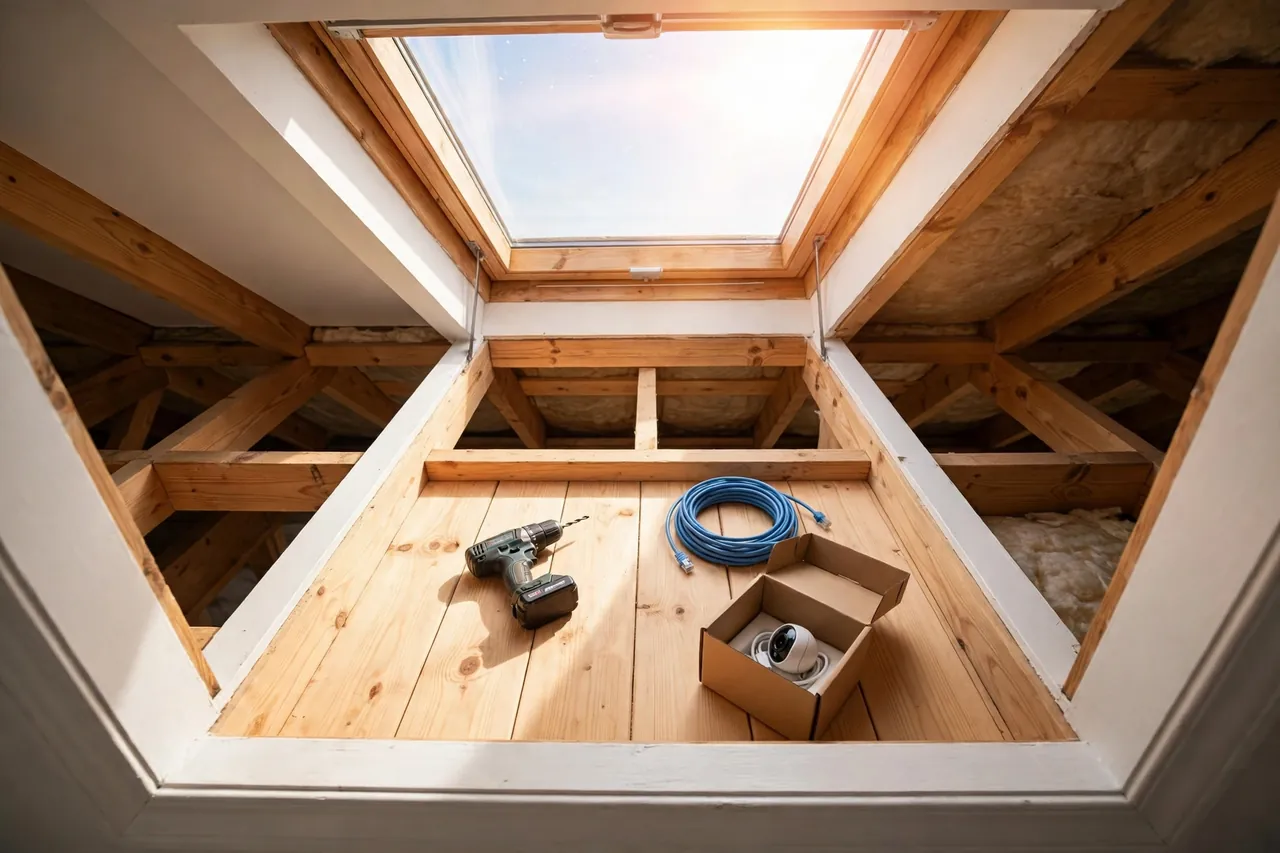
First, you have to run cables. Each camera needs an Ethernet cable from the camera back to the recorder. In a finished home that means drilling through walls, fishing cable through an attic or crawl space, and sealing the holes. Plan on one to three hours per camera if you do it yourself, and longer if the walls are finished and the attic is tight. A professional installer typically charges 40 to 150 dollars per cable run, so a four-camera install can add several hundred dollars to the job.
Second, the upfront cost is higher. A four-camera 4K PoE system with a recorder usually costs 320 to 1,000 dollars before installation, while a single wireless camera can cost under 100 dollars. The PoE system pays you back over time because there is no monthly cloud fee, but the first bill is bigger.
Third, PoE is not renter-friendly. Drilling holes and running cable through walls is not something most landlords allow. If you rent, wireless cameras are the honest answer, and you can take them with you when you move.
Fourth, the recorder is a single point of failure. If the NVR loses power, every camera stops recording. A small uninterruptible power supply, called a UPS, fixes this. Plug the NVR and the switch into a UPS and the cameras keep running through a short power cut.
What to Check Before You Buy a PoE System
A PoE system is a small network, and five checks keep you from buying the wrong parts.
1. The PoE standard: 802.3af or 802.3at
PoE comes in standards set by the IEEE, the group that writes networking rules. Standard 802.3af, called plain PoE, delivers up to 15.4 watts per port, with about 12.95 watts reaching the camera. That covers most fixed cameras. Standard 802.3at, called PoE+, delivers up to 30 watts per port, with about 25 watts reaching the camera. You need PoE+ for pan-tilt-zoom cameras, cameras with heaters for cold weather, and cameras with bright spotlights. Check the camera’s power draw on its spec sheet, then make sure your switch or NVR can supply it.
2. Ports and power budget
Count the cameras you want now, then add two spare ports for the future. An 8-channel NVR with eight PoE ports is the sweet spot for most homes. Also check the total power budget, which is the most watts the box can send to all ports at once. A box with eight ports and a 120-watt budget can run eight cameras at 15 watts each, but it cannot run eight power-hungry 25-watt cameras at the same time. Add up your cameras’ watts and keep the total under the budget.
3. Cable runs and cable type
Use Cat6 cable for new runs. It handles the full 100-meter (328-foot) limit and leaves room for faster cameras later. Cat5e works too, and it is fine if your home already has it in the walls. Measure each run before you buy cable, and add 10 feet of slack at each end. If a run is longer than 328 feet, add a PoE extender or a second switch in the middle, which pushes the signal another 328 feet.
4. NVR channels and storage
Channels are the number of cameras the recorder can handle. Buy more channels than cameras, because adding a camera later is cheap and replacing a recorder is not. For storage, a 2TB hard drive holds roughly two to four weeks of 24/7 footage from four 4K cameras, depending on motion and compression. Look for a recorder that accepts a bigger drive later, so you can grow storage without buying a new box.
5. Resolution, weather rating, and compatibility
For outdoor cameras, 4K (8MP) is the current sweet spot: faces and license plates stay readable when you zoom in. Check the weather rating too. IP66 or IP67 means the camera handles rain and dust, which is what you want outside. Finally, look for ONVIF support if you might mix camera brands or use third-party software later. ONVIF is the open standard that lets cameras and recorders from different brands talk to each other.
Best PoE Security Camera Systems by Situation
Prices below are real prices checked on 2026-11-06 from the makers’ own stores and Amazon listings. Prices move often, so check the store before you buy, and expect sale prices to run lower than list prices.
Best PoE Security Camera Systems at a Glance
| System | Best For | What You Get | Price Checked 2026-11-06 |
|---|---|---|---|
| Reolink RLK8-520D4 | Budget first system | Four 5MP dome cameras, 8-channel NVR, 2TB drive | $319.99 on Amazon |
| Reolink RLK8-800D4 | Best value 4K system | Four 4K dome cameras, 8-channel NVR, 2TB drive | $749.99 list on Reolink store |
| Reolink RLK8-800B4 | 4K with bullet cameras | Four 4K bullet cameras, 8-channel NVR, 2TB drive | $699.99 on Reolink store |
| Lorex Fusion 4K system | Mainstream brand, big coverage | Six 4K dome cameras plus extras, 8-channel NVR, 2TB drive | $999.99 on Lorex store |
| Reolink RLC-810A | One camera to start | Single 4K bullet camera, records to microSD or NVR | $84.99 on Amazon |
| Reolink Duo 3 PoE | Wide driveway or yard | Dual-lens 180-degree panoramic camera, 16MP total | $178.49 on Amazon |
Best budget first system: Reolink RLK8-520D4
At $319.99 on Amazon, checked 2026-11-06, this is the cheapest honest way into a full PoE system. You get four 5MP cameras and an 8-channel recorder with a 2TB drive, so you can add four more cameras later without replacing anything. The 5MP picture is a step below 4K, but it is plenty for watching a yard, a porch, and a driveway. Pick this one if the budget is tight and you want the whole house covered now.
Best value 4K system: Reolink RLK8-800D4
This is the system most homes should buy. The Reolink store lists it at $749.99, checked 2026-11-06, and Amazon has sold it for as low as $584.99. You get four 4K dome cameras with person, vehicle, and animal detection, infrared night vision up to 100 feet, and an 8-channel NVR with a pre-installed 2TB drive for 24/7 recording. Reolink’s own product page for the RLK8-800D4 describes it as a plug-and-play PoE system with no separate power cables for each camera, and that matches how it works in practice: one cable per camera, straight into the recorder.
Best for a big property: Lorex Fusion 4K system
Lorex is the mainstream name in wired surveillance, and its Fusion 4K 8-channel system, listed at $999.99 on the Lorex store and checked 2026-11-06, covers a larger home in one box. It ships with six 4K dome cameras, an NVR with a 2TB drive, and room for two more cameras. Lorex’s store notes on its Fusion 4K system page that each IP camera needs only a single Cat5e Ethernet cable to connect to the NVR, which is the whole PoE idea in one sentence. Pick Lorex if you want a big-brand system with wide retail and phone support.
Best single camera: Reolink RLC-810A
If you only need one camera, or you want to test PoE before you commit to a full system, the RLC-810A is the value pick at $84.99 on Amazon, checked October 2026. It records sharp 4K video to its own microSD card, so it works without a recorder, and it joins a Reolink NVR later if you expand. It is a good first step for a front door or a garage.
Best for wide coverage: Reolink Duo 3 PoE
A wide driveway or a broad front yard usually needs two cameras. The Duo 3 PoE stitches two 4K sensors into one 180-degree view, so one cable covers the whole span. It costs $178.49 on Amazon, checked October 2026. Pick it when one camera must watch a very wide area.
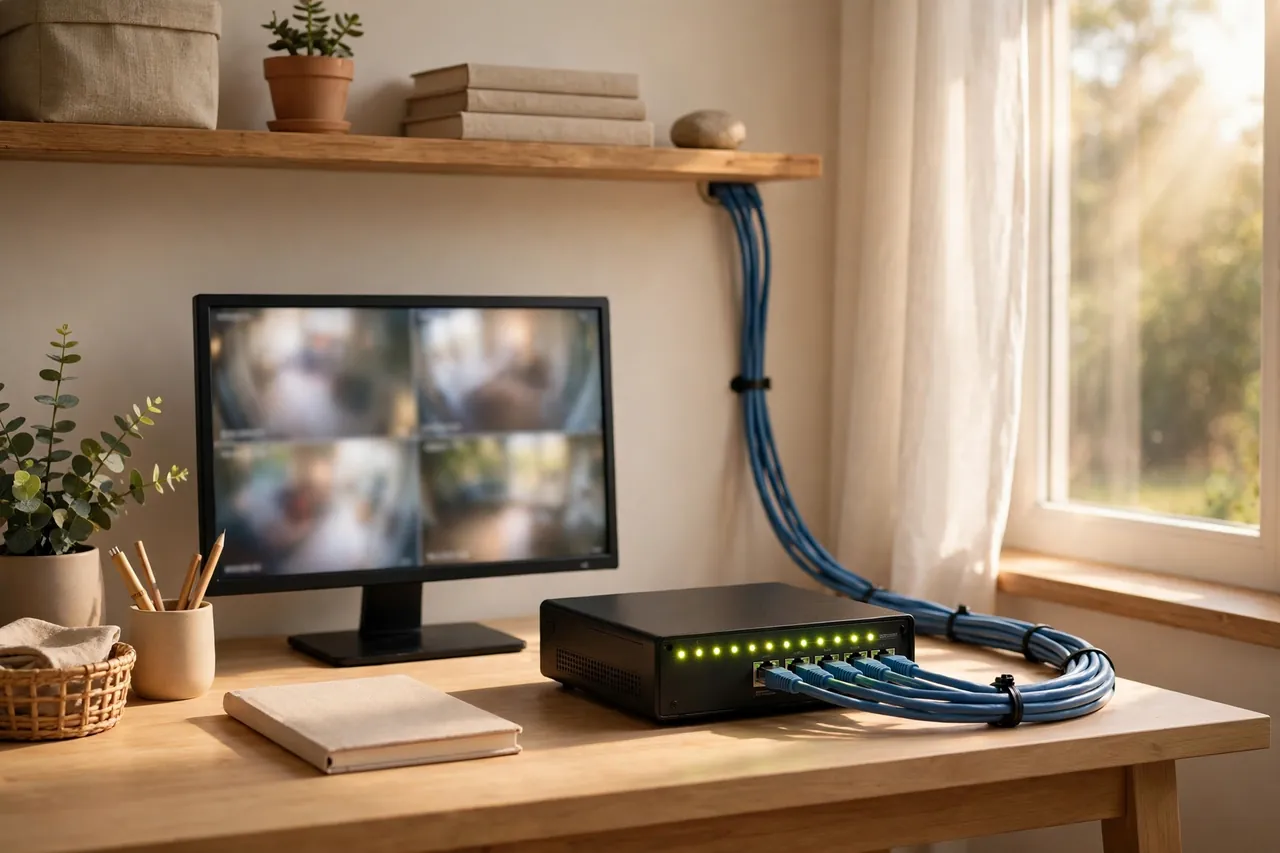
How to Set Up PoE Security Cameras
You can set up a PoE system in a weekend. Work in this order, and test each camera before you mount it for good.
- Plan the spots first. Walk your home and pick camera spots that cover the front door, the driveway, the backyard, and any side gate. Mount cameras 8 to 10 feet high, angled slightly down, so faces stay in frame and the camera stays out of easy reach.
- Measure and buy cable. Measure each run from the camera spot back to the recorder, add 10 feet of slack, and buy Cat6 cable in that length. Buy a PoE switch too if your recorder has no built-in PoE ports.
- Run the cables. Drill a small hole at each camera spot, fish the cable through the attic, basement, or crawl space, and bring it back to the recorder. Seal outdoor holes with silicone so rain and bugs stay out.
- Mount the cameras. Screw the mount into a stud or use the anchors in the box, connect the cable, and aim the camera. Do this in daylight so you can check the view on your phone as you aim.
- Connect and power up. Plug each cable into a PoE port on the NVR or switch, then plug the NVR into power and into your router with a short Ethernet cable. The cameras should appear on the screen within a minute or two.
- Set recording and alerts. Turn on 24/7 recording, set motion zones so passing cars do not trigger alerts all day, and test the phone app from outside your home Wi-Fi. If the app works on mobile data, remote viewing is set.
If drilling through finished walls feels risky, hire a low-voltage installer for the cable runs and do the rest yourself. Running cable is the only hard part. Everything after that is plugging things in and tapping through an app.
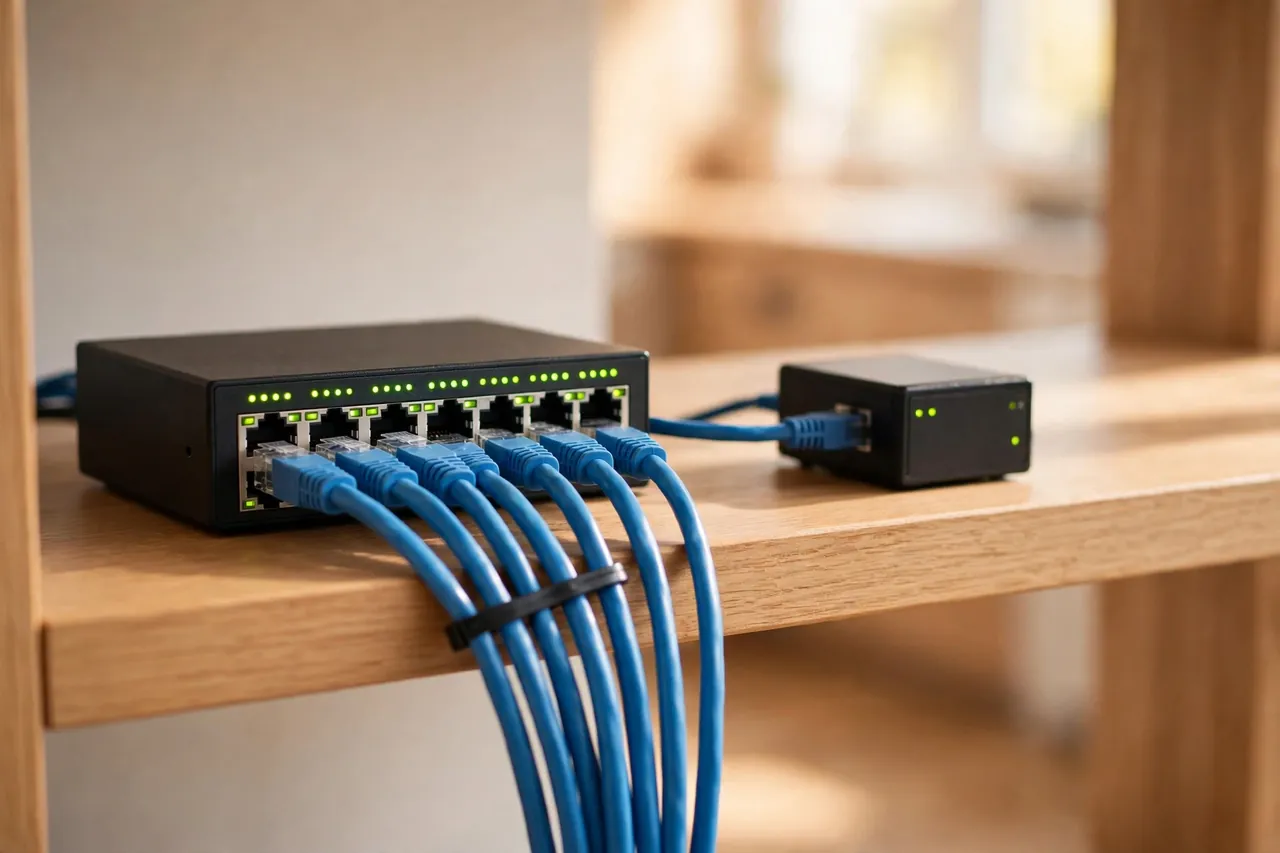
PoE Switch for Security Cameras: Do You Need One?
A PoE switch for security cameras is a box that sends power and data to your cameras when your recorder cannot do it alone. You need one in two cases. First, your recorder has no built-in PoE ports. Second, you have more cameras than the recorder’s built-in ports, or a camera sits too far from the recorder for one cable run.
Most home kits already include a recorder with PoE ports built in, so most buyers never need a separate switch. The switch matters when you build a system camera by camera, when you add cameras far from the recorder, or when you want the cameras on their own network so their video traffic never touches your home Wi-Fi.
Pick a switch with two more ports than the cameras it will feed, and check its total power budget the same way you check a recorder’s budget. An 8-port switch with a 120-watt budget handles eight ordinary cameras. A gigabit switch is worth the small extra cost because 4K video uses real bandwidth. Put the switch near the recorder, plug it into a UPS with the recorder, and run one short cable from the switch to the recorder so all the cameras show up in one place.
Common PoE Camera Problems and Quick Fixes
PoE systems are reliable, but a few problems come up again and again. Work through them in this order, cheapest and easiest first.
- Camera has no power: check that the cable clicks firmly into the port at both ends, then try a different port on the switch or recorder. A bad cable is the most common cause, and a cheap cable tester finds it in seconds.
- Camera has power but no picture: the camera may need a firmware update, or its IP address may clash with another device. Restart the camera from the app, then check the recorder’s camera list to see if it appears.
- Picture drops at night: night vision uses more power than daytime video, so a camera that works all day can fail after dark. This usually means the switch or recorder is short on power budget. Move the camera to a PoE+ port or a switch with a bigger budget.
- Recording stops after a few days: the hard drive is full and the recorder is not set to overwrite old footage. Turn on loop recording, or fit a bigger drive.
- Remote viewing fails: the recorder needs its own Ethernet cable to the router, and some routers block the app’s connection. Plug the recorder straight into the router, then check the app again on mobile data.
When a problem survives all of these checks, call the maker’s support line with the camera model and the recorder model in hand. PoE is a standard, so support can usually trace the fault to one part in a few minutes.
Related Guides
If you are building out the security of your whole home, these guides pair well with a PoE camera system. A camera at the front door works hand in hand with a smart lock for your front door, so the door and the camera cover the same entry together. And once your cameras are wired, you can tie them into a wider setup with light automation for your home, so lights and cameras work as one system when motion is detected at night.
Frequently Asked Questions
Do PoE cameras need a separate power supply?
No. A single Cat6 cable carries both power and data, so you plug the far end into any PoE port on the NVR or PoE switch and the camera needs no adapter at the camera end. You only power the NVR or switch itself, which plugs into a normal wall outlet.
How far can PoE run?
328 feet (100 meters) per cable run, under the Ethernet standard. Beyond that, install a PoE extender or a second switch in the middle to push the signal another 328 feet. Most home layouts fit comfortably inside one 328-foot run per camera.
Do I need internet for PoE cameras to work?
No. PoE cameras record locally to the NVR, even without Wi-Fi or internet, because the video travels over your own wired network. You only need an internet connection for remote viewing on your phone, for alerts away from home, or for cloud storage.
How long can PoE cables be?
Standard PoE works up to 328 feet (100 meters) with Cat5e or Cat6 cable. Beyond that, use a PoE extender or a switch to boost the signal. For the cleanest picture, keep new runs in Cat6 and test any run near the limit before you seal up the walls.
Can I mix PoE and Wi-Fi cameras?
Yes, but it is not ideal. Most NVRs support hybrid setups, but PoE cameras offer better reliability and lower lag. Use PoE for the critical areas like doors and driveways, and save Wi-Fi cameras for less important zones where running a cable is not practical.
PoE security cameras are the set-and-forget choice. The cable work takes a weekend, and after that you get sharp video, 24/7 recording, and no batteries, no Wi-Fi dropouts, and no monthly fee for your own footage. Start with the spots that matter most, usually the front door and the driveway, and add cameras as your budget allows. If the cable runs feel like too much, get quotes from two low-voltage installers before you decide; many homeowners find the install costs less than they feared, and the system then runs for years with almost no attention.
A quick safety note: PoE runs on low-voltage power, so the cables themselves are safe to handle, but drilling through walls can hit electrical wires, pipes, or gas lines. Always check what is behind a wall before you drill, and hire a professional if you are unsure. Homes, budgets, and conditions vary, so treat the prices and steps here as a guide and get local help for anything beyond basic DIY.



