
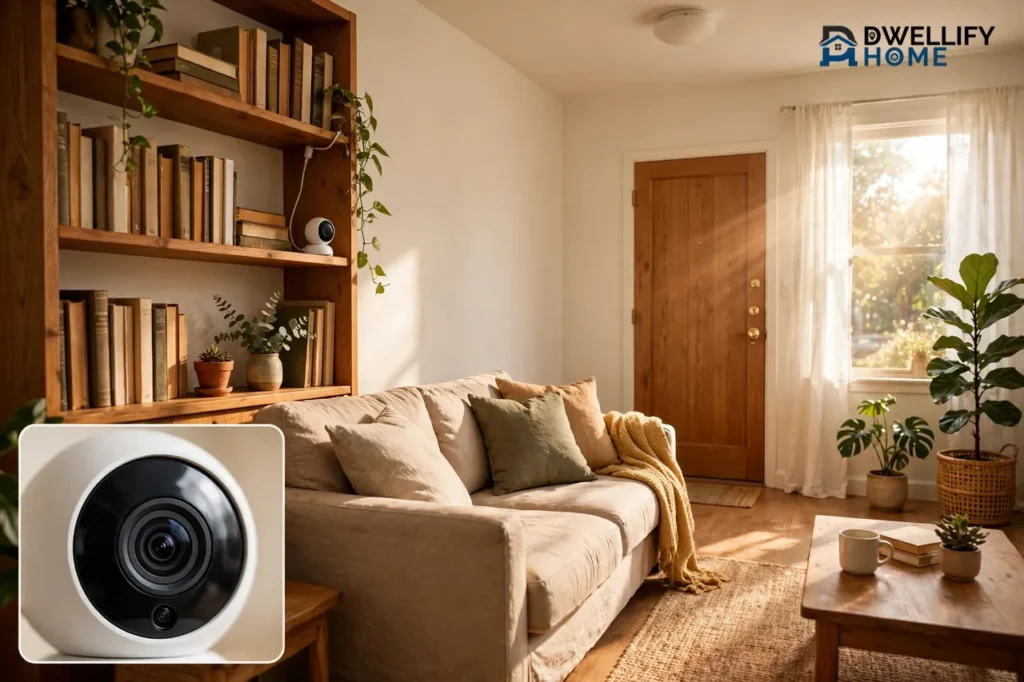
Yes, you can use security cameras in an apartment. The best setup for most renters is a plug-in indoor camera aimed at the front door, plus a battery camera or peephole camera for the entry, all mounted without drilling a single hole. This guide shows you how to pick cameras that respect your lease, protect your neighbors’ privacy, and move with you when your lease ends.
Renting changes the rules of home security. You cannot drill into walls, run wires through the unit, or bolt a camera to the outside of the building. Your lease, your landlord, and the people who share your hallway all shape what you can do. The good news is that modern cameras are built for exactly this situation. Most of them sit on a shelf, stick on with adhesive, or run on batteries, and they come off cleanly when you move.
What Makes Apartment Cameras Different
A house camera and an apartment camera solve different problems. A homeowner can screw a mount into siding, run a cable through an attic, and leave the whole system behind when they sell. A renter cannot do any of that. Every choice in an apartment comes back to three limits: no drilling, no damage, and no permanent changes.
That means the camera itself matters less than how it mounts and how it leaves. A great camera that needs screws is a bad apartment camera. A simple camera that sits on a bookshelf, sticks to a window, or clips to a door frame without tools is a good one. You should be able to pack the whole setup in one box on moving day.
Shared space is the third limit. Your front door opens onto a hallway your neighbors use every day, and your balcony faces other balconies. A camera that works perfectly inside your living room can become a problem the moment it points at a shared walkway or a neighbor’s window.
Check Your Lease First
Read your lease before you buy anything. Look for the sections called “Alterations,” “Improvements,” or “Modifications.” Most leases say you need the landlord’s written permission before you change anything about the unit. Drilling holes, screwing in a mount, or running cables through a wall all count as alterations under a typical lease.
The rule of thumb is simple. If the camera changes the property, ask first. If it does not touch the property at all, you usually do not need permission. A camera that sits on a shelf or a table does not modify anything. A camera stuck on with a removable adhesive strip does not either, as long as it peels off without damage. A camera that needs a drill does modify the unit, and installing it without permission can bring a formal notice, a fine, or even eviction proceedings.
Some leases go further and name surveillance devices, recording equipment, or smart-home gear directly. A lease can restrict cameras even where the law would allow them, because the lease is a contract you signed. When the lease is silent, you still have more room, but silent does not mean permitted. Get approval in writing before you modify anything.
How to Ask Your Landlord in Writing
Put the request in an email so you have a record. Keep it short and specific. Name the camera, say exactly where it will go, explain how it mounts, and promise to remove it and repair any damage when you move out. Landlords say yes far more often when the request shows there is nothing to fix later.
- Write down the camera model and where it will sit, for example “one plug-in camera on a shelf facing the front door.”
- State the mounting method in plain words: “no drilling, no screws, adhesive strips only.”
- Say what the camera records and what it does not, for example “video only, inside my unit, no audio.”
- Promise removal and repair at move-out, and ask for a written yes or no.
Ask about the outside separately. Outdoor cameras, balcony cameras, and anything facing a shared hallway almost always need explicit permission, even when indoor cameras do not. If your landlord says no to the outside, accept it and build your setup inside instead. An indoor camera facing the door covers most of what a renter actually needs.
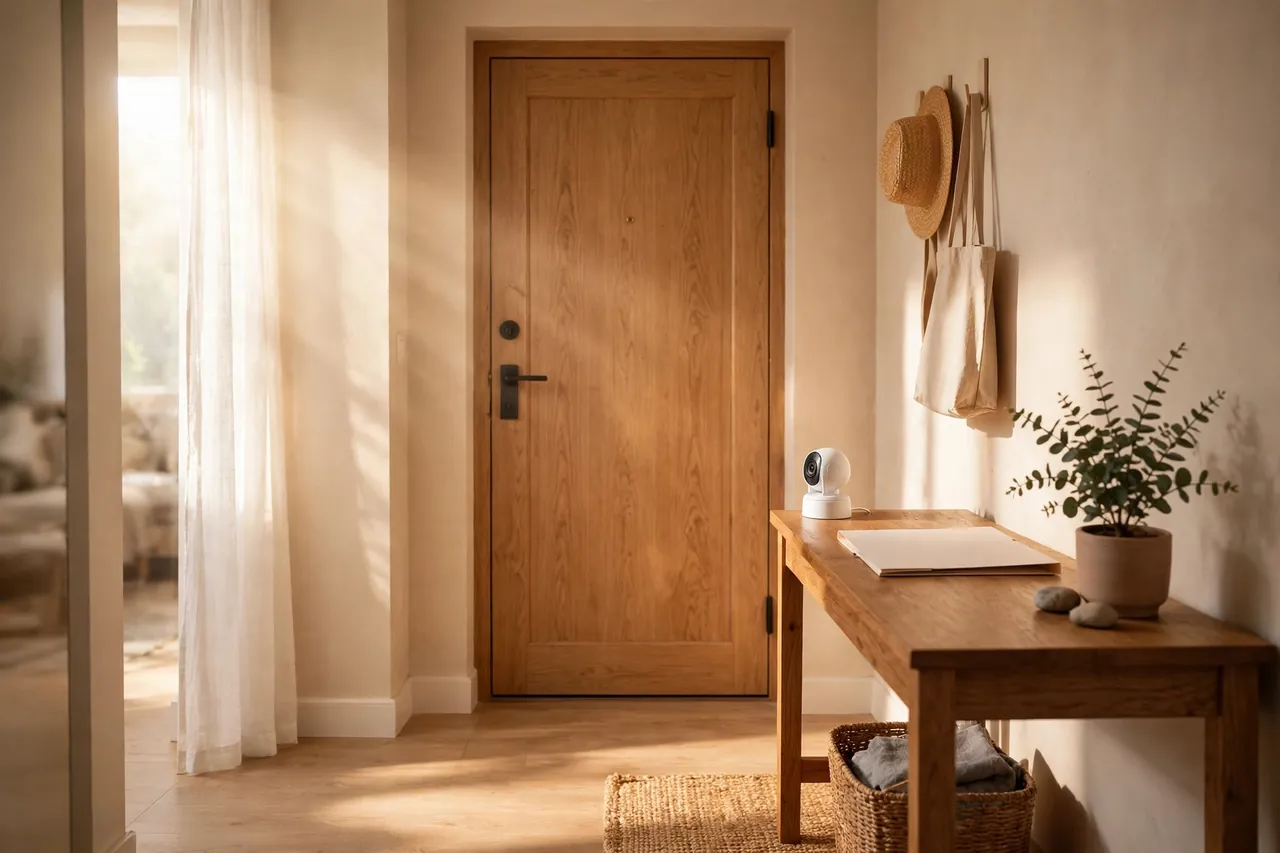
No-Drill Mounting Options That Actually Work
You do not need a drill to hold a camera steady. Four no-drill methods cover nearly every apartment layout, and each one comes off cleanly at move-out.
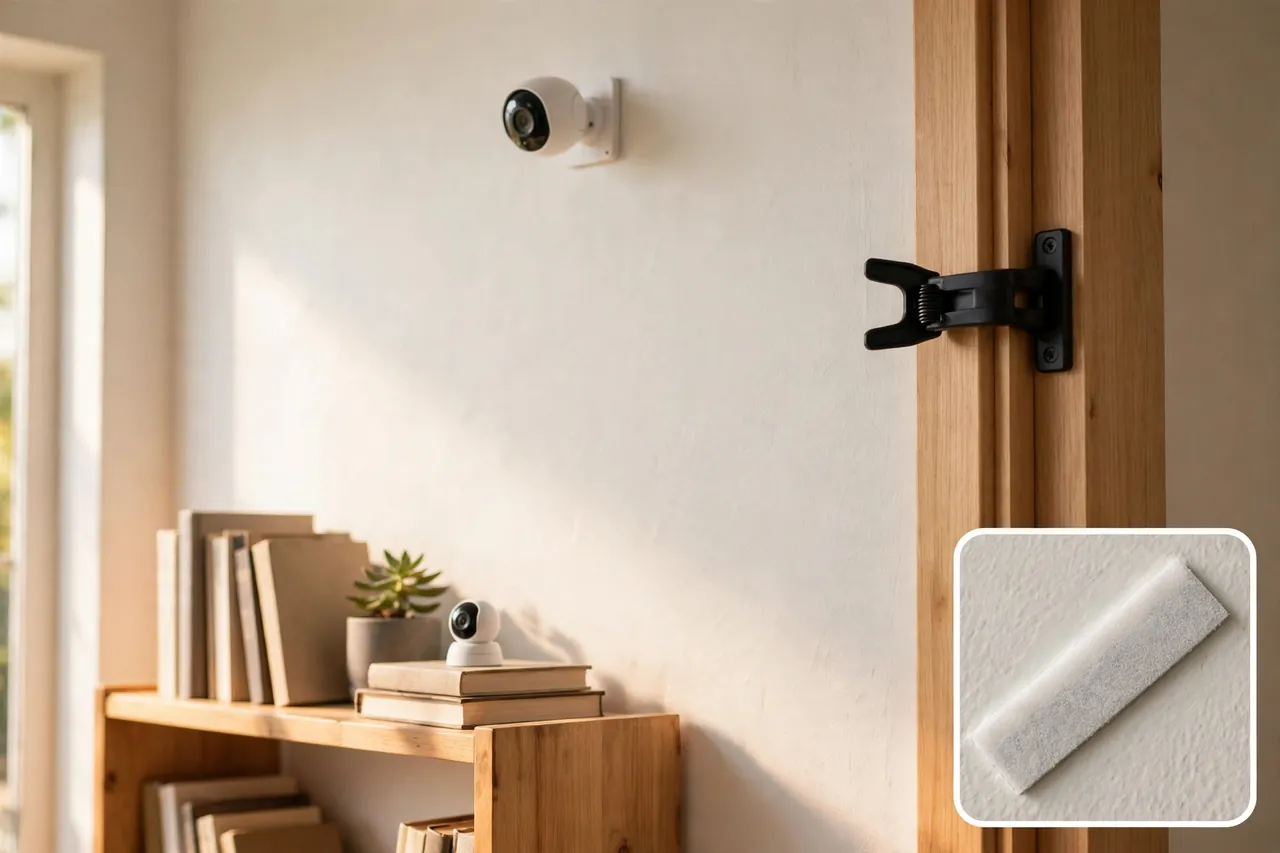
Adhesive Mounts and Strips
Heavy-duty adhesive strips and small adhesive mounts hold light indoor cameras on smooth walls, door frames, and the sides of shelves. They work best on painted drywall, wood, and glass. Test any adhesive on a hidden spot first, and skip textured or unfinished surfaces, where adhesive grips unevenly and can pull paint off. When you move, warm the strip with a hair dryer on low and peel it off slowly.
Shelves, Stands, and Furniture
The simplest mount is no mount at all. A small camera on a bookshelf, a TV stand, or a kitchen counter sees most of a room from a stable spot. A cheap tripod or a small camera stand adds height and angle without touching the wall. This is the safest option for your deposit, because nothing sticks to anything, and it is the easiest to move when you rearrange the room.
Peephole Cameras
A peephole camera replaces the peephole already in your door. It uses the hole that is already there, so you drill nothing and change nothing. You get a view of whoever stands outside, and most models record motion clips and send alerts to your phone. Check your lease first anyway, because some landlords treat even a peephole swap as a change to the door. Keep the original peephole in a drawer so you can put it back at move-out.
Tension and Clip Mounts
For a video doorbell, a tension-fit bracket grips the door frame and holds the doorbell in place without screws or glue. These brackets are made for renters, and they come off without a mark. A clip mount does the same job on a balcony railing or a shelf edge. If a mount needs a screw to stay put, it is not a renter mount, no matter what the box says.
Where to Put Each Camera
Place cameras by the job each one does. Most apartments need only two or three: one watching the front door from inside, one covering the main living area, and, if your lease allows it, one watching the balcony or patio. More cameras do not mean more safety. They mean more alerts, more charging, and more chances of pointing at a neighbor by mistake.
Indoor Cameras Facing the Door
Put your main indoor camera across the room from the front door, on a shelf or stand at about chest height. From there it sees everyone who walks in, and it catches faces, not just the tops of heads. Aim it at your own entryway and living space only. Angle it down slightly so it does not catch the hallway through a glass panel or an open door.
Keep cameras out of bedrooms and bathrooms that other people use. A camera in your own bedroom that only you use is fine. A camera in a shared bathroom is never fine, and a camera in a bedroom shared with a roommate needs that roommate’s clear agreement.
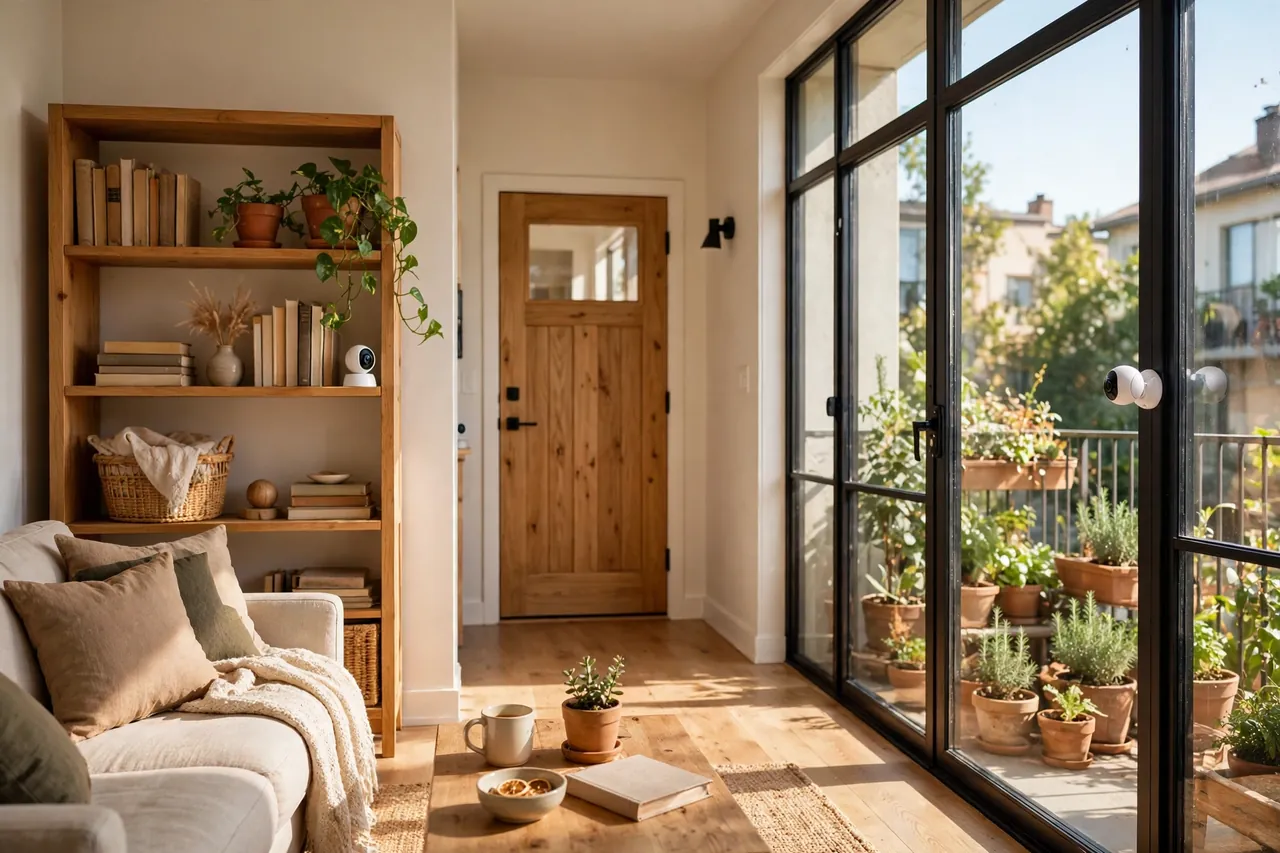
Window Cameras
A camera pressed against the inside of a window watches a balcony, a patio, or the street without touching the outside of the building. This is the most renter-friendly way to get outdoor coverage. Use a window mount that holds the camera flat against the glass. Without a flush mount, the camera’s own infrared night vision reflects off the glass and washes out the footage after dark.
Watch out for two window problems. A mesh screen blurs daytime footage, so mount the camera against a section of window without a screen, or take the screen out while the camera is up. Bright sunlight also matters: a camera facing a bright window can blow out the image, so test the view at midday and move the camera if the picture turns white.
Balcony and Patio Cameras
If your lease allows a camera on a private balcony or patio, a battery camera is the right tool. It needs no outlet and no wire, and a clip or adhesive mount holds it to a railing or a shelf. Check the Wi-Fi signal from that exact spot before you mount anything, because concrete and brick block Wi-Fi far more than interior drywall does. A camera with a weak signal drops clips and sends late alerts, no matter how good the camera is.
For the details of outdoor battery cameras, including battery life and weather ratings, see our guide to battery-operated security cameras. And if you want the full outdoor picture, our wireless security cameras for outdoors guide covers the models that work without any wiring at all.
Privacy Rules: Neighbors, Hallways, and Audio
Your camera rights stop where someone else’s privacy starts. Inside your own unit, you have broad room to record video of your own living space. Outside it, the rules tighten fast, and audio is far stricter than video everywhere.
Shared Hallways and Neighbors
The hallway outside your door, the building entrance, the parking lot, and the laundry room belong to the landlord, not to you. You do not have the right to install cameras in those spaces without explicit permission, and many landlords say no because they do not want tenants changing shared property or creating problems with other residents. Your landlord can install cameras in those common areas, but you generally cannot.
That matters for door cameras and doorbells. A doorbell camera in a shared hallway records your neighbors coming and going every day. Some buildings allow it, some do not, and some local rules restrict hallway cameras specifically. Ask before you mount anything that faces a shared space, and aim the camera at your own doorway, not down the hall. Never aim a camera at a neighbor’s window or door.
Audio Recording Is the Real Risk
Most cameras record sound by default, and that audio triggers wiretapping laws that are far stricter than the rules for video. The Reporters Committee for Freedom of the Press explains in its recording guide that federal law requires the consent of at least one party before recording a conversation, and about 11 states require the consent of all parties. Those all-party states include California, Florida, Illinois, Maryland, Massachusetts, Michigan, Montana, New Hampshire, Pennsylvania, and Washington. A camera mounted in a hallway is not a party to any conversation it picks up, so its audio recording can count as an interception no one consented to.
The practical answer is simple: turn audio recording off unless you have a clear reason to keep it on and you know your state’s rule. Video-only recording avoids the wiretapping problem entirely in most situations. If you do want two-way talk for answering the door, use it live and keep recorded audio off. Check the Reporters Committee’s recording guide for your state’s exact rule before you enable a microphone that records.
Roommates, Guests, and the People Inside
Tell the people who live with you where the cameras are and what they record. A roommate who finds a camera they did not know about will not care that it was legal. Put the camera where everyone can see it, and use the camera’s privacy shutter or privacy mode when you are home and do not need recording. Some cameras, like the Ring Indoor Cam, have a physical shutter that blocks the lens and the microphone when you twist it shut. That small habit keeps trust intact in a shared home.
The Best Camera Types for Apartments
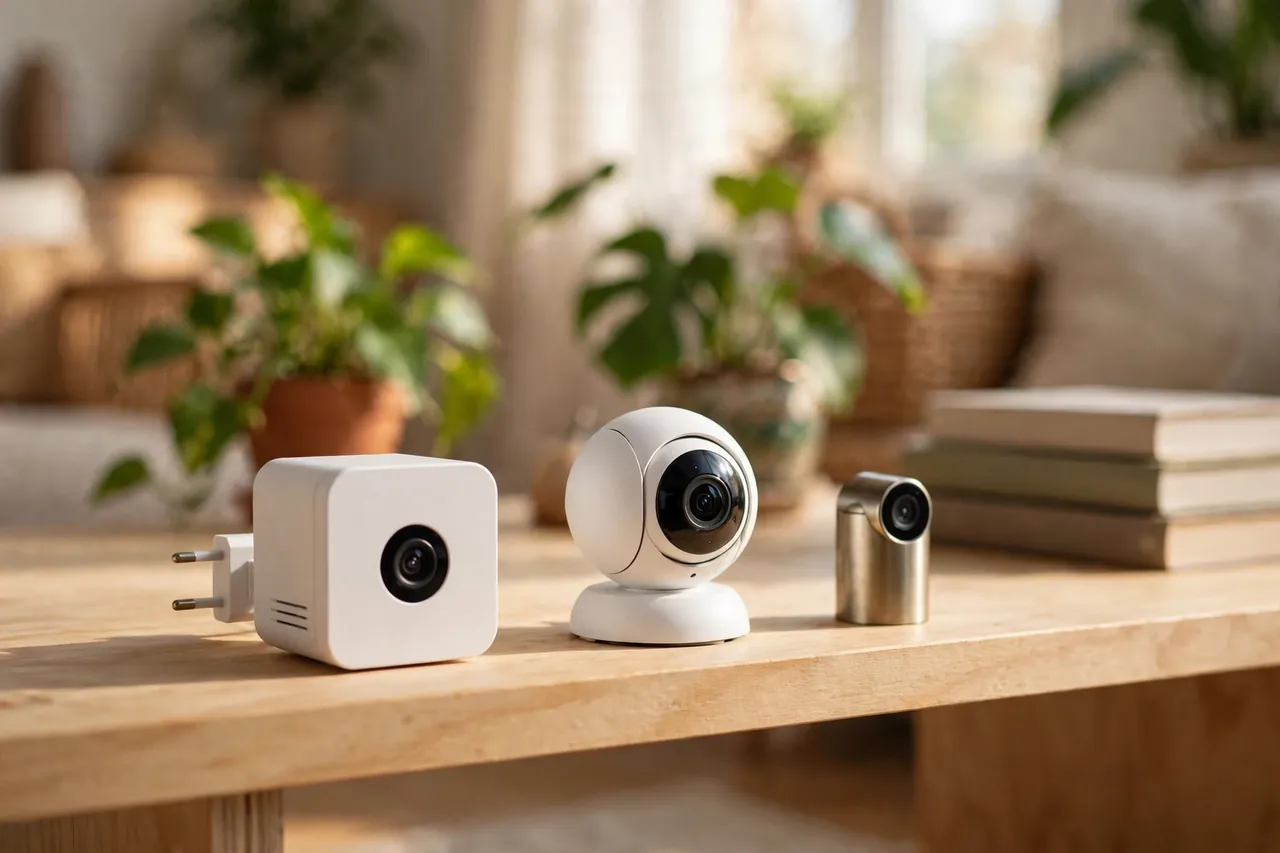
The right camera for an apartment is small, easy to move, and cheap to run. You do not need a wired system, a professional install, or a camera built for a large house. Start with one indoor camera, add a door camera only if your lease allows it, and add a battery camera for a balcony only after that. The table below shows the strongest picks for renters, with prices checked in late October and early November 2026. Prices change often, so treat these as a snapshot, not a promise. Each price is the camera alone, before any subscription or memory card.
Best apartment cameras at a glance
| Camera | Best for | Price | Subscription needed? |
|---|---|---|---|
| Wyze Cam v4 | Budget indoor camera, 2.5K video | $44.98 | No, for live view and local recording |
| Blink Mini 2K+ | Small plug-in camera, Alexa homes | $39.99 | No, for live view and alerts |
| Ring Indoor Cam (2nd Gen) | Privacy shutter, Alexa homes | $49.99 | Yes, for video history |
| TP-Link Tapo C120 | No-subscription indoor or window camera | $44.37 | No, for local recording |
| eufy Indoor Cam E30 | Pan-tilt room coverage, no fees | $69.99 | No |
The Wyze Cam v4 costs $44.98 on Wyze’s own store, checked October 26, 2026. It records 2.5K video, has color night vision and a motion spotlight, and stores footage on a microSD card up to 512GB without a subscription. Its small cube shape disappears on a shelf, and its IP65 rating means it even works on a covered balcony. Smart detection for people, packages, and pets sits behind the Cam Plus plan.
The Blink Mini 2K+ lists at $39.99, confirmed by Target’s listing and a PCWorld report from October 29, 2026. It plugs into any standard outlet with USB-C, needs no sync module, and works without a subscription for live view, motion alerts, two-way audio, and night vision. It has no local storage of its own, so saving clips takes a Blink subscription or a Sync Module with a USB drive.
The Ring Indoor Cam (2nd Gen) lists at $49.99 on Ring’s site. It records 1080p video with color night vision, and its physical privacy shutter blocks both the lens and the microphone when you twist it closed. That shutter is the reason to pick it in a shared apartment. Without a Ring Home plan, you get live view and alerts only, with no saved video history.
The TP-Link Tapo C120 sells for about $44.37 on Amazon, as listed in November 2026. It records 2K video, runs free on-device AI detection for people, pets, and vehicles, and stores footage locally on a microSD card. It supports Alexa, Google Home, and Matter, and its IP66 rating means it works indoors or in a window facing outside.
The eufy Indoor Cam E30 costs $69.99 on eufy’s own store, checked October 26, 2026. It records 4K video and pans 360 degrees, so one camera can follow movement across a whole living room. Person, pet, and sound detection all run on the device for free, and it stores footage locally with no monthly fee. It also works with Apple Home, capped at 1080p.
Plug-In Indoor Cameras
A plug-in camera is the easiest apartment camera to live with. It draws power from a normal outlet, so it never needs charging and never dies at 2 a.m. Put one near the front door, one in the living room if the layout needs it, and you are done. The only real limit is outlet placement: a camera can only sit as far from an outlet as its cable reaches, so check cable length before you buy.
Battery Cameras
A battery camera goes where no outlet exists: a balcony, a window ledge, or a shelf far from a plug. Battery life runs from a few months to about two years depending on the model and how often it records. The trade-off is charging. You have to take the camera down, charge it, and put it back, and a camera on a charger is a camera that is not watching. Keep a charging routine, for example the first Sunday of the month, so a dead battery never surprises you.
Peephole and Door Cameras
A peephole camera or a battery doorbell covers the one spot that matters most: your front door. Both use the door or the frame you already have, and neither needs wiring. A doorbell also gives you two-way talk, so you can answer a delivery driver without opening the door. Pair it with a smart lock for your front door and the entry becomes a complete system you can take with you when you move. Before you buy, check which lock types fit your door, because a doorbell and a lock that fight for the same space is a problem you will notice every day.
Wi-Fi and Power in a Rental
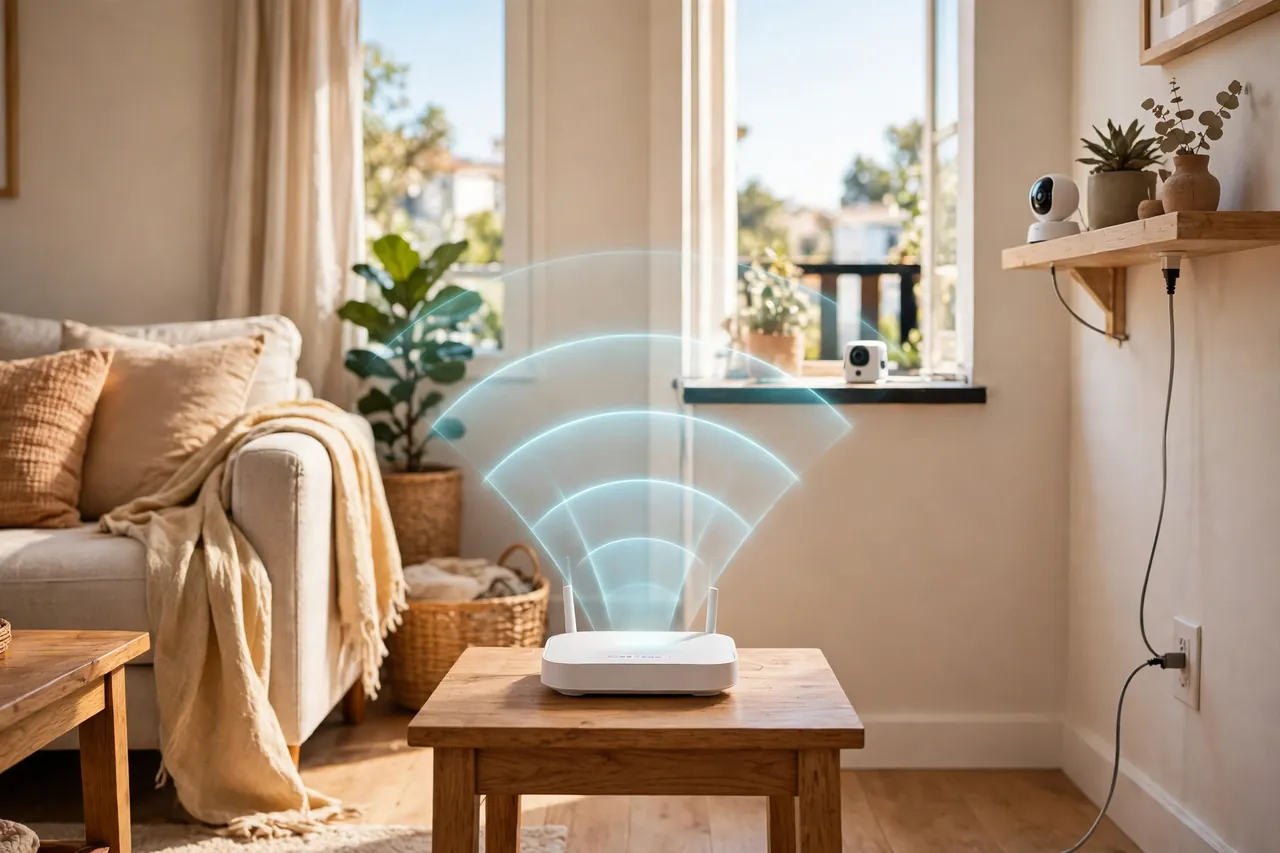
Apartment Wi-Fi is crowded. Your router shares the air with a dozen neighbors’ routers, and older buildings with plaster walls or steel framing weaken the signal even more. Most indoor cameras use 2.4GHz Wi-Fi only, because that band passes through walls better than 5GHz. That is good for range and bad for congestion, since every neighbor’s network sits on the same band.
Test the signal before you mount anything. Open the camera’s app from the exact spot where the camera will sit and check the signal strength it reports. A balcony camera is often the furthest from the router and the weakest link, so test it there first. If the signal is weak, move the router closer to the center of the apartment, or add a Wi-Fi extender. Do not blame the camera until the signal is solid.
Power is the other rental limit. You cannot add outlets or run cables through walls, so plan around the outlets you have. A plug-in camera needs an outlet within cable reach, and a long cable across a walkway is a trip hazard. A battery camera solves the outlet problem and creates a charging chore instead. Pick the trade-off that fits your layout, not the one that sounds better on the box.
Keep your cameras on a separate guest network if your router offers one. It isolates the cameras from your laptop and phone, so a weak camera password cannot open a path to your main devices. Use a strong, unique password for the camera account itself, turn on two-factor authentication where the app supports it, and install firmware updates when they arrive. The camera company Arlo puts it plainly in its renter guide: renters can generally install cameras inside the unit without landlord approval, as long as the cameras do not record shared or common areas.
What a Camera Really Costs Each Month
The camera price is only the first cost. The real question is what it costs to keep the footage. Most cameras split into two camps: local storage and cloud subscriptions. Local storage means the camera saves clips to a microSD card or a USB drive in your home. Cloud storage means the clips go to the company’s servers for a monthly fee. Renters should lean toward local storage, because it has no monthly bill and the footage stays in your apartment.
A high-endurance microSD card costs about $20 to $40 depending on size, and a 128GB card holds roughly a week of continuous 2K recording, or several weeks of motion-only clips. Buy a card rated for constant rewriting, because a standard card wears out in months under a camera’s workload. Skip the subscription entirely if the camera gives you live view, motion alerts, and local recording without one. The Wyze Cam v4, Tapo C120, and eufy E30 all do.
When a subscription is worth it, know the number before you buy. Wyze Cam Plus costs $2.99 per camera per month, or $29.99 per year, for cloud storage and smart detection. Ring Home starts at $4.99 per month per camera for video history up to 180 days. A Blink subscription costs $3.99 per month or $39.99 per year for cloud storage and person detection. Add the yearly cost to the camera price before you compare two models, because the cheapest camera at checkout can become the most expensive one over three years.
Moving Out: Take Your Cameras With You
A renter’s security system should pack into one box. That is the whole point of choosing cameras that do not drill, wire, or glue themselves to the building. When moving day comes, the job is short if you planned for it from the start.
- Peel off adhesive mounts slowly, warming them first so they do not pull paint.
- Put the original peephole back in the door and pack the camera peephole with its screws.
- Unplug plug-in cameras, coil the cables, and pack each camera with its own mount.
- Charge every battery camera before you pack it, so it works on day one in the new place.
- Remove the microSD cards, or format them if you plan to sell or give a camera away.
- Walk the unit with your landlord and point out that every mount came off cleanly.
At the new apartment, start over with the same steps in this guide: read the new lease, ask about the outside in writing, and place the cameras again from scratch. The cameras do not care which apartment they are in. Only the lease and the layout change. If you want a sensor that moves just as easily, a smart flood sensor is another renter-friendly device: it sits on the floor, needs no tools, and comes with you when you leave.
Mistakes Renters Make With Apartment Cameras
Most apartment camera problems are not technical. They are placement and permission problems that a little planning avoids.
- Drilling first and asking later. A drilled hole is damage, and damage comes out of your deposit. Ask in writing before any mount touches a wall.
- Pointing a camera at the hallway. A camera that watches your neighbors is a complaint waiting to happen, and your landlord can order it removed.
- Leaving audio recording on. Audio triggers wiretapping law. Turn it off unless you know your state’s rule and have a reason to keep it.
- Buying a camera that needs a subscription for basic features. Check what works without a plan before you pay.
- Mounting a balcony camera without testing Wi-Fi. Concrete kills signal. Test from the exact spot first.
- Forgetting the battery. A dead battery camera records nothing. Put charging on a monthly routine.
- Hiding a camera from a roommate. Hidden cameras in shared living space break trust and can break the law. Keep cameras visible and talk about them.
A short note on safety and the law: this article is general information, not legal advice. Leases and recording laws vary by state and by building, so check your lease and your state’s rules before you install anything, and ask a local attorney if your situation is unusual. When in doubt, choose the placement that records the least about other people.
Related Guides
Wireless Security Cameras Outdoor: Placement, Wi-Fi Range, and the Best Picks for 2026 · Security Camera With SD Card: The Complete Local Storage Guide · Bluetooth Doorbell: How It Works, Its Range, and Whether It Fits Your Home
Frequently Asked Questions
Are security cameras allowed in rental apartments?
Yes, in almost every case, with caveats. Tenants can generally install plug-in indoor cameras inside their own rental unit without landlord permission, as long as the cameras do not record shared spaces, neighboring units, or areas where other people have a reasonable expectation of privacy. Audio recording faces stricter rules, and outdoor placement usually needs landlord approval.
Do I need my landlord’s permission for an indoor security camera?
Generally no. An indoor camera you own and control inside your own unit is standard practice, and a camera that sits on a shelf or sticks on with removable adhesive does not count as an alteration. Exterior cameras and anything facing shared spaces are the ones worth checking your lease over first, and you should get that permission in writing.
Will a no-drill mount actually damage my door or wall?
A quality adhesive or clip mount designed for this purpose should come off cleanly from most painted drywall, wood doors, and similar surfaces. Test any adhesive mount on an inconspicuous spot first, and avoid textured or unfinished surfaces where adhesive tends to grip unevenly. Warm the strip before peeling it off to protect the paint.
Can I take these cameras with me when I move?
Yes, that is the point of building a lineup this way. Every camera in this guide detaches from its mount without tools and reinstalls just as easily at the next address. Peel off the adhesive, pack the camera with its mount, charge the batteries, and set everything up again after you read the new lease.
Do indoor cameras support 5GHz Wi-Fi?
Mostly no, with one exception. The Google Nest Cam Indoor (3rd Gen) supports both 2.4GHz and 5GHz Wi-Fi, which helps in apartment buildings where the 2.4GHz band is crowded with neighbors’ networks. The Wyze Cam v4, Tapo C120, eufy E30, and Ring Indoor Cam all use 2.4GHz only, because that band passes through walls better.
Which camera works best without a subscription?
The eufy E30 is the strongest no-subscription performer because its AI detection, pan-tilt control, and auto-tracking all run on the device for free, with local microSD storage handling video history. The Wyze Cam v4 and Tapo C120 also work without subscriptions for basic motion alerts and local recording. Ring and Nest lean heavily on subscriptions for video history.
Start with the lease, then pick one plug-in indoor camera for the front door. Add a battery or window camera only if your layout truly needs it, and keep audio off until you know your state’s rule. A small, portable setup that respects your neighbors will protect your apartment without costing you your deposit.



