
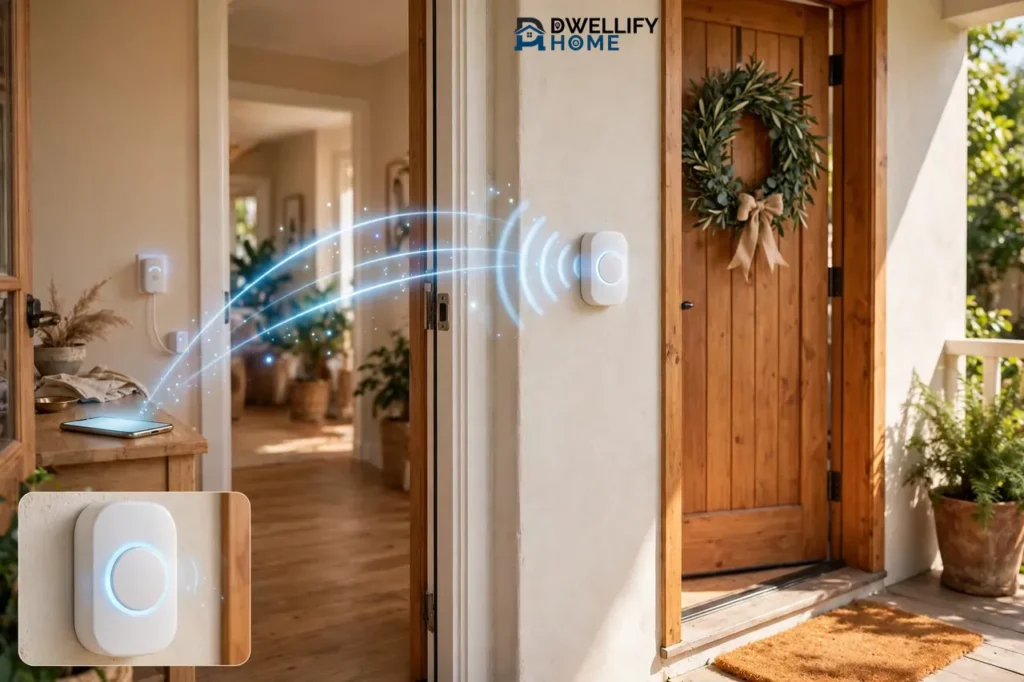
A Bluetooth doorbell is a wireless doorbell that talks to your phone or indoor chime over Bluetooth instead of Wi-Fi. When someone presses the button, it sends a short-range signal that rings the chime and, if your phone is nearby, pops up an alert on your phone. You need no Wi-Fi, no router, and no monthly fee. The trade-off is simple: the alert only reaches you while you stay close to home.
That short range is the whole story of this doorbell. If you live in a small home or an apartment, work from home, or just want a simple chime without an internet connection, a Bluetooth doorbell can be a smart, cheap fix. If you want to see who rang while you sit at the office, it is the wrong tool. This guide explains how it works, how far it reaches, how to set one up, and who should buy one.
How a Bluetooth Doorbell Works
A Bluetooth doorbell has two main parts: a push button that mounts outside your door and a receiver that sits inside your home. The button runs on batteries, so you mount it with screws or adhesive and never touch your home wiring. The receiver is the chime. It plugs into a wall outlet or runs on batteries, and it plays the ringtone when the button sends its signal.
When a visitor presses the button, the button sends a radio signal over Bluetooth to the chime. The chime decodes the signal and plays the sound you picked. Some models also pair with your phone through an app, so you get a notification on your phone at the same time. Reolink describes the same setup in its Bluetooth doorbell guide: the doorbell connects to your phone over Bluetooth, needs no internet connection, and works as long as your phone stays within Bluetooth range.
Here is one detail worth knowing before you shop. Many kits sold as “Bluetooth doorbells” use Bluetooth only for the phone link. The button often talks to the chime over a different radio signal, which is why some kits claim a much longer button-to-chime range than Bluetooth itself can reach. Check the box or manual: if it lists a phone app and Bluetooth pairing, the phone link is Bluetooth, and that link is the short one.
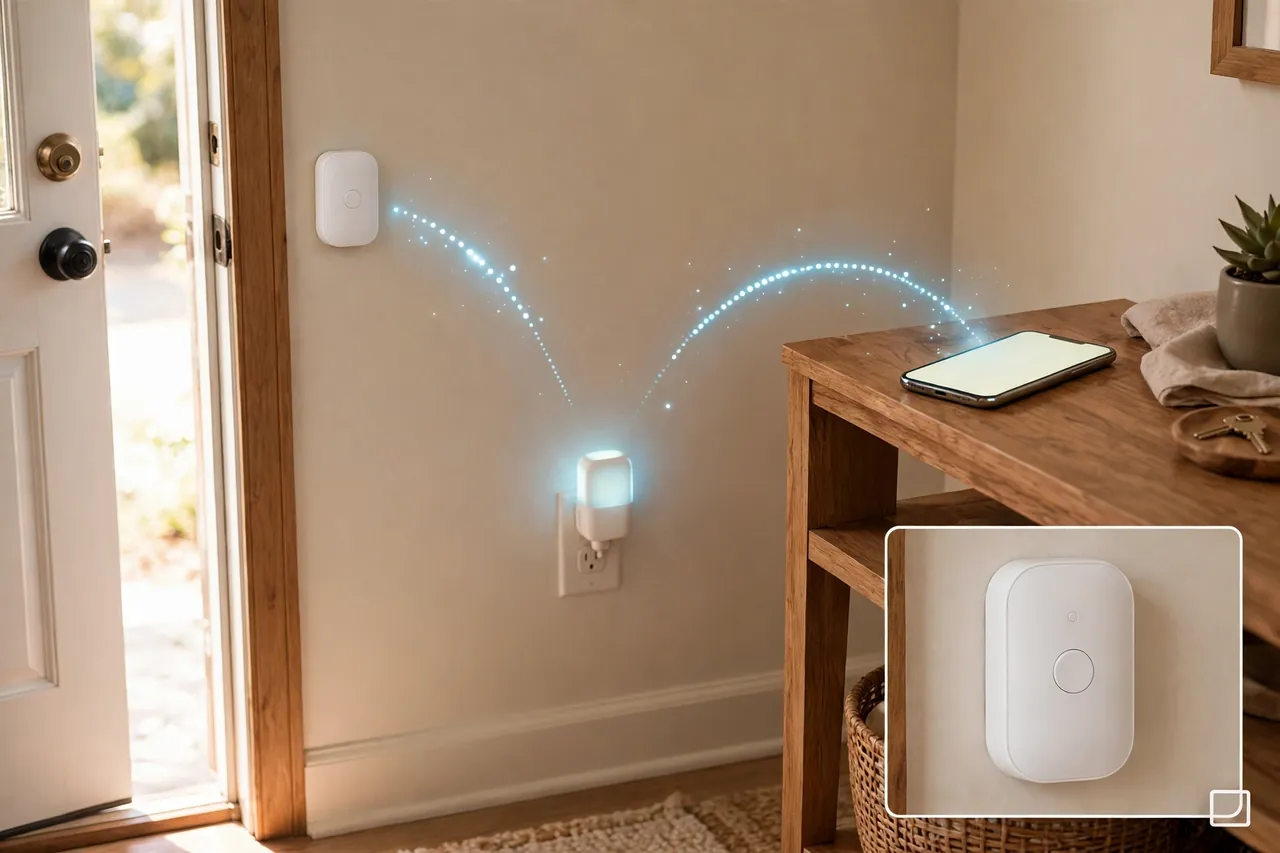
What Happens When Someone Presses the Button
Pressing the button wakes the transmitter, which sends its coded signal in a fraction of a second. The chime checks the code, so your neighbor’s doorbell cannot set yours off, and then it plays the melody. If your phone is paired and in range, the app shows a notification at the same moment. If your phone is out of range, the chime still rings inside the house. The button press itself never fails just because your phone is away, which is a quiet strength of this simple design.
Do You Need Wi-Fi for a Bluetooth Doorbell?
No. A Bluetooth doorbell does not need Wi-Fi, a router, or an internet connection to do its main job. The button and the chime talk to each other directly, and your phone pairs with the doorbell over Bluetooth. That is the whole point of buying one: it works in homes without Wi-Fi, in rentals where you cannot touch the router, and during an internet outage.
Wi-Fi only matters when you want something Bluetooth cannot give you. Remote alerts while you are away from home, video clips saved to the cloud, and voice-assistant routines all need an internet connection. If those features matter to you, a Bluetooth doorbell will disappoint you, and a Wi-Fi doorbell is the better buy. If you only need to hear the door while you are home, Wi-Fi adds nothing.
The Range Problem: How Far a Bluetooth Doorbell Really Reaches
Range is the honest weak point of every Bluetooth doorbell, so shop with clear eyes here. Bluetooth is a short-range wireless technology, and the classic figure for it is about 30 feet (10 meters) between two devices. Reolink gives the same number for its Bluetooth doorbells: about 30 feet. Vivint, in its guide to wireless doorbell communication, lists Bluetooth at up to 30 feet with a data speed of up to 3 Mbps, and notes that makers mostly use it for short-range jobs like pairing and setup.
Newer Bluetooth versions can reach farther in open air. Nordic Semiconductor, which makes Bluetooth chips used in millions of devices, says ten meters is a good guide to what you can expect between two Bluetooth devices indoors. Indoors, walls and distance eat the signal fast, so plan on the short number, not the box number.
Two ranges matter, and sellers sometimes blur them. The button-to-chime range can be long, because many kits use a separate radio link for that hop and advertise 300 feet or more in open air. The phone range is the short one: your phone only gets the alert while it sits within Bluetooth reach of the doorbell, usually around 30 feet through walls. Read the specs for the phone link, not just the headline range, before you buy.
What Cuts the Range Short
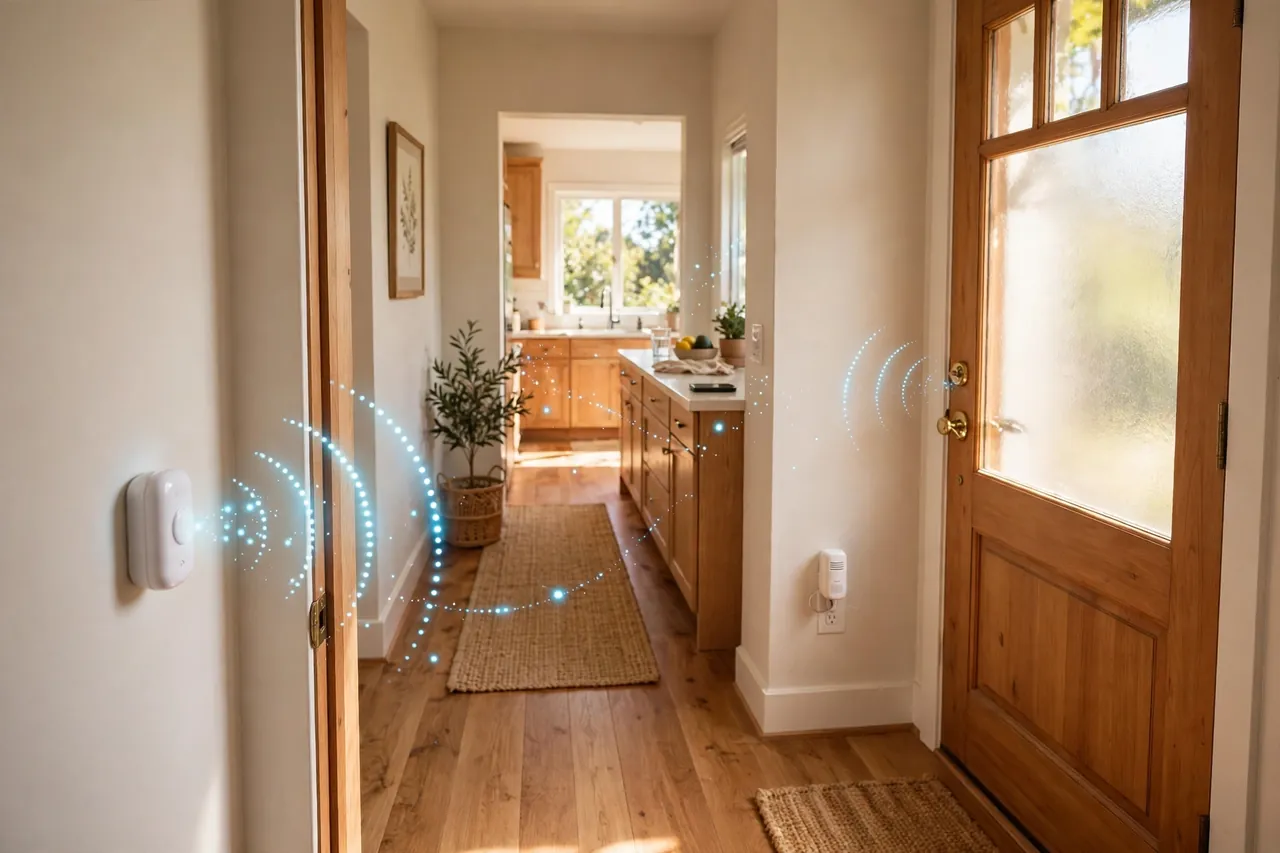
Walls are the biggest range killer. A single interior wall can cut the signal noticeably, and brick, stone, concrete, and metal cut it far more than drywall. A metal front door, a foil-lined insulation layer, or a thick masonry wall between the button and your phone can shrink the working range to a single room. Large appliances, mirrors, and a crowded 2.4 GHz band full of Wi-Fi routers and microwaves add interference too.
Distance stacks on top of all that. Bluetooth weakens steadily as you walk away from the doorbell, and it does not warn you. It simply stops delivering the alert once you cross the edge. A low battery makes it worse, because a weak battery means a weaker signal. If your alerts stop arriving, check the battery before you blame the doorbell.
How to Test Your Range Before You Mount Anything
Test first, mount second. Pair the doorbell, then walk to the farthest spot where you expect to hear the alert: your bedroom, your home office, the kitchen. Press the button from outside, or ask someone to press it, and see whether the chime and your phone both respond. Move the chime to a closer outlet if the far room misses the ring. Repeat the test with the door closed, since a closed door is how you will really live with it. If the far room fails, the doorbell is not broken. Your home is simply bigger than its range, and you need a plug-in chime halfway there or a different kind of doorbell.
How to Pair and Set Up a Bluetooth Doorbell
Setup takes about fifteen minutes and needs no tools beyond a screwdriver and, sometimes, a drill. You do not need an electrician, and you do not touch any house wiring. Button layouts differ by model, so follow your manual, but the flow below covers almost every Bluetooth doorbell on the market.
- Pick the spots. Mount the button beside your front door at about chest height. Put the chime in a central spot indoors, within range of the button, where you can hear it from the rooms you use most.
- Fit the batteries. Open the button and the chime if it takes batteries, and fit the type the manual names. Check the polarity marks before you close the covers.
- Mount the button. Mark the screw holes and fix it to the wall with the screws or adhesive pad in the box. Keep it sheltered from direct rain where you can, even on weatherproof models.
- Plug in the chime. If your chime plugs into a wall outlet, plug it in now. If it runs on batteries, switch it on. Pick a spot that is not hidden behind a fridge or a metal cabinet.
- Pair the button and the chime. Hold the pairing button on the chime, press the doorbell button, and wait for a confirmation tone. Your manual names the exact buttons.
- Pair your phone. Turn on Bluetooth on your phone, open the doorbell app, and add the doorbell when it appears. Grant the notification permission, or the alerts will stay silent.
- Pick a ringtone and volume. Choose a melody you can hear over normal household noise, and set the volume high enough to reach the far rooms.
- Test it from outside. Step outside, close the door, and press the button. Check that the chime rings and your phone buzzes. Test again from your farthest room before you call the job done.
One safety note: if your kit includes a chime that wires into your home’s mains supply rather than plugging into an outlet, do not open any household wiring yourself. Call a qualified electrician for that part. Most Bluetooth doorbells avoid this entirely with plug-in or battery chimes, which is part of their appeal.
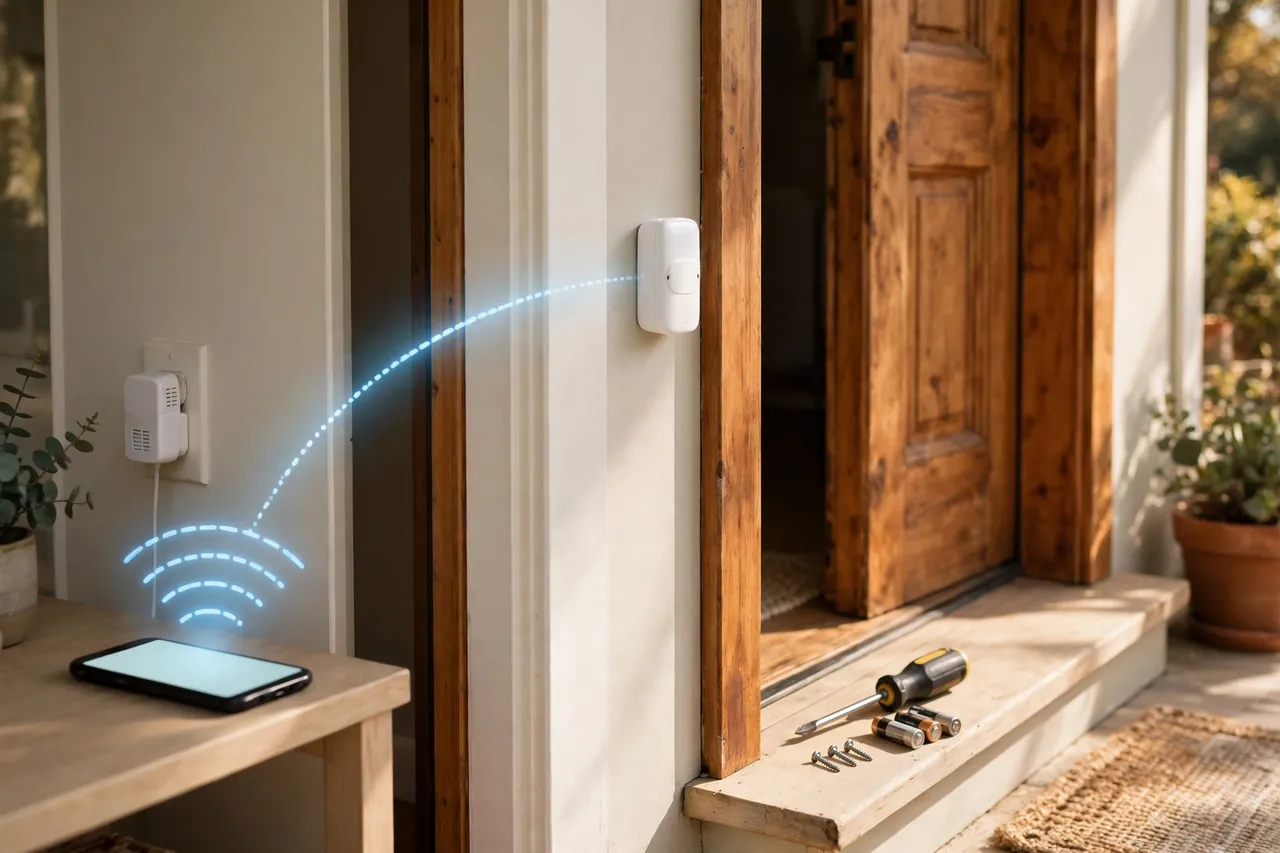
Chime Options: Plug-In, Battery, and Phone Alerts
A Bluetooth doorbell can alert you in three ways, and most kits give you at least two of them. A plug-in chime sits in a wall outlet indoors and plays a melody when the button is pressed. It never needs batteries, and you can move it to any outlet, which makes it the easiest way to fix a range problem. A battery chime works the same way but runs on batteries, so you can put it in a room with no free outlet, like a bedroom or a garage.
Phone alerts are the third option. When your phone is paired and in range, the app buzzes with a notification each time the button is pressed. Treat the phone as a bonus chime, not the main one, and keep a real chime plugged in at home, since phone alerts stop the moment you walk out of Bluetooth range.
Many kits let you add extra chimes. An extra plug-in chime in an upstairs hallway or a back bedroom can cover a home that one chime cannot reach. Check that your model supports add-on receivers before you buy a second one, and pair each extra chime the same way you paired the first.
Battery Life: What to Expect
The button’s batteries last a long time because the button sleeps until someone presses it. On a typical home with a few visitors a day, expect many months from a set of batteries, and some owners get a year or more. Cold weather shortens battery life, so a button on a shaded north-facing door in winter will need fresh batteries sooner than one on a sheltered porch.
How often the doorbell rings matters more than anything else. A busy front door with delivery drivers, kids, and neighbors will drain the button faster than a quiet one. The Bluetooth link itself sips power, since it uses Bluetooth Low Energy, the low-power version of Bluetooth built for small battery devices. Keep a spare set of the right batteries in a drawer, and swap them at the first sign of a weak or missed ring rather than waiting for the button to die.
If you want the full picture on battery-powered doorbells, including battery types and how to make them last, our guide to battery-operated doorbells covers power in depth. The short version is simple: batteries are the reason this doorbell is so easy to install, and they are also the one part you must remember to maintain.
Bluetooth vs. Wi-Fi Doorbells: Which One Fits Your Home?
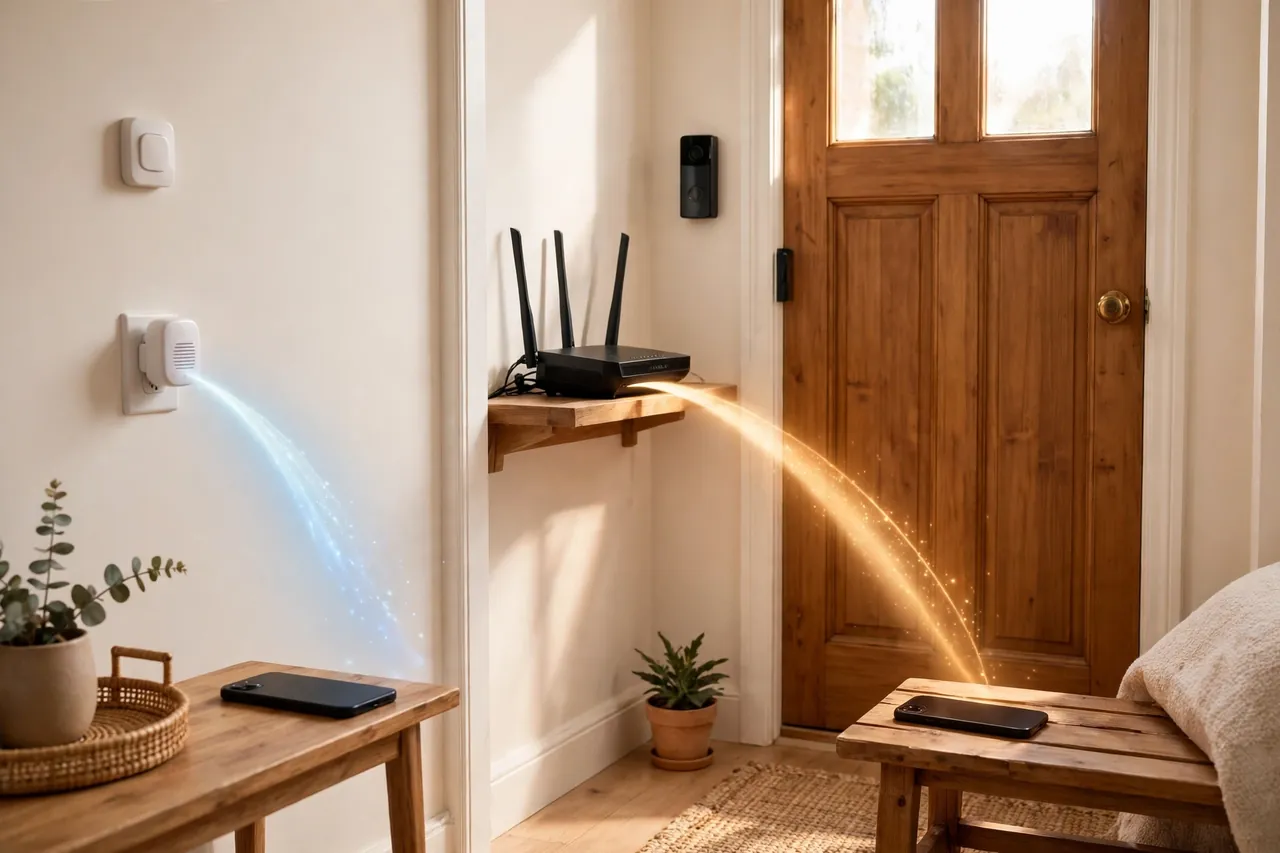
Bluetooth and Wi-Fi doorbells solve different problems, so the right choice depends on what you actually need from your front door. Bluetooth keeps things local, cheap, and simple. Wi-Fi reaches anywhere, records video, and talks to the rest of your smart home. Neither is better for everyone.
Bluetooth doorbell vs. Wi-Fi doorbell at a glance:
| Feature | Bluetooth doorbell | Wi-Fi doorbell |
|---|---|---|
| Internet needed | No | Yes |
| Phone alerts | Only within about 30 feet | Anywhere with internet |
| Video and remote viewing | Limited or none | Yes, on video models |
| Cloud clips and history | No | Yes, often with a subscription |
| Smart home routines | Basic or none | Yes, with Alexa or Google Home |
| Installation | Easy, usually battery-powered | Wired or battery, sometimes pro help |
| Upfront cost | Usually lower | Usually higher |
| Best for | Simple alerts at home | Remote monitoring and security |
Reolink draws the same line in its comparison: pick Bluetooth if you only need local notifications without Wi-Fi, and pick a Wi-Fi video doorbell if you want remote access, video recording, and smart home integration. For a basic idea of what simple wireless kits cost, Bobvila notes that inexpensive wireless doorbell units start at about $15, while smart units can cost $500 or more (Bobvila, July 2022; prices vary by model and store, so check the current price before you buy).
What You Give Up With Bluetooth
Choosing Bluetooth means giving up the features that make Wi-Fi doorbells feel smart. The biggest loss is remote viewing. A Bluetooth doorbell cannot tell you someone rang while you are at work, at the store, or on vacation. It cannot show you a live video feed, save a clip of the visitor, or let you talk to a delivery driver through your phone from another town. If the doorbell has a camera at all, that camera is mostly useful while you are home.
You also give up history. There is no cloud recording, no event timeline, and no clip to rewind when you wonder who came by at noon. Motion alerts, package detection, and person detection are Wi-Fi doorbell features, and they need the internet to work. Voice-assistant routines fall away too: a Bluetooth doorbell will not flash your lights or announce the visitor on your smart speaker in most setups.
None of this makes a Bluetooth doorbell a bad product. It makes it a simple product. If you only need to know someone is at the door while you are home, a plain chime does the job with fewer parts to fail and no subscription to pay. Our guide to smart doorbells without a camera covers the camera-free side of that choice in full. Buy it for the bell, not for the watching.
Who Should Buy a Bluetooth Doorbell — and Who Should Not
A Bluetooth doorbell fits a clear kind of household. If the “buy it” side sounds like your home, it is a good match. If the “skip it” side sounds like you, spend the extra money on a Wi-Fi doorbell instead.
Should you buy a Bluetooth doorbell?
| Buy it if you… | Skip it if you… |
|---|---|
| Live in a small home or apartment | Live in a large or multi-story house |
| Have no Wi-Fi or unreliable internet | Want alerts while you are away from home |
| Rent and cannot drill or rewire | Want video, recordings, or two-way talk |
| Want a simple chime with no subscription | Want motion alerts or package detection |
| Work from home and stay near the door | Need smart home routines or voice announcements |
Great Fits: Small Homes, Apartments, and No-Wi-Fi Households
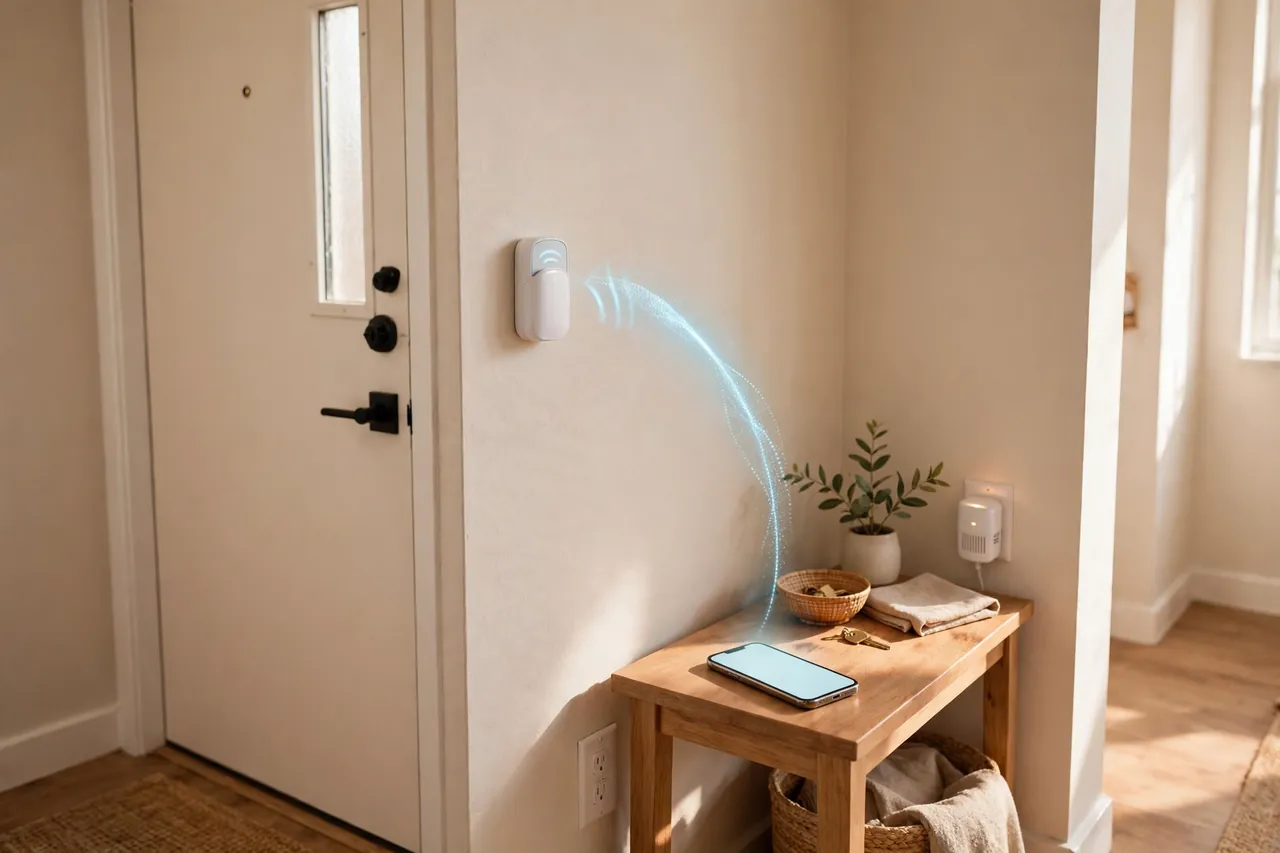
Small spaces are where Bluetooth shines. In an apartment or a one-story home, the button, the chime, and your phone all sit within that 30-foot bubble, so the alert always lands. Renters get the same win: the button mounts with adhesive or two small screws, the chime plugs into an outlet, and you take the whole kit with you when you move.
Homes without Wi-Fi are the other natural fit. If you have no internet at home, a Bluetooth doorbell is one of the few smart doorbells that still works. Pair it with a good smart lock for your front door and you have a simple, keyless entry setup that needs no router at all. For more easy upgrades that need little or no wiring, see our DIY smart home automation guide.
Poor Fits: Big Houses and Remote Monitoring
Big houses break the Bluetooth promise. In a two-story home, the button at the front door and your phone in an upstairs bedroom can sit far beyond reliable Bluetooth range, with floors and walls in between. Extra chimes help only in their own corners, and your phone still goes quiet upstairs. A Wi-Fi doorbell, which reaches your phone anywhere, fits a large home far better.
Remote monitoring is the other clear no. If you travel, work long hours away from home, or want to check on deliveries while you are out, Bluetooth cannot help you. The same goes for security: a doorbell that cannot record or alert you away from home is a doorbell, not a security system. Buy the Wi-Fi video doorbell instead, and treat the higher price and the possible subscription as the cost of the features you actually want.
What to Check Before You Buy
A quick check before you order saves a return. Walk through this list with the product page open, and confirm each point in the specs or manual.
- Phone range, not just headline range: expect about 30 feet indoors. A 300-foot headline number usually describes the button-to-chime link, not your phone.
- Bluetooth version: Bluetooth 5.0 or newer pairs faster and holds a steadier link than older versions.
- App support: check that the app runs on your phone’s operating system version, and read recent reviews for pairing complaints.
- Chime included: make sure the kit includes the chime. Some listings sell the button alone, and a button without a chime is useless indoors.
- Add-on chimes: if your home needs coverage in two rooms, confirm the model accepts extra receivers.
- Battery type: note the exact battery the button takes, and check that you can buy it locally.
- Weather rating: an outdoor button should carry a weather-resistance rating. If the listing gives no rating, mount it under cover.
- Ringtone and volume choices: look for several melodies and volume levels, including a loud setting, so the ring carries through your home.
When Your Bluetooth Doorbell Stops Ringing
Most Bluetooth doorbell problems have boring causes, so work through the cheap checks first. Start with the batteries: swap in a fresh set in the button, and fresh batteries in the chime if it uses them. Next, re-pair the button and the chime using the pairing steps in the manual, since a lost pairing is the most common fault after a battery change.
If the chime rings but your phone stays silent, check three things on the phone: Bluetooth is on, the app has notification permission, and the phone is within range of the doorbell. Phone software updates and battery-saver modes sometimes switch Bluetooth off or silence app alerts, so check those settings after any update. If the chime misses rings too, move it to an outlet closer to the door and test again.
Interference is the last suspect. A running microwave, a crowded Wi-Fi network, and other Bluetooth devices can all crowd the 2.4 GHz band, so move the chime away from the router and the microwave and test again. If nothing here fixes it, the button or chime may genuinely be faulty, and that is a warranty claim, not a settings problem.
Related Guides
Battery Operated Doorbell: How to Choose One That Rings, Lasts, and Fits Your Front Door · Smart Doorbell Without Camera: A Simple Buying Guide · Security Cameras for Apartments: A Renter’s Guide to Safe, No-Drill Setup
- Battery-Operated Doorbell: Power, Batteries, and Buying Guide — everything about battery power for wireless doorbells.
- Smart Doorbell Without Camera: A Simple Guide — camera-free doorbells for homes that only need a ring.
- Front Porch Camera Guide — camera coverage for the porch when you want eyes on the door.
- Security Cameras for Apartments — renter-friendly camera options that pair well with a simple doorbell.
- Best Smart Lock for Your Front Door — the other half of a simple, Wi-Fi-free front door.
Frequently Asked Questions
Does a wireless doorbell need Internet?
It depends on the type you use. A Bluetooth doorbell does not need the internet to ring the chime or alert your phone nearby. A Wi-Fi doorbell does need an internet connection for remote alerts, video, and cloud features. If your internet goes down, the Bluetooth doorbell keeps ringing while the Wi-Fi one goes quiet.
Is the Ring doorbell WiFi or Bluetooth?
Ring doorbells are Wi-Fi doorbells. They connect to your home router, so you can see and talk to visitors from anywhere with internet. Ring models use Bluetooth only for short-range jobs like setup and pairing, not for the main connection. A Bluetooth doorbell works the opposite way: Bluetooth is the main link, and there is no remote access.
Can you get a doorbell that rings on your phone?
Yes. Many Bluetooth doorbells pair with a phone app and send a notification when someone presses the button, but only while your phone stays within Bluetooth range, about 30 feet indoors. Wi-Fi doorbells also ring your phone, and they do it from anywhere with an internet connection. Pick Bluetooth for alerts at home and Wi-Fi for alerts everywhere.
Can I connect a Bluetooth doorbell to multiple smartphones or devices?
Many Bluetooth doorbells support more than one paired phone, so everyone in the household can get the alert. Check the model’s specs before you buy, because cheaper kits may allow only one paired phone. Each phone still needs to stay within Bluetooth range to receive the alert.
How far can I be from my house and still receive notifications on my smartphone?
Only about 30 feet indoors, through walls, on a typical Bluetooth doorbell. Some sellers quote 100 to 300 feet, but that number usually describes the button-to-chime radio link in open air, not the Bluetooth link to your phone. Once you step beyond Bluetooth range, the phone alerts stop, even though the indoor chime keeps ringing.
Is there a doorbell that doesn’t need Wi-Fi?
Yes. A Bluetooth doorbell works without Wi-Fi, since the button talks directly to the chime and your phone over Bluetooth. A wired PoE doorbell is another option that skips Wi-Fi by using an Ethernet cable for power and data. Both suit homes without Wi-Fi, but only the Bluetooth option installs without any wiring at all.
The Bottom Line
A Bluetooth doorbell is the simplest wireless doorbell you can buy: no Wi-Fi, no wiring, no subscription, and a setup that takes minutes. Its one real limit is range. If your home is small, your phone stays near the door, and you only need to hear the bell while you are home, it is an easy yes. If you want alerts from anywhere, video, or recordings, buy a Wi-Fi doorbell instead. Measure your rooms, test the range before you mount anything, and pick the doorbell that matches how you actually live.



