
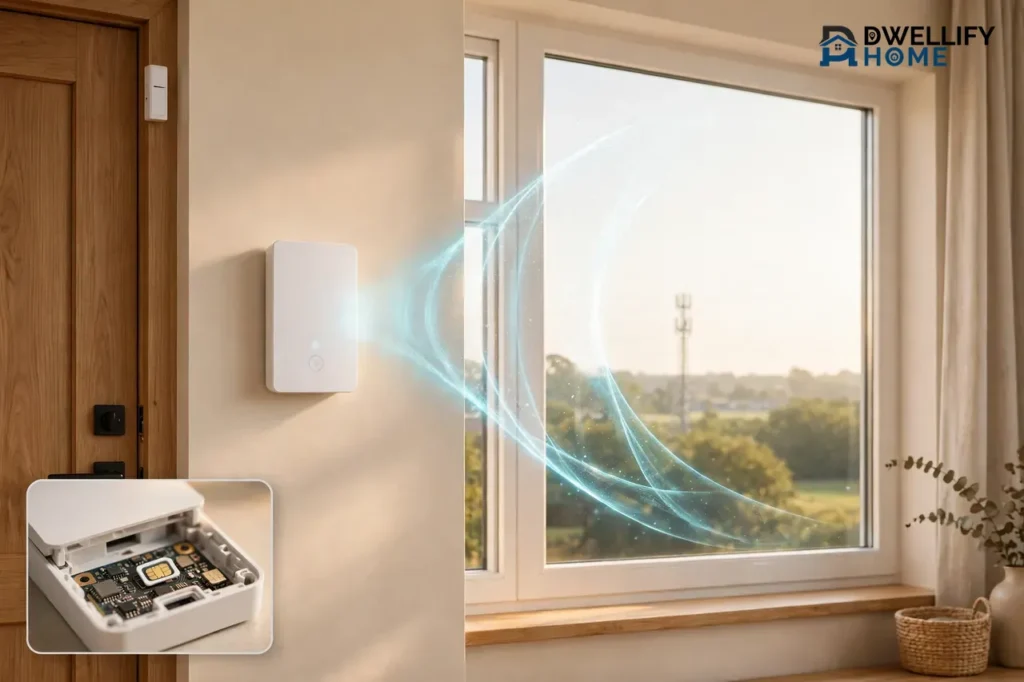
A cellular home security system protects your home by sending alarm signals over the cell network, just like a mobile phone. When a sensor trips, the control panel calls the monitoring center through a built-in cellular radio, so it keeps working even if your internet goes down or someone cuts your phone line. You do not need broadband or a landline for it to work.
That independence is the whole point. Most alarms fail at the exact moment you need them most, when the power, internet, or phone line goes out. A cellular system removes those weak links. In this guide, you will learn how cellular monitoring works, what it costs, how it compares with broadband and landline monitoring, and whether it fits your home.
What Is a Cellular Home Security System?
A cellular home security system is an alarm system that talks to its monitoring center over the mobile phone network instead of your home internet or a landline. The control panel holds a small cellular communicator with a SIM card, much like the one in your phone. That chip connects to nearby cell towers and carries alarm signals to the monitoring center.
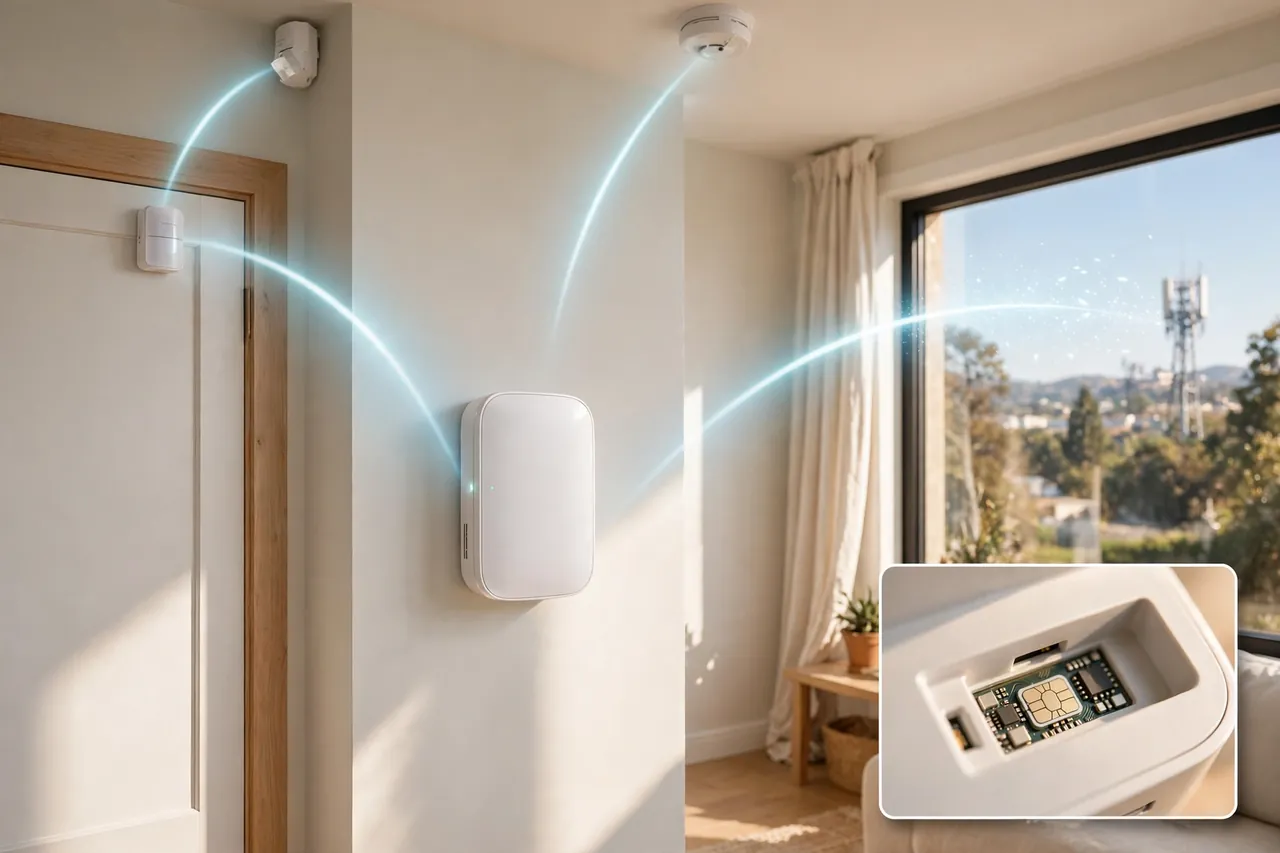
Your door sensors, motion detectors, smoke alarms, and glass-break sensors still talk to the panel inside your home, usually over a short-range wireless signal. The cellular part only changes how the panel reaches the outside world. Instead of sending the alert through your router or a copper phone line, it sends it through the air to a cell tower.
Do not mix up “cellular” with “wireless.” A wireless system can still depend on your Wi-Fi. A cellular system does not. It uses the cell network as its main path, or as a backup when Wi-Fi fails. That difference matters most during an outage, because a Wi-Fi-only alarm goes quiet the moment your internet drops.
How Cellular Monitoring Works
Cellular monitoring follows the same path every time an alarm goes off. The steps are simple, and they happen in seconds.
- A sensor trips. A door opens, a window breaks, or a smoke alarm detects a fire. The sensor sends a wireless signal to the control panel.
- The panel checks the signal. The panel, the brain of the system, starts its entry delay so you can disarm it, or it treats the event as urgent right away, as it does with fire.
- The panel calls for help over the cell network. Its built-in cellular radio sends an encrypted alert to the nearest cell tower, which passes it to the monitoring center.
- The monitoring center acts. An operator verifies the alarm, often by calling you or speaking through the panel, and then contacts the police, fire department, or ambulance if needed. You also get a phone notification.
The panel keeps a quiet connection to the cell network at all times, so it does not need to “dial up” when trouble starts. Most panels also carry a backup battery, so a power cut does not stop the call. Security.org notes that the SimpliSafe Base Station, for example, stays online for up to 24 hours during a power outage thanks to its built-in backup battery.
Why Cellular Monitoring Matters
A security system is only as strong as its weakest connection. Cellular monitoring fixes the three most common weak points in older systems.
It keeps working when the internet goes down
Internet outages hit millions of American homes every year. A broadband-only alarm loses its link to the monitoring center during every one of them. A cellular system does not notice the outage at all, because it never used your internet in the first place. Your alerts still reach the monitoring center, and your phone still gets notified.
No wires to cut
A burglar can cut a phone line or an internet cable from outside your home in seconds. There is no wire to cut with a cellular system. The signal travels through the air to a cell tower, so cutting a cable outside your house changes nothing. This is one of the main reasons security experts call cellular the safest monitoring path.
It works where broadband does not reach
Rural homes, cabins, farms, and vacation homes often have slow internet, no internet, or no landline at all. A cellular system only needs a cell signal, so it can protect a home that broadband cannot serve. It also suits renters and people who move often, because there are no phone lines to install and no wiring to leave behind.
It works during many power outages
When the power goes out, your router and modem die with it, and a broadband alarm goes dark. A cellular panel runs on its backup battery and keeps sending signals. The battery usually lasts about 24 hours, which covers most outages. Just remember that the cell tower itself must still have power, and towers do have their own backup systems.
Cellular vs. Broadband vs. Landline Monitoring
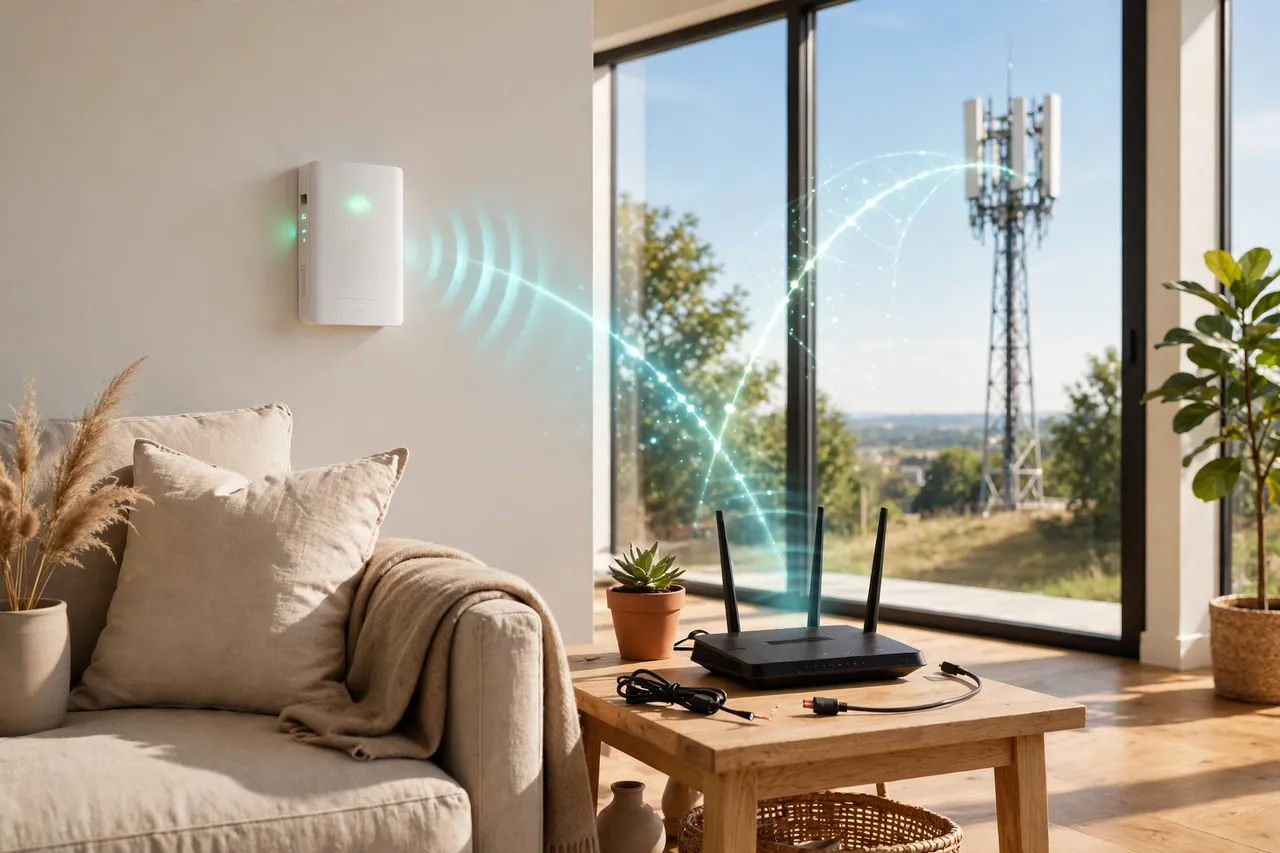
Every monitored alarm needs a path from your panel to the monitoring center. Three paths exist, and each one fails in a different way. Here is how they compare.
Cellular vs. Broadband vs. Landline Monitoring
| Feature | Cellular | Broadband (Internet) | Landline |
|---|---|---|---|
| How it connects | Cell radio to a cell tower | Wi-Fi or Ethernet to your router | Copper phone line |
| Works without internet | Yes | No | Yes |
| Works without a phone line | Yes | Yes | No |
| Can a burglar cut the line? | No wires to cut | Yes, cable can be cut | Yes, phone line can be cut |
| Works in a power outage | Yes, on panel battery | No, router dies | Yes, if the line stays live |
| Speed | Fast | Fastest | Slowest |
| Best for | Most homes, rural homes | Homes with video-heavy systems | Older wired systems |
Cellular wins on reliability, because it has no wires to cut and no router to fail. Broadband wins on speed and on carrying video, because a cell connection is not built for streaming hours of camera footage. Landline is the oldest path, and it still works, but it is the easiest to defeat and many homes no longer have a landline at all. ConsumersAdvocate reaches the same conclusion, calling a cellular-based system the safest way to connect to central monitoring.
The smartest setup for most homes is dual-path monitoring, which uses broadband first and cellular as a backup, or cellular first with broadband as a backup. If one path fails, the other takes over at once. You get broadband speed for cameras and apps, plus cellular reliability for the alarm itself. Most modern systems from the big brands now offer this as standard.
What Cellular Home Security Systems Cost
Cellular security costs more than a bare-bones Wi-Fi alarm, but the gap is smaller than most people expect. You pay in two places: equipment up front, and monitoring every month. Prices below were checked on November 7, 2026, and monitoring prices change often, so confirm the current price before you buy.
Angi reports that cellular monitoring typically costs $10 to $65 per month, based on its 2026 installation cost guide updated October 16, 2026. Security.org puts the usual range at about $20 to $60 per month for professional monitoring plans with cellular backup. Equipment usually runs from around $200 to over $2,000, depending on how many sensors and cameras you add.
Monthly monitoring prices from leading systems
- SimpliSafe: monitoring starts at $22.99 per month, with equipment packages starting at $250.96. The Core plan, which most people choose, costs $32.99 per month and covers emergency dispatch and video verification.
- ADT: ADT Blu monitoring starts at $24.99 per month, or $34.99 with cameras. Professionally installed ADT systems typically run $49.99 per month for full coverage, cameras included. Equipment starts at $349.
- Vivint: monitoring starts at $24.99 per month, with equipment starting at $349.99. Vivint requires a monitoring subscription, and its Smart Hub connects over LTE with Wi-Fi as a backup.
- Frontpoint: the Interactive plan, which includes cellular connectivity, starts at $44.99 per month. Lower-tier plans do not include cellular, so check the plan details before you buy.
- Link Interactive: three tiers at $31, $40, and $48 per month, with 100% cellular monitoring on every plan.
- Alarm Relay: its cellular plan costs $19.95 per month and includes dual-path communication, line-cut protection, and power-outage protection.
Watch for the extra costs that hide behind the monthly price. Some companies charge an activation fee, which Angi reports can run from $0 to more than $230. Others lock you into a contract of 36 to 60 months, and early cancellation fees can pass $1,000. SimpliSafe and Cove run month to month, so you can cancel any time. Always compare the total cost of the first 12 months, not just the starter kit price.
Which Systems Offer Cellular Monitoring?
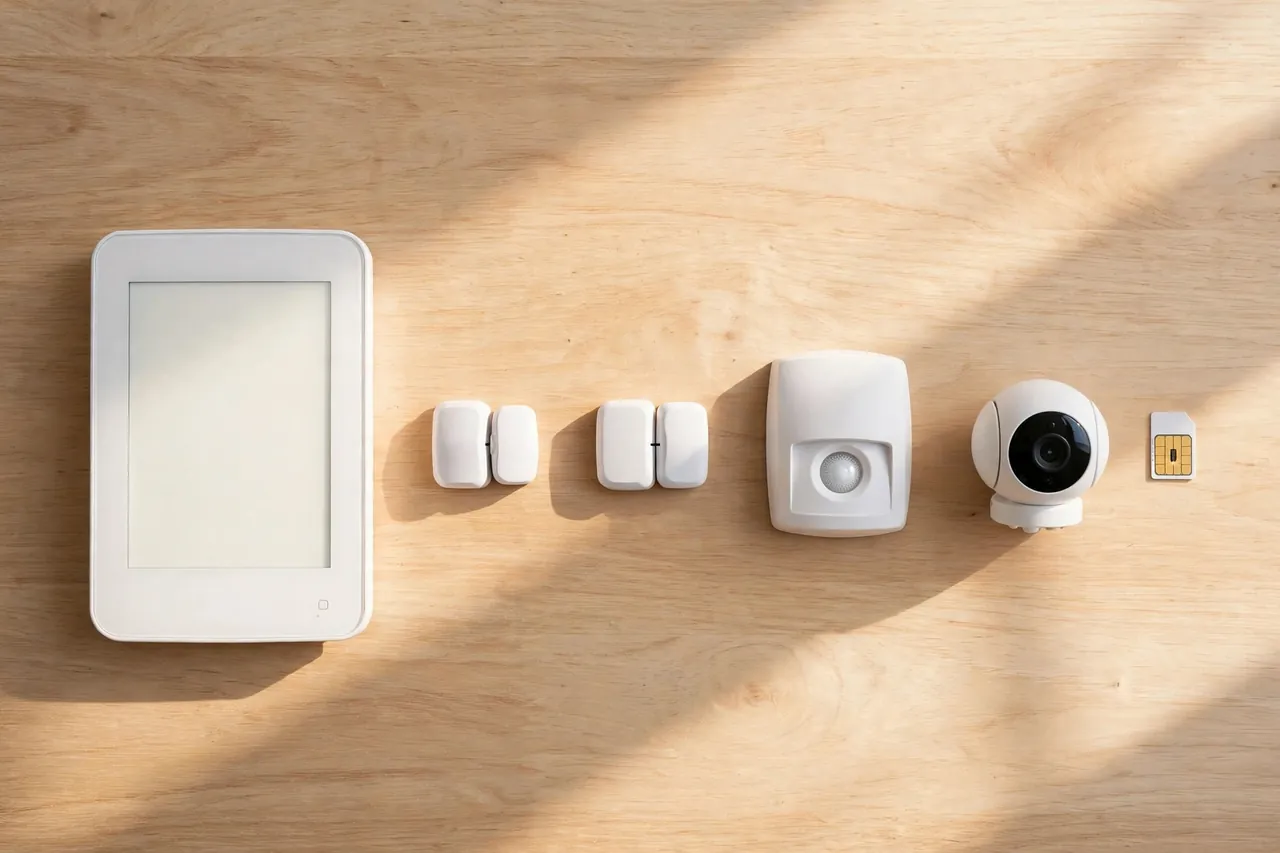
Almost every major home security brand now offers cellular monitoring, but they do not all offer it the same way. Here are the main names to know, based on Security.org’s 2026 ranking of the best cellular home security systems.
- SimpliSafe: best no-contract option. Its base station connects to the cellular network if the internet drops, and every professional monitoring plan includes cellular backup over Verizon. DIY installation, month-to-month plans.
- ADT: best professionally installed system. Every professional monitoring plan includes cellular backup, and ADT runs six monitoring centers across North America. ADT Blu is the DIY version, with monitoring from $24.99 per month.
- Vivint: best smart security system. Its Smart Hub connects to the LTE network and uses Wi-Fi as a backup, and it suits remote homes without reliable Wi-Fi. Professional installation only, with contracts starting at 36 months.
- Frontpoint: best DIY installed system. Cellular connectivity comes with the higher-tier Interactive plan, so budget shoppers should check which plan they are buying.
- Cove: the most affordable system on Security.org’s list, with cellular backup on its professional monitoring plans and month-to-month billing.
- Link Interactive: a DIY system with 100% cellular monitoring, so no landline or Wi-Fi is needed for the alarm signal at all.
Ring and Abode also deserve a mention. Ring Alarm includes cellular backup on the Ring Protect Pro plan, and its Ring Alarm Pro can even share a cellular internet connection with your whole home Wi-Fi network. Abode powers the professional monitoring behind AT&T Connected Life, which runs on AT&T’s cellular network with plans from $10.99 per month for self-monitoring and $21.99 for professional monitoring.
Cellular Backup vs. Cellular-Only Systems
Two different designs both use the word “cellular,” and the difference decides how protected you are during an outage.
In a cellular backup system, Wi-Fi or broadband is the main path, and the cellular radio wakes up only when the internet fails. SimpliSafe and Ring work this way. Your cameras and smart home features use Wi-Fi as usual, and the alarm signal switches to cellular in seconds when the connection drops. This is the most common design, and it suits most homes with good internet.
In a cellular-only system, the cell network is the only path, and there is no Wi-Fi or landline involved at all. Link Interactive works this way. Nothing in your home can break the alarm’s link except a cell outage. This design suits rural homes, homes without broadband, and anyone who wants the simplest possible setup.
Ask one question before you buy: does the cellular connection come with the plan you are choosing, or only with a higher tier? SimpliSafe leaves cellular backup out of its self-monitoring plans, so a self-monitored SimpliSafe system depends entirely on your home internet. Frontpoint only includes cellular on its Interactive plan. The feature is only real if your plan includes it.
Setup and Signal: Getting a Strong Connection
A cellular system is only as good as its signal. A weak signal means slow alerts or, in the worst case, no alert at all. Check these points before and during setup.
- Check your phone signal at the panel spot. Stand where the panel will sit and look at your phone’s bars. If your phone struggles there, the panel will too. Test in a few spots before you mount anything.
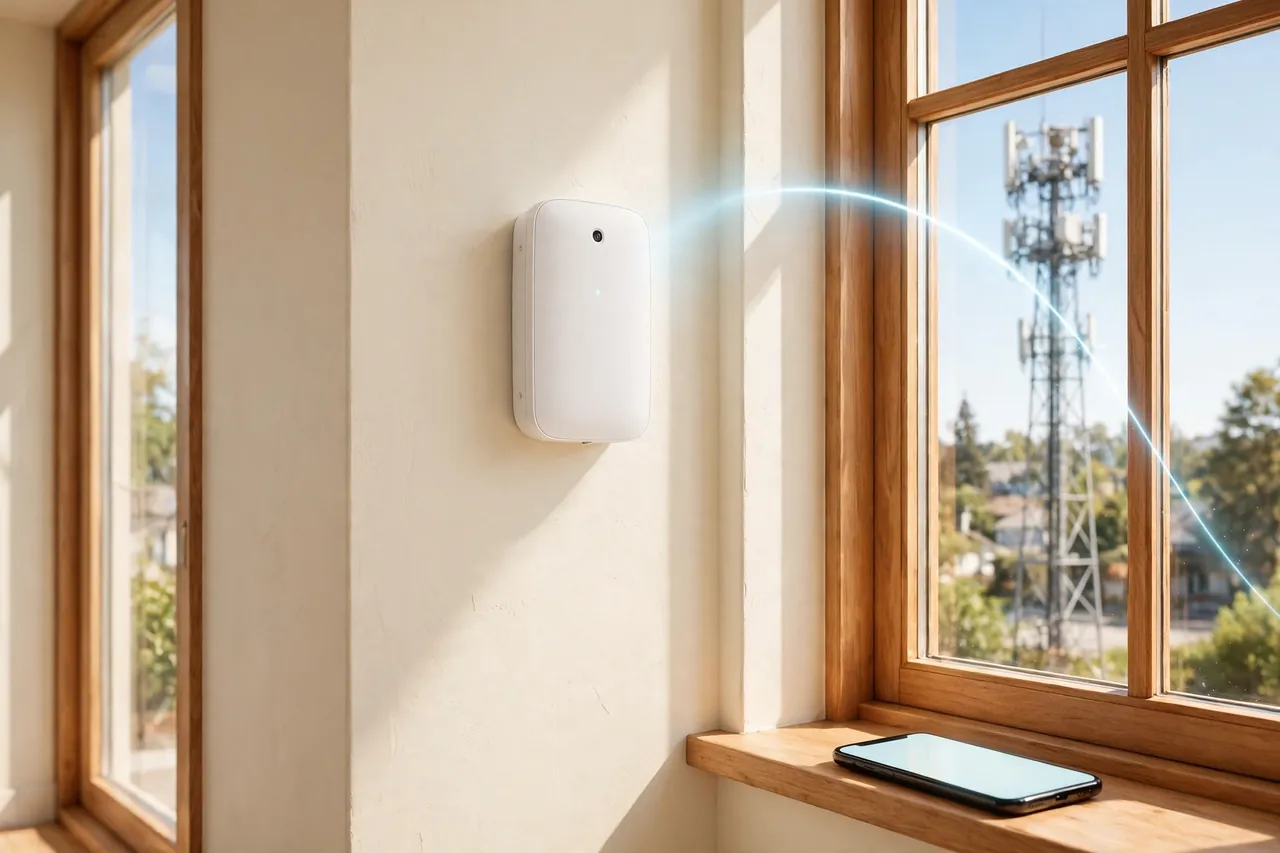
- Put the panel high and near an outside wall. Cell signals pass through walls, but thick concrete, metal, and basements weaken them. A spot on an upper floor near a window usually gets the best reception.
- Keep the panel away from big metal objects. Metal filing cabinets, appliances, and foil-backed insulation can block the signal. A few feet of distance can make a real difference.
- Ask which carrier the system uses. Most systems run on one carrier, such as Verizon or AT&T. If that carrier has poor coverage at your address, ask for a system that uses a different one. Some providers can swap the communicator for another carrier.
- Run the signal test in the app. Most systems show a signal strength reading during setup, and the ADT app alerts you to cellular errors and suggests how to improve the connection. Do not skip this step. If the reading is weak, move the panel and test again.
- Test the alarm after setup. Put the system in test mode, trip a sensor, and confirm that the monitoring center receives the signal. A test takes a few minutes and proves the whole path works.
Professional installation removes most of this guesswork. An ADT technician, for example, checks the cellular connection before leaving your home. If you install the system yourself, take the signal test seriously. It is the one step DIY installers most often rush past.
The Limits of Cellular Security Systems
Cellular monitoring is the most reliable path for alarm signals, but it is not perfect. Know its limits before you commit.
Cell signal dead zones
A cellular system cannot send an alert where there is no cell signal. Remote valleys, thick-walled basements, and some rural areas have weak or no coverage. If your phone shows one bar or “no service” at home, a cellular alarm will struggle too. Check coverage maps for the carrier your system uses, and test the signal at the panel location before you buy.
Carrier dependence
Your system depends on one carrier’s network. If that carrier has an outage in your area, your alarm’s path goes down with it. Network shutdowns matter too: older systems that ran on 3G stopped working when carriers shut 3G down. Modern systems use 4G LTE or 5G, but always confirm that any system you buy, especially a used one, runs on LTE or newer.
Monthly fees
Cellular monitoring is not free. The cell connection is bundled into a paid monitoring plan, and plans that include it cost more than self-monitoring or Wi-Fi-only plans. Reolink notes that the recurring cost is the main disadvantage of cellular systems, since you pay every month to keep the connection alive. If you want cellular protection, budget for the monthly fee as part of the system, not as an optional extra.
Video is limited
Cellular connections carry alarm signals fast, but they are not built for streaming video. Live camera viewing and cloud video uploads need broadband. During an internet outage, your alarm still works over cellular, but your cameras may stop streaming until Wi-Fi returns. Ring Alarm Pro is an exception: its cellular connection can share internet with your home network, but only with 3GB of cellular data per month on the Ring Protect Pro plan.
It does not fix a dead battery
The panel’s backup battery lasts about 24 hours in most systems. In a long outage, the battery runs out and the system goes dark. Keep the panel plugged in, replace aging batteries when the system warns you, and do not ignore low-battery alerts.
Who Should Choose a Cellular System?
Cellular monitoring suits most homes, but it is almost a must for some. Use this quick guide to decide.
- Choose cellular first if: you live in a rural area or a home without broadband, your internet drops often, you have no landline, you travel a lot and need the alarm to work while you are away, or you want the strongest protection against cut wires.
- Choose dual-path (broadband + cellular) if: you have good internet and cameras you want to stream, and you want cellular as a safety net. This is the best setup for most suburban homes.
- You can skip cellular if: you only want a basic self-monitored alarm, you never pay for monitoring, and you accept that the alarm goes quiet when the internet drops. Just know what you are giving up.
If you already own a security system, you may not need a new one. Many older panels accept a plug-in cellular communicator that replaces the landline path. Reolink notes that converting a landline system is possible by adding a cellular communicator, though switching to a newer setup often brings better features and performance. Ask your provider whether your panel supports an add-on communicator before you replace the whole system.
How to Choose and Set Up Your System
Follow these steps to pick a cellular system and get it running right the first time.
- Check cell coverage at your address. Look at your phone’s signal in the rooms where the panel will sit. If the signal is weak, find out which carrier is strongest at your home and pick a system that uses it.
- Decide between professional monitoring and self-monitoring. Professional monitoring means someone calls for help when you cannot. Self-monitoring is cheaper, but you handle every alert yourself, and most self-monitoring plans do not include cellular backup.
- Compare the first-year total cost. Add equipment, activation fees, and 12 months of monitoring. A cheap kit with a pricey plan often costs more than a pricier kit with a cheap plan.
- Read the contract before you sign. Check the contract length, the cancellation fee, and whether the monthly price rises after an introductory period. Month-to-month plans from SimpliSafe and Cove avoid this trap.
- Place the panel for signal, not for looks. Pick the spot with the strongest signal, even if it is not the prettiest spot in the room. Test the signal in the app before you mount the panel for good.
- Test the full alarm path. Trip a sensor in test mode and confirm the monitoring center gets the signal. Test again after any move or change to the panel.
A short disclaimer is worth noting: no alarm system can guarantee that police or firefighters will arrive in time, and response times vary by area. A cellular system makes the call for help more reliable, but it cannot control what happens after the call goes out. Keep your emergency contacts updated, and test your system every few months so a dead battery or weak signal never surprises you.
Related Guides
If you are building a safer smart home, these guides from Dwellify Home help with the next steps. Start with our whole-system buying guide, Best Home Security Systems With Cameras, which covers cameras, features, and prices across the top systems. Then see Glass Break Alarm for a sensor that pairs well with any cellular panel, and Wide-Angle Security Camera and Garage Security Camera for camera coverage that works with your alarm. For the lock side of home security, read Door Locks Security and Best Smart Lock for Front Door. If water damage worries you too, Flood Sensor explains how a small sensor can save you from a big bill.
Frequently Asked Questions
Why invest in a cellular home security system?
You should invest in a cellular home security system because it provides the most reliable type of connection. Your alarm must reach the outside world to protect you, either by contacting a professional monitoring center or by sending you alerts. Cellular is the hardest path for a burglar or an outage to break.
How much do cellular home security systems cost?
Most cellular security systems start at around $200 and can reach over $2,000 for equipment. Professional monitoring plans with cellular backup typically range from about $20 to $60 per month, depending on the provider and plan. SimpliSafe monitoring starts at $22.99 per month, while ADT runs $24.99 to $49.99 per month.
Do you need a landline or internet connection to use cellular security systems?
No, you do not need a landline or internet connection to use cellular security systems. They use built-in cellular chips to communicate alerts to monitoring centers. Some systems use two or more communication methods, in which case you can connect the system to your landline or internet and it will use its cellular chip as backup.
Can you use cellular home security systems without a monthly fee?
You can use cellular home security systems without a monthly fee if the alarm company allows self-monitoring for free. With a self-monitored system, you are responsible for resolving alerts, including calling the police if necessary. However, to make the most of the cellular connectivity, professional monitoring is recommended.
What are the best cellular home security systems?
The best cellular security systems are SimpliSafe, ADT, Vivint, Cove, and Frontpoint. SimpliSafe stands out because it connects to cellular networks and can stay online for up to 24 hours during a power outage thanks to its built-in backup battery. The right choice depends on your budget, contract comfort, and smart home needs.
What is the disadvantage of a cellular home security system?
The main disadvantage is the recurring cost. You pay a monthly data or monitoring fee to keep the cellular connection alive, which adds up over time. Cellular networks can also have weak spots, so a home in a dead zone may get poor signal. Video streaming is limited too, since cellular is built for alarm signals, not hours of footage.
The Bottom Line
A cellular home security system gives your alarm its own private line to the monitoring center, one that no cut wire and no internet outage can break. It costs more each month than a Wi-Fi-only alarm, but that monthly fee buys the one thing an alarm must do: call for help when it matters. If your internet is shaky, your home sits far from broadband, or you simply want the most reliable connection available, cellular is the right choice. Check the signal at your panel spot, compare the first-year cost of two or three systems, and pick the plan that keeps your home protected around the clock.



