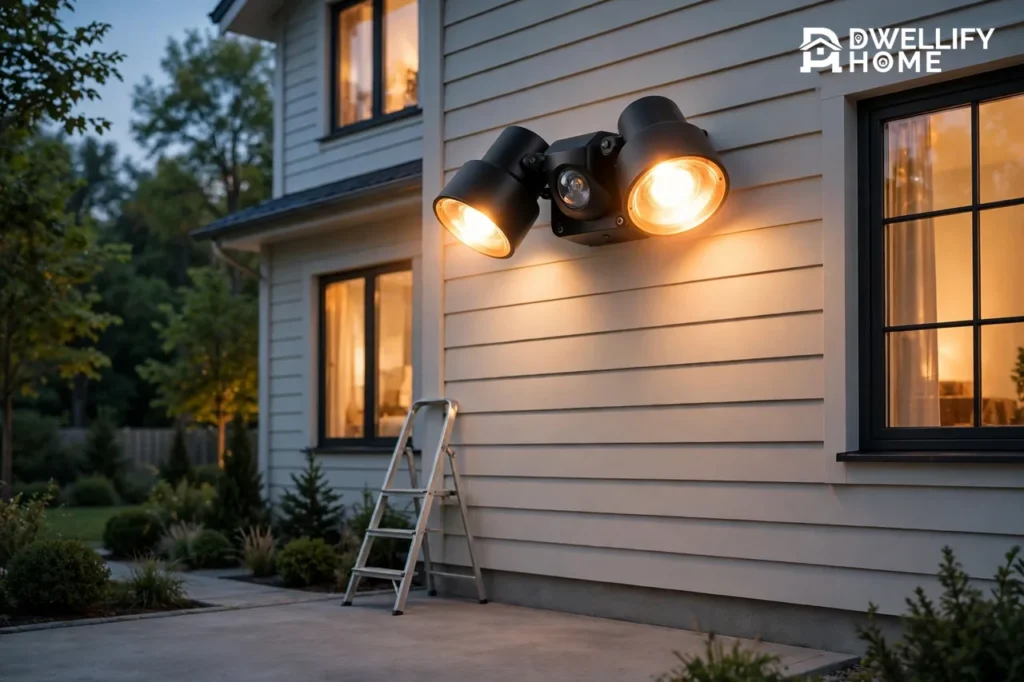
To fix a motion sensor light, start with a reset: turn it off at the wall switch, wait 10 to 30 seconds, then switch it back on and give it 30 to 60 seconds to warm up. That one step clears a stuck sensor, an accidental manual override, and most glitches from a brief power cut. If the reset does not work, clean the sensor lens, check the three dials (SENS, TIME, and LUX), and confirm the bulb and breaker — those four checks solve nearly every motion sensor light problem without touching a wire.
A motion sensor light that stays on all night, refuses to turn on, or fires at every passing cat is frustrating, but it is rarely broken. Most of the time a setting moved, a lens got dirty, or the sensor is aimed at something warm. This guide walks you through each symptom in order, from the two-minute fixes to the point where you should replace the fixture or call an electrician.
Safety First: What You Can Touch and What You Cannot
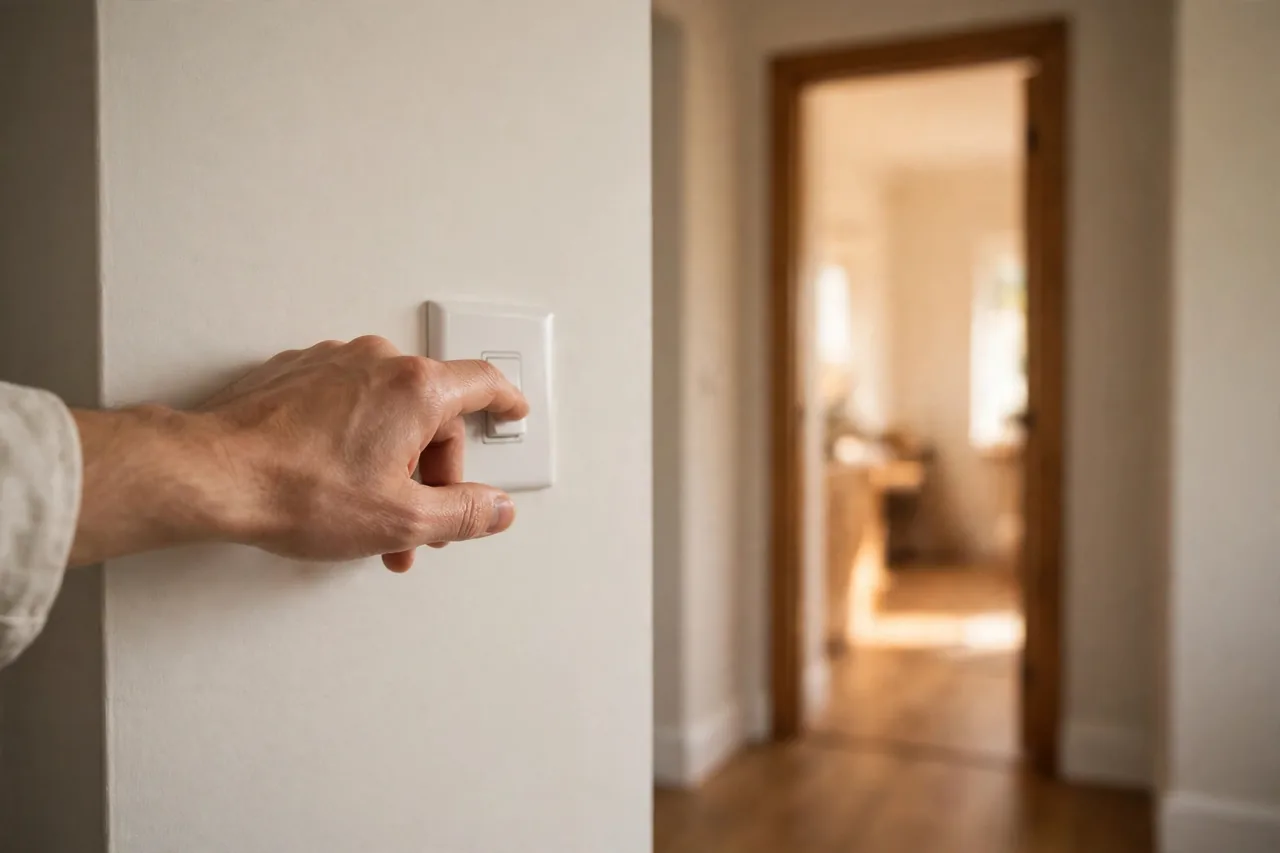
Most fixes in this guide need no wiring work at all — resetting, cleaning, turning dials, and re-aiming are all done from outside the fixture. Never open a fixture or touch a wire with the power on. If a step needs the cover off or a wire checked, turn off the breaker for that circuit first, not just the wall switch, and confirm the wires are dead with a non-contact voltage tester. Work in dry conditions, and if the fixture is wet, wait until it dries.
Call a licensed electrician if you see melted insulation, scorch marks, buzzing, a breaker that will not stay set, or any sign of water inside the fixture. Those are not DIY fixes, and guessing at them is how people get hurt.
How a Motion Sensor Light Actually Works
Most outdoor motion lights use a PIR sensor — passive infrared — which detects the heat of a warm body moving across its field of view. It does not see motion the way a camera does; it sees a change in heat. That is why it fires for a person or a car engine, misses a slow-moving shadow, and struggles on a hot day when the background is nearly as warm as the person crossing it.
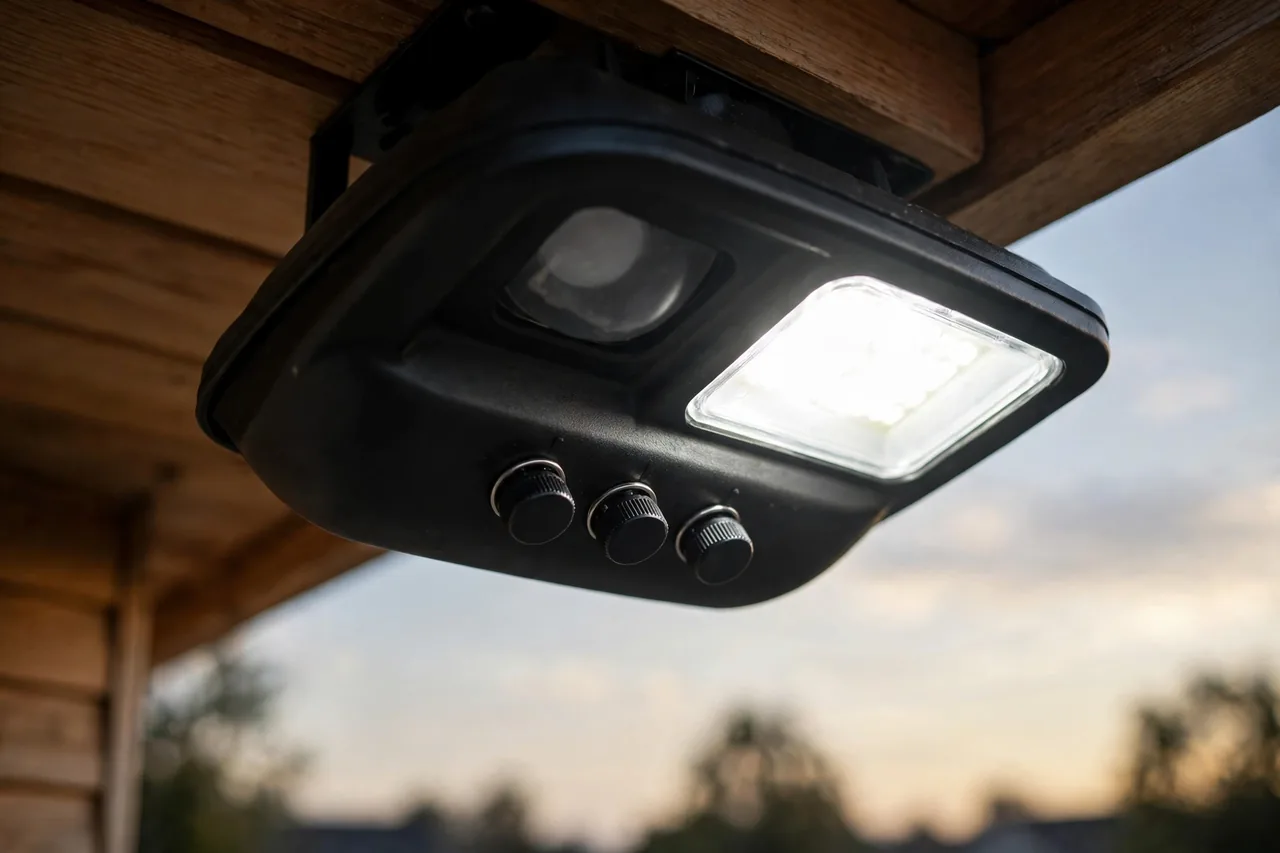
Three small dials control how it behaves. SENS (sensitivity) sets how much heat change triggers it. TIME sets how long the light stays on after the last movement, usually from a few seconds to about 20 minutes. LUX (sometimes marked with a sun and moon) sets how dark it must be before the sensor wakes up at all. If any one of these is wrong, the light looks broken when it is only mis-set. Some fixtures also have a photocell that measures daylight, and a manual override mode that keeps the light on until you reset it.
Diagnose First: Match Your Symptom to the Fix
Guessing wastes time. Find your symptom in this table, then jump to the matching fix below.
Caption: Motion sensor light symptoms, most likely causes, and first fixes.
| Symptom | Most likely cause | First fix |
|---|---|---|
| Won’t turn on at all | No power, dead bulb, or LUX set too low | Check breaker and bulb; turn LUX toward the moon symbol |
| Won’t turn on at night | Sensitivity too low, or the bulb’s own light confusing the sensor | Raise SENS; make sure the light does not shine into the sensor |
| Stays on constantly | Manual override, TIME maxed, or a constant heat source in view | Reset at the wall switch; lower TIME; check for heat sources |
| Turns on at nothing | SENS too high, heat sources, or moving branches | Lower SENS; re-aim away from vents and branches |
| Comes on in daylight | LUX set wrong, or the sensor sits in shadow | Turn LUX toward the sun symbol |
| Works only sometimes | Dirty lens, loose wiring, or a failing sensor | Clean the lens; check connections with power off |
| Flickers or strobes | Failing bulb, incompatible bulb, or worn internal parts | Try a new bulb; replace the fixture if it continues |
| Glows dimly when off | A trickle of current reaching the LED | Check the switch and wiring; call an electrician |
Fix 1: Reset the Motion Sensor Light
A reset is the first step for almost every problem, because it clears the sensor’s internal timer and logic. Many sensors also use the wall switch to enter manual override mode, so a reset is also how you exit that mode.
- Turn the light off at the wall switch and wait 10 to 30 seconds.
- Switch it back on and wait 30 to 60 seconds while the sensor warms up. Many sensors need this warm-up after power is restored, so do not judge it in the first few seconds.
- Walk through the detection zone at a normal pace and watch whether the light fires.
- If nothing changes, do a hard reset: turn off the breaker for that circuit for at least 60 seconds, then restore power. This forces the sensor’s processor to reboot fully and clears glitches from a power surge or brief outage.
If the light was stuck on, the reset usually ends it right away. If it comes back on and stays on, move to the next fix — something is still triggering it or a setting is holding it on. For a full walk-through of the reset and the wiring checks that follow it, SEUS Lighting’s troubleshooting guide covers the same sequence with the same 10-to-30-second reset as the first step.
Fix 2: The Light Stays On and Will Not Turn Off
A light that will not turn off is the most common complaint, and the cause is usually one of three things: manual override, a maxed-out timer, or a constant trigger. Work through them in this order.
First, exit manual override. Most fixtures enter override when the wall switch is flipped off and back on quickly, sometimes twice in rapid succession. To leave it, turn the switch off and wait a full 30 to 60 seconds before turning it back on once. That long break tells the sensor to return to normal motion mode.
Second, check the TIME dial. If it is set to its maximum — 10 minutes or more on some units — the light can look permanently on, especially while you are testing it. Set TIME to about one minute while you test, then raise it to two or three minutes once the light behaves.
Third, look for a constant heat source in the sensor’s view: a dryer vent, a heat pump, a sun-baked wall, or a neighbor’s window reflecting heat. Lower the SENS dial a notch and re-aim the sensor slightly downward and away from the heat. A ten-degree tweak in aim can be the whole fix.
If the light still will not switch off after all three steps, the internal relay — the small switch that sends power to the bulb — may have welded itself shut after years of sparking. That is a replace-the-fixture problem, not a settings problem.
Fix 3: The Light Will Not Turn On at All
When nothing happens at any time of day, work from the power supply outward. Check the breaker first: a tripped breaker stops the light cold, and resetting it can restore power and even recalibrate the unit. Then check the bulb — a dead LED or halogen bulb is the simplest cause of all, and it is easy to miss because the sensor itself may still be working fine.
Next, check the LUX dial. If LUX is set too far toward the dark end, the sensor may never wake up, even at night. Turn it toward the sun symbol a little and test again after dusk. Also check that the sensor is set to Auto, not Off, and that test mode is not still switched on from the install.
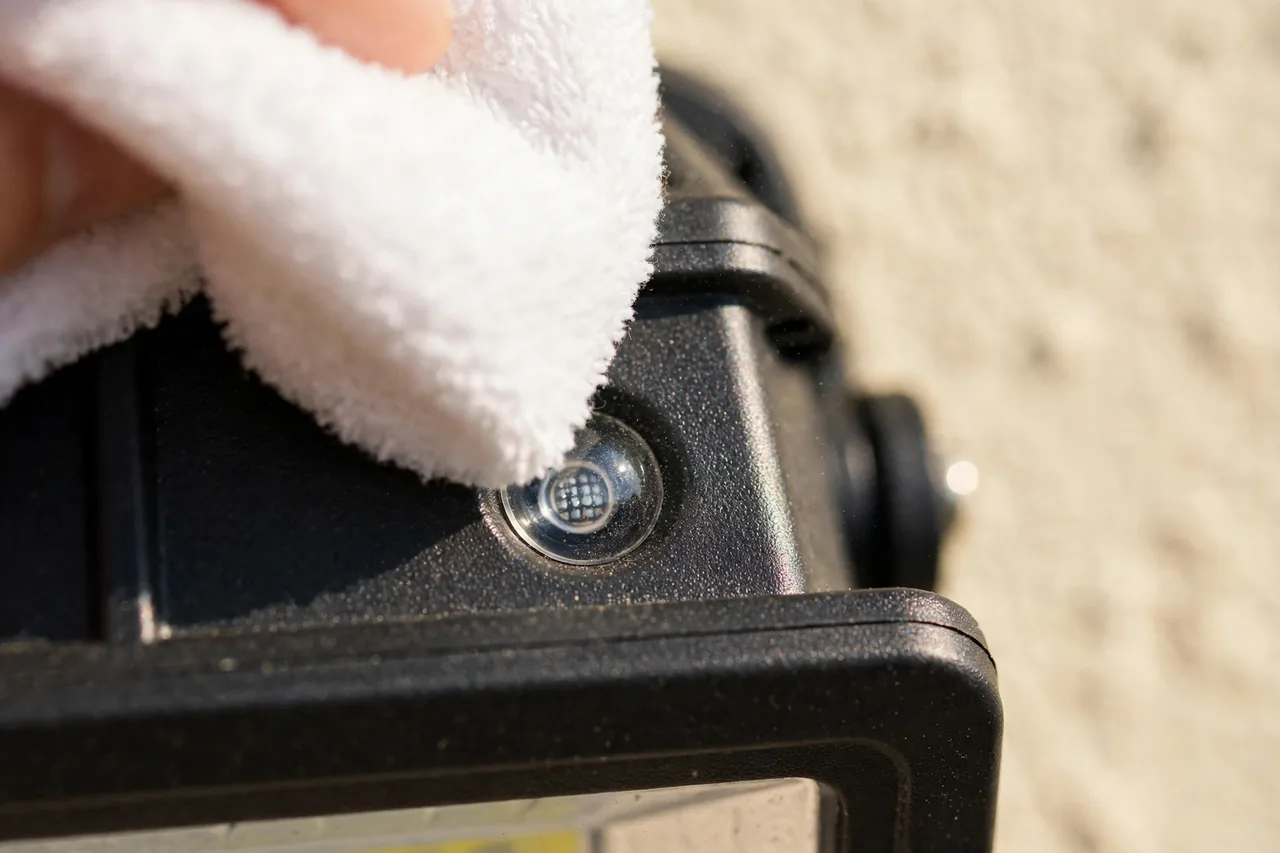
Finally, clean the sensor lens and the photocell with a soft cloth and mild soap and water. Dust, cobwebs, and a sun-yellowed lens can blind the sensor so it never sees your body heat. If the lens is cracked or the photocell is broken, the sensor needs replacing. Engineer Fix’s repair guide walks through the same power, bulb, and LUX checks and notes that a tripped breaker alone can look like a dead fixture.
Fix 4: The Light Turns On at Nothing (False Triggers)
False triggers are almost always a sensitivity or aiming problem. Start by turning the SENS dial down to the low or middle range and testing again. If the light still fires at shadows, re-aim the sensor away from the usual suspects: moving branches, a busy sidewalk, passing cars, a heat vent, or a white wall that reflects heat and light back into the sensor.
Remember how a PIR sensor works: it sees heat moving sideways across its view. Aim it across the path you want to cover, not along it, and angle it slightly downward so it watches the ground where people walk rather than the street beyond. Keep the sensor out of direct sun where you can, because a sun-heated wall can trigger it all afternoon.
Small animals are the hardest false trigger to beat. If cats or raccoons keep setting it off, lower the sensitivity and aim the sensor higher so it watches for taller, warmer shapes. A dual-technology sensor, which combines PIR with microwave detection, cuts false alarms further, but it costs more and usually means replacing the fixture.
Fix 5: Flickering, Strobing, or a Dim Ghost Glow
A light that clicks on, instantly clicks off, and clicks on again in an endless strobe loop usually has a worn-out internal power supply. The small capacitor on the circuit board loses its ability to hold a charge over years of use, so the sensor drains its own power the moment it tries to turn the bulb on, faints, and wakes up to try again. Try a new bulb first — a failing or incompatible LED bulb can flicker the same way — but if the strobing continues with a fresh bulb, replace the fixture.
A dim ghost glow is different: the LED stays faintly lit even when the sensor is off. That usually means a tiny trickle of current is leaking into the bulb through the house wiring or a faulty switch. Check that the wall switch fully cuts power, and if the glow continues, call an electrician — a wiring fault is not a bulb problem.
Also check bulb compatibility. Some older motion fixtures were built for halogen bulbs, and a mismatched LED can flicker, buzz, or glow faintly. Use the bulb type and wattage the fixture’s label calls for, and if the label is gone, match the original bulb’s type before you try a new one.
Fix 6: The Light Works Only Sometimes
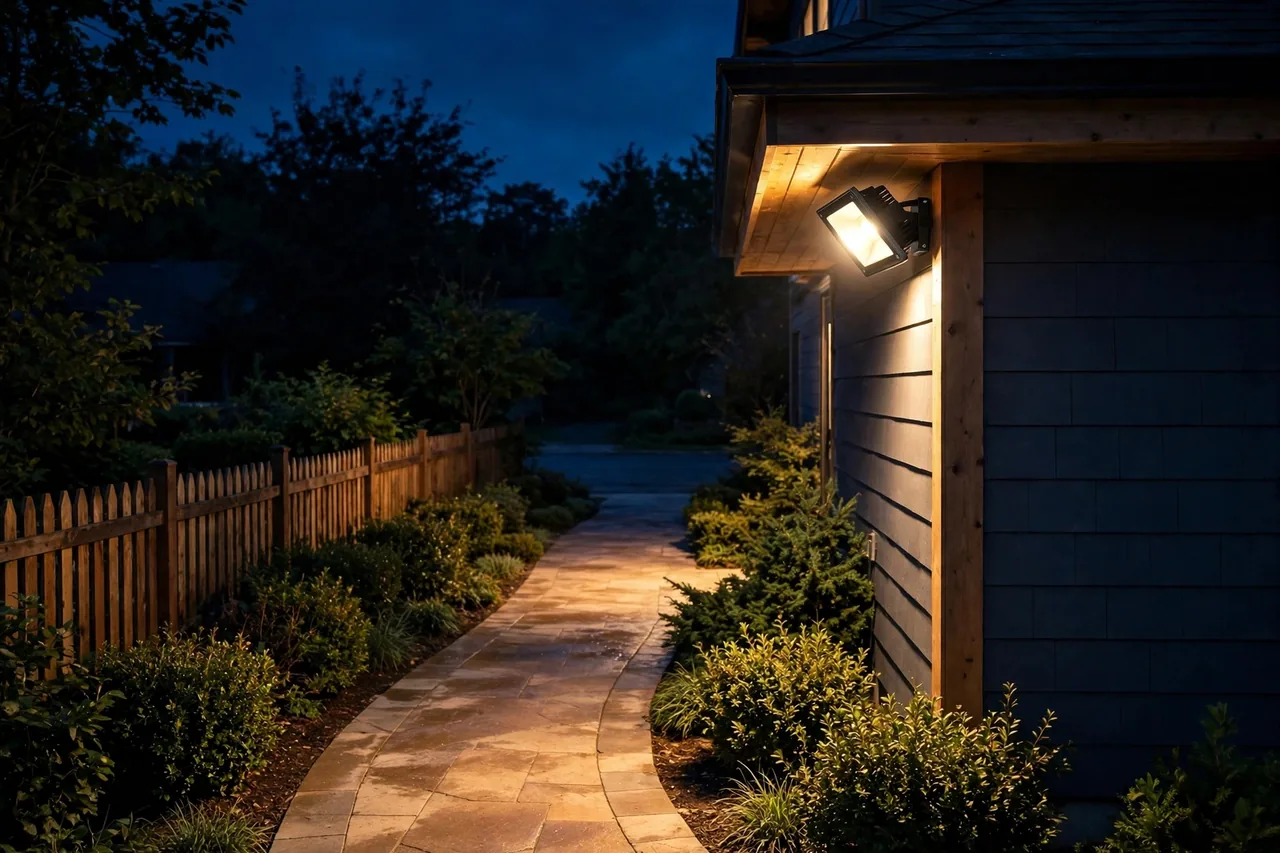
Intermittent problems point to three causes: a dirty lens, a loose connection, or a sensor that is failing with age. Clean the lens first, because it is free and it fixes more than people expect. Then check the obvious: is the bulb seated firmly, and is the fixture itself tight on its mount?
If the problem follows hot weather, heat may be the cause. On a hot day the background is nearly as warm as a person, so the PIR sensor sees less contrast and misses movement. Raise the sensitivity a notch in summer and lower it again when the weather cools. If the light only fails on rainy nights, look for condensation inside the sensor or fixture — water past a cracked gasket can confuse the sensor until it dries out. Replace cracked seals and tighten the mounting so water stays out.
When a light works fine for weeks and then stops, and every fix above has been tried, the sensor itself is likely worn out. Most outdoor fixtures last years, but the sensor is the part that ages first. Replacing the whole fixture is usually cheaper and faster than replacing just the sensor head.
When to Replace the Fixture Instead of Fixing It
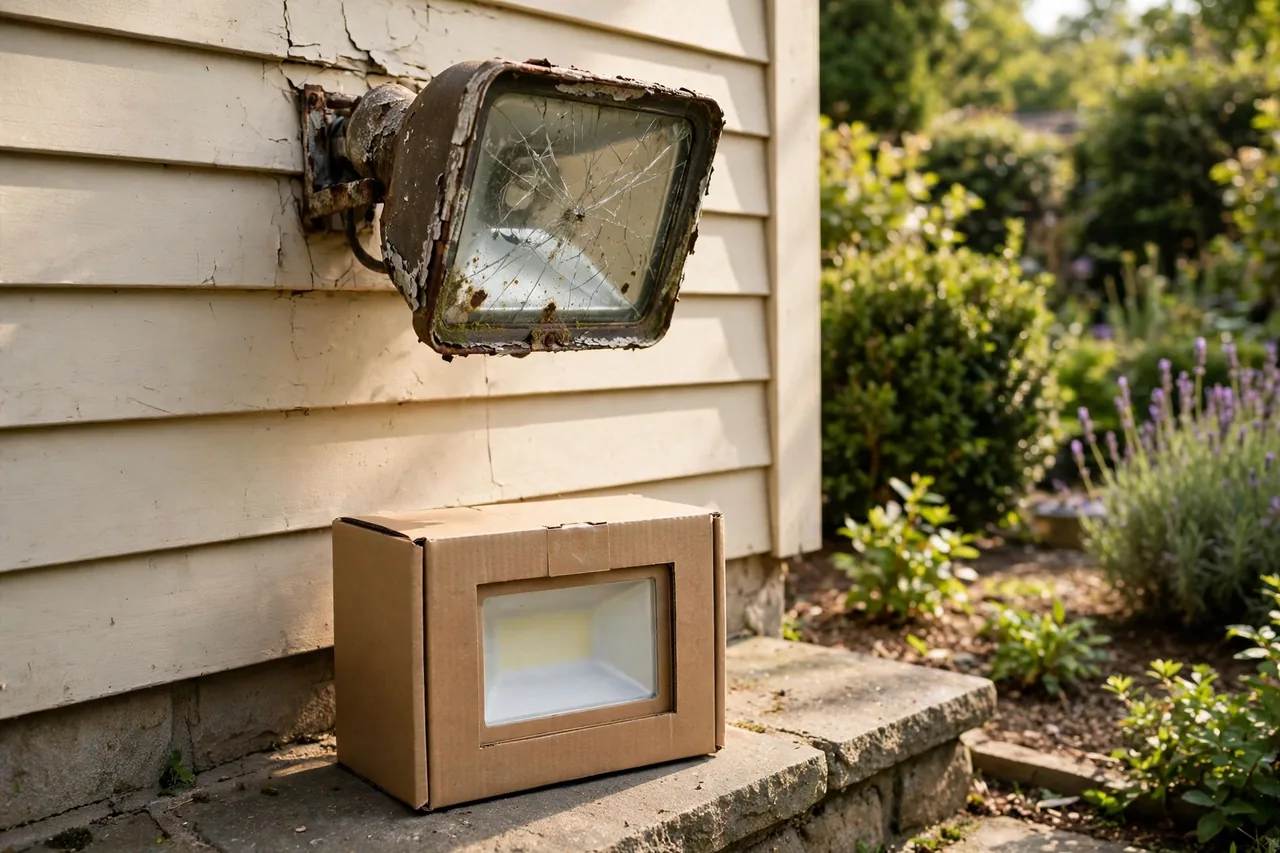
Replace the fixture when the sensor fails after a full reset and clean, when the relay is welded shut and the light will not turn off, when the housing is cracked or full of water damage, or when the same problem returns within days of every fix. A new basic motion floodlight costs less than an electrician’s visit to chase a dying sensor, and the new fixture comes with fresh seals, a fresh sensor, and a warranty.
Replace it with a better one while you are at it. If your old light was hardwired, a bright hardwired floodlight is the direct swap. If you have no wiring at the spot, a solar or battery light avoids the wiring entirely. Our best home security camera system guide also covers floodlight cameras, which pair the light with a camera for homes that want video evidence as well as light.
When to Call an Electrician
Call a licensed electrician if the breaker trips every time the light runs, if you see scorch marks, melted insulation, or buzzing, if the wiring in the junction box looks corroded or loose, or if the install needs new wiring or a new circuit. Anything that involves opening the junction box with live wires nearby belongs to a pro. A typical electrician visit costs far less than a house fire, and a pro can also tell you whether the fixture or the circuit is the real problem.
Electrical safety note: always turn off the breaker and confirm the wires are dead with a non-contact voltage tester before opening any fixture or touching a wire. If you are unsure at any point, stop and call a licensed electrician.
Frequently Asked Questions
How do I reset a motion sensor light?
Turn it off at the wall switch, wait 10 to 30 seconds, then switch it back on and wait 30 to 60 seconds for the sensor to warm up. If that does not work, turn off the breaker for at least 60 seconds for a full hard reset.
Why does my motion sensor light stay on all the time?
The most common cause is manual override, entered by flipping the wall switch off and on quickly. Turn the switch off for 30 to 60 seconds to exit it. Other causes are a TIME dial set to maximum, sensitivity set too high, or a constant heat source like a dryer vent in the sensor’s view.
Why won’t my motion sensor light turn on at night?
Check the breaker and the bulb first, then the LUX dial — if it is set too dark, the sensor never wakes up. Clean the sensor lens and the photocell, confirm the fixture is set to Auto, and raise the sensitivity a notch if the sensor still misses you.
Why does my motion sensor light keep turning on for no reason?
False triggers usually come from sensitivity set too high, or from heat and movement in the sensor’s view — branches, passing cars, vents, or animals. Lower the SENS dial, re-aim the sensor away from the street and heat sources, and angle it slightly downward.
Can I replace just the motion sensor instead of the whole light?
Sometimes, if your fixture has a separate screw-on sensor head and the maker still sells it. In most cases the whole fixture is cheaper and easier to replace, because you get fresh seals, a new sensor, and a warranty in one box.
Start with the reset, then clean the lens and check the three dials — those steps fix most motion sensor lights in under ten minutes. If the problem survives all of them, the sensor is probably worn out, and a new fixture is the honest answer. And if your lights are working again but your yard still has dark corners, a driveway security camera or a garage security camera is the next step that turns light into real protection.