A renovation used to start with a leap of faith: pick a paint color from a tiny swatch, choose a sofa from a catalog photo, trust that a new layout would feel right once the walls actually came down. Getting any of it wrong meant living with the mistake or paying to redo it. An AI interior design generator changes that sequence by letting a homeowner see the actual room transformed before a single wall gets touched, and understanding how that process really works matters before betting a renovation budget on it.
Why Are Homeowners Turning to AI for Interior Design Before Renovating?
Homeowners are turning to AI interior design generators because it removes the cost and guesswork of hiring a designer or committing to a renovation before knowing whether a look will actually work in the room.
A wrong paint color, an awkward furniture layout, or a material choice that looked good in a showroom but clashes with the room’s actual light is expensive to undo once a renovation is finished. Traditionally, avoiding that risk meant hiring a designer to produce mood boards and 3D renders, a service most homeowners only bring in for larger projects. Generating a visualization of the room first removes that gap. A homeowner can test a style direction the same day they think of it, which matters most for anyone weighing several options, a full repaint versus new furniture, an open layout versus keeping a wall, before deciding which one is worth the actual cost of construction.
How Does an AI Interior Design Generator Actually Work?
An AI interior design generator works from a photo of the actual room, applying a new style, layout, or color palette to that specific space rather than showing a generic inspiration photo pulled from a catalog.
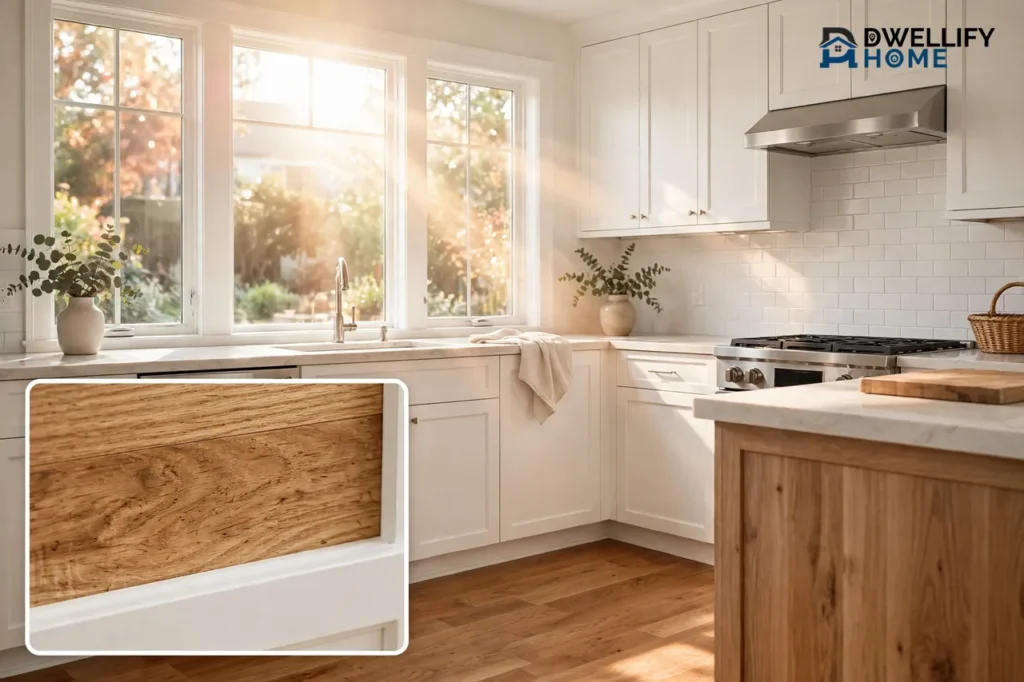
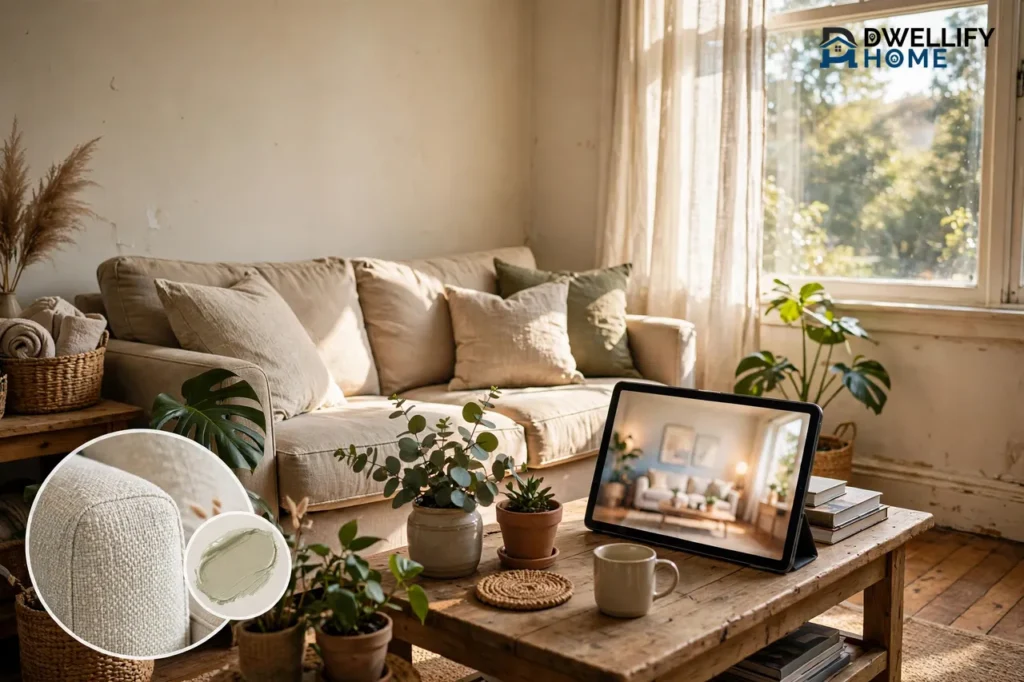
Tools like an AI image generator help homeowners see a specific room transformed rather than a generic stock photo that only loosely resembles their space. Higgsfield, an AI image generator that gives access to multiple underlying models, including Nano Banana Pro, GPT Image, Seedream, FLUX, and Kling O1, lets the same room be generated and compared across engines rather than locked into one model’s particular strengths and blind spots. That comparison step matters more for interior design than for most other categories, since lighting direction, how fabric drapes over a couch, and the grain of real wood are exactly where a weaker model tends to look artificial first. Running the same room through several models and picking the most convincing result is how a homeowner lands on a visualization that reads as their actual space redesigned, not a generic showroom photo with their furniture removed.
What Does This Mean for the Cost and Timeline of Planning a Renovation?
AI-generated room visualizations typically cost a small fraction of hiring an interior designer and compress a multi-week concept phase down to same-day iteration.
A traditional design consultation means paying for a designer’s time to produce mood boards, material samples, and renderings, a process that can take weeks before a homeowner even sees what the finished room might look like. Generating the same visualizations through an AI model swaps that budget for a subscription and some review time, and swaps the multi-week concept phase for same-day results. That matters most for a homeowner comparing several directions before committing, a full repaint against new furniture, one layout against another, since testing each option no longer means paying a designer separately for every variation.
Can an AI-Generated Room Redesign Look Like the Actual Finished Room?
AI-generated redesigns can look convincingly accurate when they start from a real photo of the room and get compared across multiple models, though structural details like window placement, ceiling height, or trim can still look slightly off under close inspection.
The gap between a generated visualization and how a room actually turns out after construction has narrowed substantially, but it hasn’t fully closed. Rooms with unusual angles, built-in shelving, or architectural details, crown molding, exposed beams, a fireplace surround, remain a common place where a generated image can misjudge proportion or placement. Starting from an actual photo of the room rather than a text prompt alone produces a far more accurate result, since the model has the real layout, windows, and fixed elements to work from instead of inventing them. For a homeowner using the visualization to guide contractor conversations, comparing outputs across several models before settling on a direction remains the most reliable way to catch these inconsistencies before they get built into a renovation plan.
Does This Change What Happens to a Homeowner’s Older Renovation or Walkthrough Video?
Yes, homeowners generating sharp new AI room visuals increasingly need their older renovation footage or walkthrough video brought up to the same visual standard, since a crisp generated image next to a soft, low-resolution video creates an obvious mismatch.
A homeowner documenting a renovation over time, before-and-after clips, a phone-recorded walkthrough from a few years back, contractor progress video, often finds that older footage looks noticeably dated once new AI-generated room visuals raise the bar for everything published alongside them. The Higgsfield AI video upscaler applies super-resolution, denoising, and stabilization to rebuild detail in that older footage rather than simply enlarging it, bringing archive walkthrough and renovation video closer to a resolution standard that holds next to freshly generated room designs. For anyone building a renovation blog, a listing page, or a before-and-after showcase, that consistency matters as much as the new visuals themselves, since a page mixing sharp new images with grainy old video reads as unfinished regardless of how good either asset is on its own.
What Should a Homeowner Look for Before Using AI for Room Design?
A homeowner evaluating AI for room design should prioritize access to multiple underlying models, the ability to generate from an actual photo of the room, and a clear licensing policy before sharing results publicly.
Access to more than one model matters because no single model handles every room type, lighting condition, and material equally well, and comparing outputs is how a homeowner avoids a visualization that misrepresents what the finished room would actually look like. The ability to start from an actual photo of the room, rather than describing it from scratch in a prompt, produces far more accurate layout and proportion. Licensing terms are worth confirming before sharing a generated visualization publicly, on a blog, a listing, or with a contractor for bidding purposes, since commercial use policies vary by platform and a room visualization used in a public-facing context needs clear rights before it goes anywhere beyond personal reference.
Frequently Asked Questions
Does an AI-generated room redesign look realistic?
It can, particularly when the generation starts from an actual photo of the room and gets compared across multiple models. Structural details like window placement or ceiling height are the areas most likely to still look slightly off under close inspection.
Is AI replacing interior designers entirely?
Not for full-service projects. For early-stage visualization, testing a color or layout before committing to a design consultation, AI is increasingly the first step. Complex renovations still benefit from a designer’s technical input in ways generation tools don’t replace.
How much does it cost to generate room visualizations with AI compared to hiring a designer?
A design consultation with mood boards and renderings typically runs into the hundreds or thousands of dollars. AI generation costs a fraction of that, usually a subscription fee rather than a per-project design budget.
Can AI generate an accurate redesign of my specific room?
Accuracy improves substantially when generation starts from an actual photo of the room rather than a text description alone, since the model has the real layout, windows, and fixed elements to work from.
Should I also upgrade my older renovation or walkthrough video if I start using AI-generated room visuals?
It’s worth considering. A sharp new AI-generated room visualization next to older, lower-resolution renovation or walkthrough video creates a visible quality gap, so bringing both up to a consistent standard makes for a more cohesive before-and-after presentation.
Your trust is important to us. Some links included in this article may be affiliate or sponsored links. We may receive a small commission from qualifying purchases, but our editorial views and recommendations remain independent and are intended to provide genuine value to our readers.