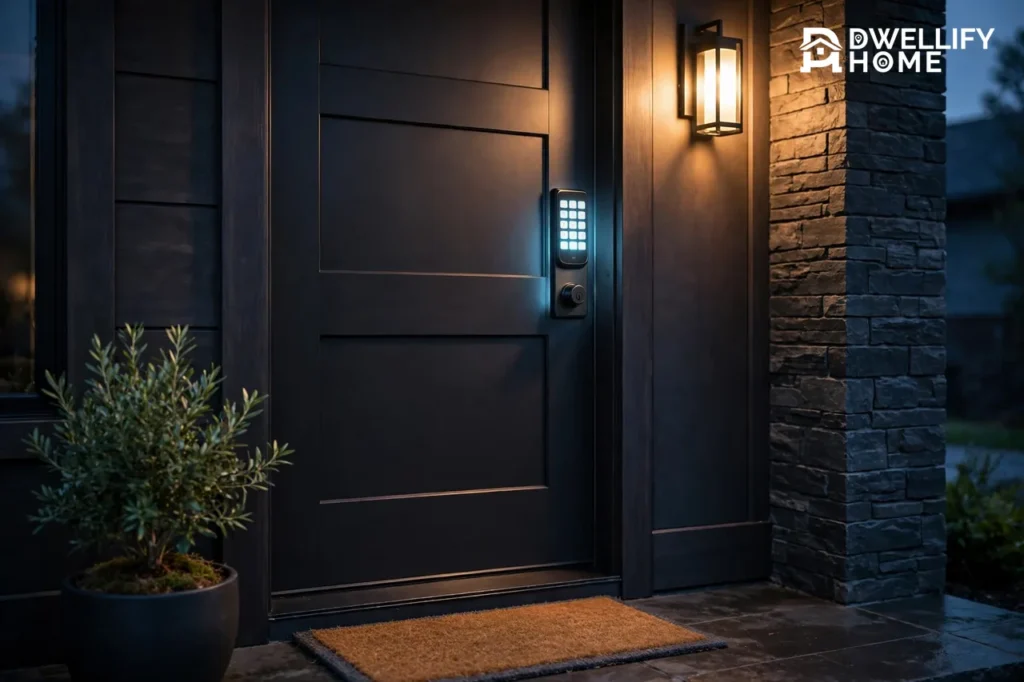
The best door lock with a keypad for most homes is the Schlage Encode Plus at $299, because it pairs the only Grade 1 deadbolt in this guide with built-in Wi-Fi, Apple Home Key, and 100 access codes. If you want flexibility instead of maximum strength, the Yale Assure Lock 2 at $239.99 holds 250 codes and swaps its radio module as your smart home changes. And if your budget is under $100, the Wyze Lock Bolt at $74.98 gives you a fingerprint reader and a backlit keypad for less than a locksmith visit.
This guide compares five keypad locks on the facts that matter: security grade, codes, power, connectivity, and the real price checked on November 21, 2026. No lock here needs a subscription to open your own front door.
How to Choose a Keypad Door Lock
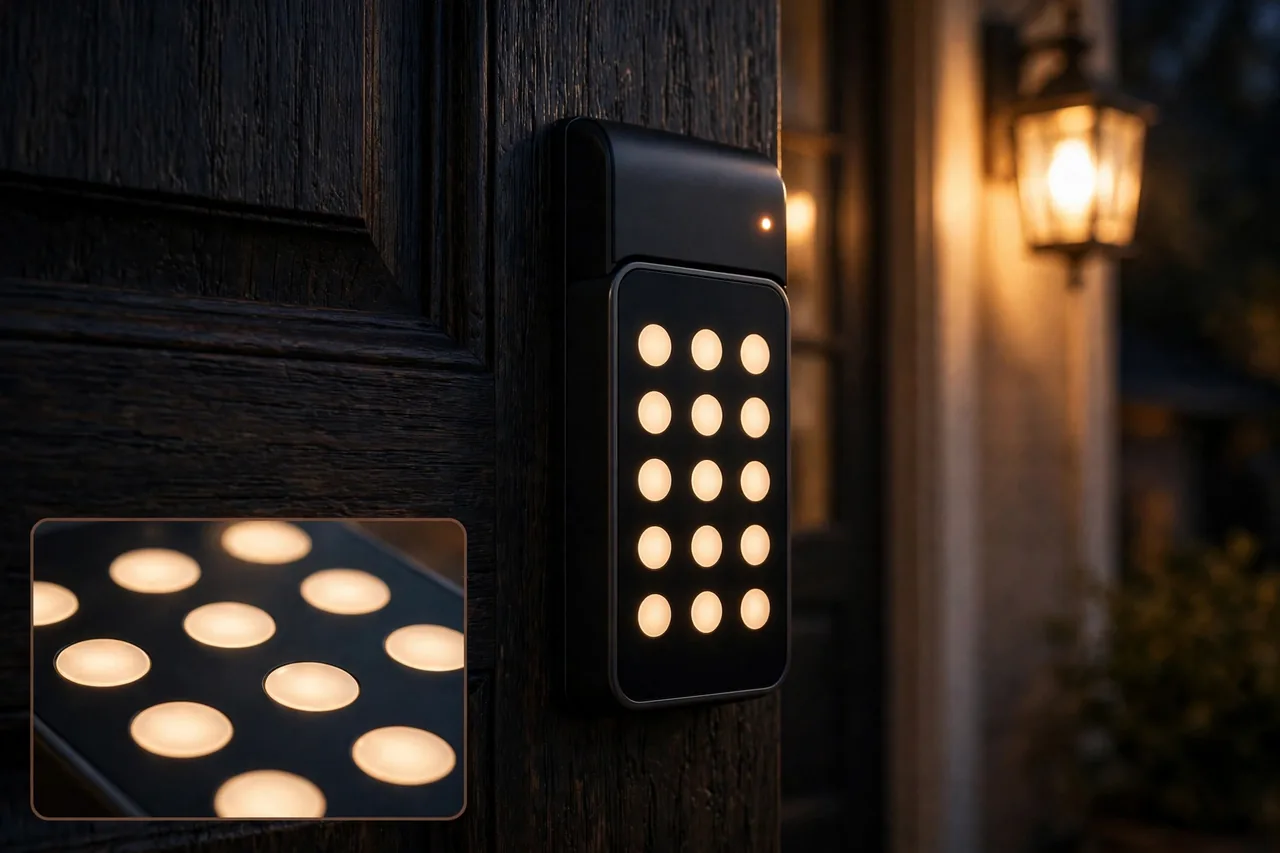
Five checks separate a good keypad lock from a disappointing one.
First, the security grade. ANSI/BHMA Grade 1 is the highest residential rating and means the bolt survived the toughest kick, drill, and pick tests. Grade 2 is solid mainstream security. Grade 3 is light duty and suits an interior or low-risk door, not a front door. Grade 1 is worth paying for on the door a burglar tries first.
Second, codes. A family needs only a few codes, but a rental or a home with cleaners and dog walkers needs many, plus one-time guest codes that delete themselves after one use. Check the code limit before you buy, because it cannot be upgraded later.
Third, power. Most keypad locks run on four AA batteries for six to twelve months. A lock with a 9-volt terminal on the outside lets you wake a dead lock with a spare battery, and a physical key override means you are never locked out by flat batteries.
Fourth, connectivity. Wi-Fi locks let you change codes and check the lock from anywhere, with no hub. Bluetooth-only locks cost less and their batteries last longer, but you must stand near the door to manage them. Z-Wave and Matter locks fit homes that already run a hub.
Fifth, the key backup. Reddit owners repeat one piece of advice more than any other: never buy a lock without a physical key override. Electronics fail, batteries die, and a key in your pocket is the backup that always works. Popular Science’s guide to the best keypad door locks lands on the same leaders this guide picks: the Schlage Encode, the Yale Assure Lock 2, and the Kwikset Powerbolt 250.
The 5 Best Keypad Door Locks at a Glance
Price, grade, codes, and connectivity side by side. Prices checked November 21, 2026.
| Lock | Best for | Price | Grade | Codes | Connectivity |
|---|---|---|---|---|---|
| Schlage Encode Plus | Overall | $299 | Grade 1 | 100 | Wi-Fi |
| Yale Assure Lock 2 | Flexibility | $239.99 | Grade 2 | 250 | Wi-Fi, Z-Wave, Matter |
| Kwikset Halo | Value Wi-Fi | $199.99 | Grade 2 | 250 | Wi-Fi |
| Ultraloq U-Bolt Pro WiFi | Most ways in | $179.99 | Grade 2 | 50 | Wi-Fi, Bluetooth |
| Wyze Lock Bolt | Budget | $74.98 | Grade 3 | 20 | Bluetooth only |
1. Schlage Encode Plus — Best Overall
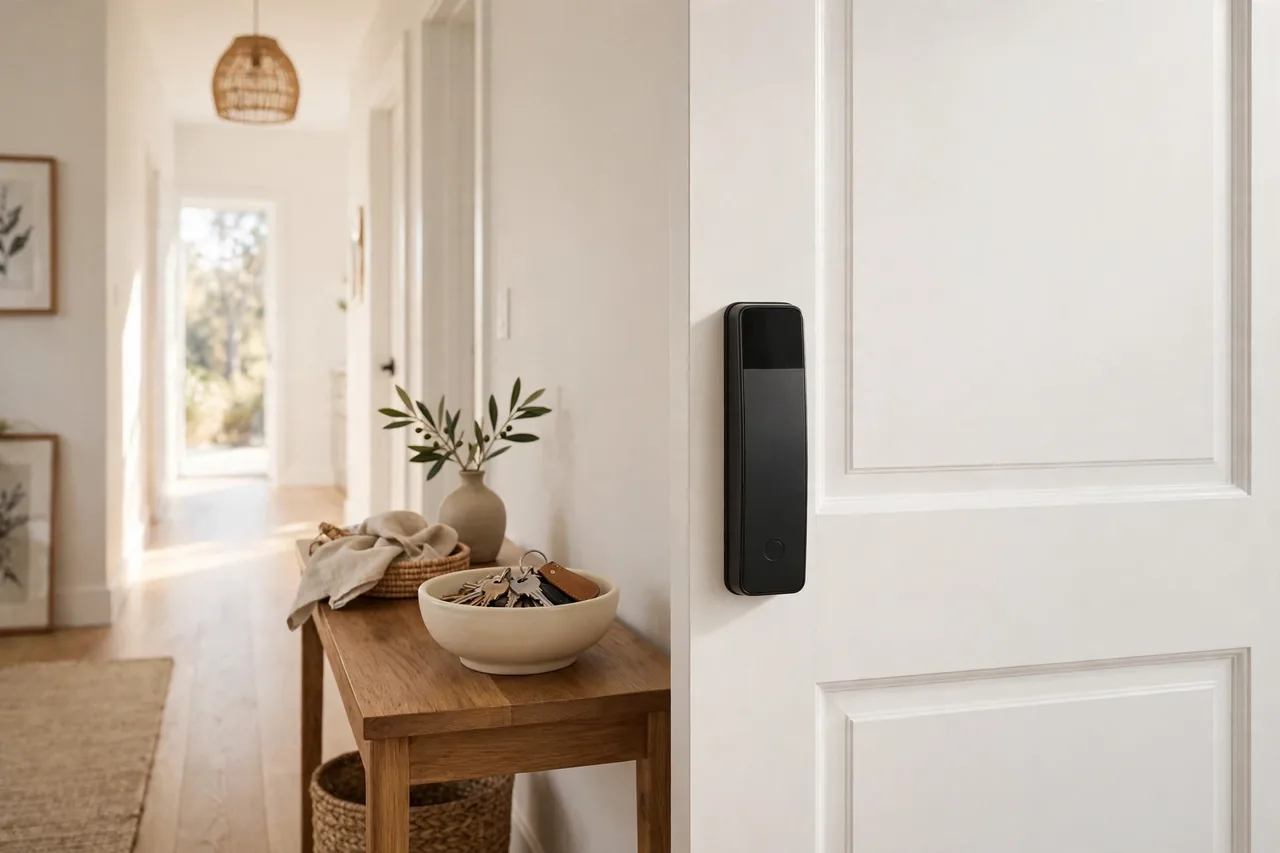
Schlage’s Encode Plus is the strongest keypad lock most homes can buy. It carries an ANSI/BHMA Grade 1 deadbolt, the highest residential rating, with built-in Wi-Fi and Apple Home Key, so you can tap an iPhone or Apple Watch to unlock the door. The backlit touchscreen holds up to 100 access codes, and a built-in alarm sounds if someone tries to force the door.
| Spec | Detail |
|---|---|
| Price | $299 list, checked November 21, 2026 (Top Home Security, updated November 19, 2026) |
| Security grade | ANSI/BHMA Grade 1 |
| Unlock methods | Touchscreen keypad, app, Apple Home Key, physical key |
| Access codes | Up to 100 |
| Battery | 4 AA batteries, about 6 months |
| Smart home | Alexa, Google Home, Apple HomeKit |
| Subscription | None |
What owners say: in HomeTechTested’s 2026 roundup of Reddit smart lock threads, owners call the Encode Plus the “Honda Civic of smart locks” — not exciting, but it works every single time — and Reddit ranks Schlage as the most reliable smart lock brand. Buy this lock when break-in resistance matters more than saving $50.
2. Yale Assure Lock 2 — Best for Flexibility
Yale’s Assure Lock 2 is the lock to buy when you do not know which smart home system you will settle on. Its radio is a swappable module, so the same lock body can run Wi-Fi, Z-Wave, Zigbee, or Matter. The touchscreen keypad holds up to 250 entry codes, the most in this guide, and keyed models keep a physical key backup.
| Spec | Detail |
|---|---|
| Price | $239.99 list for the Wi-Fi model, checked November 21, 2026 (FrontDeskReview, sourced from the Yale shop) |
| Security grade | ANSI/BHMA Grade 2 |
| Unlock methods | Touchscreen keypad, app, voice, physical key on keyed models |
| Access codes | Up to 250 |
| Battery | 4 AA batteries, about 6 to 12 months |
| Smart home | Alexa, Google Home, HomeKit, SmartThings, Ring |
| Subscription | Optional August Access for full history |
What owners say: the same Reddit roundup by HomeTechTested calls the Assure Lock 2 Reddit’s favorite and most recommended smart lock of 2026, with owners praising its reliability across every major ecosystem and its six-month battery life. Buy this lock when you run a rental, a mixed smart home, or a house full of guest codes.
3. Kwikset Halo — Best Value Wi-Fi Keypad
Kwikset’s Halo is the cheapest way to get a real Wi-Fi keypad lock with remote code management and no hub. It connects straight to your home Wi-Fi, so you can add or delete codes from anywhere, and it re-keys with Kwikset’s SmartKey system, which lets you re-key the cylinder yourself in under a minute if a key goes missing.
| Spec | Detail |
|---|---|
| Price | $199.99 list, checked November 21, 2026 (Buffalo Alarm buying guide) |
| Security grade | ANSI/BHMA Grade 2 |
| Unlock methods | Touchscreen keypad, app, physical key |
| Access codes | Up to 250 |
| Battery | 4 AA batteries, about 6 to 8 months |
| Smart home | Alexa, Google Home |
| Subscription | None |
What owners say: HomeTechTested’s Reddit roundup puts Kwikset a tier below Yale and Schlage, with owners liking the price and the easy app but reporting a weaker record on long-term reliability. Buy this lock when you want Wi-Fi code control at the lowest price from a major lock brand.
4. Ultraloq U-Bolt Pro WiFi — Most Ways In
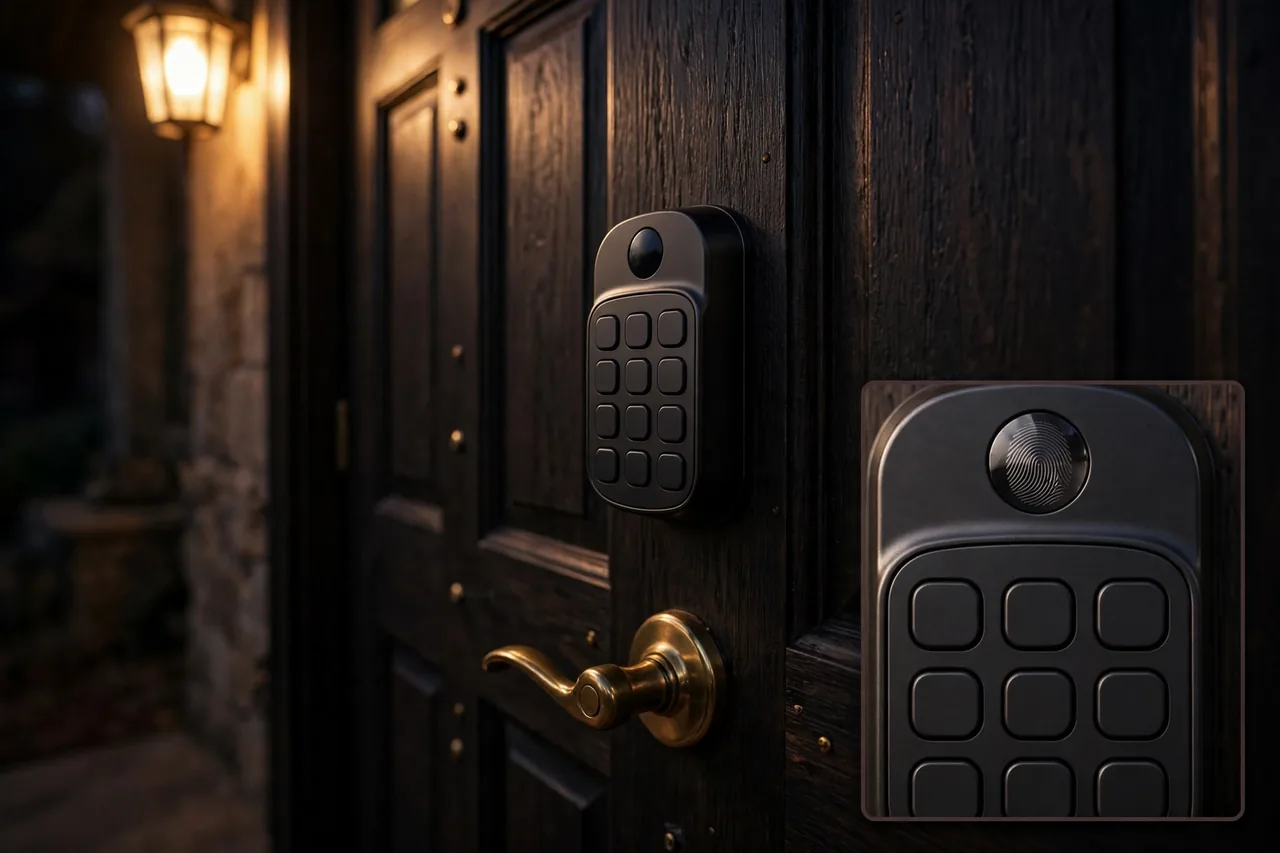
Ultraloq’s U-Bolt Pro WiFi gives you six ways through the door: fingerprint, keypad PIN, app, Bluetooth auto-unlock, voice, and a mechanical key. The fingerprint reader opens the door in about 0.3 seconds, and the lock stores up to 100 fingerprints and 50 codes. Built-in Wi-Fi means no bridge or hub sits between you and remote access.
| Spec | Detail |
|---|---|
| Price | $179.99 list, checked November 21, 2026 (FrontDeskReview, priced September 27, 2026) |
| Security grade | ANSI/BHMA Grade 2 |
| Unlock methods | Fingerprint, keypad, app, Bluetooth, auto-unlock, key |
| Access codes | Up to 50 |
| Battery | 4 AA batteries, about 3 to 6 months |
| Smart home | Alexa, Google Home |
| Subscription | None |
What testers say: Money.com names Ultraloq its pick for flexibility, because no other lock in this price range offers as many entry methods in one body. Buy this lock when different people in the house prefer different ways to get in.
5. Wyze Lock Bolt — Best Budget
Wyze’s Lock Bolt is the budget pick that still feels like a real smart lock. It has a fast fingerprint reader, a backlit keypad, and offline one-time codes, and its Bluetooth-only design stretches battery life past a year. The trade-off is clear: no Wi-Fi means no remote code changes, and its Grade 3 rating makes it a back-door or garage-entry lock rather than a front-door fortress.
| Spec | Detail |
|---|---|
| Price | $74.98 on sale, $79.98 list, checked November 21, 2026 on the Wyze store |
| Security grade | ANSI/BHMA Grade 3 |
| Unlock methods | Fingerprint, keypad, app by Bluetooth, one-time code, key |
| Access codes | Up to 20 |
| Battery | 4 AA batteries, over 12 months |
| Smart home | Alexa and Google only through a Wyze hub |
| Subscription | None |
What testers say: in a six-year test of more than 30 smart locks, the reviewer at SocMedTech calls the Wyze Lock Bolt the best budget lock tested, with a lightning-fast fingerprint reader and battery life over a year, and says it is the right buy if you do not care about smart home integration. Buy this lock for a side door, a rental, or a first smart lock on a tight budget.
Do Keypad Locks Work in Cold Weather?
Mostly yes, with one weakness to know about. Touchscreen keypads can turn sluggish in freezing weather: one long-term tester found the Schlage Encode Plus touchscreen needed a double tap about 30 percent of the time at minus 15 degrees Celsius. Physical push-button keypads such as the Schlage Camelot and the Kwikset SmartCode do not have this problem, because buttons work the same in any weather.
If your door faces harsh winters, pick a push-button keypad or keep a physical key handy for the coldest mornings. Cold also shortens battery life, so change batteries in the fall before the first freeze, not in the middle of it.
Which Lock Fits Your Door?
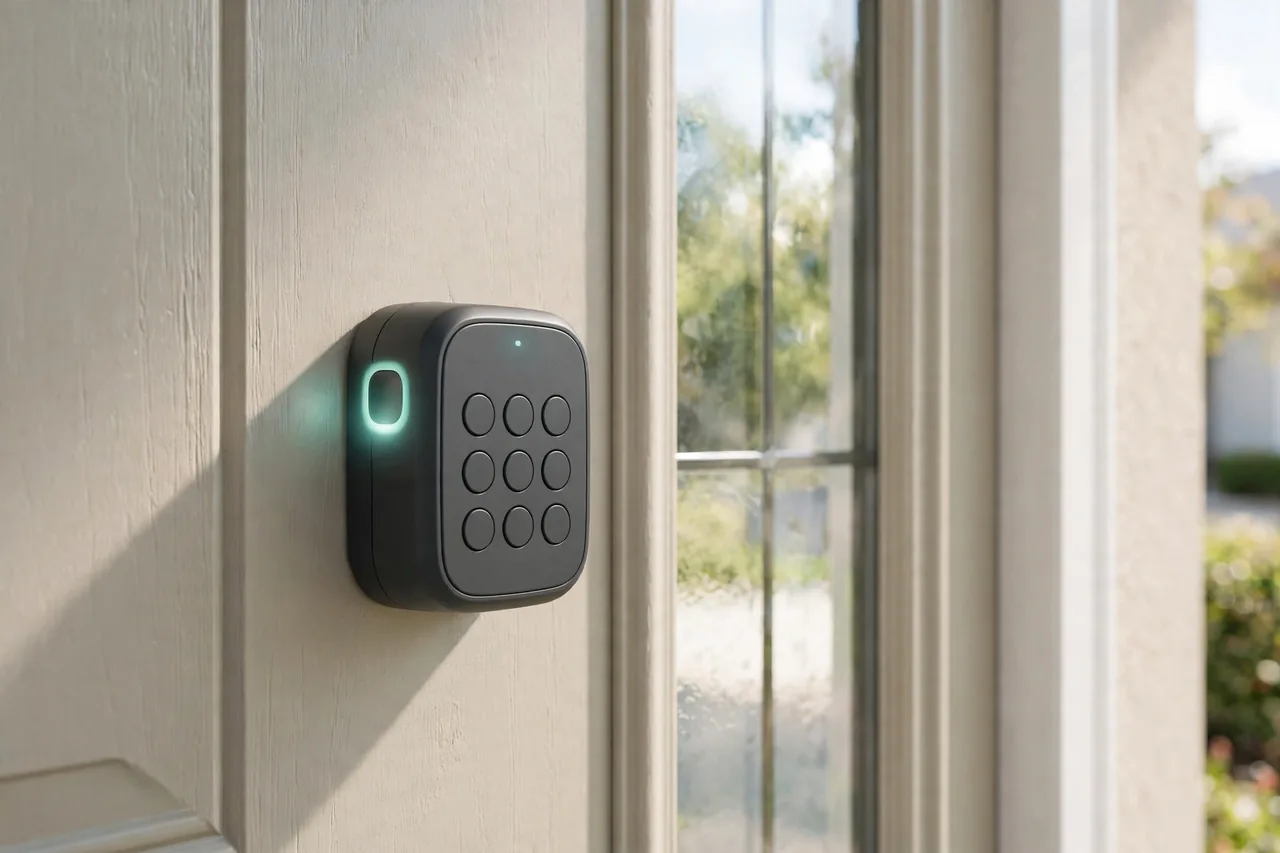
Match the lock to the household, not the other way around. Apple households should start with the Schlage Encode Plus, because Apple Home Key is built in and works even when the phone battery is dead. Rental hosts should start with the Yale Assure Lock 2, because 250 codes and swappable radios cover every guest and every platform. Budget buyers should start with the Wyze Lock Bolt, and spend the money saved on a better strike plate and longer screws.
Renters need one more check: a keypad deadbolt replaces your existing deadbolt, so you need the landlord’s permission and the original lock kept safe for move-out. A retrofit lock that clamps over the inside thumbturn avoids that problem entirely, though it usually needs a separate keypad for code entry.
What to Check Before You Buy
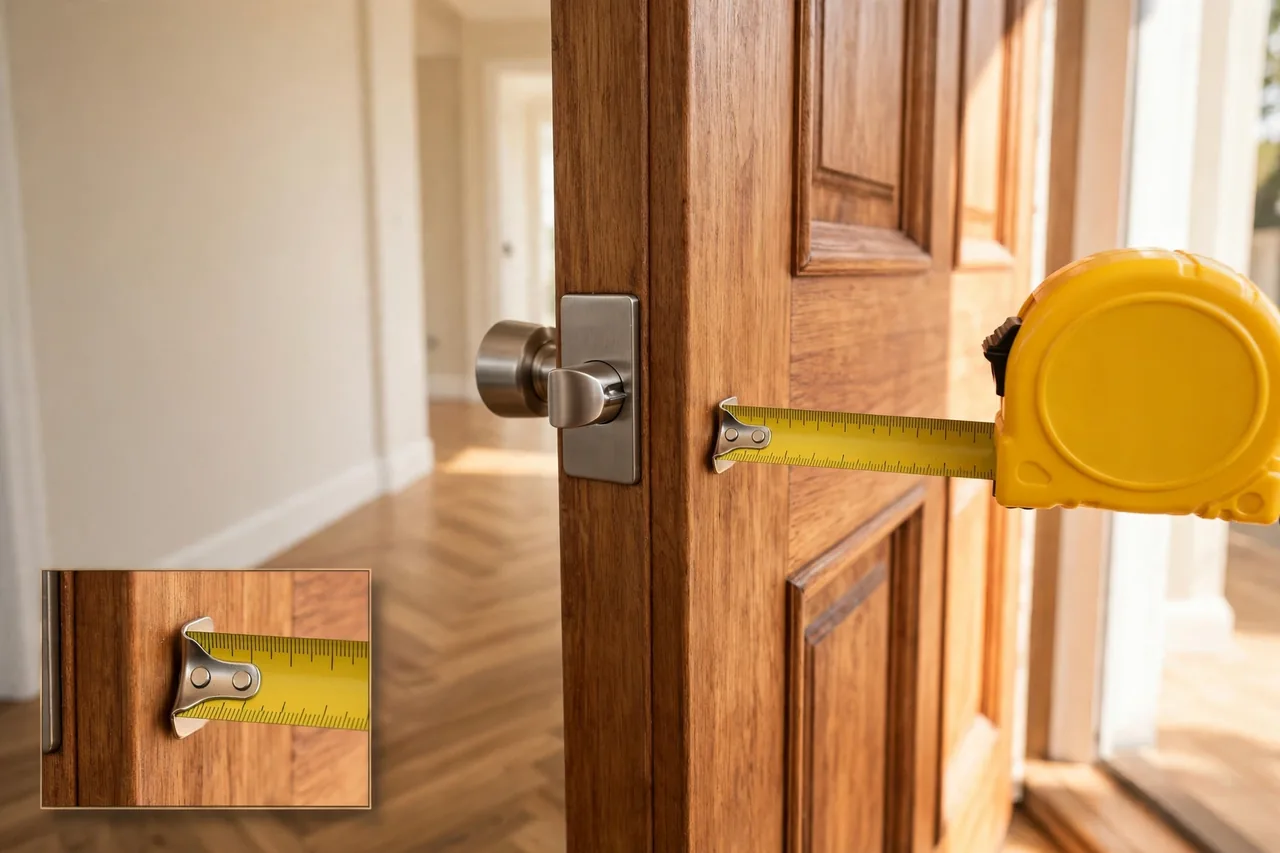
Measure twice. Most American doors are 1-3/8 to 1-3/4 inches thick, and every lock in this guide fits that range, but older doors can be thinner or thicker. Check the backset, which is the distance from the door edge to the center of the bore hole: 2-3/8 inches or 2-3/4 inches are standard, and most locks include both latches. Check the bore hole diameter too, usually 2-1/8 inches.
Confirm the door handing only matters for lever-handle locks such as the Schlage Camelot, which need a left or right lever. Deadbolts fit either way. Finally, measure the space beside the door for the interior unit, which is bulkier than a normal deadbolt and can hit a nearby screen door handle.
Install It in About 30 Minutes
Most keypad deadbolts install with a screwdriver and no new holes. Remove the old deadbolt, slide the new latch into the edge bore, fit the exterior keypad and interior unit through the door, and connect the cable. Then fit the strike plate with the long screws from the box, because the strike plate is where a kick attack lands.
Program one code and test it with the door open before you close it. Then test the key, the app, and the auto-lock. If the bolt drags or the door needs a push to latch, the strike plate is misaligned, not the lock, so loosen it and shift it until the bolt slides freely. Our guides to how door locks fail and what the ratings mean and the best lock types for each door explain the ratings and fits in more depth.
Related Guides
- Best Smart Lock for Your Front Door: Picks and Buying Guide
- Best Door Locks: 6 Mechanical Picks That Never Need Batteries
- Best Lock Types for Home: Match Each Lock to the Right Door
- Door Locks Security: How Locks Fail and What the Ratings Mean
- How to Reset a Schlage Smart Lock or Change Its Code
- Kwikset Smart Lock Reset: Choose the Right Steps for Your Model
Frequently Asked Questions
Are keypad door locks safe?
Yes, when you buy a good grade. A Grade 1 or Grade 2 keypad deadbolt resists kicks, picks, and drills as well as a keyed deadbolt of the same grade, and codes remove the risk of a copied or lost key. The weak point is a cheap Grade 3 lock on a front door, or a code that never changes after a guest leaves.
What happens if the battery dies on a keypad lock?
Most locks warn you for weeks with beeps and a low-battery light before they die. If the battery does die, hold a 9-volt battery to the terminals on the outside of many models to wake the keypad, or use the physical key. Change batteries every six months on a schedule and you will never face a dead lock.
Can keypad locks be hacked?
Any lock with Wi-Fi can be attacked online, but real break-ins almost never start that way. They start with a kick or a copied code. Use a strong home Wi-Fi password, keep the lock’s firmware updated, use codes that are not birthdays or 1234, and delete guest codes when guests leave.
Do keypad locks need Wi-Fi?
No. A keypad lock opens with a code with no internet at all, and Bluetooth-only locks such as the Wyze Lock Bolt work entirely offline. Wi-Fi only adds remote control: changing codes and checking the lock from anywhere. If you do not need that, a Bluetooth lock costs less and its batteries last longer.
How many codes can a keypad lock hold?
It depends on the model. The Yale Assure Lock 2 and Kwikset Halo hold up to 250 codes, the Schlage Encode Plus holds up to 100, the Ultraloq U-Bolt Pro holds up to 50, and the Wyze Lock Bolt holds up to 20. Give each regular visitor their own code, so you can delete one person’s access without changing everyone else’s.
Keypad locks earn their keep the first time a guest, a cleaner, or a teenager comes home without a key. Pick the grade your front door deserves, check the measurements, and put the key backup somewhere safe.