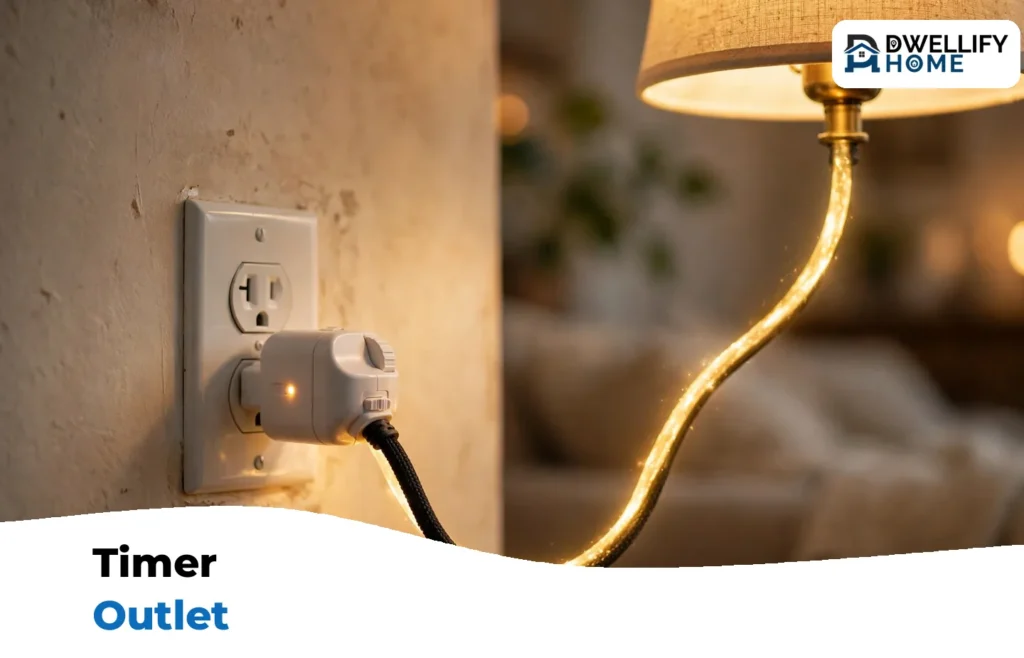
A timer outlet is a small plug-in box that sits between your wall outlet and a lamp or appliance, and turns the power on and off on a schedule you set. You plug the timer into the wall, plug your device into the timer, and set the hours. That is the whole job: no wiring, no tools, and nothing to install in the wall.
The right choice depends on three things: the type (mechanical dial, digital programmable, or smart Wi-Fi), the load rating in amps and watts, and where you will use it, indoors or outdoors. Get those three right and a timer outlet that costs about $10 to $16 will run your lights, fans, and holiday displays for years. One safety limit matters from the start: never plug in a device that draws more power than the timer is rated for.
What Is a Timer Outlet?
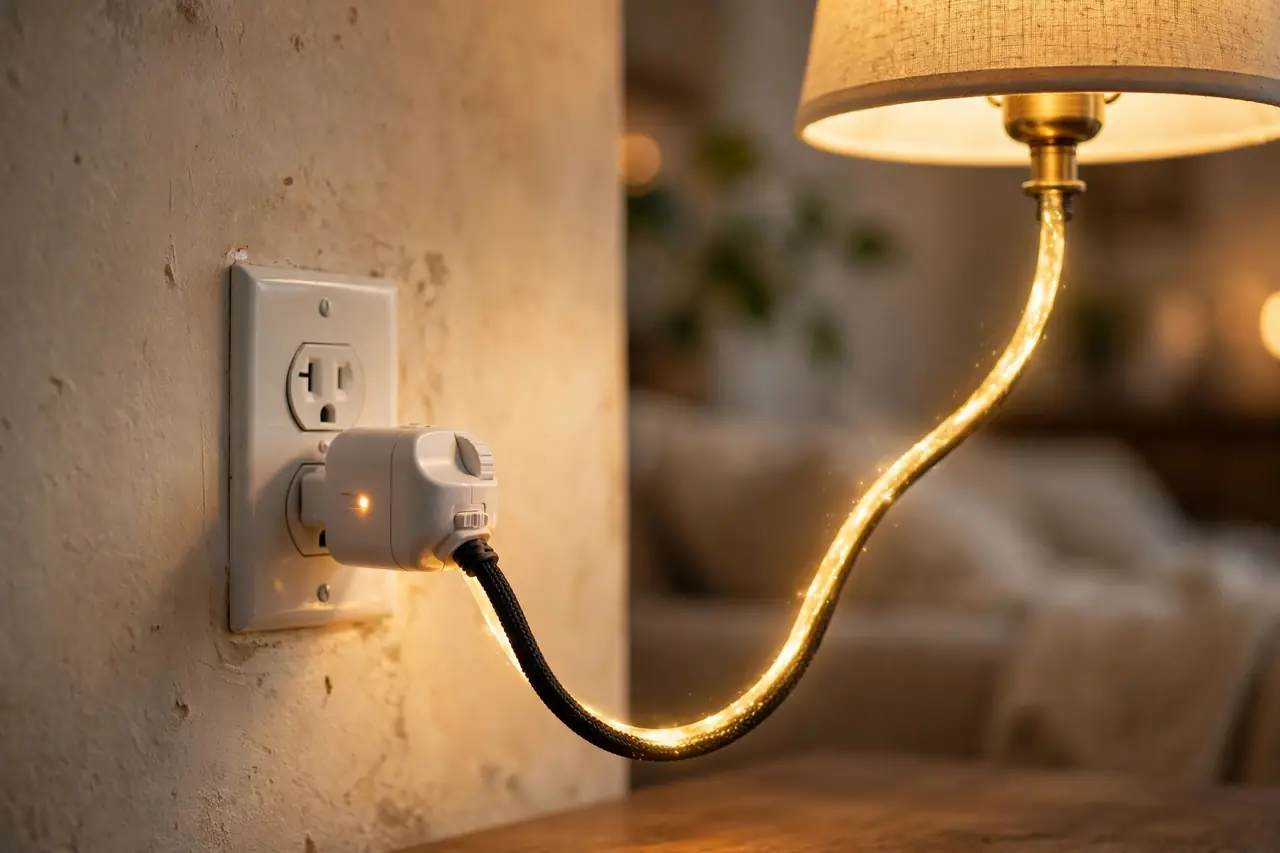
A timer outlet, also called a plug-in timer or outlet timer, is a switch with a clock inside. The clock follows the schedule you set, and the switch cuts or restores power to whatever is plugged into it. When the timer is off, the device gets no power at all, which also stops the small standby draw many electronics sip around the clock. The U.S. Department of Energy puts that standby power, sometimes called vampire load, at roughly 5 to 10 percent of a home’s electricity use.
A timer outlet is not the same as an in-wall timer switch. A timer switch is wired into the wall and replaces a light switch, so it needs the power off at the breaker and some basic wiring work. A timer outlet just plugs in, which makes it the renter-friendly option and the one you can move from room to room. Our full guide to the timer switch explains both styles side by side if you are deciding between them.
At DwellifyHome, we see plug-in timers used most for lamps, holiday lights, and small appliances that follow a daily routine. Below, we walk through the three types, the specs that actually matter, verified prices, and the exact setup steps for the two types you program by hand.
The 3 Types of Plug-In Timer Outlets
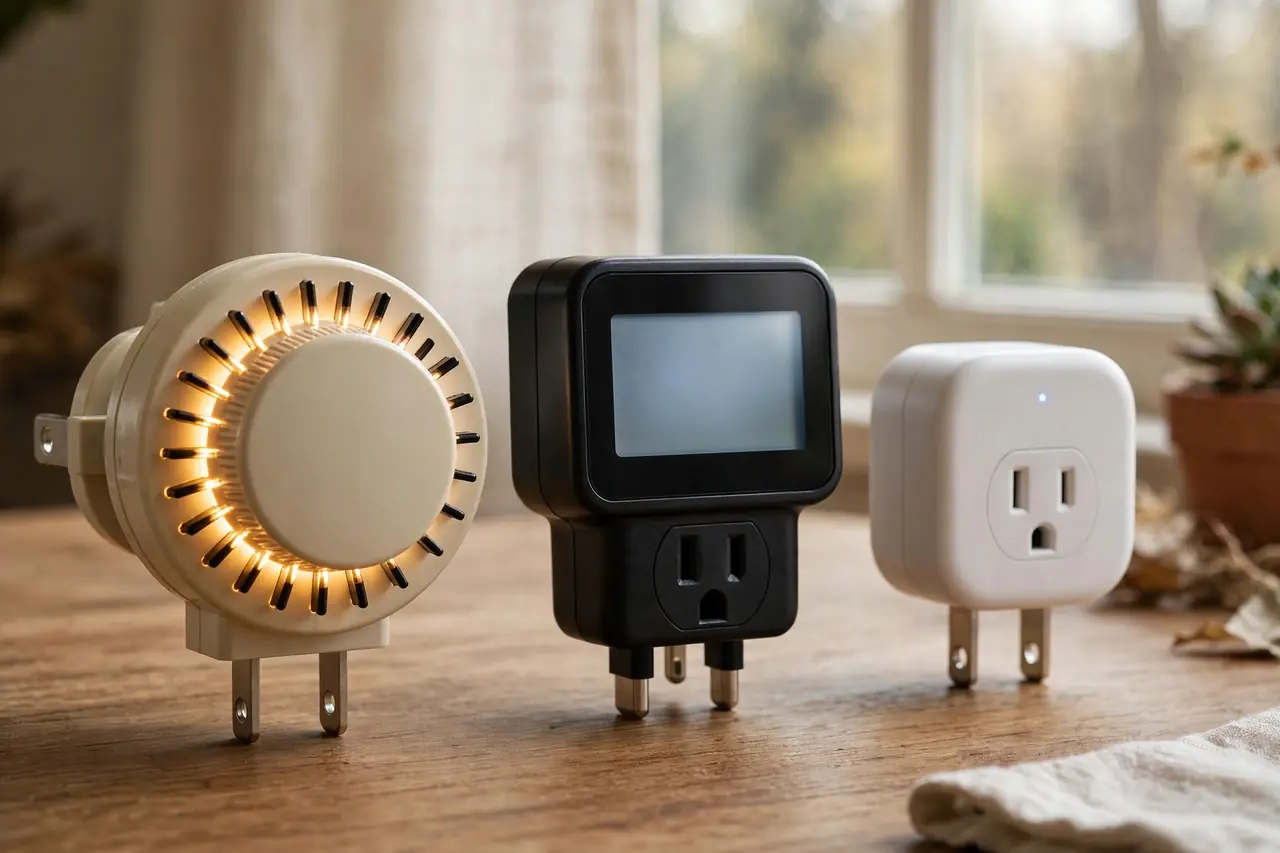
Mechanical Dial Timers
A mechanical timer uses a rotating 24-hour dial with small pins or segments around the edge. You push the pins down for the hours you want power on, and the dial turns slowly, tripping the switch as it passes each pin. Most indoor models switch in 15-minute steps, so the shortest on or off period is 15 minutes; outdoor models often use 30-minute steps. There is no screen and nothing to program, which is why these are the cheapest and the easiest to set.
The trade-offs are real but simple. The schedule repeats every 24 hours, so weekdays and weekends follow the same pattern. The little motor inside also stops during a power outage, which means the clock pauses and your times drift later by however long the power was out. The pins themselves keep their settings, so a quick turn of the dial back to the current time fixes it. For a deeper look at this style, see our guide to the mechanical timer switch.
Digital Programmable Timers
A digital timer swaps the dial for a small LCD screen and buttons. You set the current time, then store on and off programs, often up to 8 on/off schedules per day with one-minute precision. Because it is a 7-day timer, Monday can follow a different plan than Saturday. Most digital models add two features mechanical timers cannot offer: a battery backup that keeps your clock and programs safe through a power outage, and a random or vacation mode that shifts the on and off times a little each day so timed lamps look more natural while you travel.
Digital timers cost a few dollars more and take a few minutes longer to set up the first time. In return, you get exact times, weekday and weekend schedules, and settings that survive outages. For most homes, this is the type we suggest starting with.
Smart and Wi-Fi Timer Plugs
A smart plug is a timer outlet with Wi-Fi inside: you set schedules in a phone app instead of on the device, and many models also answer to Alexa or Google Assistant and report energy use. It is the most flexible option and the only one you can change from away from home, but it needs Wi-Fi, an app account, and usually costs more than a digital timer. If voice control is your goal, our guide to a works with Google Home smart plug walks through what to check before you buy.
How to Choose a Timer Outlet
Check the Amp and Watt Rating First
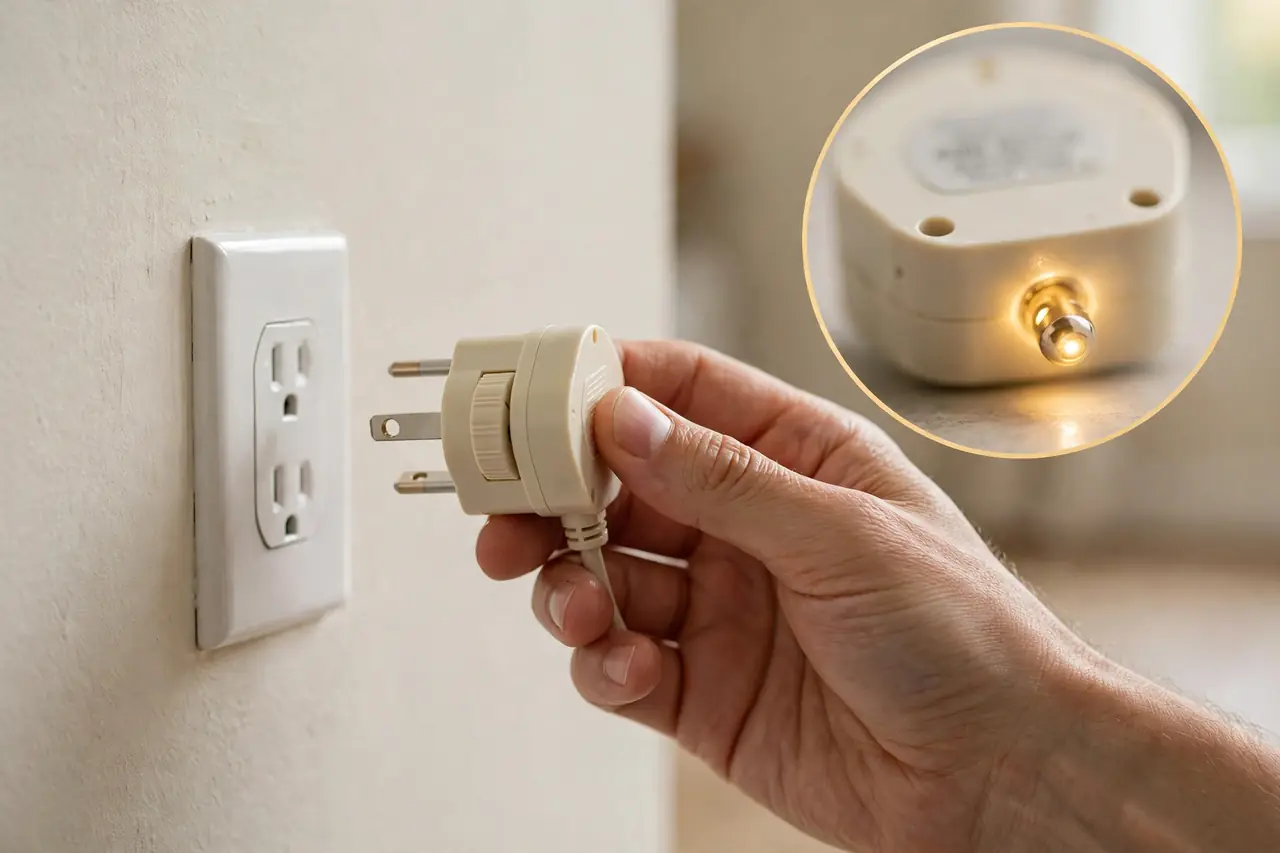
Every timer outlet lists a maximum load, and common plug-in models are rated 15 amps and 1,875 watts on a standard 120-volt circuit. Add up the watts of everything you plan to plug into the timer and keep the total under that rating. A lamp at 60 watts or a fan at 75 watts is no problem. A 1,500-watt appliance pulls about 12.5 amps, which is close to the limit, so heavy loads deserve a heavy-duty timer and a careful read of both manuals. Timers also carry a smaller rating for motor loads, often shown as 1/2 HP, which matters for pumps and fans.
Match the Timer to Indoor or Outdoor Use
Indoor timers are not sealed against water, and using one outside is a common and risky mistake. Outdoor timers have a weatherproof housing, a covered outlet, and usually a short cord so the unit can hang below the receptacle and shed rain. Use outdoor timers on a GFCI-protected outlet, and mount the timer upright and off the ground so water runs off instead of pooling around the plug.
Decide Between One Outlet and Two
Single-outlet timers are smaller and less likely to block the second socket on the wall plate. Dual-outlet timers run two devices on the same schedule, which is handy for a pair of holiday light strings or a lamp plus a fan. Remember that both outlets share one rating, so two devices on one timer still have to stay under the timer’s total amp and watt limit together.
Look for Battery Backup
On a digital timer, a built-in backup battery keeps the clock running and holds your programs when the power fails or when you unplug the timer to move it. Without backup, an outage means reprogramming from scratch. Mechanical timers cannot offer this, because their clock is a small motor powered by the wall. If the timer guards a schedule you cannot afford to lose, like aquarium lights, battery backup is worth paying for.
Get a Grounded 3-Prong Model
Many appliances have 3-prong grounded plugs, and they can only plug into a timer that has a grounded outlet. Cheap 2-prong timers exist, and they are fine for a simple lamp with a 2-prong plug, but they shut you out of everything else. A grounded 3-prong timer is the safer default buy, and you should never use a plug adapter to defeat the ground pin.
Check the Smallest On and Off Interval
The interval is the shortest block of time the timer can switch. Mechanical dials switch in 15 or 30-minute steps, so you cannot set a 10-minute run. Digital timers switch to the minute. Short intervals matter for things like a fan that should run 20 minutes each hour or a pump on a repeating cycle. If your plan needs odd, short cycles, choose digital.
Timer Outlets With Verified Prices
These are common, widely stocked models from one maker, BN-LINK, chosen because their specs cover the four jobs readers ask about most. Prices were checked on October 20, 2026, at Best Buy, and they change often, so treat them as a snapshot, not a promise.
Timer outlet picks and prices checked on October 20, 2026:
| Model | Type | Rating | Key detail | Price |
|---|---|---|---|---|
| BN-LINK 24-Hour Plug-In Mechanical Timer | Mechanical, indoor | 15A / 1,875W | 15-minute pins, up to 96 on/off settings a day, grounded | $9.99 |
| BN-LINK 7-Day Digital Timer Outlet | Digital, indoor | 15A / 1,875W | Up to 8 on/off programs a day, battery backup, grounded | $14.99 |
| BN-LINK 7-Day Digital Timer, Dual Outlet | Digital, indoor | 15A / 1,875W | Two grounded outlets on one schedule, battery backup | $12.99 |
| BN-LINK 7-Day Outdoor Digital Timer | Digital, outdoor | 15A / 1,875W | Weatherproof housing, two outlets, ETL listed | $15.99 |
The BN-LINK mechanical timer at Best Buy is the simple pick for lamps and aquariums, and the BN-LINK 7-day digital timer at Best Buy is the one to get when you want weekday and weekend schedules. Both are ETL listed, which means an independent lab tested them to North American safety standards.
How to Set a Mechanical Timer Outlet
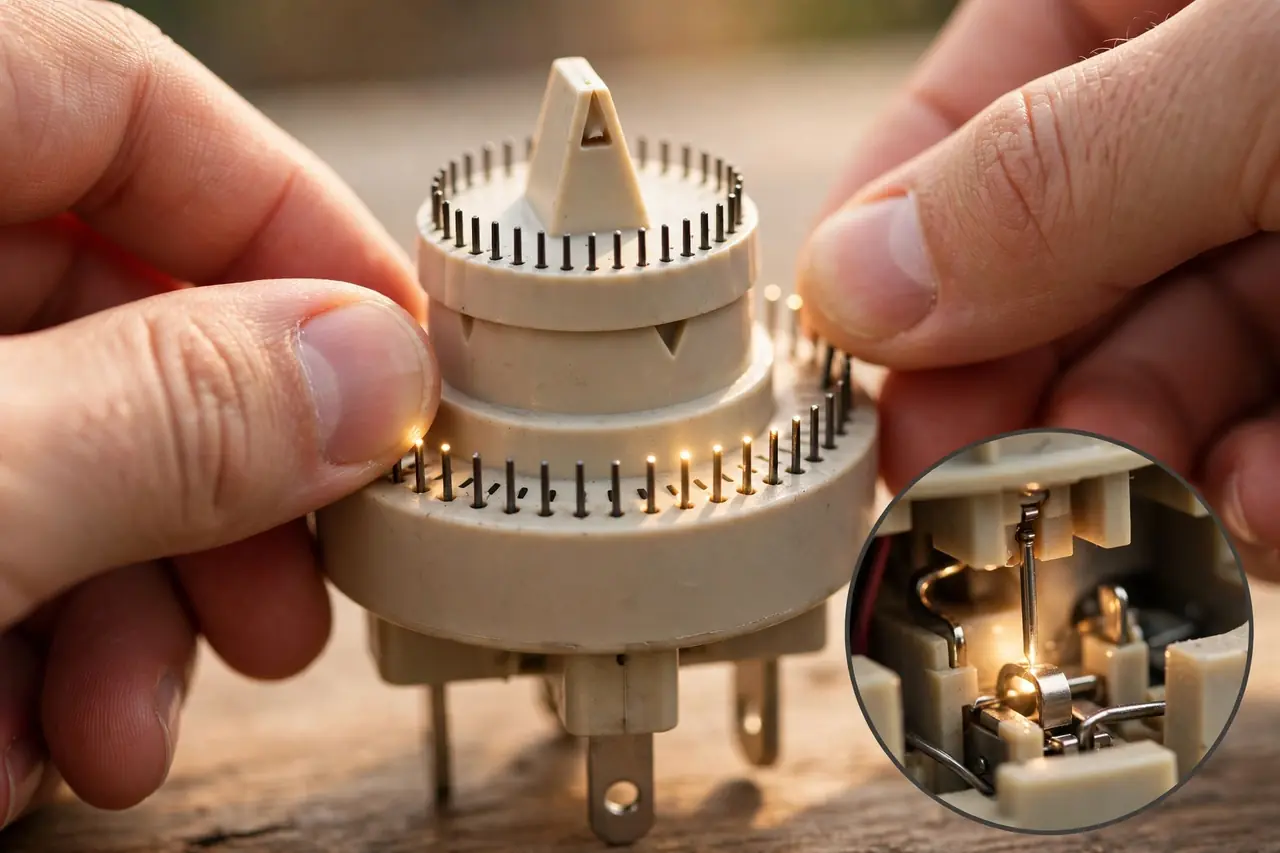
- Plug the timer into the wall outlet, and plug your lamp or appliance into the timer’s outlet.
- Turn the dial clockwise until the arrow or marker lines up with the current time on the 24-hour ring. Check AM and PM carefully, since the dial shows both.
- Push down the pins for every block of time you want the power on, and leave the rest up. Each pin is one interval, usually 15 minutes indoors.
- Switch the appliance itself on. A lamp with its switch off will never light, no matter what the timer does.
- Move the timer’s side switch from “ON” or “Outlet On” to “Timer.” In the ON position the timer passes power all the time and ignores the pins.
- Watch for the first on and off cycle, or turn the dial slowly by hand until the next pin trips, to confirm the switch clicks and the device responds.
How to Set a Digital Timer Outlet
- Plug the timer in for a few minutes first if it has been sitting in a drawer, so the backup battery can charge, then press the reset button if the screen is blank or scrambled.
- Set the clock: hold the Clock button and press the Day, Hour, and Minute buttons until the screen shows today and the current time.
- Press Program (often labeled PROG or TIMER) to open the first slot, choose the days it should run, and set the ON time.
- Press Program again and set the matching OFF time. Repeat for more cycles, up to the model’s limit, often 8 on/off pairs per day.
- Press Clock to save and return to the time display, then press the Mode or ON/AUTO/OFF button until the screen shows AUTO. In ON or OFF mode the timer ignores your programs.
- Plug in the device, switch the device itself on, and test with a one-minute trial program before you trust it with a real schedule.
Success check for both types: the device turns on within a minute of the set time and turns off on schedule. If nothing happens, the cause is almost always one of three things: the timer is left in ON or OFF override, the appliance’s own switch is off, or AM and PM are swapped.
Best Uses for a Timer Outlet

- Lamps: the classic job. Lights come on before you get home, go off at bedtime, and make an empty house look lived in while you travel, especially with a digital timer’s random mode.
- Holiday lights: indoor trees and outdoor displays light up at dusk and shut off at a set hour instead of running all night. Use a weatherproof outdoor timer for anything outside.
- Fans: a box fan or bathroom-style exhaust routine runs only when needed, for example an hour in the evening, instead of all day.
- Aquariums: lights are the perfect timer load, because fish and plants do best on a steady day and night cycle. Keep the filter and heater plugged directly into the wall; they must run around the clock.
- Coffee makers: a timer can cut the standby draw of a brewer overnight. It can only start the brew for you if your model has a simple mechanical on switch; brewers with touch controls usually wake up and wait for a button press instead.
- Chargers and entertainment gear: powering a charging station or a TV setup for set hours trims standby draw without unplugging anything by hand.
Mistakes to Avoid With a Timer Outlet
- Overloading the timer. Add up the watts of everything on the timer and stay under its rating. Two devices on a dual-outlet timer share one limit, not two.
- Chaining timers, strips, and cords. Never plug one timer into another, and never daisy-chain a timer with power strips and extension cords to reach further. Each extra connection is a weak point that can heat up under load. If the device cannot reach the outlet, move the device or choose a timer with a cord made for that spot, such as an outdoor model.
- Assuming a space heater is fine. A 1,500-watt heater pulls about 12.5 amps for hours at a time, close to a 15-amp timer’s limit. The U.S. Consumer Product Safety Commission advises plugging electric space heaters directly into a wall outlet, never into an extension cord or power strip, and many heater makers extend the same warning to timers. Use a timer with a heater only if both manuals allow it and the timer is rated for the heater’s full load, and never leave it running unattended. When in doubt, skip the timer.
- Using an indoor timer outside. Rain and humidity get inside unsealed housings. Outdoor spots need a weatherproof timer on a GFCI outlet.
- Forgetting the override switch. A timer left on ON or OFF after you test it will ignore your schedule all week. Set it back to Timer or AUTO and confirm the mode on the dial or screen.
- Expecting a timer to fix a wall-switch problem. A plug-in timer controls one outlet. If the lights you want to automate are ceiling lights on a wall switch, a plug-in timer cannot help; that job calls for an in-wall light switch with timer instead.
A short safety note: plug-in timers are low-risk devices, but they are still electrical equipment. Buy one with a UL or ETL listing, keep it dry unless it is outdoor rated, and stop using any timer that feels hot, buzzes, or shows scorch marks. If an outlet sparks or a breaker keeps tripping, stop and call a qualified electrician.
Related Guides
- outdoor string lights guide — Timers and outdoor lighting are a classic pairing.
- GFCI outlet not working: safe fixes — If an outlet stops working entirely, start here.
- DIY smart home automation guide — Go further with whole-home routines and schedules.
Frequently Asked Questions
What is the difference between a mechanical timer and a digital timer?
A mechanical timer uses a rotating dial and pins, switches in 15 or 30-minute steps, and repeats the same schedule every day. A digital timer uses a screen and buttons, sets times to the minute, allows different days to differ, and usually adds battery backup and a random vacation mode.
Can I use a wall outlet timer with a space heater?
Only with great care, and often not at all. A 1,500-watt heater pulls about 12.5 amps for hours, near a standard timer’s 15-amp limit, and safety agencies advise plugging heaters directly into a wall outlet. Use a timer only if both the heater and timer manuals allow it and the timer is rated for the full load.
Why is my wall outlet timer not turning on or off at the programmed times?
Check three things first: the timer’s mode switch, which may be left on ON or OFF override instead of Timer or AUTO; the appliance’s own switch, which must be on; and the clock, which may be set to PM instead of AM or may have drifted after a power outage on a mechanical dial.
Can you use an indoor outlet timer outside?
No. Indoor timers are not sealed, so rain, sprinklers, and humidity can get inside and cause shorts or corrosion. For a porch, yard, or holiday display, use a timer built for outdoor use, with a weatherproof housing and a covered outlet, plugged into a GFCI-protected receptacle.
Can I plug an extension cord or power strip into a timer outlet?
It is a bad habit even when the load is small. Chained connections can loosen and overheat, and the total watts of everything on the strip still count against the timer’s single rating. Plug the timer straight into the wall and the device straight into the timer whenever you can.
Your next step: pick one lamp or one string of lights, match it to the type above, and set a simple on-at-dusk, off-at-bedtime schedule tonight. Once that first cycle runs clean, you will know exactly which timer fits the rest of your home.