
A remote control outlet is a small plug-in box with a matching handheld remote. You plug the box into a wall outlet, plug a lamp or fan into the box, and switch it on and off from your chair or bed. It works on a radio signal, so there is no Wi-Fi, no app, and no account to set up.
That simple setup is exactly why people buy one. The outlet behind the sofa, the lamp in the far corner, the holiday lights outside — all of them become a single button press. This guide explains how it works, what to check before you buy, how to pair it, and where a timer or a smart plug is honestly the better tool.
What Is a Remote Control Outlet?
A remote control outlet has two parts. The receiver is a plug with a socket on its front. Inside it sits a relay, a small electric switch that clicks the power on or off. The remote is a simple handset with ON and OFF buttons, usually one pair of buttons for each outlet in the kit.
Most kits arrive pre-paired, so they work out of the box. BN-LINK’s kits, for example, need nothing but the battery tab pulled out. Many systems are also expandable, which means you can pair extra outlets or a second remote to the same system later.
It is not a smart plug. There is no internet connection, no phone app, and nothing to update. It also does not replace your wall outlet. It sits in front of it and adds one switchable socket. If you want this kind of control built into the wall itself, look at an outlet switch instead.
How a Remote Control Outlet Works
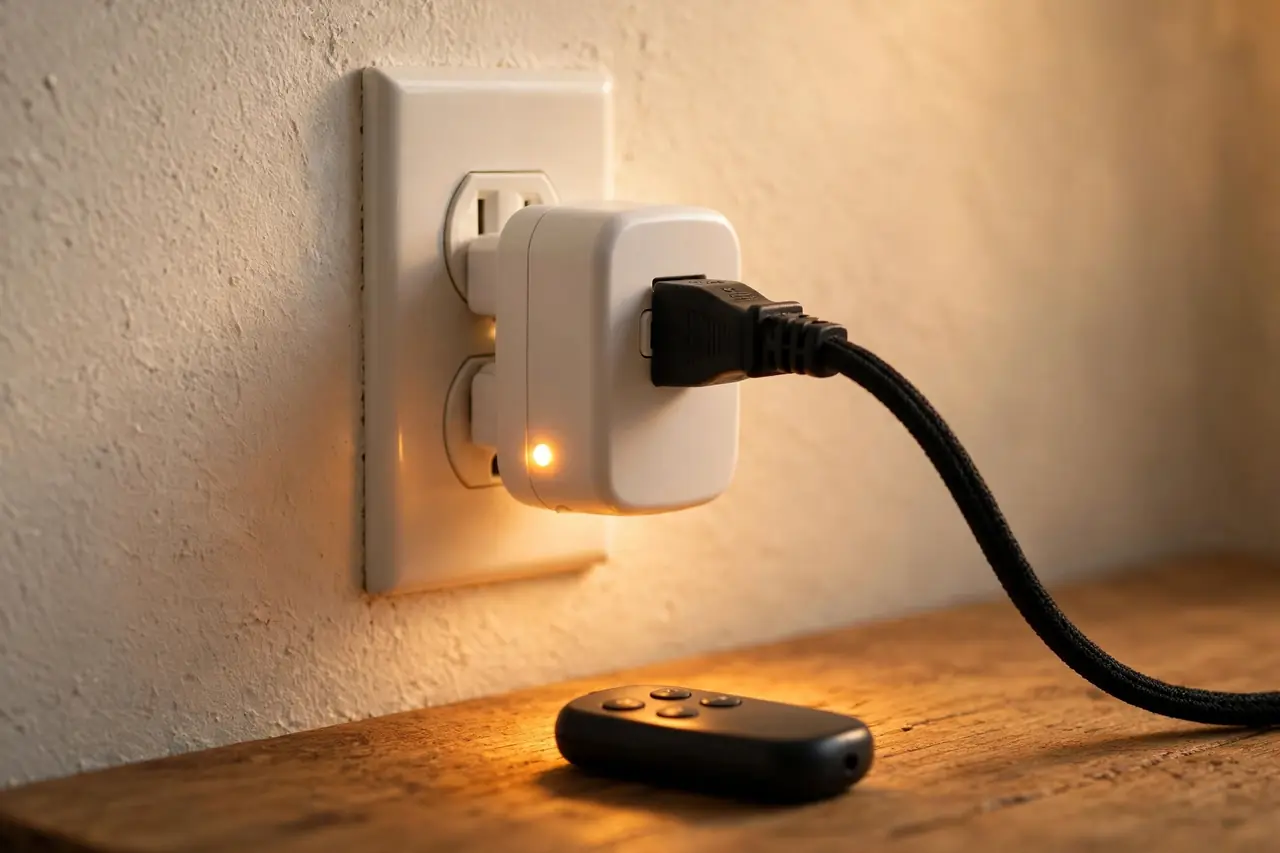
When you press a button, the remote sends a short radio-frequency (RF) signal, commonly on the 433 MHz band. The receiver listens for one specific code. When it hears its code, the relay clicks and the power flows — or stops. Nothing else in the room reacts, because no other receiver shares that code.
RF is not infrared. A TV remote uses infrared light, so it needs a clear line of sight. A radio signal passes through walls, doors, and furniture. That is the whole point of this device: you can switch off a lamp from bed, or turn on the porch lights from the kitchen, without aiming at anything.
Better kits use what BN-LINK calls a “learning code.” The receiver learns which remote buttons it should obey. You can pair any outlet to any button, add a second remote for the same outlet, or re-pair everything if two kits ever clash. Cheaper fixed-code models use tiny code switches instead, and they work fine until a neighbor buys the same kit.
One behavior surprises many people. After a power outage, most of these outlets stay off until you turn them on again. BN-LINK lists this in its manuals as a safety and energy-saving feature, so a lamp or fan never restarts itself while you are away.
What to Check Before You Buy
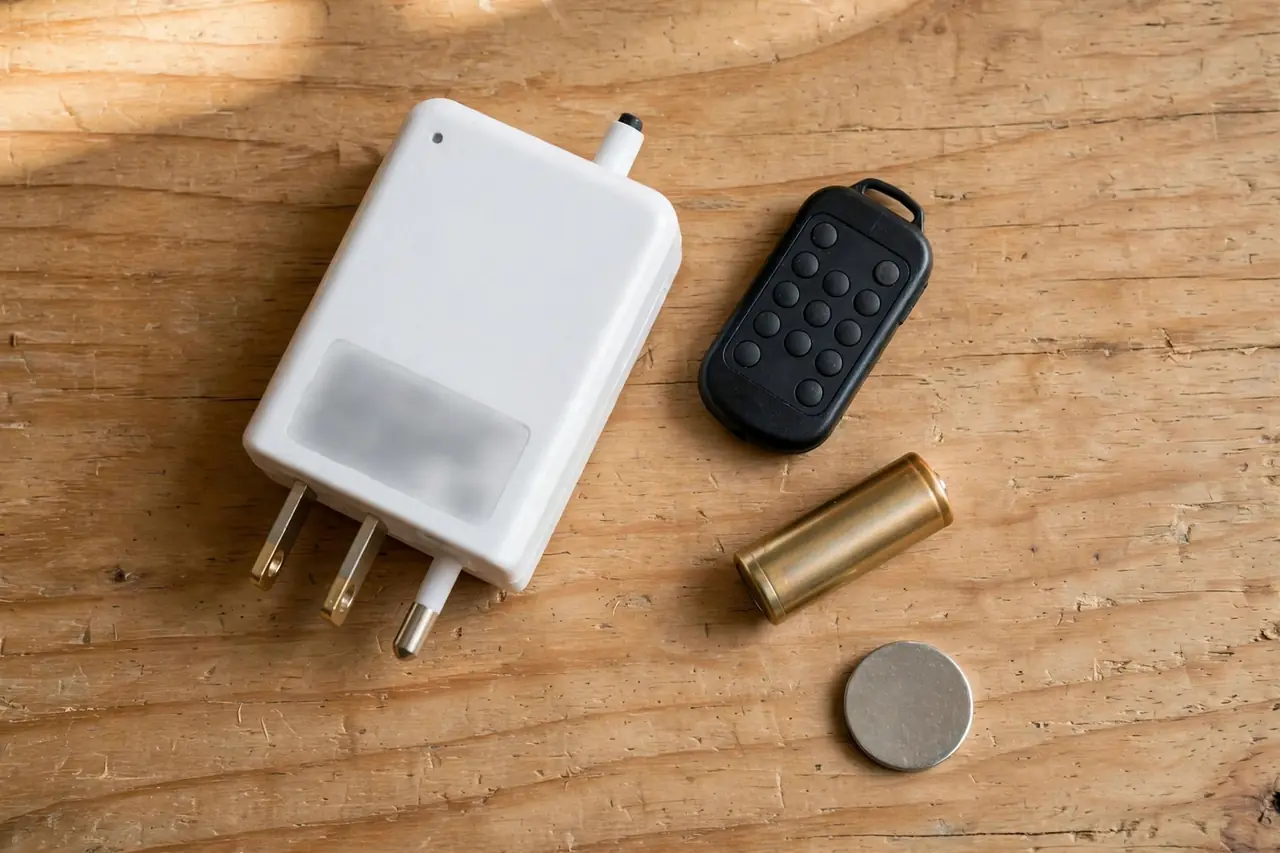
Every kit looks the same on the shelf. The differences are in the small print, and they decide whether the kit fits your home or frustrates you. Check these six things before you pay.
Range: The Number on the Box vs. Your Real Home
Almost every kit claims a range of “up to 100 feet.” Read that claim carefully. It means 100 feet in open air, with nothing in the way. BN-LINK’s own manuals warn that thick concrete walls and large metal objects cut the range down.
In a real home, plan on less. One or two rooms and a floor is a fair expectation for a good kit. Before you push the furniture back, test the remote from the exact chair or bed you will use it from. If it works there every time, the range is fine, whatever the box says.
How Many Outlets Can One Remote Control?
Kits run from a single outlet with one remote up to five outlets with two remotes. The number matters less than how they are controlled. Look for independent control, where each outlet has its own pair of buttons, plus an ALL button that switches everything at once.
Some units work the other way. BN-LINK’s outdoor unit puts three sockets on one housing, and all three switch together by design. That is fine for a row of holiday lights. It is wrong for a lamp and a fan that you want to control apart. Count the devices you want to switch separately, then buy for that number.
Channels and Learning Codes Stop Clashes
Each button on the remote is a channel. A five-outlet remote usually has five channels, one per outlet. As long as every outlet listens to its own channel and its own code, nothing clashes — not the kit in the next room, and not your neighbor’s kit through the wall.
Learning-code systems make this easy, because you choose the pairing yourself. If you plan to run two kits in one home, buy learning-code (programmable) models and pair each room on its own. With fixed-code models, check that you can change the code switches, so you have an escape route if two kits ever share a code.
Grounded Plug and Load Rating
Choose a receiver with a grounded, 3-prong plug and a grounded socket on its face. Many cheap units are 2-prong only, which shuts out any device with a 3-prong plug. A compact shape matters too: the best receivers leave the second wall socket free.
Ratings differ more than the boxes suggest. Many indoor kits are rated 10 amps and 1,200 watts. Heavier kits are rated 15 amps and 1,875 watts. A lamp, a fan, or a string of lights uses far less than either limit. A 1,500-watt space heater is over the limit of a 10-amp kit — and fire-safety guidance from the CPSC and NFPA says a space heater belongs plugged straight into a wall outlet anyway, never into a plug-in device in between.
Common kit ratings, from manufacturer manuals and listings checked on October 20, 2026:
| Kit | Rating | Remote battery | Best for |
|---|---|---|---|
| BN-LINK 5 outlets + 2 remotes (learning code) | 10A, 1,200W | 12V A23 | Lamps, fans, and holiday lights across several rooms |
| BN-LINK wall-switch style, 1 outlet | 15A, 1,875W | CR2032 coin cell | One lamp or fan, with the remote mounted on the wall |
| BN-LINK outdoor 3-outlet unit | 15A, 1,875W resistive | 12V 23A | Outdoor lights that all switch on and off together |
| DEWENWILS 5 outlets + 2 remotes | 15A, 1,875W | Check the listing | Independent control of five sockets from two remotes |
Prices move often, but the shape of the market is steady. The BN-LINK five-outlet kit was listed at $25.64 at a US retailer checked on October 20, 2026. Small kits cost less: a programmable DEWENWILS outlet was listed at $14.99 the same day, and a three-outlet Syantek kit at $15.29.
The Remote’s Battery
Handheld remotes usually take a small 12V A23 battery. Flat wall-switch remotes take a CR2032 coin cell instead. Both are cheap and sold everywhere, but they are not interchangeable, so check which one your kit uses before the first one dies.
BN-LINK’s manuals suggest replacing the remote battery about once a year, or sooner when the signal weakens. A fading battery is the number-one cause of trouble with these kits. The range shrinks first, weeks before the remote stops working at all.
Indoor and Outdoor Versions
Indoor receivers are small plugs made for dry rooms. Outdoor models come in a weather-resistant housing, often on a short cord with the sockets facing down, so rain runs off instead of in. The remote stays inside the house, and the signal passes out through the wall. Better outdoor units also give each socket its own channel: DEWENWILS, for example, builds an outdoor remote control outlet with two independently controlled sockets, so the string lights and the pond pump do not have to switch together.
Never use an indoor receiver outside, even under a covered porch. Moisture gets in, and the rating on the box no longer protects you. Also check the box for an ETL or UL listing and FCC certification. Those marks mean the unit passed a real safety and radio test, not just a factory check.
How to Set Up and Pair Your Outlets
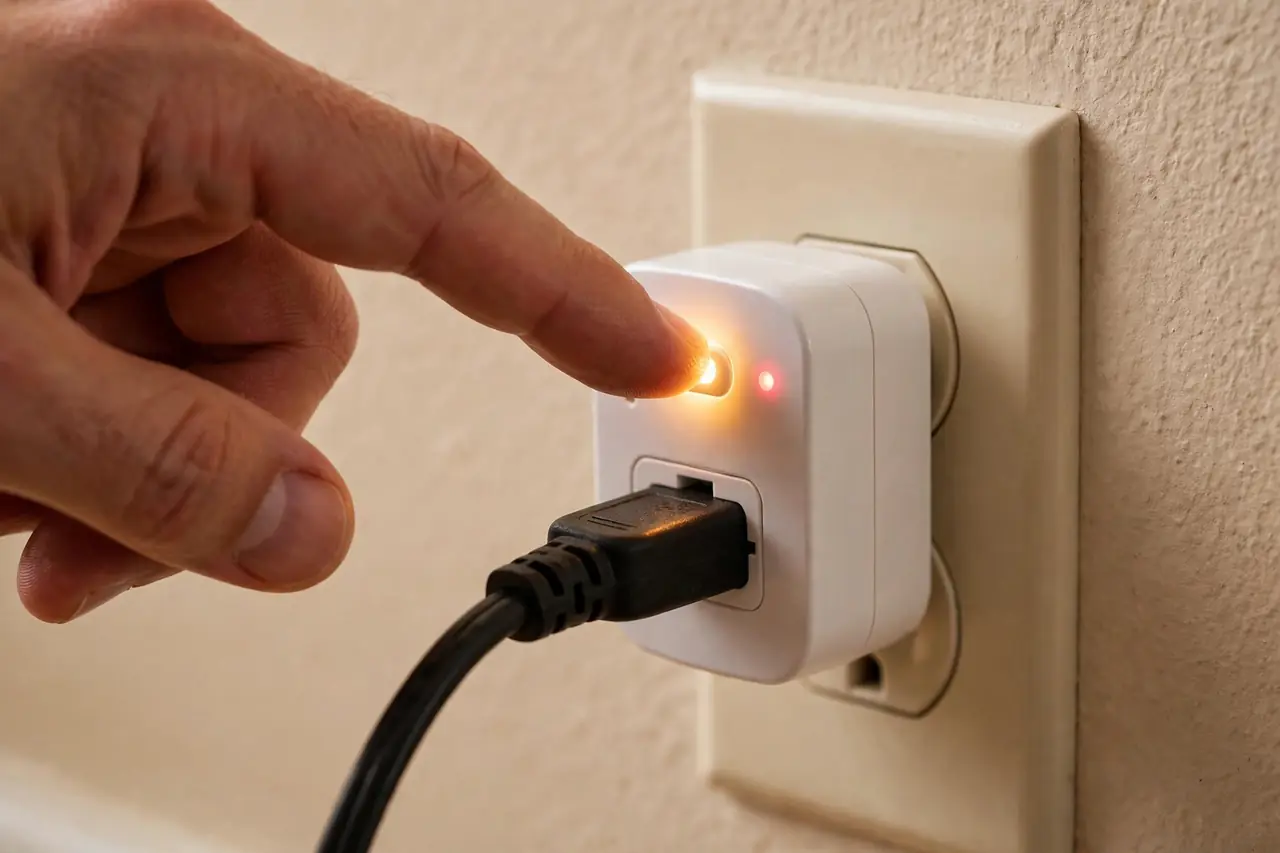
Setup takes about two minutes per outlet, and most kits need no pairing at all. Work through these steps:
- Put the battery in the remote. Many kits ship with the battery already fitted behind a plastic pull tab. Pull the tab out.
- Plug a receiver into the wall outlet you want to control.
- Plug your lamp or fan into the receiver. Switch the lamp or fan itself ON, and leave its own switch on forever. The receiver does the switching from now on.
- Press the matching ON button on the remote. You should hear a soft click from the receiver, and the device turns on.
- Test from the chair or bed you will actually use, before you push furniture back in place.
To pair an extra outlet, a second remote, or a replacement remote on a learning-code kit, follow the same pattern the manuals describe:
- Plug the receiver into the wall.
- Press and hold the learning button (on some models it is the power button) on the receiver until its small light starts to flash.
- Press the ON button on the remote for the channel you want to use. The light stops flashing. The pair is set.
- Test ON and OFF once from across the room.
BN-LINK prints this same hold-and-press method in its product manuals, including how to re-sync a remote that has lost its pairing. Keep your kit’s manual in the drawer with the spare battery. It is a thin booklet, and it saves a search later.
How to Re-Pair, Reset, or Fix a Clash
When an outlet stops listening, work through the cheapest checks first. Almost every failure is one of these four.
- Change the remote battery. A weak battery cuts the range before it kills the remote. If the lamp works from two steps away but not from the sofa, the battery is the problem.
- Check the device itself. Plug the lamp straight into the wall. If it does not light there, the lamp — or its own switch — is at fault, not the receiver.
- Re-pair the outlet. Use the hold-and-press steps above. Re-pairing also fixes most “the wrong outlet turns on” problems. On many kits, holding the learning button for longer clears the old pairing first. Check your manual for its exact pattern, then pair again on the channel you want.
- Move the receiver. Large metal objects, mirrors, and thick concrete weaken the signal. Moving the receiver to the other socket of the same outlet, or out from behind a metal cabinet, often restores the range.
If a neighbor’s remote ever triggers your outlet, do not panic. Re-pair your receiver on a different channel. Learning-code systems have fresh code combinations to spare, so the clash ends with that one change.
Best Uses for a Remote Control Outlet
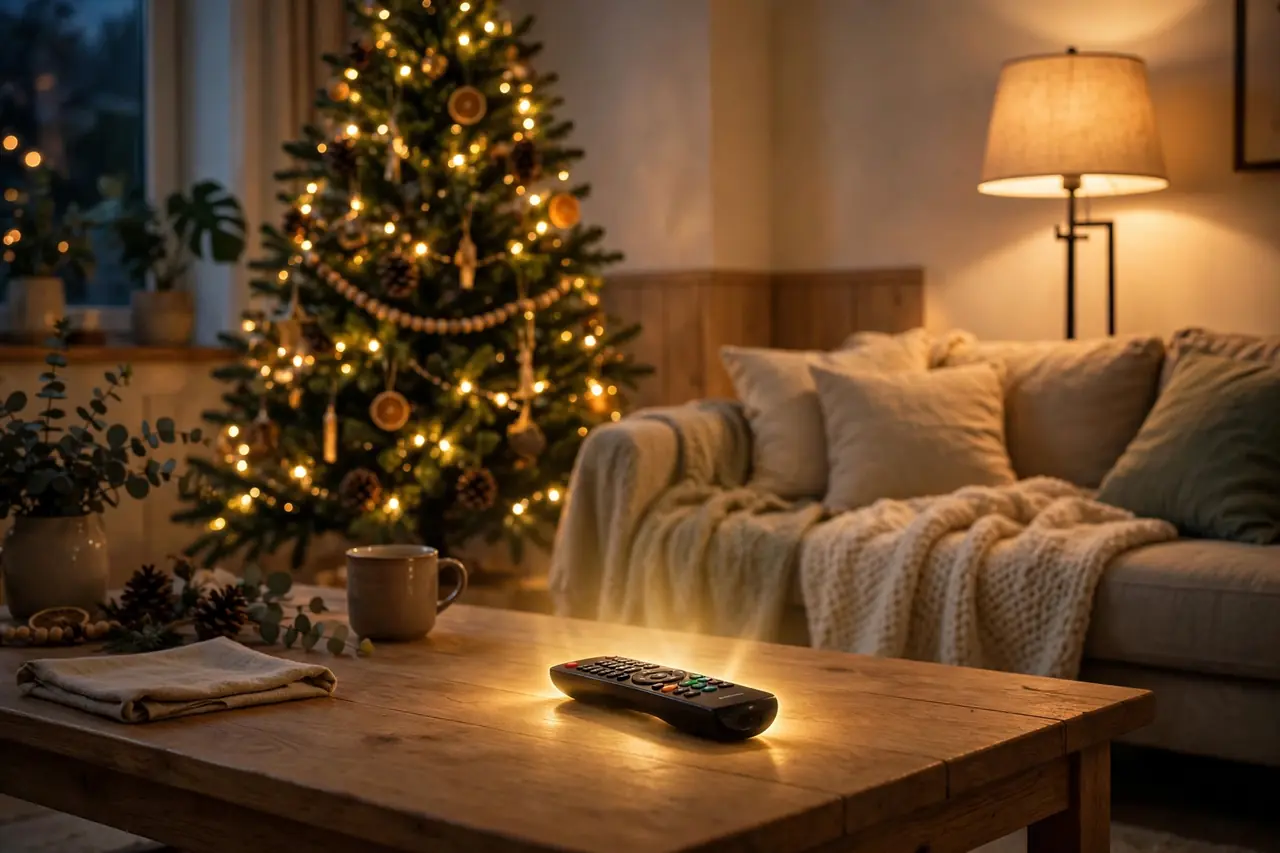
- Lamps behind furniture. This is the classic case. The outlet hides behind a sofa or a bookcase, and the lamp’s own switch is just as buried. The remote brings the switch to you.
- A bedside lamp. Turn the light off after reading, without getting up or reaching across the nightstand in the dark.
- Holiday lights. Switch the tree from the sofa, and outdoor strings from inside the house. No more crawling behind the tree or stepping out into the cold.
- Fans across the room. A tower fan or box fan you want to stop at 2 a.m. without crossing the room.
- Help for an older relative. The buttons are big, simple, and always in the same place. There is no phone, no password, and no app to learn. For a parent or grandparent with limited mobility, this is often the kindest gadget in the house.
- Standby power. A TV setup or a charger strip keeps sipping power while it waits. A remote outlet cuts it fully, with one button, from the sofa.
Remote Control Outlet vs. Smart Plug: The Honest Differences
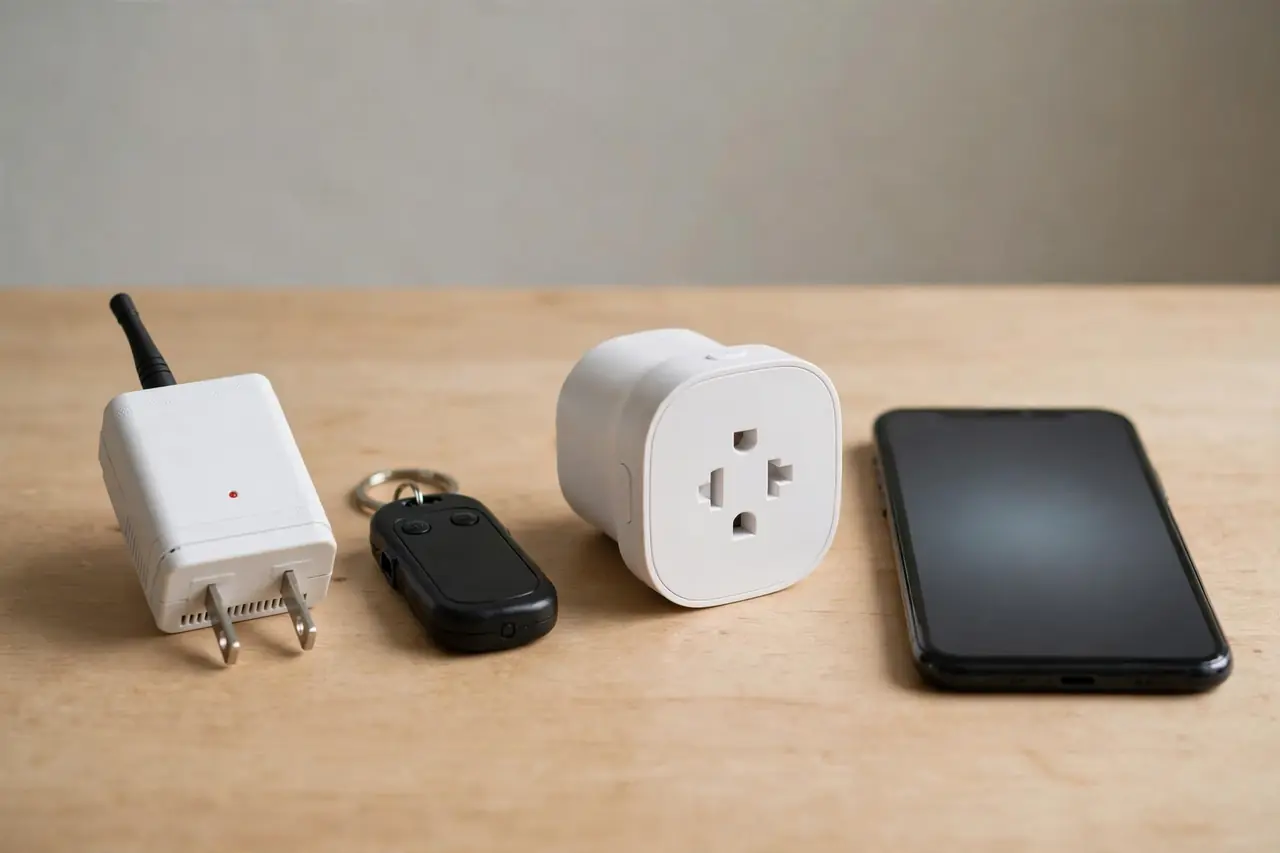
A remote control outlet does one job, instantly, with a button. A smart plug does more jobs, through your phone and your voice. Neither is better in general. They solve different problems.
Remote control outlet vs. smart plug, side by side:
| Feature | Remote control outlet | Smart plug |
|---|---|---|
| Needs the internet | No | Yes, it works over Wi-Fi |
| Control from outside the home | No | Yes, through the app |
| Voice control | No | Yes, with Alexa or Google Assistant |
| Schedules and timers | No | Yes |
| Setup | Plug in, press the button | App, account, and Wi-Fi password |
| The controller | A remote that can be lost | Your phone, which is usually with you |
The limits are real, so plan around them. A remote control outlet cannot run a schedule by itself, and it cannot take a voice command. If you want your holiday lights on at dusk every day, plug the receiver into a timer outlet. The timer keeps the schedule, and the remote still gives you manual control whenever you want it.
If voice and app control matter more, skip straight to a smart plug that works with Google Home. And if the thing you want to automate is a ceiling light on a wall switch, not a plug-in lamp, look at a light switch with timer or a simple mechanical timer switch. Those live in the wall, where plug-in devices cannot reach.
The lost-remote problem deserves one honest line. Remotes slide into sofas. If that risk worries you, pick a kit with two remotes, or a wall-switch style remote that lives in a holder by the door, like a normal light switch.
Safety Basics for Plug-In Remote Outlets
These are simple devices, and the safety list is short. Stay within the printed amp and watt rating. Keep space heaters off them entirely, and plug heaters straight into the wall. Use indoor models indoors only, and outdoor models for anything outside. Choose a listed unit (ETL or UL, with FCC certification) over an unmarked one every time.
Note: this guide is general information for typical home use, based on manufacturer manuals and listings checked on October 20, 2026. Ratings and prices change, so confirm them on your own kit’s label and manual. For anything beyond plug-in devices — wiring, new outlets, or a circuit that keeps tripping — use a licensed electrician.
Related Guides
- GFCI outlet not working: safe fixes — If an outlet stops working entirely, start here.
- DIY smart home automation guide — Go further with whole-home routines and schedules.
Frequently Asked Questions
Do remote control outlets work through walls?
Yes. The remote uses a radio signal, not light, so it passes through walls, doors, and furniture. The “up to 100 feet” claim on the box is an open-air, line-of-sight number. Expect less through several walls or a concrete floor, and test from the seat you will use before you settle the setup.
Are remote control outlets safe?
Yes, when you buy a listed unit and respect its rating. Look for ETL or UL listing and FCC certification on the box. Stay under the printed amp and watt limit, keep indoor models dry and indoors, and never run a space heater through one. Most kits also stay off after a power outage, which is a quiet safety bonus.
What should you not plug into a remote control outlet?
Anything that draws more than the outlet’s rating — a 1,500-watt space heater overloads a common 1,200-watt kit, and heaters belong in a wall outlet directly anyway. Also skip large motors and air conditioners unless the kit is rated for motor loads, and anything that would be dangerous if it started while nobody was watching.
Will two remote control outlet kits interfere with each other?
Not when they are paired properly. Learning-code kits let each receiver obey only its own remote’s code, so a second kit — yours or a neighbor’s — is ignored. If two outlets ever answer the same button, re-pair one of them on a different channel. The clash ends there.
Do remote control outlets save electricity?
They can. One button cuts a TV setup, a charger, or a game console fully off, instead of letting it sip standby power all day. The receiver itself uses a very small amount of power while it listens for the remote, so the saving is real but modest. The bigger win is that off becomes easy, so it actually happens.
Why did my outlet stop responding to the remote?
Start with the remote battery. Its range fades weeks before it dies, so “works up close, fails from the sofa” is the classic sign. Next, prove the lamp works plugged straight into the wall. Then re-pair the receiver with the hold-and-press steps from your manual. Those three checks fix nearly every case.
Start small. Put one receiver on the lamp you reach for most — the one behind the sofa or across the bedroom. Live with it for a week. If the remote earns its place on the side table, add outlets room by room, pairing each one on its own channel as you go. That is the whole system: no hub, no app, nothing to update — just the switch, finally where your hand is.