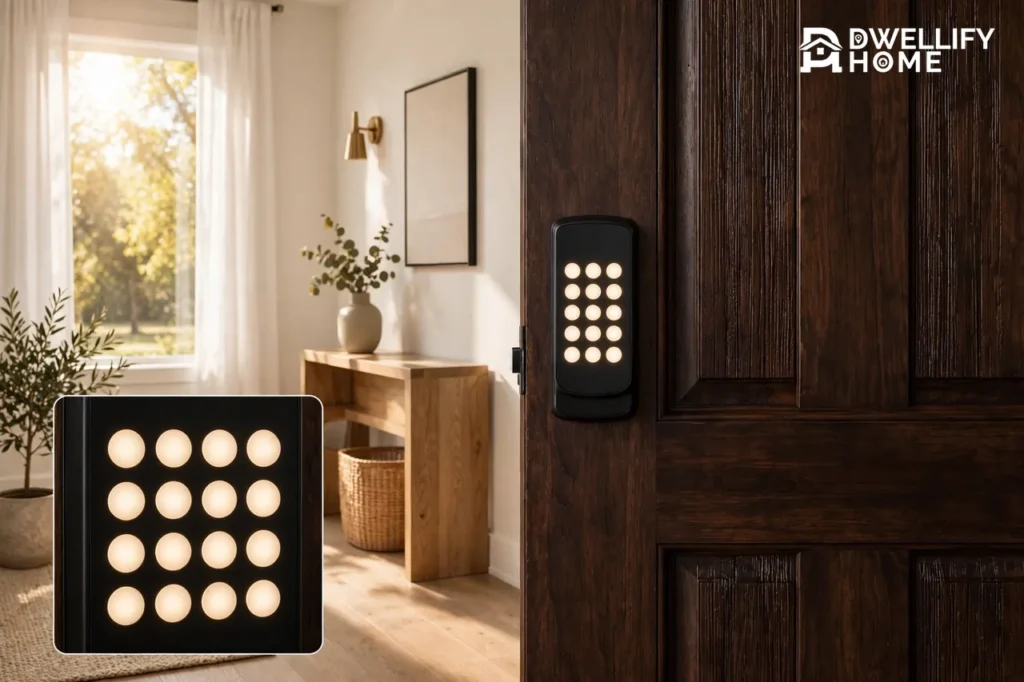
To change the code on a keypad door lock, find the programming code on the sticker inside the lock, enter programming mode, delete the old user code, and add the new one twice to confirm. Then test the new code with the door open before you close it. The whole job takes about five minutes, and the exact button presses differ by brand, so this guide gives you the universal method first, then the exact steps for Schlage, Kwikset, and Yale.
Keep the door open until the new code works. That one habit prevents almost every lockout this job can cause.
Before You Touch the Keypad
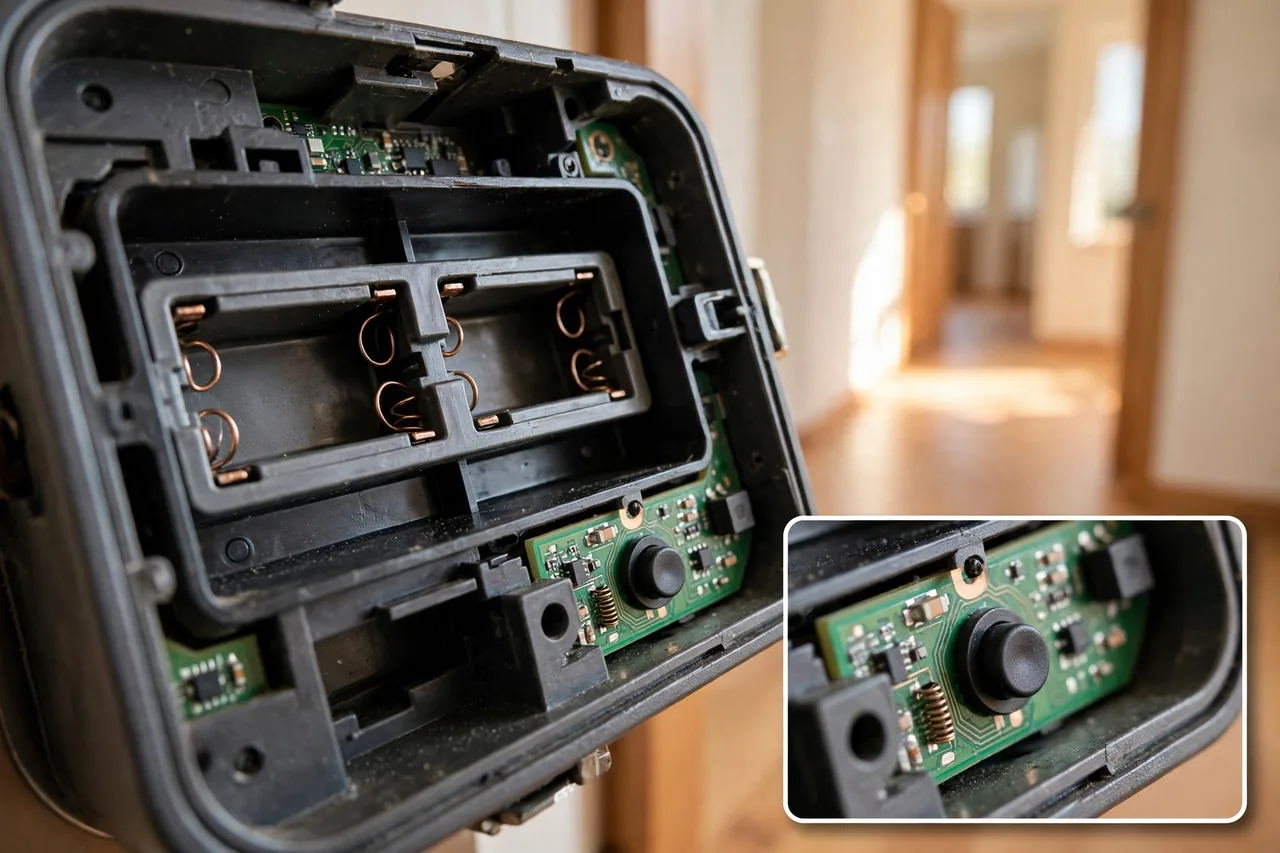
Three minutes of prep saves a locksmith call later.
First, open the door and leave it open. Prop it with a doorstop so wind cannot close it while you work. You will test the new code from outside with the door still ajar, and you will only close the door after the new code unlocks the bolt.
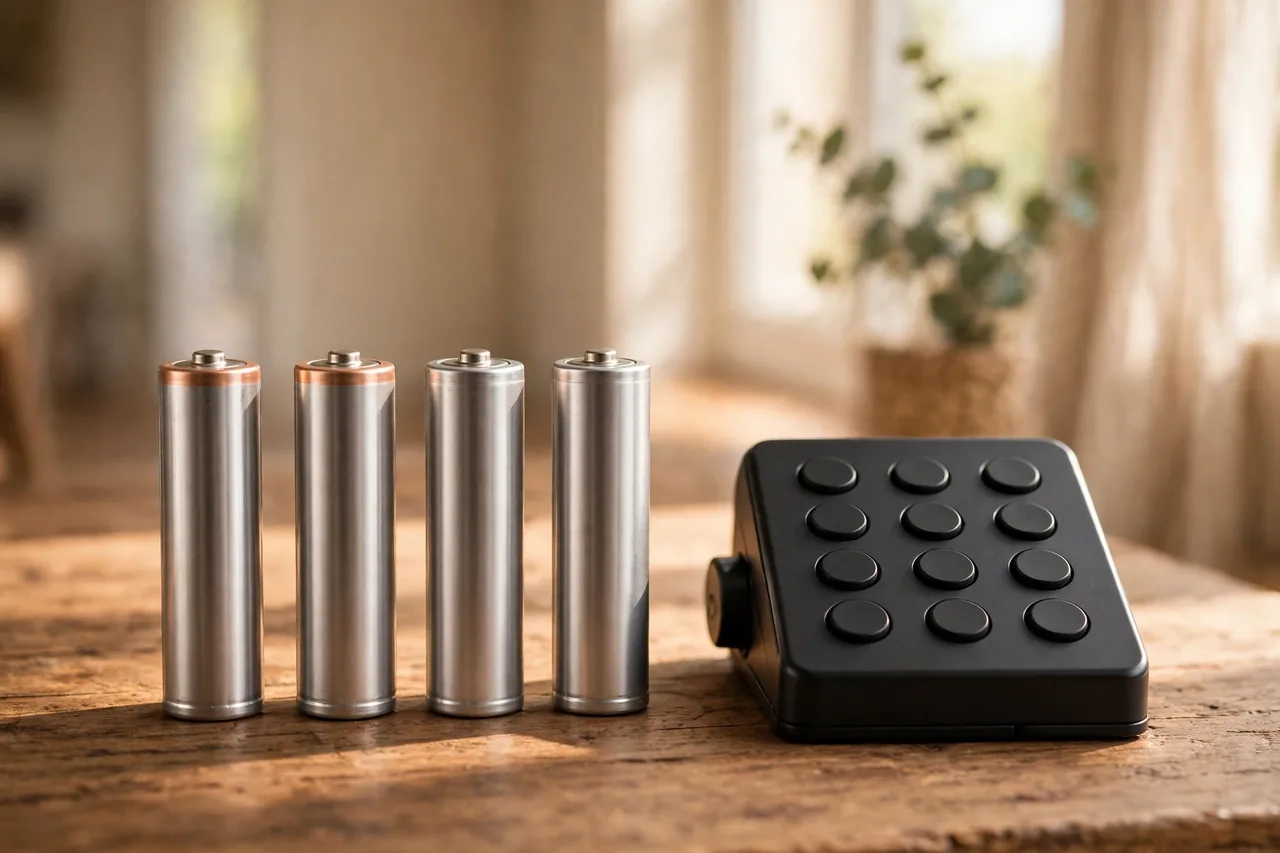
Second, check the batteries. A dim keypad, a slow response, or a low-battery beep means the lock may fail halfway through saving the new code. Put in fresh alkaline batteries first. Never reprogram a lock on dying batteries.
Third, find your programming code. Most electronic keypad locks have two codes: a programming code, also called a master code, that changes settings, and user codes that unlock the door. The programming code is usually six digits, printed on a sticker inside the battery compartment or on the interior assembly, and listed in the manual that came with the lock. It does not unlock the door by itself. If you cannot find the sticker, check the manual — most makers post a PDF of every model online.
Fourth, identify your lock type. An electronic lock has a full numeric keypad and a battery compartment. A mechanical push-button lock has heavy metal buttons, no batteries, and no screen. The steps below cover electronic locks first; mechanical locks get their own section near the end, because changing their code means opening the lock itself.
The Universal Method in 5 Steps
Nearly every electronic keypad lock follows the same five steps, even though the exact buttons differ by brand. Learn this order, then use your brand’s section below for the exact keys. Locksmith Blueprint’s brand-neutral guide gives the same order: keep the door open, enter programming mode, add or delete the code, and test before closing.
- Keep the door open. Do not close it until the new code has been tested from the outside with the door still ajar.
- Enter programming mode with the programming code, the way your manual describes it. The lock usually confirms with a beep and a flashing light.
- Delete the old user code first if you are replacing one, so the old code stops working the moment the new one starts.
- Add the new user code and enter it twice to confirm it. Most locks accept 4 to 8 digits.
- Exit programming mode and test everything: the new code, any old code you meant to keep, and the code you deleted. Close the door only after the new code unlocks the bolt.
If you are changing the programming code itself, do that first, then add user codes, and test both. Write the new code down and store it with the programming code in a safe place, never on the door or on a note beside it.
Schlage: Change a User Code
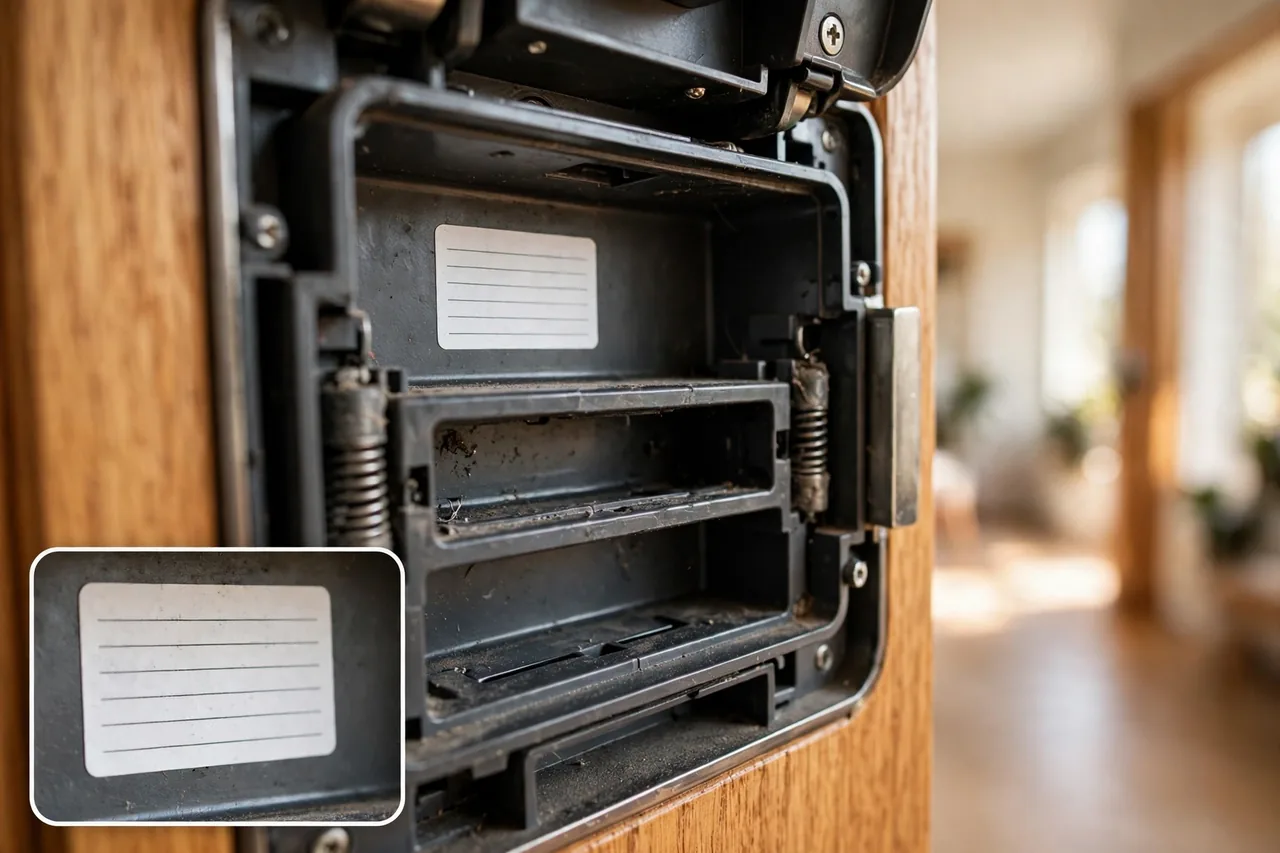
Schlage keypad locks use a six-digit programming code and four-digit user codes. The programming code lives on a sticker on the interior assembly or in the printed manual. Schlage’s own support page gives the sequence for changing the programming code, and the same pattern covers user codes.
To add a user code on most Schlage keypad deadbolts, press the Schlage button, enter the six-digit programming code, press 1, then enter the new four-digit user code twice. The lock confirms with three orange lights and three beeps. To delete a user code, use the same entry and press 2 instead of 1, then enter the code to delete twice.
To change the programming code itself, enter the current six-digit programming code, press the Schlage button, press 3, then enter the new six-digit programming code twice. The first four digits of the new programming code must differ from every user code in the lock. Schlage’s support page states this rule plainly, and the lock will reject a programming code that breaks it.
Schlage models differ in small ways: the BE365, FE575, and FE595 use the keypad path above, while connected models such as Encode may also manage codes through the app. If a sequence fails twice, stop and check the model number on the interior plate against the manual, because a wrong sequence can leave the lock unchanged and waste your time. Our Schlage-specific guide, How to Reset a Schlage Smart Lock or Change Its Code, walks through the reset path as well.
Kwikset SmartCode: Change a User Code
Kwikset SmartCode locks, including the 909, 914, 916, and Halo models, use a Program button on the interior assembly instead of a Schlage-style button. The master code is optional on many models: when it is not enabled, the Program button alone starts programming, and when it is enabled, you must enter it first.
To change a user code on a SmartCode 914, delete the old code first, then add the new one. Kwikset’s own manual states the rule directly: to change a user code, you must first delete the existing user code and then add a new user code. To add a code with the master code enabled, press the Program button once, enter the master code, press the Lock button, enter the new 4 to 8-digit code, and press Lock again. A green flash and one beep mean success; three red flashes and three beeps mean the code was a duplicate, the wrong length, or the lock is full.
To delete one code, press Program, press Lock, enter the master code, press Lock, enter the code to delete, press Lock, enter it again, and press Lock. To set or change the master code, press and hold the Program button for about five seconds until the keypad flashes green, enter the new master code, press Lock, re-enter it, and press Lock. Move fast during programming: if no digit is pressed for ten seconds, the lock times out and you start over.
Halo models manage codes through the Kwikset app instead of the keypad, so open the app, pick the lock, and edit the code there. If your Kwikset lock stops responding to the keypad at all, see our guide to choosing the right reset steps for your Kwikset model before you try a factory reset.
Yale and August: Change a Code
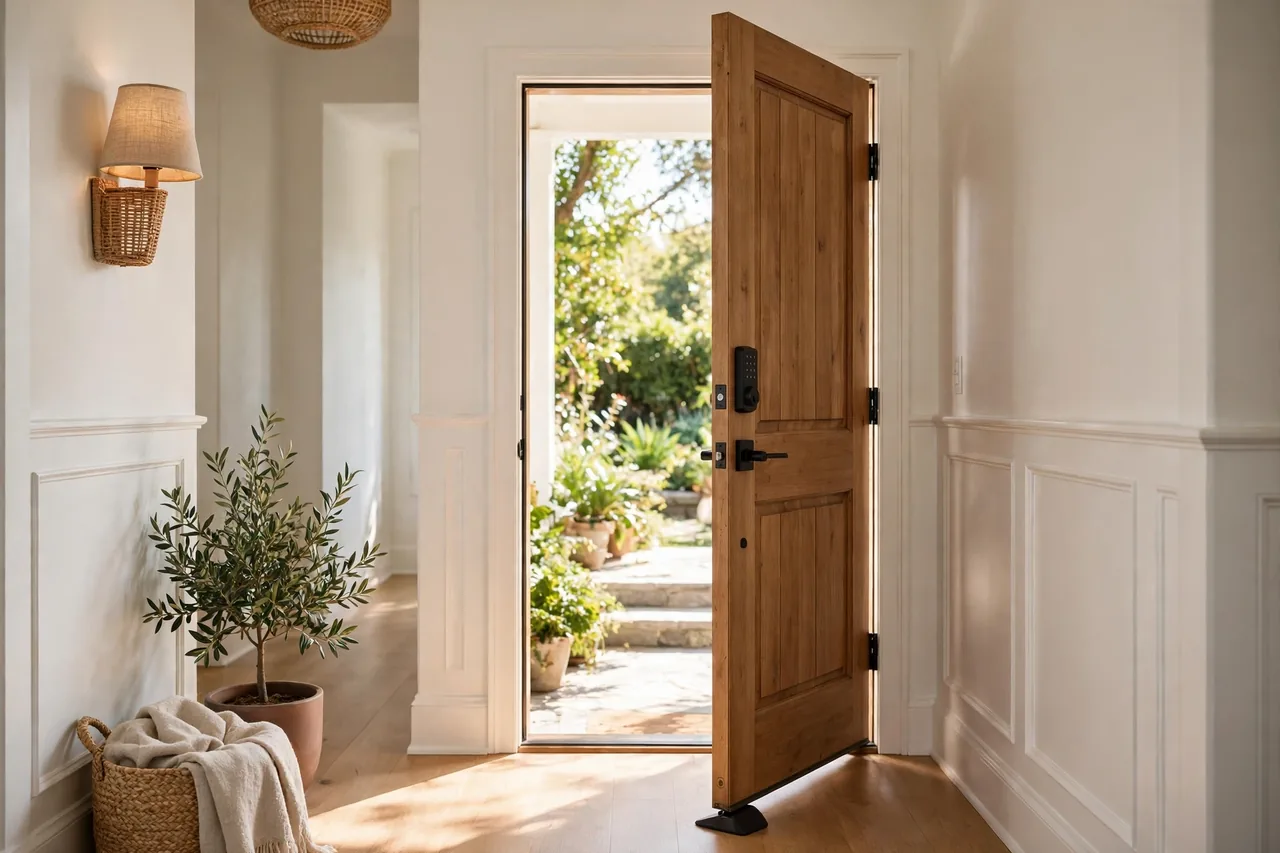
Yale Assure locks and August smart locks manage codes mostly through their apps, which makes the change simpler but hides the steps from the keypad. Open the Yale Access app or the August app, choose the lock, open the guest or user list, and edit or delete the code. The change syncs to the lock over Bluetooth or Wi-Fi, so stand near the door until the app confirms the sync.
On Yale keypad models without app access, the sequence mirrors the other brands: enter the master code, open the settings menu on the keypad, choose the user slot, and enter the new code twice. August locks paired with a Yale keypad change codes in the August app, not on the keypad itself.
One Yale habit is worth copying for every brand: give each person their own code, and delete a code the day that person no longer needs access. A code that outlives its owner is the most common way a keypad lock gets opened by someone it should not.
Mechanical Push-Button Locks
Mechanical push-button locks from makers such as Simplex and Lockey have no batteries and no programming code. The code lives in the physical position of small gears inside the lock, so changing it means taking the lock off the door.
Remove the backplate to reach the combination chamber, turn the lockout slide to clear the gears, then press the stems for the new code and reset the chamber. The exact parts have different names by model, so follow your lock’s manual step by step and lay the small parts out in order as you remove them. If the inside of the lock looks confusing, stop and call a locksmith. A wrong gear setting can jam the lock shut, and the fix costs more than the locksmith visit would have.
Mechanical locks suit gates and utility rooms where batteries are a nuisance. For a front door, an electronic lock is easier to manage, because code changes take minutes and need no tools.
If the New Code Does Not Work
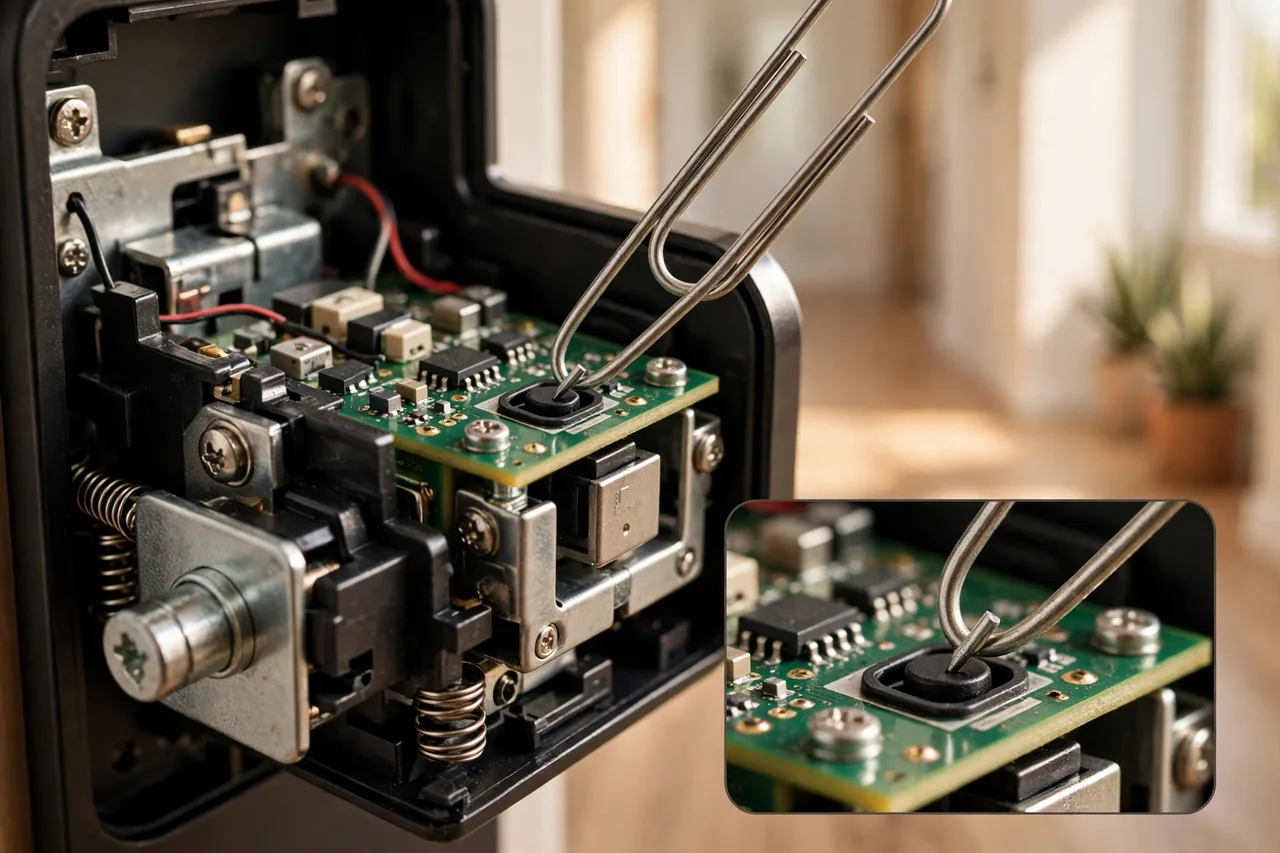
Most failures have one of five causes. Work through them in order.
| Symptom | Likely cause | Fix |
|---|---|---|
| Three red flashes, three beeps | Duplicate code or wrong length | Pick a code whose first four digits differ from every other code |
| Keypad times out mid-entry | More than ten seconds between presses | Start over and press digits steadily without pausing |
| Lock accepts the code but the bolt drags | Strike plate misalignment | Loosen the strike plate and shift it until the bolt slides freely |
| Keypad dim or slow | Low batteries | Fit fresh alkaline batteries and try again |
| Old code still works | Delete step skipped or wrong slot | Delete the old code by its slot, then test it again |
If the lock still refuses the new code after fresh batteries and a careful retry, do a factory reset only as a last step, because it erases every code and unpairs the lock from any smart home system. Our guides to how door locks fail and what the ratings mean and the best lock types for each door explain when a lock is worth saving and when replacement is the smarter call.
Forgot the Programming Code?
Which code you forgot decides the fix. A forgotten user code is easy: use the programming code to delete it and add a new one. A forgotten programming code is harder, because the programming code is the key to every setting in the lock.
Look again first. The programming code is on a sticker inside the battery compartment or on the interior assembly, and in the manual that came with the lock. Most makers post the manual as a PDF, so search your model number plus the word manual. Never guess a factory default from another brand or model: use only the code that belongs to your lock.
If the sticker and the manual are both gone, the owner path is a factory reset, which wipes the lock back to its original state and lets you set a new programming code. The reset button is usually small and recessed behind the battery cover: press and hold it for ten to fifteen seconds until the lock beeps or flashes. Then reprogram every user code from scratch and re-pair the lock with any smart home system. If the lock is on a door you cannot open, call a locksmith rather than forcing anything.
Pick a Strong Code
A keypad lock is only as strong as its code. Skip birthdays, anniversaries, house numbers, and sequences such as 1234 or 0000, because those are the first codes anyone tries. Pick four to eight digits that mean something only to your household, such as the last four digits of two phone numbers combined, and never share the programming code with guests.
Change the code when a tenant moves out, a cleaner leaves, a relationship ends, or a code has been shared with someone you no longer trust. Change it the same day, not next week. A code change takes five minutes; a break-in takes seconds.
Related Guides
- How to Reset a Schlage Smart Lock or Change Its Code
- Kwikset Smart Lock Reset: Choose the Right Steps for Your Model
- Best Smart Lock for Your Front Door: Picks and Buying Guide
- Best Door Locks: 6 Mechanical Picks That Never Need Batteries
- Door Locks Security: How Locks Fail and What the Ratings Mean
Frequently Asked Questions
How do I change the code on my Schlage keypad lock?
Enter the six-digit programming code, press the Schlage button, and press 1 to add a user code or 2 to delete one, then enter the new four-digit code twice. To change the programming code itself, press 3 instead of 1 after the Schlage button, then enter the new six-digit code twice. Test the new code with the door open.
How do I change a user code on my Kwikset SmartCode 914?
Delete the old code first, then add the new one. Kwikset’s manual gives the rule: to change a user code, you must first delete the existing user code and then add a new user code. Use the Program button and the master code if one is enabled, and enter the new 4 to 8-digit code twice to confirm it.
Can I change the code without the programming code?
Usually not. The programming code is what authorizes changes, and without it the lock will not enter programming mode. Your options are to find the code on the interior sticker or in the manual, or to factory reset the lock, which erases every code and lets you set a new programming code from scratch.
How do I delete a code from a keypad lock?
Enter programming mode with the programming code, choose the delete function, and enter the code to delete twice. On Schlage locks the delete function is the Schlage button plus 2; on Kwikset locks it is the Program button path with the delete step. Always test the deleted code afterward to confirm it no longer works.
How often should I change my keypad door lock code?
Change it whenever someone who had the code no longer needs access, such as a departing tenant, cleaner, or guest, and at least once a year as routine. A code that stays the same for years gets shared, written down, and guessed, while a fresh code costs five minutes to set.
Stay Safe While You Work
Never change a code with the door closed and no backup way in. Keep the physical key with you during the job, and make sure another adult in the home knows the new code before you rely on it. If the lock jams, the keypad goes dead, or the door will not open after a reset, call a locksmith instead of forcing the bolt. This guide gives general home advice, not professional locksmith advice, and it never describes how to open a lock you do not own.
Change the code today if anyone outside your household knows it. Five minutes now is cheaper than a new lock later.