A timer switch turns a light or fan on and off by itself, on a schedule you set once. Most timer switches replace a normal wall switch, and a built-in clock opens and closes the circuit for you. To choose the right one, answer two questions first: does your switch box have a neutral wire, and what load will the timer run? Those two answers narrow the field fast.
This guide covers the four timer switch families, the wiring and load checks that rule models in or out, and the features that are actually worth paying for. A light switch timer can be as simple as a wind-up dial or as capable as a Wi-Fi switch you control by voice. The best choice depends on your box, your bulbs, and how much your schedule changes.
What Is a Timer Switch?
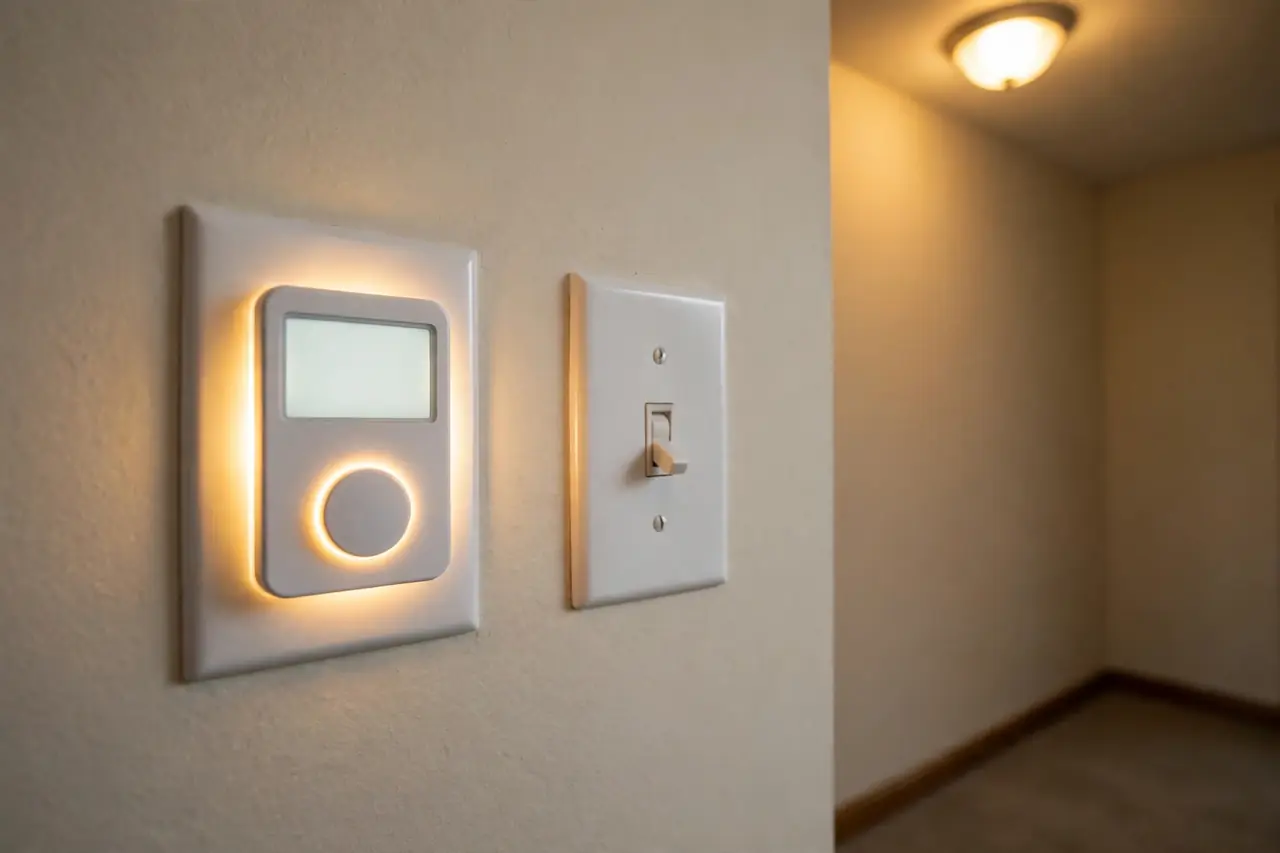
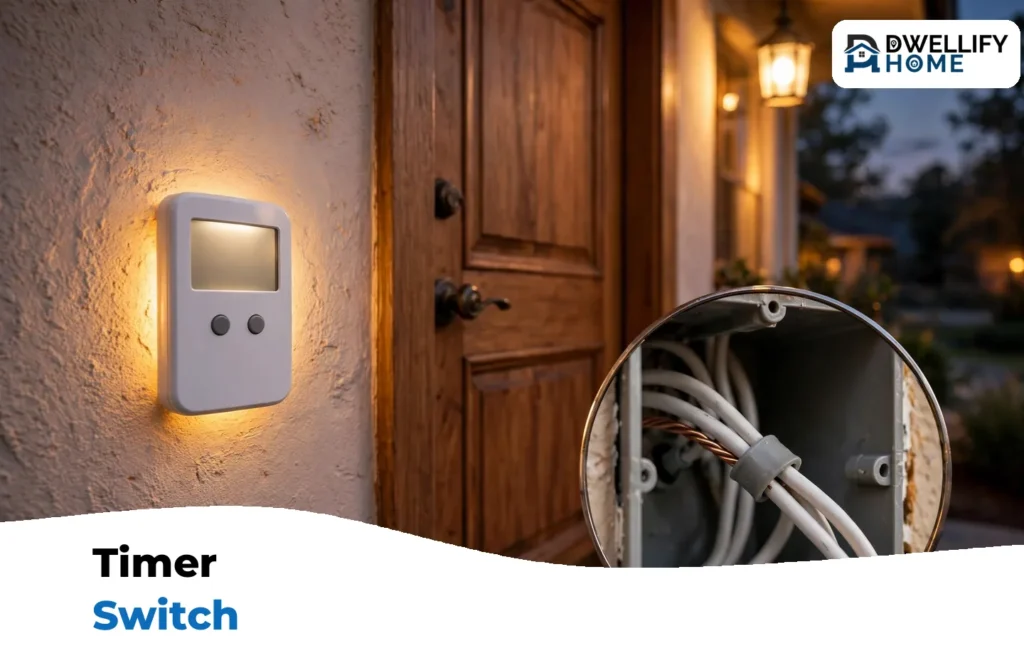
A timer switch, sometimes called a time switch or time clock, is a switch with a clock inside. You set the times, and the clock does the flipping. It controls the same circuit the old switch controlled, so the porch light, bathroom fan, or garage light keeps working from the same place on the wall.
Timer switches do two basic jobs. A programmable timer follows a clock schedule, turning things on and off at set times each day or each week. A countdown timer works the other way: you turn something on, and the timer turns it off after a set number of minutes. Countdown models are the classic fix for bathroom fans and closet lights that get left on.
Almost every model also has a manual override. You can walk up and turn the light on or off like a normal switch, and the schedule carries on afterward. That matters more than it sounds, because a timer you fight with is a timer you stop using.
People usually buy a timer switch for one of three reasons. The first is convenience: outdoor lights that come on at dusk without anyone remembering. The second is energy: fans and lights that never run all night by accident. The third is security: lights that follow a believable pattern while the house is empty.
The Main Timer Switch Families
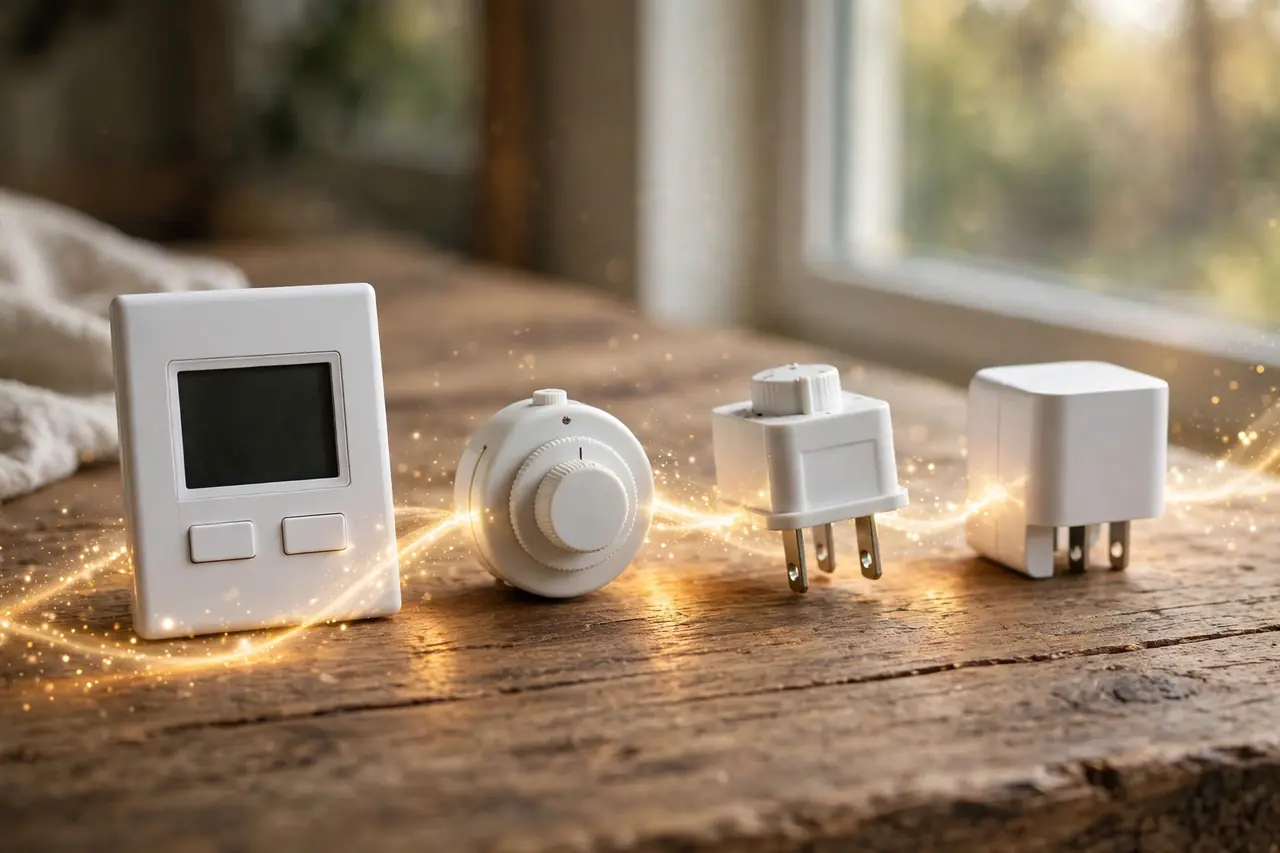
Every timer switch for home use falls into one of four families. The family decides how it installs, what it can control, and how flexible the schedule can be. Start here, and the model choice later gets much easier.
In-Wall Mechanical Timer Switches
Mechanical timers use a motor-driven dial or a spring you wind by hand. On a dial model, you push in small pins or set trippers around a 24-hour ring, and the dial turns the load on and off as it rotates. Most dial timers switch in 15- to 30-minute steps, and the same schedule repeats every day.
There are no electronics to program, no battery to replace, and usually no neutral wire needed. The trade-offs are precision and flexibility: you cannot set a different schedule for Saturday, and many dial models tick faintly, which some people hear in a quiet bedroom. For a full look at dial models, spring-wound countdown versions, and their limits, read our guide to the mechanical timer switch.
In-Wall Digital Programmable Timer Switches
Digital timers swap the dial for a small screen and buttons. They can hold different schedules for different days, often many on/off events per week. The Intermatic ST01, a long-running example, stores up to 40 on/off events across a 7-day week and can also follow sunrise and sunset, according to Intermatic’s spec sheet.
Digital models are the flexible middle ground: precise to the minute, no app or Wi-Fi needed, and the schedule lives in the switch itself. Most need a neutral wire to power their clock and screen. A few, like the ST01, run on a battery instead and work without one. That wiring difference is the single biggest reason a digital timer does or does not fit your home, and the next section explains how to check it.
Smart Timer Switches
Smart timer switches are in-wall digital timers with a radio added. They connect to your Wi-Fi, so you set schedules in an app, adjust them from the couch, and control the light by voice. Intermatic’s Ascend STW700W, for example, works with Google Assistant and Amazon Alexa with no hub required, and it can also run sunrise and sunset schedules on its own.
The catch is wiring and setup. Smart switches almost always need a neutral wire, a decent Wi-Fi signal at the switch, and an account with an app. In return you get remote control, easy schedule changes, and scenes with other smart devices. If you like the idea but do not want to open a wall box at all, the plug-in smart route in our guide to a works with Google Home smart plug gets lamps and plug-in loads under voice control with zero wiring.
Plug-In Timer Switches
A plug-in timer sits between an outlet and a lamp or small appliance. Nothing gets wired and nothing gets replaced, which makes this family the renter-friendly option and the fastest way to test whether timed lighting suits you. Plug-in models come in the same mechanical dial and digital forms as in-wall models, just in a box that plugs in.
The limit is reach: a plug-in timer only controls what plugs into it, so it cannot run a ceiling light or a hardwired fan. For a full tour of outlet-based options, see our timer outlet guide. And if the real goal is switching a lamp from across the room on demand rather than on a schedule, a remote control outlet may be the simpler tool.
First Check: Do You Have a Neutral Wire?
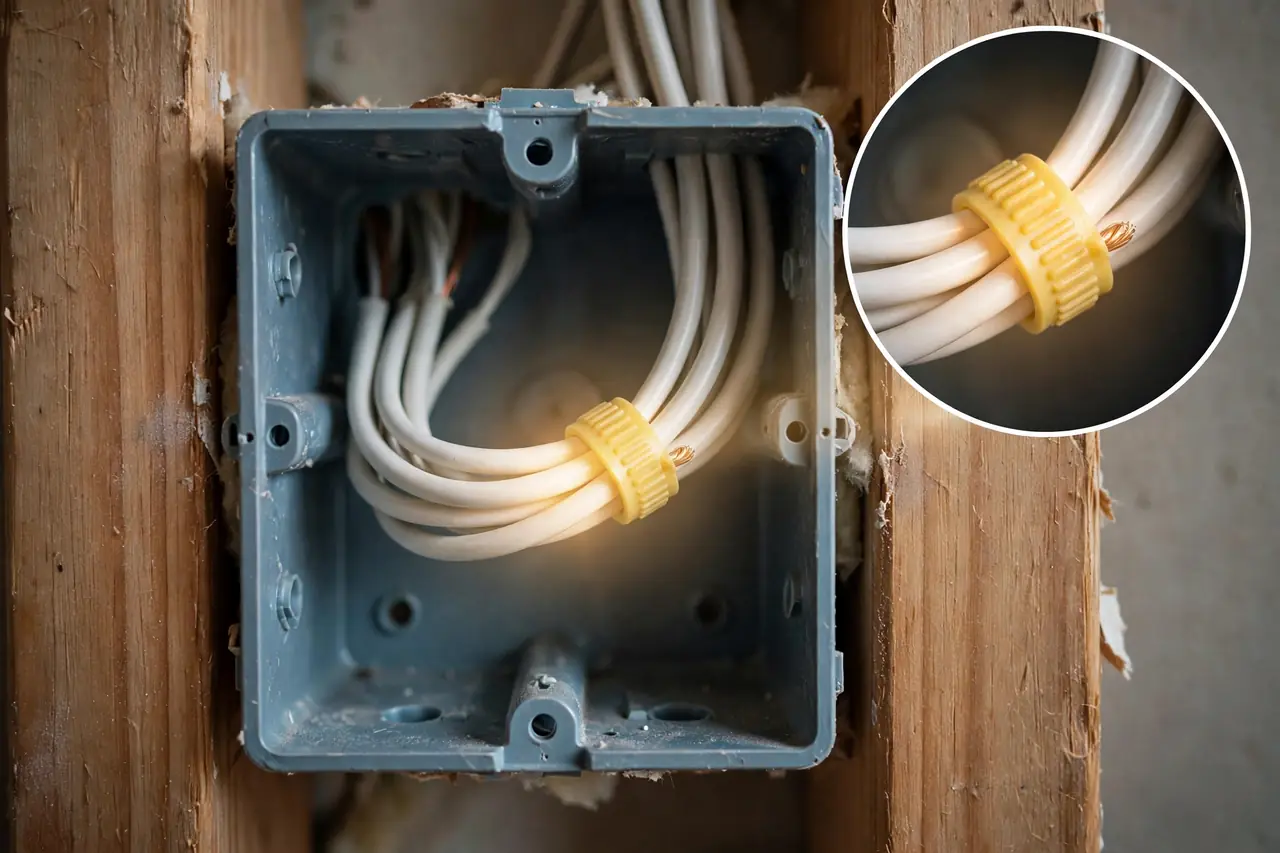
Digital and smart timers need a small amount of power all the time to run their clock, screen, or radio. Most take that power from a neutral wire in the switch box. No neutral often means no digital timer, unless you pick a battery-powered or mechanical model. So check the box before you fall in love with a model.
Caution: a switch box holds live wiring. Turn the breaker for that switch off at the panel first, then confirm the power is off with a non-contact voltage tester before you touch anything. If the tester shows power, stop and find the right breaker.
With the power off and tested, here is the check:
- Remove the wall plate and the two screws holding the switch, then gently pull the switch a few inches out of the box. Do not disconnect any wires.
- Look at the back of the box, behind the switch. A bundle of white wires joined with a wire nut and not connected to the switch is the neutral. Its presence means most digital and smart timers will work.
- If the box holds only the wires attached to the switch, often one black and one white, you likely have a switch loop with no neutral. The white wire there is part of the switch leg, not a true neutral.
- Push the switch back in, replace the screws and plate, and turn the breaker back on.
If you have no neutral, you still have good options. Battery-powered digital timers such as the Intermatic ST01 are built for exactly this case, and mechanical timers never needed a neutral at all. What you should not do is connect a timer’s neutral wire to the ground wire or to a switch-leg white wire. That is a wiring fault, not a workaround.
Newer homes are more likely to pass this check. Since the 2011 edition of the National Electrical Code, section 404.2(C) has required a neutral conductor at most switch locations that control lighting, as EC&M’s guide to NEC Article 404 explains. Homes wired before that rule, and homes with switch loops, are the ones that often come up short.
While the plate is off, check one more thing: how many switches control this light? If two switches in different spots control it, that is a 3-way circuit, and you need a timer rated for 3-way use. Many timers are single-pole only. The Honeywell Home RPLS740B below, for example, is single-pole only, while the Intermatic ST01 and the Enerlites model further down both handle 3-way circuits.
Match the Timer Switch to Your Load
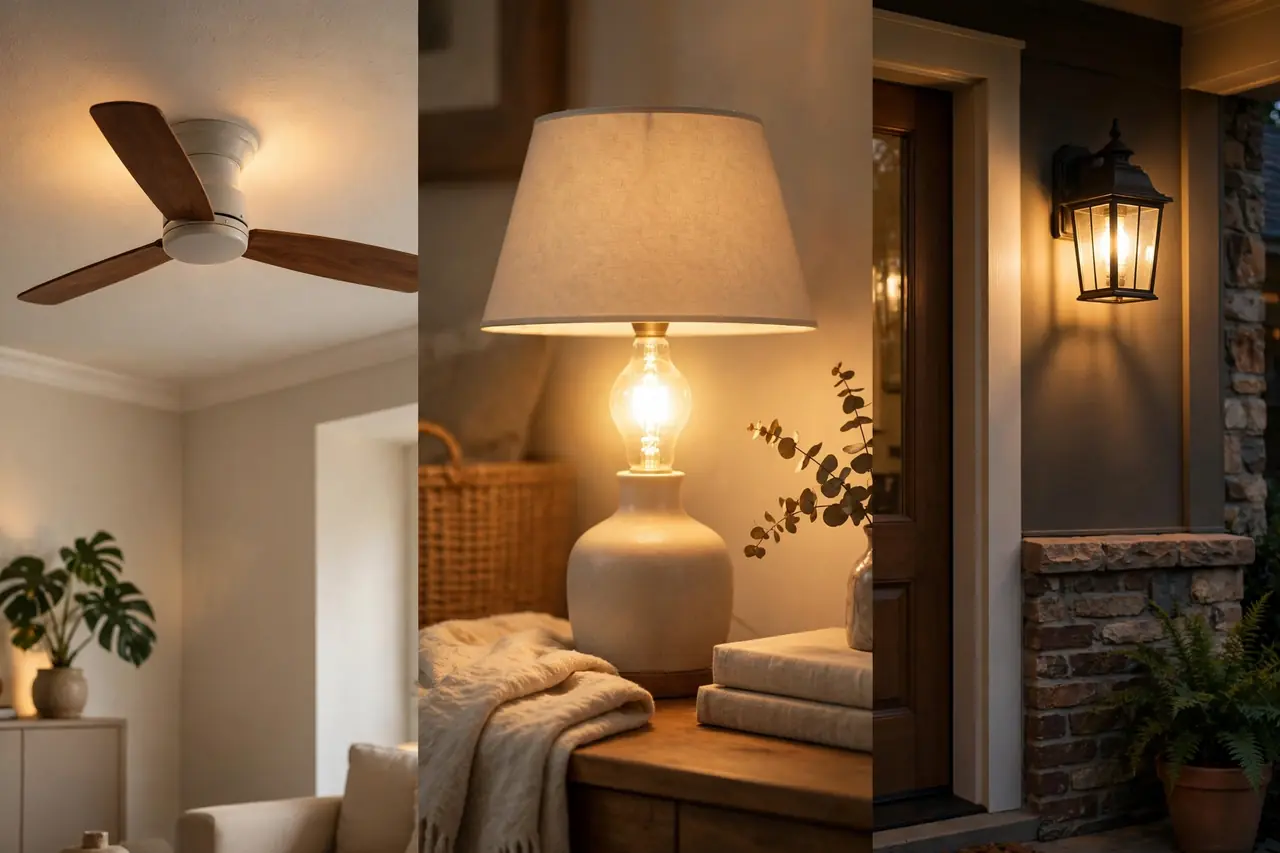
A timer’s headline rating is not the whole story. Ratings change with the type of load, and the number that matters is the one for your load. A timer rated 15 amps for a resistive load may be rated far lower for LED lighting or a motor.
The Intermatic ST01 shows the pattern clearly in its spec sheet. It is rated 15 amps for resistive loads, but 5 amps for electronic ballast loads, which is the category LED and CFL fixtures fall into, at 120 volts. The Enerlites HET01-H1-W tells the same story in watts: 1,200 watts for incandescent and halogen, but 600 watts for electronic ballast and LED loads. Read the rating line for your bulb type, not the biggest number on the box.
For LED and CFL bulbs, also check that the timer lists them as compatible. Older and no-neutral timers power themselves by leaking a tiny trickle of current through the load. With an old incandescent bulb that trickle was invisible. With an LED it can cause a faint glow when the light should be off, or flicker. A timer that is explicit about LED compatibility, and a load above its stated minimum, avoids most of this.
Motors and fans are a separate case. A bathroom fan, ceiling fan, or pump needs a timer with a motor rating, usually given in horsepower. The ST01 is motor-rated at 1 HP at 120 volts, and the Honeywell RPLS740B at 3/4 HP with a 1,800-watt maximum. A light-only timer on a fan can overheat or fail early, so for fans, choose a model that names a motor or HP rating, or use a countdown timer built for bath fans.
Finally, add up your load. Total the wattage of every bulb or fixture on the circuit and keep it under the timer’s rating for that load type. One porch light is nothing. A timer running a whole circuit of shop lights or a space heater is a different matter, and plug-in space heaters should never be put on a timer unless both the heater and timer makers allow it.
Features That Actually Matter
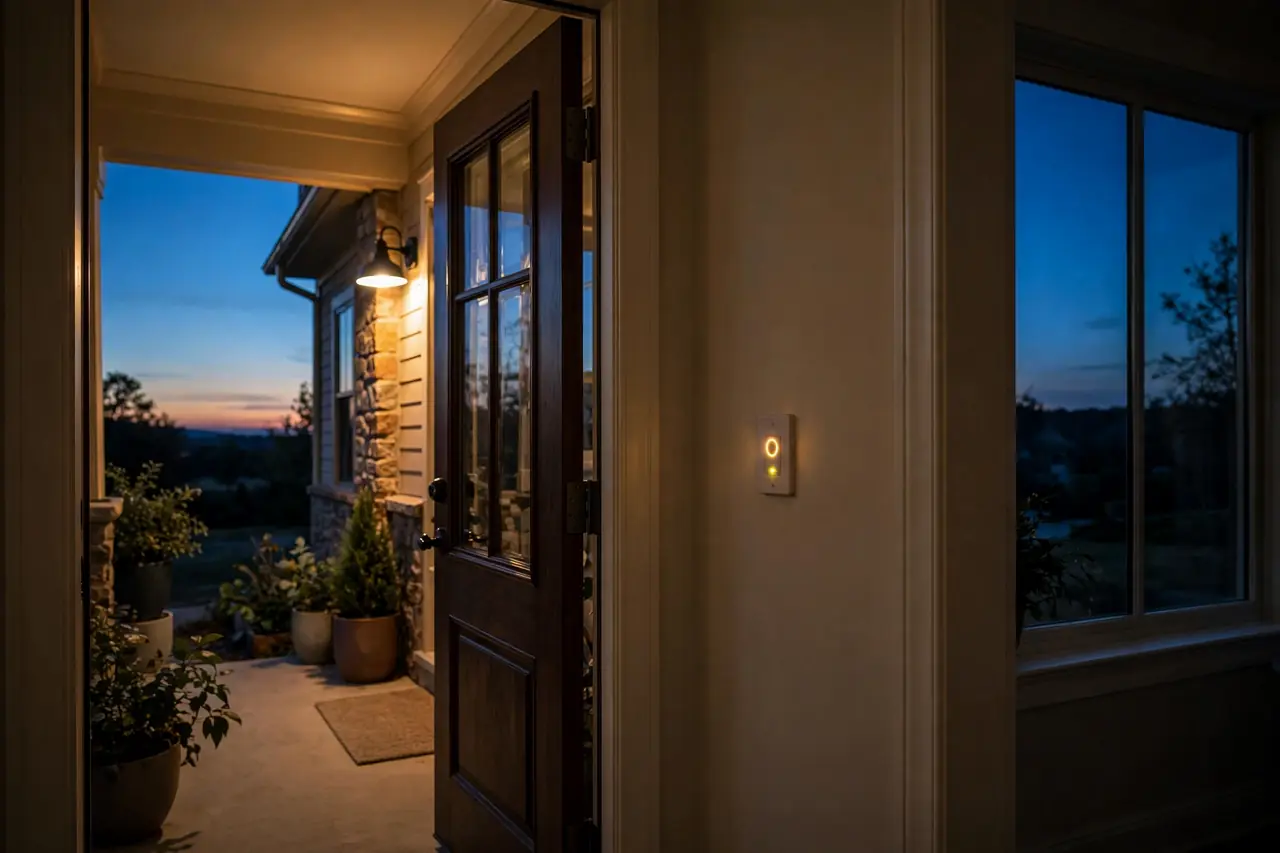
Timer marketing lists a dozen features, but four of them change daily life. Judge models on these first, and treat the rest as decoration.
Astronomic timing. An astronomic timer knows the date and your rough location, so it calculates sunrise and sunset and shifts your on and off times through the year. Porch lights come on at dusk in June and in December with no reprogramming. The ST01 offers sunset on and sunrise off settings, and the Honeywell RPLS740B uses a solar timetable you can nudge up to an hour either way, per its manual. If a timer will run outdoor lights, this is the feature to pay for.
Automatic daylight saving adjustment. Twice a year, clocks move by an hour. Timers with automatic DST adjustment move with them. Timers without it run an hour off until you fix them, which quietly breaks a dusk schedule. It sounds minor until your lights come on in daylight for three weeks.
Battery backup. Outages happen, and what matters is whether the timer keeps its clock and programs through them. Intermatic fits the ST01 with a replaceable CR2 lithium battery that keeps time for 2+ years without power, and your programs sit in non-volatile memory. The Enerlites HET01-H1-W uses a built-in battery to retain settings during an outage. Either way, check what survives an outage before you buy, not after the first storm.
Random mode and manual override. Random mode shifts on and off times by a few minutes each day so lights do not follow a robotic pattern while you travel. Manual override is the everyday one: nearly every timer lets you tap it and use the light normally, then returns to the schedule. Confirm the override exists and is a single press, not a menu dive.
Timer Switch Decision Table
Timer switch choices by situation:
| Your situation | Best family | Why it fits | Watch out for |
|---|---|---|---|
| Porch or landscape lights, on at dusk all year | Digital astronomic in-wall | Sunrise/sunset tracking follows the seasons by itself | Most models need a neutral wire |
| No neutral wire in the box | Battery digital or mechanical | Both run without a neutral connection | Battery models need a battery swap every few years |
| Bathroom fan left running | Countdown timer | Turn it on, walk away, it shuts off in 5–60 minutes | Must carry a motor (HP) rating, not light-only |
| Same simple schedule every day | Mechanical dial in-wall | Cheap, tough, nothing to program or update | Same schedule daily; settings in 15–30 minute steps |
| Lamps only, renter, no wiring allowed | Plug-in timer | No wiring, moves with you, works in minutes | Controls only what plugs into it |
| Voice control and app schedules | Smart in-wall timer or smart plug | App control, voice assistants, easy schedule changes | Needs neutral wire and solid Wi-Fi at the switch |
Three Models That Show the Trade-Offs
Specs become real when you compare actual models. These three in-wall digital timers sit at different points of the neutral and feature map, which is exactly the choice most buyers face.
The Intermatic ST01 is the no-neutral answer. It runs on a CR2 battery, needs no neutral connection, handles single-pole and 3-way circuits, and still offers 7-day programming with up to 40 events, astronomic dusk and dawn settings, automatic DST, and a random mode. Its ratings are honest about loads: 15 amps resistive, 5 amps for LED and electronic ballast loads, and 1 HP for motors, all from Intermatic’s ST01 documentation.
The Honeywell Home RPLS740B ECONOswitch is the traditional neutral-required route. It wires in with line, load, and neutral, and in return you get a solar timetable that tracks sunrise and sunset, up to 7 programs a week, automatic DST updates, and a random setting, with programs protected during power outages. It is rated 1,800 watts and 3/4 HP for motors, and it works with LED, CFL, incandescent, halogen, and fluorescent loads. Its hard limit is that it is single-pole only, so it cannot replace one switch in a 3-way pair.
The Enerlites HET01-H1-W shows what the middle of the market costs. It is an astronomic digital timer that needs a neutral, works in single-pole or 3-way setups, and is rated 1,200 watts for incandescent and halogen or 600 watts for LED loads. It was listed at $42.95 at Bees Lighting, checked on October 20, 2026. That one data point is the honest takeaway: a full-featured in-wall timer is a modest purchase, and the real cost difference between models is wiring fit, not price.
When This Is Not a DIY Job
Swapping a switch is a common DIY job, and our step-by-step guide to fitting a light switch with timer covers the install itself. But stop and call a licensed electrician if you find aluminum wiring, crumbling or heat-damaged insulation, a box so crowded the new timer will not sit flush, or a 3-way setup you cannot map with confidence. The same goes if the breaker trips when you restore power, or anything smells hot or looks scorched. An hour of an electrician’s time is cheaper than any of those faults.
Disclaimer
Timer switches involve mains wiring, and homes, wiring methods, and local codes vary. This guide explains how to choose a timer, not how to wire your home. Turn the power off at the breaker and test before touching any wiring, follow the timer maker’s instructions, and use a licensed electrician for any installation you are not fully sure about.
Related Guides
- DIY smart home automation guide — Go further with whole-home routines and schedules.
- how to choose a smart home electrician — For wired installs that go beyond a simple swap.
- outdoor string lights guide — Timers and outdoor lighting are a classic pairing.
Frequently Asked Questions
Do I need a neutral wire to install an in wall timer?
Often, yes. Most digital and nearly all smart in-wall timers need a neutral to power their clock, screen, or radio. Timers that work without one do exist: mechanical models and battery-powered digitals such as the Intermatic ST01. Check the back of your switch box for a capped bundle of white wires before you buy.
Can I use a timer switch for LED lights?
Yes, as long as the timer lists LED or electronic ballast loads as compatible, and you respect that rating, which is lower than the headline number. On the Intermatic ST01 it is 5 amps for LED loads versus 15 amps resistive. Cheap or older timers can make LEDs glow faintly or flicker, so buy one that names LED use.
Is there a timer that adjusts for sunset automatically?
Yes. Astronomic timers calculate sunrise and sunset from the date and your location, then shift your schedule through the year. Porch lights turn on at dusk in summer and winter with no reprogramming. The Intermatic ST01, Honeywell RPLS740B, and Enerlites HET01-H1-W all offer this, and smart timers do it through their apps.
What is the difference between a countdown timer and a programmable timer?
A countdown timer turns a load off after a set run time, such as 30 minutes, whenever you switch it on. It is the right tool for bathroom fans and closet lights. A programmable timer follows a clock, turning loads on and off at set times of day, daily or across a 7-day week.
Can I install a timer switch on a 3-way circuit?
Yes, but only with a timer rated for 3-way use, and they are not all rated for it. The Intermatic ST01 and Enerlites HET01-H1-W both support single-pole and 3-way wiring. The Honeywell RPLS740B is single-pole only. Check the spec sheet for your exact model before you open the box, and keep the second switch’s wiring as the instructions describe.
Can a timer switch control a ceiling fan?
Yes, if the timer carries a motor rating in horsepower, not just a lighting wattage. Fan motors draw a hard start-up surge that light-only timers are not built for. The Intermatic ST01 is rated 1 HP and the Honeywell RPLS740B 3/4 HP. For a bathroom exhaust fan, a countdown timer with a motor rating is the usual pick.
Can I install a timer switch myself, or should I hire an electrician?
A confident homeowner with a standard single-pole box, a neutral present, and the breaker off and tested can usually swap a switch in under an hour. Hire an electrician for 3-way confusion, missing neutrals with no compatible model, damaged or aluminum wiring, or any point where you are guessing. Guessing is the line.
Your next step takes ten minutes: turn the breaker off, test, pull your most-used switch forward, and look for that bundle of white wires. That one look, plus the wattage of what the switch runs, tells you your family. After that, the model almost picks itself.