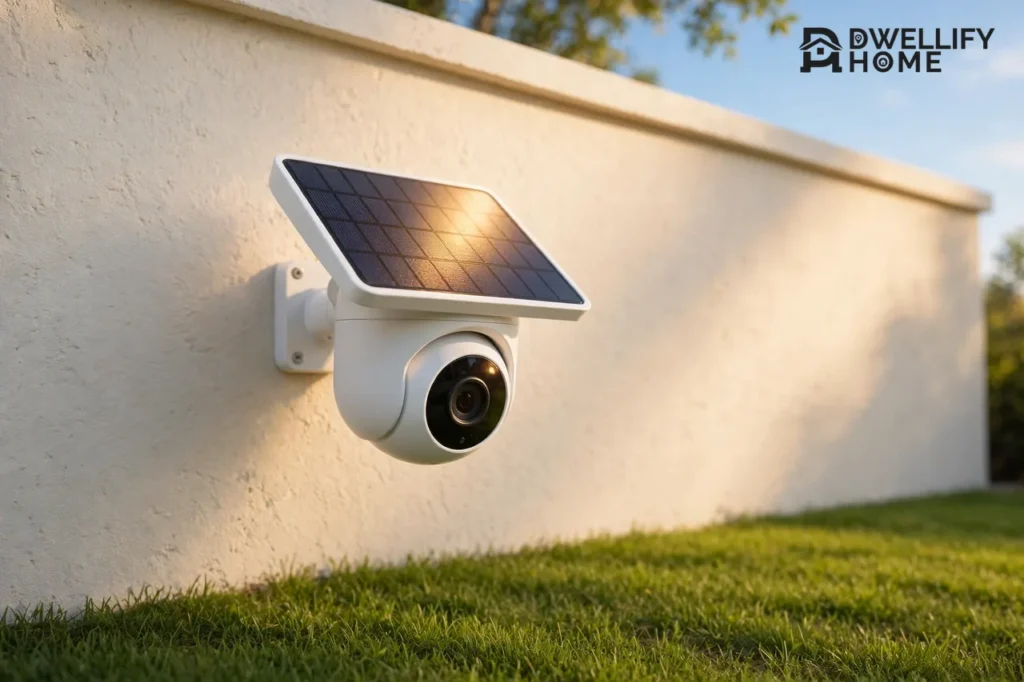
The best solar powered security camera for most homes in 2026 is the eufy SoloCam S340. It pairs a 3K dual-lens camera with a built-in solar panel, pans 360 degrees, and stores video locally with no monthly fee. It costs $119.99 on Amazon, as checked on November 20, 2026.
A solar powered security camera is a battery camera with a small solar panel attached. The panel trickle-charges the battery during the day, so the camera can run for months without anyone climbing a ladder to charge it. It still records at night from the battery, using infrared or color night vision. This guide compares the five best solar powered security cameras for 2026, with dated prices, sun needs, and the winter limits most guides skip.
The Short Answer: Which Solar Camera Should You Buy?
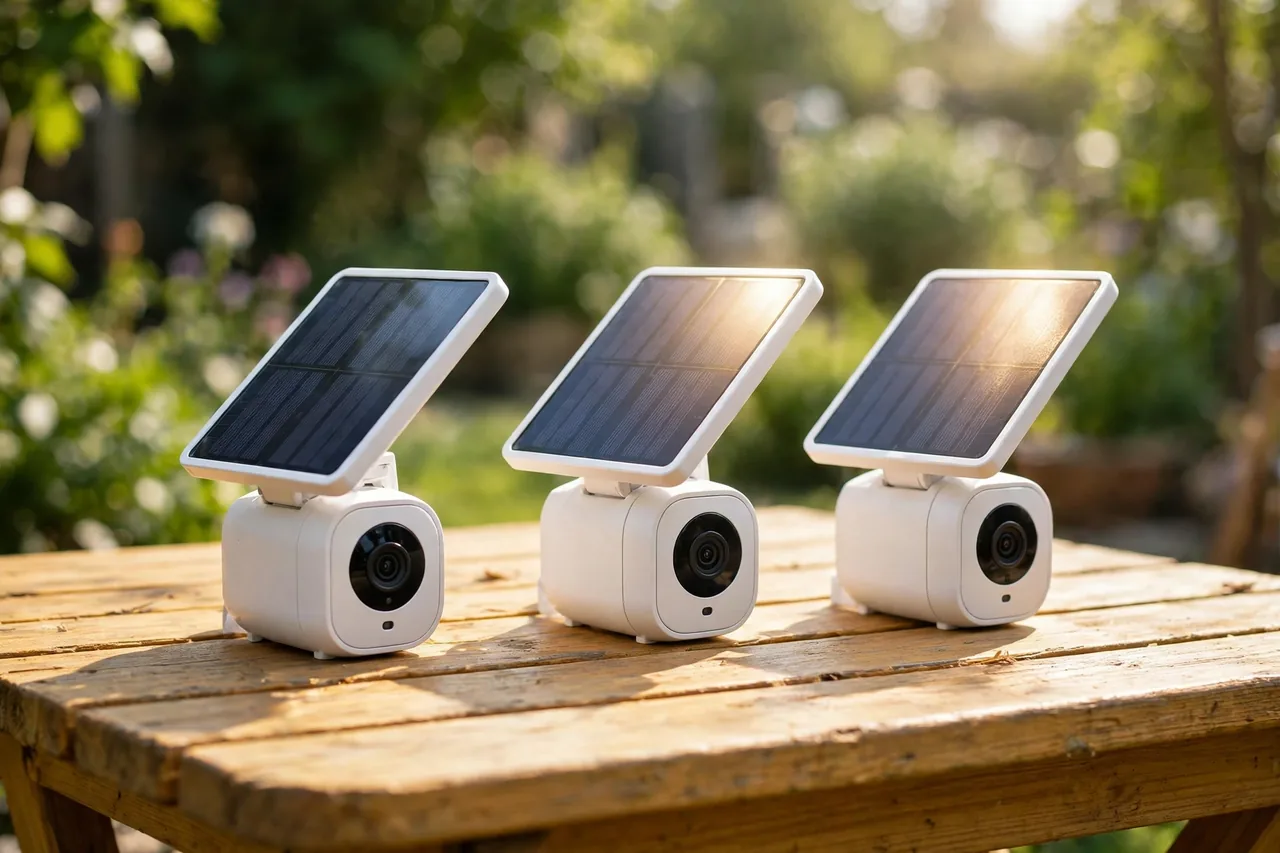
Buy the eufy SoloCam S340 if you want the best solar camera for one spot. Its dual lenses and pan-and-tilt head cover a whole yard from one mount, and its panel keeps the battery topped up with about two hours of direct sun a day.
Buy the Reolink Argus 4 Pro with its Solar Panel 2 if you want the widest 4K view. Its 180-degree panorama leaves almost no blind spot. Buy the Reolink Argus PT Ultra if you want 4K pan-and-tilt for about $100. Buy the eufyCam 3 kit if you want four solar cameras for the whole property. Buy the Arlo Pro 5S with a solar panel if you already use Arlo or Apple HomeKit.
The deciding question is sun, not brand. A solar camera on a shaded north wall will drain its battery no matter whose name is on it, while the same camera on a sunny south wall can run for years without a manual charge.
Best Solar Powered Security Cameras at a Glance
Caption: Best solar powered security cameras compared — prices checked November 20, 2026 unless noted.
| Camera | Video | Panel | Price | Best For |
|---|---|---|---|---|
| eufy SoloCam S340 | 3K dual lens, pan and tilt | Built-in, 2.2 W | $119.99 on Amazon | Most homes |
| Reolink Argus 4 Pro + Solar Panel 2 | 4K, 180-degree view | External 6 W | About $230 | Widest 4K view |
| Reolink Argus PT Ultra + solar | 4K, pan and tilt | External 6 W | $99.99 on Amazon | Best value 4K |
| eufyCam 3 (S330) 4-camera kit | 4K, four cameras | Built-in on each camera | $399.99 on Amazon | Whole property |
| Arlo Pro 5S 2K + solar panel | 2K | Arlo solar panel | $249 | Arlo and HomeKit homes |
Amazon prices were checked on November 20, 2026, and the Argus 4 Pro and Arlo prices come from a 2026 roundup. Prices move with sales, so check the live price before you buy. The Sensor and Latch solar camera guide lists the same Amazon prices with its check date, and the SafeHomeLab solar camera guide explains how much sun each type really needs.
How a Solar Security Camera Actually Works
A solar camera has three parts: a small panel, a rechargeable battery, and the camera itself. The panel makes power only in daylight. The battery stores that power and runs the camera at night. The camera sleeps most of the time and wakes up when its motion sensor sees movement, which is how a small panel can keep it going.
Most solar cameras need about two to four hours of direct, unblocked sun a day to stay charged with normal use. Two hours is the figure eufy gives for the S340, and it matches what independent guides report for most brands. A panel in full shade will not keep up, no matter how big it is. If your mount spot gets less than two hours of direct sun, pick a wired camera instead, or mount the panel separately in the sun and run its cable to the camera.
Solar cameras do not record around the clock the way wired cameras do. They record motion clips, which is fine for a driveway or a back door, but not for a spot where you need every second saved. If you need 24/7 recording, read our PoE security camera guide instead, because a wired camera is the honest answer for that job.
1. eufy SoloCam S340 — Best Overall
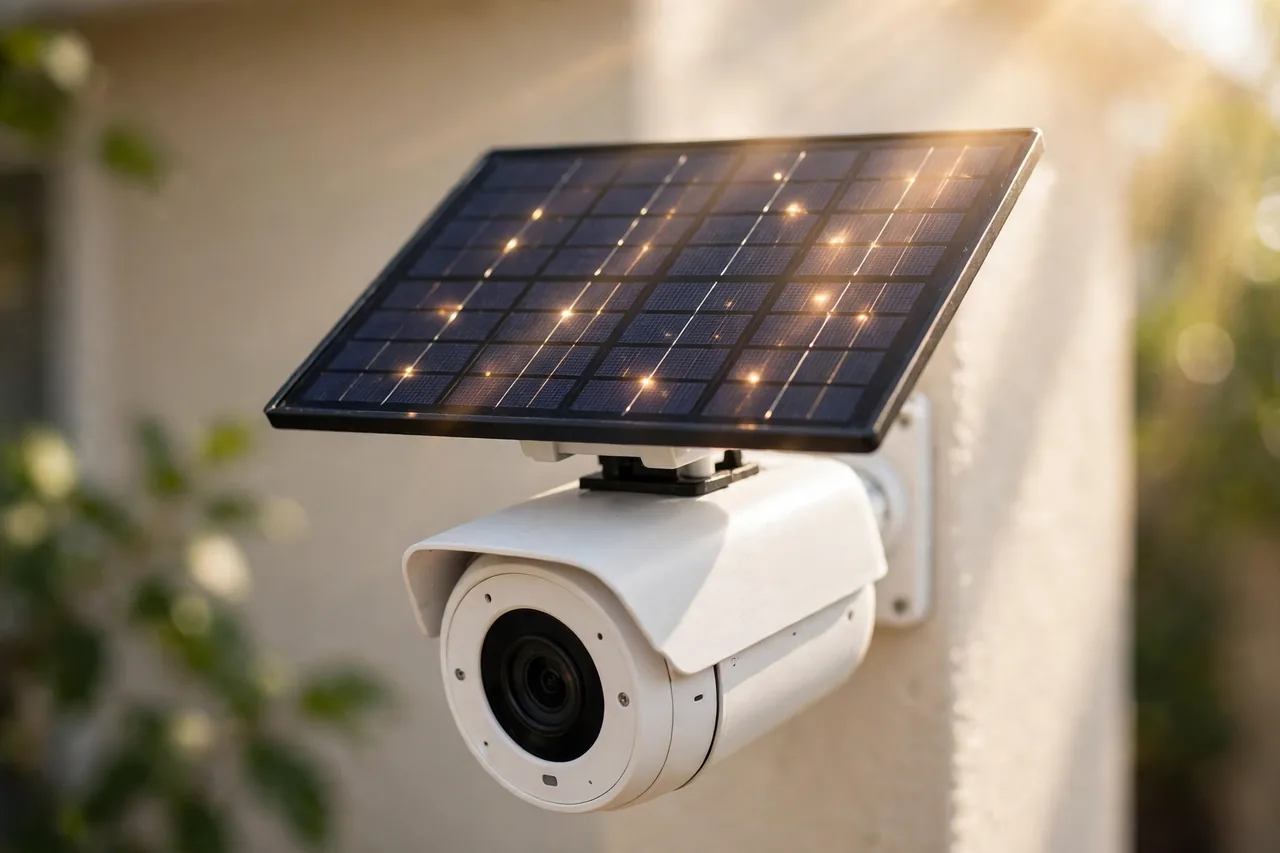
The eufy SoloCam S340 is the best solar powered security camera because it does the most in one unit. Its wide 3K lens watches the whole yard, its 2K telephoto lens zooms in on detail up to 50 feet away, and its motor pans 360 degrees to follow people on its own.
Caption: eufy SoloCam S340 key specs.
| Spec | Detail |
|---|---|
| Price | $119.99 on Amazon, checked November 20, 2026 |
| Video | 3K wide lens plus 2K telephoto lens, 8x hybrid zoom |
| Panel | Built-in 2.2 W panel, about 2 hours of direct sun a day keeps it charged |
| Battery | 13,400 mAh; about 3 months without sun in low-use spots |
| Storage | 8 GB onboard local storage; no subscription needed |
| Weather rating | IP65 |
| Works with | Alexa, Google Assistant; no HomeKit |
Owners report that the solar charging truly works. One long-term reviewer found the battery rose 2 percent after a couple of partly cloudy days in a spot that gets only a few hours of sun, and another found the panel kept the camera topped up for months with a single manual charge at setup. Read the Technically Well review of the S340 for that field test.
The honest weakness is alerts. Reviewers say the motion alerts swing between too many false alarms and missing fast-moving people, and the notification controls are hard to tune. The HomeCamCafe review of the S340 calls this the camera’s real day-to-day problem, and the owner-review summary for the S340 shows the same split: solar power and video earn high marks, while alerts earn the lowest.
Pick the S340 if you want one solar camera to cover a big area with no monthly fee. Skip it if you need HomeKit or true 24/7 recording.
2. Reolink Argus 4 Pro + Solar Panel 2 — Best 4K Wide View
The Reolink Argus 4 Pro is the best solar camera for a wide view. It stitches two lenses into one 180-degree 4K panorama, so a single camera can watch a whole driveway or the full front of a house with almost no blind spot.
Caption: Reolink Argus 4 Pro key specs.
| Spec | Detail |
|---|---|
| Price | About $230 with solar panel, as listed in a 2026 roundup |
| Video | 4K (8 MP), 180-degree panoramic view |
| Panel | Reolink Solar Panel 2, 6 W, USB-C |
| Battery | 5,000 mAh rechargeable |
| Storage | microSD up to 512 GB or Reolink Home Hub; no subscription needed |
| Night vision | ColorX full-color night vision, no spotlight needed |
| Weather rating | IP66 |
Reolink’s own guide confirms the Argus 4 Pro works with the Solar Panel 2 (6 W) over USB-C, and warns that the older 3 W panel uses a different connector and does not fit this camera. Check the panel model before you buy. See Reolink’s Argus 4 Pro review and guide for the full spec list and the solar compatibility note.
The ColorX night vision is the standout feature. It keeps video in color at night without a visible spotlight, which is kinder to neighbors and harder for a stranger to spot. The trade-off is a fixed view: the Argus 4 Pro does not pan or tilt, so you must aim it well at install time. If you want a moving camera instead, the Argus PT Ultra below is the better Reolink pick.
3. Reolink Argus PT Ultra + Solar Panel — Best Value 4K
The Reolink Argus PT Ultra is the best value 4K solar camera. It costs $99.99 on Amazon, as checked on November 20, 2026, and it gives you 4K video with pan and tilt for less than most 2K cameras.
Caption: Reolink Argus PT Ultra key specs.
| Spec | Detail |
|---|---|
| Price | $99.99 on Amazon, checked November 20, 2026 |
| Video | 4K, pan and tilt |
| Panel | Attached solar panel |
| Storage | microSD card in the camera; no subscription needed |
| Works with | Reolink app; no account needed to record |
The PT Ultra suits a big yard or a long side passage, where a fixed camera would leave gaps. Its motor turns to follow movement, so one mount covers what two fixed cameras would. Like the Argus 4 Pro, it records locally with no monthly fee, which keeps its five-year cost at the purchase price.
The catch is the same as every pan-and-tilt camera: the motor can only look one way at a time. If two things happen on opposite sides of the yard, it follows one and misses the other. For a front door or a driveway, that rarely matters. For a wide-open property, pair it with a fixed wide camera like the Argus 4 Pro.
4. eufyCam 3 (S330) 4-Camera Kit — Best Whole-Property System
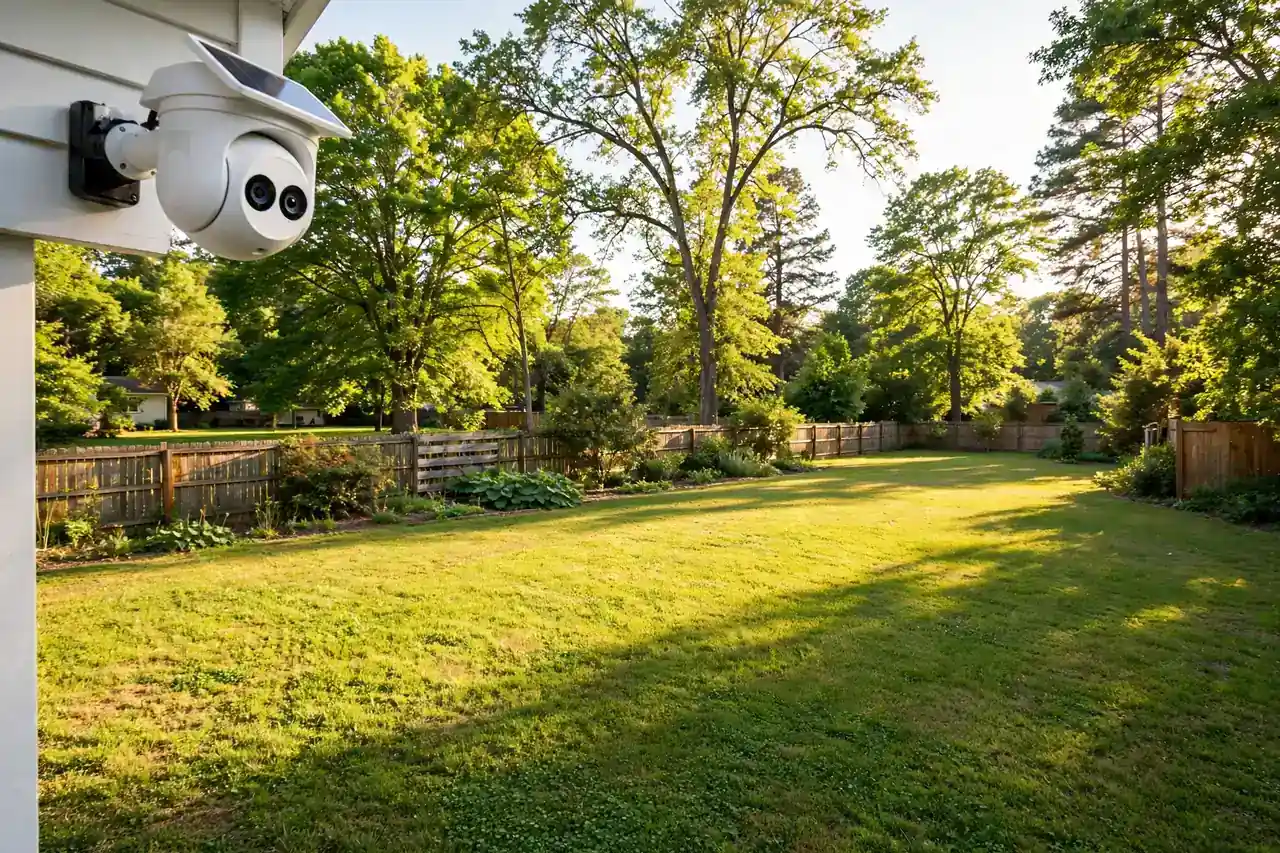
The eufyCam 3 kit is the best solar camera system for a whole property. It costs $399.99 on Amazon, as checked on November 20, 2026, and it covers four spots with 4K cameras and a HomeBase that stores everything locally.
Caption: eufyCam 3 kit key specs.
| Spec | Detail |
|---|---|
| Price | $399.99 on Amazon, checked November 20, 2026 |
| Video | 4K, four fixed cameras |
| Panel | Built-in solar panel on each camera |
| Storage | HomeBase 3 with expandable local drive; no subscription needed |
| Works with | Alexa, Google Assistant |
Four cameras at $399.99 works out to about $100 per camera, which is the same as a single budget camera, except you also get the HomeBase and whole-property coverage. The cameras are fixed, so they cannot pan, but four fixed views with overlapping coverage beat one moving camera for a full perimeter. Our security camera with SD card guide explains how local storage like this works, and our footage retention guide shows how long each system keeps clips.
Pick the kit if you need three or four cameras and want no monthly bill. Skip it if you only need one camera, because a single S340 costs far less and covers more from one mount.
5. Arlo Pro 5S 2K + Solar Panel — Best for Arlo and HomeKit Homes
The Arlo Pro 5S with a solar panel is the best solar camera for homes that already use Arlo or Apple HomeKit. It costs about $249 with the panel, as listed in a 2026 roundup, and it is the only pick here that works with HomeKit.
Caption: Arlo Pro 5S 2K key specs.
| Spec | Detail |
|---|---|
| Price | About $249 with solar panel, as listed in a 2026 roundup |
| Video | 2K |
| Panel | Arlo solar panel, 4 W |
| Battery | 7,000 mAh |
| Works with | Alexa, Google Assistant, Apple HomeKit |
Arlo’s app and detection are polished, and its HomeKit support is the reason many Apple households pick it. The trade-off is the subscription: Arlo asks for a plan for cloud recording and smarter alerts, so the real cost is higher than the sticker price. If you already pay for Arlo Secure, the panel pays for itself in saved ladder trips. If you refuse monthly fees, the eufy or Reolink picks are the better buy.
Do Solar Cameras Work at Night?
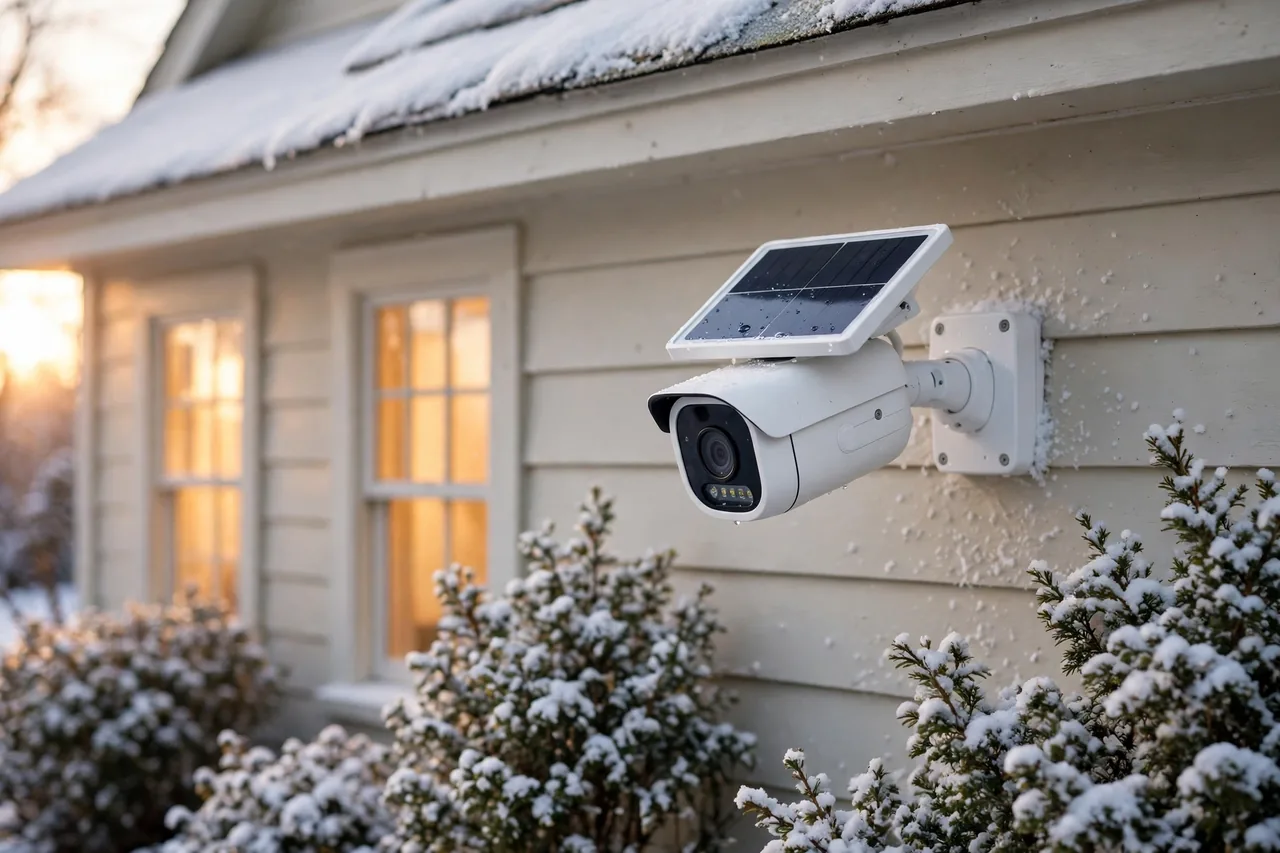
Yes. The panel only charges the battery in daylight, and the camera records at night from the battery it charged during the day. Most solar cameras use infrared night vision for black-and-white video up to 30 to 50 feet, and some add a spotlight for color night vision. A full battery supports a full night of motion-clip recording in normal use.
Night is also when a solar camera is weakest. A busy night with constant motion drains the battery faster, and a spotlight drains it faster still. If your camera fires all night at passing cars, trim its motion zones so it only watches your property. Our wireless outdoor camera guide shows how to set zones and check Wi-Fi range before you mount.
Do Solar Cameras Work in Winter?
Yes, but with less margin. Short days and a low sun cut charging time, and cold weather cuts battery efficiency at the same time. A camera that stays at 80 percent in summer can drop toward 20 percent on a shaded north wall in December, as one long-term S340 test found.
Three habits keep a solar camera alive through winter. First, aim the panel at the low winter sun, not the summer sun. Second, wipe snow and leaves off the panel, because a covered panel charges nothing. Third, turn off the spotlight and lower the motion sensitivity in winter, so the camera spends less power per night. If the battery still drops, a single USB-C top-up once in a while is all it needs.
How to Place a Solar Camera for Real Sun
Sun placement matters more than the camera you buy. A south-facing wall in the northern hemisphere gets the most sun, while a north-facing wall gets the least. An east wall gets morning sun, and a west wall gets afternoon sun. Either side beats a north wall, and a spot under a deep porch roof can starve a panel even on a sunny wall.
Mount the panel where the sun actually falls, not where the camera looks best. On the S340 the panel clips to the top of the camera or mounts up to 10 feet away on an extension cable, so you can point the lens at the door and the panel at the sky. On Reolink cameras the panel is separate, so you have the same freedom. Walk the spot at midday and again in late afternoon before you drill, and watch where the shade falls.
Keep the camera out of your neighbor’s windows and off the street. A solar camera still records video, so the same privacy care applies as with any outdoor camera. Aim it at your own doors, driveway, and yard.
Solar Camera Mistakes to Avoid
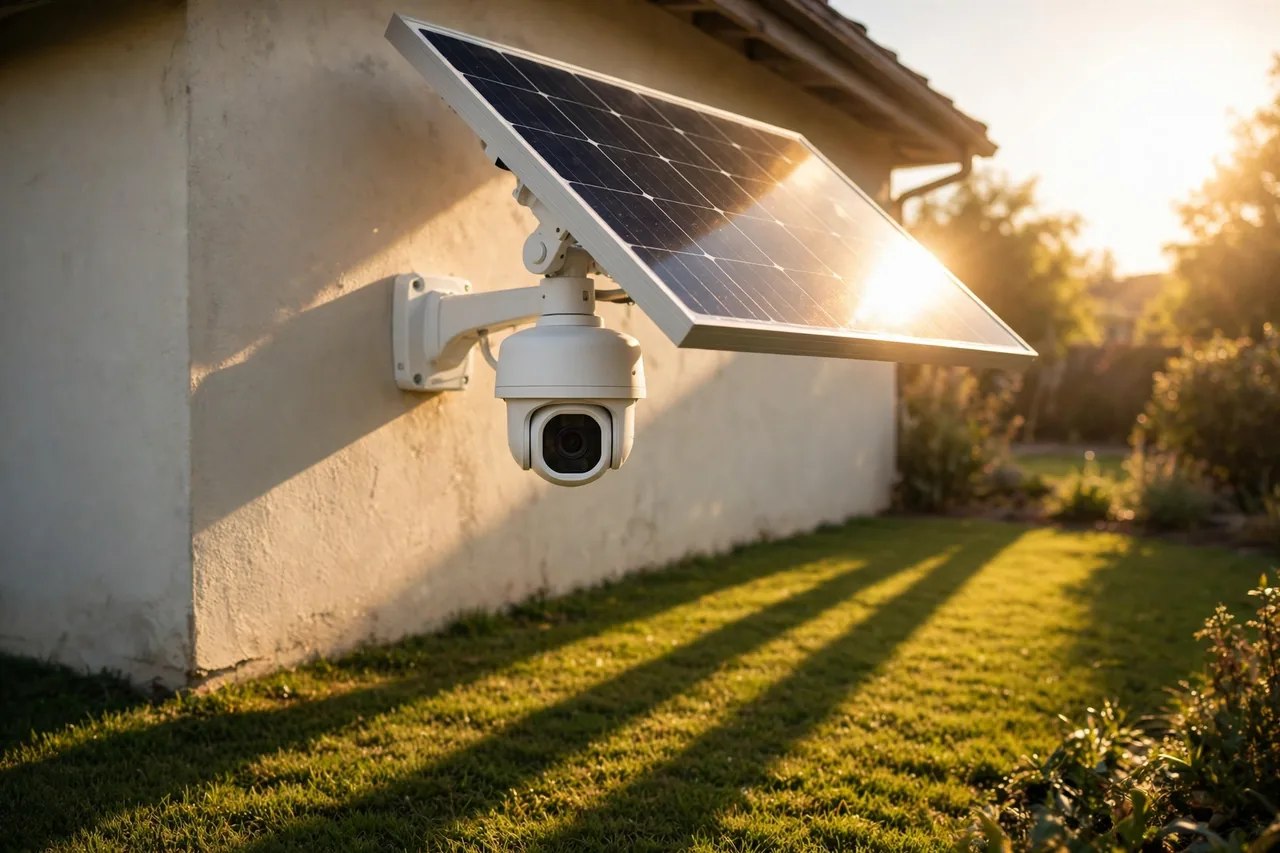
The most common mistake is mounting the panel in shade. A camera under a deep eave or behind a tree looks tidy, but its panel may get under two hours of sun a day, and the battery will slowly drain. Measure the sun first, then pick the mount.
The second mistake is expecting 24/7 recording. Solar cameras record motion clips, not continuous video, because continuous recording would drain the battery in hours. If you need every second saved, buy a wired camera.
The third mistake is forgetting the Wi-Fi limit. Most solar cameras use 2.4 GHz Wi-Fi only, which reaches farther than 5 GHz but is slower and more crowded. Test your phone’s Wi-Fi at the mount spot before you drill. If the signal is weak, move a mesh node closer or pick a camera that works without Wi-Fi or a wired PoE camera.
The fourth mistake is buying a camera that needs a subscription to record. The eufy and Reolink picks here record locally for free. The Arlo pick does not, so count its plan in the price before you buy.
Related Guides
If you are planning the whole setup, start with our best home security camera system guide. For a camera that lights the yard too, read our floodlight camera picks in the same cluster, and for a camera that runs on batteries alone, see our battery operated security camera guide. A front porch camera and a driveway security camera are the two spots where a solar camera earns its keep first. If you want solar power for the whole house, our smart home solar guide explains how home solar works and what it costs.
Frequently Asked Questions
What is the best solar powered security camera?
The eufy SoloCam S340, at $119.99 on Amazon as checked on November 20, 2026. It has dual 3K and 2K lenses, 360-degree pan and tilt, a built-in solar panel, and local storage with no monthly fee.
Do solar security cameras work at night?
Yes. The panel charges the battery during the day, and the camera records at night from that battery, using infrared or color night vision. A full battery supports a full night of motion-clip recording in normal use.
How much sun does a solar security camera need?
About two to four hours of direct, unblocked sun a day. Eufy says two hours a day keeps the S340 charged, and most guides agree on two to four hours for most brands. Shade is the real limit, not the brand.
Do solar cameras work in winter?
Yes, but with less margin. Short days and a low sun cut charging, and cold cuts battery efficiency. Aim the panel at the low winter sun, keep snow off it, and lower motion sensitivity in winter.
How long do solar security cameras last?
The camera hardware lasts for years, and the rechargeable battery usually lasts one to three years, or about 500 charge cycles, before it holds less charge. A panel that keeps the battery topped up stretches its life, because shallow charges wear a battery less than deep drains.
Do solar cameras need Wi-Fi?
Most do for live viewing and alerts, and most use 2.4 GHz Wi-Fi only. A few cellular solar cameras work without Wi-Fi, but they need a data plan. Check your router band before you buy.
Start with the eufy SoloCam S340 if you want the best single solar camera, or the eufyCam 3 kit if you need the whole property covered. Measure the sun at your mount spot first, because sun decides whether a solar camera works, not the brand. Then read our best home security camera system guide to plan the rest of your setup.