
A closed circuit camera is a security camera that sends its video only to your own recorder or monitor, never out to the public internet. CCTV stands for closed-circuit television, and the “closed” part is the whole point: the video travels in a private loop between your cameras and your recording box. If you want cameras that keep recording even when the internet goes down, and footage that stays inside your own home, a closed circuit camera system is still one of the most reliable ways to get it.
Most cameras sold today are not true closed circuit cameras, though. Many are Wi-Fi cameras that send video to a cloud server and an app on your phone. That setup is handy, but it is a different thing. This guide explains what CCTV really means, how a closed circuit system works, how it differs from IP and cloud cameras, and when it still makes sense for a home in 2026.
What Is a Closed Circuit Camera?
A closed circuit camera is a camera that sends video to a specific, limited set of screens or recorders instead of broadcasting it openly. The signal travels from the camera to your recorder through a cable or a private local link, and only people with access to that recorder can watch it. Britannica defines closed-circuit television (CCTV) the same way: a system that uses video cameras to send signals to a specific limited viewership, unlike broadcast television, which anyone with a receiver can pick up.
Think of it like a phone call versus a radio station. A radio station broadcasts to anyone who tunes in. A phone call goes only to the person you dialed. A closed circuit camera works like the phone call. The video has one destination, and that destination is yours.
Here is the part that confuses most shoppers: the term “CCTV” is now used loosely for almost any security camera. Stores, listings, and even camera makers call Wi-Fi cloud cameras “CCTV cameras,” even though those cameras send video over the internet. In the strict sense, a camera is only a closed circuit camera when its video stays inside a closed, private system. When you shop, look at where the video actually goes, not just at the label on the box.
What Does CCTV Stand For?
CCTV stands for closed-circuit television. It describes a video system in which the signal travels only between the cameras and the recording or viewing equipment the owner chose. Nothing about the name refers to a specific camera shape or brand. It refers to the closed path the video takes.
So, what is a closed circuit TV in plain words? It is a television system that is not broadcast to the public. A regular TV channel goes out to millions of homes. A closed circuit TV feed goes to one place: the monitor or recorder connected to the camera. That is why shops, banks, and schools have used CCTV for decades to watch their own spaces without sending video anywhere else.
The idea is older than most people guess. Britannica notes that Russian inventor Leon Theremin built what many consider the first CCTV system in 1927, a camera and a shortwave radio used to watch visitors at the Kremlin in Moscow. The technology has changed a lot since then, but the core idea has not: the video stays in a closed loop that the owner controls.
How Does a Closed Circuit Camera System Work?
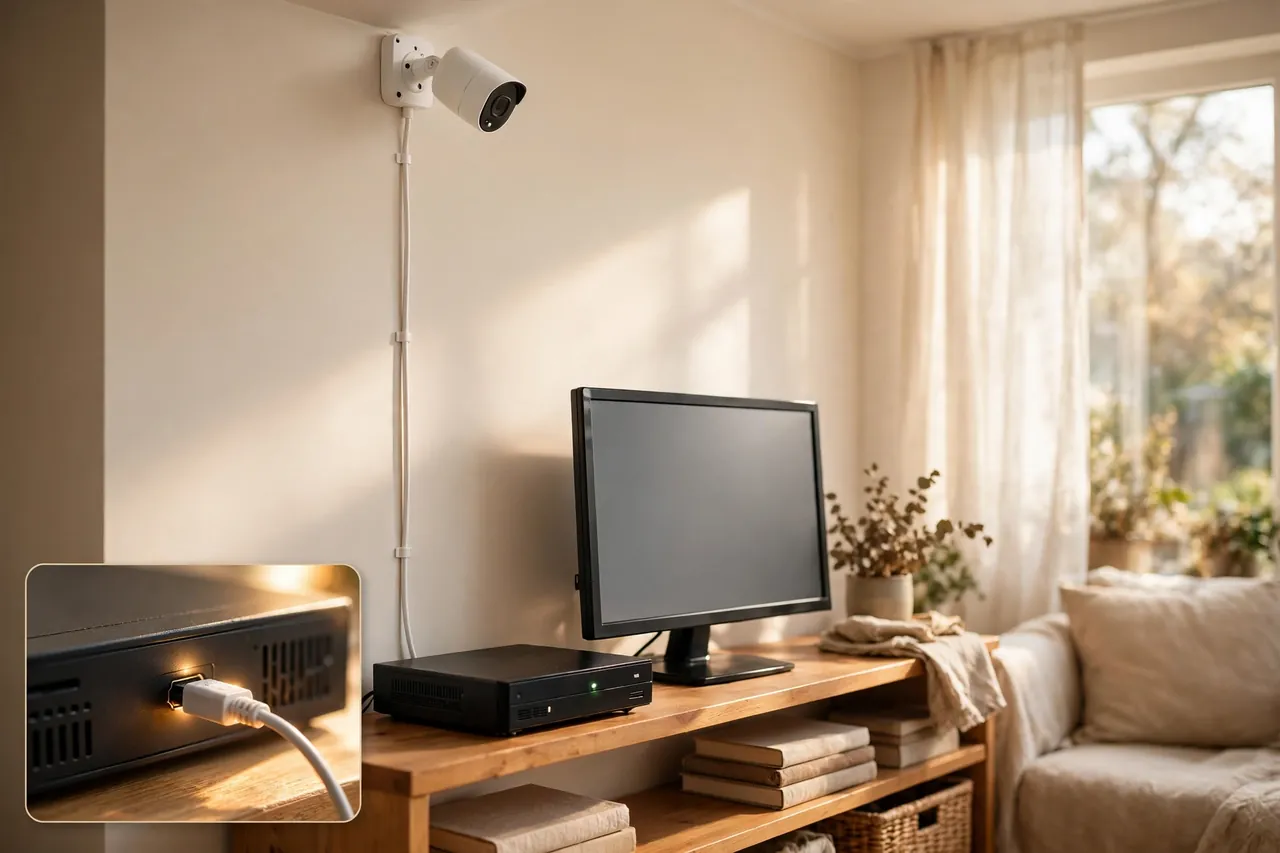
A classic closed circuit camera system has four parts that work together: the cameras, the cables, a recorder, and a monitor. Each part has one job, and together they form the closed loop.
- The cameras capture the video. You mount them at doors, driveways, garages, or inside rooms, and each one watches its own patch of ground.
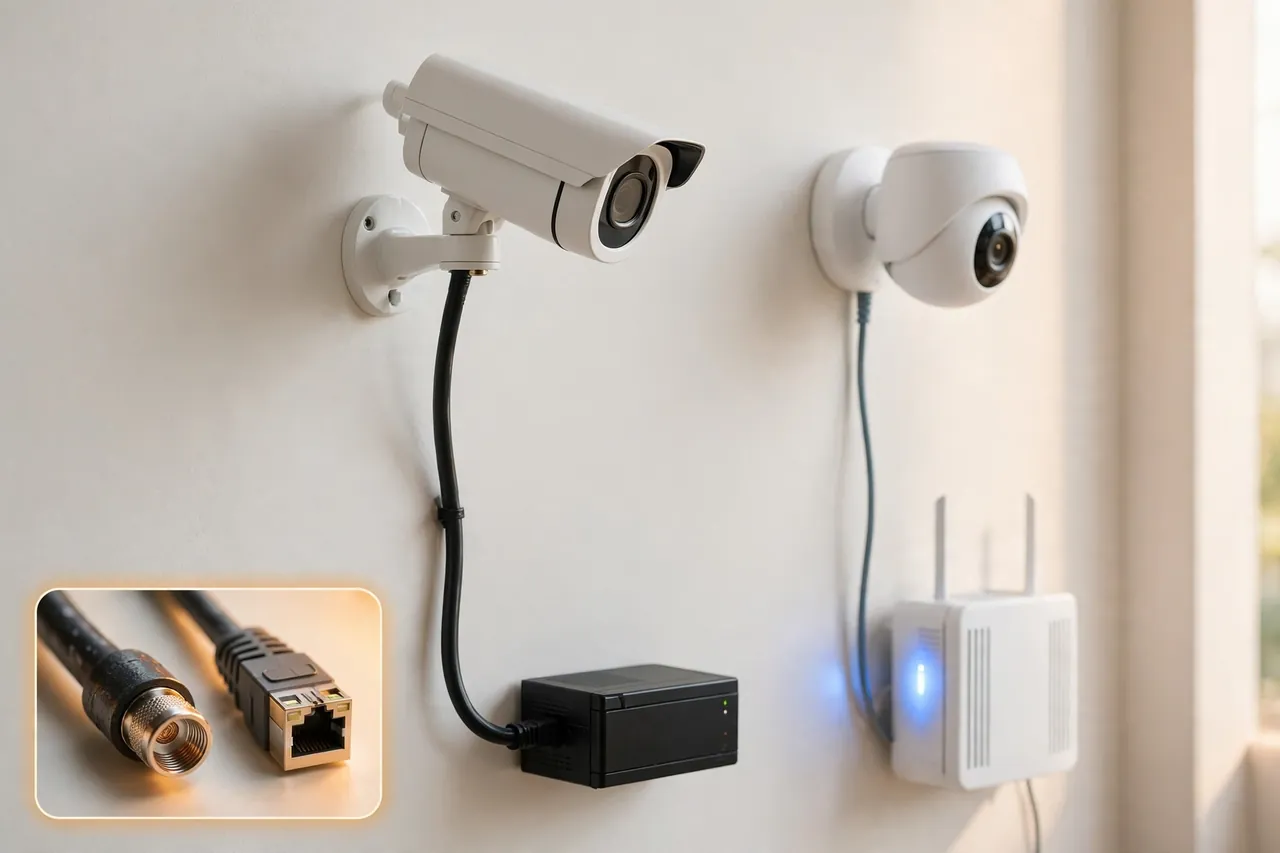
- The cables carry the signal. In a traditional setup, coaxial cables run from each camera back to the recorder. The video travels through the cable as an analog signal.
- The recorder stores the footage. The recorder is called a DVR, short for digital video recorder. It turns the analog signal into digital video, compresses it, and saves it on a hard drive inside the box.
- The monitor shows the footage. You plug a screen into the DVR to watch live video or play back recordings. Everything happens inside your home, on your own equipment.
Nothing in that chain needs the internet. The cameras do not connect to your Wi-Fi, the DVR does not upload to a cloud, and the footage lives on the hard drive in the box. You watch it by sitting in front of the monitor or by connecting the DVR to a screen. That is the classic closed loop, and it is why these systems keep working through internet outages.
Modern versions of the same idea swap in digital parts. The cameras may send digital video over Ethernet cable to an NVR, a network video recorder, instead of a DVR. The loop is still closed as long as the cameras and the recorder talk only to each other on your local network, with no internet in the middle. Our guide to security camera DVR systems explains how the recorder side of these setups works in detail.
Closed Circuit Camera vs IP Camera: What’s the Difference?
A closed circuit camera and an IP camera are not the same thing, even though stores often mix the names up. The difference comes down to how the video travels and where it gets stored. An IP camera captures digital video and sends it over a network, using Wi-Fi or an Ethernet cable, to an NVR or to the cloud. A traditional closed circuit camera sends an analog signal over a coaxial cable to a DVR, and the footage never leaves your property.
Here is the side-by-side comparison that matters when you shop:
Table: Closed circuit camera vs IP camera at a glance
| Feature | Closed Circuit Camera | IP Camera |
|---|---|---|
| Signal type | Analog | Digital |
| Cabling | Coaxial cable | Ethernet cable or Wi-Fi |
| Recorder | DVR | NVR or cloud |
| Internet needed | No | Often yes for full features |
| Remote viewing | Only with extra setup | Built in through an app |
| Image quality | Standard to HD | HD to 4K |
| Installation | Usually professional | Often DIY friendly |
One twist trips up a lot of buyers: an IP camera can be part of a closed circuit system if it runs on a closed local network with no internet connection. The “closed circuit” label describes the network, not the camera type. But most IP cameras people buy today connect to the internet and stream to a cloud server or a phone app, which takes them outside the strict CCTV definition, even if the box calls them CCTV cameras.
If you like the wired reliability of a closed system but want digital quality, look at PoE cameras. PoE stands for Power over Ethernet, and it means one Ethernet cable carries both the video data and the power to each camera. Our PoE security cameras guide walks through how that setup works and when it beats plain Wi-Fi cameras.
Types of Closed Circuit Cameras
Not every closed circuit camera looks the same. The main types differ in shape, in how they send video, and in where they work best. Here are the ones you will actually meet while shopping.
Analog Cameras
Analog cameras are the classic CCTV camera type. They capture video and send it as an analog signal over coaxial cables straight to a DVR. The whole system is self-contained and wired, with nothing connecting to a wider network. This is the setup most people picture when they say “CCTV.” It is simple, proven, and still common in shops and larger buildings.
Dome Cameras
Dome cameras sit inside a rounded, tinted cover mounted on a ceiling or under an eave. The dome hides which way the lens points, so a visitor cannot tell exactly what the camera watches. They suit entryways, porches, and indoor rooms, and they look neater than a boxy camera sticking out from a wall.
Bullet Cameras
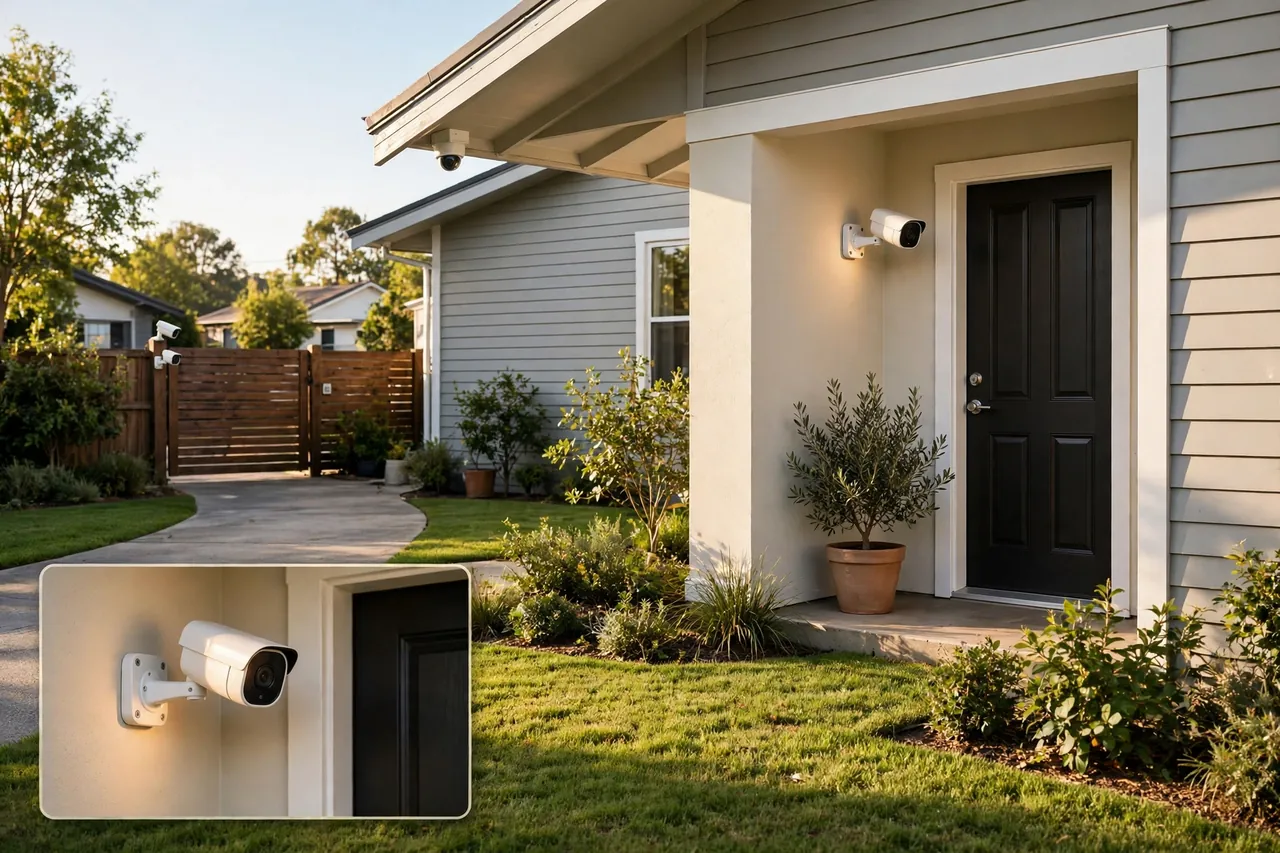
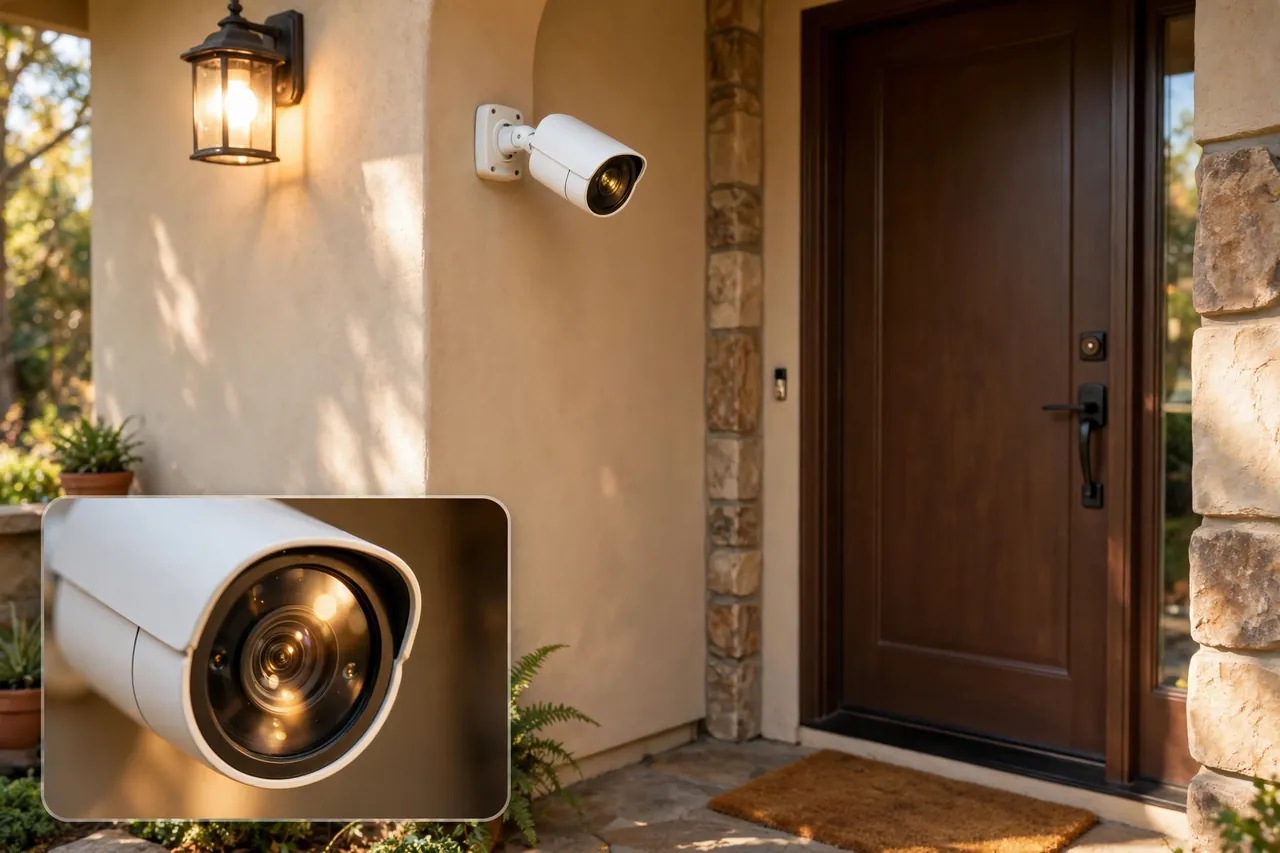
Bullet cameras are the long, cylinder-shaped cameras you see on the outside of houses and shops. They mount on a wall or bracket and point at one fixed area, like a driveway or a back gate. Their shape makes them easy to aim, and their visible presence alone can discourage a break-in.
PTZ Cameras
PTZ stands for pan, tilt, and zoom. These cameras move on command, so you can sweep a wide area, tilt up or down, and zoom in on a detail. They cost more than fixed cameras, but one PTZ camera can cover a yard or parking area that would need several fixed cameras.
Wireless Closed Circuit Camera Systems
A wireless closed circuit camera system sounds like a contradiction, but it is real. “Wireless” here usually means no video cable, not no wires at all. The camera sends video over a private local wireless link to the recorder, instead of over the internet, and it still needs power from a cable or a battery. Some battery and solar models record to a memory card inside the camera, so they keep working with no network at all. The catch is that most cameras sold as “wireless CCTV” are really Wi-Fi cloud cameras. Check where the video goes before you buy: if it goes to a cloud server or a phone app, it is not a closed circuit system.
Do CCTV Cameras Need Internet or Wi-Fi?
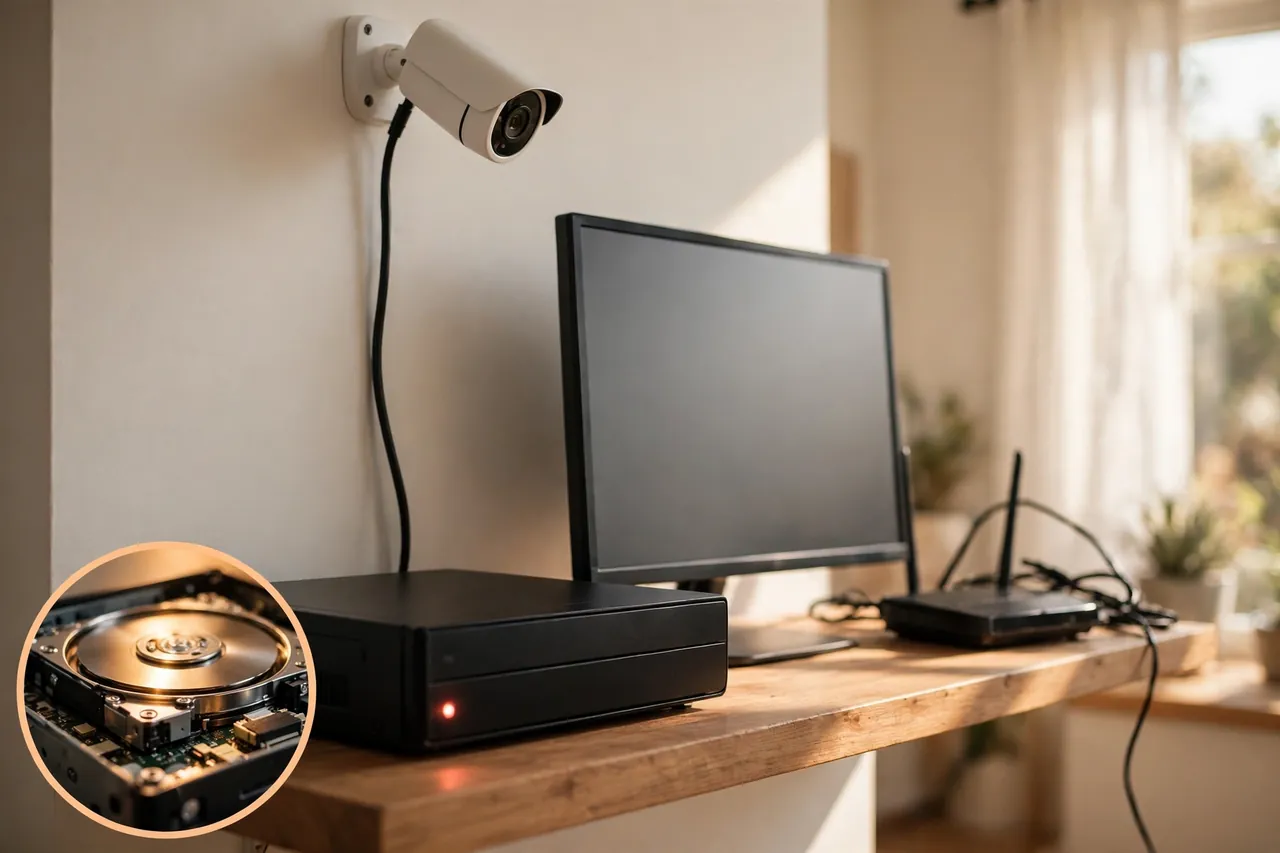
No, a true closed circuit camera system does not need internet or Wi-Fi to record. The cameras connect by cable to a DVR or NVR, which saves the footage on a local hard drive. Recording keeps going even if your internet goes down or your Wi-Fi drops out, because the internet was never part of the loop.
What the internet does add is remote access. Without it, you can only watch footage on a monitor plugged into the recorder. With the recorder connected to your network, you can check live video from your phone, get motion alerts, and back footage up to the cloud. Those are extras, though, not requirements. A wired DVR or NVR system is the classic no-Wi-Fi setup, as ADT explains in its guide to how security cameras work, and it is still one of the most dependable ways to record around the clock.
Wi-Fi cameras are a different story. Most of them need Wi-Fi and the internet for setup, daily use, and remote viewing, and some cloud-only models stop working the moment Wi-Fi drops. Reolink’s guide to cameras that work without internet shows the same split: cameras with local storage keep recording through an outage, while cloud-only models do not. If your internet is unreliable, or you simply do not want your cameras to depend on it, a closed circuit setup removes that weak point entirely.
When a Closed Circuit Setup Still Makes Sense
Cloud cameras get most of the attention today, but a closed circuit setup still wins in several real situations. Here are the ones that matter for a home.
You want privacy above all
With a closed circuit system, your footage never leaves your house unless you choose to send it somewhere. No cloud server holds your video, no company account can be hacked to reach it, and no subscription decides whether you can watch your own recordings. For many homeowners, that alone settles the choice.
Your internet is slow or unreliable
Rural homes, thick-walled houses, and spots with weak Wi-Fi all punish cloud cameras. A closed circuit system does not care about your upload speed or your router’s range. The cable does the work, and the recording never stutters because a neighbor started streaming a movie.
You need recording that never stops
A DVR or NVR records around the clock, and it keeps recording through an internet outage. Cloud cameras can miss events when the connection drops, and battery cameras may sleep between motion events. If you want a complete record, day and night, a wired closed system is hard to beat.
You have many cameras to cover
Covering a large property, a long driveway, a detached garage, and a back gate adds up fast. A wired system handles many cameras on one recorder without fighting for Wi-Fi bandwidth, and you pay once for the hardware instead of a monthly fee per camera. If you are comparing whole systems rather than single cameras, read our guide to the best home security systems with cameras before you decide.
You want no monthly fees
Closed circuit systems store footage on your own hard drive, so there is no cloud subscription to keep paying. You buy the cameras, the recorder, and the hard drive once, and the system is yours. The upfront cost can be higher, but the running cost is close to zero.
When a Closed Circuit Camera Is the Wrong Choice
A closed circuit system is not right for everyone, and an honest guide says so. If you rent, running coaxial cables through walls is usually off the table, and a wireless camera you can take with you makes more sense. If you want to check your cameras from work or on vacation, a closed system needs extra setup to give you remote access, while a Wi-Fi camera offers it out of the box.
Small homes with one or two spots to watch also rarely need a DVR, a hard drive, and a bundle of cables. One or two Wi-Fi cameras cover a front door and a driveway with far less fuss. And if you want smart features like person detection, package alerts, or voice assistant control, IP cameras do those things better, because those features usually run in the cloud.
The rule of thumb is simple: choose a closed circuit system when privacy, reliability, and always-on recording matter most. Choose Wi-Fi or IP cameras when easy setup, remote viewing, and smart features matter most. Many homes end up with a mix, and that is fine too.
How to Choose CCTV Cameras for Your House
Buying CCTV cameras for a house starts with the spots you need to watch, not with the camera specs. Walk around your home and list the places that matter: the front door, the driveway, the back door, the garage, and any side gate or dark corner. That list decides how many cameras you need and where each one goes.
Then work through this checklist before you spend anything:
- Count your coverage spots first. One camera per entry point plus one for the driveway covers most homes. Buy the recorder with room for two extra cameras, because most people add one later.
- Pick the resolution you actually need. Faces and license plates need sharper video than a wide view of a yard. A high-resolution camera earns its keep at entry points, where detail matters most. Our high-resolution security camera guide explains what the numbers mean in plain terms.
- Check night vision. Cameras earn their keep after dark, so look for infrared night vision with a stated range that reaches the far end of the area you want to watch.
- Size the hard drive for your history. Storage needs grow with camera count, resolution, and recording hours, so check the recorder maker’s storage guidance for your setup and size up before you install, not after. A drive that is too small overwrites old footage in days.
- Plan the cable runs. Coaxial and Ethernet cables need a path from each camera back to the recorder. Attics, basements, and soffits are your friends. If a run looks impossible, that spot may need a wireless camera instead.
- Decide about remote viewing now. If you want phone access, pick a recorder with a secure remote-viewing option and set a strong password on it. An internet-connected recorder is only as safe as its login.
- Budget for installation. Running cables neatly through walls takes time and tools. If you are not comfortable drilling and fishing cable, a professional install is money well spent.
One more thing to check before you buy: local rules. Laws about recording video, and especially audio, vary by state and by country. Video of your own property is usually fine, but recording audio or pointing a camera at a neighbor’s windows can cross a line. A quick check of your local rules now saves trouble later.
Common Mistakes to Avoid
Most CCTV disappointments come from the same few mistakes, and all of them are easy to avoid once you know them.
The biggest one is mounting the camera too high. A camera tucked under a second-story eave sees the top of everyone’s head and nothing else. Mount entry cameras around 7 to 9 feet high, angled slightly down, so faces show up clearly in the frame.
The second mistake is buying the cheapest hard drive, or none at all. A recorder without enough storage overwrites old footage in days, and that is exactly the footage you need after a break-in discovered a week later. Size the drive for at least two weeks of history.
The third mistake is forgetting about light. A camera pointed straight at a bright porch light or a low sun goes blind at the worst moment. Aim cameras away from direct light sources, and use the camera’s wide dynamic range setting if it has one.
The fourth mistake is leaving the recorder’s default password in place. A DVR or NVR connected to your network with “admin” as the password is an open door. Change it on day one, and keep the recorder’s software updated.
Finally, do not assume “wireless” means “no wires.” Most wireless cameras still need power, so they need an outlet or a battery nearby. A truly wire-free camera runs on a battery or solar power, and even then the battery needs recharging. Plan for power at every camera spot, wired or not.
Related Guides
If you are still weighing your options, these guides walk through the next steps: the best home security systems with cameras compares full setups for a home, the PoE security cameras guide covers wired digital cameras that carry power and video on one cable, and our security camera DVR guide explains the recorder at the heart of a closed circuit system. For the bigger smart home picture, see these smart home ideas that blend security into a stylish home.
Frequently Asked Questions
What does CCTV stand for?
CCTV stands for Closed-Circuit Television. It refers to a video monitoring system where footage is transmitted to a specific, closed set of recording devices or screens, not broadcast publicly. The term is now widely used as a catch-all for security camera systems of all types.
What is closed-circuit television (CCTV)?
Closed-circuit television (CCTV) is a system using video cameras to transmit signals to a specific, limited audience. Unlike broadcast television, CCTV does not openly transmit signals to the public, but rather between points determined by the camera’s owner. CCTV systems are commonly used to prevent crimes like theft, and governments install them in public spaces to deter criminals.
What is the difference between CCTV and IP cameras?
Traditional CCTV systems use analog cameras and coaxial cables to send footage to a DVR for local storage. IP cameras capture digital video and transmit it over a network via Wi-Fi or Ethernet to an NVR or the cloud, with built-in remote access through an app. IP cameras generally offer higher image quality, easier installation, and more flexible placement than traditional CCTV setups.
Is CCTV the same as a security camera?
Not exactly. “CCTV” technically refers to a closed-circuit system where video stays within a private network. Most modern security cameras, including Wi-Fi cameras that stream to an app or the cloud, are IP cameras that operate differently. In everyday use, though, people often use “CCTV camera” and “security camera” interchangeably, even when the technology is different.
Do CCTV cameras need Wi-Fi to work?
Traditional Wi-Fi and PoE IP CCTV cameras need to be connected to the internet if you want remote live streaming, motion alerts, and other smart features. But even without internet, PoE and Wi-Fi cameras with an SD card can still record on-site, so you won’t miss anything captured by a CCTV camera without Wi-Fi. Cellular cameras run on 4G/5G networks instead.
Do I need CCTV for my home?
For most homes, traditional CCTV infrastructure is not necessary. Modern IP cameras offer comparable coverage with easier installation, remote smartphone access, and no need for dedicated coaxial cabling. If your goal is to monitor entry points, a driveway, or interior spaces, a Wi-Fi IP camera setup is typically the more practical choice.
A closed circuit camera is a simple idea that still earns its place: video that goes only where you send it, recorded on equipment you own, working whether the internet is up or not. If privacy and reliability top your list, a closed system is worth the cables. If easy setup and phone access matter more, a modern IP camera fits better. Either way, you now know what the words on the box actually mean, and that is the part that saves you from buying the wrong camera. Start by listing the spots you need to watch, then pick the system that covers them.



