
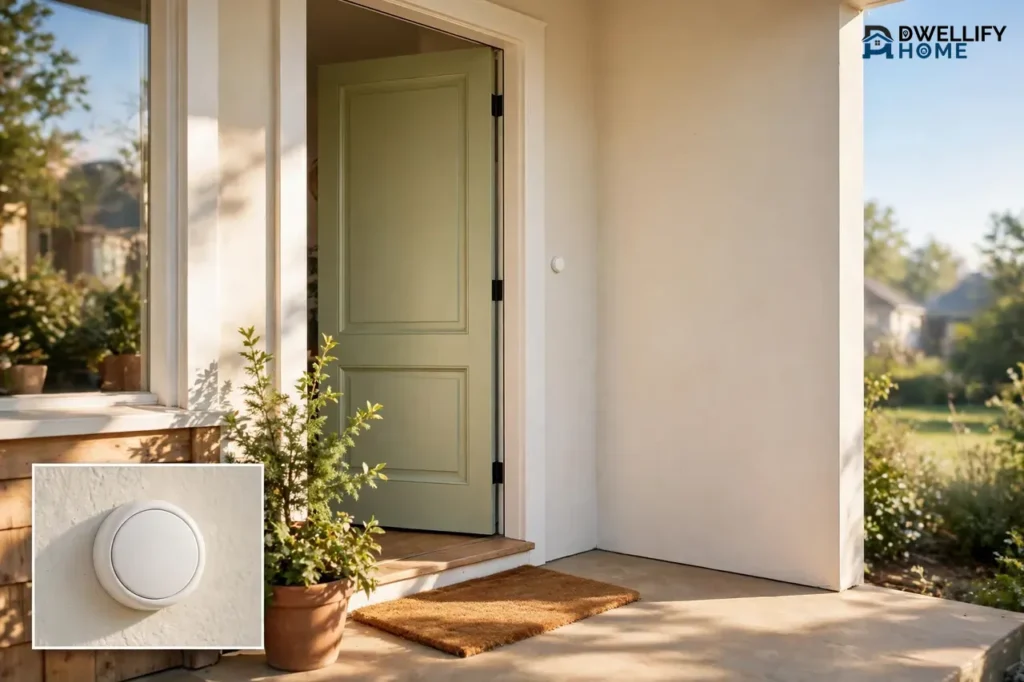
A smart doorbell without a camera is a doorbell that alerts you and lets you talk to visitors without filming them. It rings a chime inside your home, sends a phone alert, and often gives you two-way audio, but it records no video and stores no footage of your doorstep. If you want to know someone is at the door without putting a camera on your front porch, this is the setup that fits.
Most people pick one for one of three reasons: privacy, simplicity, or cost. A camera-free doorbell never films your neighbors or the sidewalk, it has almost nothing to set up, and it usually costs far less than a video doorbell with no monthly fee attached. This guide explains the three kinds you can buy, what each one does well, and when a video doorbell is still the smarter pick.
What Is a Smart Doorbell Without a Camera?
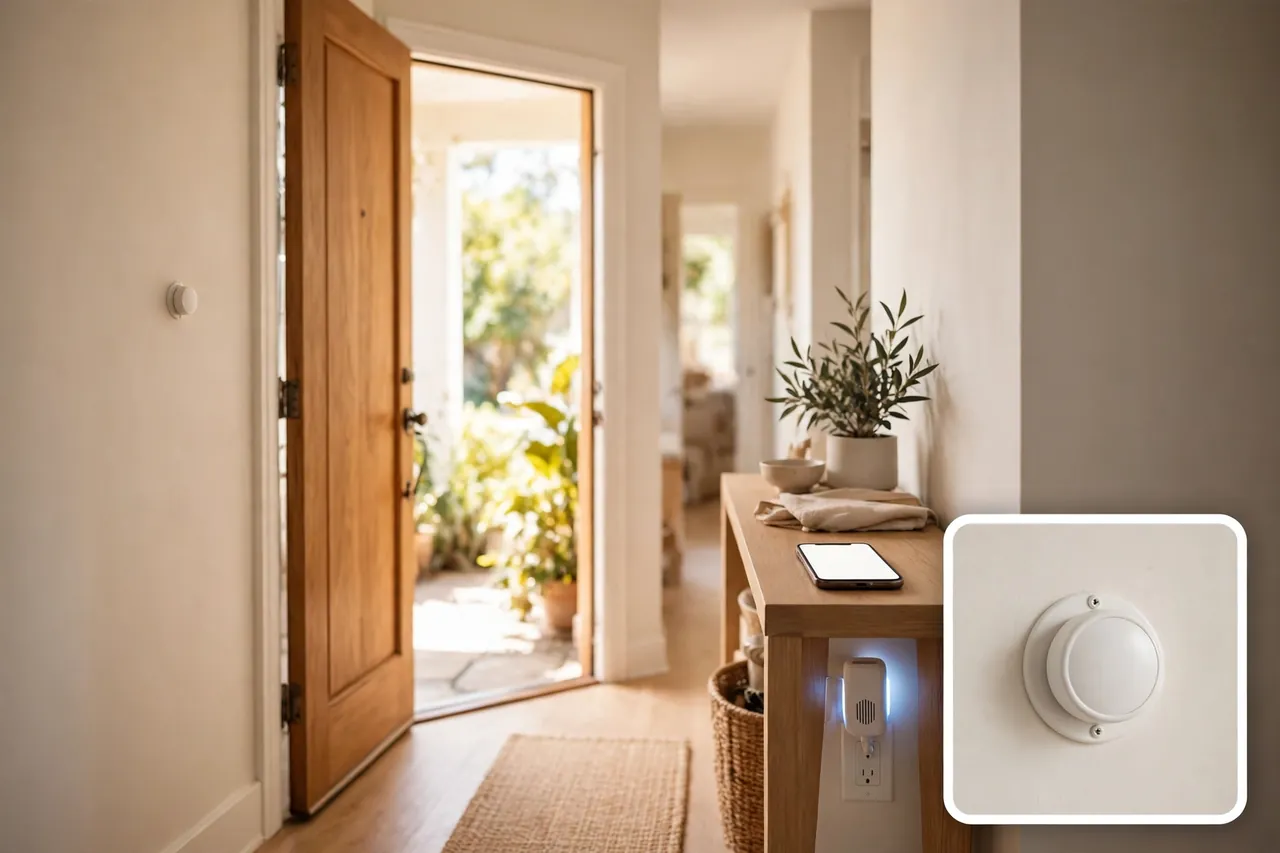
A smart doorbell without a camera is a visitor alert system that uses a push button at your door and a receiver or phone app inside your home, with no lens and no video recording anywhere in the chain. When a visitor presses the button, the button sends a signal to an indoor chime, to your phone, or to both, and some models let you speak with the visitor through a built-in speaker and microphone. The word “smart” here means the doorbell connects to your phone, your voice assistant, or your smart home system — not that it watches your door.
That is the key difference from a video doorbell. A video doorbell films everyone who approaches your door, and most models need a paid plan before they save any of that footage. A camera-free doorbell skips the filming entirely, so there is no footage to store, no footage to lose, and no footage of your neighbors to worry about.
People sometimes confuse “wireless” with “smart,” so it helps to split the two ideas. Wireless only means the button talks to the chime by radio instead of by wire. Smart means the doorbell also talks to your phone or your home system. A plain wireless chime is wireless but not smart. An audio doorbell with app alerts is both.
The 3 Kinds of Camera-Free Doorbells
Camera-free doorbells fall into three clear groups. Each one suits a different home, so pick the group first and the model second.
1. The Plain Wireless Chime Kit
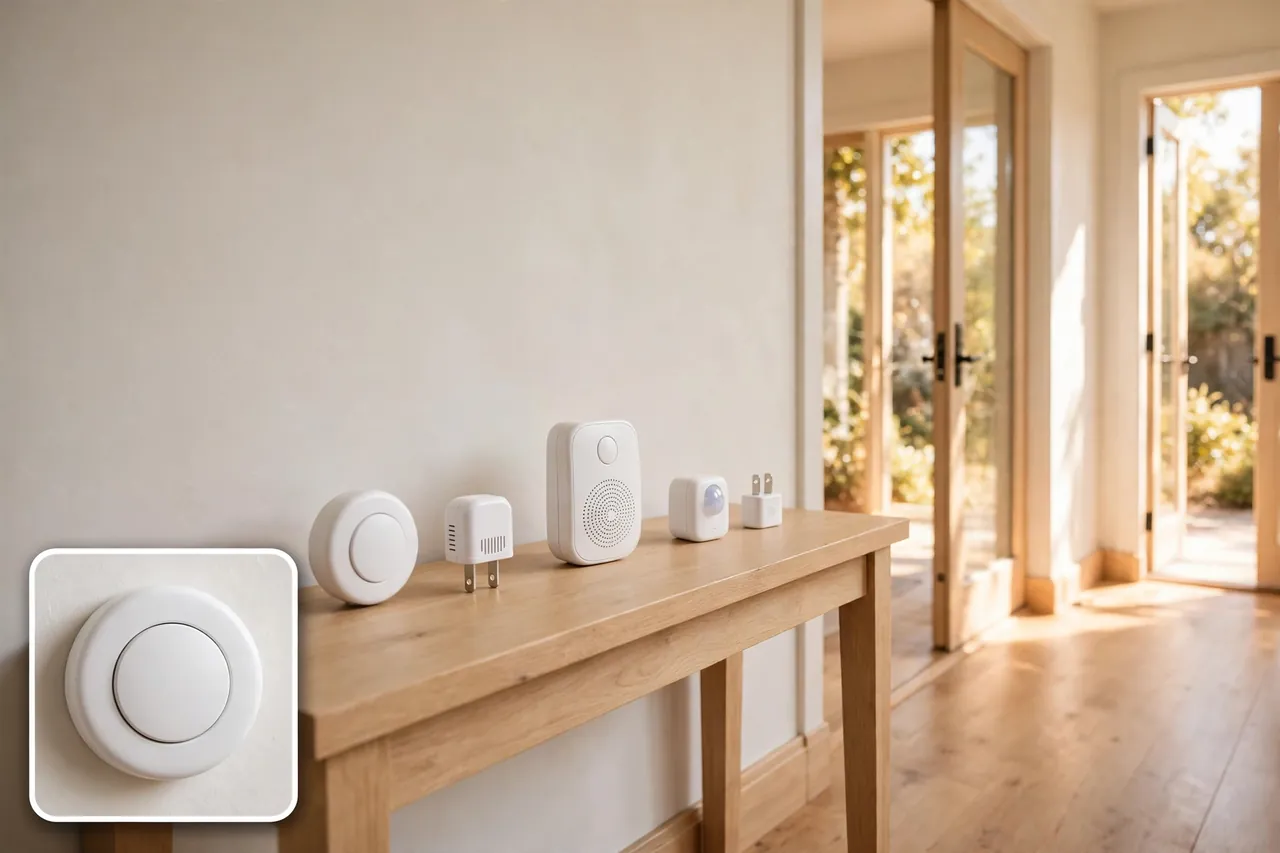
This is the simplest option, and it is the one most homes actually need. A battery-powered button sticks or screws beside your door, and one or more plug-in receivers play a chime inside the house. No Wi-Fi, no app, no account, and no monthly fee. Anker’s buying guide describes it the same way: a push button plus indoor receivers, with the button sending a wireless radio signal that plays a chime, flashes a light, or does both.
These kits shine in apartments, rentals, and homes where the old wired chime died. You can add extra receivers for the bedroom or the basement, and many models let you pair several buttons to one chime so the front and back doors play different tunes. The trade-off is simple: nobody gets a phone alert, and you cannot talk to a visitor from the couch. If someone rings while you are out, you will never know.
2. The Audio-Only Smart Doorbell
An audio-only smart doorbell keeps the camera out but adds the phone. When someone presses the button, your phone rings like a call, and you can speak with the visitor through two-way audio without opening the door. Some models also send motion alerts and let visitors leave a voice message you can play back later.
The best-known example is the Arlo Audio Doorbell, which Arlo launched in 2018 as a wire-free doorbell with two-way talk and quick-reply messages. Be careful if you shop for one today: the model is listed as end of life and no longer available to buy new, according to retailer Scan, and Arlo’s own support pages confirm it only works with an Arlo Base Station or SmartHub. It is a useful example of how the category works, but it is not a product to hunt for in 2026. Buy a current audio doorbell only if it works on its own, without a hub you do not already own.
This kind suits people who want phone alerts and a voice at the door but refuse a lens. It also suits homes where a camera would point straight at a shared hallway or a neighbor’s front step. The catch is that very few audio-only smart doorbells are sold as standalone products today, so check the box for hub requirements before you pay.
3. The Smart Chime and Motion Sensor Combo
The third kind is a mix-and-match setup. You pair a plain wireless chime with a separate motion sensor, a smart plug, or a smart relay, and your smart home system turns a ring into a phone alert, a flashing light, or a spoken announcement on a smart speaker. Home Assistant users, for example, build this with a classic doorbell button and a smart relay so the chime can be muted and the phone still gets a notification.
This route takes more effort, but it gives you the most control. You choose exactly what happens when the button is pressed, nothing is filmed, and nothing is uploaded to a cloud unless you set it up that way. It is the best fit for a home that already runs a smart home hub and for anyone who likes to tinker. If that sounds like too much work, stick with group one or two.
Smart Doorbell Without a Camera vs. Video Doorbell
Both kinds answer the same knock. They solve different problems after that, so the honest comparison is about what you gain and what you give up.
Caption: Camera-free doorbell vs. video doorbell at a glance.
| Feature | Smart doorbell without camera | Video doorbell |
|---|---|---|
| Main job | Announces a visitor | Shows and records a visitor |
| Video | None, ever | Live view plus recordings |
| Two-way talk | Yes, on smart audio models | Yes, on most models |
| Phone alerts | Yes, on smart models only | Yes, on nearly all models |
| Motion alerts | Only with an added sensor | Built in on most models |
| Package watch | No | Yes, on many models |
| Wi-Fi needed | Only for smart models | Yes, almost always |
| Monthly fee | Usually none | Often needed to save video |
| Privacy | Nothing is filmed | Camera placement and storage matter |
| Typical setup | Minutes, no wiring | Minutes to an hour, sometimes wiring |
The table makes the trade-off plain. A camera-free doorbell wins on privacy, price, and simplicity. A video doorbell wins the moment you need to see who is there, check on a delivery, or look back at what happened while you were out. Neither one is better for everyone, and anyone who tells you otherwise is selling something.
If the video side still pulls at you, read our guide to the best home security systems with cameras before you decide. It covers full camera setups, so you can compare the whole system against a simple doorbell instead of guessing. And if power is your worry rather than the camera, a battery-operated doorbell runs without any wiring at all.
Why People Choose No Camera: The Privacy Case
Privacy is the number one reason people search for a smart doorbell without a camera, and it is a stronger reason than most buyers expect. A camera at the front door does not just film visitors. It films the sidewalk, the street, and anyone who walks past, including neighbors who never agreed to be recorded.
No Video of Your Neighbors
A video doorbell with a wide lens can easily catch a neighbor’s front step, their children, or the shared hallway of an apartment building. That creates awkward conversations at best and real disputes at worst, especially in flats and townhouses where the entrance is shared. A camera-free doorbell ends that problem before it starts because there is no lens and no footage to argue about.
No Cloud Recordings to Lose or Leak
Video doorbells store footage somewhere, and that somewhere is usually a company’s cloud. That means an account, a password, and a monthly plan standing between you and your own front-door history. A camera-free doorbell stores nothing, so there is nothing to hack, nothing to leak, and no subscription to forget to cancel. It is the only doorbell that cannot be used to watch you back.
Fewer Rules to Break
Filming a public sidewalk or a shared entrance can run into local rules, and some places restrict recording audio without consent. The details vary by state and by building, so check your local rules and your lease before you mount any camera. A doorbell with no camera and no microphone sidesteps the whole question. If you do pick an audio model, remember the microphone is still a recorder, so the same local rules can apply to voice.
What a Camera-Free Setup Costs
Here is where the camera-free route quietly wins. A plain wireless chime kit is a one-time purchase with no monthly fee, ever. You pay for the kit, you stick the button up, and the cost stops. We checked current US prices for the most-cited chime kits on November 6, 2026, and the major Amazon listings showed no live price at the time of checking, so we do not quote a number we could not verify. Check the price on the day you buy, and treat any round number in an old roundup as stale.
The comparison is what makes the saving real. Video doorbells look cheap on the shelf, then charge you every month to keep the footage. Ring’s US plans, as listed on November 2, 2026, run $4.99 a month ($49.99 a year) for Ring Solo on one device, $9.99 a month ($99.99 a year) for Ring Multi on every device at one address, and $19.99 a month ($199.99 a year) for Ring Pro. Without a plan, a Ring doorbell still gives you live view and real-time alerts, but it saves no video at all, so a ring you miss is gone for good.
The hardware tells the same story. The Ring Battery Doorbell 2K, a 2026 model with a regular price of $99.99, dropped to $39.99 on Amazon on November 2, 2026. That is a fair price for the device, but the plan is the real cost: one year of Ring Solo at $49.99 costs more than the doorbell did on sale. A camera-free chime kit has no second bill, which is why it stays the cheapest way to hear the door over five years.
One more cost trap to dodge: the hub. Some audio-only doorbells only work with a base station or hub you must buy separately, and that hub can cost as much as the doorbell itself. The Arlo Audio Doorbell is the classic example — Arlo’s support FAQ states plainly that you must have an Arlo Base Station to use it. Always add the hub to the price before you compare two models.
How to Choose the Right One
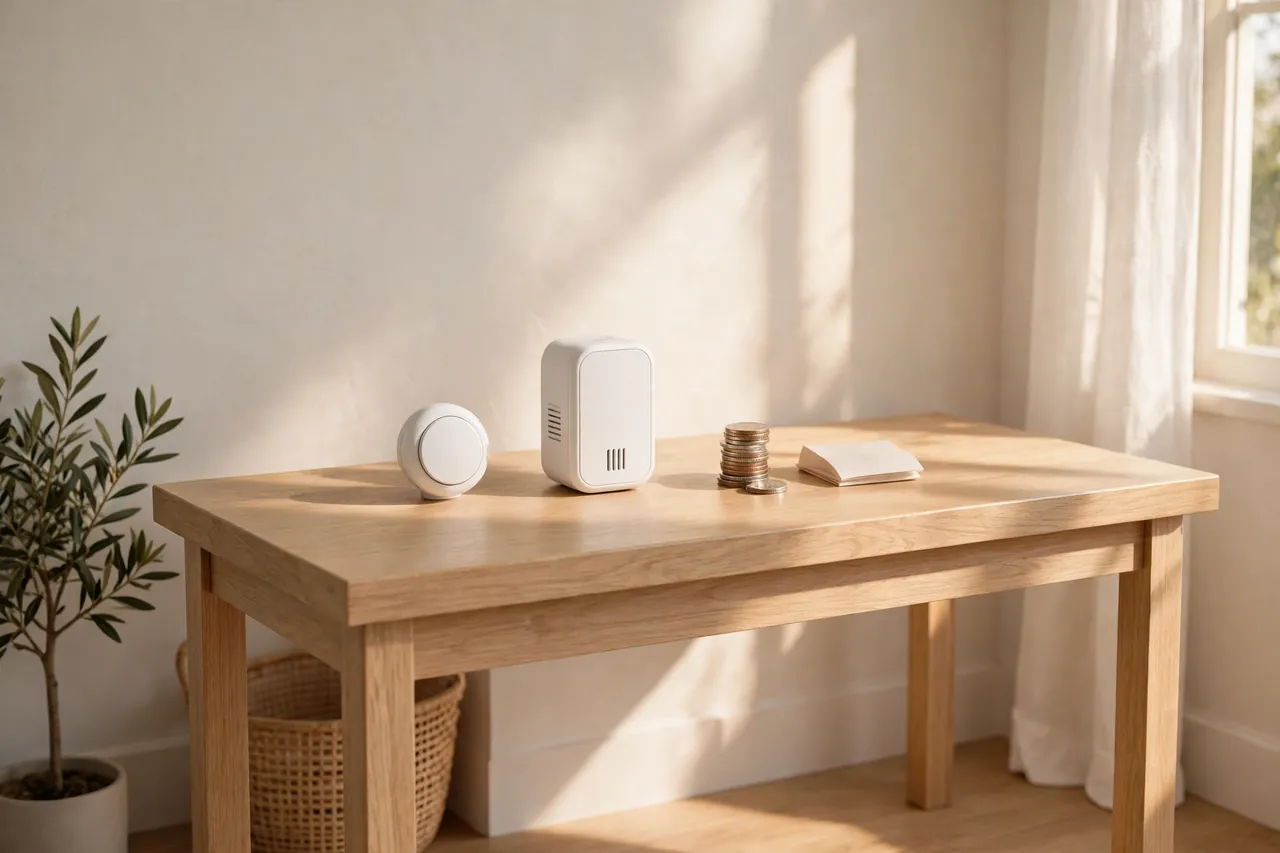
Shopping for a camera-free doorbell is easy once you know the five things that actually matter. Ignore the melody count on the box — nobody picks a doorbell for its 52nd tune — and check these instead.
Range That Survives Your Walls
Manufacturers love big range numbers, and most of them are measured in an empty field. A kit that claims 1,000 feet in open air can struggle through two brick walls and a fridge. Anker’s guide puts it plainly: thick walls, appliances, and home Wi-Fi all cut the real range, and 100 to 150 metres is plenty for most homes. For a US home, think in feet instead: if the button sits at the front gate and the chime lives upstairs, look for a kit rated at least 500 feet in open air, then test it in place before you screw anything down.
Power: Plug-In, Battery, or No Battery at All
The indoor receiver comes in two forms. A plug-in chime never needs new batteries, but it takes up an outlet. A battery-powered chime can travel to the garden or the garage, but you must remember to feed it batteries. The button itself usually runs on a small coin battery that lasts one to three years, according to Anker’s FAQ, with cold winters trimming that life a little. The cleverest option is a kinetic button, which makes its own power from the press itself, so the button never needs a battery at all. TECKNET’s self-powered kit works this way, and its receiver even keeps a spare outlet free with a pass-through socket.
Volume, Mute, and Flashing Light
A good doorbell must be heard over a shower, a blender, and a sleeping baby — three different problems. Look for a loud top volume, a mute button or a timed quiet mode, and a flashing LED for anyone who cannot hear the chime well. Honeywell’s DC515N, for example, mutes the chime for 3, 6, 9, or 12 hours and flashes a colored halo light instead. If your home has a light sleeper or someone with hearing trouble, these three features matter more than any smart feature on the box.
Weatherproofing
The button lives outside in rain, snow, and summer heat, so check its IP rating before you buy. An IP55 rating handles dust and rain, and an IP65 rating stands up to heavy rain as well. SadoTech kits are rated for temperatures from -4°F to 140°F, and most decent kits quote a similar range. A button with no IP rating is a button you will replace after the first hard winter.
Room to Grow
Buy a kit that can grow with your home. The best kits let you add extra receivers and extra buttons, and they let each button play its own tune so you know which door rang. GE’s plug-in kit, for instance, pairs one receiver with up to four push buttons, and each button can pair with up to four receivers. That is the difference between a doorbell and a doorbell system, and it costs little extra at the start.
The Best Camera-Free Doorbells to Consider
No single model fits every home, so here are the kits that come up most often in current buying guides, with what each one does best. Prices are left out on purpose: the listings we checked on November 6, 2026 showed no live US price, and a guessed price would be worse than no price at all.
SadoTech wireless doorbell kits are the most-cited pick in no-camera roundups. The kits pair one button with one or more plug-in receivers, claim up to 1,000 feet of open-air range, offer more than 50 chime sounds with four volume levels, and include an LED flash. The button battery is an A23 cell that SadoTech says lasts up to three years, and the kits work from -4°F to 140°F.
Amicoson waterproof chime kits are the loud alternative, with 56 melodies, seven volume levels up to 115 dB, an LED flash, and up to 1,000 feet of open-air range. The button carries an IP55 dust and water rating and works from 14°F to 122°F. It is a strong pick for a large home or anyone with hearing trouble.
GE plug-in doorbell kits are the simple classic: one plug-in receiver, two push buttons, eight melodies, and a 150-foot range. They are the easiest buy for a small home or an apartment, and the two-button box covers a front and back door in one purchase.
Honeywell Home DC515N is the quiet-house pick, with a mute timer, a six-color LED halo, and a compact portable receiver. It is the one to buy when a baby naps at noon or a shift worker sleeps during the day.
TECKNET self-powered kits are the no-battery pick. The kinetic button powers itself from each press, the receiver keeps your outlet free, and the button carries an IP65 rating with up to 400 metres of claimed range. If you hate changing batteries, this is your kit.
And a warning about the most famous name in the category: do not buy a used Arlo Audio Doorbell expecting a modern standalone product. It needs an Arlo Base Station, it works only with older Arlo cameras, and retailers list it as end of life. If you already own an Arlo base station, it can still be a fine audio doorbell. If you do not, skip it.
How to Install One in Minutes
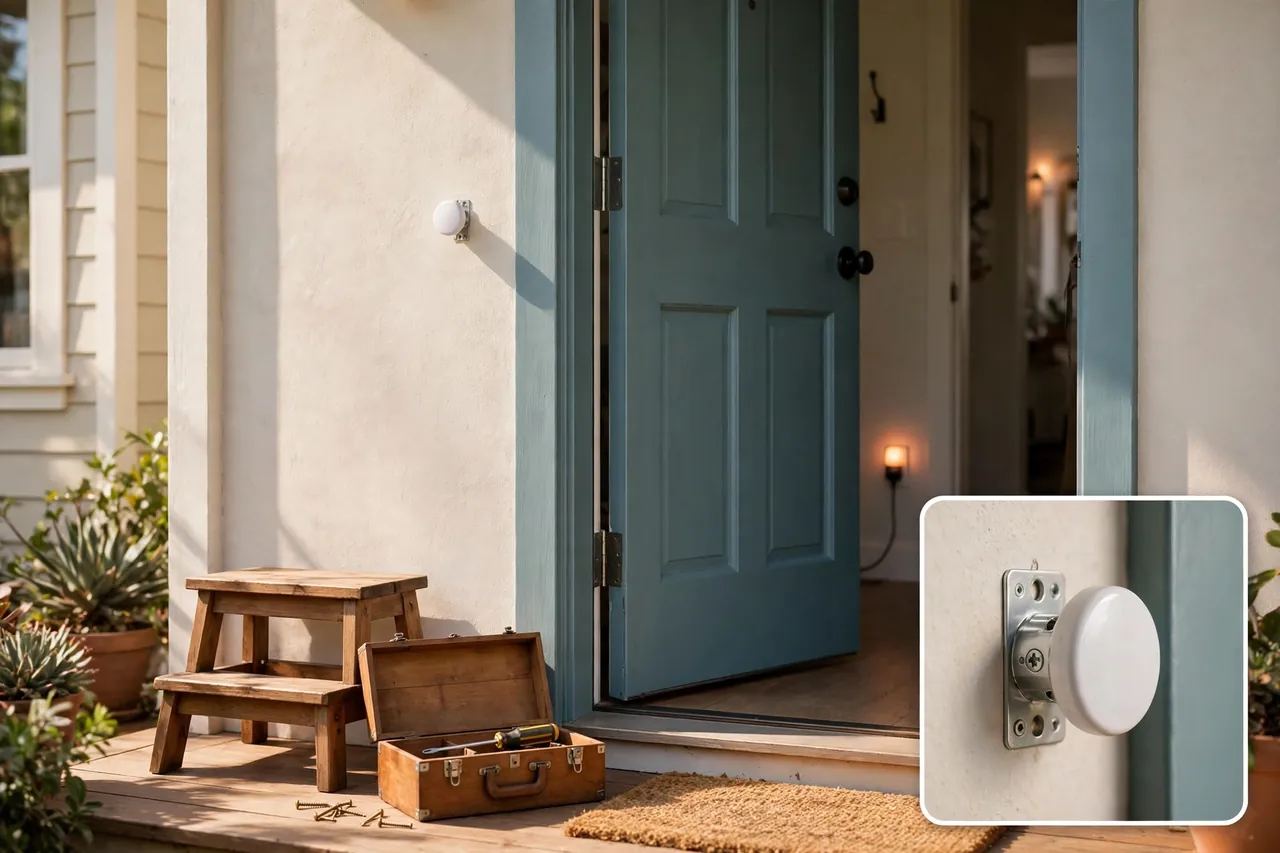
Most camera-free doorbells install in under fifteen minutes with no wiring and no electrician. Follow these steps in order, and test before you fix anything permanently.
- Pick the button spot. Mount it beside the door at about chest height, where a visitor naturally reaches, and where rain cannot pool on top of it.
- Plug in the receiver. Put the chime in a central outlet where you can hear it from the rooms you use most. Add a second receiver upstairs if the house is large.
- Pair the button and chime. Most kits arrive already paired. If yours does not, hold the pairing button on the receiver, press the doorbell button once, and wait for the confirmation chime.
- Choose a tune and a volume. Pick a sound you can tell apart from the microwave, then set the volume loud enough to hear from the farthest room.
- Test from every room. Ring the bell from the door while someone listens in the bedroom, the basement, and the garden. Move the receiver if any room misses it.
- Fix the button in place. Only now stick or screw the button to the wall. Testing first saves you from drilling twice.
- Set the quiet hours. If your kit has a mute timer or a do-not-disturb mode, set it for nap time or the night shift now, while you remember.
If you wire anything — for example, connecting an audio doorbell to an existing chime — switch the power off at the breaker first, and call an electrician if the wiring looks old or unclear. Our guide to resetting a Kwikset smart lock is a useful reminder of the same rule for entryway devices: match the steps to your exact model, and never guess at wiring or settings.
When a Video Doorbell Still Wins
A camera-free doorbell is the right answer for many homes, but it is not the right answer for every home. Be honest about which side of these lines you sit on.
Pick a video doorbell instead if you need to see who is at the door before you open it, if packages go missing from your step, or if you want a recording to show the police after a break-in. A chime cannot do any of those jobs. It can only tell you that someone rang.
Video also wins if you travel often. A camera-free doorbell cannot tell you what happened while you were away, and an audio-only model cannot show you whether the visitor was a courier or a stranger. If that gap bothers you, the camera is worth the subscription. Our guide to the best home security systems with cameras lays out full camera setups, and a driveway security camera can cover the approach to the door while a simple chime handles the ring itself.
Finally, remember that the two can mix. Many homes run a camera-free doorbell at the front door for privacy and a separate camera elsewhere for security. If you want recordings without a monthly fee, look at local storage: a security camera DVR or a security camera with an SD card keeps footage at home instead of in a company cloud. That middle path gives you eyes on the property without a lens staring at every visitor.
Quick Reference: Which Camera-Free Doorbell Fits You?
Caption: Pick your type in ten seconds.
| Your situation | Best type | Why |
|---|---|---|
| You rent or want zero setup | Plain wireless chime kit | No Wi-Fi, no app, no holes in the wall |
| You want phone alerts, no video | Audio-only smart doorbell | Two-way talk with no lens |
| You already run a smart hub | Smart chime and sensor combo | Full control, nothing uploaded |
| Big house or poor hearing | Multi-receiver kit with LED flash | Heard and seen in every room |
| You hate changing batteries | Kinetic self-powered kit | The press powers the button |
| Shared entrance or close neighbors | Any camera-free model | No video of anyone else |
| Packages go missing | Video doorbell instead | Only a camera watches parcels |
Keep this table in mind while you shop, and do not let a long melody list or a flashy box talk you out of the type that fits your home. The right doorbell is the one that rings where you are, stays quiet when you need it to, and never films anyone who did not ask to be filmed.
Related Guides
If you are building out the front of your home, these guides pick up where this one leaves off. Our battery-operated doorbell guide covers wire-free power in detail, the best home security systems with cameras guide compares full camera setups, and 10 Decoradtech smart home ideas shows how to fit security gear into a stylish entryway without making the front of the house look like a checkpoint.
Frequently Asked Questions
How do Wi-Fi doorbells work?
A Wi-Fi doorbell joins your home wireless network and sends video, audio, and alerts to a phone app. When someone presses the button or motion is detected, it can send an alert so you can view live footage, talk through two-way audio, and record if the model supports it. A camera-free smart doorbell works the same way for audio and alerts, but it sends no video at all.
Can you pair multiple buttons with one chime receiver?
Yes, many wireless doorbell systems allow multiple buttons to pair with a single chime receiver, though the exact limit depends on the model. This is useful for homes with more than one entrance, such as a front door and a back door. Check the maker’s pairing instructions to confirm how many buttons your receiver supports, and give each door its own tune.
How long do doorbell transmitter batteries last?
Most standard outdoor buttons use a single CR2032 lithium coin battery, and it typically lasts one to three years depending on how often visitors press the doorbell. Extreme winter cold can shorten that life a little. Replacing the battery is simple and cheap, and it usually needs only a small screwdriver or a plastic key to open the case.
Do I need an Arlo Base Station to use an Arlo Audio Doorbell or Arlo Chime?
Yes. Arlo’s own support FAQ states that you must have an Arlo Base Station to use an Arlo Audio Doorbell or Arlo Chime, and one base station supports two audio doorbells and five chimes. That hub requirement is the main reason to skip the Arlo Audio Doorbell unless you already own an Arlo system, especially since retailers now list the model as end of life.
Can You Install A Video Doorbell By Yourself?
Sometimes. Battery-powered video doorbells usually install without wiring, and most people can fit one themselves. A wired model that connects to your existing chime needs more care with low-voltage wiring, and many makers offer a professional install service for it. A camera-free chime kit is simpler still: plug in the receiver, stick up the button, and you are done.
Do Video Doorbells Get Stolen?
Some video doorbells can be pulled off the wall, though theft is not common, partly because the thief is usually recorded doing it. A camera-free doorbell has almost nothing worth stealing: a small button with no screen, no camera, and no resale value. That is one more quiet advantage of skipping the lens.
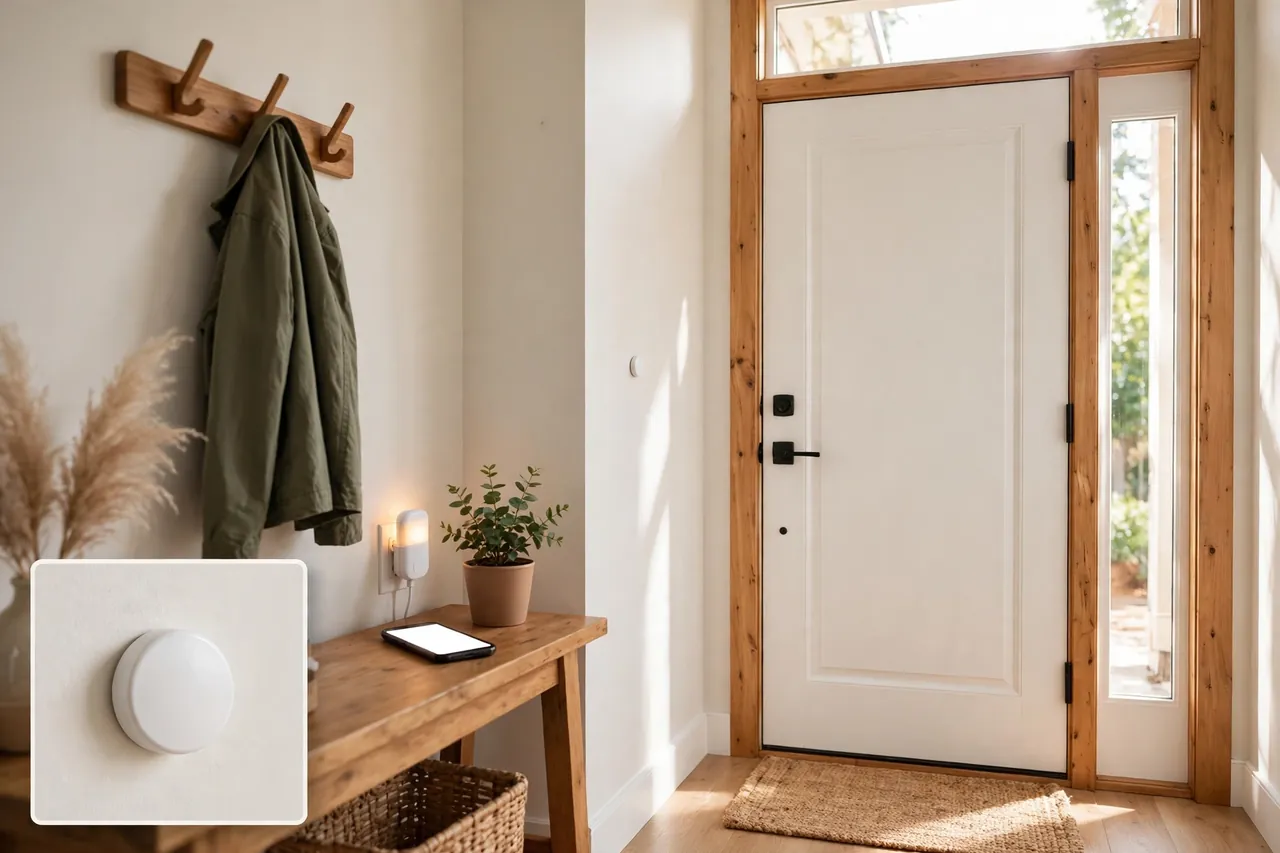
Start with the type that fits your home, not the model with the longest feature list. A plain chime kit covers most homes, an audio-only smart doorbell adds the phone without the camera, and a sensor combo gives a smart home owner full control. Check the range in your own walls, confirm the hub requirement before you pay, and remember the subscription math on any video doorbell you compare it with. Your front door should announce visitors, not film them — and now you know exactly which doorbell does that.



