
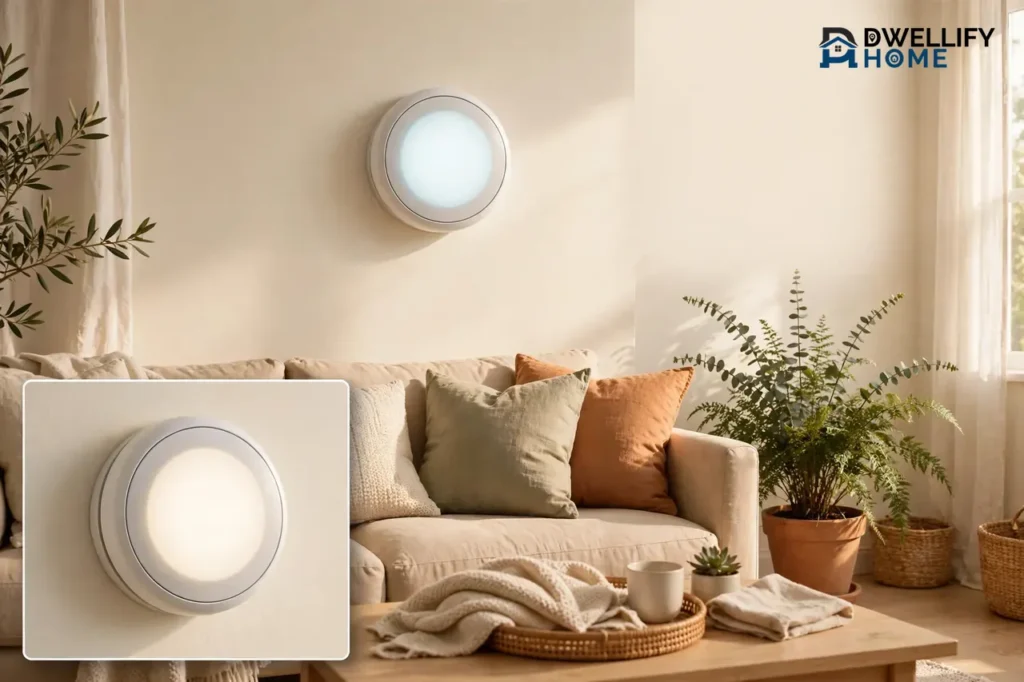
A smart thermostat for your home is worth it for most households, because it cuts wasted heating and cooling without making you think about it. It connects to your Wi-Fi, learns your routine, and lets you control the temperature from your phone. ENERGY STAR reports that certified smart thermostats save an average of about 8% on heating and cooling bills, or around $50 a year. That is a real saving, but it is not a fortune, so the comfort and control matter just as much as the money.
This guide explains what a smart thermostat is, how it differs from a programmable one, the benefits that actually matter, what one costs, and which homes gain the most. By the end, you will know whether one fits your home and exactly how to pick the right model.
What Is a Smart Thermostat?
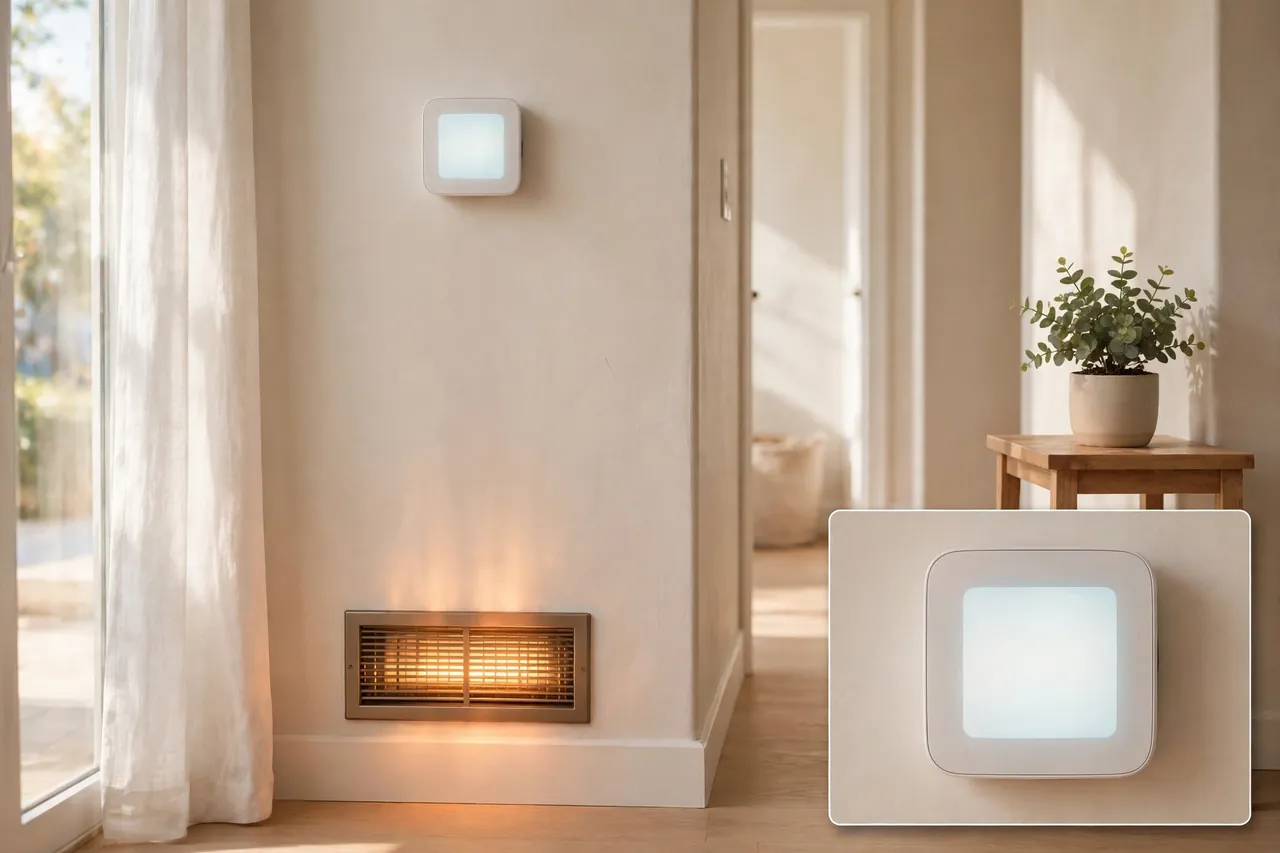
A smart thermostat is a wall control for your heating and cooling system that connects to your home Wi-Fi. You can change the temperature from a phone app, a voice assistant, or the touchscreen on the wall itself. It also watches patterns in your home, such as when you leave for work and when you come back, and adjusts the temperature on its own.
That connection is what makes it “smart.” A regular thermostat only does what you set on its face. A smart thermostat with app control talks to the internet, checks the weather, senses whether anyone is home, and shows you energy reports. Many models also work with Alexa, Google Assistant, and Apple Home, so you can change the temperature with your voice.
Most smart thermostats control standard 24-volt heating and cooling systems, including furnaces, central air conditioners, and heat pumps. They do not work with every system, though. Electric baseboard heat and some very old two-wire, heat-only systems need a different kind of control, and you should check compatibility before you buy.
Smart Thermostat vs. Programmable Thermostat
A programmable thermostat follows a fixed schedule that you set by hand. It can turn the heat down at night and back up in the morning, and it does that job well. A smart thermostat does the same thing, then adds remote control, automatic learning, occupancy sensing, and energy reports.
The practical difference is effort. Consumer Reports found that 29% of programmable thermostat owners never use the scheduling features, based on a nationally representative survey of 2,015 U.S. adults in February 2025. The buttons and menus feel clumsy, so people leave the schedule blank. A smart thermostat makes scheduling easy in an app, and many models build the schedule for you, so the savings actually happen.
How Smart Thermostats Actually Save Energy
A smart thermostat saves energy in one simple way: it heats and cools your home less when nobody needs it. It turns the temperature down while you sleep, sets it back while you are at work, and eases off when you travel. It does not make your furnace or air conditioner more efficient. It simply stops running them when the comfort is not needed.
ENERGY STAR reports that certified smart thermostats save an average of about 8% on heating and cooling bills, or around $50 a year for a typical household. That figure comes from data gathered by the U.S. Environmental Protection Agency, and it is the safest number to plan around. Some makers claim more. Google Nest reports savings of 10–15% on heating and cooling in typical use, and ecobee claims customers save up to 26% on combined heating and cooling. Those are manufacturer claims under specific conditions, not averages for every home, so treat the ENERGY STAR figure as your planning number.
Your own savings depend on three things: how much you spend on heating and cooling now, how empty your home is during the day, and how your old thermostat behaved. A home that heated an empty house all day with a manual dial thermostat saves the most. A home with a well-programmed schedule already in place saves much less. And a home in a mild climate saves fewer dollars, because 8% of a small bill is still a small number.
One more honest limit: a thermostat cannot fix a struggling system. If your equipment is dirty, overdue for service, or short on airflow, it will still run poorly. Pair the upgrade with basic maintenance, and check your bills honestly, because a high bill can have many causes. Our guide on why your electric bill is so high walks through the other common culprits.
Smart Thermostat Benefits That Matter Most
The benefits of a smart thermostat go beyond the energy bill. Here are the ones homeowners actually notice week after week.
- Remote control thermostat access: Change the temperature from anywhere. Warm the house before you get home from a trip, or turn the heat down when you realize you left it on.
- Automatic schedules: The thermostat learns when you wake, leave, and return, then builds a schedule around your real life instead of a fixed guess.
- Geofencing: Your phone’s location tells the thermostat when you leave and when you are on your way home, so it sets back the temperature while you are out and restores comfort before you arrive.
- Energy reports: The app shows how long your system ran and how your usage changed, so you can see what actually saves money instead of guessing.
- Room comfort: Some models work with remote sensors that read the temperature in the room you actually use, not just the hallway where the thermostat hangs.
- Voice control: Ask Alexa, Google Assistant, or Siri to raise or lower the temperature without getting up.
- Helpful reminders: Many models remind you to change the HVAC filter, usually every three months, and some alert you if the temperature drops sharply while you are away.
- Utility programs: Some utilities offer rebates for ENERGY STAR models, and some run demand-response programs that adjust your thermostat slightly during heat waves in exchange for bill credits.
The touchscreen thermostat is also a small daily win. A bright, clear screen with a simple tap beats squinting at tiny buttons, especially for guests and older family members. If you like a clean look on the wall, the display matters more than most people expect.
Smart Thermostat vs. Programmable Thermostat: Which One Wins?
Use this comparison to see the real difference at a glance. Both types control your heating and cooling. The smart model adds connection, learning, and feedback.
| Feature | Smart Thermostat | Programmable Thermostat |
|---|---|---|
| Control from your phone | Yes, from anywhere with internet | No |
| Learns your schedule | Yes, on learning models | No, you set it by hand |
| Knows when you are away | Yes, with occupancy sensors or geofencing | No |
| Energy usage reports | Yes, in the app | No |
| Voice assistant control | Yes, on most models | No |
| Works without Wi-Fi | Basic heating and cooling still work | Yes, fully |
| Typical price | About $80–$280 | About $25–$100 |
| Best for | Busy schedules, travel, remote control | Fixed routines and tight budgets |
If your days run on a steady clock and you already program your thermostat faithfully, a programmable model may serve you fine. If your schedule shifts, you travel, or you simply never got around to programming the old one, a smart thermostat earns its keep.
Features That Actually Matter When You Choose
Shop by the features you will use, not the longest spec sheet. These are the ones that change daily life.
Compatibility First
Check compatibility before anything else. Use the maker’s online compatibility checker and enter your system type, such as furnace, heat pump, or boiler, plus your wire labels. Most smart thermostats need a C-wire, a dedicated power wire, to run reliably. Some models work without one, and some include a power adapter kit. If running new wires is the problem, a wireless thermostat system that talks to a receiver at your furnace or boiler is a separate option worth a look. If your system is a heat pump, read the heat pump settings carefully, because a wrong setup can run the backup heat too often and raise your bill. Our explainer on EM heat vs. heat shows how the backup heat setting works.
The App and the Screen
You will live with the app every day, so it has to feel easy. Look for a clear schedule view, a simple way to set a hold temperature, and energy reports you can read in seconds. The touchscreen should respond quickly and stay readable from across the room. If possible, try the maker’s app screenshots or a store display before you buy.
Learning, Geofencing, and Occupancy Sensing
Learning builds a schedule from your habits over the first week or two. Geofencing uses your phone’s location to set back the temperature when you leave. Occupancy sensors notice movement near the thermostat. You do not need all three, but at least one automatic setback method is what turns a smart thermostat from a remote control into a money saver.
Voice Assistant and Smart Home Fit
Match the thermostat to the system you already use. Alexa homes pair well with the Amazon Smart Thermostat and ecobee models. Google Home households fit Nest models best. Apple Home users should check for HomeKit support, which ecobee and some Honeywell Home models offer. If you plan to add more smart home gear, look for Matter support, the shared standard that lets devices from different brands work together.
Remote Sensors
Remote sensors read the temperature in another room, such as a hot upstairs bedroom or a chilly home office. They help when one room always runs warmer or cooler than the rest. They cannot fix a truly unbalanced duct system, and they can raise your bill if they make the system run longer, but for many homes they are the cheapest comfort fix available.
ENERGY STAR Certification
Choose an ENERGY STAR certified model. Certification means the thermostat meets tested standards for temperature accuracy, scheduling, and energy reporting, and it also qualifies for many utility rebates. It is the simplest quality filter on the shelf.
How Much Do Smart Thermostats Cost?
Smart thermostats span a wide price range, and the cheapest models cover the core job well. The prices below are the makers’ list prices as reported in published roundups checked in late October and early November 2026. Store prices change often, and utility rebates can cut the cost sharply, so check the current price and your utility’s rebate page before you buy.
| Model | List Price | Best For |
|---|---|---|
| Amazon Smart Thermostat | $79.99 | Alexa homes on a tight budget |
| Google Nest Thermostat | $129.99 | Simple Google Home control |
| ecobee Smart Thermostat Essential | $139.99 | Touchscreen and all major voice assistants |
| ecobee Smart Thermostat Premium | $259.99 | Room sensor, air quality monitor, built-in voice |
| Google Nest Learning Thermostat (4th gen) | $279.99 | Automatic learning and a large display |
Installation is often a do-it-yourself job that takes 30 to 60 minutes on a standard system, and many models include step-by-step guidance in the app. A professional install usually adds about $100 to $150 if you hire it out. If you want the full step-by-step process, our sibling guide on installing a smart thermostat covers it in detail.
Do the payback math honestly. At the ENERGY STAR average of about $50 a year in savings, an $80 thermostat pays for itself in under two years, while a $280 model takes more than five years on energy savings alone. The premium models earn their price through comfort, sensors, and design, not through faster payback. Check your utility for rebates first, because a $75 or $100 rebate can change the answer completely.

Which Homes Benefit Most, and Which Do Not
A smart thermostat helps most homes, but the payoff is not equal everywhere. Match your home to the list below before you spend.
Homes That Benefit Most
- Empty during the day: If everyone leaves for work or school, the setback hours add up fast.
- Frequent travelers: Remote control means you never heat an empty house for a week, and you can warm it before you return.
- Manual or dial thermostat today: Moving from no schedule at all to an automatic one is the biggest single jump in savings.
- Hot summers or cold winters: Big heating and cooling bills mean 8% is real money.
- Uneven rooms: A bedroom that runs hot or cold gains the most from remote sensors and better scheduling.
Homes That Benefit Less
- Someone is almost always home: If you work from home full time, there are few empty hours to save on.
- A good programmable schedule already runs: If your current thermostat already sets back reliably, the extra savings shrink.
- Mild climates: Small heating and cooling bills mean small dollar savings, even at the same percentage.
- Modern variable-speed heat pumps: These systems run best at a steady temperature, so aggressive setbacks can work against their efficiency. A simple smart thermostat without heavy automation may still make sense.
Can You Use a Smart Thermostat in an Apartment?
Yes, a smart thermostat can work well in an apartment, and renters often gain the same benefits as homeowners. You need three things: your own thermostat on the wall, permission from your landlord, and a compatible system. Most landlords approve the swap because it is reversible. Keep the old thermostat, reinstall it before you move out, and take the smart one with you to your next place.
Ask your landlord in writing before you touch any wiring, and check your lease for rules about electrical changes. If you cannot change the thermostat, a smart plug on a portable heater or a Wi-Fi window air conditioner can give you some of the same remote control without touching the wiring. Apartments with central building heat or radiators usually cannot use a standard smart thermostat at all, so check what system serves your unit first.
Systems That May Not Work
Electric baseboard heaters run on line voltage, and most smart thermostats are built for low-voltage systems, so they do not mix. Very old two-wire, heat-only systems can also be a problem, because some smart models need more wires or a C-wire adapter. If your home has one of these setups, check the maker’s compatibility page with your exact system details, or ask an HVAC technician before you buy. If your whole system is aging, it may be time to think bigger: our guides on how to buy a new HVAC system and how to choose a heating and air conditioning system cover that decision.
How to Choose the Right Smart Thermostat for Your Home
Follow these five steps in order, and you will buy once and buy right.
- Identify your system. Find out whether you have a furnace, heat pump, boiler, or central air, and whether your home uses forced air. If you are unsure what forced air means, our guide on what forced air heating is explains it in plain terms.
- Check compatibility. Run the maker’s compatibility checker with your wire labels and system type. Confirm the C-wire situation and whether a power adapter is included.
- Pick your smart home team. Choose the model that fits Alexa, Google Home, or Apple Home, whichever you already use. Do not buy a thermostat that fights your existing setup.
- Decide what you will actually use. If you want automatic schedules, pick a learning model. If you just want remote control and a good app, a budget model covers it. Pay for sensors only if a room in your home runs noticeably hotter or colder than the rest.
- Check rebates before you pay. Look up your utility’s smart thermostat rebate and the ENERGY STAR rebate finder. A rebate can move a premium model into budget range.
One last check: measure your Wi-Fi signal at the thermostat’s spot on the wall. A smart thermostat with app control needs a steady connection, and a weak signal causes the exact frustration you bought it to avoid. If the signal is weak, a Wi-Fi extender near the hallway usually fixes it.

Common Mistakes to Avoid
- Skipping the compatibility check. Buying first and discovering a missing C-wire or an incompatible system wastes a weekend and a return trip.
- Placing it in the wrong spot. A thermostat in direct sun, near a draft, or above a heat source reads the wrong temperature and runs your system at the wrong times.
- Setting extreme setbacks. Dropping the temperature 10 degrees overnight sounds thrifty, but the system works hard to recover, and heat pumps may switch to costly backup heat. Small setbacks of 3 to 5 degrees usually save more in practice.
- Ignoring the learning period. Learning models need a week or two of normal use before the schedule settles. Do not judge the comfort on day two.
- Forgetting the filter reminders. The reminders only help if you act on them. A clogged filter hurts efficiency far more than any thermostat setting can fix.
- Expecting it to fix a broken system. A smart thermostat manages temperature. It cannot repair leaky ducts, poor insulation, or a failing compressor.
A quick safety note: always turn off power to your heating and cooling system at the breaker before you touch any thermostat wiring, and call a licensed HVAC technician if the wires look damaged, unlabeled, or unfamiliar. Low-voltage wiring is usually safe to handle, but a wrong connection can damage your equipment.
Related Guides
Wireless Thermostat: What It Is, How It Works, and When to Choose One · Thermostat With a Remote Sensor: Fix Hot and Cold Rooms for Good · How to Install Smart Thermostats: A Step-by-Step Guide for Beginners
- EM Heat vs. Heat: What the Emergency Heat Setting Really Does
- How to Buy a New HVAC System
- How to Choose a Heating and Air Conditioning System
- What Is Forced Air Heating?
- Why Is My Electric Bill So High?

Frequently Asked Questions About Smart Thermostats for Home
Is a smart thermostat worth it if you are always home?
It can still be worth it, but for comfort and convenience more than for big savings. You still get precise temperature control, energy reports, and voice or app control, and it can fine-tune the temperature through the day. The energy savings will be smaller than for a household that leaves the house empty, because there are fewer hours to set back.
Is it worth switching to a smart thermostat?
Yes, for most homes it is worth switching. You gain energy savings, remote control, and better comfort, and you can adjust the temperature from anywhere while your system runs on a schedule that fits your real routine. The payoff is largest if your current thermostat is manual or a programmable model whose schedule you never set.
What features should I look for in the best thermostat for my home?
Look for compatibility with your heating and cooling system first, including the C-wire question, then learning or geofencing, a clear app with remote control, energy reports, and support for your voice assistant. A touchscreen you can read easily matters too. Add remote sensors only if a room in your home runs hotter or colder than the rest.
How do I choose the right thermostat for my HVAC system?
Start by identifying your system type, such as a gas furnace, heat pump, or boiler, and confirm it uses standard 24-volt controls. Check the maker’s compatibility tool with your wire labels, confirm the C-wire situation, and make sure the model supports the features you want, such as Wi-Fi, a good app, schedules, and your voice assistant.
Will a smart thermostat work with my existing HVAC system and home network?
In most homes with a standard 24-volt system, yes, but check the details first. Most smart thermostats need a C-wire for steady power and a reliable Wi-Fi connection, usually on the 2.4 GHz band, plus the maker’s app. Electric baseboard heat and some very old two-wire heat-only systems are the common exceptions, so verify compatibility before you buy.
💡 Practical Home Tip: Before you buy, take a photo of your old thermostat’s wiring with the wire labels clearly visible, and keep the old thermostat in a labeled box. The photo makes the compatibility check and the install far easier, and the old unit goes straight back on the wall if you move out or ever need it again.
A smart thermostat will not transform your home overnight, but it removes the daily friction of heating and cooling: no more heating an empty house, no more coming home to a cold living room, and no more guessing what your system costs you. Check your system, pick the model that fits your home and your smart home setup, and let the schedule do the work for you.



