
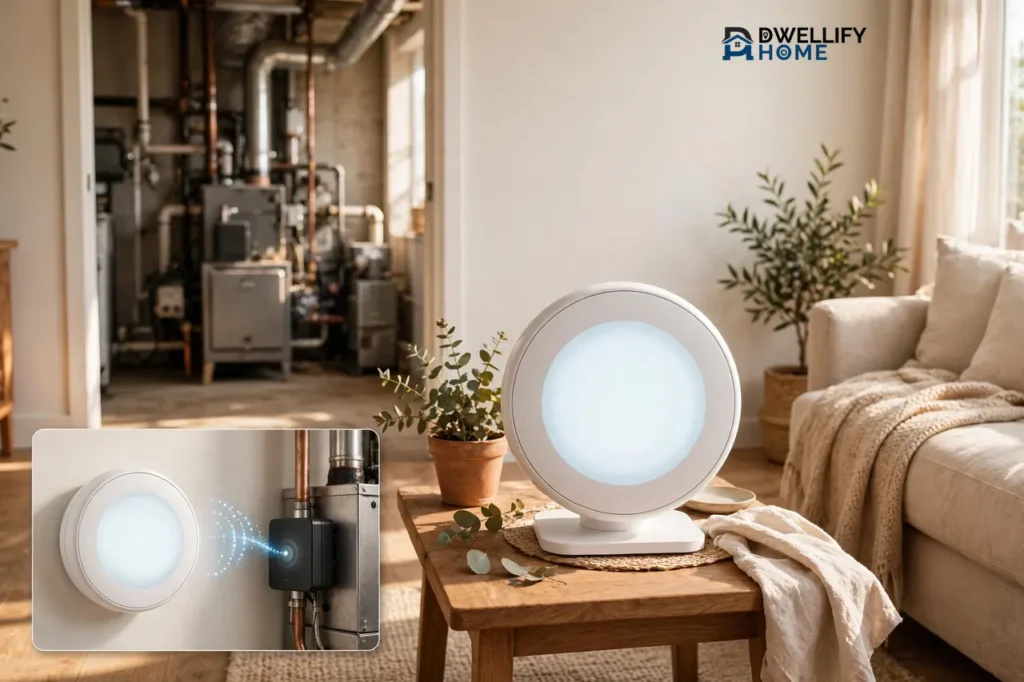
A wireless thermostat is a thermostat that talks to your heating and cooling system without a wire running between the wall control and the equipment. Instead of copper wires carrying the on-and-off signal through your walls, the thermostat sends that signal through the air to a small receiver wired into your furnace or air conditioner, and the receiver tells the equipment what to do. That one change frees you from the old thermostat spot on the wall, which is exactly why so many homeowners choose one.
If your old thermostat sits in a bad spot, your home has no thermostat wire at all, or you rent and cannot open walls, a wireless thermostat solves a problem a regular wired thermostat cannot. This guide explains how the thermostat and receiver talk to each other, the difference between a wireless thermostat and a Wi-Fi thermostat, when wireless wins and when it does not, and what to check before you spend money on one.
💡 Practical Home Tip: Before you shop, stand where you want the thermostat to live and check two things: that spot should read the room’s real temperature, away from sunny windows and drafty doors, and it should sit within easy reach of your Wi-Fi router or the receiver. A thermostat in the wrong room gives you the wrong temperature, no matter how smart it is.
What Is a Wireless Thermostat?
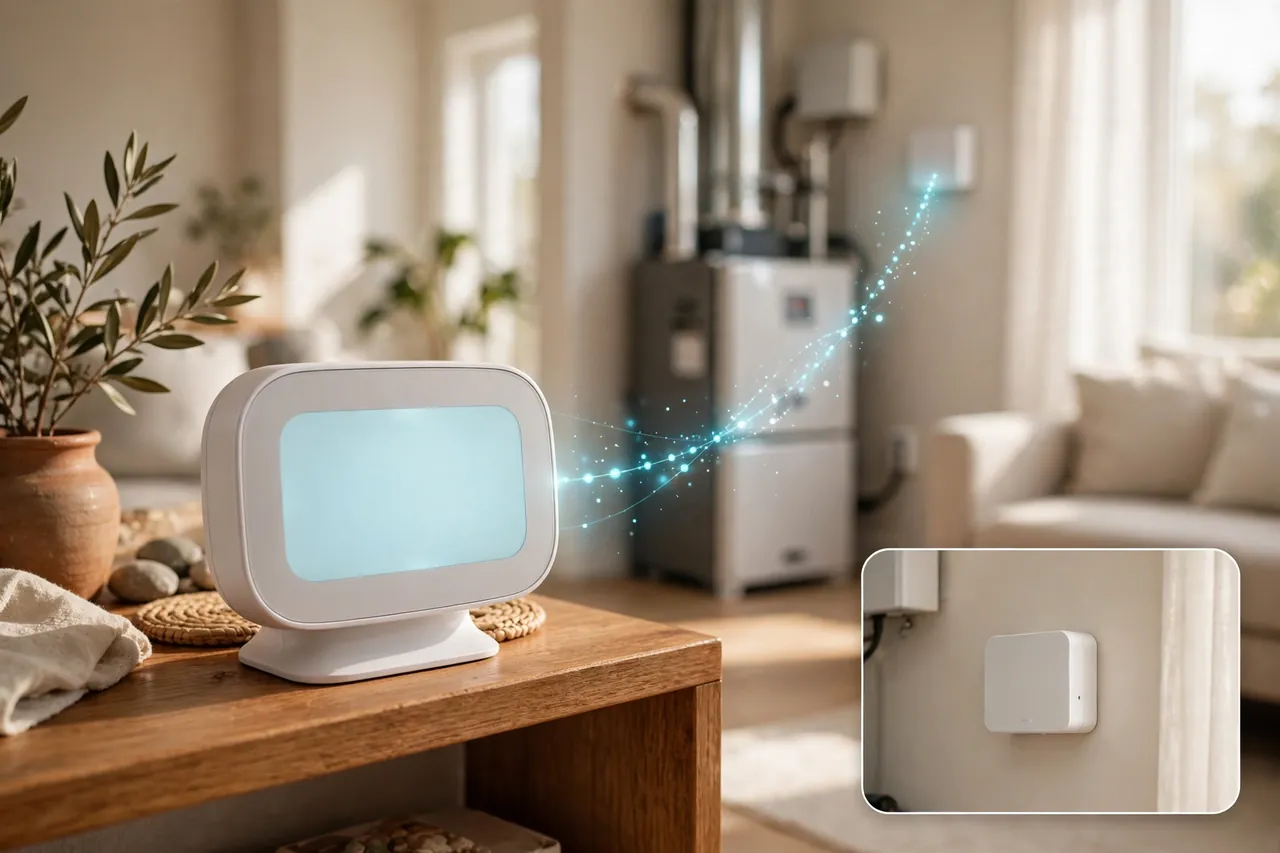
A wireless thermostat is a temperature control that communicates with your heating and cooling system by radio signal instead of by a wired connection between the control and the equipment. Bryant, the HVAC manufacturer, defines it the same way: a climate control device that communicates with your HVAC system via Wi-Fi or radio frequency, removing the need for hardwiring between the control unit and the equipment.
The important detail is that “wireless” describes the link between the thermostat and the equipment, not the whole system. A receiver still connects to your furnace or air conditioner with wires. The wireless part is the hop from the thermostat on your wall, table, or shelf to that receiver. So a wireless thermostat does not mean a wire-free heating system. It means the long wire run through your walls is gone.
You will also see the terms thermostat wireless, thermostat with Wi-Fi, and Wi-Fi thermostats used as if they all mean the same thing. They do not. A wireless thermostat may or may not connect to the internet, while a thermostat with Wi-Fi connects to your home network and an app but may still wire directly into your furnace.
How Does a Wireless Thermostat Work?
A wireless thermostat works in three short steps. First, the thermostat measures the temperature in the room where it sits. Second, it sends a wireless signal to a receiver when the room needs heat or cooling. Third, the receiver passes that message to your furnace, heat pump, or air conditioner through its wired connection, and the equipment turns on or off.
Think of it like a remote control and a TV. The thermostat is the remote. The receiver is the sensor on the TV. You press a button on one side of the room, and the equipment on the other side responds, even though nothing connects them with a cord.
The Two Wireless Links You Should Understand
Most wireless thermostat systems use two different wireless links, and confusing them causes most buying mistakes. The first link runs between the thermostat and the receiver. This usually uses radio frequency, often called RF, on a dedicated band such as 900 MHz. It does not need your home Wi-Fi at all, which is why many wireless thermostats keep controlling your heat during an internet outage, even though you lose the app until the internet comes back.
The second link runs between the thermostat and your home Wi-Fi network, and it only exists on smart models. This link carries your phone app commands, schedules from the cloud, and voice-assistant control. When your Wi-Fi goes down, this link stops, but the thermostat-to-receiver link keeps working, so you can still change the temperature by hand. Some systems add a hub that plugs into your router and gives an RF-only thermostat its app and remote control.
What the Receiver Does
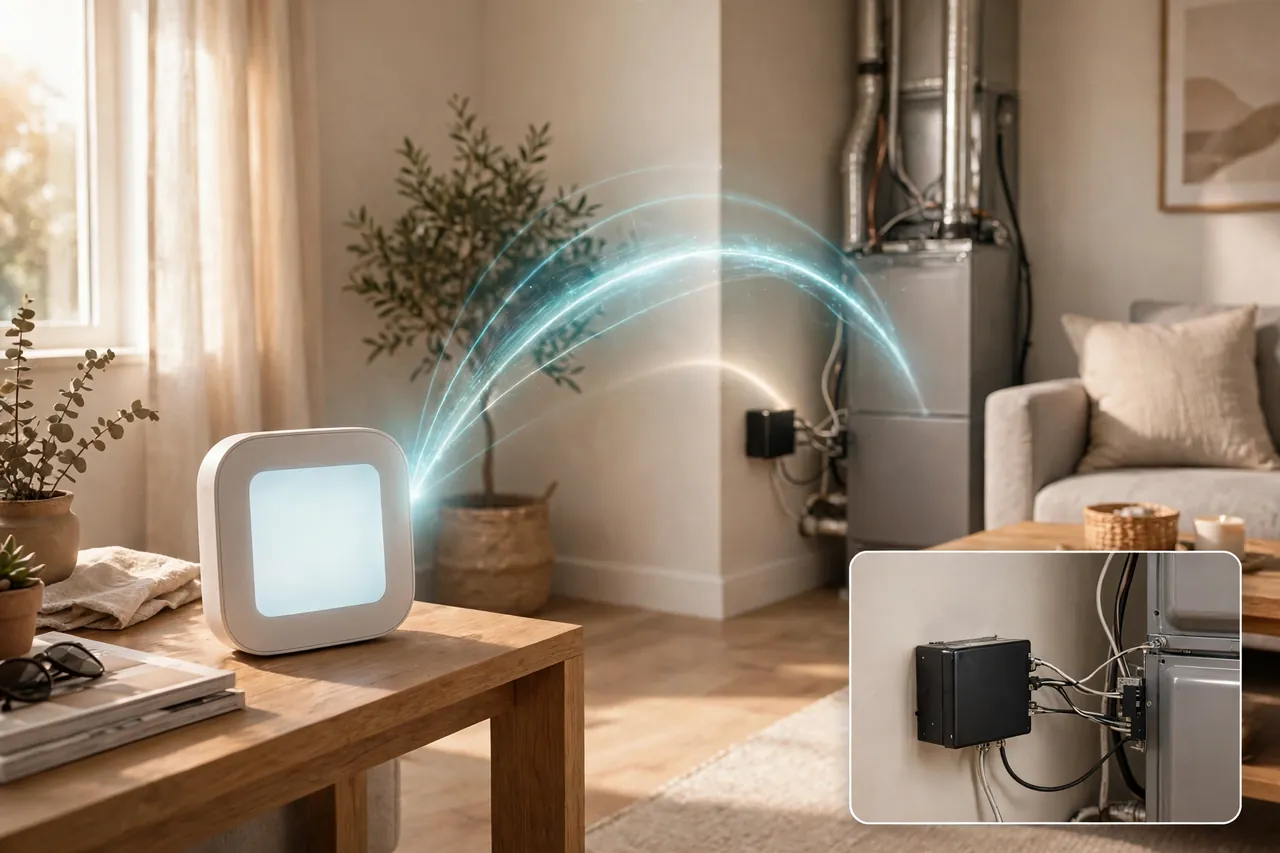
The wireless thermostat receiver is a small box that mounts near your furnace, air handler, or boiler and wires into the equipment’s control board. It listens for the thermostat’s radio signal and switches the heating or cooling circuits on and off in response. Bryant describes it plainly: wireless thermostats send digital signals to a receiver unit connected directly to your furnace or air conditioner, instead of relying on physical wires behind your walls.
The receiver needs power from the equipment, and it needs a clear radio path back to the thermostat. Thick stone walls, metal ductwork, and long distances between floors can weaken that path, which is why receiver placement matters more than most buyers expect.
Wireless vs. Wi-Fi vs. Smart: Clearing Up the Confusing Names
Manufacturers and stores mix these three labels freely, so here is the clean split. A wireless thermostat cuts the wire between the control and the equipment. A Wi-Fi thermostat connects to the internet so you can control it from a phone. A smart thermostat adds learning, schedules, and automation on top of Wi-Fi. Many products are all three at once, but each label describes a different feature.
Use this table when you read a product page. Find which boxes the model actually ticks before you assume it does everything.
| Feature | Wireless thermostat | Wi-Fi thermostat | Smart thermostat |
|---|---|---|---|
| Needs a wire to the equipment | No, uses a receiver | Often yes, wired to furnace | Often yes, wired to furnace |
| Controls heat from another room | Yes | Only from the wall spot | Only from the wall spot |
| Phone app control | Only with Wi-Fi or a hub | Yes | Yes |
| Learns your schedule | Only on smart models | Sometimes | Yes |
| Works when Wi-Fi is down | Yes, by hand at the unit | Yes, by hand at the unit | Yes, by hand at the unit |
The practical takeaway is simple. If your problem is “there is no wire where I need a thermostat,” you need wireless. If your problem is “I want to change the temperature from my phone,” you need Wi-Fi. If your problem is “I want the house to manage itself,” you need smart. Many buyers need wireless plus Wi-Fi together, and plenty of models now offer both in one box.
When a Wireless Thermostat Beats a Wired One
A wireless thermostat earns its keep in homes where running a new wire is hard, ugly, or simply not allowed. If any of the situations below sounds like your home, wireless is probably the right call.
- Your thermostat sits in the wrong place. Many older homes have the thermostat in a hallway, near a drafty front door, or in the coldest room in the house. The system heats and cools to satisfy that one bad spot while the rooms you live in feel wrong. A wireless thermostat lets you move the sensor to the room that matters, such as the living room or the main bedroom, without opening a single wall.
- There is no thermostat wire at all. Some homes never had a wall thermostat wire run, or the old wire is damaged inside the wall. Fishing a new wire through finished walls, plaster, or brick can mean cutting drywall and patching it. A wireless thermostat and receiver skips that whole job, because the only new wiring happens right at the equipment, where a technician can reach it easily.
- You rent your home. Renters usually cannot cut into walls or run new cable. A battery-powered wireless thermostat that sits on a shelf or a small stand changes nothing permanent in the home, and you can take it with you when you move. Ask your landlord before changing anything at the furnace, though, because the receiver still wires into shared equipment.
- Your walls fight you. Thick plaster, brick, stone, and concrete make wire runs expensive and messy. In these homes the wireless signal still has to cross those walls, so check the range first, but you avoid the far bigger job of chasing wires through masonry.
When Wireless Is the Wrong Choice
Wireless is not better for every home. In some houses a wired thermostat is simpler, cheaper, and more reliable, and an honest guide should say so.
Your current thermostat already works well where it is. If the wire is in place, the location reads the temperature fairly, and you only want app control, a standard Wi-Fi thermostat costs less and has one less radio link that can fail. Do not pay for a receiver you do not need.
The distance or the walls defeat the signal. A thermostat three floors above the furnace, or on the far side of a house full of stone and steel, may drop its connection, and then the system heats when it should not or misses calls for heat. Test the range during the return window, and keep the receipt until you know the link holds.
You have a complex or unusual system. Multi-stage equipment, zoned systems, and some heat pumps need more careful setup than a basic wireless kit handles. Bryant warns buyers to verify that a thermostat works with their specific heating and cooling setup, including heat pumps and multi-stage systems, because an incompatible unit can waste energy or damage equipment. Our guide to choosing a heating and air conditioning system explains the system types that affect this decision.
You dislike batteries. Most battery-powered wireless thermostats need fresh batteries every year or two, and a dead battery can leave the heat off until you notice. If that maintenance sounds like a chore you will forget, a wired model with constant power suits you better.
The 3 Types of Wireless Thermostat Systems
Wireless thermostats come in three basic shapes. They all remove the wire between the control and the equipment, but they differ in what else they do and what they cost.
1. RF Thermostat and Receiver Kits
This is the classic wireless thermostat: a battery-powered room control plus a receiver that wires into the equipment, talking by radio frequency, usually without any internet at all. These kits are the simplest and often the cheapest route to moving a thermostat. Their weakness is that without Wi-Fi or a hub, you get no phone app and no remote control.
2. Wi-Fi Wall Thermostats
A thermostat with Wi-Fi, such as the Google Nest Thermostat or the Honeywell Home T9, mounts on the wall and connects to your home network for app and voice control. Many of these still wire into the furnace, so they are Wi-Fi thermostats rather than truly wireless ones. Some pair with a wireless receiver or a power adapter instead of a new wire run, which is what makes them work in homes without a C-wire. Buy this type when app control matters most and the wall location already works.
3. Hub-Based Smart Systems
These systems add a hub that plugs into your router and links the thermostat, the receiver, and sometimes room sensors into one network. The hub gives an RF thermostat its app, schedules, and voice control without the thermostat itself needing Wi-Fi. This type suits larger homes and anyone who wants room-by-room control later, because you can add sensors to the same hub. The trade-off is one more box to place, power, and keep updated.

What to Check Before You Buy a Wireless Thermostat
A wireless thermostat is a small purchase that touches an expensive system, so a ten-minute check before ordering saves a return and a cold evening. Work through this list in order.
1. Compatibility with your system. Check the manufacturer’s compatibility list for your equipment: forced-air furnace, heat pump, boiler, or air conditioner, and how many heating and cooling stages you have. Most wireless thermostats work with standard 24-volt forced-air systems, and many do not work with electric baseboard heat or line-voltage systems. If you heat with a heat pump, read the emergency and auxiliary heat notes carefully. Our guide to EM heat vs. heat explains the heat pump setting that confuses most buyers.
2. Receiver placement and range. Find where the receiver will mount, usually beside the furnace or air handler, and measure the distance and the number of walls and floors between that spot and where the thermostat will live. Most manufacturers publish a maximum indoor range, but thick walls and metal ducts cut it down. Buy from a store with a fair return policy and test the link before you commit.
3. Power: batteries or a C-wire. Most wireless thermostats run on batteries, and Bryant’s own FAQ confirms that most wireless thermostats require batteries to power the interface and maintain the wireless connection, though some models use a C-wire adapter for constant power. Wi-Fi models burn power faster than basic RF models, so they more often need a C-wire or a power adapter. Our thermostat wiring guide covers the C-wire question in full.
4. What “wireless” really means on the box. Read the product page for the words receiver, hub, and C-wire adapter. If the box includes a receiver, the thermostat truly cuts the wire to the equipment. If it only says Wi-Fi, the thermostat may still need a wired connection to the furnace. The difference decides whether your no-wire problem is actually solved.
5. App, voice, and smart home support. If you want Alexa, Google Assistant, or Apple HomeKit control, confirm the exact model supports it. Support varies by model, not by brand, and a cheaper model in the same family may leave it out. Also check whether the app needs a paid subscription for any feature you care about.
6. Schedules that save money. A thermostat only saves money if it turns the temperature down when nobody needs comfort. Look for easy scheduling, geofencing, or learning features you will actually use. According to ENERGY STAR, certified smart thermostats save an average of about 8% on heating and cooling bills, roughly $50 a year for a typical home. Your own savings depend on your climate, your bills, and how your old thermostat was set.
How Much Does a Wireless Thermostat Cost?
Wireless thermostats span a wide price range, and the price on the box is rarely the whole cost. The device itself is one part. A receiver kit, a hub, batteries, and any professional help at the furnace are the rest.
Here are verified US list prices for well-known Wi-Fi thermostats that buyers often compare with wireless kits, checked on 6 November 2026. Prices change with sales and rebates, so treat these as the list price on the day checked, not a promise.
| Thermostat | List price, checked 6 Nov 2026 | Source |
|---|---|---|
| Google Nest Thermostat | $129.99 | Google Store |
| ecobee Smart Thermostat Essential | $139.99 | ecobee.com |
| ecobee Smart Thermostat Enhanced | $199.99 | ecobee.com |
| ecobee Smart Thermostat Premium | $259.99 | ecobee.com |
| Honeywell Home T9 with Smart Room Sensor | $209.99 | Retailer listings |
Basic RF thermostat and receiver kits usually cost less than the smart models above, because they skip the touchscreen, the Wi-Fi radio, and the app. Confirm the kit includes the receiver before you order, because a kit that looks cheap without one is not a bargain. Professional help is the cost buyers forget: wiring the receiver into the furnace is low-voltage work, but it touches your heating equipment, so many homeowners hire a technician for that one step. Also check your utility for rebates, since many US utilities offer $50 to $125 back on ENERGY STAR certified thermostats. If you are weighing a whole system change at the same time, our guide to how to buy a new HVAC system walks through the bigger costs.
Best Wireless Thermostat Options by Situation
There is no single best wireless thermostat for every home, because the right pick depends on the problem you are solving. Match your situation below instead of chasing a top-ten list.
Best for a simple move with no app needed: a basic RF thermostat and receiver kit. If you only want the thermostat in a better room and you are happy to walk over and press a button, this is the cheapest honest answer. No Wi-Fi, no app, no subscription, and the batteries last a long time because the radio only wakes to send a signal.
Best for app control on a budget: Google Nest Thermostat, $129.99 at the Google Store, checked 6 November 2026. This is the lowest-cost route into phone control from a major brand, and it suits a standard forced-air home where the wall location already works. Confirm the power situation in your home first, because it may need a C-wire or a power adapter rather than a receiver.
Best for a home with uneven rooms: ecobee Smart Thermostat Enhanced, $199.99 at ecobee.com, checked 6 November 2026. ecobee pairs its thermostats with wireless SmartSensors that report temperature from other rooms, so the system can heat to satisfy the room you are actually in. If your complaint is “the bedroom freezes while the living room roasts,” sensors matter more than a fancier screen. Our guide to thermostats with a remote sensor explains how those sensors work and when they pay off.
Best for a full-featured upgrade: ecobee Smart Thermostat Premium, $259.99 at ecobee.com, checked 6 November 2026. This is the pick when you want the app, the sensors, air-quality monitoring, and voice control in one device. It is the most expensive option here, so buy it for the features you will use, not the ones on the box.
Best for a big-brand system with a sensor included: Honeywell Home T9 with Smart Room Sensor, $209.99 list price in retailer listings, checked 6 November 2026. The T9 ships with a sensor in the box and includes a power adapter for homes without a C-wire. It does not work with electric baseboard heat, so check that first.
Whatever you choose, buy from a retailer with a clear return window and test the thermostat-to-receiver link in its real spot for a few days before you throw the box away. A thermostat that works on the kitchen table can fail in the bedroom, and the return window is your safety net.
What Can Go Wrong With a Wireless Thermostat?
Wireless thermostats fail in a handful of predictable ways, and most of them are easy to prevent once you know what to watch for.
Lost signal. The thermostat and the receiver lose each other through thick walls, metal ducts, or long distances. The symptom is a home that stays cold, or heat that runs when nobody asked for it. Move the thermostat closer, move the receiver to a clearer spot near the equipment, or choose a model with a stronger radio. If the link keeps dropping, the system is not a fit for your home’s layout.
Dead batteries. A battery-powered thermostat gives little warning in some models, and a dead battery means no signal and no heat call. Put a battery-change date on your calendar every autumn, before heating season starts, and keep spare batteries in the house.
Wi-Fi drops, app stops. When your internet goes down, the app and voice control stop, but the thermostat itself keeps working by hand. Bryant confirms this directly: your thermostat will still function manually as a standard temperature controller if Wi-Fi is lost, and you only lose remote control until the internet returns. Do not mistake an app outage for a broken heating system.
Receiver wired wrong. The receiver is the one part that wires into your equipment, and a wrong connection can stop the system or, in rare cases, damage the control board. If the receiver step makes you uneasy, hire a technician for that single step. For the full process, see our guide to installing a smart thermostat, and if the system stops responding after any change, our thermostat troubleshooting guide walks through the safest checks first.
Wireless Thermostat Checklist: Before You Order
Run through this list once, and you will avoid the returns and the cold evenings that catch most first-time buyers.
- Confirm your system type and stages on the manufacturer’s compatibility page.
- Measure the distance and count the walls between the thermostat spot and the receiver spot.
- Check whether the kit includes the wireless receiver, or whether you must buy it separately.
- Decide batteries or constant power, and check the C-wire or adapter situation.
- Confirm the app and voice assistant you use are supported by the exact model.
- Check your utility’s rebate page for an ENERGY STAR thermostat rebate.
- Buy from a retailer with a fair return window and test the link for a few days.
- Put a battery-change reminder on your calendar for every autumn.
Related Guides
If you want the bigger picture before you decide, these guides from Dwellify Home cover the topics that sit next to this one. Our smart thermostats for home guide explains the full smart-thermostat choice, while our guide to forced-air heating explains the system most of these thermostats control. If you are heading into winter, our guide to how to winterize a house covers the seasonal steps that make any thermostat work less hard.
Frequently Asked Questions
What is a wireless thermostat?
A wireless thermostat is a remote-controlled thermostat that communicates with your HVAC system via Wi-Fi or radio frequency, allowing for flexible placement and remote access. It sends temperature and control signals to a receiver connected to your equipment instead of using a wire through your walls.
How does a wireless thermostat work?
It works by sending temperature and system control signals wirelessly to a receiver connected to your HVAC system, often controlled through a smartphone app or web interface. The thermostat measures the room temperature, radios the receiver when heat or cooling is needed, and the receiver switches the equipment on or off.
Can you replace a wired thermostat with a wireless thermostat?
In many cases, yes, especially with adapter modules that connect wirelessly to existing equipment. You keep the receiver wired at the furnace and place the new wireless control wherever the temperature reads best. Check compatibility with your system type first, because some heat pumps and multi-stage systems need a specific model.
Do wireless thermostats need batteries?
Yes, most wireless thermostats require batteries to power the interface and maintain the wireless connection, though some models may use a C-wire adapter for constant power. Battery life varies by model, so check the manufacturer’s figure and set a yearly replacement reminder.
Will a wireless thermostat work if my Wi-Fi goes down?
Yes, your thermostat will still function manually as a standard temperature controller if Wi-Fi is lost. You will simply lose the ability to control it remotely via the app until the internet is restored, while the thermostat-to-receiver radio link keeps working.
How do I connect a wireless thermostat to my Wi-Fi?
To connect, use the thermostat’s touchscreen or app, select your Wi-Fi network, enter the password, and follow the on-screen prompts. Refer to the manufacturer’s guide for specific steps, because the menu path differs by brand and model.
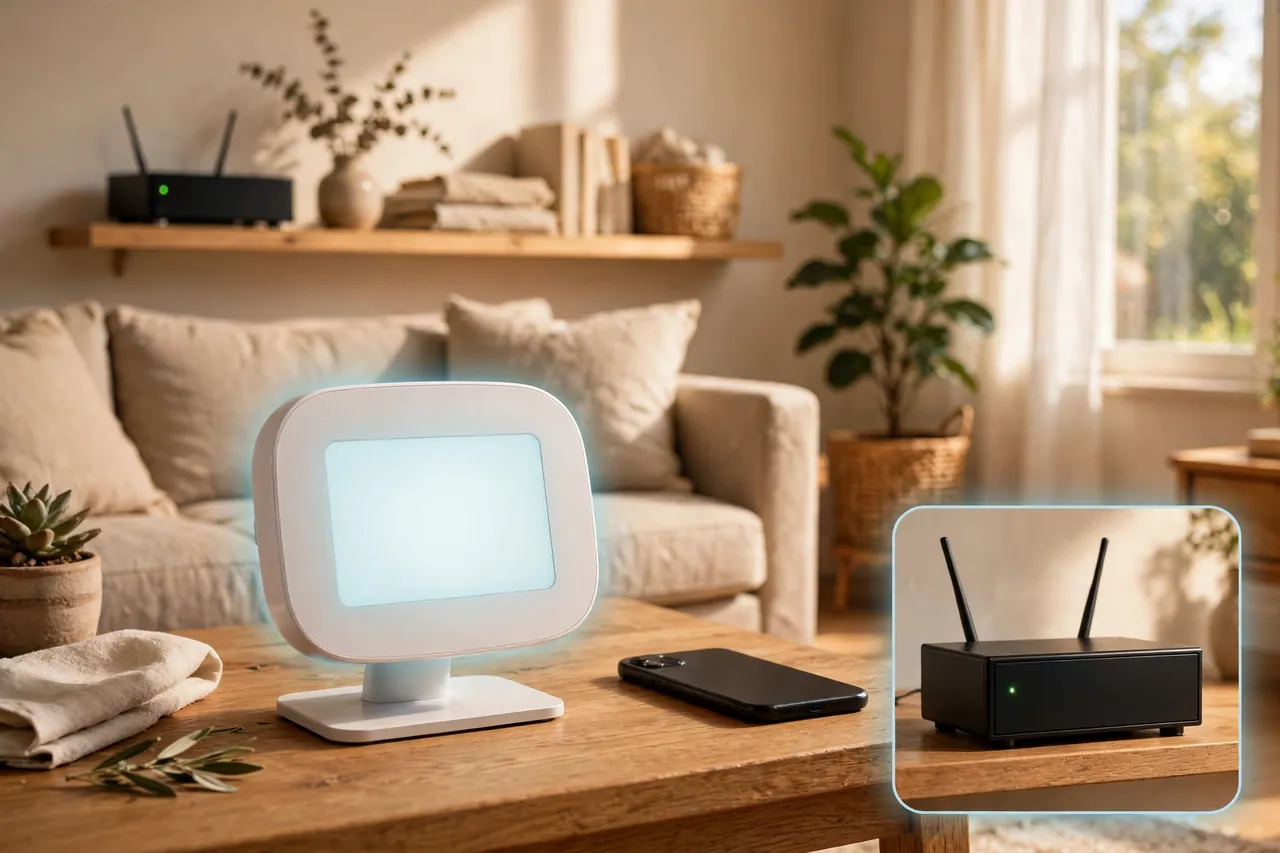
A wireless thermostat is worth buying when the wire is the problem: the wrong room, no wire at all, a rental you cannot alter, or walls you cannot open. Start with compatibility and range, pick the type that matches your situation, and test the link before the return window closes. If your only goal is phone control and your wall spot already works, a standard Wi-Fi thermostat costs less and does the job. Either way, the right thermostat is the one that reads the temperature where you actually live.
Disclaimer: Homes, heating systems, and local codes vary, and this guide covers general information, not advice for your specific equipment. Low-voltage thermostat wiring is usually simple, but if you are unsure about your system, your wiring, or anything at the furnace, hire a qualified HVAC technician. Turn off power to the equipment before touching any wiring.



