
A thermostat not working usually comes down to a simple cause: dead batteries, a tripped breaker, the wrong mode or setting, or a safety switch that shut the system off. Start with the symptom you see, work through the cheapest and safest checks first, and most thermostats come back to life in a few minutes without a repair visit.
Your thermostat is the control center for your heating and cooling. It reads the room temperature, then tells your furnace, heat pump, or air conditioner when to run. When it stops working, the fix depends on what you see: a blank screen points to a power problem, while a lit screen with no heat or cool points to a setting or an equipment problem. This guide walks you through each symptom in order, so you find your problem fast and know exactly when to call a pro.
💡 Practical Home Tip: Before you touch anything, take a photo of your thermostat screen and your breaker panel labels with your phone. If a setting changes by accident while you tap around, the photo lets you put everything back the way it was in seconds.
Find Your Symptom First
Skip the guessing. Match what your thermostat is doing to the row below, then jump to that section. Each section gives you a check, the result you should see, and the next step if the check fails.
| What You See | Most Likely Cause | First Check |
|---|---|---|
| Screen is blank | No power to the thermostat | Batteries, breaker, furnace switch |
| Screen is on, but no heat or cool | Wrong mode, setting, or a system fault | Mode, setpoint, and the 5-minute delay |
| Clicks but nothing runs | Signal not reaching the equipment | Fan test and breaker check |
| Wrong temperature on the display | Bad placement or a dirty sensor | Sunlight, drafts, and dust |
| Keeps turning off or short cycling | Clogged filter or a safety shutoff | Air filter and vents |
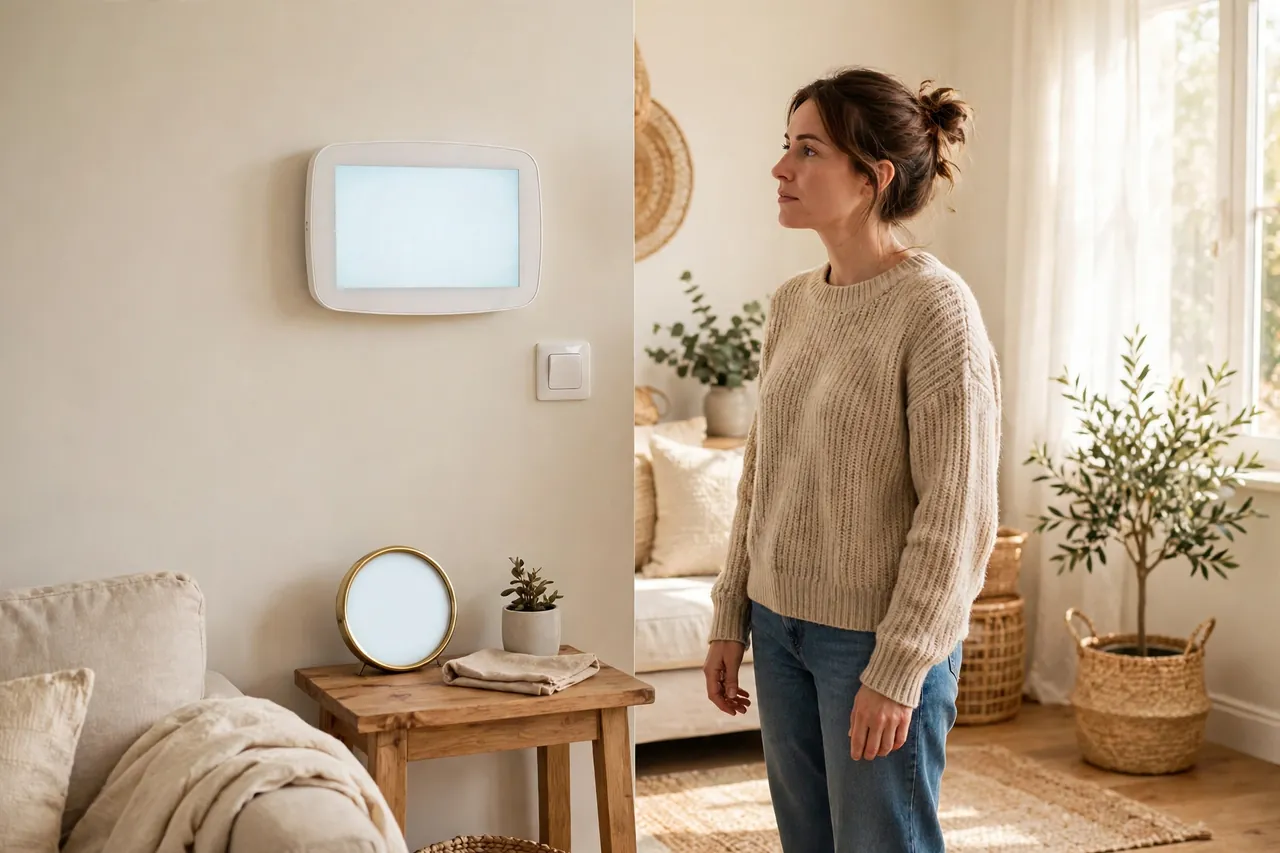
Thermostat Screen Blank or Thermostat Has No Power
A blank screen means the thermostat has no power. Trane states this plainly in its own troubleshooting guide: a blank thermostat display indicates no power to the thermostat. Your job is to find where the power stopped. Work through these checks in order, from easiest to hardest.
1. Replace the Batteries
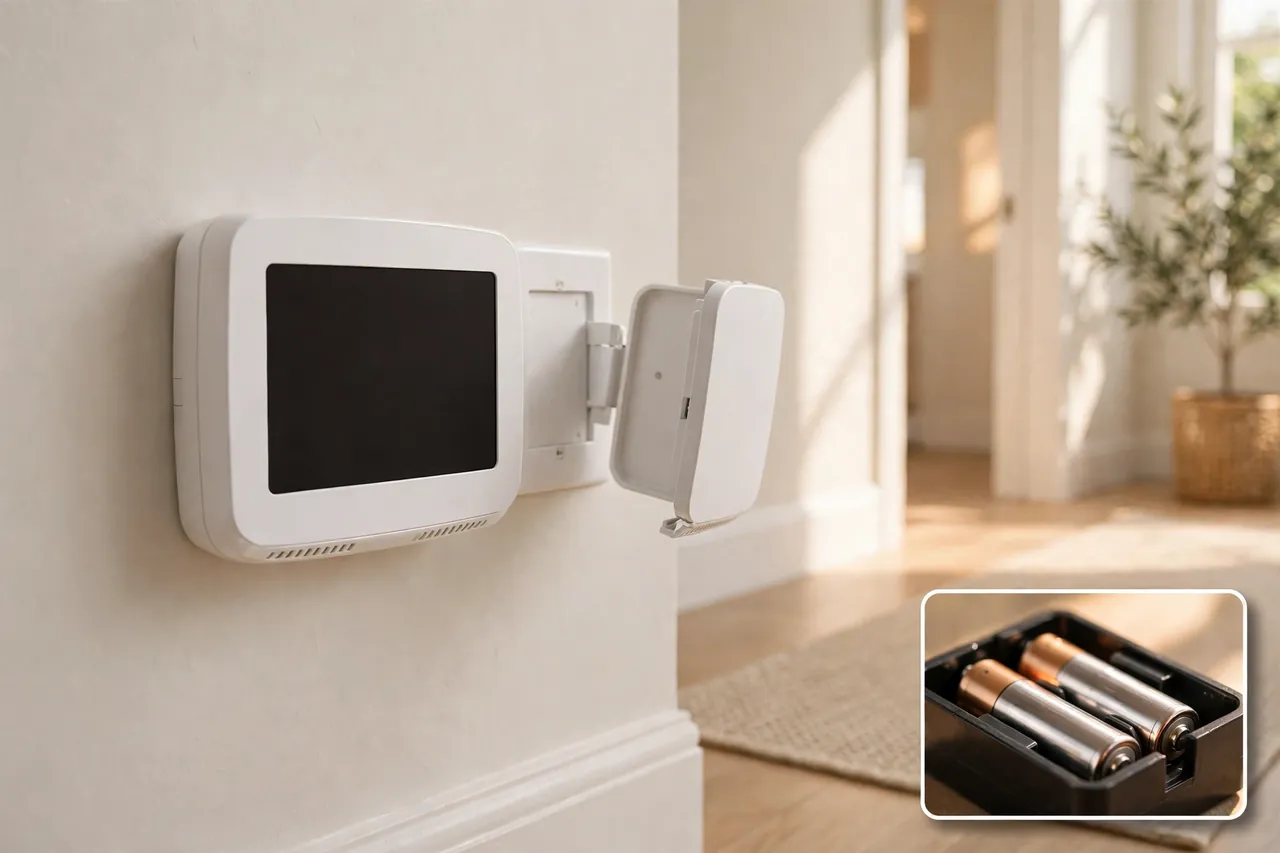
Many thermostats run on AA or AAA batteries, and dead batteries are the most common cause of a blank screen. Pull the thermostat face off its wall plate, swap in fresh alkaline batteries, and match the plus and minus marks in the holder. Skip rechargeable batteries, because they run at a lower voltage and can leave the screen dim or blank.
Give the display up to a minute to wake up. If the screen comes back, you found the problem. If your thermostat showed a low-battery warning in the last few weeks, this was almost certainly the cause. Make a habit of changing the batteries once a year, before the heating or cooling season starts.
2. Check the Breaker and the Furnace Switch
Find the breaker for your furnace or air handler in your electrical panel. A tripped breaker often sits in the middle position, not fully off. Push it firmly to off, then back to on. Next, look for the furnace power switch, which looks like a regular light switch mounted on the side of the furnace or on a nearby wall. Make sure it is on. Someone in the house may have flipped it off by mistake, thinking it was a light.
If the breaker trips again right after you reset it, leave it off and call a technician. A breaker that will not stay on points to an electrical fault, and forcing it can damage your equipment.
3. Close the Furnace Door and Check for Water
Your furnace has a safety switch on its blower door. If the door is loose or not fully closed, the switch cuts power to the whole system, including the thermostat. Press the door firmly shut and check that its screws or latches are secure.
Then look under your indoor unit for water in the drain pan. Air conditioners and high-efficiency furnaces make water as they run, and a clogged drain line can trip a small float switch that shuts the system down on purpose to stop a flood. If the pan is full of water, do not keep resetting things. Call an HVAC technician to clear the drain line and find why it clogged.
4. Check the C-Wire Connection
Hardwired and smart thermostats get steady power through a wire called the C-wire, or common wire. If that wire is loose or missing, the screen can go blank, flicker, or reboot again and again. This is common after a new thermostat install or after work near the furnace.
Caution: turn off power to your furnace at the breaker before you look at any wiring. Do not touch bare wires while the power is on. Pull the thermostat face off the wall plate and look at the wire ends. If a wire has slipped out of its terminal or looks corroded, stop there and call a pro. Fixing thermostat wiring is a job for an HVAC technician or an electrician, and our companion wiring guide explains what each wire does so you know what the technician is talking about.
5. A Blown Fuse on the Furnace Control Board
Inside your furnace, a small fuse on the control board protects the low-voltage circuit that powers the thermostat. A power surge can blow it, and the screen goes dark even when the breaker looks fine. Caution: this fuse sits inside the furnace cabinet, next to live electrical parts. Turn the furnace breaker off first, and if you are not comfortable opening the furnace panel, skip this step and call a technician. A pro can check and replace the fuse in minutes, and a fuse that blows again right away means a short somewhere in the system.
If none of these checks brings the screen back, the thermostat itself may have failed. Read the section below on how to tell a bad thermostat from a bad system before you buy a replacement.
Thermostat Is On but Heat or Cool Will Not Run
When the screen works but the system stays quiet, the thermostat may be fine and the problem may sit in a setting or in the equipment. Check the settings first, because they cause most of these cases.
Check the Mode and the Setpoint
Make sure the thermostat is set to Heat in winter or Cool in summer, not Off or Auto. Then check the setpoint: for heat, set it at least 3 to 5 degrees above the room temperature. For cool, set it at least 3 to 5 degrees below the room temperature. A thermostat set to 72 degrees in a 72-degree room has nothing to do, so nothing runs.
Also check the fan setting. Set the fan to Auto, not On, for normal heating and cooling. The On setting runs the fan all the time, even when the furnace or air conditioner is not heating or cooling, which can feel like the system is running without doing anything.
Check the Schedule and Hold
Programmable and smart thermostats follow a schedule, and a schedule can override the temperature you just set. Look for words like Hold, Temporary Hold, or Schedule on the screen. If a schedule is active, your change may only last until the next scheduled period. Set a permanent hold or turn the schedule off, then set your temperature again and wait.
Check for a locked screen, too. If the display says the screen is locked when you press the up or down arrow, someone set a lock. Honeywell Home support notes that you can unlock the screen through the menu under screen lock or security settings, depending on the model. Your thermostat manual shows the exact menu path for your model.
Wait Out the 5-Minute Delay
Many thermostats delay startup for up to 5 minutes after a power loss or a recent cycle. This protects the compressor in your air conditioner or heat pump from starting too soon. If the screen says Cool On, Heat On, Wait, or Waiting for Equipment, the thermostat is in this delay. Wait a full 5 minutes before you decide anything is broken. If the message stays on longer than 5 minutes, move on to the equipment checks below.
Check the Breaker, the Filter, and the Vents
Even with a working thermostat, the system cannot run if its breaker tripped or its power switch is off. Check the breaker for the furnace or air handler and the breaker for the outdoor AC unit, and make sure the furnace switch is on.
Then check your air filter. A heavily clogged filter chokes airflow, and the furnace can overheat and shut itself off to stay safe. Pull the filter out and hold it up to a light. If you cannot see light through it, replace it. Also walk through the house and open any closed supply vents. Closed vents raise pressure in the ducts and can trip the same safety shutoff.
If the thermostat calls for heat or cool, the breaker is on, the filter is clean, and still nothing runs after 5 minutes, the problem is likely in the furnace or air conditioner itself. That is an equipment fault, not a thermostat fault. If you have a furnace, the next step is a furnace check; if you have a heat pump, remember that emergency heat is a backup mode for when the heat pump cannot keep up, and our guide to EM Heat vs Heat explains when that mode should and should not be used.
Thermostat Clicks but Nothing Happens
A click is a useful clue. It means the thermostat heard your command and tried to send the signal. When the click happens but the furnace or air conditioner stays silent, the signal is not reaching the equipment, or the equipment cannot act on it.
First, run the fan test. Set the fan from Auto to On. If the indoor fan starts blowing, the thermostat is talking to the system, and the problem is in the heating or cooling part of the equipment. If the fan does not start either, the thermostat may not be sending a signal at all, or the furnace has no power.
Next, check the breaker and the furnace switch again, and check the air filter. A clogged filter can shut the system down before it starts. If the fan test fails and the breaker is fine, do not open the furnace or touch the wires. Call an HVAC technician. Loose or damaged wiring between the thermostat and the furnace is a common cause of a click with no action, and it needs a pro with a meter to find safely.
Wrong Temperature on the Display
A thermostat that shows the wrong temperature makes the system heat or cool at the wrong times. The room feels too hot or too cold even though the display says everything is fine. Most of the time, the cause is placement or dirt, not a broken thermostat.
Check the Thermostat Location
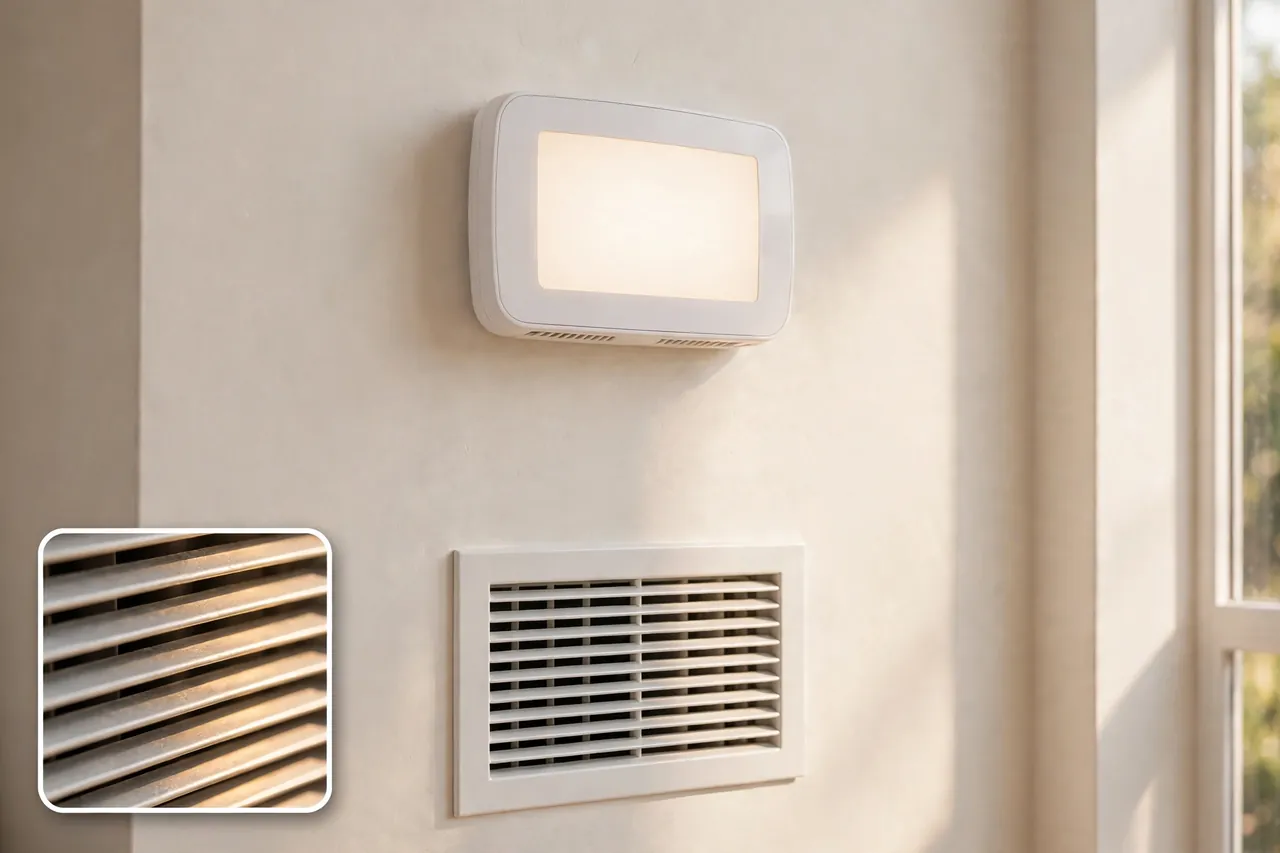
Sunlight hitting the thermostat makes it read warmer than the room, so it tells the air conditioner to run or the furnace to stop too early. The same thing happens near a kitchen, a lamp, a television, or directly above or below a supply vent. Trane points out that a thermostat belongs out of direct sunlight, away from the kitchen, and not directly above or below a supply register. If yours sits in one of those spots, the fix is to move it to an inside wall in a room you use often, away from drafts and heat sources. Moving a thermostat means rewiring, so have a technician do it.
Clean the Sensor and Check Calibration
Dust on the temperature sensor can throw the reading off by a few degrees. Turn the power off at the breaker, remove the cover, and brush the inside gently with a soft, dry brush. Never spray cleaner into a thermostat.
Then compare the reading with a simple room thermometer placed next to the thermostat for 15 minutes. If the two readings differ by more than 2 or 3 degrees, the thermostat may need calibration or replacement. Many digital models have a calibration or temperature offset setting in the menu. Check your manual for the exact steps, and if the reading still drifts after calibration, the sensor itself is likely failing.
Thermostat Keeps Turning Off or Short Cycling
Short cycling means the system turns on, runs for a few minutes, shuts off, and starts again without ever finishing a full heating or cooling cycle. It leaves the house uncomfortable, wears out equipment, and raises energy bills. A thermostat that keeps turning off on its own is often a symptom of a system problem, not the cause.
Start with the air filter. A clogged filter is the most common cause of short cycling, because restricted airflow makes the furnace overheat or the air conditioner coil freeze, and safety switches shut the system down. Replace a dirty filter and see if the cycling stops.
Next, check the thermostat location again. A thermostat placed too close to a supply vent feels a blast of warm or cool air and thinks the whole room reached the setpoint, so it shuts the system off early. The same thing happens if the thermostat sits in direct sun.
Also look at the batteries. Weak batteries in a battery-powered thermostat can cause random shutoffs and reboots. Fresh alkaline batteries fix this fast.
If the filter is clean, the location is good, and the batteries are fresh, stop and call a technician. Short cycling can also come from an oversized system, a refrigerant problem, or a failing control board, and none of those are homeowner fixes. Continuing to run a short-cycling system can damage the compressor or the furnace.
How to Tell if the Thermostat Is Bad or the System Is Bad
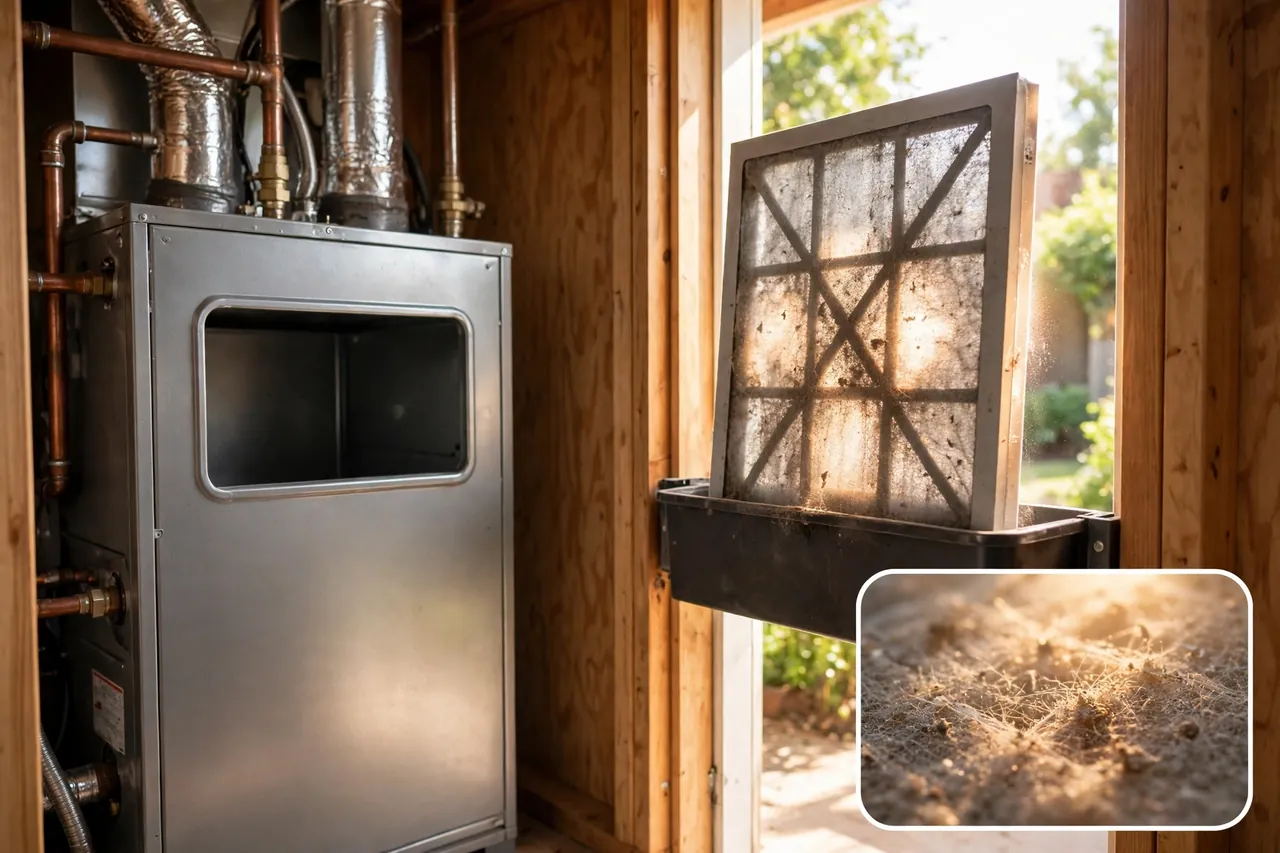
This is the question that decides whether you buy a new thermostat or pay for a furnace or air conditioner repair. Use this test to sort it out.
| What You Observe | What It Usually Means |
|---|---|
| Screen is blank after fresh batteries and a good breaker | The thermostat itself likely failed |
| Screen works, fan runs on On, but no heat or cool | The heating or cooling equipment is at fault |
| Screen works, fan does not run on On | No signal, no power to the furnace, or a wiring fault |
| Temperature reading is off by more than 3 degrees after cleaning | A failing sensor inside the thermostat |
| Thermostat forgets settings or reboots often | Failing thermostat or unstable power from the C-wire |
| System runs nonstop and never reaches the setpoint | An equipment problem, such as low refrigerant or a failing furnace |
Here are the signs of a bad thermostat, taken together: a blank screen that stays blank with fresh batteries and a good breaker, a display that reads several degrees off after cleaning and calibration, settings that vanish or reset on their own, and a thermostat that stops responding to buttons even though it has power. One sign alone is not proof, but two or three together point strongly at the thermostat.
Age matters, too. A thermostat that is 10 to 15 years old, especially an old mechanical model with a mercury bulb or a dial, owes you nothing. If it keeps acting up after the simple checks, replacement is usually the smarter spend than another repair visit.
Do not run a wire-jumper test yourself to prove the thermostat is bad. That test joins live low-voltage wires to force the furnace or air conditioner on, and a wrong connection can short the control board. A technician can do the same test safely in minutes with a meter.
When to Call an HVAC Pro
Call a licensed HVAC technician when you see any of these: a breaker that trips again after a reset, a burning smell or scorched wires, water pooling around the indoor unit, a furnace that will not start after the thermostat checks, or any problem that involves opening the furnace cabinet or touching wires. Also call a pro if the thermostat screen stays blank after fresh batteries, a good breaker, a closed furnace door, and a clean drain pan.
When you call, tell the technician your symptom, your thermostat brand and model, and what you already checked. That short list saves diagnostic time. If the technician finds the furnace or air conditioner itself is failing, it helps to know your options before you agree to a big repair. Our guide on how to buy a new HVAC system walks through sizing, efficiency, and quotes, and how to choose a heating and air conditioning system covers the system types side by side. If the problem is the furnace, gas furnace replacement cost explains what drives the price, and what forced-air heating is explains how the system your thermostat controls actually moves heat through your home.
When to Replace the Thermostat Instead of Fixing It
Replace the thermostat when it is old, when the sensor reads wrong after cleaning and calibration, when it forgets settings or reboots often, or when it lacks features your system needs, such as a C-wire connection for a smart model. A new thermostat is also the right move when you have already paid for one repair visit and the same problem came back.
Before you buy, check that the new model works with your system type: furnace, heat pump, or boiler, and single-stage or multi-stage equipment. The box or the product page lists compatible systems. If your home has no C-wire and the smart thermostat you want needs one, have a technician add the wire or pick a model that runs on batteries. Do not force a thermostat onto wiring it was not made for.
A short note on safety: this guide covers thermostat troubleshooting only. It does not cover furnace repair, air conditioner repair, or electrical work inside your walls or your furnace. Homes, budgets, and systems vary, and a fix that is safe in one home may not be safe in another. When a step feels beyond your comfort level, stop and call a licensed HVAC technician. Never work on live wiring, and never bypass a safety switch to force a system to run.
Related Guides
If your thermostat checks point to the heating or cooling system itself, these guides help you understand what comes next: EM Heat vs Heat: When to Use Emergency Heat, How to Buy a New HVAC System, How to Choose a Heating and Air Conditioning System, What Is Forced-Air Heating?, and Gas Furnace Replacement Cost.
Frequently Asked Questions
Why is my thermostat not working?
Most of the time it is a power or settings problem: dead batteries, a tripped breaker, the furnace switch off, the wrong mode, or a schedule overriding your setting. Work through the symptom checks in this guide first. If the screen stays blank with fresh batteries and a good breaker, the thermostat itself may have failed.
Why is the screen on my thermostat blank?
A blank screen almost always means the thermostat lost power. Check the batteries first, then the breaker, the furnace power switch, and the furnace door. A full condensate drain pan can also cut power on purpose. If all of those check out, the C-wire or the furnace control-board fuse may be the cause, and a technician should check them.
How do I know if my thermostat is bad?
Look for a blank screen that stays blank with fresh batteries, a temperature reading off by more than 3 degrees after cleaning, settings that vanish or reset on their own, or buttons that stop responding even with power. Two or three of these signs together point to a bad thermostat, especially if the unit is 10 to 15 years old.
How do I know if the problem is my thermostat or my actual HVAC unit?
Run the fan test: set the fan to On. If the fan runs but there is no heat or cool, the equipment is at fault. If the fan does not run, the thermostat may not be sending a signal, or the furnace has no power. A screen that stays blank with new batteries points to the thermostat itself.
Why doesn’t my home temperature match the thermostat setting?
The usual causes are placement and a dirty sensor. Sunlight, a nearby kitchen or lamp, or a vent blowing onto the thermostat makes it read warmer or cooler than the room. Compare it with a room thermometer placed beside it for 15 minutes; if the readings differ by more than 2 or 3 degrees, the thermostat may need calibration or replacement.
Start with your symptom, fix the simple causes first, and let the checks tell you whether the thermostat or the system is at fault. Most thermostat problems end with fresh batteries, a flipped breaker, or a corrected setting. When the checks point past the thermostat, a licensed HVAC technician can find the equipment fault safely and get your home comfortable again.



