
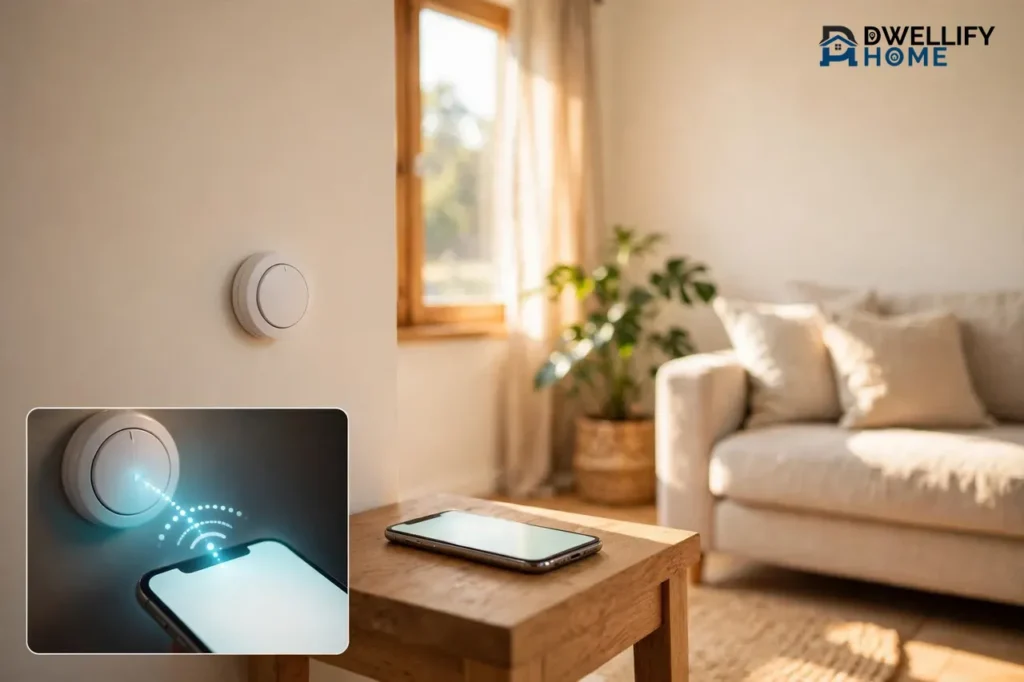
A Bluetooth thermostat is a heating and cooling control that talks to your phone over Bluetooth instead of Wi-Fi. You open an app, and you can change the temperature, set a schedule, or check the current reading — but only while your phone is close to the thermostat, usually in the same room or the next one. It works with no internet, no router, and no monthly account, which makes it a simple fit for renters, homes without Wi-Fi, and RVs. The trade-off is just as simple: walk out of Bluetooth range and you lose control until you come back.
If you want to warm up the house from work or check on a pet from the road, a Bluetooth-only thermostat will disappoint you. If you want phone control from the couch without touching your Wi-Fi setup, it is exactly the right tool. This guide explains what Bluetooth thermostats actually do, how far they reach, how they differ from Wi-Fi models, and who should buy one — and who should skip it.
What Is a Bluetooth Thermostat?
A Bluetooth thermostat controls your heating or cooling system the same way a regular thermostat does. It reads the room temperature, compares it with the temperature you set, and tells your furnace, air conditioner, heat pump, or baseboard heater when to run. The difference is the connection: it pairs with your phone through Bluetooth, the same short-range radio your phone uses for earbuds and car speakers.
Because the connection is direct between phone and thermostat, there is no router in the middle and no cloud server involved. You do not need a Wi-Fi password, an internet plan, or an online account to use it. Most models still work from the wall itself, with buttons or a touch screen, so the phone app is a convenience rather than a requirement.
Bluetooth thermostats come in three main forms. Wall thermostats replace your existing wall control and wire into a standard low-voltage heating and cooling system. Radiator valves screw onto individual radiators and control one room at a time. RV thermostats replace the factory control in a camper or motorhome and run on 12-volt power. Each form solves a different problem, and the right one depends on your heating system, not on the Bluetooth label alone.
How Does a Bluetooth Thermostat Work?
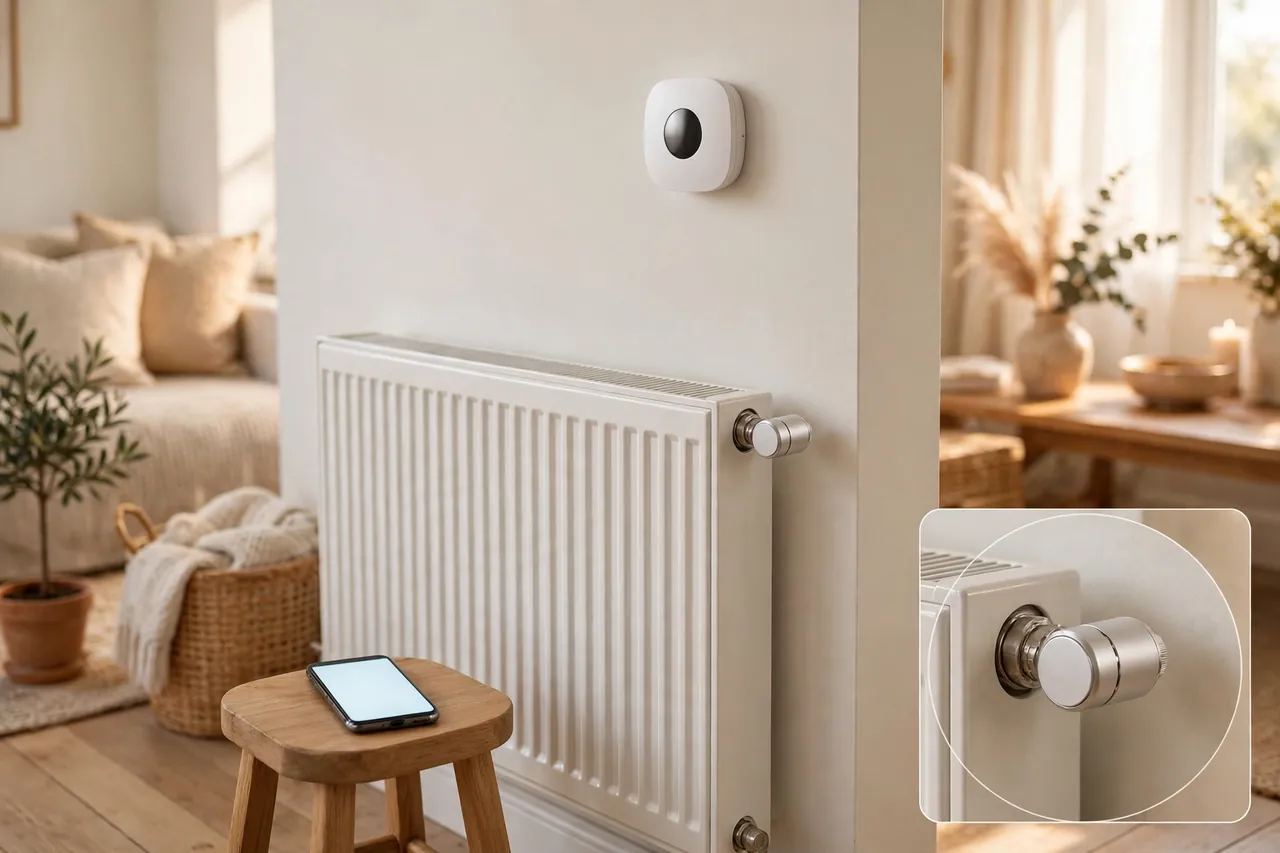
A Bluetooth thermostat works by pairing your phone to the thermostat through the maker’s app, the same way you pair wireless headphones. You open the app, the phone finds the thermostat nearby, and the two connect. From then on, every change you make in the app — a new temperature, a schedule, a mode change — travels straight from your phone to the thermostat over that short-range radio link.
The thermostat stores your schedule on the device itself. That matters more than most people realize. When you set a daily program through the app, the thermostat keeps running it even when your phone is off, out of range, or out of battery. The app is only the remote control; the thermostat does the actual work on its own.
Setup usually follows the same pattern on every brand. First, you mount and wire the thermostat, or screw a radiator valve onto the valve body. Next, you download the maker’s free app. Then you hold your phone near the thermostat, tap to pair, and set your first schedule. The whole process takes about ten to fifteen minutes for a straightforward replacement, though wiring a new wall unit can take longer if your old thermostat lacks a C-wire.
Some Bluetooth thermostats also carry Wi-Fi as a second radio. These hybrid models use Bluetooth for setup and nearby control, then switch to Wi-Fi when you want remote access from anywhere. If you see a model advertised with both Bluetooth and Wi-Fi, read the details: the Bluetooth part usually handles the local connection, while the Wi-Fi part handles everything away from home.
Bluetooth vs. Wi-Fi Thermostats: The Real Differences
The honest difference between a Bluetooth thermostat and a Wi-Fi thermostat comes down to one question: where do you need to be when you change the temperature? A Bluetooth thermostat answers “in the house.” A Wi-Fi thermostat answers “anywhere with internet.” Everything else — schedules, temperature accuracy, energy savings — is mostly the same once you compare models of similar quality.
Bluetooth uses far less power than Wi-Fi, which is why radiator valves can run for a year or more on two AA batteries. Wi-Fi needs a constant connection to your router and a cloud account, which gives it remote access and voice-assistant control but also means it stops working remotely when your internet goes down. Bluetooth keeps working through an internet outage because it never used the internet in the first place.
The table below puts the two side by side so you can see the trade-off at a glance.
Quick reference: Bluetooth vs. Wi-Fi thermostats
| Feature | Bluetooth Thermostat | Wi-Fi Thermostat |
|---|---|---|
| Control range | About 30 feet indoors | Anywhere with internet |
| Internet needed | No | Yes, for remote control |
| Works during an internet outage | Yes | Only manual control at the wall |
| Voice assistants | Usually no | Yes, Alexa and Google Assistant |
| Remote alerts | No | Yes |
| Battery life | Months to over a year | Needs constant power |
| Setup difficulty | Simple, no router setup | Needs Wi-Fi password and account |
| Best for | Renters, no-Wi-Fi homes, RVs | Remote control, smart homes |
Neither type is better in every home. A Wi-Fi thermostat wins when you travel, leave pets at home, or want voice control. A Bluetooth thermostat wins when you have no Wi-Fi, do not want another cloud account, or only ever adjust the heat while you are home. If you want the full picture of what Wi-Fi models offer, read our guide to smart thermostats for your home, and if you want to compare every wireless option at once, see our wireless thermostat guide.
How Far Does a Bluetooth Thermostat Work?
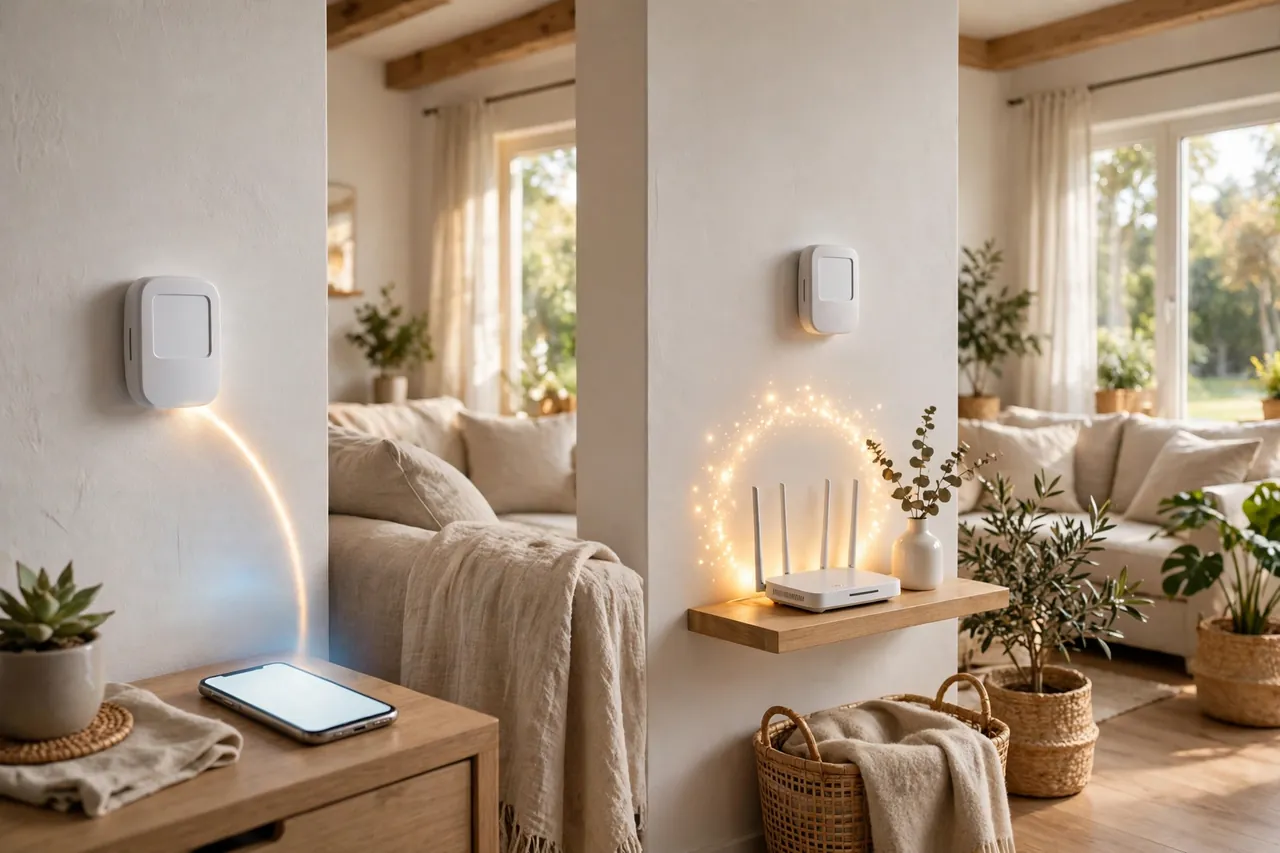
A Bluetooth thermostat works within about 30 feet of your phone indoors, and walls cut that distance down fast. That 30-foot figure is not a guess: it matches the standard range of Class 2 Bluetooth, the type used in nearly every phone and small home device. Withings, which builds a Bluetooth thermometer, tells users to keep the phone within 10 meters — about 30 feet — of the device for a reliable connection, and the same limit applies to thermostats.
Open air stretches the range. Some makers quote 30 to 60 feet for their thermostats, and the King Electric ATMOS lists exactly that range, noting that wall construction changes the result. The Micro-Air EasyTouch RV thermostat, which pairs over Bluetooth when you are inside the camper, works within 30 to 50 feet according to its maker. A single drywall wall might cost you a few feet. A brick wall, a concrete floor, or a metal appliance in the path can cut the range in half or break the connection entirely.
The practical rule is simple: if you can see the thermostat or you are one room away, Bluetooth control works. If you are two rooms away, downstairs, or out in the yard, expect it to drop. Test the range on your first day. Stand in the spots where you actually use your phone — the couch, the bed, the kitchen — and check that the app still connects.
A Bluetooth bridge changes the math. Some systems sell a small plug-in bridge that sits near the thermostat and connects it to your Wi-Fi network. The bridge talks Bluetooth to the thermostat and Wi-Fi to your router, which gives you remote control from anywhere. Hombli sells its radiator thermostats this way: the valves run on Bluetooth, and the optional bridge adds remote control through the app. A bridge costs extra and adds one more device to your network, but it turns a Bluetooth-only system into a remote-control system without replacing the thermostats.

What You Can and Cannot Do With a Bluetooth Thermostat
A Bluetooth thermostat covers the everyday jobs well. You can change the temperature from your phone, set a daily or weekly schedule, switch between heat and cool, and check the current room temperature — all while you are at home. Most models also let you set a temporary hold, so a warmer evening does not rewrite your whole schedule, and a boost mode that holds a temperature for a few extra hours.
What you cannot do is anything that needs the internet. You cannot preheat the house from work, check the temperature while on vacation, or get an alert if the heat fails while you are away. Voice control through Alexa or Google Assistant is also off the table for Bluetooth-only models, because those assistants reach your devices through the cloud. If your phone is out of range, the thermostat simply keeps following the schedule you already set.
Energy reports are another gap. Wi-Fi thermostats send your usage data to the cloud and show you charts of when your system ran and how much energy it used. Bluetooth models keep that data on the device, if they store it at all, and most show you only the current temperature and your schedule.
None of this makes a Bluetooth thermostat a weak product. It makes it a focused one. It does the local jobs — comfort, scheduling, and simple control — without the accounts, passwords, and internet dependence that Wi-Fi models demand.
Who Should Buy a Bluetooth Thermostat?
A Bluetooth thermostat fits a few clear situations better than any other type. If any of these sound like your home, it is probably the right pick.
Renters
Renters get the most from a Bluetooth thermostat. You can swap a wall thermostat or screw on radiator valves without touching the building’s Wi-Fi, and you can take the devices with you when you move. There is no router to configure, no landlord permission needed for network changes, and no account tied to an address you will leave. Just check your lease before replacing a wired wall unit, and keep the original thermostat so you can put it back.
Homes without Wi-Fi
Some homes have no Wi-Fi at all — a cabin, a guest house, a workshop, or a home where the owner simply never set up a network. A Bluetooth thermostat works fine there because it never asks for a router. It also suits people who want fewer connected devices and no cloud account for their heating system.
RV and camper owners
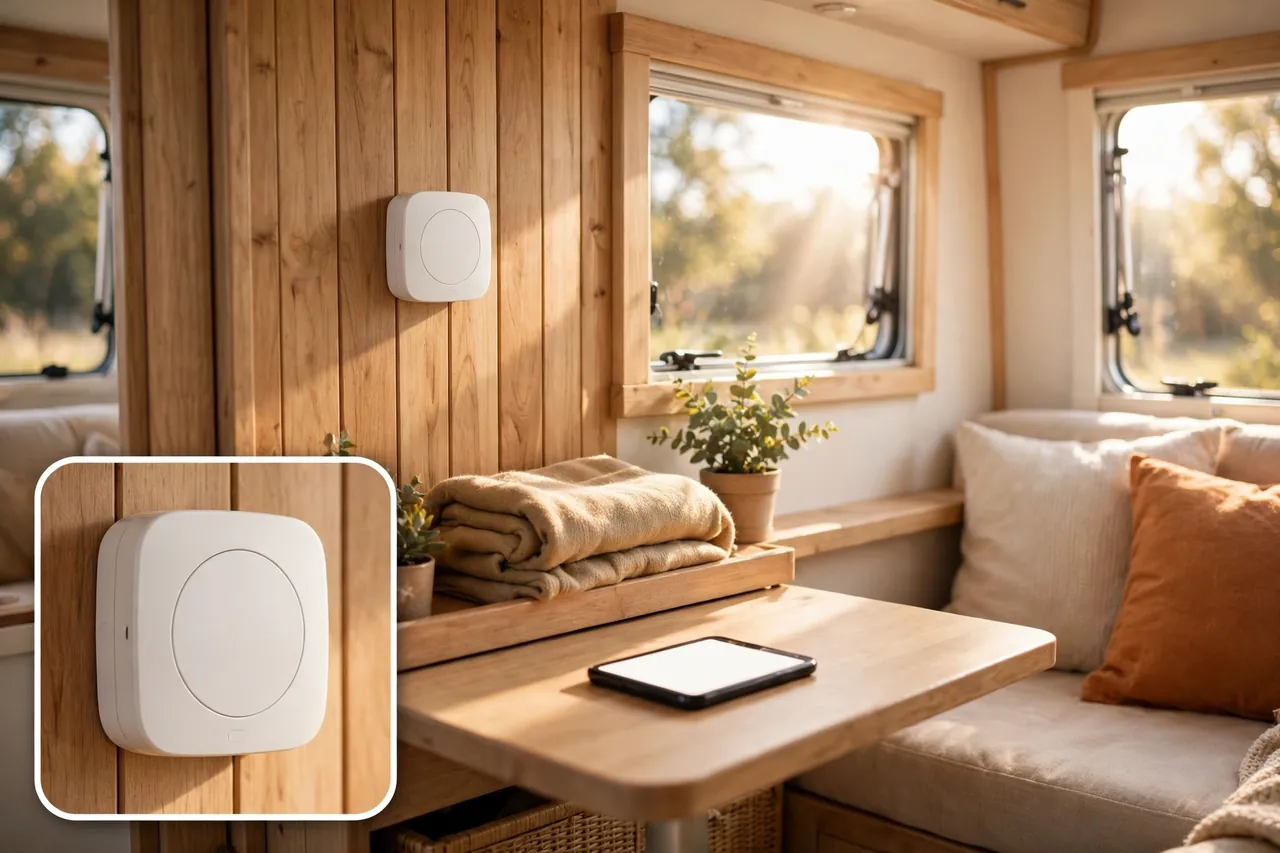
RVs are the strongest use case for Bluetooth thermostats. Campers run on 12-volt power, campground Wi-Fi is often weak or absent, and you are usually inside the rig when you want to change the temperature. The Micro-Air EasyTouch is built exactly for this: it replaces Dometic and Coleman-Mach RV thermostats, pairs over Bluetooth when you are onboard, and adds Wi-Fi remote access only when a connection is available. Its app states plainly that local access is always possible using Bluetooth whenever you are out of range of a Wi-Fi connection.
Anyone who wants simple, private control
Some buyers simply do not want their thermostat on the internet. A Bluetooth thermostat keeps your heating data inside your home, needs no password, and cannot be reached by anyone outside Bluetooth range. If privacy and simplicity matter more to you than remote access, that trade is worth making.
Who Should Skip It and Buy a Wi-Fi Thermostat Instead?
Skip a Bluetooth-only thermostat if you travel often and want to warm the house before you get home. You cannot do that over Bluetooth, and no schedule can guess your arrival time every day. A Wi-Fi thermostat handles that job easily.
Skip it too if you leave pets at home alone. A Wi-Fi thermostat can alert you when the temperature climbs too high or the heat fails. A Bluetooth thermostat cannot reach you at all once you leave, so a failure stays invisible until you walk back through the door.
Voice control is another clear reason to choose Wi-Fi. If you want to say “set the heat to 70” to Alexa or Google Assistant, you need a Wi-Fi model, because voice assistants talk to thermostats through the cloud. The same goes for smart-home routines, such as lowering the heat automatically when everyone leaves, or geofencing that adjusts the temperature based on your phone’s location.
Finally, skip Bluetooth-only if your home has a heat pump with auxiliary heat or a multi-zone system that needs careful staging. Those systems benefit from the remote monitoring and detailed control that Wi-Fi models provide. Our guide to thermostats for heat pumps explains what to look for, and our electric heat thermostat guide covers the high-voltage side if your home heats with electricity.
Bluetooth Thermostat Types: Wall Units, Radiator Valves, and RV Models
Not every Bluetooth thermostat does the same job. The three types below cover almost everything on the market, and picking the wrong type is the most common buying mistake.
Wall thermostats
Wall thermostats replace your existing wall control and wire into a low-voltage heating and cooling system — the standard 24-volt setup in most American homes with a furnace, air conditioner, or heat pump. They look and act like a normal smart thermostat, with a display and buttons on the wall, plus an app for nearby control. Before you buy one, check your wiring: many smart models need a C-wire for steady power, and an older home may not have one. If your system uses line-voltage electric heat instead, a wall thermostat made for low-voltage systems will not work at all — you need a model built for electric baseboard or radiant heat, such as the King Electric ATMOS, which programs up to six temperature periods per day from the app across a setpoint range of 41 to 90 degrees Fahrenheit.
Radiator valves
Radiator valves are small motorized knobs that screw onto individual radiators, mostly in homes with hot-water or steam radiators. Each valve controls one room, so you can heat the bedroom without heating the empty guest room. They run on batteries — Hombli’s Bluetooth radiator thermostat runs up to a year and a half on two AA batteries — and they pair to your phone over Bluetooth Low Energy. Add the maker’s bridge and you get remote control; without it, you control each room only while you are nearby.
RV thermostats
RV thermostats are built for 12-volt camper systems and replace factory controls from Dometic, Coleman-Mach, and similar brands. They are the most expensive type because they speak the digital language of RV air conditioners and furnaces, which home thermostats cannot do. The Micro-Air EasyTouch 357, the best-known model, sells for $232.82 at Panther RV Products, checked November 6, 2026. It pairs over Bluetooth inside the rig and uses Wi-Fi for remote access when a connection is available, with no monthly fees. Micro-Air’s own EasyTouch RV app confirms that local access is always possible using Bluetooth whenever you are out of range of a Wi-Fi connection. Before ordering any RV thermostat, match it to your existing thermostat’s model number — the EasyTouch 357, for example, replaces certain Dometic five-button thermostats but not four-button models.
How to Set Up a Bluetooth Thermostat
Setup is short and forgiving, but a few steps matter more than others. Follow them in order and you will avoid the two most common problems: a failed pairing and a thermostat that cannot reach your heating system.
- Turn off power to your heating and cooling system at the breaker before you touch any wiring. For a radiator valve or an RV thermostat, this step is simpler, but for a wired wall unit it is not optional.
- Take a photo of your old thermostat’s wiring before you disconnect a single wire. Label each wire with the letter on its terminal. This photo saves you if you get interrupted mid-job.
- Mount the new thermostat and connect the wires to the matching terminals. If your old setup has no C-wire and the new thermostat needs one, stop and check the maker’s adapter options or call a pro — do not improvise with wiring.
- Restore power and install the maker’s app on your phone. Make sure your phone’s Bluetooth is on, and stand within a few feet of the thermostat for pairing.
- Pair the thermostat in the app and follow the setup prompts. Some apps ask for your location permission because Android requires it to find Bluetooth devices — that is normal, not a privacy trick.
- Set your first schedule right away, even a simple one. A thermostat with no schedule runs at one temperature all day, which wastes energy and teaches you nothing about how it behaves.
- Walk around your home with the app open and check where the connection holds. Note the dead spots so you know where to stand when you want to make a change.
If pairing fails, the fix is usually boring: turn your phone’s Bluetooth off and back on, move closer, and try again. If the app cannot see the thermostat at all, check that the thermostat is powered and not already paired to another phone. Most models pair to one phone at a time during setup, then share access afterward.
Common Problems and Quick Fixes
Bluetooth thermostats fail in predictable ways, and most fixes take less than five minutes. Work through the list from the top before you assume the device is broken.
Quick fixes for Bluetooth thermostat problems
| Problem | Likely Cause | Fix |
|---|---|---|
| App cannot find the thermostat | Phone too far away or Bluetooth off | Stand within a few feet, toggle Bluetooth off and on |
| Connection drops in another room | Walls blocking the signal | Move closer or add a Bluetooth bridge |
| Thermostat does not respond to the app | Schedule or hold overriding the app | Check for an active hold, then change the temperature again |
| Heat or cooling does not start | Wiring or system issue | Check power and wiring, then see our Honeywell troubleshooting guide |
| Radiator valve runs the battery down fast | Weak signal forcing retries | Move the bridge or phone closer, replace batteries |
When the heating or cooling equipment itself will not start, the thermostat may not be the problem at all. Our guide to why a Honeywell thermostat stops working walks through the same checks that apply to any brand, and our heater troubleshooting guide covers the furnace and heater side. If you ever smell gas, see scorch marks, or find damaged wiring, stop and call a licensed HVAC technician — no thermostat fix is worth that risk.
How a Bluetooth Thermostat Fits Your Smart Home
A Bluetooth thermostat is a light-touch smart home device. It does not join a hub, it does not need a voice assistant, and it does not ask you to rebuild your home network. That makes it an easy first smart device for a home that has none.
Where it fits best is alongside other simple controls. A thermostat with a remote sensor solves a different problem — an upstairs bedroom that never matches the hallway temperature — and pairs well with a Bluetooth model if your home has hot and cold spots. And if you are building out more automation, our DIY smart home automation guide shows how to add devices one at a time without hiring a pro.
The honest limit is that a Bluetooth thermostat will not anchor a full smart home. It cannot trigger routines, talk to other devices, or respond to voice commands on its own. If your goal is a home where the lights, locks, and temperature all work together, start with a Wi-Fi thermostat instead. If your goal is simply to change the temperature from the couch, Bluetooth is enough.
Related Guides
Thermostat Heat Pump Guide: Settings, Aux Heat, and Choosing the Right Thermostat · What Is a Common Wire in a Thermostat? · Smart Doorbell Without Camera: A Simple Buying Guide
Frequently Asked Questions
Can a smart WiFi thermostat still work without an internet connection?
Yes. Most smart thermostats keep working like a regular programmable thermostat without internet. You can change the temperature, switch between heat and cool, and run your schedules from the device itself. What you lose is remote control from your phone, app features, and alerts until the connection returns.
What features do I lose if my smart thermostat isn’t connected to WiFi?
You lose remote control, usage reports, software updates, and automation such as geofencing and smart-home routines. The thermostat still follows its schedule and responds to manual changes at the wall. A Bluetooth connection can cover nearby phone control, but it cannot restore remote access or cloud features.
Is a smart WiFi thermostat worth it if I don’t always have WiFi?
It can be. You get easier programming, a modern display, and better control right away, and the Wi-Fi features unlock whenever a connection is available. But if your home never has Wi-Fi, a Bluetooth thermostat gives you phone control without paying for features you cannot use.
Can I control my RV thermostat without WiFi while boondocking?
Yes, if your RV thermostat has Bluetooth. The Micro-Air EasyTouch, for example, gives you local control within 30 to 50 feet over Bluetooth with no internet at all. Remote access from a hiking trail still needs Wi-Fi through a campground network or a cellular hotspot.
Why can’t I connect to Wi-Fi?
Most Wi-Fi connection failures come from simple setup mistakes: a 5 GHz network instead of 2.4 GHz, a wrong password, or your phone’s Bluetooth turned off during setup. Many thermostats use Bluetooth to pass your Wi-Fi details to the device, so keep Bluetooth on and stand close to the thermostat while you connect. If it still fails, restart the thermostat and try again.
A quick safety note: always switch off power at the breaker before touching thermostat wiring, and call a licensed HVAC technician if you find damaged wires, scorch marks, or anything you do not understand. A thermostat swap is a simple job, but your heating system runs on live power.
A Bluetooth thermostat is the right buy when you control the temperature from home, have no Wi-Fi, rent, or live on the road. It is the wrong buy when you need remote access, alerts, or voice control. Decide which side you are on, then pick the type that matches your heating system — wall unit, radiator valve, or RV model — and test the range on day one.



