
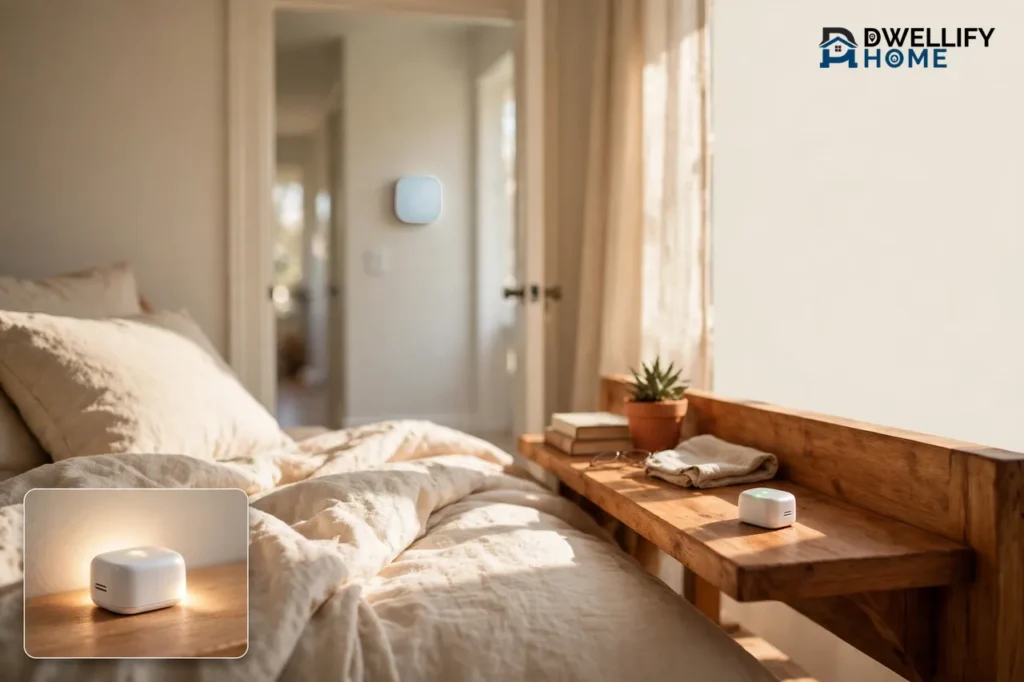
A thermostat with a remote sensor is a smart thermostat that reads the temperature in another room, not just the hallway where it hangs on the wall. A small wireless sensor sits in your bedroom, office, or nursery, measures the temperature there, and tells the thermostat what that room really feels like. The thermostat then heats or cools your home based on the room you actually use.
If your upstairs bedroom bakes in summer while the downstairs stays cool, or your home office freezes every winter morning, this is the fix. A remote sensor thermostat does not need new ductwork or a second heating system. It simply moves the temperature reading to the room that matters most, and that one change can end years of hot and cold spots.
💡 Practical Home Tip: Start with one sensor in the room that bothers you most, usually the main bedroom. Live with it for a week before you buy more. One well-placed sensor fixes most homes, and you can always add another later if a second room still feels off.
What Is a Thermostat With a Remote Sensor?
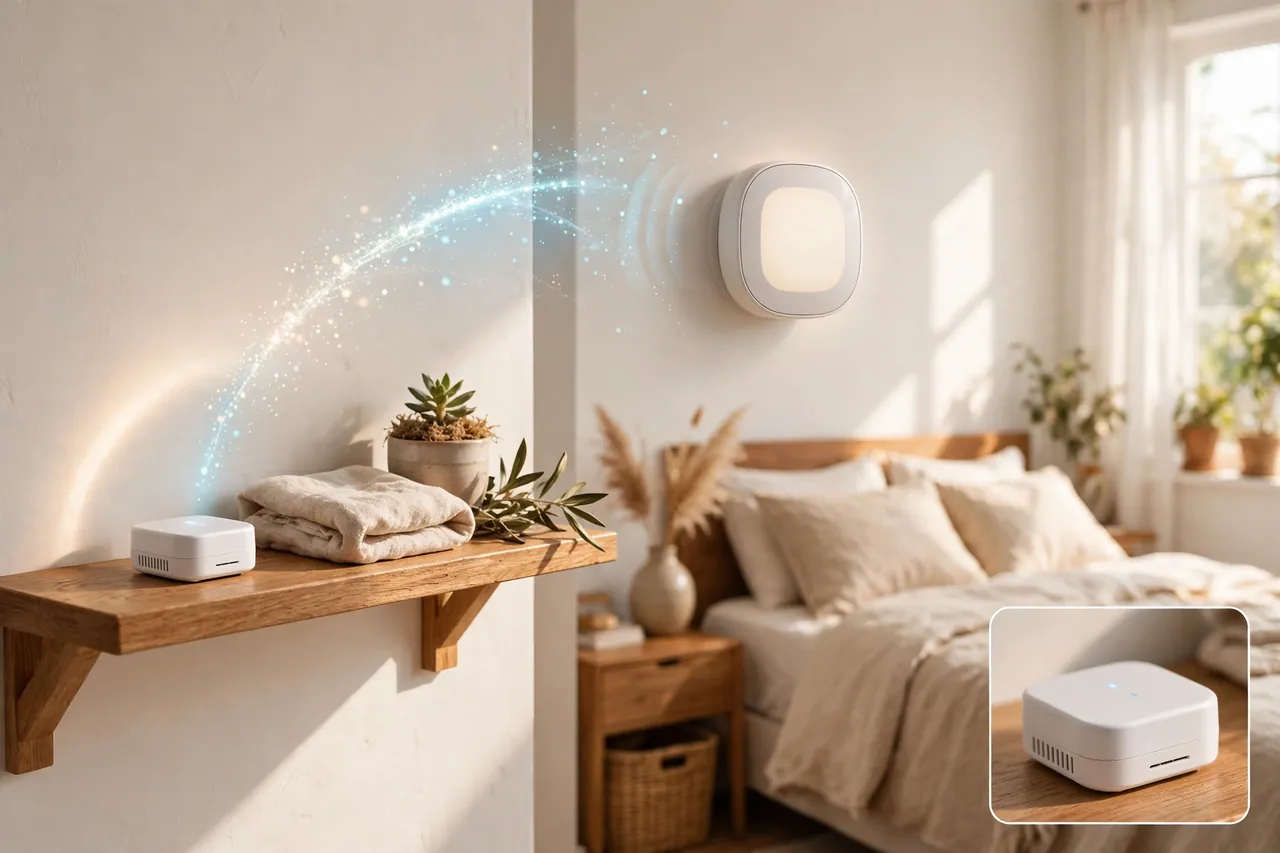
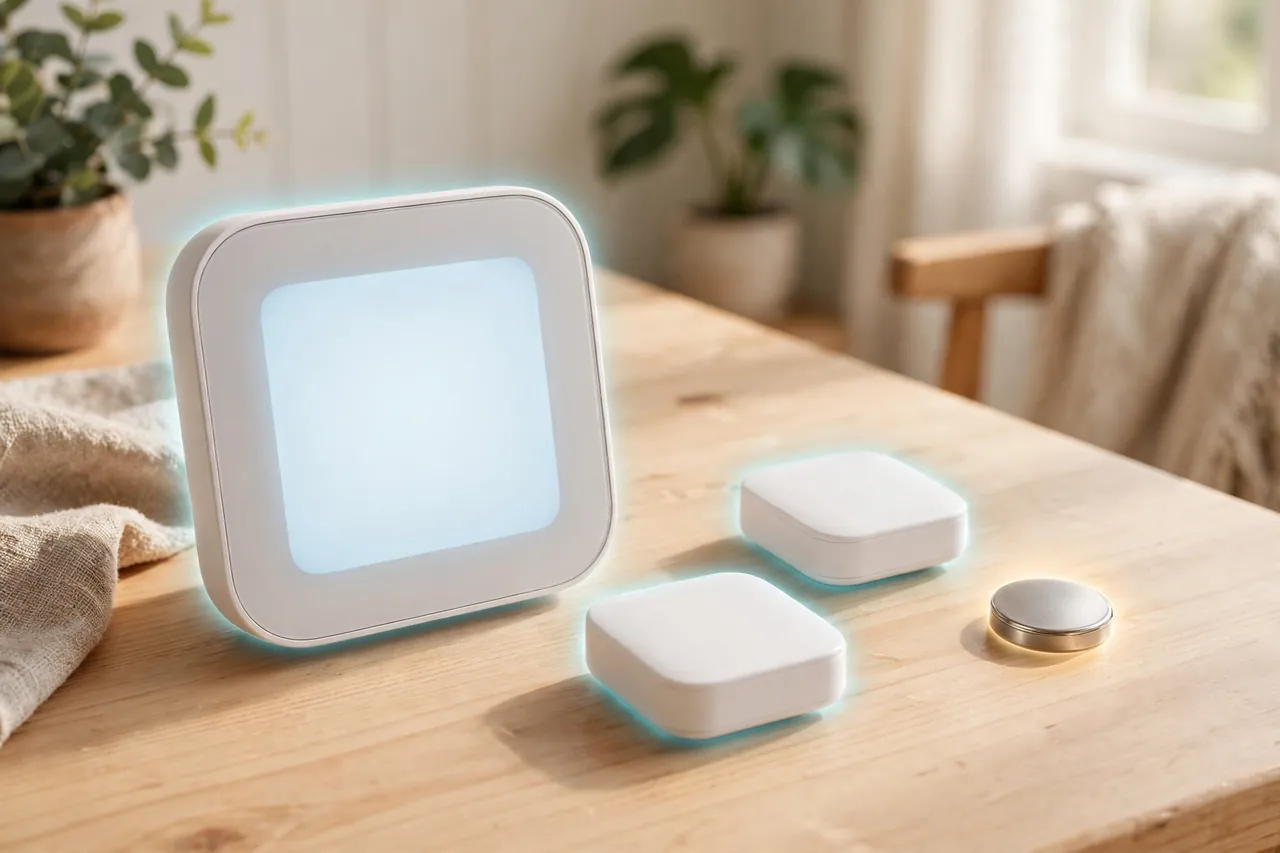
A remote sensor thermostat is a smart thermostat that pairs with one or more small wireless sensors placed around your home. Each sensor measures the temperature in its own room and, in most systems, also detects whether someone is in the room. The sensor sends that reading back to the thermostat over a low-power wireless signal.
Think of it this way. A normal thermostat only knows the temperature of the wall it sits on. If that wall is in a cool downstairs hallway, the thermostat thinks the whole house is cool, even while your upstairs bedroom is five degrees warmer. A remote sensor gives the thermostat a second set of eyes in the room where you sleep, work, or watch your kids play.
The sensor itself is small, about the size of a matchbox, and it runs on a battery. You set it on a shelf or mount it on a wall, with no wires to run and no tools needed. Most sensors also sense occupancy, so the thermostat knows which rooms people are using right now.
This is different from a wireless thermostat, which is a thermostat you can move around or control from another room. A wireless thermostat still takes its reading from one spot. A remote sensor thermostat takes readings from several spots and uses them together, and that is the whole point of the sensor story.
The Problem It Solves: Why One Thermostat Cannot Please Every Room
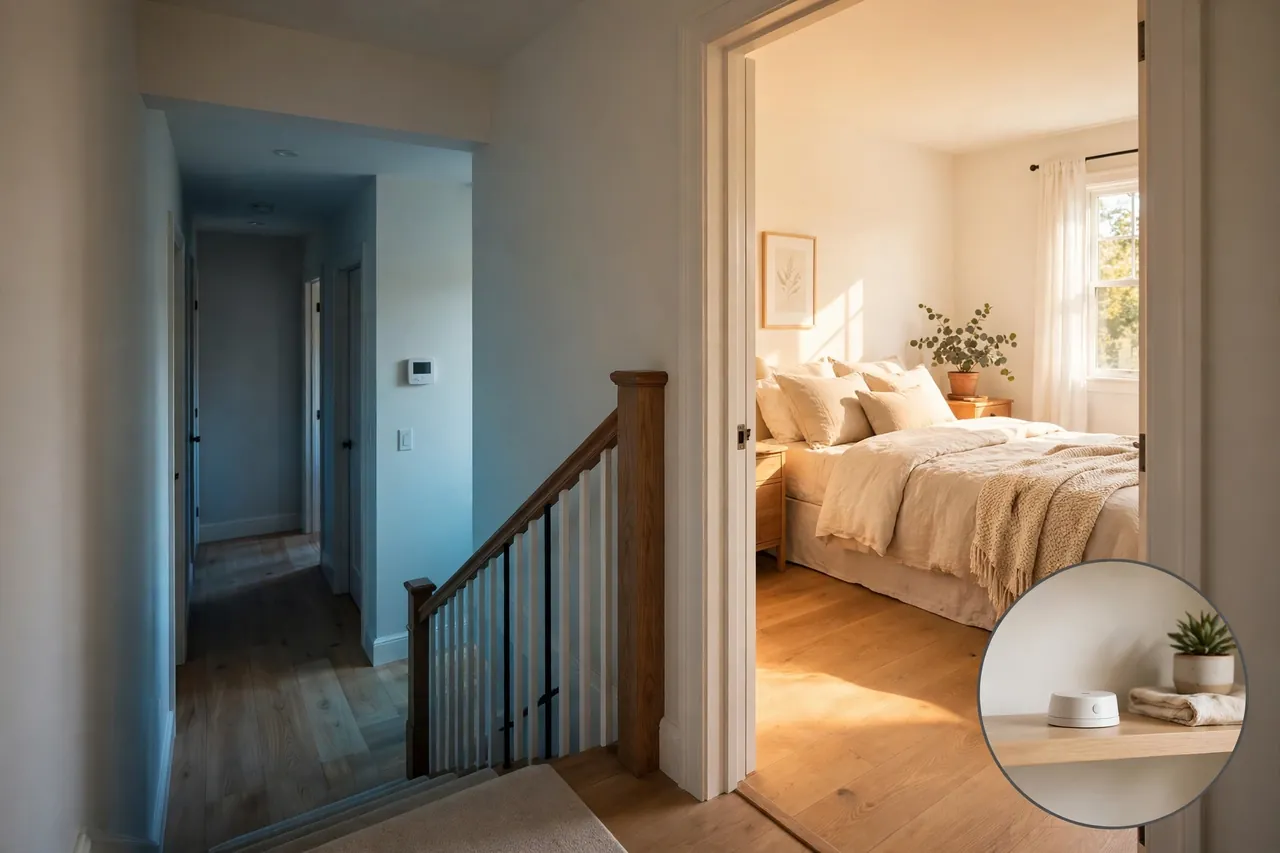
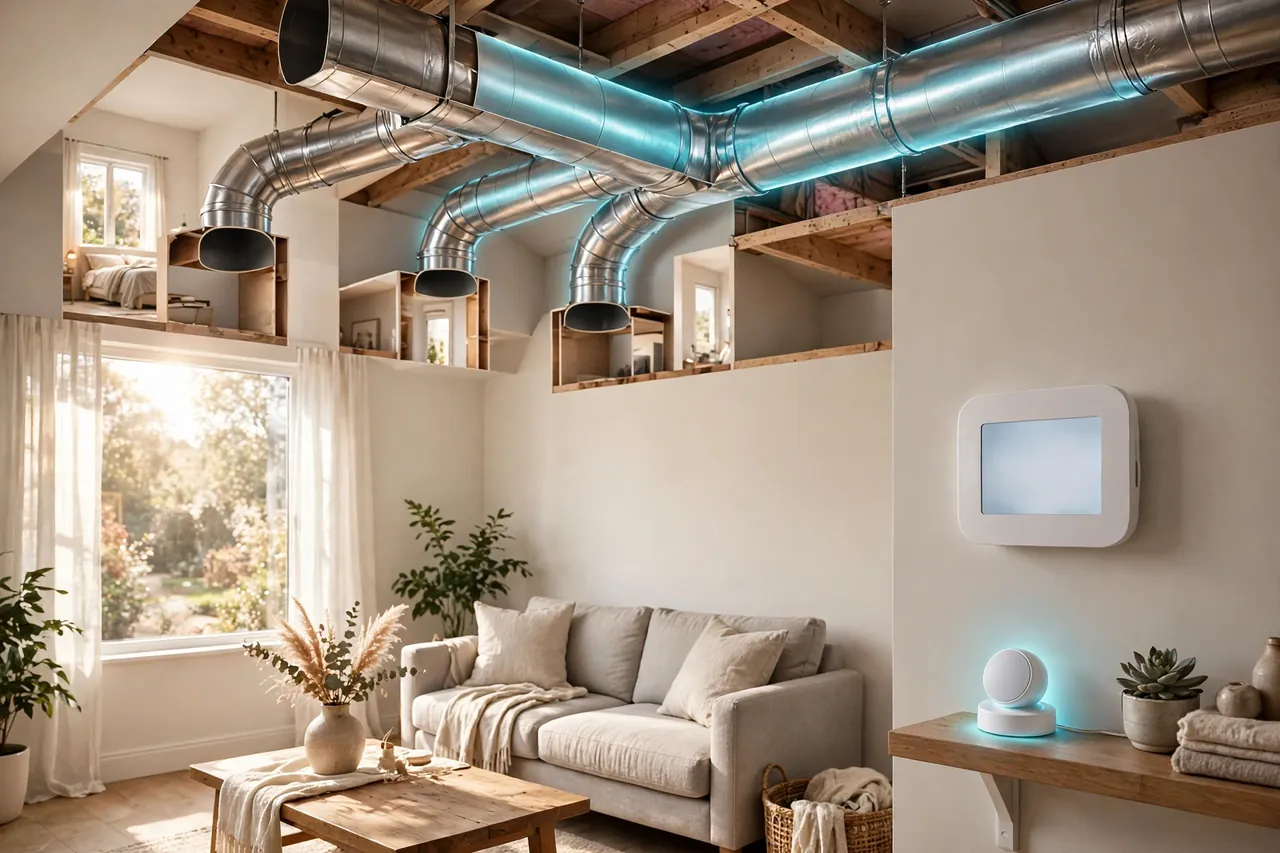
Most American homes have one thermostat and one heating and cooling system. That single thermostat decides when the heat or air conditioning runs, and it decides based on one room only. Every other room just has to live with the result.
That works fine in a small, well-insulated home where every room stays within a degree or two of the rest. It falls apart in homes where rooms behave differently, and many homes do. Here are the rooms that suffer most:
- Upstairs bedrooms. Warm air rises, so the second floor runs hotter than the first in summer and often in winter too. You set the thermostat to 72 degrees downstairs, and the bedroom sits at 77.
- Rooms over the garage. The garage below stays cold, so the room above it loses heat through the floor. It feels chilly even when the rest of the house is fine.
- Sun-facing rooms. A room with big south or west windows heats up fast on a sunny afternoon. The thermostat in a shaded hallway never sees it coming.
- Home offices and nurseries. These rooms often sit at the far end of the duct run, so they get the weakest airflow. A nursery that runs cold at night is more than an annoyance.
- Basement rooms. Basements stay naturally cool. A thermostat upstairs has no idea the basement playroom is freezing.
A remote sensor does not fix bad ductwork or missing insulation. What it does is stop the thermostat from guessing. Instead of heating the hallway to 72 degrees and hoping the bedroom follows, the thermostat heats until the bedroom itself reaches 72 degrees. The hallway might end up a little warmer or cooler than before, but the room you care about feels right.
How Remote Sensors Work With Your Thermostat
A remote sensor talks to your thermostat every few minutes. It reports the temperature where it sits and whether the room is occupied. The thermostat then uses that information in one of three ways, depending on how you set it up.
Averaging: One Fair Temperature for the Whole Home
Averaging is the simplest mode. The thermostat takes the temperature from its own sensor and from every remote sensor, then averages them into one number. If the hallway reads 70 degrees and the bedroom sensor reads 74, the thermostat treats the house as 72 and runs the system until that average hits your target.
Averaging helps when no single room matters more than the rest. It smooths out the extremes so no room gets wildly hot or cold. The trade-off is that no room gets exactly what it wants. The bedroom will feel better than before, but it will not feel perfect.
Follow Me: Comfort That Stays With You
Follow Me is the smarter mode, and it is the reason most people buy a sensor. The thermostat watches which sensors detect people, then focuses on those rooms only. When you sit in the living room in the evening, the thermostat heats or cools for the living room. When you go to bed, it switches to the bedroom sensor.
Ecobee calls this feature Follow Me, and it works with its SmartSensor line. The thermostat uses the occupancy reading from each sensor to decide which rooms count right now, and it ignores the empty ones. If nobody is home, the system can ease off and save energy instead of heating empty rooms.
This mode feels like magic the first week you use it. The room you are in is always the room the thermostat cares about. The catch is that it only works when the sensors can see you. If you sit still for a long time, say reading in bed, the sensor may think the room is empty and stop counting it.
Schedules Per Room: The Right Room at the Right Time
The third way sensors work is through schedules. You tell the thermostat which sensor matters during each part of the day. The bedroom sensor rules the night, the office sensor rules the workday, and the living room sensor rules the evening.
Honeywell Home builds its T9 thermostat around this idea. Its Smart Room Sensors let you focus on the rooms you choose and set a schedule that matches your routine. You can tell the T9 to keep the nursery comfortable overnight and the living room comfortable after dinner, all from one thermostat. Room schedules suit families with steady routines: set them once, and the system follows them every day. If your schedule changes a lot, Follow Me may suit you better because it reacts to where you actually are.
Which Smart Thermostats Have Remote Sensors?
Not every smart thermostat works with remote sensors. Some brands skip them entirely, and sensors from one brand never work with another brand’s thermostat. Buy the thermostat and the sensors as one system, or check compatibility before you spend a dollar.
The two best-known sensor systems in the United States are Ecobee and Honeywell Home. Both are proven, both are widely sold, and both take a slightly different approach.
Ecobee SmartSensor measures temperature and occupancy in each room. According to Ecobee’s own support pages, its thermostats can support up to 32 room sensors, and each sensor works from up to 45 feet away from the thermostat. The sensors run on a CR2477 battery that lasts up to five years. One SmartSensor comes in the box with the Smart Thermostat Premium, and you can buy more in a two-pack. Ecobee states on its product pages that SmartSensor works with the Smart Thermostat Premium, Enhanced, Essential, and Lite, plus the older SmartThermostat with voice control, ecobee4, ecobee3 lite, and ecobee3.
Honeywell Home takes a simpler path with its T9 Smart Thermostat. The T9 ships with one Smart Room Sensor in the box, and its sensors reach up to 200 feet from the thermostat with a battery life of up to one year, according to Honeywell Home’s product page. The T9 focuses on room schedules and occupancy, and it works with most forced-air, hot water, steam, and heat pump systems. It does not work with electric baseboard heat.
| Feature | Ecobee SmartSensor | Honeywell Home T9 Room Sensor |
|---|---|---|
| Measures | Temperature and occupancy | Temperature and occupancy |
| Sensor in the box | 1 with Smart Thermostat Premium | 1 with T9 |
| Maximum sensors | Up to 32 | Multiple (check T9 specs) |
| Wireless range | Up to 45 feet | Up to 200 feet |
| Battery life | Up to 5 years (CR2477) | Up to 1 year |
| Key mode | Follow Me occupancy mode | Room schedules and focus |
| Extra sensor cost | About $99.99 for a 2-pack | Sold separately |
Both systems solve the same problem, so pick the one that fits your home and your habits. If you want the thermostat to follow you from room to room on its own, Ecobee’s Follow Me mode is the stronger pick. If you want a simple schedule that keeps the bedroom right at night and the living room right in the evening, the T9 does that job well. Either way, buy the thermostat first and add sensors only for the rooms that actually feel wrong.
How to Set Up and Place Your Sensors
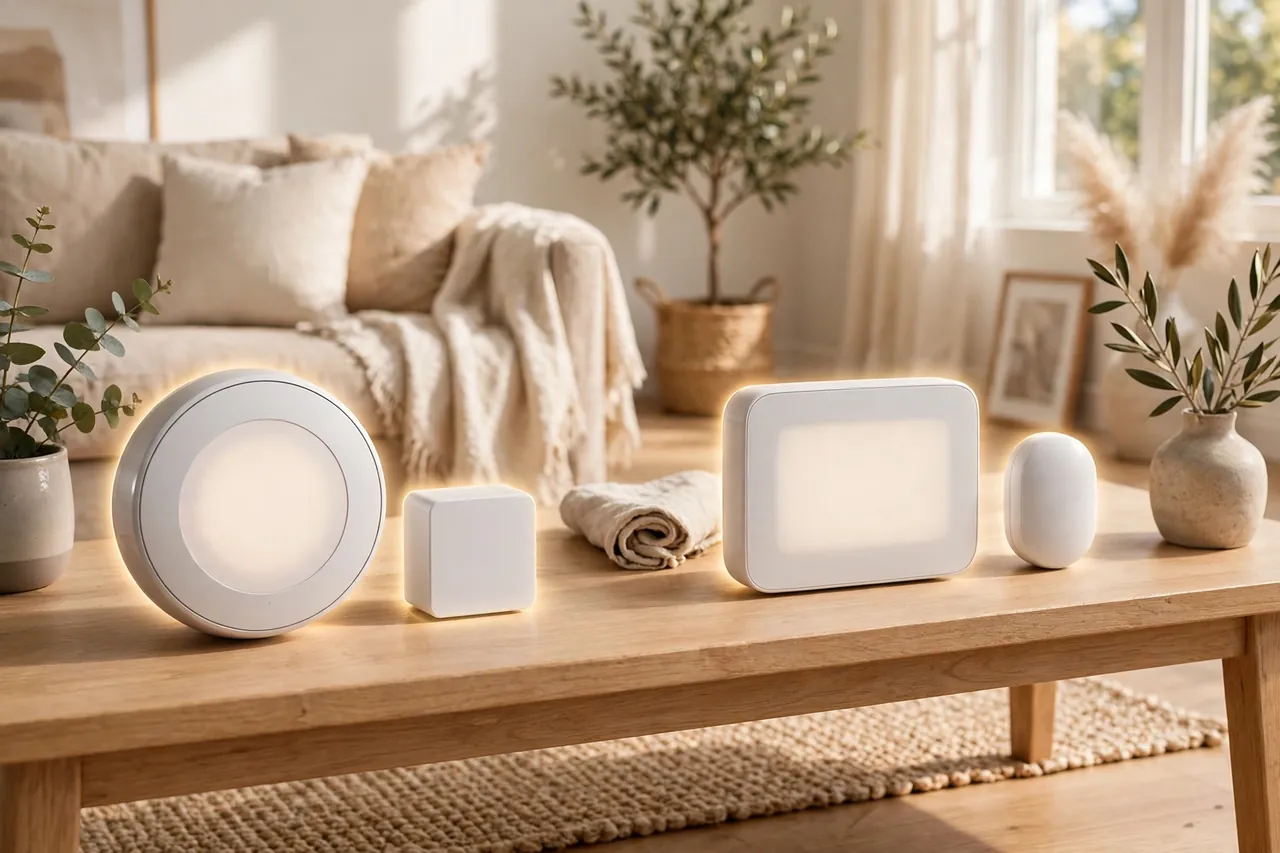
Setting up a remote sensor takes about five minutes. The thermostat app walks you through it, and you do not need tools or wiring. Follow these steps in order.
- Pair the sensor first. Open the thermostat app, go to the sensor menu, and follow the prompt to add a sensor. Pull the battery tab on the sensor, and the thermostat should find it within a minute.
- Name it by room. Call it “Main Bedroom” or “Office,” not “Sensor 1.” Clear names make schedules easy to read later, and they help you spot a dead battery fast.
- Pick the right spot. Set the sensor on a shelf or mount it on an interior wall, about chest height, in the part of the room where you actually sit or sleep.
- Choose its job. Tell the thermostat whether this sensor joins the average, follows occupancy, or rules a time slot. Start with Follow Me or a simple schedule, not both at once.
- Wait a week. Let the system learn your routine before you judge it. Check the temperature in the room at the times that used to bother you, and adjust the sensor’s role if the room still feels off.
Placement matters more than the number of sensors you own. A sensor in the wrong spot reads the wrong temperature, and the thermostat will heat or cool for a number that does not match how the room feels. Follow these rules:
- Do place the sensor where you spend time, such as beside the bed or near the desk, not by the door.
- Do keep it at chest height on a shelf or wall, away from the floor and the ceiling.
- Do keep it away from windows, exterior doors, and drafty spots that skew the reading.
- Do not put it in direct sunlight, above a radiator, or next to a lamp or TV that gives off heat.
- Do not hide it inside a cabinet, behind a curtain, or under a pile of books. The sensor needs open air to read the room.
- Do not place it right next to a supply vent. The blast of hot or cold air will fool it every time the system runs.
If a sensor reads strangely, move it before you blame the system. A sensor that sits in a sunny window will report a warm room all afternoon, and the thermostat will stop cooling while you sweat. Move it two feet into the shade, and the problem usually disappears.
What Remote Sensors Cannot Do
Remote sensors are a big comfort upgrade, but they have honest limits. Know them before you buy so you do not expect a fix they cannot give.
They cannot create true zoning. Your home still has one heating and cooling system and one set of ducts. A sensor can tell the system to run longer so the cold bedroom warms up, but it cannot send heat to the bedroom alone. The rest of the house will warm up too. Real room-by-room control needs separate zones with dampers in the ductwork, and that is a much bigger job. If you want to understand how your system moves air, read our guide to forced-air heating.
They cannot fix broken equipment. If a duct is crushed, a vent is closed, or your system is too small for the house, a sensor will only mask the problem. The bedroom may feel better because the system runs longer, but your energy bill will climb. If one room is always far colder than the rest, get the ducts and the system checked before you buy sensors.
They have a range limit. Sensors talk to the thermostat over a wireless signal, and walls, floors, and metal objects weaken it. Ecobee sensors work up to about 45 feet from the thermostat, while Honeywell’s reach up to 200 feet. In a large home, a sensor at the far end may drop out now and then. If that happens, the thermostat falls back to its own reading until the signal returns.
They run on batteries. Ecobee sensors last up to five years on one battery, while Honeywell’s last up to one year. Either way, a dead battery means a silent sensor, and the thermostat will not warn you loudly about it. Check the app now and then, and keep a spare battery in a drawer.
One sensor covers one room. A big open living room may need two sensors to read fairly, while a small bedroom needs only one. Do not expect a single sensor in the hallway to fix three rooms at once. As a rule, one sensor per problem room is enough, and most homes need only one to three sensors in total.
They lock you into one brand. An Ecobee sensor only works with an Ecobee thermostat, and a Honeywell sensor only works with a Honeywell thermostat. If you switch brands later, your sensors become useless. Pick the thermostat system you want to live with, not just the cheapest sensor.
Is a Thermostat With a Remote Sensor Worth It?
For many homes, yes. For some homes, no. The answer depends on how uneven your home feels today.
A remote sensor thermostat is worth it if your home has a clear temperature gap between rooms. Measure it first: put a cheap thermometer in the room that bothers you and one near the thermostat, then compare them at the same time of day. If the gap is three degrees or more on a regular basis, a sensor will make a real difference you can feel. Multi-story homes, rooms over garages, and sun-facing rooms almost always pass this test.
It is also worth it if your thermostat sits in a bad spot. Many thermostats live in a hallway nobody uses, a spot near a drafty front door, or a wall that gets afternoon sun. A sensor lets you move the reading to the room where your family actually spends time, without moving the thermostat itself.
It is probably not worth it if your home already feels even. In a small, well-insulated single-story home where every room stays within one or two degrees, a sensor will not change much. Save the money and spend it on something you will notice.
Ecobee reports that its Smart Thermostat Premium can save up to 26 percent on annual heating and cooling bills, but that figure covers the whole smart thermostat, not the sensor alone. Treat sensor savings as a bonus, not the reason to buy. The real payoff is comfort: the bedroom feels right at night, the office feels right during the day, and nobody fights over the thermostat anymore.
How Much Does a Thermostat With a Remote Sensor Cost?
Prices below are list prices checked on 6 November 2026. Sale prices change often, so check the current price before you buy, and look for utility rebates in your area. Many power companies offer $50 to $100 back on an ENERGY STAR smart thermostat, which can cover the cost of the sensors.
| Product | What you get | List price |
|---|---|---|
| Ecobee Smart Thermostat Premium | Thermostat + 1 SmartSensor in the box | $259.99 |
| Ecobee Smart Thermostat Enhanced | Thermostat only; sensors sold separately | $199.99 |
| Ecobee Smart Thermostat Essential | Thermostat only; sensors sold separately | $139.99 |
| Ecobee SmartSensor 2-pack | 2 extra room sensors | $99.99 |
| Honeywell Home T9 with sensor | Thermostat + 1 Smart Room Sensor | $209.99 |
| Honeywell Home T9, thermostat only | Thermostat only; sensors sold separately | $179.99 |
Read the table as a buying guide. If you want sensors, the Ecobee Premium at $259.99 with one sensor included usually beats the Enhanced at $199.99 plus a $99.99 sensor two-pack, which comes to $299.98 for the same job with an extra sensor. The Honeywell T9 at $209.99 with a sensor included is the cheaper way in if you like its scheduling style.
Do not forget the running costs. Sensors need a battery every one to five years depending on the brand, and that is the only ongoing cost. There is no monthly fee to use temperature and occupancy sensing. Ecobee does sell an optional Smart Security plan, but you do not need it for comfort features like Follow Me.
Related Guides
Wireless Thermostat: What It Is, How It Works, and When to Choose One · Smart Thermostats for Home: What They Do, What They Save, and How to Choose One · Thermostat Not Working? Fix It Fast With These Symptom-First Checks
- What Is Forced Air Heating? — learn how one system moves air through your whole house, and why one thermostat reading cannot please every room.
- How to Choose a Heating and Air Conditioning System — pick the right system size and type when a sensor is not enough.
- How to Buy a New HVAC System — costs, sizing, and questions to ask a contractor before you replace an old system.
- Do Space Heaters Use a Lot of Electricity? — a space heater can warm one cold room, but check what it costs to run before you rely on it.
Frequently Asked Questions
How do smart thermostat remote sensors work?
A remote sensor is a small wireless device you place in a room away from the thermostat. It measures the temperature there, and often whether someone is in the room, then sends that reading to the thermostat. The thermostat uses the sensor data to average temperatures across rooms, follow the rooms people are using, or run a schedule for each room, instead of trusting only its own hallway reading.
Are thermostats with sensors worth it?
Yes, if your home has rooms that run hot or cold compared with the room where the thermostat sits. Sensors are worth the money in multi-story homes, homes with a sunny room or a room over the garage, and homes where the thermostat sits in a hallway nobody uses. If every room already feels the same, a sensor adds little, and you can skip it.
How accurate are remote sensors in managing home temperature?
Remote sensors read accurately when you place them well, away from direct sunlight, drafts, vents, and heat sources such as lamps and radiators. A poorly placed sensor gives a wrong reading, and the thermostat will heat or cool for that wrong number. Good placement matters more than the sensor brand, so set it at chest height in the part of the room where you spend time.
Is it worth paying more for a smart thermostat with multiple sensors?
In most cases, yes, especially for larger or multi-story homes where rooms vary by three degrees or more. Extra sensors let the thermostat make better decisions for each room instead of guessing from one spot. For a small home or a single problem room, one sensor is usually enough, and extra sensors add little. Start with one and add more only where rooms still feel off.
Do remote sensors work with all smart home systems?
No. Remote sensors work only within their own brand’s system, so Ecobee sensors pair with Ecobee thermostats and Honeywell sensors pair with Honeywell thermostats. Cross-brand compatibility is very limited. Check that the sensor matches your thermostat brand before you buy, and pick the thermostat system you plan to keep for years.
A thermostat with a remote sensor is a small upgrade with an outsized payoff. It does not rebuild your heating system or rewire your house. It simply tells the thermostat the truth about the room you actually live in. Start with one sensor in your worst room, give it a week, and see how different your home feels. If the bedroom finally sleeps cool and the office finally stays warm, you will wonder why you waited so long.



