
Most home security cameras keep footage for 7 to 30 days before the oldest video is erased to make room for new recordings. The exact window depends on where your video is stored: a cloud plan sets a fixed number of days, while a memory card or hard drive keeps video until it fills up and starts looping over the oldest clips.
That means there is no single answer for every camera. A doorbell camera with no paid plan may keep only a few hours of clips, while a recorder with a big hard drive can hold months of video. The good news is that you can check your own setup in a minute, and you can stretch your retention window with a few simple changes.
This guide explains how long security cameras keep footage on each type of storage, shows you the simple math behind hard-drive retention, and walks through the settings that help you hold on to the clips that matter.
The Short Answer: Most Home Cameras Keep Footage for 7 to 30 Days
For a typical home setup, 7 to 30 days is the normal range. That figure comes from the makers themselves: eufy puts most home setups at about 7 to 30 days, and Ajax gives the same 7 to 30 day range for a home or small property. Businesses usually aim higher, at 30 to 90 days, because they have bigger drives and often follow a written policy.
Your own number sits inside that range based on three things: how much storage you have, how your cameras record, and whether you pay for a cloud plan. A camera that records only when it sees motion can keep weeks of clips on the same card that holds just five days of nonstop video.
Think of retention as a rolling window, not a vault. New video keeps arriving, and the oldest video slides out the back. Nothing is kept forever unless you save it somewhere else first.
How Long Footage Lasts by Storage Type
Where your video lives decides how long it lasts. Each storage type works on a different rule, so the same camera can keep three hours or three months depending on the setup behind it.
| Storage type | Typical retention | What sets the limit |
|---|---|---|
| Cloud plan (paid) | 14 to 180 days | The plan tier you pay for |
| Cloud plan (free) | A few hours to a few days | The brand’s free tier |
| SD card in the camera | A few days to a few weeks | Card size and recording mode |
| DVR or NVR hard drive | 1 week to several months | Drive size, camera count, settings |
| No storage at all | Nothing saved | Live view only |
Cloud storage runs on a clock. Your plan says 30 days, and the provider deletes anything older than 30 days, even if its servers have room to spare. Local storage runs on space instead: the card or drive holds video until it is full, then it overwrites the oldest files first.
That difference matters when something happens. With a cloud plan, you know exactly how far back you can look. With local storage, your window shrinks on busy days and grows on quiet ones, because a camera pointed at a busy street records far more than one watching a still hallway.
SD Card Loop Recording: How Many Days Does a Card Hold?
A memory card inside a camera records in a loop. When the card fills up, the camera erases the oldest video and records over it. You never have to empty the card by hand, but you also never get a warning that yesterday’s clip is about to disappear.
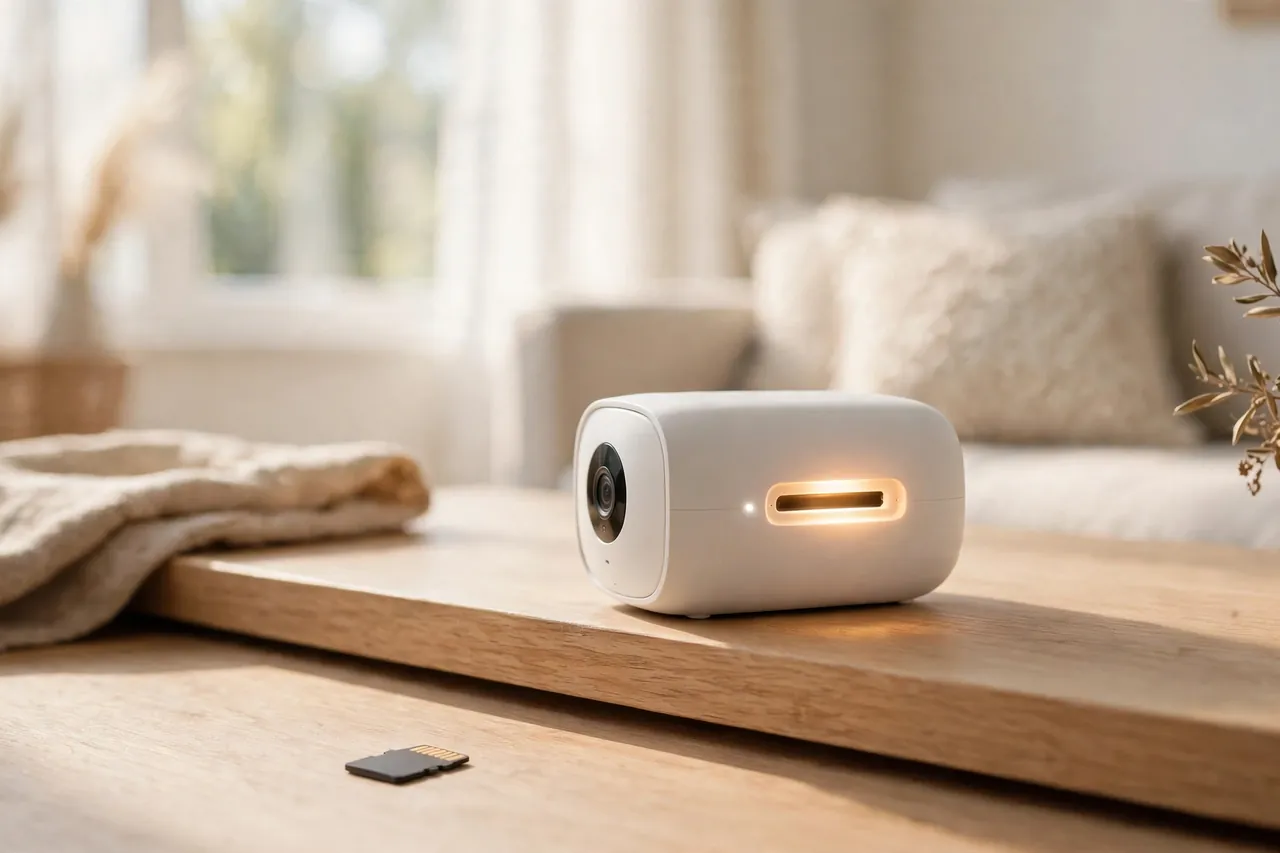
At the highest quality with nonstop recording, a 128 GB microSD card holds about 120 hours, or roughly five days, of video. That figure comes from eufy’s own testing of its Indoor Cam S350 at 4K continuous recording. The same brand’s Floodlight Cam E340 holds about 144 hours, or six days, on a 128 GB card at 3K quality.
A 256 GB card roughly doubles those numbers. As an estimate, expect about 10 to 12 days of continuous recording at the same high-quality settings, assuming the same bitrate and scene. Real results vary with what the camera sees, so treat that as a planning estimate, not a promise.
Motion-only recording changes the picture completely. When the camera records only when something moves, the same 128 GB card can last weeks instead of days. As an estimate, if your camera records about a quarter of the time, a 128 GB card that holds five days of nonstop video would stretch to roughly 20 days. A quiet hallway camera lasts far longer than one watching a busy front porch.
Small cards fill fast. A 32 GB card may hold only a day or two of nonstop video at high quality, which is why most people who rely on cards use 128 GB or larger. To learn how SD card cameras work from the ground up, read our guide to security cameras with SD cards.
Cloud Plans: How Long Each Brand Keeps Your Video
Cloud plans sell you a fixed window. You pay a monthly or yearly fee, your clips upload to the brand’s servers, and the brand deletes them when the window closes. The window is the same whether you have one camera or ten, and it does not depend on how busy your street is.
Here is what the big brands offer, based on each maker’s own plan pages as reported in October 2026. Prices change, so check the brand’s current plan page before you buy.
| Brand and plan | Price (Oct 2026) | Cloud video history | With no plan |
|---|---|---|---|
| Ring Solo / Multi / Pro | $4.99 / $9.99 / $19.99 per month | Up to 180 days | Live view and alerts only; no recordings saved |
| Google Home Premium Standard | $10 per month | 30 days of events | Up to 3 hours of event video |
| Google Home Premium Advanced | $20 per month | 60 days of events, plus 10 days of 24/7 video | Up to 3 hours of event video |
| Arlo Secure plans | From $9.99 per month | 60 days on every plan | Live view and basic alerts only |
| Wyze Cam Plus / Unlimited | $2.99 / $9.99 per month | 14 days | Local microSD recording, no cloud history |
| Wyze Cam Unlimited Pro | $19.99 per month | Up to 60 days | Local microSD recording, no cloud history |
Ring gives the longest window of the big brands, up to 180 days, but it saves nothing at all without a plan. Google’s free tier keeps only a few hours of event video, so a paid plan is the only way to look back more than a morning. Arlo keeps it simple with 60 days on every paid plan. Wyze is the cheapest way into cloud history at $2.99 a month per camera, but its basic plans keep only 14 days.
Two details catch people out. First, continuous 24/7 cloud recording usually covers a shorter span than event clips, often about 7 to 10 days, because nonstop video eats far more space. Second, some plans let you pick a shorter window inside the app, such as 30 days on a plan that allows 180. If your history looks shorter than you expected, check that setting before you blame the plan.
Cloud history also ends the moment you cancel. When the plan stops, the saved clips go with it, usually within days. Download anything you need before you cancel or switch brands.
DVR and NVR Hard Drives: Do the Math
A DVR or NVR is a recorder with a hard drive inside it, and its retention is pure math: drive size divided by how much video your cameras write each day. If you know your camera count and rough bitrate, you can work out your own number in under a minute.
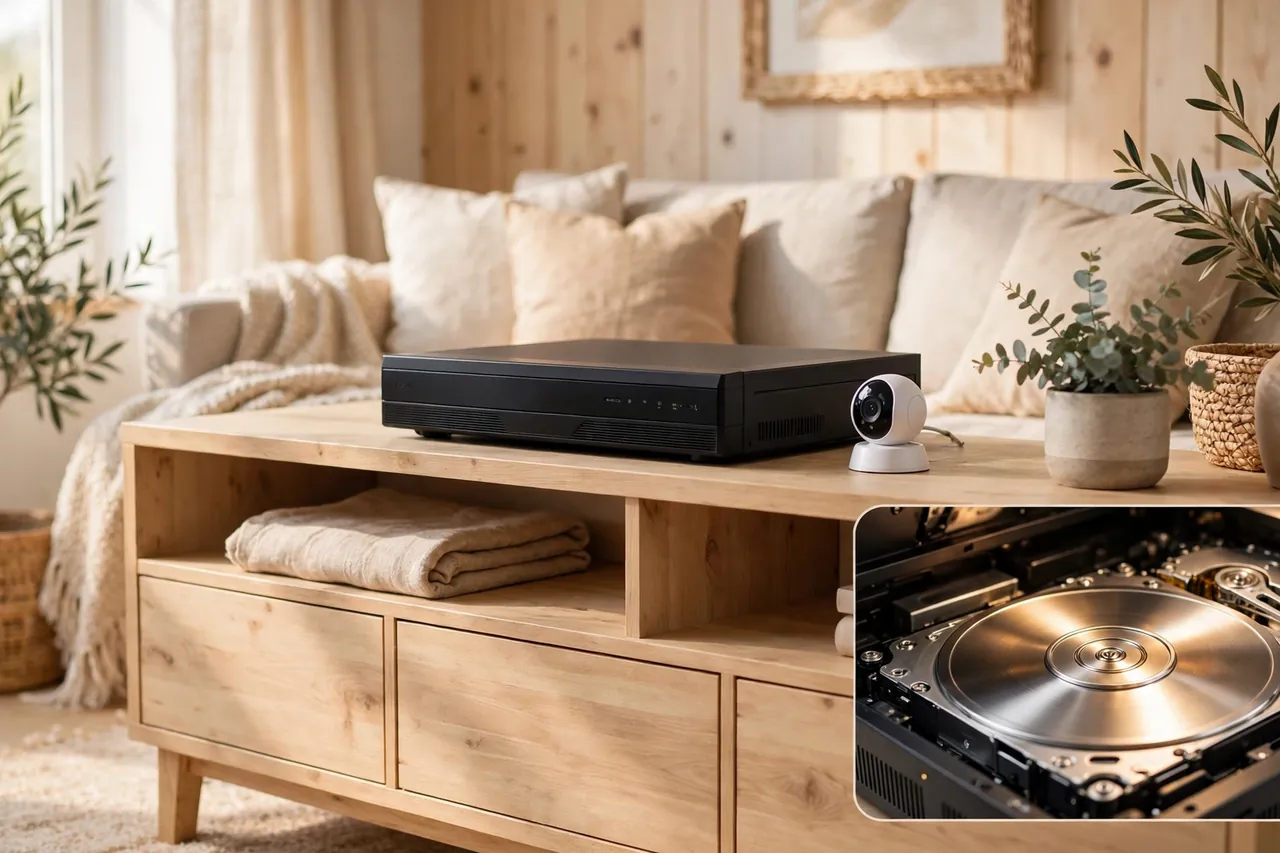
A security camera DVR records analog cameras, while an NVR records network cameras, but the storage math is the same for both. This guide focuses on how long the drive keeps your footage, not on how the recorders work.
The simple formula
Use this formula, published by Ajax Systems: storage in gigabytes equals bitrate in megabits per second, times 0.45, times 24 hours, times days, times cameras. In short, one camera at 2 Mbps writes about 21.6 GB per day when it records nonstop.
For motion recording, multiply the result by the share of time the camera actually records. If it records about a quarter of the day, multiply by 0.25. Bitrate, not megapixels, drives file size: two 8 MP cameras can write very different amounts of data depending on codec, scene, and quality settings.
Worked examples
Here are three realistic home setups, worked out with the formula above. These are estimates based on the stated bitrates and assumptions, not measured results from a lab.
| Setup | Video written per day | Days on a 1 TB drive | Days on a 2 TB drive |
|---|---|---|---|
| 4 cameras, 1080p, 2 Mbps each, 24/7 | About 86 GB | About 11 days | About 23 days |
| 4 cameras, 1080p, 2 Mbps each, motion-only (25%) | About 22 GB | About 46 days | About 92 days |
| 4 cameras, 4K, 8 Mbps each, 24/7 | About 346 GB | About 3 days | About 6 days |
The jump from 1080p to 4K is the big surprise for most people. Four 4K cameras at 8 Mbps each fill a 2 TB drive in about six days of nonstop recording, while the same four cameras at 1080p last about 23 days. That is why many homeowners run their most important camera at full quality and let the rest record at a lower setting.
To size your own system, start with your camera count, guess your bitrate from the camera’s settings page, and divide your drive size by the daily total. Then add a safety margin: a busy week, a windy tree in frame, or a camera pointed at a road can all push the real number below your estimate.
What Affects How Long Footage Is Kept
Five settings and facts decide your retention window more than anything else. Change one of them and your footage can last twice as long, or half as long, on the same storage.
Recording mode: motion-only vs. 24/7
This is the single biggest lever. Continuous recording saves every second, including hours of an empty room. Motion-only recording saves just the moments something moves, so the same card or drive can last several times longer. The trade-off is real: motion recording can miss the quiet seconds before an event starts, so many systems save a short pre-roll buffer of a few seconds to cover that gap.
Resolution and frame rate
Higher resolution means bigger files. A 4K camera writes far more data than a 1080p one, and 30 frames per second writes more than 15. Dropping from 4K to 2K, or from 30 fps to 15 fps, can free up a surprising amount of space without making faces or license plates unreadable. Save the highest settings for the camera that guards the front door, and run the rest at moderate levels.
Number of cameras
Every camera you add writes its own stream. Four cameras at the same settings take roughly four times the space of one, so retention falls fast as a system grows. This is why multi-camera homes usually need an NVR with a big drive rather than a card in each camera.
Compression codec
Cameras compress video before they store it, and the codec sets how small the files get. H.265, also called HEVC, typically saves about 30 to 50 percent of storage space compared with the older H.264 at similar quality, according to Ajax Systems. If your cameras and recorder both support H.265, switching it on is one of the easiest ways to stretch retention without buying anything.
Scene activity
What the camera sees changes how much data it writes. A quiet office after hours barely moves the needle, while a busy street or a leafy backyard in the wind can spike data use. More motion and more visual detail mean a higher bitrate and a shorter window, even with the same settings on paper.
What Happens When Storage Fills Up
Nothing dramatic happens. The system does not stop recording, and it does not ask you for permission. It simply deletes the oldest footage to make room for the newest, and it keeps doing that forever.
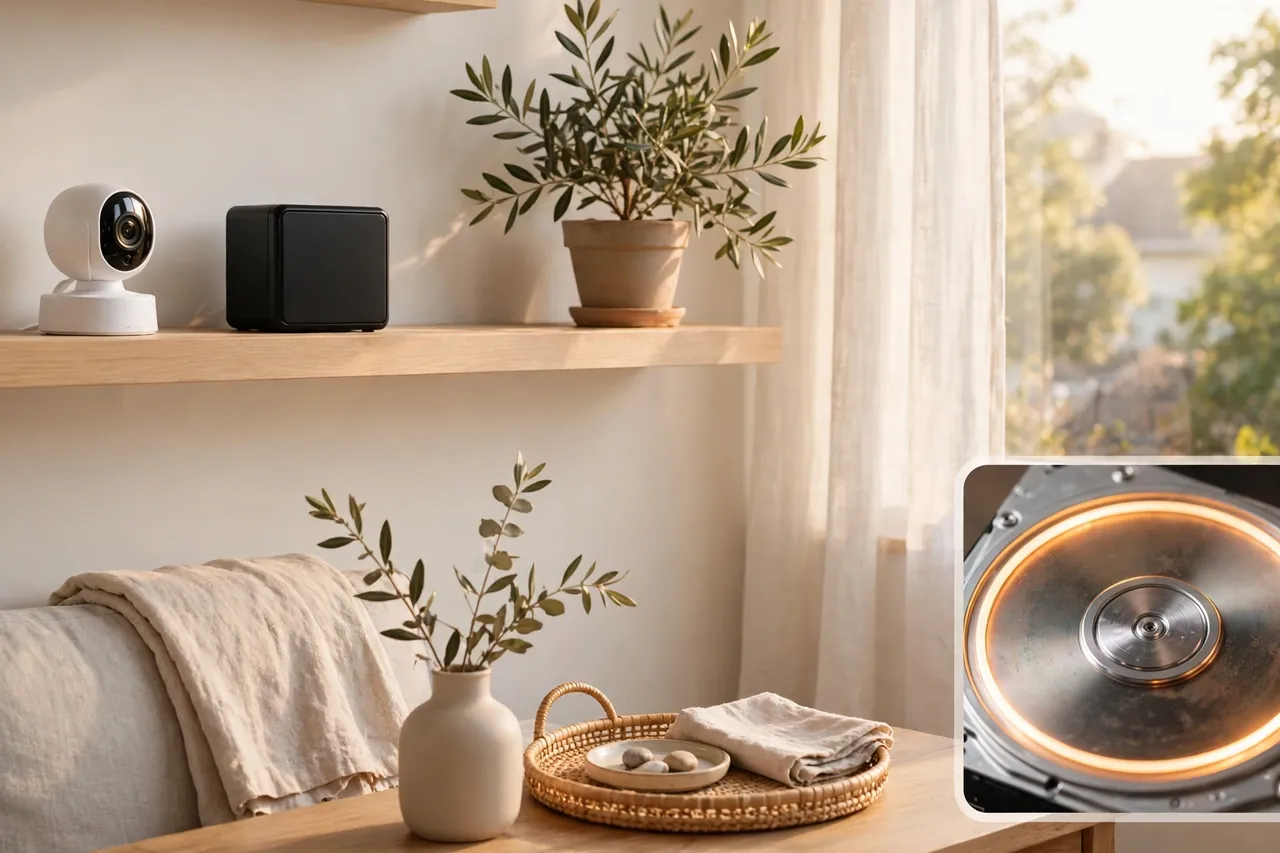
On a card or hard drive, this is called loop recording or overwriting. The oldest hour goes first, then the next, in a steady rolling window. On a cloud plan, the rule is a date instead of a space limit: anything older than your plan window is deleted on schedule, even if the servers have plenty of room.
That is why footage you needed last week can be gone by the time you look for it. A package theft you notice on Friday may already be overwritten if your camera only keeps five days. The fix is not a bigger system after the fact. It is a habit: check your clips the same day something happens, and save the important ones right away.
Some systems let you lock a clip so the loop skips it, and many let you set a retention rule such as “keep video for 30 days, then delete.” Both help, but neither beats a manual export. If a clip matters for insurance or the police, download it to your phone or computer the same day.
How to Keep Footage Longer
You do not need a new system to keep video longer. These seven moves, from cheapest to most involved, stretch the same storage much further.
- Switch to motion-only recording. Record events instead of empty rooms. This is the biggest single gain, and it costs nothing.
- Turn on person or vehicle detection. Smart detection skips swaying trees and passing shadows, so your camera saves only the moments that matter.
- Lower resolution or frame rate where it is safe. Drop a side-yard camera from 4K to 2K, or from 30 fps to 15 fps, and keep full quality on the front door.
- Use H.265 compression. If your camera and recorder support it, the newer codec can cut file sizes by about a third to a half.
- Buy bigger storage. Move from a 128 GB card to 256 GB, or swap a 1 TB drive for 2 TB or 4 TB. Storage is a one-time cost on local systems.
- Pick a longer cloud plan. Moving from a 14-day plan to a 30- or 60-day plan buys a fixed, predictable window. Compare the yearly cost before you commit.
- Download important clips the same day. Export anything tied to an incident, a delivery dispute, or an insurance claim to your phone, computer, or an external drive. Exported clips are the only footage that truly lasts.
A hybrid setup gives you the best of both worlds for many homes: keep the bulk of your archive on a local drive, where storage is cheap, and let the cloud hold recent or flagged clips as an off-site backup. If someone steals the recorder, the cloud copy is still there.
Before you spend money, check where your cameras sit. Wiring outdoor security cameras the right way protects the cameras that guard your home, and a closed circuit camera setup can be a good fit when you want footage to stay on your own property instead of in the cloud.
How Long Should You Keep Footage?
For most homes, 14 to 30 days is the sweet spot. That window covers the usual reasons people look back: a package that went missing, a car bumped in the driveway, or a visitor you want to identify. Most people notice those things within a week or two, so a month of history is plenty.
Thirty days is also the standard many small businesses use, and some stretch to 60 or 90 days when an insurer or a policy asks for it. Longer than 90 days is rarely useful at home. It costs more in storage or plan fees, and old footage almost never gets watched.
There is no blanket federal law in the United States that tells homeowners how long to keep camera footage. Rules do exist for some businesses, such as casinos and cannabis shops in certain states, but they do not apply to a camera over your own front door. If you run a business from home or share footage with others, check your state and local rules, and keep a note of what you decided and why.
One more thing worth deciding in advance: who can watch the footage, and for how long. A camera that records a shared driveway or a neighbor’s yard can cause friction fast. A clear, short retention window and a habit of deleting old clips on schedule keep the system simple and fair for everyone it films.
Related Guides
Security Camera DVR: What It Is and How to Choose One · Security Camera With SD Card: The Complete Local Storage Guide · Closed Circuit Camera: What CCTV Really Means and When It Still Makes Sense
- What Is a Security Camera DVR? — what a DVR does and when you need one.
- Security Camera With SD Card — how card storage works and which cards last longest.
- Wiring Outdoor Security Cameras — run power and signal safely to outdoor cameras.
- Closed Circuit Camera — how closed-circuit systems keep footage on your property.
- Garage Security Camera — pick and place a camera that guards the garage.
- Wide Angle Security Camera — cover more ground with fewer cameras.
Frequently Asked Questions
Do security cameras keep footage forever?
No. Security cameras do not keep footage forever. Most systems run on a loop, so once storage fills up, the oldest files are overwritten by new recordings. How long footage lasts depends on your settings, storage size, and plan. Save important clips to another device if you want to keep them beyond the normal window.
Can I get CCTV footage from 2 years ago?
In most cases, no. Standard retention is measured in days or months, not years, so footage from two years ago is gone unless someone deliberately saved or archived it. If the system overwrote the video, it is usually unrecoverable. To keep long-term records, export clips or use extended storage before the loop erases them.
How often is security camera footage deleted?
Footage is usually deleted automatically when storage fills up or when it reaches the system’s retention limit. For many home setups, that is anywhere from a few days to a few months. The system overwrites the oldest files with new recordings. You can change how often this happens by adjusting resolution, recording mode, or storage size.
Can camera footage be recovered?
Sometimes, but only if the storage has not been overwritten yet. Recovery tools may restore deleted files from a hard drive or NVR, but once the space has been reused, recovery is very difficult or impossible. Overwritten cloud footage is usually unrecoverable. Export and back up important clips right away, before they are lost.
Do home security cameras delete footage?
Yes. Most home security cameras delete footage automatically through loop recording, overwriting the oldest files when storage is full. Cloud cameras delete clips when they pass the plan’s retention window. That is why choosing the right disk size or cloud tier matters, and why important clips should be archived or exported.
How far back can a security camera go?
From 24 hours to months or even years, depending on storage capacity, resolution, bitrate, frame rate, camera count, and recording mode. A small card with nonstop 4K recording may hold only a few days, while a large drive with motion-only recording can hold months. Your settings and storage size set the real limit.
Your camera keeps only as much history as its storage allows, so pick a window that fits your life. For most homes, 30 days of motion-based recording on a decent card or drive is the sweet spot: long enough to catch what you missed, cheap enough to keep, and simple enough to manage. Check your retention setting today, save the clips that matter, and your footage will be there when you need it.



