
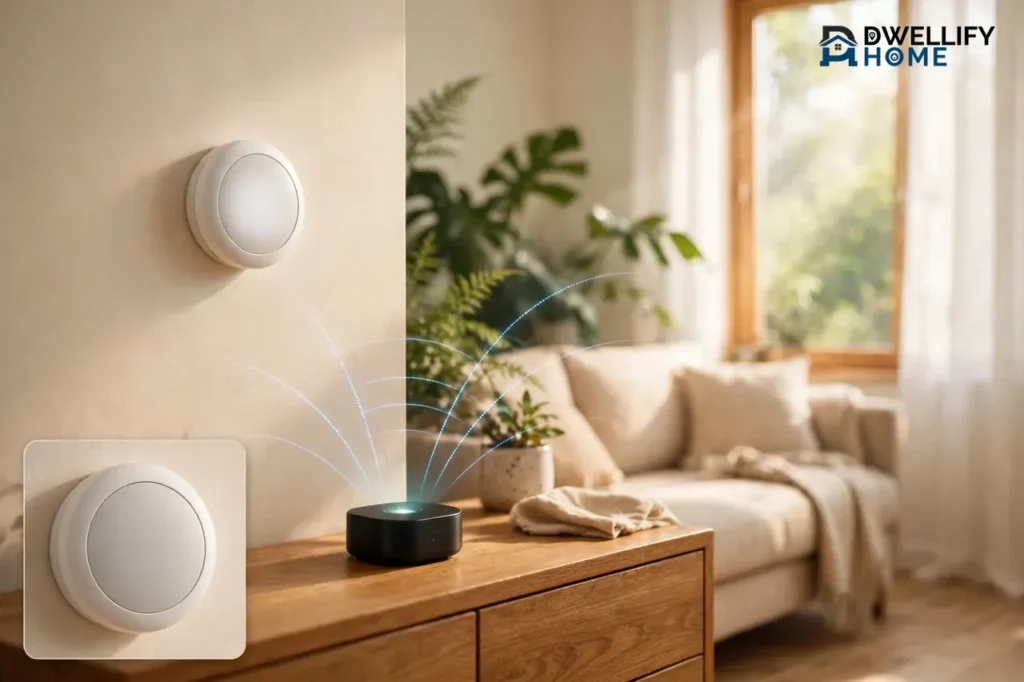
A Zigbee thermostat is a smart thermostat that talks to your home over Zigbee, a low-power wireless mesh network, instead of Wi-Fi. It heats and cools your home like a normal thermostat, but it sends commands through a Zigbee hub, which keeps your schedules and automations running even when your internet goes down. If you already run a Zigbee smart home, or you want local control without a cloud account, a Zigbee thermostat is often the smartest pick.
There is one catch to know up front: most Zigbee thermostats need a hub to do anything smart. Without one, the thermostat still works by hand at the wall, but you lose the app, the voice control, and the schedules. This guide explains what Zigbee is, how the thermostat and hub work together, how Zigbee compares with Wi-Fi and Bluetooth, which models are worth a look, and how to tell if Zigbee fits your home.
What Is a Zigbee Thermostat?
A Zigbee thermostat is a thermostat that uses the Zigbee wireless protocol to communicate. Zigbee is a low-power, low-data standard built on IEEE 802.15.4 and managed by the Connectivity Standards Alliance. The Connectivity Standards Alliance describes Zigbee as a full-stack, low-power wireless solution for smart homes, and that low-power design is exactly why it fits thermostats and sensors so well.
Think of it this way. A Wi-Fi thermostat shouts straight to your router, and your router shouts back. A Zigbee thermostat whispers. It sends tiny messages — “it is 68 degrees,” “set heat to 72” — over short hops, and it uses so little power that battery-powered Zigbee devices can run for months or years. A thermostat only sends small updates a few times an hour, so it does not need Wi-Fi’s speed at all.
Zigbee also runs on its own network, separate from your Wi-Fi. That matters in a busy house. Your phones, laptops, TVs, and cameras all crowd the Wi-Fi band. A Zigbee thermostat sits on a different lane, so a video call or a big download does not slow down your heating commands.
The Mesh Network: Why Zigbee Gets Stronger as You Add Devices
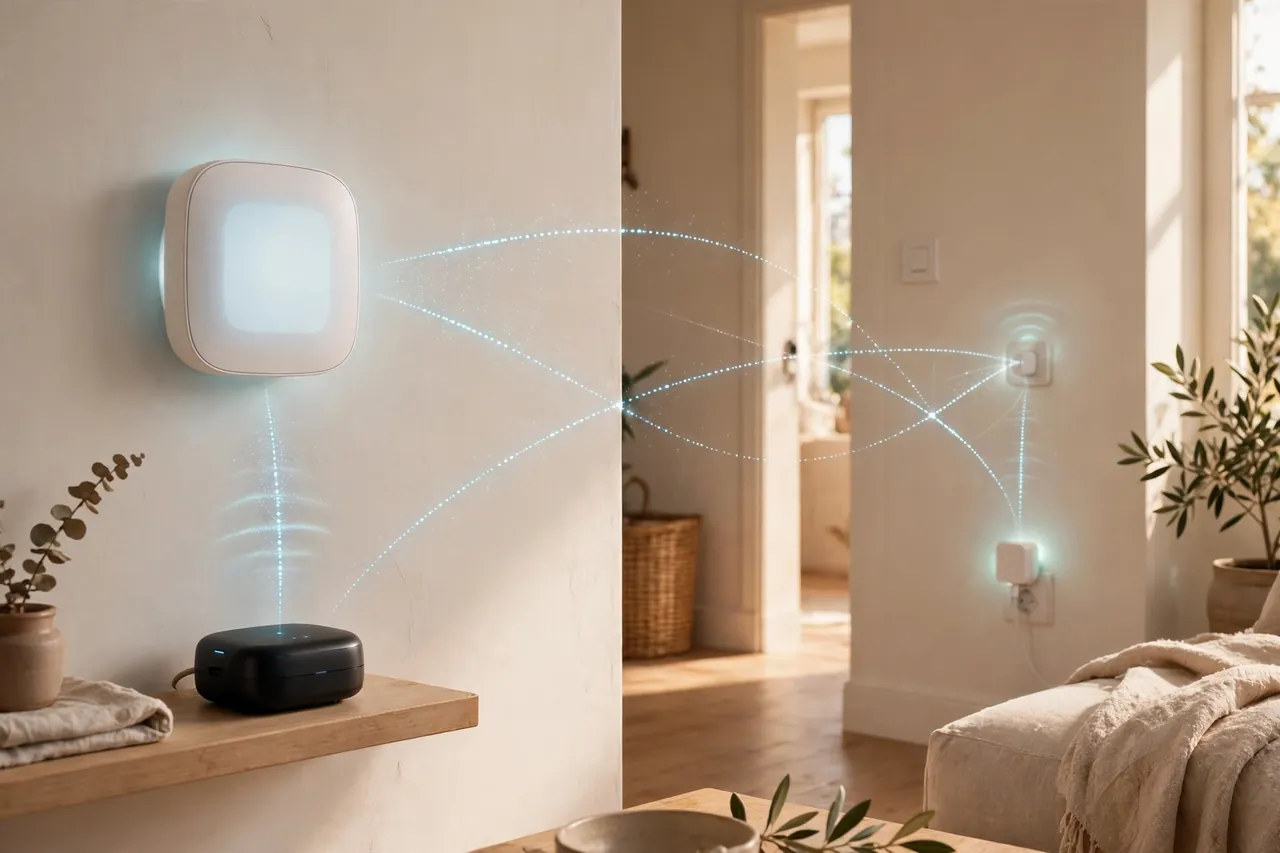
Zigbee’s real trick is the mesh. Every mains-powered Zigbee device — a smart plug, a light switch, a bulb — can pass messages along for its neighbors. Your thermostat does not need a direct line to the hub. Its message can hop from the thermostat to a smart plug in the hall, then to a light switch, then to the hub.
That means the network gets stronger as you add devices, not weaker. A big house with thick walls is exactly where a mesh shines, because each powered device becomes a stepping stone. This is a real difference from a wireless thermostat that connects straight to Wi-Fi. A Wi-Fi thermostat has one path to the router, and if that path is weak, the thermostat drops off. A Zigbee thermostat usually has several paths, so one blocked hop does not break the connection.
Zigbee 3.0 and What It Means for You
Most Zigbee thermostats sold today use Zigbee 3.0, the current version of the standard. Zigbee 3.0 brought devices from different brands onto one common language, so a thermostat from one maker can join a hub from another. That is why you will see the same thermostat listed as working with SmartThings, Hubitat, and Home Assistant. When you shop, look for “Zigbee 3.0” on the box or product page. Older Zigbee HA 1.2 devices still work on many hubs, but Zigbee 3.0 is the safer buy for a new setup.
How a Zigbee Thermostat Works
A Zigbee thermostat works in three small steps. First, its temperature sensor reads the room. Second, it compares that reading with your setpoint — the temperature you asked for. Third, it switches your heating or cooling on or off, just like a regular thermostat. The Zigbee part only changes how the thermostat talks to the rest of your home.
Instead of connecting to your router, the thermostat joins a Zigbee network. That network has three roles, and it helps to know them before you buy anything:
- Coordinator: the one device that creates and runs the network. This is your hub, or a USB Zigbee dongle plugged into a computer or a Home Assistant box. Every Zigbee network has exactly one coordinator.
- Router: any mains-powered Zigbee device, such as a smart plug or a light switch. Routers pass messages along and extend the mesh. A wired-in thermostat can act as a router too.
- End device: a battery-powered device, such as a room sensor, that only talks to a router or the coordinator. It sleeps most of the time to save battery.
Your hub is the brain. It holds the schedule, runs the automations, and talks to your phone app and voice assistant. When you tap “set heat to 72” in an app, the message goes from your phone to the hub, then across the mesh to the thermostat. Here is the part many buyers miss: the schedule usually lives on the hub, not on the thermostat. A Wi-Fi thermostat often stores its own schedule on the device or in the maker’s cloud. A Zigbee thermostat leans on the hub for the smart part, which is why the hub choice matters as much as the thermostat choice.
Do Zigbee Thermostats Need a Hub?
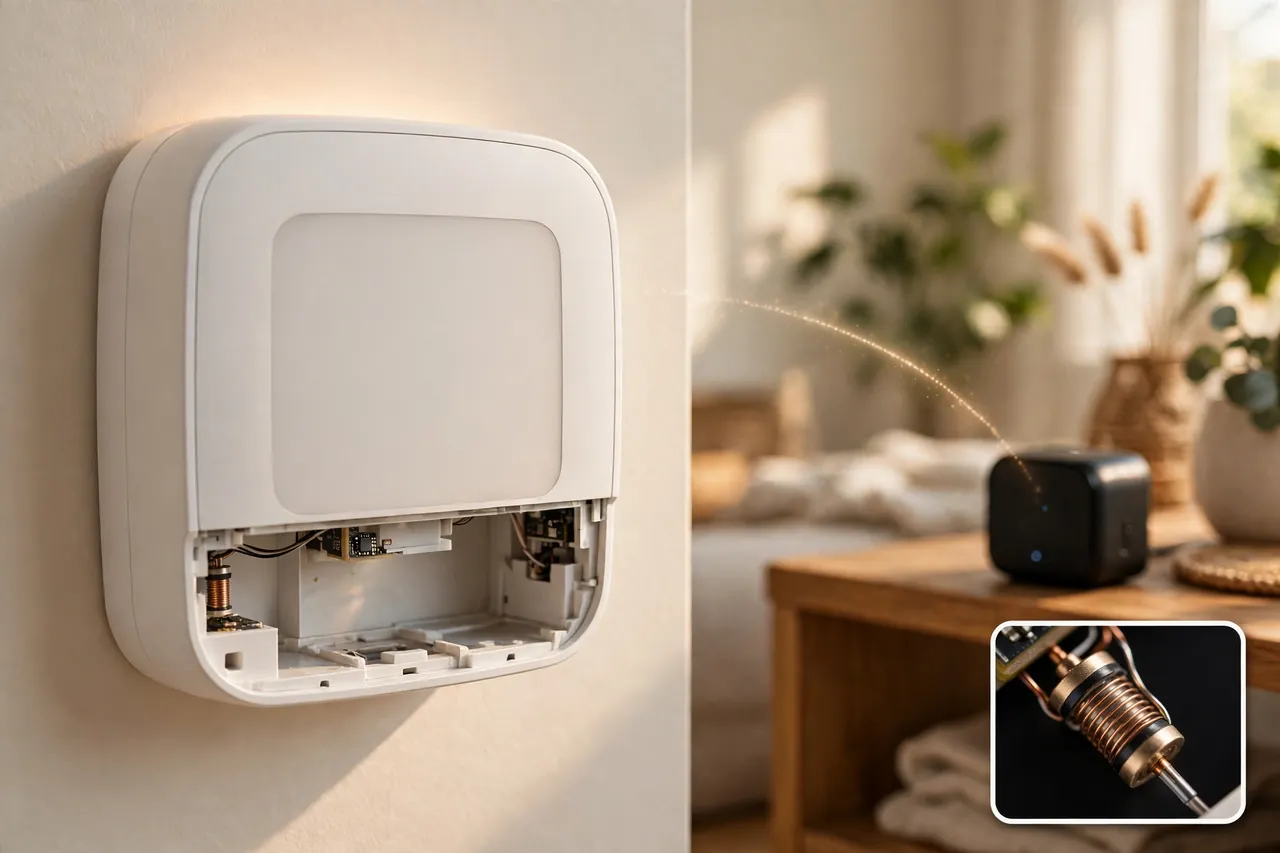
Yes, in most cases a Zigbee thermostat needs a hub to do anything smart. The thermostat still controls heating and cooling by hand at the wall without one, but remote control, schedules, voice commands, and automations all run through the hub. Vesternet’s Zigbee guide puts it plainly: in most cases, a smart home controller — a hub, gateway, or bridge — provides the Zigbee functionality in your home, and it is what lets you add devices and run automations.
That sounds like a drawback, and in one way it is: a hub costs money and takes a little setup. But the hub is also the reason Zigbee thermostats keep working when the internet drops. The hub, the thermostat, and your automations all live inside your house. Your “turn the heat down at 10 p.m.” routine does not travel to a faraway server and back. It runs at home, on your own network.
Some Zigbee thermostats can pair directly with another Zigbee device for simple one-to-one control, but that gives you only basic remote control, not schedules or voice commands. For a real smart thermostat setup, plan on a hub.
Which Hubs Work With Zigbee Thermostats?
Most Zigbee thermostats work with the big Zigbee hubs. Before you buy, check the thermostat’s product page for your hub by name, because support varies by model and firmware. These are the hubs you will see most often:
Popular Zigbee hubs for thermostats
| Hub | What it is | Good for |
|---|---|---|
| Samsung SmartThings | A ready-made hub with an app | Beginners who want a simple app |
| Home Assistant with a Zigbee dongle | Free software plus a USB radio | Local control fans who like to tinker |
| Hubitat Elevation | A local-first hub with built-in radios | Automations that must run offline |
| Amazon Echo with built-in Zigbee | A smart speaker that doubles as a hub | Alexa homes that want one less box |
| Sinopé GT130 gateway | Sinopé’s own gateway for its thermostats | Sinopé thermostat owners |
Samsung SmartThings is the easiest starting point for most people. You plug the hub in, open the app, and add the thermostat. Home Assistant gives you the most control and the most privacy, but you set it up yourself: plug a Zigbee USB dongle into the machine that runs Home Assistant, then add the ZHA integration. If you run Home Assistant, you will open its dashboard at homeassistant.local in your browser. Hubitat sits in the middle — a real hub you buy, with automations that run locally by design.
Amazon Echo models with a built-in Zigbee hub, such as the Echo (4th gen) and Echo Show 10, can pair directly with many Zigbee thermostats. If you already have one of these speakers, you may not need a separate hub at all. Check the thermostat’s listing for “Works with Alexa” and Zigbee support before you count on it.
Zigbee vs Wi-Fi vs Bluetooth Thermostats
Zigbee, Wi-Fi, and Bluetooth all make a thermostat “wireless,” but they solve different problems. The honest answer is that no single one wins for everyone. Your home, your hub, and how much you care about offline control decide the winner.
Wi-Fi thermostats are the simplest to start with. They connect straight to your router, so there is no hub to buy. They also have the biggest app ecosystems — Nest and ecobee live here — and the most polished learning features. The trade-off is dependence: most Wi-Fi thermostats lean on the maker’s cloud, so a dead internet connection or a retired cloud service can take away remote control and schedules. They also add one more device to a Wi-Fi network that may already be crowded.
Bluetooth thermostats are the simplest of all, in a different way. They pair straight to your phone, with no hub and no Wi-Fi needed. That makes them cheap and easy, and a good fit for a single room or a rental where you do not want to touch the router. But Bluetooth is short-range and mostly one-to-one: walk out of range and you lose control, and whole-home automations are limited. If you want the full picture on that side of the choice, our guide to Bluetooth thermostats covers where they shine and where they fall short.
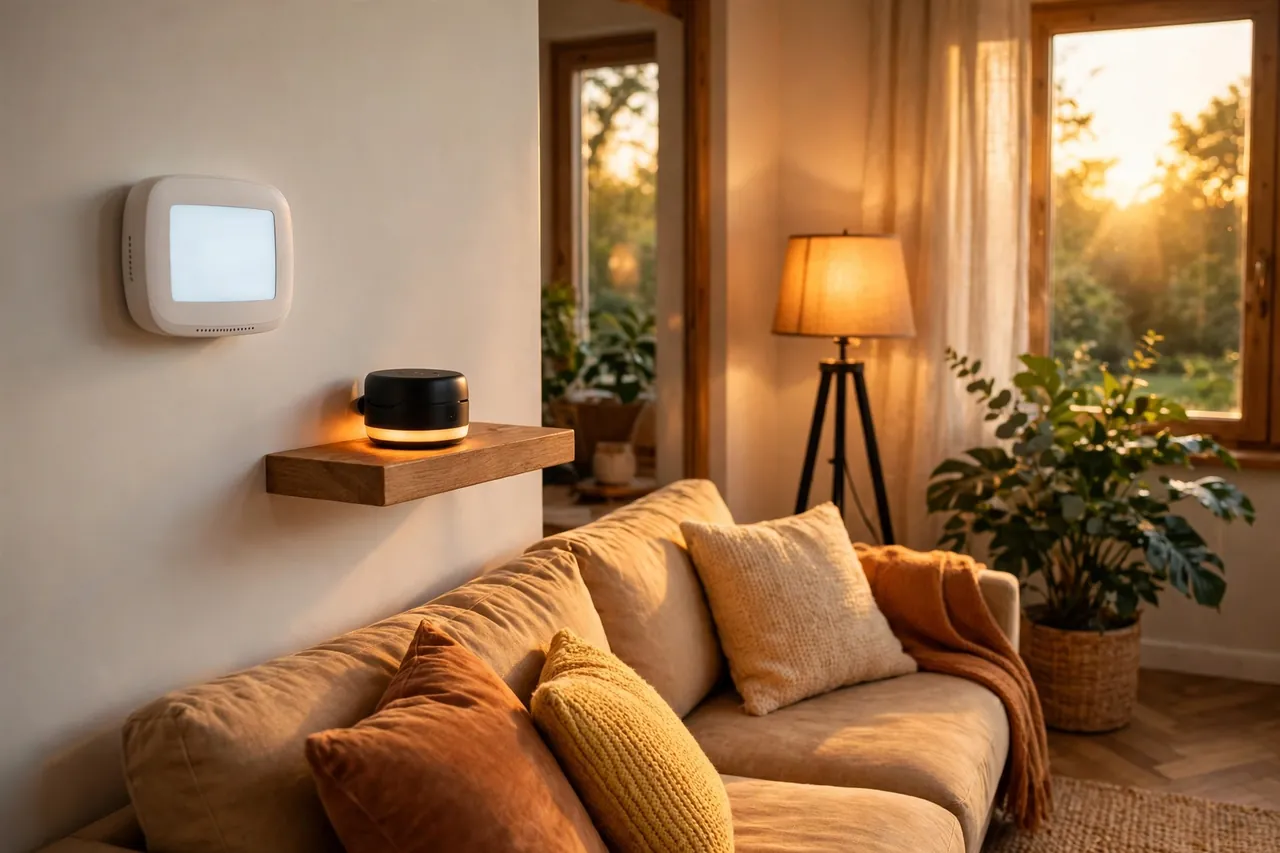
Zigbee sits between the two. It needs a hub, but once the hub is in place, Zigbee gives you whole-home range through the mesh, local control that survives an internet outage, and very low power use. It is the best fit when you already have — or plan to build — a Zigbee smart home with lights, sensors, and locks on the same mesh.
Zigbee vs Wi-Fi vs Bluetooth thermostats at a glance
| Feature | Zigbee | Wi-Fi | Bluetooth |
|---|---|---|---|
| Needs a hub | Yes, in most cases | No | No |
| Range | Whole home via mesh | As far as your Wi-Fi reaches | One room, near your phone |
| Works without internet | Yes, with a local hub | Usually limited | Yes, nearby only |
| Power use | Very low | Higher | Low |
| Best for | Zigbee smart homes, local control | Simple setup, big app features | One room, no hub, low cost |
A good rule of thumb: if you want one thermostat and the fanciest app, buy Wi-Fi. If you want one room and zero setup, look at Bluetooth. If you want your thermostat to talk to your lights, sensors, and locks — and keep working when the internet does not — Zigbee earns its hub.
Popular Zigbee Thermostats Worth Knowing
The Zigbee thermostat market is smaller than the Wi-Fi one, and that is useful to know before you shop. The big names — Nest and ecobee — do not make Zigbee thermostats. The models below are the ones that show up again and again in Zigbee homes, and each one fits a different heating setup. Prices below were checked on November 7, 2026, and they can change, so confirm the price on the seller’s page before you buy.
First, sort out your heating type, because it rules out most models before you start. A standard 24-volt forced-air system takes a low-voltage thermostat. Electric baseboard heaters take a line-voltage thermostat, which is a different device entirely. Buying the wrong voltage type is the most expensive mistake in this category. If you are not sure what system you have, our guide on how to buy a new HVAC system walks through the main system types.
Sinopé TH1124ZB — Best for Electric Baseboard Heat
The Sinopé TH1124ZB is the go-to Zigbee thermostat for electric baseboard heaters, convectors, and fan-forced convectors. It is a line-voltage thermostat, rated up to 4000 W at 240 V, so it wires straight into the heater circuit instead of a low-voltage control board. It runs Zigbee 3.0 and works with SmartThings, Hubitat, Alexa, and Google Home through a compatible hub, plus Sinopé’s own GT130 gateway. Sinopé lists the 4000 W model at $119.99 and the 3000 W model (TH1123ZB) at $114.99 on its own store, checked November 7, 2026. If your home heats with baseboards, start here.
Kono Lux — Best Simple Zigbee Thermostat for Standard HVAC
The Kono Lux is a Zigbee 3.0 programmable thermostat for standard 24-volt heating and cooling systems. It is a plain, simple unit: no big color screen, no learning tricks, just reliable Zigbee control through your hub. Ezlo lists it at $99.00 on its store, checked November 7, 2026, though it was shown as out of stock on that date, so check availability before you plan around it.
POPP Smart Thermostat — Best for Radiators
The POPP Smart Thermostat is a Zigbee radiator valve, not a wall thermostat. It screws onto a radiator valve and controls that one radiator, which makes it a room-by-room option for homes with hot-water radiators. It claims up to two years of battery life, and Vesternet lists it at $107.00, checked November 7, 2026. It works with SmartThings, Home Assistant, and other Zigbee gateways.
Zen Thermostat, ZigBee Edition — Best for SmartThings Homes
The Zen Thermostat, ZigBee Edition, is one of the best-known Zigbee wall thermostats for standard HVAC systems. It has a simple LED display, an easy interactive install guide, and it works with SmartThings, Hubitat, and similar hubs. It needs a compatible hub for scheduling and remote control, and it needs a C-wire for power. No current manufacturer list price could be verified for it, so it is listed here without a price — check a trusted retailer before you buy, and be careful with used listings, since older units may run older firmware.
Centralite Pearl — Cheap, but Discontinued
The Centralite Pearl was the budget Zigbee thermostat for years: a simple touch-screen unit for standard HVAC that worked with SmartThings and other Zigbee HA 1.2 platforms. It is now discontinued, so you will only find it used or from leftover stock. Owners report it works well with Home Assistant and Hubitat, but also that it can drop off the network and needs a fiddly rejoin, and it has no auto heat/cool changeover. If you find one cheap, treat it as a bargain with rough edges, not a first choice for a main living-room thermostat.
How to Pair a Zigbee Thermostat With Your Hub
Pairing — the Zigbee world usually calls it “joining” — is simple once the hub is ready. The exact taps differ by hub, but the flow is the same everywhere. Give yourself 15 minutes and keep your phone near the thermostat.
- Set up the hub first. Plug the hub in, finish its app setup, and confirm it is online. For Home Assistant, plug in the Zigbee dongle and add the ZHA integration before you touch the thermostat.
- Put the hub in pairing mode. In the SmartThings app, tap Add Device and choose Scan Nearby. In Home Assistant, go to Settings, then Devices and Services, then the ZHA integration, and tap Add Device. In Hubitat, open Zigbee pairing from the Devices page.
- Put the thermostat in pairing mode. On most models, hold a button or a button combination for a few seconds until the display shows a pairing icon or the word “join.” Check the model’s manual for the exact hold — it varies by brand.
- Wait for the hub to find it. The hub should list the thermostat within a minute. Give it a clear name, such as “Living Room Thermostat,” and put it in the right room in the app.
- Test it right away. Change the setpoint from the app and watch the thermostat’s display change. Then change it at the wall and watch the app update. If both directions work, the pairing is solid.
- Build the schedule on the hub. Set your heating and cooling schedule in the hub’s app or automation screen, not on the thermostat. Test one scheduled change before you trust the routine.
When Pairing Fails
Most pairing failures have a boring cause. Try these in order, cheapest fix first. Move closer: pair the thermostat near the hub or near a powered Zigbee router, such as a smart plug, then move it to its final spot. Check the mesh: if the thermostat sits far from the hub with no powered Zigbee devices between them, add a Zigbee smart plug halfway. Mains-powered Zigbee lights also strengthen the mesh, because every powered Zigbee device can relay messages — our guide to smart LED strips is a useful reminder of that. Reset the thermostat: remove it from the hub’s app first, then factory-reset it with the button hold in its manual, then pair again. Update the firmware: if the hub offers a firmware update for the thermostat, run it, since old firmware is a common cause of dropped connections.
If the thermostat joins but then drops off every few days, the mesh is usually too thin between the thermostat and the hub. Add one powered Zigbee device between them and watch it for a week before you blame the thermostat.
Compatibility Checklist Before You Buy
A Zigbee thermostat is only a good buy if it matches three things: your heating system, your wiring, and your hub. Run through this checklist before you order, because returns on wired devices are a hassle.
- Heating type: forced-air, heat pump, boiler, electric baseboard, or radiator? A low-voltage wall thermostat cannot control baseboard heaters, and a line-voltage thermostat cannot control a furnace. Match the model to the system.
- Voltage: standard HVAC uses 24-volt control wiring. Baseboard and other electric resistance heat uses line voltage (120 V or 240 V). The Sinope TH1124ZB is line voltage; the Zen and Kono Lux are low voltage. Never mix them up.
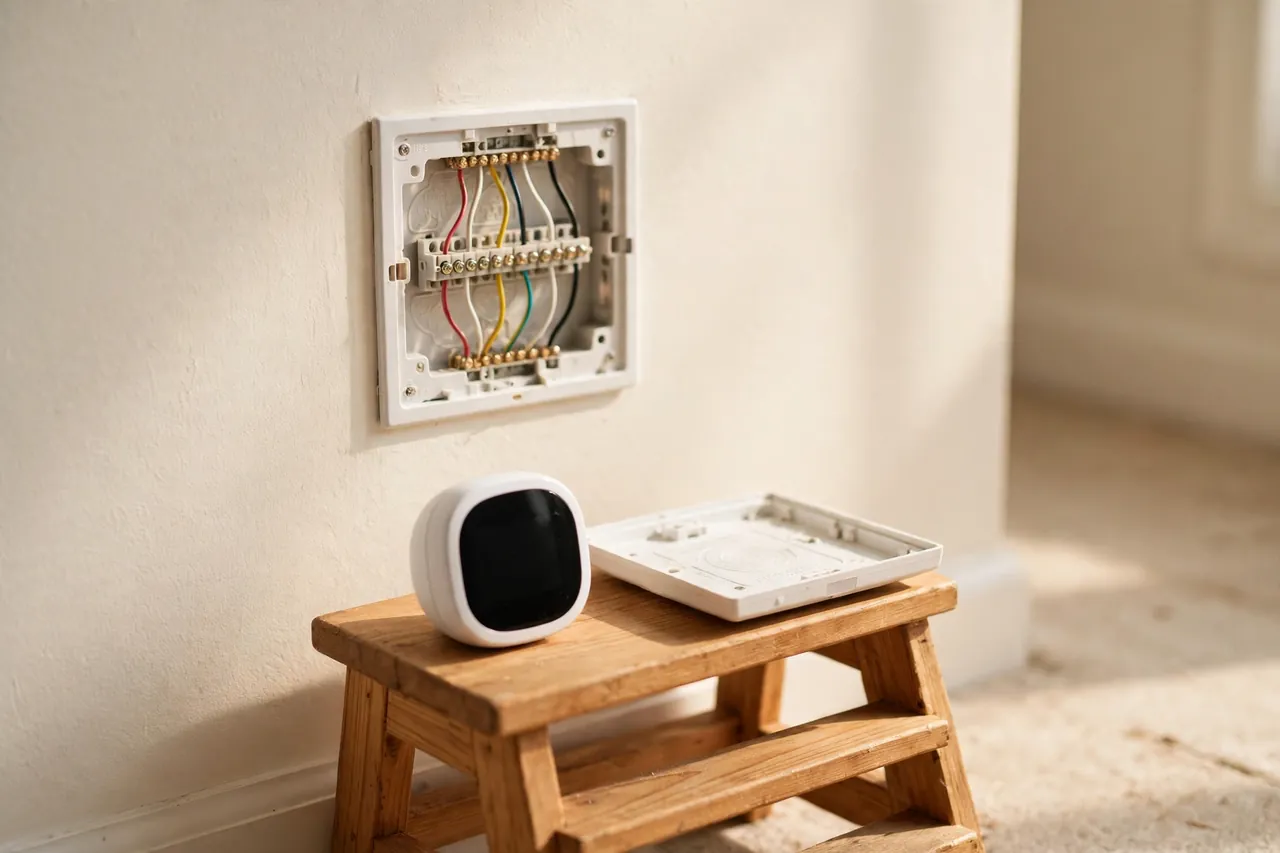
- C-wire: many Zigbee wall thermostats need a C-wire (common wire) for steady power. Check your wiring at the wall — if you see a wire on the C terminal, you are set. If not, look for a model that works without one or budget for a C-wire adapter.
- Heat pump or auxiliary heat: if you have a heat pump, check whether the thermostat supports auxiliary heat and emergency heat. Our guide to what auxiliary heat is explains why that setting matters on cold nights.
- Hub support by name: find your hub named on the product page. “Zigbee compatible” is not enough. Look for “Works with SmartThings,” “Works with Hubitat,” or a Zigbee2MQTT device page for your exact model number.
- Zigbee version: prefer Zigbee 3.0 for a new purchase. Older Zigbee HA 1.2 models can work, but they are more likely to have quirks on a modern hub.
When in doubt, search the hub’s community forum for your exact thermostat model before you buy. A five-minute search can save you a return. If the wiring itself worries you, stop and call a licensed HVAC technician — a wrong wire can damage the furnace control board.
Who Should Choose Zigbee — and Who Should Not
Zigbee is a great fit for a specific kind of home. It is a poor fit for another kind. Here is the honest split.
Choose a Zigbee Thermostat If You…
- Already run a Zigbee smart home. If your lights, sensors, and locks already form a Zigbee mesh, a Zigbee thermostat joins that mesh and makes it stronger. Each powered device helps the next one.
- Want local control that survives an internet outage. With a local hub like Home Assistant or Hubitat, your schedules and automations run inside your house. The heat still follows its routine when the broadband goes down.
- Care about privacy. A local Zigbee setup can run with no cloud account at all. Your heating data never has to leave your home.
- Heat with electric baseboards or radiators. Zigbee has strong options here — the Sinope for baseboards, the POPP for radiators — where the big Wi-Fi brands are thin on the ground.
- Like automations that mix devices. “When the front door unlocks after 5 p.m., set the heat to 72” is easy when the lock and the thermostat share one hub. That kind of cross-device routine is where Zigbee earns its keep, and it pairs naturally with the Zigbee locks in our guide to door locks and home security.
Skip Zigbee and Buy Wi-Fi Instead If You…
- Want the simplest possible setup. A Wi-Fi thermostat needs no hub, no dongle, and no mesh planning. If you do not enjoy setup, that alone decides it.
- Want learning features and energy reports. Nest and ecobee lead here, with learning schedules and detailed history. Zigbee thermostats are simpler devices, and their smarts live in the hub, not in the thermostat.
- Have no other smart home devices. Buying a hub for one thermostat is hard to justify. A hub makes sense when it serves a whole home of devices.
- Rent and cannot change much. A Wi-Fi or Bluetooth thermostat is easier to take with you. A Zigbee setup tied to a hub is more of a commitment to one house.
The middle ground is real, too. Plenty of homes run a Wi-Fi thermostat for heating and Zigbee for lights and sensors. The thermostat does not have to match the rest of the house. Choose Zigbee when the hub is already there or the local control matters to you — not because Zigbee is fashionable.
Related Guides
Keep going with the guides that sit closest to this one. Start with our wireless thermostat guide for the broad picture, then compare the other wireless option in our Bluetooth thermostat guide. If you are still choosing the system itself, read how to buy a new HVAC system and what auxiliary heat is before you spend anything. And if a heater is acting up rather than the thermostat, our how to fix a heater guide covers the safe first checks.
Frequently Asked Questions
Do all Zigbee thermostats require a hub?
Most Zigbee thermostats do require a hub to connect with your smart home system and enable remote control, scheduling, and automation features. Without a hub, many models will only offer manual or local control at the wall, which limits their smart capabilities. A few can pair directly with another Zigbee device for basic control.
How does ZigBee communication work for thermostat control?
Zigbee is a low-power wireless protocol that lets devices in a mesh network send small messages reliably and efficiently. A Zigbee thermostat uses it to talk with your smart home hub, which holds the schedule and sends your commands across the mesh. The thermostat then switches heating or cooling on or off based on the room temperature and your setpoint.
Can I control ZigBee thermostats remotely?
Yes, most Zigbee thermostats offer remote control through your hub’s smartphone app. You can adjust the temperature, create schedules, and monitor your home from anywhere with an internet connection. The app talks to your hub over the internet while the hub talks to the thermostat over Zigbee at home. Local automations still run if the internet drops.
Do I need a hub for Zigbee?
In most cases, yes. A smart home controller — sometimes called a hub, gateway, or bridge — provides the Zigbee functionality in your home. It lets you add and configure devices and run automations, such as raising the heat before you arrive home. Without a hub, Zigbee devices can only manage simple one-to-one control.
Do I need professional assistance for installing a ZigBee thermostat?
It depends on the model and your HVAC system. Some Zigbee thermostats are designed for easy DIY installation with a guided setup, while others need a professional, especially line-voltage models for baseboard heat. Always check the manufacturer’s wiring guide first, turn off power at the breaker, and call a licensed HVAC technician if you are unsure.
Disclaimer: Thermostat wiring involves electrical work. Turn off power at the breaker before you touch any wires, follow the manufacturer’s guide for your exact model, and call a licensed HVAC technician if your wiring is unclear or your system uses line voltage. This guide is general information, not a substitute for professional advice.
A Zigbee thermostat is a quiet, reliable choice when it fits the home around it. If you already have a Zigbee hub and a mesh of lights and sensors, it slots right in and keeps your heating running on local control. If you are starting from zero, weigh the hub cost against a simple Wi-Fi thermostat — and pick the one that matches how you actually live.



