
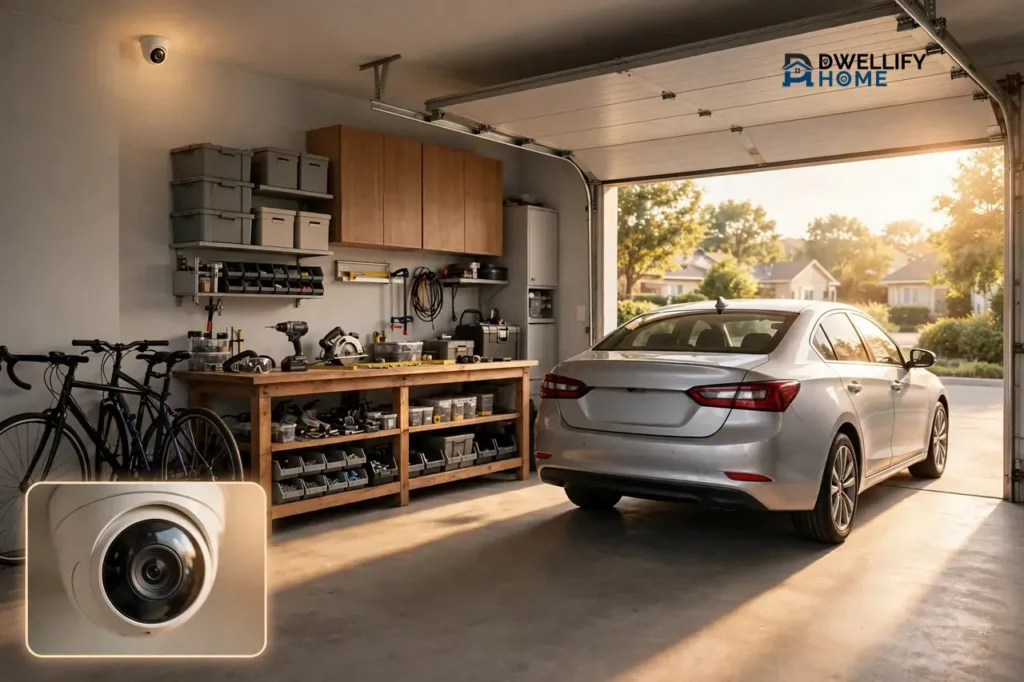
A garage security camera is a camera you place inside your garage, or just outside its door, to watch the cars, tools, bikes, and entry points in that space. For most homes, one wide-angle camera mounted high in a corner, or above the main garage door, covers the whole room. Pick a model that handles heat, cold, and dust, test the Wi-Fi at the exact mounting spot, and set motion alerts for the doors and the workbench.
Your garage is not just a parking spot. It holds some of the most valuable things in your home, and it is also one of the easiest ways into the house. A camera made for this space shows you who comes in, what they touch, and whether the door is really closed.
Why Your Garage Needs Its Own Camera
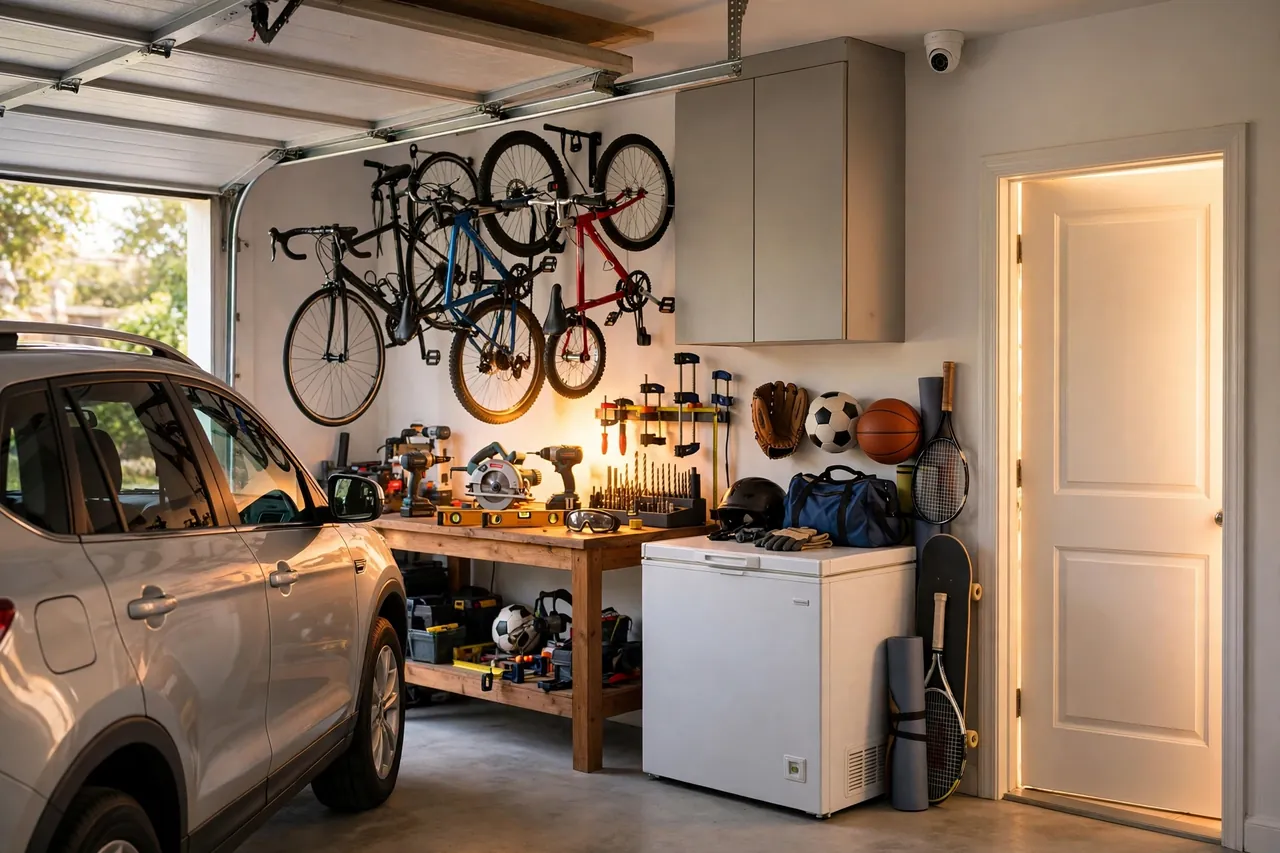
Most people protect the front door and forget the garage. That is a mistake. A garage often holds a car, power tools, bikes, sports gear, and a freezer. Many of these items cost hundreds or even thousands of dollars, and they sit in a room that is empty for most of the day.
The garage is also an entry point. A thief who gets through the big door can work out of sight from the street, and the door into the house is often the weakest interior door in the home. A camera inside the garage catches that moment, while an outdoor camera only sees the driveway. It also answers small worries, like whether you closed the door before work, with a quick look at your phone.
Indoor-Garage Cameras vs Outdoor-Rated Cameras
The first choice is simple: do you need an indoor camera, or an outdoor-rated one? It depends on where the camera sits and how harsh your garage gets.
An indoor camera works well in an attached garage that stays dry and mild most of the year. It costs less and is easy to plug in. But most indoor cameras are built for a heated living room, not a room that swings from freezing in winter to baking hot in summer. An outdoor-rated camera is built for rain, dust, and wide temperature swings. It costs more, but it keeps working when an indoor model would quit. If your garage is detached, unheated, dusty, or damp, choose the outdoor-rated model even for the inside wall.
Garage camera type at a glance
| Feature | Indoor camera | Outdoor-rated camera |
|---|---|---|
| Best for | Attached, dry, mild garage | Detached, unheated, dusty, or damp garage |
| Weather and dust protection | Little to none | Sealed against rain and dust |
| Temperature range | Narrow, room temperature | Wide, often -4°F to 113°F or more |
| Typical cost | Lower | Higher |
| Night vision | Good in a dark room | Stronger, longer range |
One more point matters. A camera that watches the driveway from outside the garage door must be outdoor-rated, no matter how mild your climate is. For the outside view, see our guide to the driveway security camera, which covers the approach to the garage in detail.
Where to Mount a Garage Security Camera
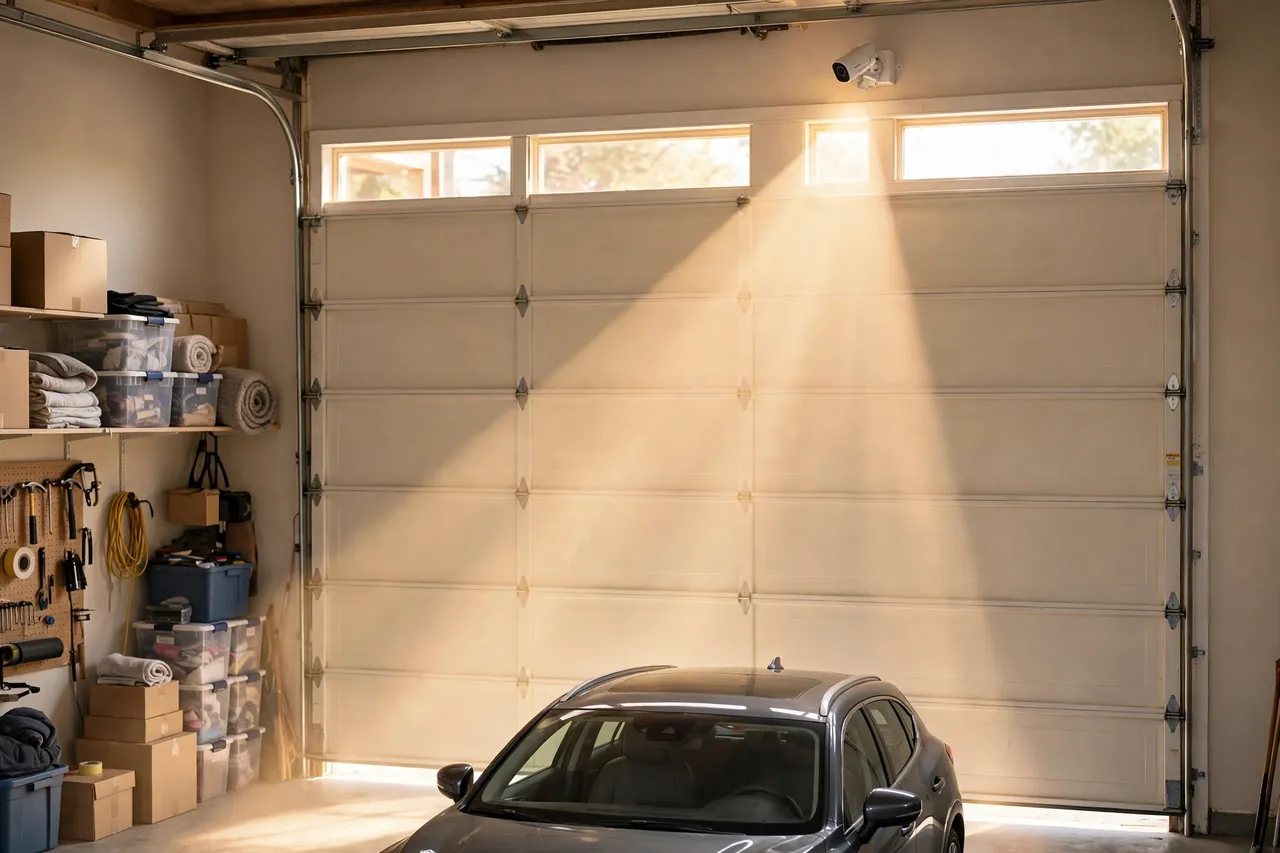
Placement matters more than the camera you buy. A good camera in a bad spot will miss the very thing you wanted to see. Walk through your garage first, and decide what the camera must see.
Mount the camera 8 to 10 feet high. That height keeps it out of easy reach, but low enough to catch faces instead of just the tops of heads. Angle it down about 15 to 30 degrees so it sees the floor and the doors, not the ceiling.
Above the Main Garage Door, Inside
This is the single most useful spot for most garages. A camera above the main door, on the inside, sees every person and car that comes in or goes out. Keep it a little to one side of the door, not dead center, so car headlights and bright daylight do not shine straight into the lens.
High in a Corner, Looking Across the Room
A corner mount gives the widest view of the whole garage from one camera. Put it in the corner opposite the main door, high where the wall meets the ceiling, and aim it across the room. From there, one wide-angle lens of 120 degrees or more can cover the main door, a side door, and much of the floor. In a large or three-car garage, add a second camera for the far bay or the storage wall. For layout ideas, our guide to 3 car garage ideas shows how storage and parking zones shape the space.
Facing the Workbench, Bikes, and Storage
Tools, bikes, and sports gear are what usually go missing from a garage. Aim a camera across them, not at an empty patch of floor. A view that catches hands and faces near the workbench tells you far more than a wide shot of the car roof. If you can only afford one camera, choose the spot that covers both a door and the valuable stuff.
Facing the Door Into the House
If your garage connects to your home, point a camera at that interior door. This is the last barrier between an intruder and your family, and it is the door most people forget to watch. Pair this view with a good lock on the house door. See our guide to the best smart lock for your front door for lock features that also work well on a garage-to-house door.
How to Power a Garage Security Camera
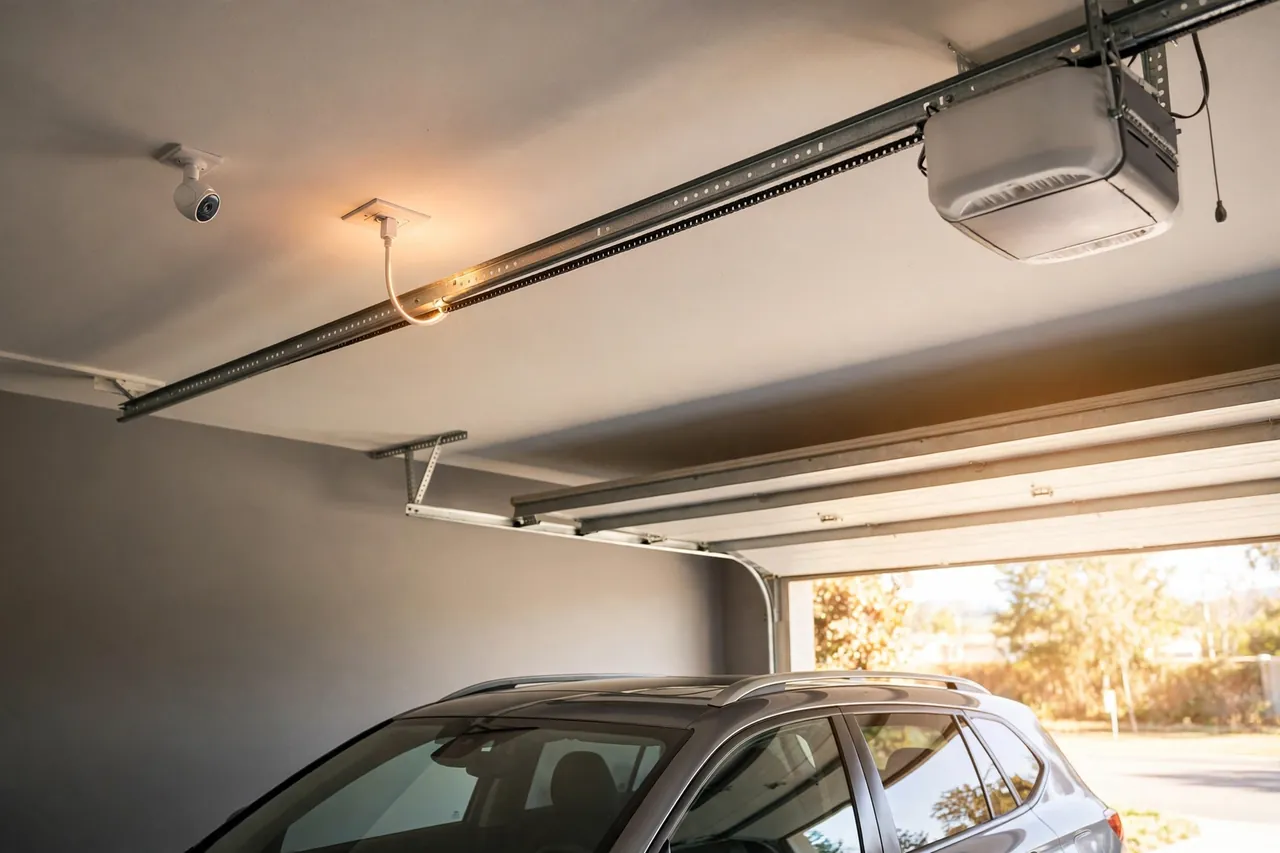
Power decides where your camera can go. Check your power options before you buy, not after the box arrives.
Most garages have at least one outlet, often on the ceiling near the garage door opener. A plug-in camera that uses it never needs charging, and it records around the clock. If the outlet is already in use, a short indoor-rated extension cord can help, but keep cords off the floor and away from the door track.
Battery cameras give you freedom. You can mount one anywhere, even in a detached garage with no power at all. The trade-off is upkeep: you must recharge or swap the battery every few weeks or months, and cold weather drains batteries faster. In a freezing garage, a battery camera may stop charging below 32°F, even if it keeps recording for a while.
A wired PoE camera, which gets power and data through one Ethernet cable, is the most reliable option of all. It never needs charging, and it does not depend on Wi-Fi. The catch is the install: you must run a cable from your router or switch to the camera. Our guide to PoE security cameras explains how this setup works.
Some cameras also plug into the garage door opener itself. A few smart openers have a built-in camera or a USB port for one. This is a neat option if your opener supports it, because the power is already there and the camera sits right above the door.
- Plug-in: best for an attached garage with a ceiling or wall outlet nearby.
- Battery: best for a detached garage with no power, or a spot far from any outlet.
- PoE wired: best for a permanent setup where you want zero dropouts.
- Opener-powered: best if your smart opener already has a camera or a power port.
Wi-Fi in the Garage: Getting a Signal Through Walls and a Metal Door
Wi-Fi is the most common reason a garage camera fails. The camera works fine on your kitchen table, then goes offline once you mount it in the garage. Concrete and brick walls soak up Wi-Fi, and a big metal garage door reflects it. Cars, shelves, and tools add more clutter in the way.
Test the signal before you mount anything. Stand at the exact spot where the camera will go, close the garage door, and check the Wi-Fi bars on your phone. Test with the door closed, because that is how the camera will live most of the time.
If the signal is weak, fix the network, not the camera. Try these fixes, easiest first:
- Move a mesh node closer. Put a mesh Wi-Fi unit in the room that shares a wall with the garage.
- Add an access point inside the garage. A small access point on the garage side of the wall gives the camera a strong, short hop.
- Run an Ethernet cable. A cable to the garage feeds an access point or a PoE camera with full speed, and it ignores walls and metal doors.
- Use a wired camera instead. If Wi-Fi will never be reliable in your garage, a PoE camera removes the problem entirely.
Do not put a range extender on the wrong side of the metal door and hope for the best. An extender can only repeat the signal it can hear, and a closed metal door blocks that signal. Most garage cameras use the 2.4 GHz band, which travels through walls better than 5 GHz, so connect the camera to your 2.4 GHz network for a steadier link.
Heat, Cold, and Dust: Picking a Camera That Survives the Garage
A garage is harder on a camera than a living room. Summer heat builds up fast under a metal roof, winter cold sinks in overnight, and dust from tools, cars, and concrete coats everything.
Check the operating temperature range on the box or the maker’s spec page before you buy. Most Arlo cameras, for example, are rated to work from -4°F to 113°F, according to Arlo’s own support page. Ring states a similar range for its devices, from -4°F to 122°F, with the best performance near 75°F, according to Ring’s support guide on extreme temperatures. If your garage gets hotter or colder than the camera’s rated range, pick a tougher model or a wired camera with no battery to freeze.
Batteries suffer most in the cold. Ring notes that its devices stop charging below freezing, and that battery life drops in cold weather but returns to normal once it warms up. A plug-in or PoE camera avoids this problem completely. In extreme heat, some cameras enter a cooldown mode that limits features and lowers video quality, and they may shut off to protect themselves. Keep the camera out of direct sun and away from heaters.
Dust and moisture matter too. Sawdust, concrete dust, and road salt settle on the lens and blur the picture, so wipe the lens with a soft, dry cloth every month or two. If your garage gets damp, choose a camera with a sealed, weather-resistant housing, even for indoor use.
Night Vision in a Dark Garage
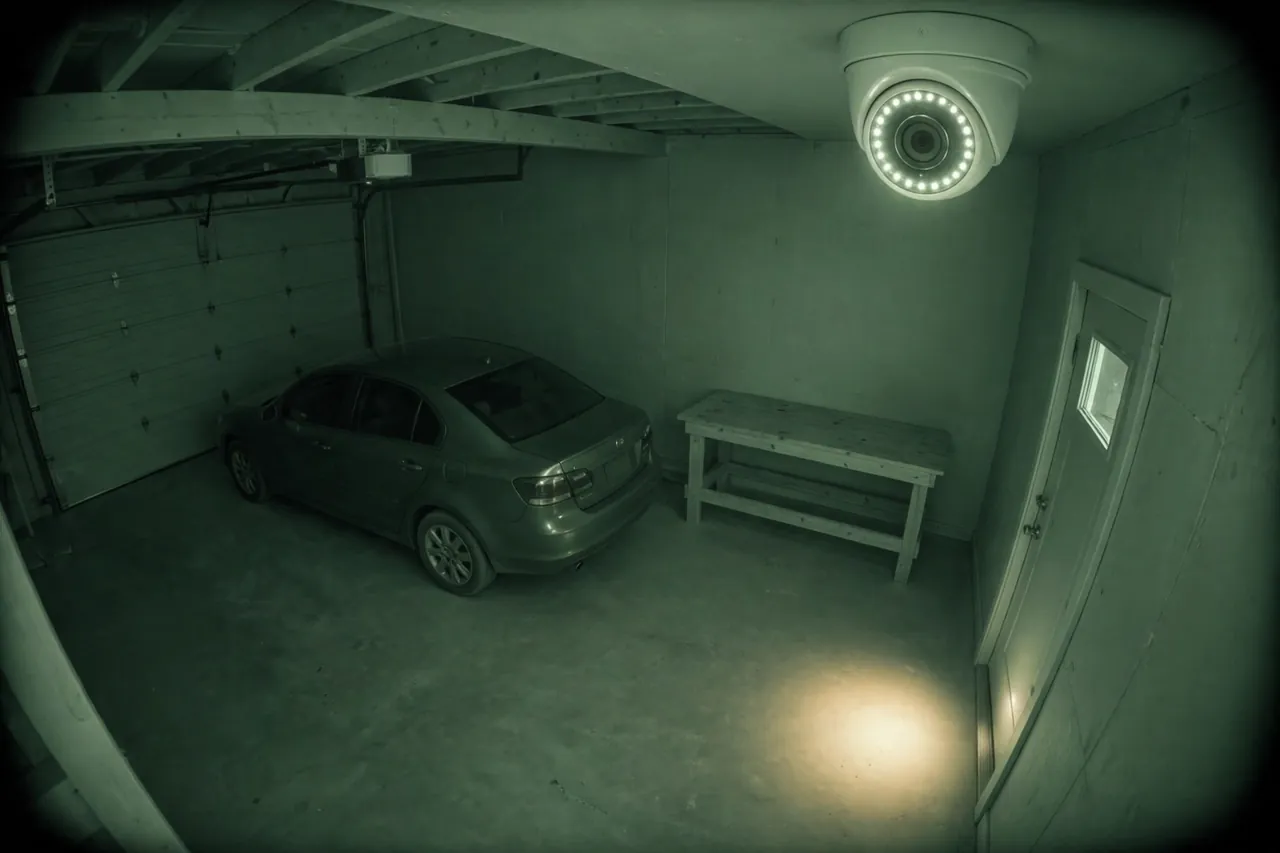
A garage at night is almost pitch black. The door is closed, the windows are small or covered, and the lights are off. Night vision is not a bonus feature here. It is the main feature.
Most cameras use infrared light to see in the dark. The picture turns black and white, but it stays clear out to 30 feet or more. That range covers the depth of a typical two-car garage from one corner. Pick a night vision range of at least 30 feet if you want one camera to cover the whole room.
Color night vision is a newer option. Some cameras use a built-in spotlight or a very sensitive sensor to show color at night. Color helps you tell a red car from a blue one, or a dark jacket from a light one. Inside a garage, a spotlight is genuinely useful.
Watch out for two common mistakes. First, never point a camera through a window at night. The infrared light reflects off the glass and blinds the camera with a white glare. Second, keep the lens away from direct headlights. Angle the camera slightly to the side so the lights pass across the frame instead of straight into it.
Garage Door Openers and Camera Interference
A garage camera and a garage door opener share a small space, and they can get in each other’s way. Most garage door remotes use radio signals around 315 MHz or 390 MHz. Cheap LED bulbs are the most common source of trouble: their internal drivers can create noise in that same range and shrink the remote’s range until the door only opens when you are right next to it.
If your remote suddenly works only at close range, try the power-down test. Turn off nearby devices one at a time, including the new camera and any new LED bulbs, and test the remote after each one. When the range comes back, you found the culprit. Move that device farther from the opener’s receiver, or swap a cheap LED bulb for a better one.
Wi-Fi cameras work on 2.4 GHz and 5 GHz, far above the opener’s frequency, so a Wi-Fi camera rarely jams the remote directly. The real clash is usually the camera’s power supply or a nearby LED bulb, not the Wi-Fi signal itself. Newer openers that use Wi-Fi and a phone app skip the old radio remote entirely, which removes this problem for good. Keep the camera mount rigid, too: a loose mount shakes every time the door opens and blurs the video.
Storage, Alerts, and Privacy
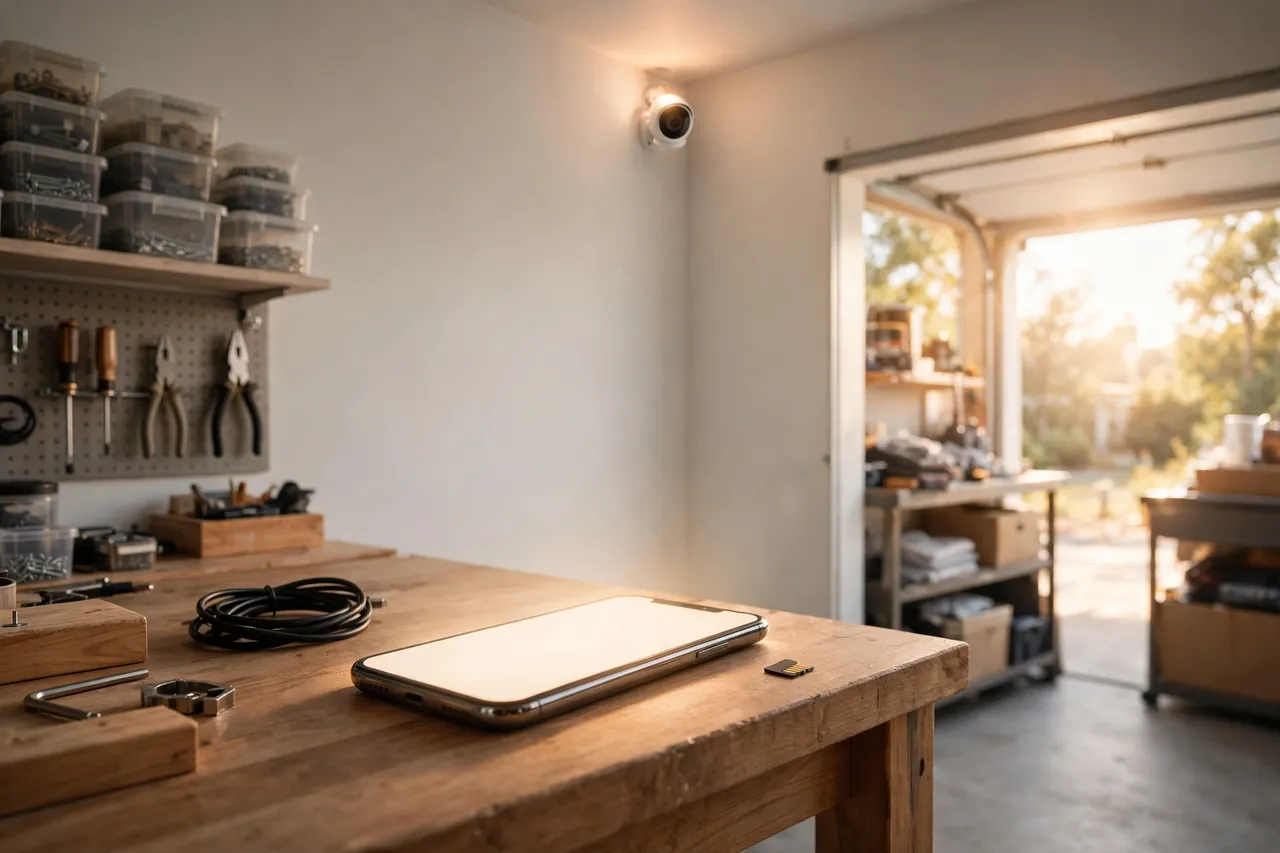
A camera is only useful if you can find the video when you need it. Decide on storage before you buy, because it affects the monthly cost as much as the camera price.
Cloud storage saves clips to the maker’s servers. You can watch them from anywhere, and a thief cannot steal the footage by taking the camera. Most makers charge a monthly fee after a free trial, and the fee often covers only 30 to 60 days of clips. Local storage, on a memory card or a recorder in your home, costs nothing per month and keeps the video in your hands. The risk is that a stolen camera takes the footage with it. Many homes use both: local storage for everyday clips and cloud backup for the important ones.
Set motion zones, not just motion alerts. A zone tells the camera to watch the doors and the workbench, and to ignore the street outside or the cat that sleeps on the car. Without zones, you will get an alert every time a shadow moves, and you will soon stop reading them. Turn on person detection if your camera offers it, so you hear about people, not every falling box.
Privacy matters, even in your own garage. Point the camera at your own property, not at a neighbor’s yard or a public sidewalk. If the camera catches part of a neighbor’s home, use a privacy mask in the app to black out that area. And tell anyone who uses the garage, including family, helpers, and renters, that a camera is recording there.
For the wiring side of a permanent install, see our guide to wiring outdoor security cameras. If you want a camera that records around the clock without Wi-Fi, our guide to closed-circuit cameras covers always-on wired systems.
Install Your Garage Security Camera in 7 Steps
You can finish most garage camera installs in under an hour. Gather everything first so you are not climbing the ladder twice.
- Pick the spot. Choose the corner or door position that covers the doors and the valuable gear. Mark it with a pencil.
- Test the Wi-Fi and the power. Hold your phone at the marked spot with the garage door closed. If the signal is weak, fix it first.
- Mount the bracket. Drill into a stud or solid wood, not just drywall. Tighten the screws fully so the mount does not shake when the door moves.
- Attach the camera and aim it. Set the height at 8 to 10 feet and tilt it down 15 to 30 degrees. Check the live view on your phone as you aim.
- Connect power and Wi-Fi. Plug the camera in, join the 2.4 GHz network, and wait for the app to confirm the connection.
- Set zones and alerts. Draw motion zones around the doors and the workbench. Turn on person alerts.
- Test it like a thief would. Walk in through each door, open the big door, and walk to the workbench. Adjust the aim until every path is covered.
If the install needs new wiring inside a wall, a new circuit, or work near the opener’s power supply, call a licensed electrician. A short, safe install beats a risky do-it-yourself job every time.
Mistakes That Waste a Garage Camera
Most garage cameras fail for the same few reasons. Do not mount the camera above 10 feet, or faces turn into small dots. Do not point it at a window or straight at the headlights, or it will go blind at the exact moment you need it. Do not skip the Wi-Fi test with the door closed, and do not buy an indoor-only camera for a freezing, dusty garage. Finally, check the subscription cost: a camera with no storage plan may only show live video and save nothing. A wireless outdoor security camera guide on this site covers battery and subscription trade-offs in more detail.
Related Guides
Driveway Security Camera: How to Choose and Place One That Actually Catches Faces and Plates · Wireless Security Cameras Outdoor: Placement, Wi-Fi Range, and the Best Picks for 2026 · Front Porch Camera: How to Choose, Place, and Use One
- Driveway Security Camera — cover the approach to the garage and the cars parked outside.
- Wireless Security Cameras Outdoor — compare wireless models for the outside of the house.
- PoE Security Cameras — the wired, always-on option for a permanent garage setup.
- Battery Operated Security Camera — how battery cameras hold up, and when they make sense.
- How to Install a Light Switch With Timer — add a timed light in the garage so night footage stays clear.
Frequently Asked Questions
Can indoor security camera be used in the garage?
Yes, an indoor camera can work in a garage if the space stays dry and mild. But garages swing hotter and colder than a living room, and dust and damp can wear an indoor model out. For an unheated, detached, or dusty garage, choose an outdoor-rated camera instead, even for the inside wall.
Do I need a camera in the garage?
Yes, if your garage holds a car, tools, bikes, or other valuable gear, or if it connects to your house. A camera watches the doors, records who comes in, and lets you check from your phone whether the door is closed. It also deters thieves who would otherwise work out of sight from the street.
Where is the best location for a garage camera?
The best location is high in a corner opposite the main door, or above the main door on the inside, at 8 to 10 feet high. From there, the camera sees people as they enter and covers the floor. Add a second view facing the workbench or the door into the house if one camera cannot cover both.
How to power a security camera in your garage?
You can power a garage camera from a wall or ceiling outlet, a battery, a PoE Ethernet cable, or the garage door opener itself. Plug-in power is the easiest for an attached garage. Battery power suits a detached garage with no outlet. PoE is the most reliable choice for a permanent install that must never drop offline.
Do I need a special camera if my garage is not climate-controlled?
Yes. A garage that is not heated or cooled can freeze in winter and bake in summer, so check the camera’s operating temperature range before you buy. Most outdoor-rated cameras work from about -4°F to 113°F or higher. A battery camera may also stop charging below freezing, so a plug-in or wired model is safer in cold garages.
Can you add a security camera to the garage door opener?
Yes, you can add a camera to many garage door openers. Some smart openers have a built-in camera or a port for one, and they work with most major brands made after 1993 that have safety sensors. Check your opener’s model and manual first, because not every opener supports a camera add-on.
A garage security camera is a small job with a big payoff. Pick a camera rated for your garage’s heat, cold, and dust, mount it high where it sees the doors and the gear, test the Wi-Fi with the door closed, and set alerts for the spots that matter. Do that, and your garage stops being the blind spot in your home’s security.
Start with one camera over the main door or in the far corner, test it for a week, and add a second one only if the recordings show a blind spot. Your garage, your car, and your tools will be safer for it.
Disclaimer: This guide covers general home security advice only. Homes, garages, and local rules vary. For new wiring, a new circuit, or work near your garage door opener’s power supply, hire a licensed electrician. Always follow your camera and opener manuals, and check local laws before recording shared or rented spaces.



