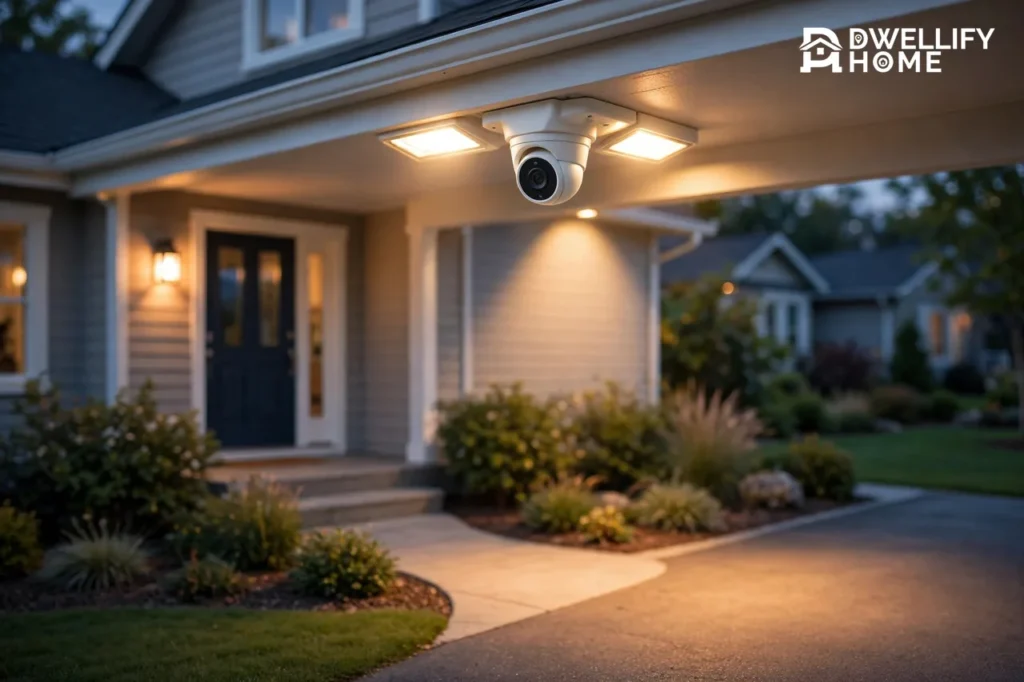
The best floodlight camera for most homes in 2026 is the eufy Floodlight Cam E340. It pairs two cameras on a pan-and-tilt head with 2,000-lumen lights and local storage, so it covers more of your yard and asks for no monthly fee. It costs $219.99 at the eufy US store, as checked in October 2026.
A floodlight camera is a security camera built into motion-activated LED floodlights. It lights up a driveway or yard and records what the light reveals, all from one fixture. If you already have an outdoor light fixture, you can usually swap it for a floodlight camera in under an hour. This guide compares the five best floodlight cameras for 2026, with dated prices, real specs, and the trade-offs that matter.
The Short Answer: Which Floodlight Camera Should You Buy?
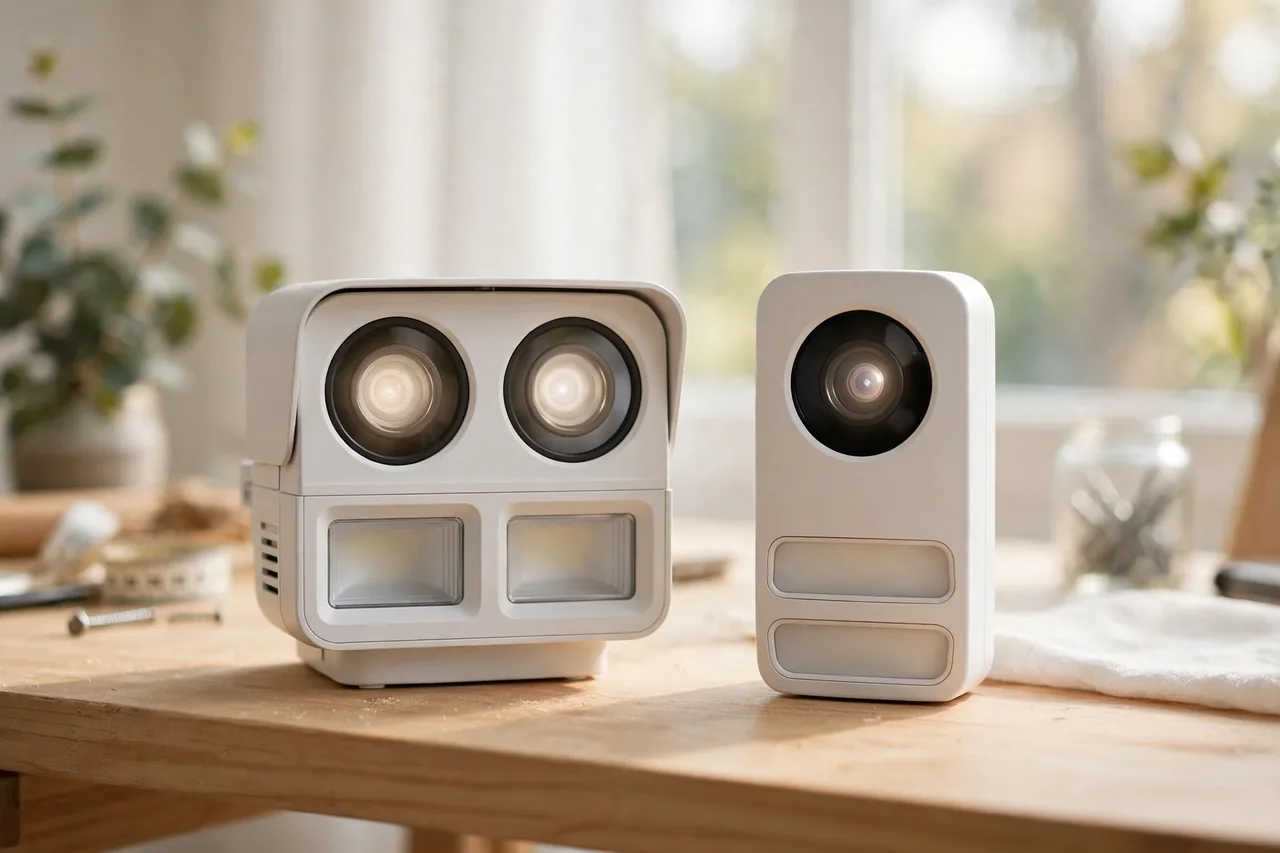
Buy the eufy Floodlight Cam E340 if you want the best all-round floodlight camera. Its two lenses watch a wide area and zoom in on detail at the same time, and it records to a microSD card with no subscription.
Buy the Ring Floodlight Cam Pro if you already use Ring doorbells, Ring Alarm, or Alexa. Its radar motion detection is the smartest on this list, and its app is the most polished. Buy the Wyze Floodlight Cam v2 if your budget is near $100. It gives you 2K video and 2,800 lumens for $99.98, which no other pick matches at that price.
Buy the Google Nest Cam with Floodlight if your home runs on Google Home. Buy the Reolink Elite Floodlight WiFi if you want a wide 180-degree 4K view of a big driveway with no monthly fee. The right pick depends on your smart home, your wiring, and whether you will pay a subscription. The table below makes the choice fast.
Best Floodlight Cameras at a Glance
Caption: Best floodlight cameras compared — prices from maker stores, October 2026 unless noted.
| Camera | Video | Light | Price | Best For |
|---|---|---|---|---|
| eufy Floodlight Cam E340 | 3K + 2K dual cameras | 2,000 lumens | $219.99 | Most homes |
| Ring Floodlight Cam Pro | 2K HDR | 2,000 lumens | $149.99 on sale, $229.99 list | Ring and Alexa homes |
| Wyze Floodlight Cam v2 | 2K | 2,800 lumens | $99.98 | Best budget pick |
| Google Nest Cam with Floodlight | 1080p HDR | 2,400 lumens | $279.99 | Google Home homes |
| Reolink Elite Floodlight WiFi | 4K, 180-degree view | 3,000 lumens | $249.99 | Wide driveways |
Prices change with sales. The Ring price above is the live Ring store price seen in November 2026, and the other four are maker-store prices checked in October 2026, as listed in the HomeGearLab floodlight camera guide. Check the live price before you buy, because a sale can move the ranking.
How We Picked These Floodlight Cameras
A good floodlight camera has to do three jobs at once. It must light up the area, capture clear video, and send alerts you can trust. We judged every pick on video quality, light brightness, field of view, storage, subscription cost, and smart home fit.
Video comes first. A 1080p camera can show you that someone is there, but 2K or better shows you who it is. Look for at least 1080p HDR, and pick 2K or higher when you want faces and plates. Light comes second. Most good floodlights give you 2,000 lumens or more, which is enough to light a driveway and switch the camera to color night vision.
Storage decides your running cost. Cameras with a microSD slot record for free, while Ring and Google cameras need a plan to save clips. Smart home fit decides how the camera lives with the rest of your home. A Ring camera shines in an Alexa home and feels limited anywhere else, while a eufy or Reolink camera works well on its own.
1. eufy Floodlight Cam E340 — Best Overall
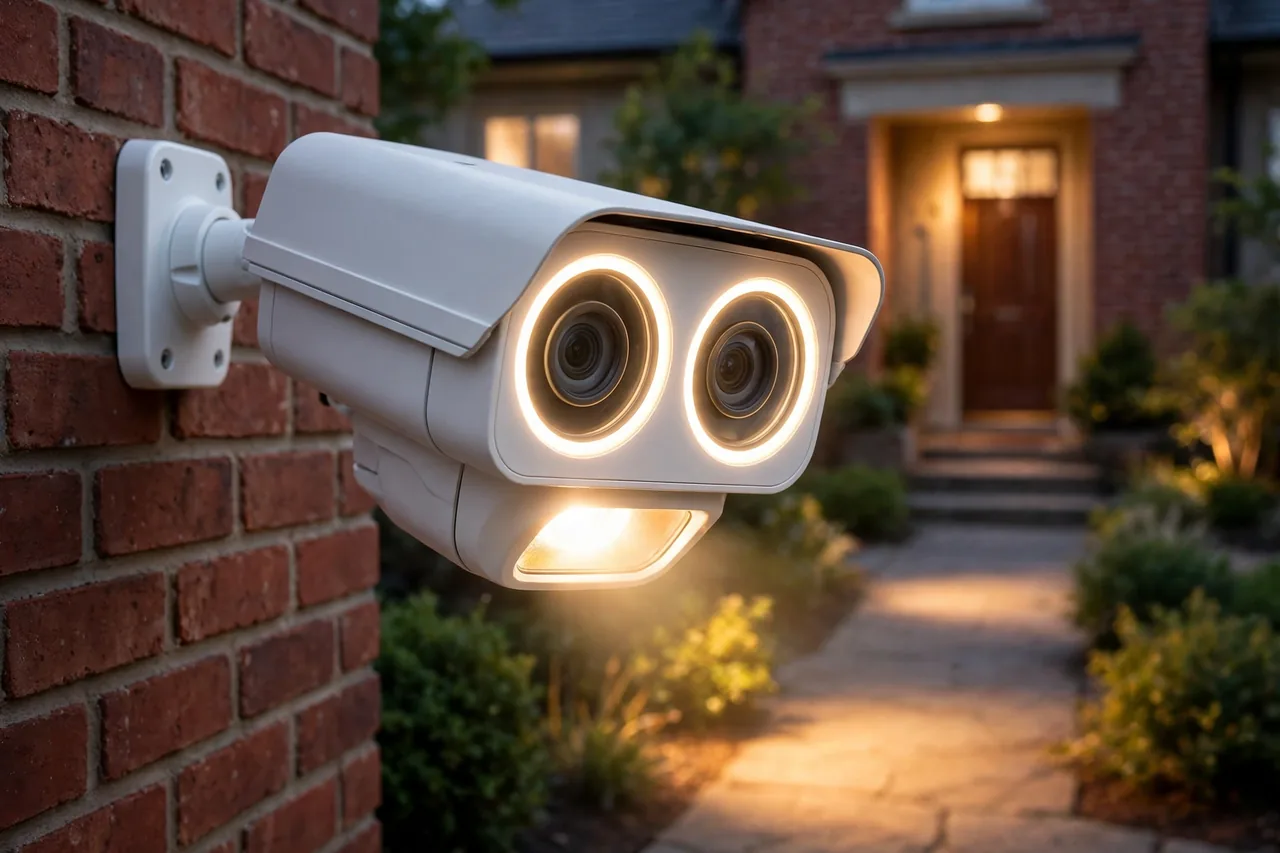
The eufy Floodlight Cam E340 is the best floodlight camera for most homes because it solves the two problems other floodlight cameras leave open. Its pan-and-tilt head turns 360 degrees, so one camera watches a whole yard, and its two lenses give you a wide view and a zoomed detail view at the same time.
Caption: eufy Floodlight Cam E340 key specs.
| Spec | Detail |
|---|---|
| Price | $219.99 at eufy.com US store, checked October 2026 |
| Video | 3K wide camera plus 2K telephoto camera, 3x optical zoom |
| Light | 2,000 lumens, dimmable, two panels |
| Coverage | 360-degree pan, 120-degree tilt |
| Storage | microSD up to 128 GB, or HomeBase S380; no subscription needed |
| Weather rating | IP65 |
| Works with | Alexa, Google Assistant; no HomeKit |
The E340 follows people, cars, and pets on its own, so a person who walks across your yard stays in frame instead of drifting out of shot. It records around the clock to a microSD card, and eufy says the camera needs a card up to 128 GB or a HomeBase S380 for 24/7 recording. Its official product page lists human, vehicle, and pet detection, dual-band Wi-Fi 6, and a 100 dB siren. See the eufy Floodlight Cam E340 product page for the full spec list.
Owners praise the same things reviewers do. PCWorld calls the E340 tops in its class and says nothing else on the market comes close, while review roundups note that its dual lenses, night vision, AI tracking, and no-subscription value are the most praised features. The common complaints are the lack of HomeKit and some false alerts. Read the PCWorld review of the E340 and the owner-review summary for the E340 before you decide.
Pick the E340 if you want one camera to cover a big area with no monthly bill. Skip it if you need HomeKit, or if you want a smaller, lighter fixture.
2. Ring Floodlight Cam Pro — Best for Ring and Alexa Homes
The Ring Floodlight Cam Pro is the best floodlight camera for homes that already run on Ring and Alexa. Its radar-based 3D Motion Detection watches movement with more care than a plain motion sensor, and its Bird’s Eye View map shows you the path a person walked across your yard.
Caption: Ring Floodlight Cam Pro key specs.
| Spec | Detail |
|---|---|
| Price | $149.99 on sale, $229.99 list, at ring.com, seen November 2026 |
| Video | 2K HDR, 140-degree horizontal view |
| Light | 2,000 lumens, two panels |
| Motion | Radar 3D Motion Detection, 270-degree customizable zones |
| Storage | Cloud plan needed to save clips; no onboard recording |
| Works with | Alexa, Ring Alarm |
Ring’s own product page lists 2K video, color night vision, a 110 dB siren, two-way talk with Audio+, and dual-band Wi-Fi. See the Ring Floodlight Cam Pro product page for the full spec list. The camera is hardwired to your home wiring and works from minus 5 degrees to 120 degrees Fahrenheit.
The trade-off is the subscription. Ring asks for a plan to save and review clips, so the low sale price is only part of the real cost. Over five years, a Ring plan adds far more than the camera itself costs. Our main camera guide works out the real five-year cost of each system, so read our best home security camera system guide before you commit to a subscription camera.
Pick the Ring Pro if you already pay for Ring and want the smartest alerts. Skip it if you refuse monthly fees, because a local-storage camera will serve you better.
3. Wyze Floodlight Cam v2 — Best Budget Pick
The Wyze Floodlight Cam v2 is the best floodlight camera under $100. It costs $99.98 at the Wyze store, as checked in October 2026, and it gives you 2K video, 2,800 lumens of light, and 24/7 recording to a microSD card.
Caption: Wyze Floodlight Cam v2 key specs.
| Spec | Detail |
|---|---|
| Price | $99.98 at wyze.com, checked October 2026 |
| Video | 2K, 160-degree view, color night vision |
| Light | 2,800 lumens |
| Storage | microSD up to 256 GB; no subscription needed for local recording |
| Siren | 105 dB |
| Works with | Alexa, Google Assistant |
Wyze’s own comparison calls the v2 the budget pick and lists its 2,800-lumen lights against the E340’s 2,000 lumens. See the Wyze guide to the best floodlight security camera for its full comparison table. The v2 is brighter than cameras that cost twice as much, and its wide 160-degree view covers a driveway from one mount.
The catch is the app and the polish. Wyze gives you the hardware for less, but its alerts and app feel simpler than Ring’s, and its AI detection sits behind a paid plan. If you want a bright light and clear video for the least money, that trade is easy to accept.
Pick the Wyze v2 if your budget is tight and you want local recording. Skip it if you want radar motion detection or a premium app.
4. Google Nest Cam with Floodlight — Best for Google Home
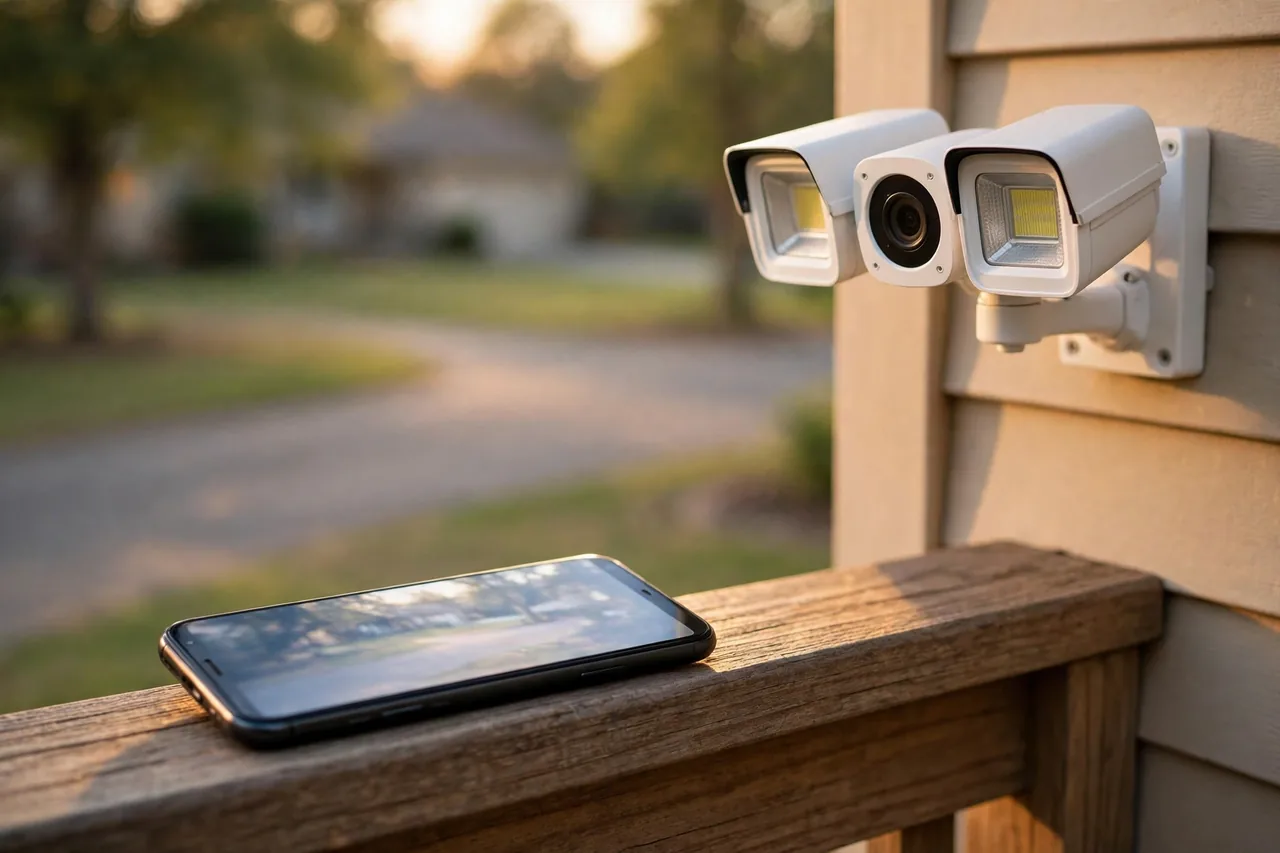
The Google Nest Cam with Floodlight is the best floodlight camera for a Google Home household. It knows familiar faces, tells people from cars and animals, and drops its alerts straight into the Google Home app you already use.
Caption: Google Nest Cam with Floodlight key specs.
| Spec | Detail |
|---|---|
| Price | $279.99 at the Google Store, checked October 2026 |
| Video | 1080p HDR, 130-degree diagonal view |
| Light | 2,400 lumens |
| Storage | Three hours of event video history free; longer history needs a plan |
| Weather rating | IP54 |
| Works with | Google Home, Google Assistant |
The Nest camera is the most expensive pick on this list and the lowest in resolution, at 1080p. What you pay for is the Google brain: familiar-face alerts, clean event history, and a camera that talks to your Nest doorbell and speakers without a second app. Its 2,400-lumen lights are brighter than the eufy and Ring picks, which helps its color night vision.
The free three hours of event history is short. If you want to look back at yesterday, you need a Google Home Premium plan. That makes the Nest camera the priciest pick over time, not just at checkout. Pick it only if Google Home runs your house. If you use Alexa or no smart home at all, the eufy E340 gives you more for less.
5. Reolink Elite Floodlight WiFi — Best for Wide Driveways
The Reolink Elite Floodlight WiFi is the best floodlight camera for a wide driveway or a broad front yard. It joins two 4K sensors into one 180-degree view, so a single camera sees the whole front of a house.
Caption: Reolink Elite Floodlight WiFi key specs.
| Spec | Detail |
|---|---|
| Price | $249.99 at store.reolink.com, checked October 2026 |
| Video | 4K, 180-degree panoramic view |
| Light | Up to 3,000 lumens |
| Storage | microSD, Reolink NVR, or NAS; no subscription needed |
| Works with | Alexa, Google Assistant |
The Elite is the only pick here with a true 180-degree 4K view and the brightest lights, at up to 3,000 lumens. It records around the clock to local storage, so there is no monthly fee at all. That makes it the best pick for a wide space where two narrow cameras would otherwise be needed.
The trade-off is the app. Reolink’s app is solid but less polished than Ring’s or Google’s, and its smart detection is simpler. If your driveway is wide and you want one camera to watch all of it, that trade is worth it. For a narrow front porch, the eufy E340 is the better buy.
How to Choose a Floodlight Camera
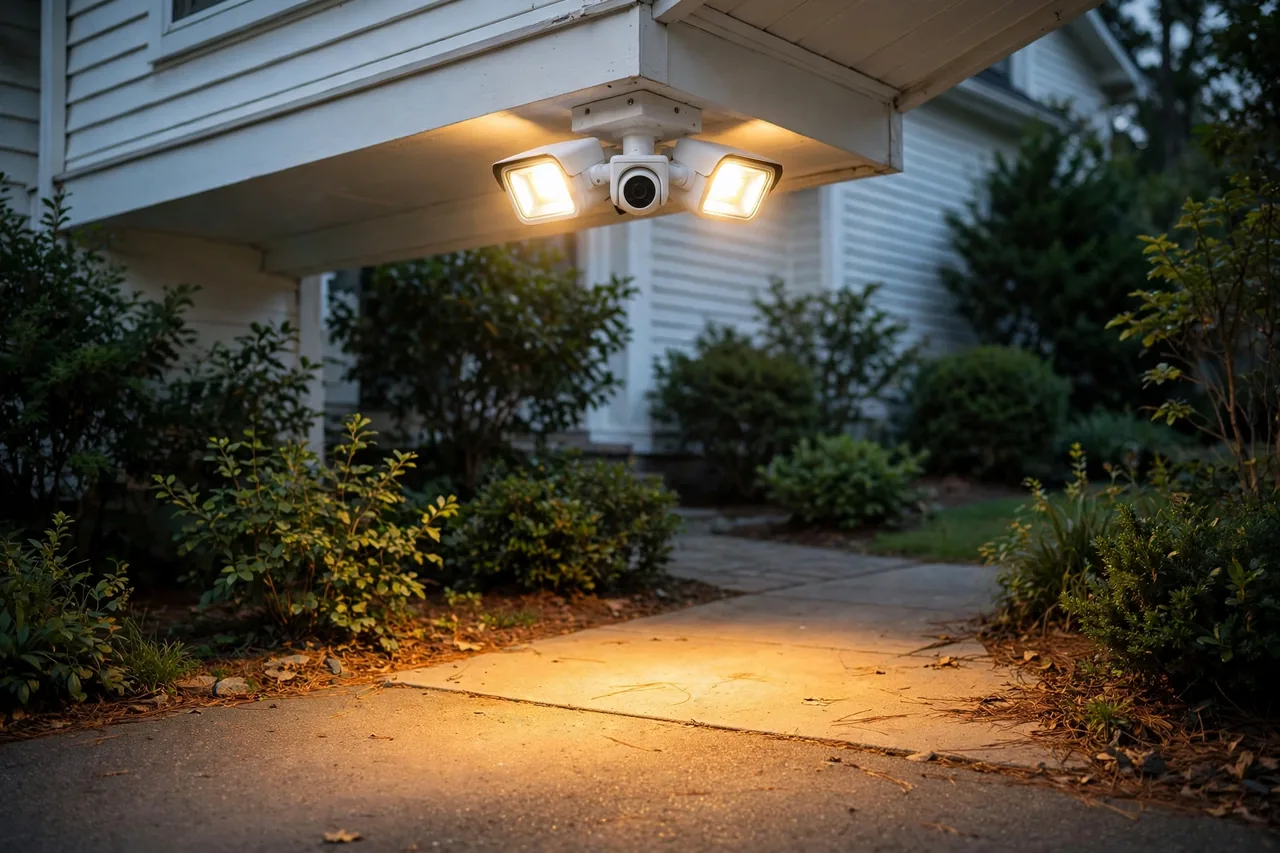
Start with your wiring. Most floodlight cameras are hardwired, which means they replace an outdoor light fixture and draw power from your home wiring. If you have no outdoor fixture where you want the camera, pick a battery or solar floodlight camera instead. The Tapo C615F KIT is one solar option, at about $120, for spots with no fixture at all.
Wired, Battery, or Solar?
Wired cameras never run out of power and can record around the clock. That is why four of the five picks above are wired. Battery cameras are easy to mount anywhere, but they sleep between events and need charging. Solar cameras split the difference: a panel tops up the battery, so you rarely climb a ladder. Our battery operated security camera guide explains how long battery cameras really last, and our wireless outdoor security camera guide covers Wi-Fi range, which matters for every wireless pick.
How Bright Should the Light Be?
For a porch or a small yard, 2,000 lumens is plenty. For a long driveway, look for 2,800 lumens or more, like the Wyze v2 or the Reolink Elite. Brightness also feeds color night vision: a brighter light means the camera stays in color mode instead of switching to grainy black and white. Aim the light panels down and slightly outward, so the light washes the ground instead of blinding the camera lens.
Do You Need a Subscription?
Add up the five-year cost before you buy. A $150 camera with a $5 monthly plan costs $450 over five years, while a $220 camera with local storage costs $220. Our security camera with SD card guide shows how local storage works, and our footage retention guide explains how long each system keeps your clips.
Where to Mount a Floodlight Camera
Mount the camera 8 to 10 feet high, on a wall or under an eave, and angle it down about 15 degrees. That height keeps faces in frame and puts the fixture out of easy reach. Point it so it sees the approach, not just the door: a camera that watches the walkway catches a person early, while a camera aimed straight at a door only sees them at the last second.
Cover the front door first, then the driveway, then the back door. A front porch camera watches packages and visitors, while a driveway security camera catches cars and faces from farther away. If you have a garage, a garage security camera closes the last big gap. A wide-angle camera can also stretch one mount further, as our wide angle security camera guide explains.
Keep the light out of your neighbor’s windows and off the street. Most towns have no rule against a bright floodlight, but a light that shines into a bedroom will earn you a complaint. Aim the panels at your own ground, and use the motion zones in the app to keep the light from firing at every passing car.
Floodlight Camera Mistakes to Avoid
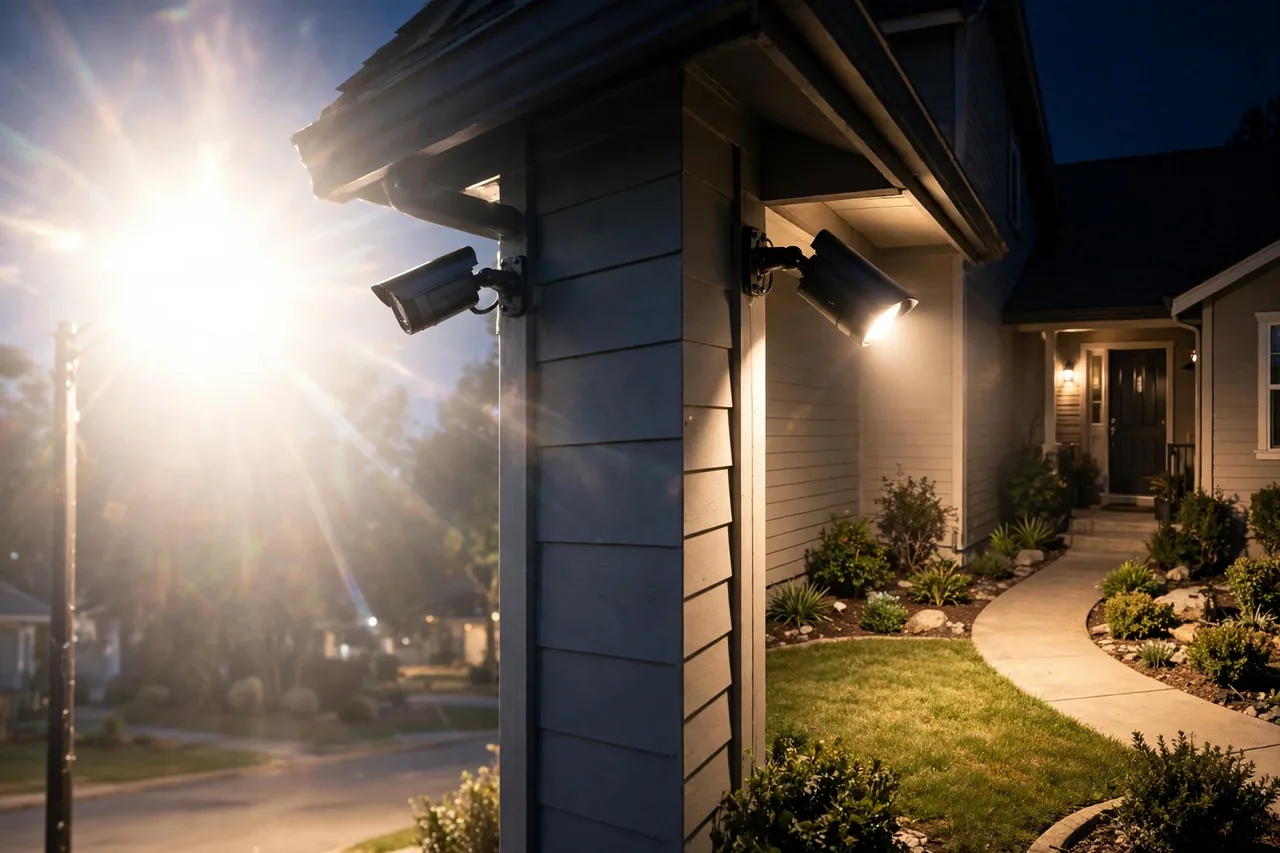
The most common mistake is mounting the camera too high. Above 12 feet, faces turn into the tops of heads, and the video loses the detail you bought the camera for. The second mistake is pointing the camera into the sun or into a streetlight. Backlight turns every person into a dark shape, so keep bright lights behind the camera, not in front of it.
The third mistake is skipping the Wi-Fi check. Floodlight cameras sit outside, often far from the router, and a weak signal means missed clips. Stand where the camera will go and check your phone’s Wi-Fi bars. If the signal is weak, add a mesh node or pick a wired PoE camera instead. Our PoE security camera guide explains the wired route that never drops a signal.
The fourth mistake is forgetting the weather rating. Outdoor cameras need at least IP54, and IP65 is better. The eufy E340 carries IP65, while the Nest camera carries IP54, which is fine under an eave but weaker in driving rain.
Before You Wire Anything: A Safety Note
Floodlight cameras connect to your home’s mains wiring, and that work carries a real shock risk. Turn off the breaker before you touch any wire, and test with a voltage tester that the power is truly off. If your wiring is old, if there is no junction box, or if you feel unsure at any point, hire a licensed electrician. A short professional visit costs far less than a shock or a fire. This guide is general information, not electrical advice, and local codes may require a licensed installer.
Related Guides
If you are building a full camera setup, start with our best home security camera system guide. Renters should read security cameras for apartments first, and anyone weighing a full system should compare the best home security systems with cameras. For the yard itself, our patio lighting ideas show how to layer light so your home looks good and stays safe after dark.
Frequently Asked Questions
What is the best floodlight camera?
For most homes, the eufy Floodlight Cam E340 at $219.99, checked October 2026. It has dual 3K and 2K cameras, 360-degree pan and tilt, 2,000 lumens, and local storage with no subscription. The Wyze Floodlight Cam v2 at $99.98 is the budget pick.
What is the best floodlight camera without a subscription?
The eufy Floodlight Cam E340, Wyze Floodlight Cam v2, and Reolink Elite Floodlight WiFi all record to a microSD card with no monthly fee. The Ring and Google cameras need a plan to save clips.
Do floodlight cameras need wiring?
Most do. The five picks in this guide are hardwired and replace an existing outdoor light fixture. If you have no fixture, look at a battery or solar floodlight camera instead, such as the Tapo C615F KIT.
How many lumens should a floodlight camera have?
At least 2,000 lumens for a porch or small yard, and 2,800 lumens or more for a long driveway. Brighter lights also give you color night vision instead of black-and-white footage.
Can a floodlight camera replace a porch light?
Yes, and that is its main job. It works as a motion-activated floodlight and a security camera in one fixture, so it lights the area only when something moves and records at the same time.
Are floodlight cameras weatherproof?
Good ones are. Look for an IP65 rating, like the eufy E340, or at least IP54, like the Nest camera. Mount the camera under an eave when you can, so rain and snow hit it less.
Start with the eufy E340 if you want the best all-round pick, or the Wyze v2 if you want the best value. Mount it 8 to 10 feet high, aim it at the approach, and check your Wi-Fi signal before you drill. Then read our best home security camera system guide to plan the rest of your setup.