
Yes — you can turn almost any ordinary lamp into a smart lamp by swapping its regular bulb for a smart bulb. If your lamp takes a standard screw-in bulb, you screw the smart bulb in, leave the lamp switch on, connect the bulb in its app, and you get app control, dimming, schedules, scenes, and voice control. No wiring, no new lamp, and no tools.
Two checks decide whether it works well. First, the bulb base and size must fit your lamp and shade. Second, the lamp must not have a built-in dimmer, because dimmers and smart bulbs fight each other. This guide walks through both checks, the simple setup, and the one habit change that makes a lamp with smart bulb setup feel easy instead of frustrating.
What You Actually Get From a Lamp With a Smart Bulb
A smart bulb is a normal LED bulb with a small radio and computer inside. It screws into the same socket. The difference is control: from an app, by voice, on a schedule, or as part of a scene, instead of only by the lamp’s knob or cord switch.
For a beginner, the useful gains are simple:
- Dimming without a dimmer switch. The bulb dims itself in the app, often from 1% to 100%, so a bright reading lamp becomes a soft night light.
- Color temperature control. Tunable bulbs move from warm light for the evening to cooler, brighter light for reading or work.
- Full color, if you choose it. Color models add millions of colors for movie nights, holidays, and kids’ rooms.
- Schedules and timers. The lamp can turn on before you get home, fade down at bedtime, or switch off after you fall asleep.
- Voice control. “Turn off the bedside lamp” works from bed, with no reach for a small knob in the dark.
The bulb needs power all the time to stay connected, plus a Wi-Fi signal, Bluetooth, or a hub, depending on the model. Those two facts explain almost every beginner problem, and both are covered below.
Will a Smart Bulb Fit Your Lamp? Base, Shape, and Shade Checks
Most US table lamps and floor lamps use the same standard socket, so most smart bulbs fit most lamps. Still, a two-minute check before you buy saves a return trip. Work through the base, the shape, and the shade in that order.
Check 1: The Base Type
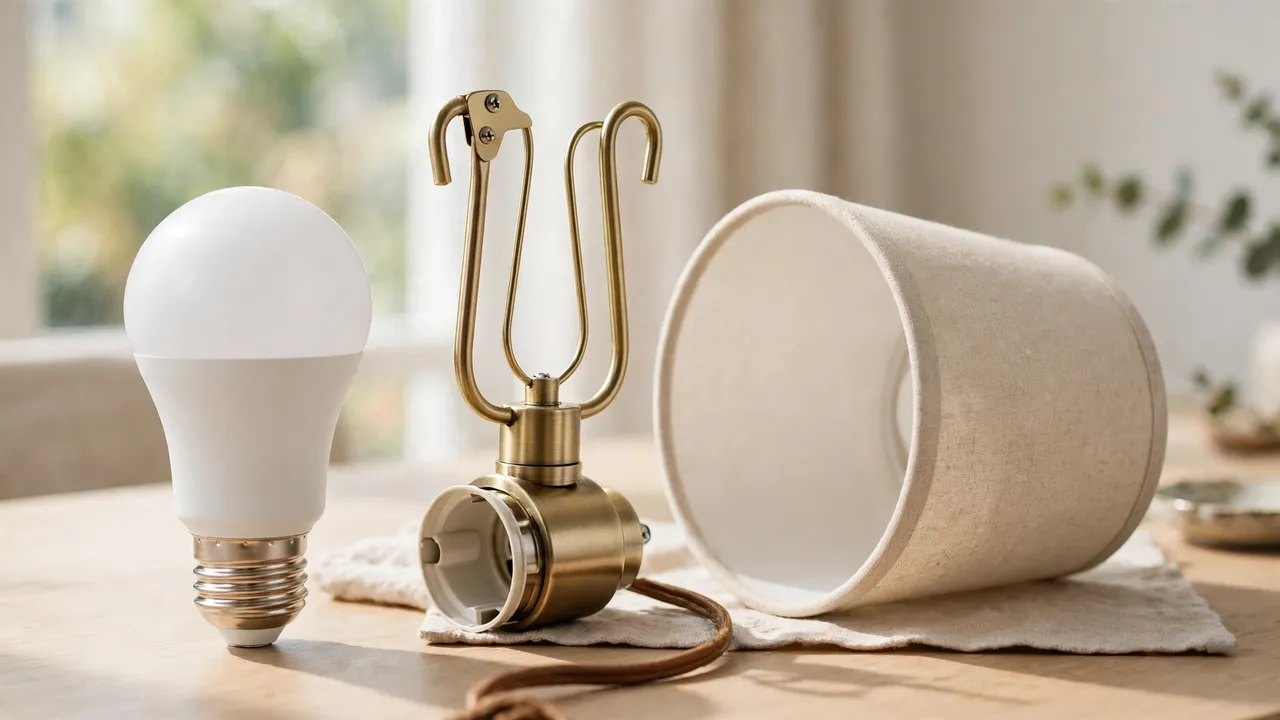
The base is the metal screw part at the bottom of the bulb. In the United States, the standard lamp base is E26 — a medium screw base about one inch wide. Almost every full-size smart bulb is sold in E26, including A19 models from Philips Hue, TP-Link Kasa, and Wyze.
Small lamps are the exception. Accent and chandelier-style lamps may use the smaller E12 candelabra base. Smart bulbs exist in E12 too, but the choice is smaller. The easiest check is your old bulb: the base size is usually printed on it or its box, and E12 is clearly thinner than E26.
Check 2: The Bulb Shape and Size Under the Shade
The common smart bulb shape is A19, the familiar rounded bulb shape. A typical A19 smart bulb is about 2.4 to 2.5 inches wide and 4.3 to 5 inches tall. For example, Wyze lists its Bulb Color at 2.5 × 2.5 × 5 inches, and Philips Hue lists its A19 at up to 806 lumens for the 60-watt-equivalent model, with taller 75-watt-equivalent versions giving up to about 1,055 lumens.
That size matters because many smart bulbs are slightly taller than the plain LED they replace — the electronics in the neck make them sit higher. Under a shade, check three things:
- The bulb should sit fully inside the shade, not poke out above or below it.
- The top of the bulb should not touch the shade or the metal spider fitter in the middle.
- The shade should still sit level on its harp — the wire frame that holds the shade above the bulb.
If the bulb is a little too tall, the simple fix is a taller harp. Harps come in half-inch steps, and going up one size lifts the shade enough to clear a taller bulb. If you are also choosing or replacing a shade, our guide to lamp shade types and sizes explains how fitters and shade sizes work together.
Check 3: Open Shade vs. Enclosed Shade and Heat
Most table and floor lamps have open-top shades, and those are fine. Air moves up and out, and the bulb stays cool enough. The problem case is a fully enclosed shade or a small closed globe where air cannot move.
Smart bulbs make little heat compared with old incandescent bulbs, but their electronics do not like trapped heat. Wyze states its Bulb Color is “not for use in totally enclosed luminaires,” and Philips Hue gives the same warning. Trapped heat shortens the bulb’s life.
So the rule is simple: an open shade is fine, a sealed shade is not — unless the bulb is specifically rated for enclosed fixtures. Check the bulb’s box or spec page for that rating before you buy for a closed lamp.
The Dimmer Warning: The One Lamp Type That Fights Smart Bulbs
If your lamp has a built-in dimmer, stop before you buy. A built-in dimmer is a knob or slider on the lamp, a dimmer on the cord, or a touch lamp you tap to change brightness. These dimmers cut and reshape the power going to the bulb. A smart bulb expects full, steady power and does its own dimming inside.
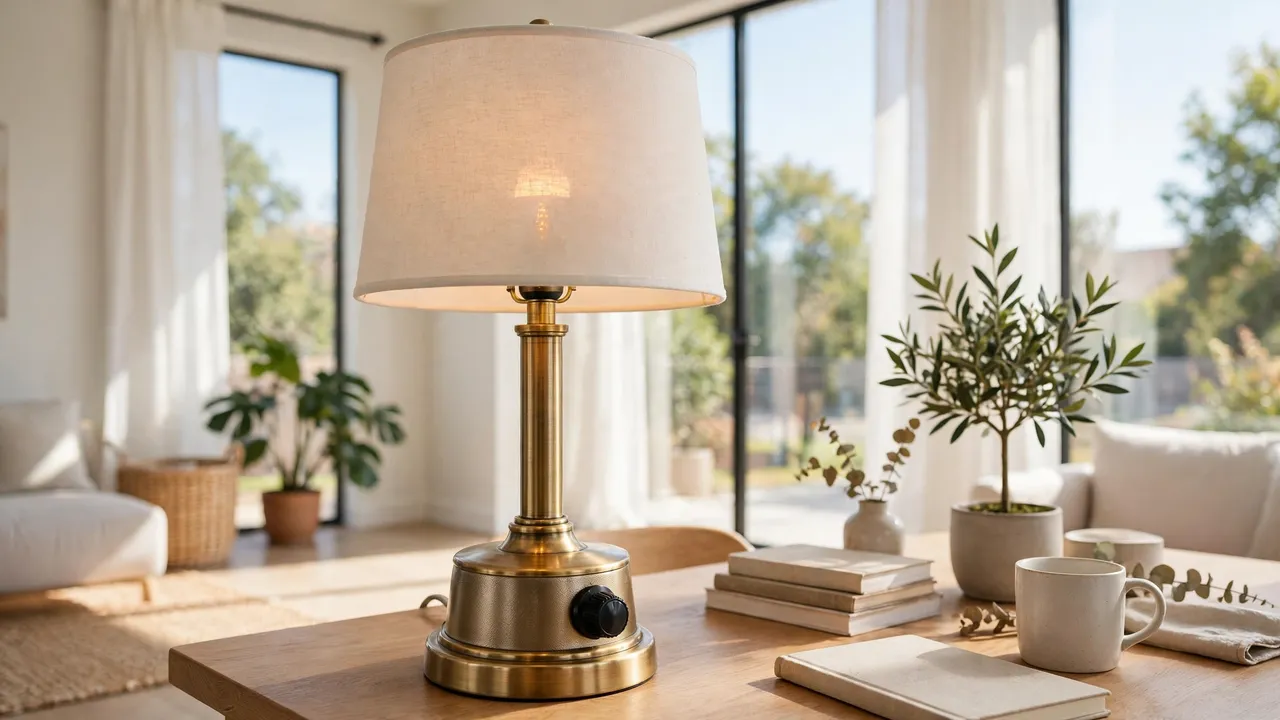
Put the two together and you usually get flicker, buzzing, or random shutoffs. IKEA says it plainly: lamps with a built-in dimmer will not work with a smart LED bulb, because the lamp will flicker and behave incorrectly. TP-Link gives the same answer for Kasa bulbs: the bulb cannot work with a dimmer; you dim it in the app or by voice instead.
You have three honest options with a dimmer lamp:
- Use a different lamp. Move the smart bulb to a plain on/off lamp. This is the cheapest and most reliable fix.
- Leave the dimmer at 100%. On some lamps, a dimmer turned fully up passes full power and the bulb works. This is a test, not a promise — if you see any flicker or buzz, stop and use option 1.
- Make the lamp smart a different way. Keep a regular bulb and control the lamp’s power instead. That trade-off is compared later in this guide.
Three-way lamps need a quick note too. A three-way socket clicks through low, medium, and high settings for a special three-way bulb. A smart bulb in that socket usually works only when the switch is turned to full power, and the in-between clicks can cut power and take the bulb offline. Treat a three-way lamp like a plain lamp only if you leave it on the highest click.
How to Set Up a Smart Bulb in a Lamp, Step by Step
Setup takes about five minutes per lamp. You need the lamp, the bulb, your phone, and your Wi-Fi password. Many bulbs only connect to the 2.4 GHz band, not 5 GHz, so keep that in mind if pairing fails.
- Turn the lamp off. Switch the lamp off before you touch the old bulb. Let a hot bulb cool first.
- Swap the bulbs. Unscrew the old bulb and screw the smart bulb in until it is snug. Do not force it.
- Turn the lamp on and leave it on. The smart bulb should light up, often at full brightness. This switch position — on — is where the lamp now stays.
- Install the bulb’s app. Use the app named on the box, such as Hue, Kasa Smart, or Wyze. Create an account if the app asks.
- Add the bulb. Follow the app’s “add device” steps. Some bulbs pulse or blink when they are ready to pair. Wyze, for example, tells you to turn the bulb off and on three times if it does not start pulsing.
- Name the bulb by its lamp and room. “Bedside Lamp” or “Reading Lamp” is far more useful than “Bulb 3,” especially for voice control later.
- Test all three controls. Turn it off and on in the app, dim it, and change the color temperature. Fix problems now, while the setup is fresh.
- Update the bulb if the app offers it. A short firmware update at setup prevents many later connection problems.
One success check matters most: close and reopen the app and confirm the bulb still answers. If it shows “offline,” the lamp is usually too far from the router, or the bulb joined the wrong Wi-Fi band.
Scenes and Routines That Make Lamps Feel Truly Smart
A scene is a saved look: a brightness and color you can recall with one tap. A routine is a scene or action that runs by itself, at a time or trigger you choose. Scenes are where a plain lamp starts to feel designed for your day. If you want to go further after this, our guide to color changing light bulbs covers color choices and effects in depth.
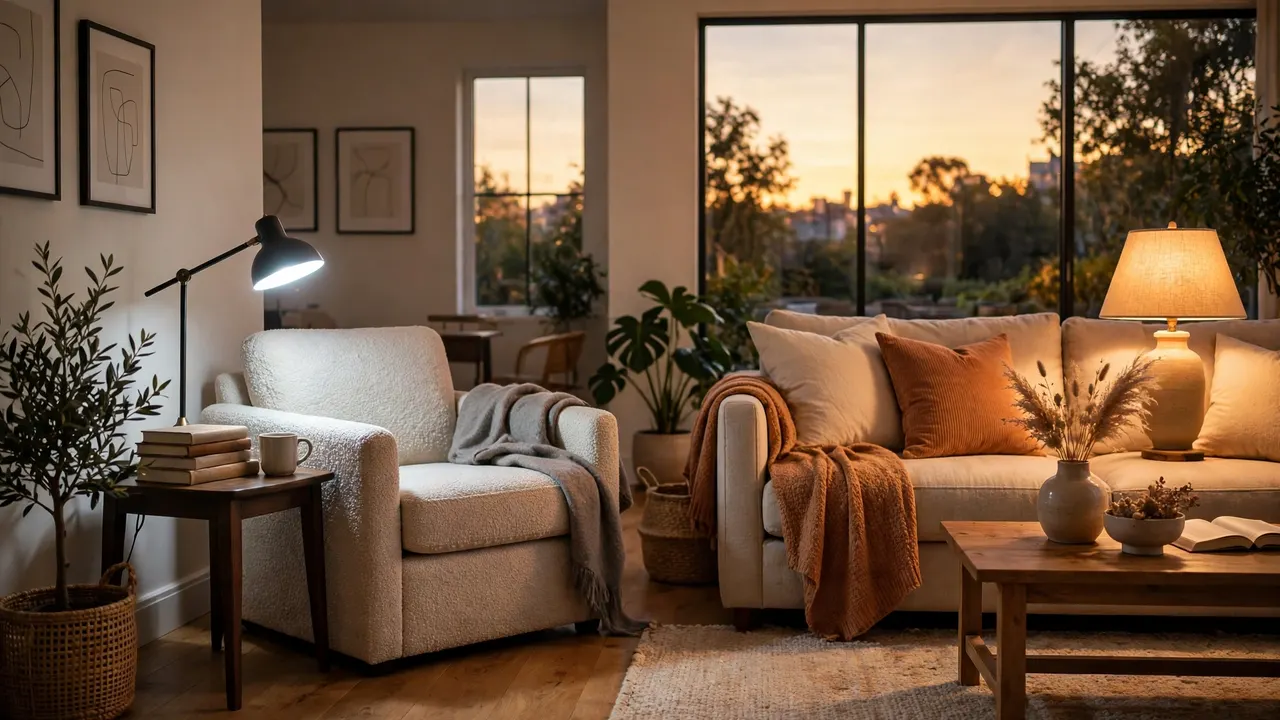
Reading Lamp Scene
For reading, try 80–100% brightness with a cooler white, around 4000K, on a tunable bulb, and save it as “Reading.” The cooler tone keeps print contrast high compared with a dim, orange glow. If two lamps flank a chair, group them so one tap sets both.
Bedside Lamp Routine
Set a wake-up routine that fades the lamp up slowly over 20–30 minutes before your alarm. In the evening, use a wind-down scene at 20–30% brightness with the warmest white your bulb offers, plus a timer so the lamp turns itself off 30 minutes after you start reading.
Living Room Lamp Scenes
Living room lamps usually work as a group. Build three scenes: “Everyday” at about 60% warm white, “Movie” at 10–20% with a warm or soft color, and “Guests” at full bright warm white. For a back-of-the-sofa glow to pair with them, see how a smart LED strip adds background light behind furniture or a TV.
Keep scenes few and named by activity, not by color. These scenes are also the building blocks of wider light automation for the home, where lamps, strips, and ceiling lights follow one daily pattern.
Voice Control: The Easiest Way to Use a Smart Lamp
Once the bulb is in the app, link the app to your voice assistant — Amazon Alexa, Google Assistant, or Apple Home — following the prompts inside the bulb’s app. Then assign the lamp to the right room in the assistant’s app. Room assignment is the step people skip, and it is the step that makes “turn off the bedroom lights” work.
Commands to try first:
- “Turn on the reading lamp.”
- “Dim the bedside lamp to 20 percent.”
- “Set the living room lamps to warm white.”
- “Turn off all the lamps.”
Name lamps the way you speak: “sofa lamp” beats “Couch Left.” If two lamps share one name in a group, voice control treats them as one light, which is what you want for a matched pair.
The Leave-On Problem: What to Do About the Lamp’s Own Switch
Here is the one real downside of a lamp with smart bulb setup, and every beginner meets it in week one. A smart bulb needs constant power to stay connected. If someone turns the lamp off at its own knob, cord switch, or wall switch, the bulb loses power completely. The app then shows it as unreachable, schedules stop working, and voice control answers that the lamp is not responding.
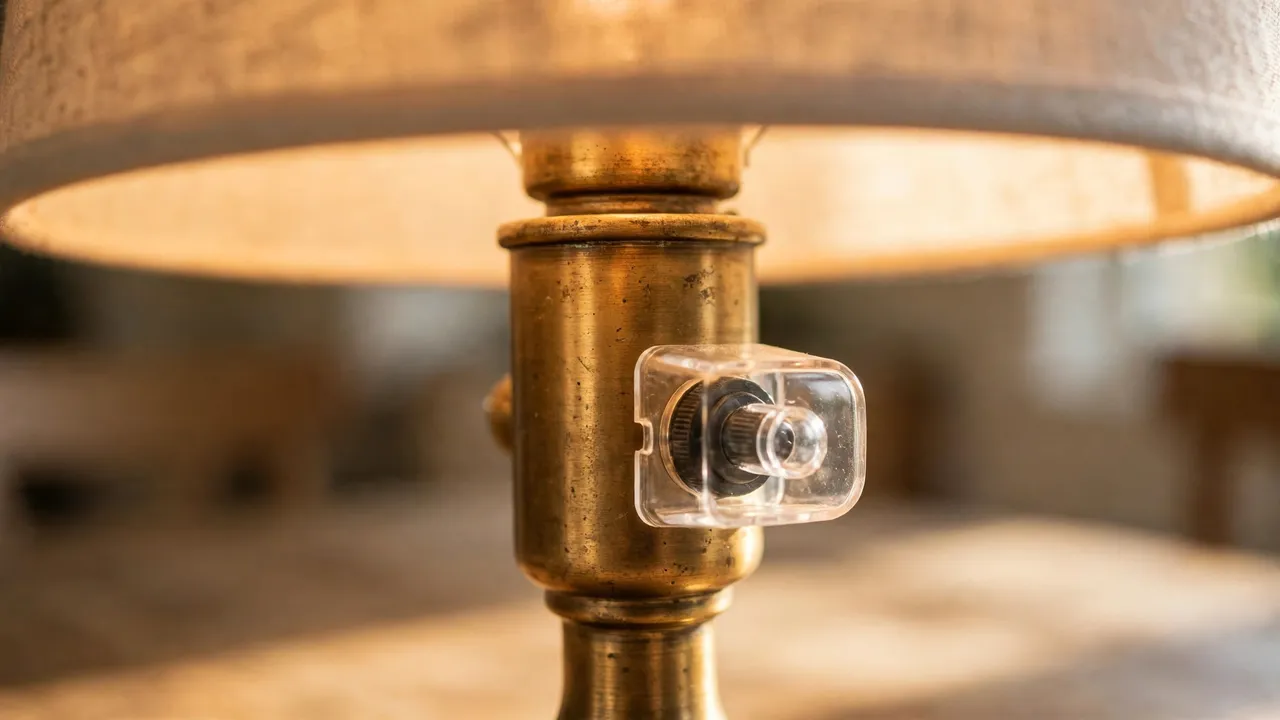
Nothing is broken. Turn the lamp switch back on, wait a few seconds, and the bulb reconnects by itself. The fix is about making the “leave it on” rule easy for everyone in the house:
- Start with a simple house rule. The lamp switch stays on; the light is controlled by app, voice, or routine.
- Add a switch guard. A small plastic guard fits over a wall switch and stops casual flips, while still letting you reach the switch in an emergency. Guards come in screw-on and magnetic styles for toggle and paddle switches.
- Put control where hands already go. A wireless remote or smart button beside the lamp gives family and guests a physical control that sends a command instead of cutting power. This is the idea behind a remote light switch: power stays on, control stays separate.
- Use the power-on behavior setting. Most apps let you choose what the bulb does after power returns. “Last setting” feels calmer when someone does flip the switch.
Renters usually like guards and smart buttons most, because both come off cleanly with no wiring changes.
Smart Bulb, Smart Plug, or Remote Switch? A Quick Comparison
A smart bulb is the best start for most lamps, but it is not the only way to make a lamp smart. This table compares the three common routes honestly.
Three ways to make a lamp smart
| Method | What it controls | Dimming and color | Best for | Watch out for |
|---|---|---|---|---|
| Smart bulb in the lamp | The bulb itself | Yes — full dimming; color on color models | Most lamps; renters; first smart light | Lamp switch must stay on; no built-in dimmers |
| Smart plug at the outlet | Power to the whole lamp | No — on/off only, unless the bulb also dims | Lamps with odd bulbs or built-in LEDs | Lamp switch must also stay on |
| Remote or smart button | Sends commands to a smart bulb | Yes, through the bulb it controls | Households that want a physical control | Needs a smart bulb to control; it is an add-on, not a full method alone |
The smart plug route rescues lamps a bulb cannot fit, such as lamps with fixed built-in LEDs. Our guide to a smart plug that works with Google Home shows that setup. But for dimming, color, and scenes, the bulb in the lamp is still the fullest experience.
A Small Buying Checklist, With Verified Examples
Before you buy any smart bulb for a lamp, confirm these five points. They prevent nearly every return:
- Base: E26 for most US lamps; E12 for small candelabra lamps.
- Brightness: 800 lumens (60-watt equivalent) suits most bedside and living room lamps. Choose 1,100 lumens (75-watt equivalent) for a main reading lamp.
- Shade fit: A19 shape, and check the bulb height against your shade and harp.
- Enclosure rating: Open shade is fine. For a closed shade, the bulb must be rated for enclosed fixtures.
- Connection: Wi-Fi bulbs need no hub and suit one or two lamps. Hub-based systems suit a whole home later. Either way, no built-in dimmer on the lamp.
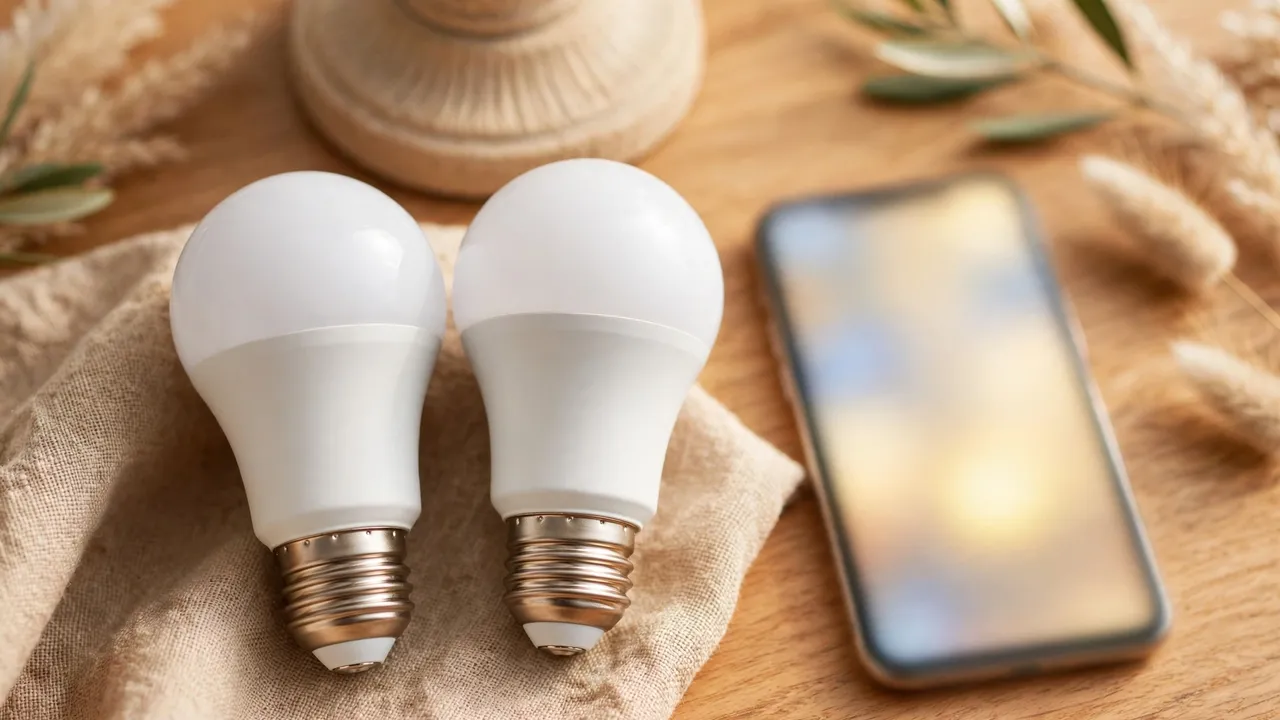
Two examples below were checked on the makers’ own stores on October 21, 2026. Prices change, so treat them as a dated snapshot, not a promise.
Verified smart bulb examples for lamps (checked October 21, 2026)
| Bulb | Base and shape | Brightness | Color range | Price checked | Source |
|---|---|---|---|---|---|
| Wyze Bulb Color | E26, A19 | Up to 1,100 lumens | Color; white 1800K–6500K | $24.98 for a 2-pack ($12.49 each) | Wyze.com |
| TP-Link Kasa KL125 | E26, A19 | 800 lumens | Color; white 2500K–6500K | $14.99 list price for one bulb | TP-Link / PCWorld review of the KL125 |
The Wyze bulb is the brighter pick for a reading lamp. The Kasa KL125 is a hub-free Wi-Fi bulb with 1–100% app dimming, and TP-Link’s FAQ confirms it must not be used with a dimmer. Philips Hue A19 bulbs are the common hub-based alternative; we could not verify a live US price for one on October 21, 2026, so no Hue price is listed rather than guessed.
💡 Practical Home Tip: Start with one lamp — the one you use most, usually the bedside or reading lamp. Live with it for a week, set one scene and one routine, and fix the switch habit there first. A single lamp that works perfectly teaches you more than five lamps set up in a rush.
Related Guides
- Color changing light bulbs — colors, whites, and effects explained.
- Light automation for the home — schedules and automations beyond one lamp.
- Remote light switches — physical control without cutting power.
- Smart LED strips — background glow to pair with your lamps.
- Cordless table lamps for the living room — for spots with no free outlet at all.
Frequently Asked Questions
Can I use a smart bulb in any lamp?
In most cases, yes. As long as the lamp has a standard socket that matches the bulb’s base — E26 in most US lamps — a smart bulb fits and works like a normal bulb. The exceptions are lamps with a built-in dimmer, lamps with a fixed light you cannot replace, and fully enclosed shades unless the bulb is rated for them.
Do smart bulbs require Wi-Fi?
Many do, because Wi-Fi bulbs connect directly to your network with no hub. But some use Bluetooth for one-room control, and others use Zigbee or Thread through a hub. Wi-Fi models usually need the 2.4 GHz band. Your bulb’s box and app will state which connection it uses.
Can I still use the lamp’s switch with a smart bulb?
You can, but it works against the smart features. Turning the lamp off at its switch cuts all power, so the bulb goes offline and cannot answer the app, voice, or schedules. Leave the switch on and turn the light off in the app or by voice. A switch guard or smart button helps everyone keep that habit.
Will a smart bulb work with a dimmer switch?
No. TP-Link says its smart bulbs cannot work with a dimmer, and Philips Hue warns its bulbs are not suitable for traditional dimmers. A dimmer starves the bulb of clean power, which causes flicker and strange behavior. Dim the bulb in its app or by voice instead — that dimming is built into the bulb.
Are smart bulbs hard to install in a lamp?
No. Installation is the same as changing any bulb: turn the lamp off, swap the bulb, turn the lamp back on, then follow the app’s pairing steps. Most people finish in about five minutes. No tools are needed, apart from a small screwdriver if you add a switch guard later.
Can I control a lamp with a smart bulb when I am not home?
Yes, if the bulb is connected through Wi-Fi or a hub with an internet connection. You can turn the lamp on or off from the app anywhere, which is also why vacation schedules work. Bluetooth-only bulbs are the exception, because Bluetooth control only works within the same room or nearby.
The Simple Next Step
Pick your most-used lamp, check its base and look for a dimmer, and order one bulb that matches. Set it up tonight, save one reading or bedtime scene, and leave the switch on. That single lamp with smart bulb setup is the easiest smart-lighting start there is — and once it feels normal, adding the rest of the room takes minutes.
Note: Always turn the lamp off and let the old bulb cool before swapping bulbs. This guide covers bulb swaps in standard lamps only; if a lamp has damaged wiring, a loose socket, or a dimmer you want replaced, ask a qualified electrician rather than modifying the lamp yourself.