
A high resolution security camera records video at 1080p (2 megapixels) or higher, and for most homes the smart buy is a 2K camera. It shows faces and license plates clearly at normal distances without eating through your storage or Wi-Fi. A 4K camera earns its price only when it watches a wide or distant view, like a long driveway or a street frontage. Keep reading to see exactly where each resolution wins, what it costs you in storage and bandwidth, and the night-vision trap that catches many buyers.
Resolution is the first number on the box, so it feels like the most important one. It is not. A well-placed 2K camera with a good sensor beats a cheap 4K camera with a weak sensor almost every time, especially at night. This guide shows you how to spend your money on the detail that actually helps you.
What “High Resolution” Actually Means
Resolution is simply how many tiny dots, called pixels, make up each frame of video. More pixels mean a sharper picture with more detail. Camera makers write it two ways: as pixel dimensions, like 1920 x 1080, or as megapixels (MP), which is the total pixel count in millions.
Here is the lineup you will see in stores today. The names can confuse you, because “2K” is sold as 4MP and “4K” is sold as 8MP. The table below sorts it out.
| Label | Pixel dimensions | Megapixels | What it is good for |
|---|---|---|---|
| 720p (HD) | 1280 x 720 | About 1 MP | Outdated for new cameras |
| 1080p (Full HD) | 1920 x 1080 | About 2 MP | Small rooms and close entryways |
| 2K (Quad HD) | 2560 x 1440 | About 4 MP | Front doors, side gates, garages |
| 4K (Ultra HD) | 3840 x 2160 | About 8 MP | Wide yards, long driveways, parking areas |
| 12MP | 4512 x 2512 | 12 MP | Very large or crowded spaces |
| 16MP dual-lens | 7680 x 2160 | 16 MP | One camera covering 180 degrees |
Notice that 4K holds four times the pixels of 1080p. That sounds like four times the clarity, but it is not that simple. The pixels only help if they land on the thing you need to see. A camera pointed at a wide yard spreads its pixels thin, while a camera aimed at a narrow front porch packs them tight. Placement decides how much detail you really get.
Security pros measure this with pixels per foot. The international standard IEC 62676-4 says you need about 76 pixels per foot to identify a face or read a plate, a level the standard calls identification. A 1080p camera covers about 25 feet at that level, a 2K camera about 34 feet, and a 4K camera about 50 feet, according to Coram’s resolution guide. That one idea explains almost every buying decision in this article.
1080p vs 2K vs 4K: The Real Differences
The jump from 1080p to 2K is real and easy to see. You get roughly double the pixel density, so faces at 20 feet and plates at 25 feet stay readable in mixed light. The jump from 2K to 4K doubles the pixels again, but the payoff shrinks fast for most homes, because the extra detail only shows up on wide or faraway views.
| What changes | 1080p (2MP) | 2K (4MP) | 4K (8MP) |
|---|---|---|---|
| Pixel dimensions | 1920 x 1080 | 2560 x 1440 | 3840 x 2160 |
| Total pixels | About 2 million | About 3.7 million | About 8.3 million |
| Face identification distance | Up to 20 feet | Up to 20-30 feet | Up to 40-50 feet |
| License plate range | 10-15 feet | About 25 feet | 25-35 feet |
| Storage per camera, per day | 10-15 GB | In between | 35-50 GB |
| Bandwidth per camera | 4-8 Mbps | In between | 16-25 Mbps |
| Typical camera price | $80-$200 | $50-$300 | $100-$400 |
Storage and bandwidth figures come from Berkley Security’s 4K vs 1080p comparison, and the price ranges come from Berkley Security and Reolink’s high-resolution camera guide. All prices were checked on November 6, 2026. Treat them as typical ranges, not exact prices, because brands and sales change them often.
Look at the table one more time. The 2K row is the quiet winner for most houses. It costs little more than 1080p, reads plates farther away, and does not demand a bigger hard drive or a faster network. The 4K row wins only on distance and width, and it charges you for that win every single day in storage.
When 4K Is Genuinely Worth It — and When It Is Overkill
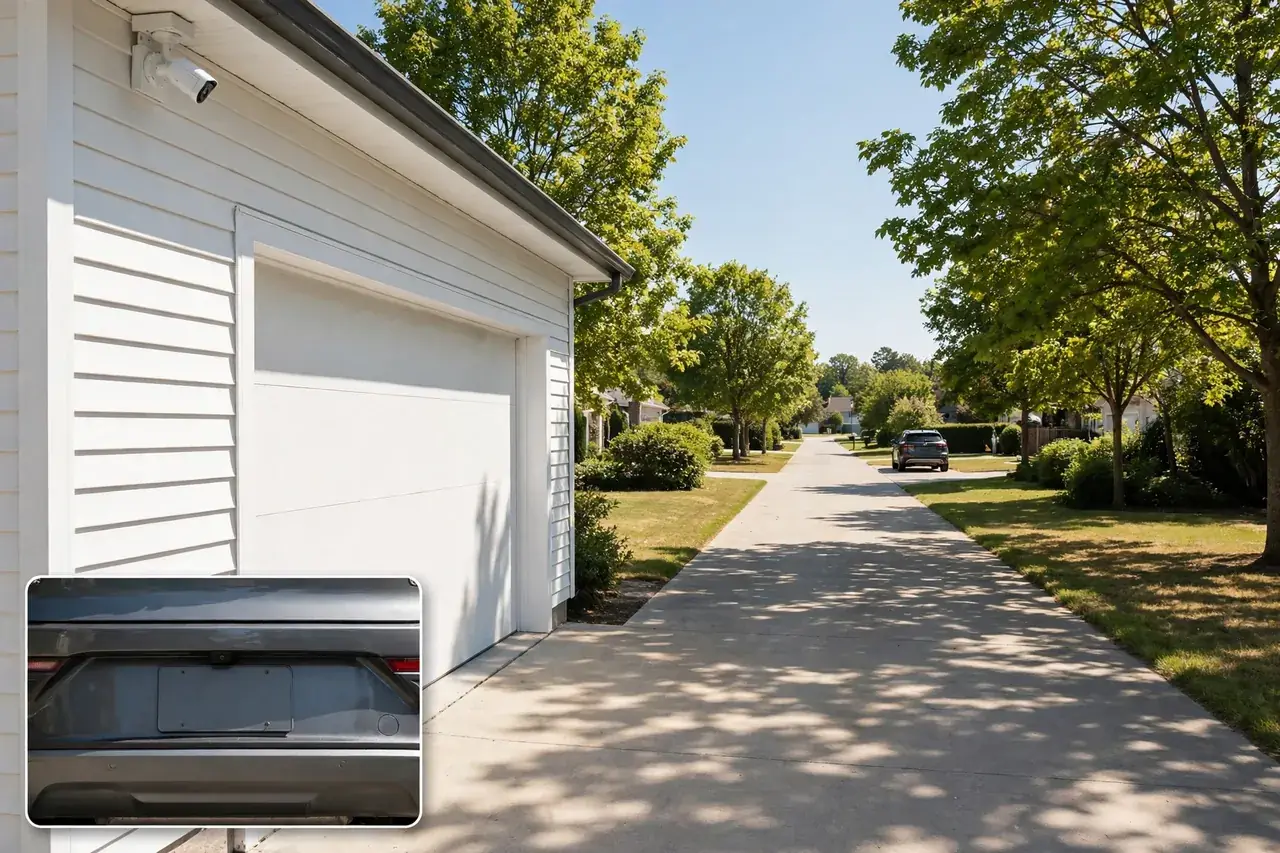
Buy 4K when the camera must identify someone far away or across a wide scene. A 4K camera earns its keep at a long driveway, a large backyard, a parking area, a main entrance with heavy foot traffic, or any spot where you need to zoom into recorded footage after something happens and still read a face or a plate.
Skip 4K when the subject always passes close to the camera. A hallway, a living room, a front porch, or a side gate at 10 to 15 feet gives a 1080p or 2K camera all the detail it needs. Paying for 4K there buys you bigger files and nothing else. For most front doors and side entrances, 2K is genuinely enough, and that is the honest answer most stores will not give you.
Here is a simple rule to carry into the store. Measure the farthest distance that matters, then match it to the table above. If that distance is under 20 feet, buy 1080p or 2K. If it is 20 to 35 feet, buy 2K. If it is 35 to 50 feet or the view is very wide, buy 4K. If it is beyond 50 feet, no ordinary camera will identify a face there, so move the camera closer or add a second one instead of buying more megapixels.
What About 12MP and 16MP Cameras?
Above 4K, the same logic still applies, just at a bigger scale. A 12MP camera, at 4512 x 2512 pixels, suits very large spaces like big retail floors, financial offices, and crowded public areas, where one camera must catch fine detail across a wide scene. A 16MP dual-lens camera, like Reolink’s Duo 3 PoE, joins two 8MP lenses into one 180-degree image, so one camera can replace two pointed in different directions. For a normal home, both are more than you need. Step up to them only when one camera must cover more ground than a single narrow lens can, such as a long driveway or a big yard.
There is no true 8K security camera on the market yet, as Reolink notes in its guide. A 16MP dual-lens camera gets closest, because it matches 8K’s pixel width, but it still holds only a fraction of true 8K detail. Do not pay an “8K” premium for a security camera today.
What Matters More Than Resolution
Resolution is one ingredient, not the whole meal. Four other things decide whether your footage is usable when it counts.
Sensor Size and Lens Quality
The sensor is the chip that catches the light. A bigger sensor gathers more light and makes a cleaner picture, especially in dim rooms and at dusk. A cheap 4K camera often pairs a high pixel count with a small sensor and a poor lens, and the result looks worse than a well-made 2K camera. When you compare two cameras, check the sensor size and the lens, not just the megapixels.
Field of View
A wide-angle lens shows more of your yard, but it spreads the pixels thinner, so each face gets fewer of them. A narrow lens shows less area with more detail per foot. That is why a 4K camera with an ultra-wide view can show less detail on a person than a 2K camera with a narrower view. Decide first whether you need broad coverage or fine detail, then pick the resolution to match.
Frame Rate
Frame rate is how many pictures the camera takes each second. Most home cameras run at 15 to 30 frames per second. Higher resolution does not always mean a lower frame rate: Reolink’s 12MP and 16MP PoE cameras both run at 20 frames per second, the same as its 8MP models. Battery cameras sometimes run slower to save power. For a front door or driveway, 15 to 20 frames per second is plenty to catch a person walking by.
Compression
Compression squeezes video files smaller so they fit on your drive and your network. Modern H.265 compression beats the older H.264 format and matters a lot at high resolutions, because it can cut file sizes sharply without visible quality loss. When you shop, look for H.265 support on any 4K camera you buy. It is one of the cheapest ways to make high resolution affordable.
Night Performance: Why a 4K Camera Can Look Worse After Dark
Most break-ins happen at night or in low light, so night performance matters more than the resolution number on the box. Here is the catch: more megapixels do not mean better night vision. A higher-resolution sensor squeezes more pixels onto roughly the same chip, so each pixel gathers less light in the dark. A 4K camera with weak infrared lights can produce a noisier, grainier night image than a 1080p camera with a larger sensor and strong infrared.
Judge night performance on its own, apart from resolution. Check the infrared range in feet, not just a “night vision” label. Look for color night vision, where a built-in spotlight lets the camera record in color after dark, and for wide dynamic range (WDR), which handles mixed light like a bright porch lamp against a dark yard. A camera with strong infrared, a spotlight, and a good sensor will beat a higher-resolution camera with none of those, every single night.
Winter makes this worse. Long dark evenings and early sunsets mean your cameras spend more hours in night mode, and cold weather can fog a lens or drain a battery faster. If you live somewhere with long winter nights, put your money into night vision first and resolution second. Our guide to wireless security cameras for outdoors covers weatherproofing and placement in detail, so you can protect the night image you paid for.
Storage and Bandwidth: The Hidden Cost of More Pixels
Every extra pixel has to live somewhere and travel across your network. A single 4K camera recording nonstop uses about 35 to 50 GB per day, while a 1080p camera uses about 10 to 15 GB, according to Berkley Security. A four-camera 4K system needs roughly 6 to 8 TB of drive space to keep 30 days of continuous footage. The same four cameras in 1080p need only about 2 TB.
Bandwidth works the same way. Each 4K stream needs about 16 to 25 Mbps, while a 1080p stream needs about 4 to 8 Mbps. Four 4K cameras can swamp a basic home network, and remote viewing depends on your internet upload speed, not your download speed. If your upload speed is slow, your phone will stutter when you check a 4K camera from away.
You can tame both costs without giving up resolution. Try these steps, cheapest and easiest first.
- Record on motion only. Motion-activated recording cuts storage by 60 to 80 percent, because the camera saves nothing while the scene sits still. Most modern recorders support it.
- Use H.265 compression. It shrinks high-resolution files far better than H.264, and most current cameras and recorders support it.
- Lower the frame rate a little. Dropping from 30 to 15 frames per second nearly halves the file size, and you will not miss it for a walking person.
- Store locally when you can. A recorder with a big hard drive costs once, while cloud plans charge every month and often cap how many days they keep. Our guide to security camera DVRs explains how to size a recorder, and our guide to security cameras with an SD card covers the simplest local option for one or two cameras.
- Check your network before you buy. A gigabit-rated PoE switch keeps wired 4K streams smooth. For Wi-Fi cameras, test the signal strength at the exact mounting spot first. Our PoE security camera guide walks through the wired side, including switches and cabling.
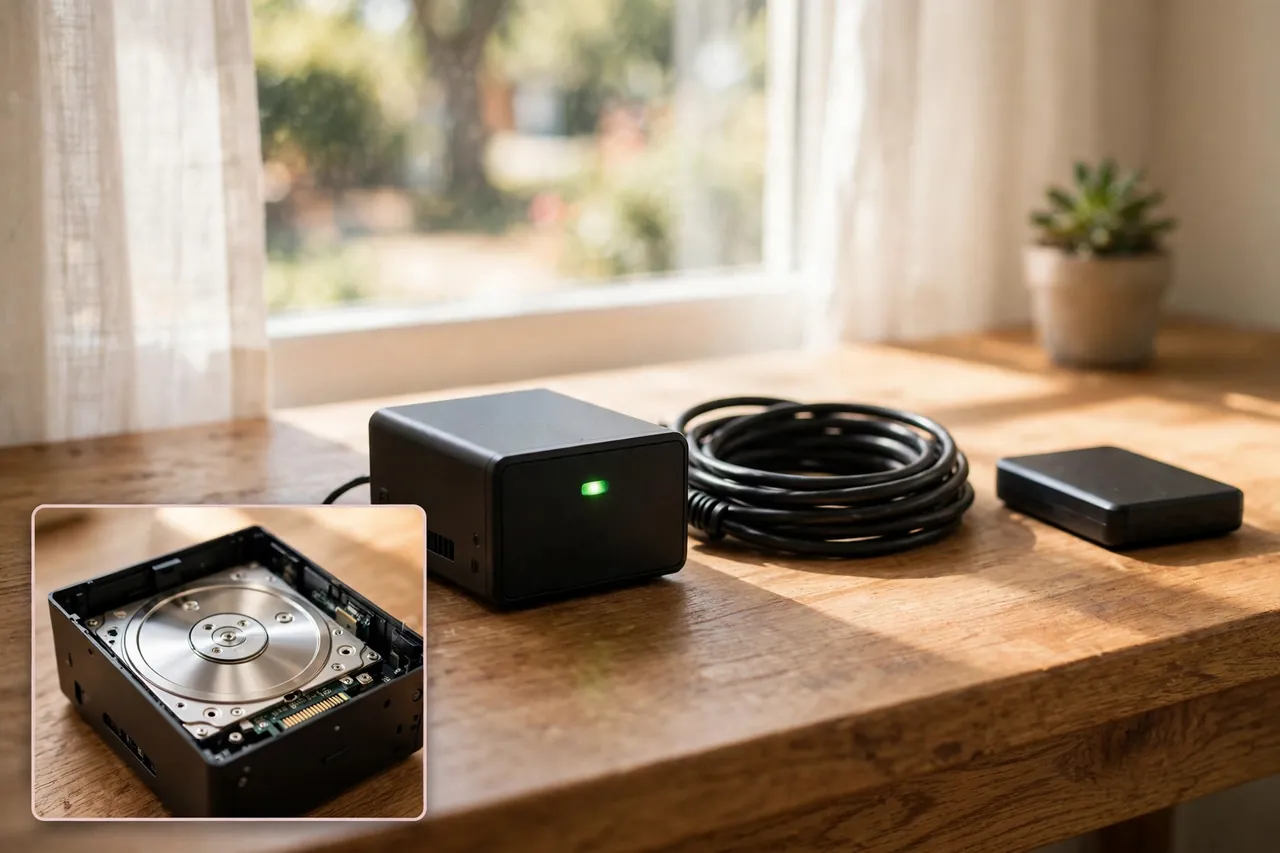
Here is one real example of how fast storage disappears. Reolink worked out that its 12MP RLC-1212A camera, running at its default bitrate, uses about 65.6 MB per minute when you count both the main stream and the sub-stream. On a 128GB SD card that gives you roughly 33 hours of continuous recording, while a 2TB recorder holds about 517 hours. That is why a high-resolution camera belongs on a recorder with a real hard drive, not on a small memory card, if you want weeks of footage.
How to Choose the Right Resolution for Each Spot in Your Home
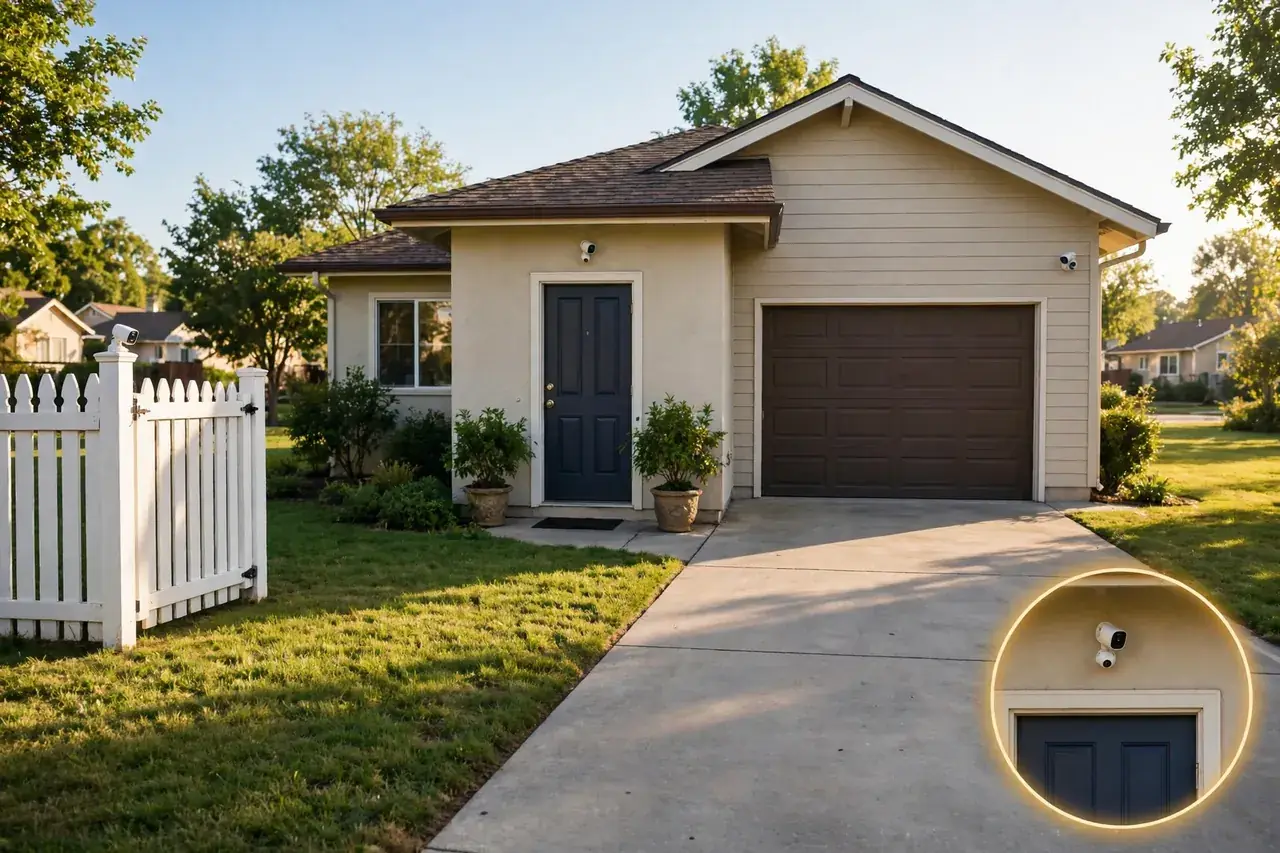
Do not buy one resolution for the whole house. Walk your property, measure the distances that matter, and match each spot to the table below. Most homes end up with a mix, and that mix is the professional approach.
| Spot | Distance that matters | Best resolution | Why |
|---|---|---|---|
| Front door | 8-15 feet | 2K | Faces pass close; 2K is sharp and cheap to store |
| Driveway | 25-50 feet | 4K | Plates and faces need pixels at distance |
| Backyard | 20-40 feet | 2K or 4K | 2K for a small yard, 4K for a wide one |
| Side gate | 10-20 feet | 1080p or 2K | Narrow view, close subjects |
| Garage interior | 10-20 feet | 1080p | Close range and steady light |
| Living room or hallway | Under 20 feet | 1080p or 2K | Indoor cameras sit close to the action |
Follow these five steps when you buy.
- List your spots. Write down every place a camera will go, and the farthest distance that matters at each one.
- Match the resolution. Use the table above, not the box. If two spots share a distance, they share a resolution.
- Check night vision separately. Read the infrared range in feet and look for a spotlight or color night vision on every outdoor camera.
- Size the storage. Add up the daily storage for all your cameras, then buy a recorder or cloud plan that holds at least 30 days.
- Test the network. Check Wi-Fi strength at each outdoor spot, or run a cable for a wired camera. A camera that cannot reach your network is useless at any resolution.
Power shapes the choice too. A wired PoE camera can run 4K all day without a battery worry, while a battery camera often caps its resolution or frame rate to save power. If you want 4K at a far corner of the yard, read our battery operated security camera guide before you buy, so you know what a battery can and cannot do at high resolution. And if you want cameras as part of a full alarm system rather than standalone, our guide to the best home security systems with cameras compares whole systems, including their camera quality and storage.
Common Mistakes When Buying a High Resolution Security Camera
- Buying 4K for every spot. You pay four times the storage for detail you cannot use at close range. Mix resolutions instead.
- Ignoring the sensor. A 4K label says nothing about sensor size, lens quality, or night vision. A good 2K camera beats a cheap 4K camera after dark.
- Forgetting the recorder. A 4K camera needs a recorder that supports 4K resolution and the combined bitrate of all your cameras. Check that before you buy the cameras.
- Skipping the network check. Four 4K streams can choke a weak router or a 100 Mbps switch. Test Wi-Fi at the mounting spot, and use gigabit gear for wired cameras.
- Mounting too high or too far. A camera under the eaves at 12 feet sees the top of heads, not faces. Mount outdoor cameras 8 to 10 feet high and aim them so people walk toward the lens, not across it at 50 feet.
- Trusting digital zoom. Digital zoom just stretches the pixels you already have. Optical zoom, which moves the lens, keeps the detail. If zoom matters to you, pay for optical zoom, not more megapixels.
Quick Reference: Resolution at a Glance
Use this table as your cheat sheet when you shop. It gathers every key fact from this guide in one place.
| Question | Short answer |
|---|---|
| What counts as high resolution? | 1080p (2MP) or higher; 2K, 4K, 12MP and 16MP are all high resolution tiers. |
| Best all-round pick for a home? | 2K (2560 x 1440, about 4MP): clear faces at 20-30 feet, modest storage and bandwidth. |
| When is 4K worth it? | Wide or distant views: long driveways, big yards, parking areas, 35-50 foot identification range. |
| How much storage does 4K use? | About 35-50 GB per camera per day, continuous recording; a 4-camera system needs 6-8 TB for 30 days. (Berkley Security, checked November 6, 2026.) |
| Does higher resolution mean better night vision? | No. Night quality depends on sensor size, infrared range, and spotlights, not pixel count. |
| What is the identification standard? | About 76 pixels per foot, per IEC 62676-4, to identify a face or read a plate. |
| Typical price ranges? | 2K: $50-$300; 4K: $100-$400; 12MP: $90-$500. (Reolink and Berkley Security, checked November 6, 2026.) |
Related Guides
Driveway Security Camera: How to Choose and Place One That Actually Catches Faces and Plates · Security Camera DVR: What It Is and How to Choose One · Security Camera With SD Card: The Complete Local Storage Guide
Frequently Asked Questions
Is 4K worth it for security cameras?
Yes, at driveways, entrances, and other spots where you must read plates or identify faces from 30 feet or more. For hallways and indoor rooms, 1080p gives excellent quality at lower storage and bandwidth costs. Most good setups mix both resolutions.
How much storage does a 4K security camera need?
A single 4K camera recording continuously uses about 35 to 50 GB per day, compared with 10 to 15 GB for a 1080p camera. A four-camera 4K system needs roughly 6 to 8 TB for 30 days. Motion-activated recording cuts those needs by 60 to 80 percent.
What is the best resolution for a security camera?
It depends on placement. Use 4K at driveways, parking lots, and main entrances where you need to identify faces and plates from 30 feet or more. Use 1080p or 2K for indoor hallways, rooms, and close-range entry points where subjects stay within 20 feet.
How far can a 4K security camera see clearly?
A 4K camera with a standard lens can identify a person at 40 to 50 feet and detect motion at 80 to 100 feet. A 1080p camera identifies people at 20 to 25 feet. For longer distances, pair 4K with a varifocal lens for optical zoom.
Is 12MP better than 4K?
In raw resolution, yes: 12MP captures about 12 million pixels, while 4K captures about 8.3 million. But 12MP only helps on very large or crowded scenes. For a normal home, 4K already resolves faces and plates at typical distances, so 12MP is more than most homes need.
Can 4K security cameras capture license plates?
Generally, yes. A 4K camera is sharp enough to capture plates at 25 to 35 feet in good light. Distance, lens, lighting, angle, and the speed of the vehicle all affect the result, so aim the camera at the spot where cars slow down or stop.
Start with the distance that matters most at your home, then buy the resolution that covers it. For most houses, that means 2K at the front door and 4K at the driveway, a recorder with room to grow, and night vision you checked in feet, not in marketing words. Get those four choices right and your footage will be there, clear and usable, on the night you actually need it.



