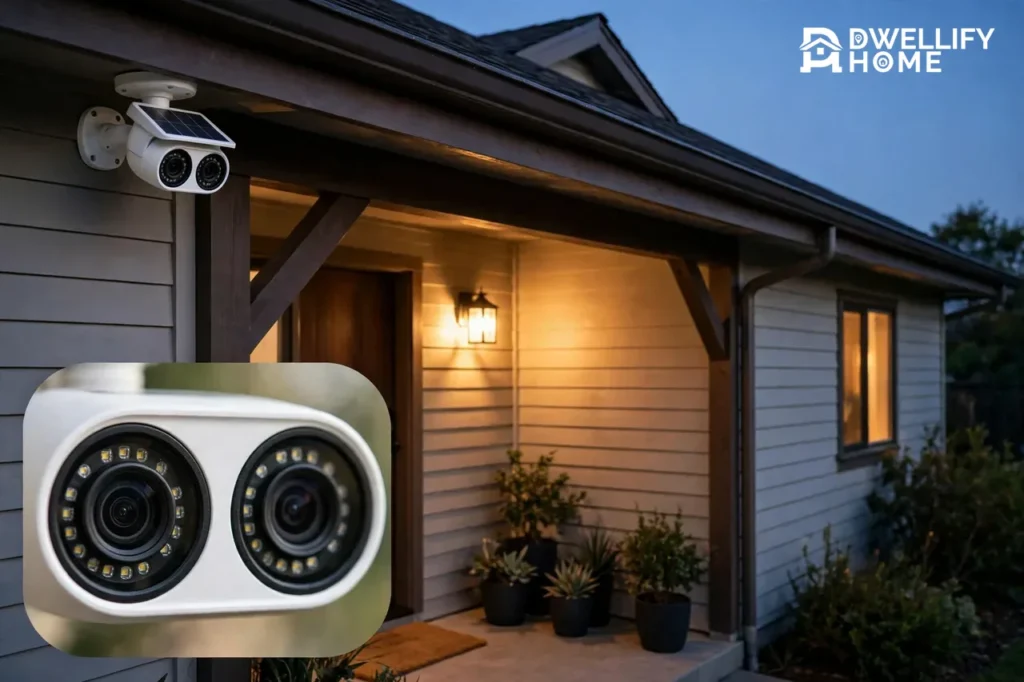
The best security camera without a subscription is the eufy SoloCam S340 at $219.99. It records to 8 GB of built-in storage, runs on a solar panel you never charge, and charges no monthly fee for any core feature, so the price on the box is the only price you ever pay. This guide compares five cameras that record locally with no plan, with dated prices and the trade-offs that matter.
A security camera without a subscription stores its video on hardware you own — a microSD card, built-in memory, or a home hub — instead of a paid cloud plan. Ring, Arlo, and Google Nest cameras all need a plan to save clips, so their low sticker price hides a monthly bill. The five cameras below work fully at $0 a month, and one of them costs less than a single year of a Ring plan. Read our best home security camera system guide first if you want the full-system view before you pick a single camera.
The Short Answer: Which No-Subscription Camera Should You Buy?
Buy the eufy SoloCam S340 if you want the best no-subscription camera for most homes. Its dual lenses watch wide and zoomed views at once, its solar panel keeps the battery full, and its 8 GB of onboard storage holds about one to two weeks of clips with no plan at all.
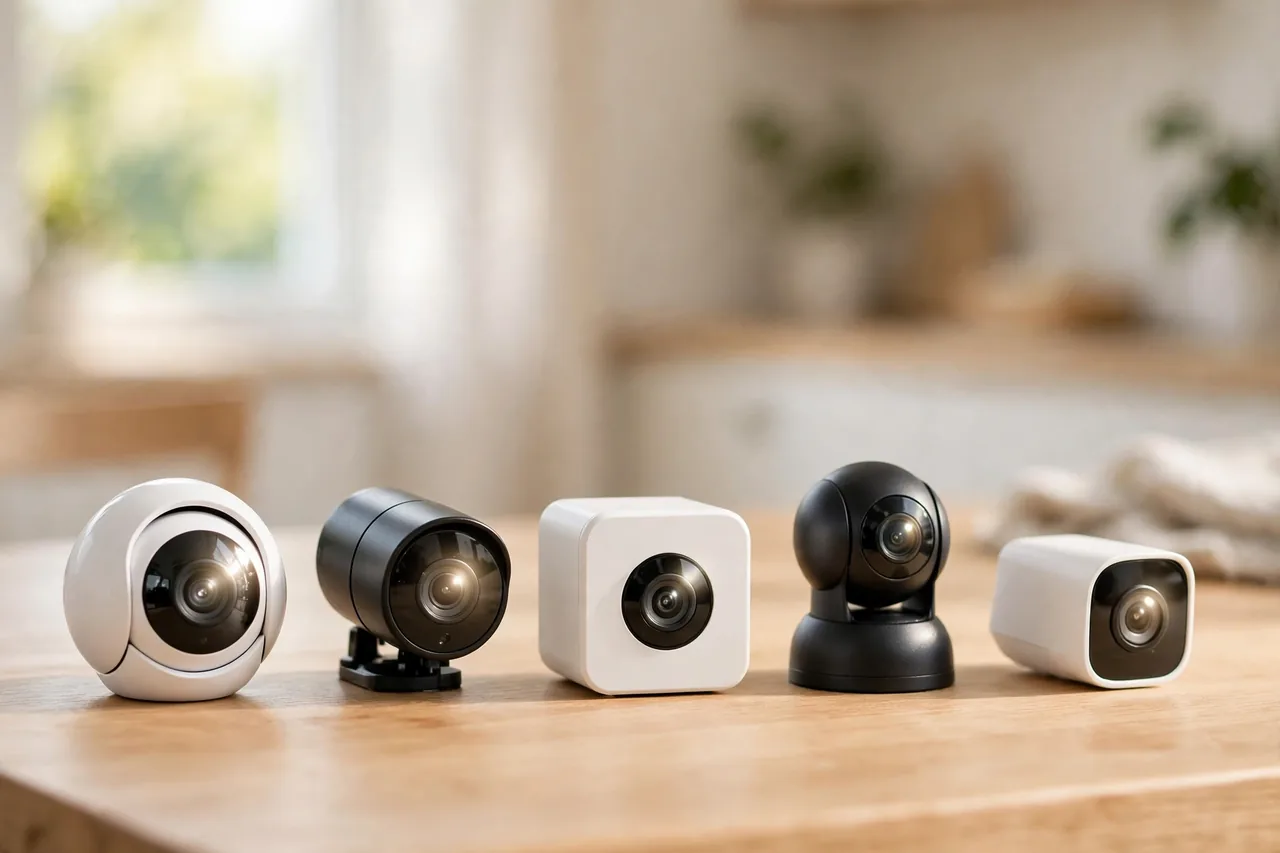
Buy the Reolink Argus 4 Pro if you want 4K video across a wide driveway from one mount. Buy the Wyze Cam v4 if your budget is near $36. Buy the Tapo C425 MagCam if you want a wire-free camera with free AI detection and a battery that lasts months. Buy the Reolink RLC-810A if you want wired 24/7 recording that never sleeps. The table below makes the choice fast, and the five-year math is simple: a $36 camera with no plan costs $36, while a $100 camera with a $4 monthly plan costs $340.
Best Security Cameras Without a Subscription at a Glance
Caption: Best no-subscription security cameras compared — prices from maker stores, checked 23 November 2026 unless noted.
| Camera | Video | Storage | Price | Best For |
|---|---|---|---|---|
| eufy SoloCam S340 | 3K + 2K dual lens | 8 GB built-in | $219.99 | Most homes |
| Reolink Argus 4 Pro | 4K, 180-degree view | microSD to 512 GB | $150.49 | Wide driveways |
| Wyze Cam v4 | 2.5K | microSD to 256 GB | $35.98 | Best budget pick |
| TP-Link Tapo C425 MagCam | 2K | microSD to 512 GB | $119.99 list | Wire-free budget |
| Reolink RLC-810A | 4K PoE | microSD + NVR | $84.99 | Wired 24/7 recording |
Prices change with sales, and the Reolink prices above are sale prices seen on 23 November 2026. The Argus 4 Pro lists at $194.99 for the camera alone, and the RLC-810A lists at $99.99, so check the live price before you buy. The Wyze and eufy prices are the makers’ list prices on their own stores.
How We Picked These Cameras
A no-subscription camera must pass a harder test than a normal camera. It has to record, detect people, and send alerts with no plan at all, because a camera that locks its best features behind a paywall is not really subscription-free. We judged every pick on local storage, free AI detection, video quality, power, and the real five-year cost.
Local storage comes first. A microSD slot or built-in memory means your clips live in your home, not on a server you rent. Free person detection matters as much as storage, because a camera that cries wolf at every passing car is useless. Every pick below gives you person detection free. Power comes third: battery cameras sleep between events, while wired cameras record around the clock. Our security camera with SD card guide explains how local storage works in detail.
We also checked what you lose by skipping the plan. On these five cameras, you lose nothing that matters: recording, playback, alerts, and smart detection all work at $0 a month. Cloud backup is the only paid extra, and it is optional. That is the line that separates a truly free camera from a cheap camera with a hidden bill.
1. eufy SoloCam S340 — Best Overall
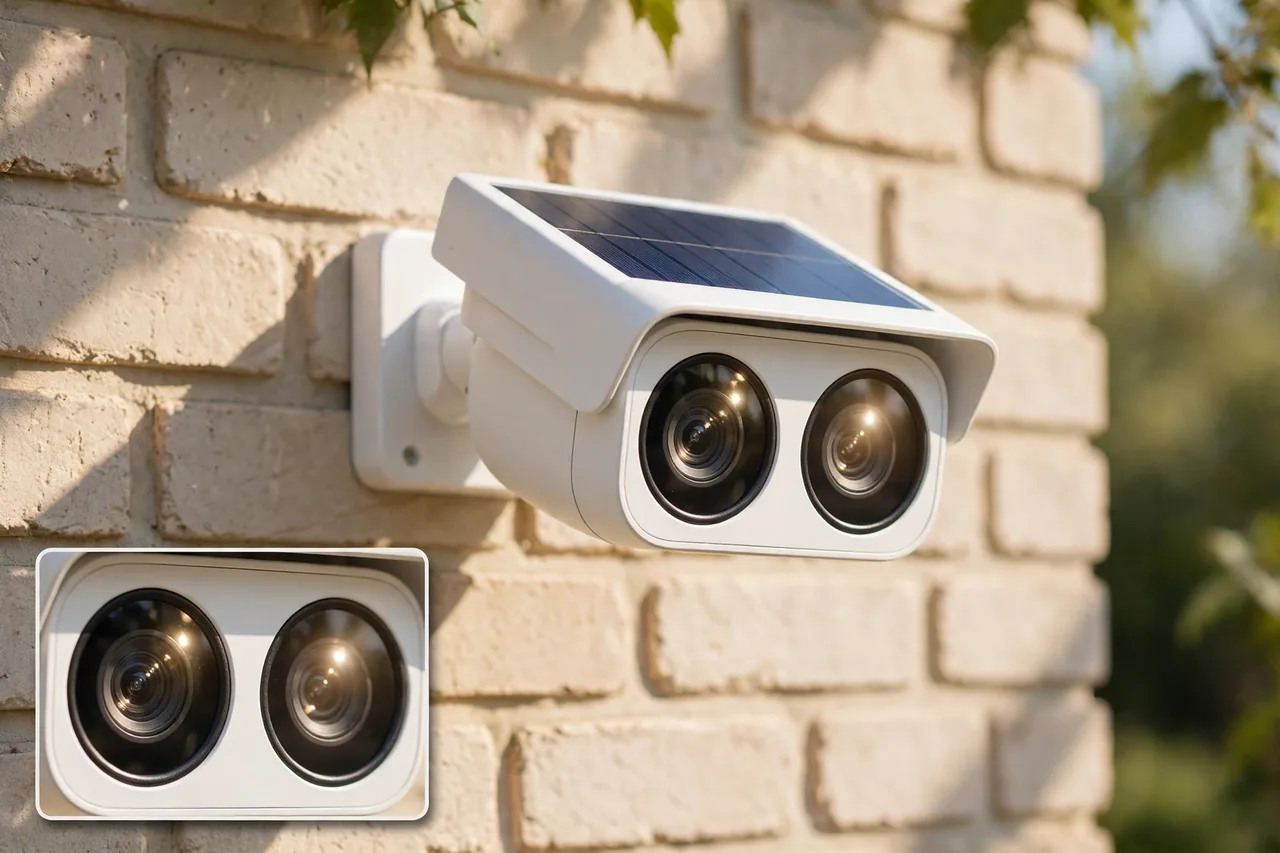
The eufy SoloCam S340 is the best security camera without a subscription because it solves the two problems that sink most wire-free cameras. Its dual lenses give you a wide view and an 8x zoomed view at the same time, and its built-in solar panel keeps the battery charged, so you mount it once and forget it.
Caption: eufy SoloCam S340 key specs.
| Spec | Detail |
|---|---|
| Price | $219.99 at eufy.com US store, checked 23 November 2026 |
| Video | 3K wide lens + 2K telephoto lens, 8x zoom, 360-degree pan |
| Storage | 8 GB built-in; HomeBase S380 hub optional, expandable to 16 TB |
| Power | 9,000 mAh battery + built-in solar panel |
| Detection | On-device person, vehicle, and pet detection, free |
| Works with | Alexa, Google Assistant |
See the eufy SoloCam S340 product page for the full spec list. The camera follows people across your yard on its own, and its 8 GB of onboard storage holds about one to two weeks of clips at normal use, around ten triggers a day. If you want a longer history, the HomeBase S380 hub adds up to 16 TB of local storage and facial recognition, still with no monthly fee.
Owners praise the same thing reviewers do: the set-and-forget solar power. A long-term reviewer who ran the S340 for almost a year says the battery stayed full through rain and storms and he never touched the camera after mounting it. Read the long-term SoloCam S340 review for the full year of real-world use. The common complaint is motion sensitivity: one owner found the camera recorded 10 to 20 short clips a day of cars and movement on the driveway until he tuned the detection zone down.
Pick the S340 if you want one camera to cover a big area with no monthly bill and no charging. Skip it if you need HomeKit, or if your mount spot gets almost no sun, because the solar panel needs about two hours of direct sun a day to keep the battery full.
2. Reolink Argus 4 Pro — Best 4K Wide View
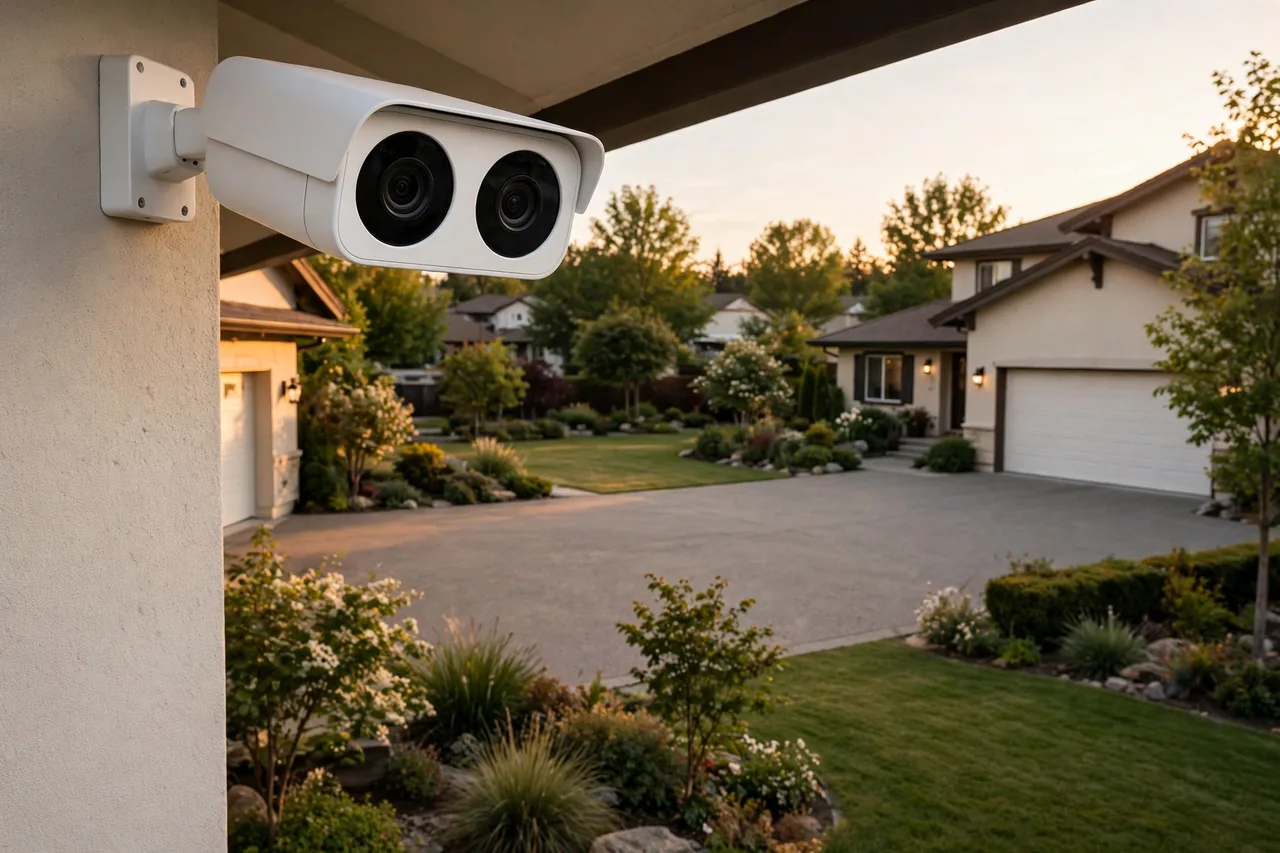
The Reolink Argus 4 Pro is the best no-subscription camera for a wide driveway or a broad front yard. Its two lenses stitch into one 180-degree 4K panorama, so a single camera sees the whole front of a house with no blind spots and no fisheye warp.
Caption: Reolink Argus 4 Pro key specs.
| Spec | Detail |
|---|---|
| Price | $150.49 at reolink.com, checked 23 November 2026 (list $194.99 camera only) |
| Video | 4K, 5120 x 1440, 180-degree panoramic view |
| Storage | microSD up to 512 GB; optional Reolink Home Hub |
| Power | 5,000 mAh battery + optional solar panel |
| Night vision | ColorX full-color night vision |
| Works with | Alexa, Google Assistant |
See the Reolink Argus 4 Pro product page for the full spec list. Person, vehicle, and animal detection all run on the camera itself, free, and Reolink Cloud is an optional extra you never need for core features. Its ColorX night vision keeps the picture in color in very low light, without a bright spotlight giving the camera away.
Owner opinion is split, and you should know both sides before you buy. An owner-consensus roundup that aggregates Reddit, forum, and YouTube owner verdicts finds owners praise the night color vision and image clarity most, with several saying the battery barely dips when the solar panel gets steady sun. Read the Argus 4 Pro owner-consensus report for the full picture. The same roundup reports the recurring complaints: batteries dying in a few days in some homes, and motion clips that start late or never trigger. Mount it where the sun hits the panel and the Wi-Fi is strong, and it earns its praise.
Pick the Argus 4 Pro if one wide camera must cover a whole driveway. Skip it if your Wi-Fi is weak at the mount spot, or if you need 24/7 continuous recording, because battery cameras record on motion only.
3. Wyze Cam v4 — Best Budget Pick
The Wyze Cam v4 is the best security camera without a subscription under $40. It costs $35.98 at Wyze, and it gives you 2.5K video, color night vision, an IP65 outdoor rating, and local recording to a microSD card with no plan.
Caption: Wyze Cam v4 key specs.
| Spec | Detail |
|---|---|
| Price | $35.98 at wyze.com, checked 23 November 2026 |
| Video | 2.5K QHD, color night vision |
| Storage | microSD up to 256 GB; free cloud tier is thin |
| Power | Wired, USB power adapter |
| Weather rating | IP65, indoor or outdoor |
| Works with | Alexa, Google Assistant |
Wyze’s own guide calls the Cam v4 the champion of subscription-free security and lists its 2.5K video, IP65 rating, spotlight, and 99 dB siren against its rivals. See Wyze’s no-subscription camera guide for its full comparison table. The catch is the AI: basic motion and person detection are free, but vehicle and package detection need the Cam Plus plan, so buy a microSD card with the camera or the free tier holds almost nothing.
Owners rate it well for the money. The same owner-consensus roundup that covers the Argus 4 Pro finds 49% of 45 Wyze Cam v4 owners recommend it, the highest score in its no-subscription ranking, with owners praising the sharp picture and the price. The trade-off owners name most is the subscription nudge: the app keeps offering Cam Plus, even though the camera works fine without it.
Pick the Wyze v4 if you want the cheapest real camera that still records locally. Skip it if you need wire-free mounting, because it needs a USB power outlet nearby.
4. TP-Link Tapo C425 MagCam — Best Wire-Free Budget Pick
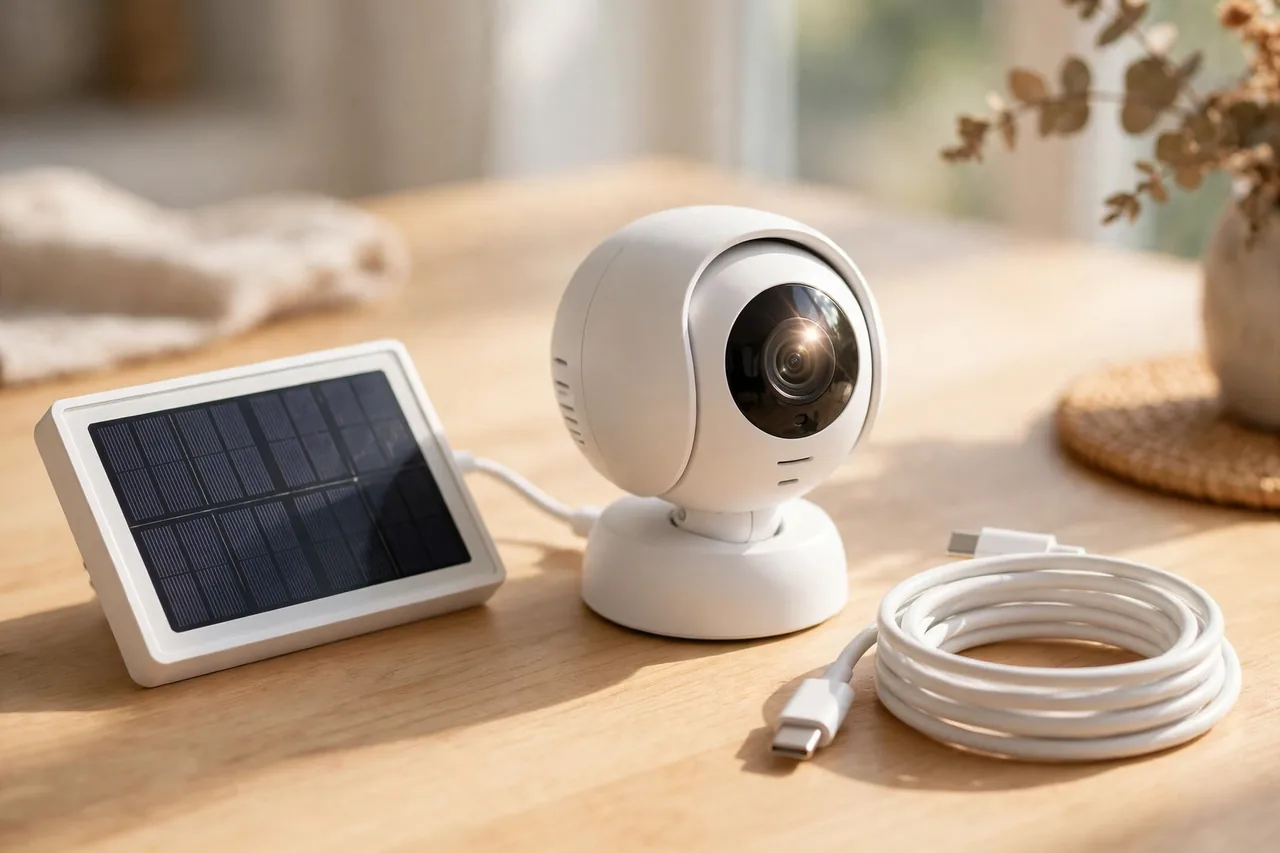
The TP-Link Tapo C425 MagCam is the best wire-free security camera without a subscription near $100. It lists at $119.99 and often sells for $55 to $77, and it gives you free on-device AI detection for people, pets, and vehicles, plus a battery that TP-Link rates at up to 300 days per charge.
Caption: Tapo C425 MagCam key specs.
| Spec | Detail |
|---|---|
| Price | $119.99 list; often $55–$77 on sale, per TP-Link, checked 18 November 2026 |
| Video | 2K QHD, color night vision |
| Storage | microSD up to 512 GB; Tapo Care cloud optional |
| Power | Battery, up to 300 days per charge; solar panel kit available |
| Detection | Free on-device person, pet, and vehicle detection |
| Works with | Alexa, Google Assistant |
The C425 wins this slot on its free AI. A head-to-head comparison of the Tapo and Wyze budget lines notes the C425’s free person, pet, and vehicle detection and its 300-day battery, against the Wyze v4’s sharper sensor and lower price. Read the Tapo vs Wyze no-fee comparison for the full breakdown. The magnetic mount is the other win: you stick the base to a metal surface and aim the camera by hand, with no screws at all.
The trade-off is the ecosystem. Tapo’s app is solid but simpler than eufy’s, and there is no HomeKit support. If you already run Alexa or Google Home and you want a wire-free camera that never asks for a plan, the C425 is the cheapest way to get there with full AI detection included.
Pick the C425 if you want wire-free mounting and free AI alerts for under $100 on sale. Skip it if you want 4K video or a pan-and-tilt head, because the C425 is a fixed 2K camera.
5. Reolink RLC-810A — Best Wired Camera
The Reolink RLC-810A is the best no-subscription camera for anyone who wants 24/7 recording. It is a wired PoE camera, so one Ethernet cable carries power and video, and it records around the clock to a microSD card or a Reolink NVR, with no plan and no sleep gaps.
Caption: Reolink RLC-810A key specs.
| Spec | Detail |
|---|---|
| Price | $84.99 at reolink.com, checked 19 October 2026 (list $99.99) |
| Video | 4K, 87-degree view |
| Storage | microSD, Reolink NVR, or NAS |
| Power | PoE, wired Ethernet |
| Detection | Person, vehicle, and pet detection, free |
| Works with | Alexa, Google Assistant |
The RLC-810A costs less than one year of a Ring plan and records 24/7 in 4K with zero ongoing fees, which is the math that makes wired cameras win over time. See the HomeGearLab Reolink camera guide for the reolink.com price as checked in October 2026.
The trade-off is the install. You need an Ethernet cable from your router or PoE switch to the mount spot, which is a weekend job if the cable is not already there. If you can run the cable, or you already have one, the RLC-810A is the most reliable camera on this list: it never sleeps, never charges, and never drops off Wi-Fi.
Pick the RLC-810A if you want continuous recording and the lowest five-year cost. Skip it if you rent or cannot run a cable, because a battery camera is the right call then.
What Most People Get Wrong About “No Subscription” Cameras
Most people get this wrong: they think “no subscription” means the camera is free to run, and then they buy a camera whose best features sit behind a paywall. Ring, Arlo, and Nest cameras all work without a plan, but only for live viewing. The moment you want to save a clip, look back at yesterday, or get a smart alert, the plan appears. A truly subscription-free camera records, detects, and alerts at $0 a month, and the five cameras above all pass that test.
The second mistake is buying on sticker price alone. A $30 camera with a $4 monthly plan costs $270 over five years, while an $85 wired camera with local storage costs $85. Add the five-year cost before you buy, not after. Our best home security systems with cameras guide works out the same math for full alarm systems, and renters should read security cameras for apartments before they drill anything.
The third mistake is skipping the microSD card. Three cameras on this list need a card to record at all, and the card is the whole point of buying them. Buy a 128 GB or 256 GB card from a known brand with the camera, and check in the app that recording is actually on. A camera with no card and no plan records nothing.
How to Choose: Battery, Wired, or PoE?
Choose battery if you rent, if there is no outlet near the mount spot, or if you want the fastest install. Battery cameras sleep between motion events, so they miss nothing important but they never record around the clock. Our battery operated security camera guide explains how long they really last, and our best solar powered security camera guide covers the solar models that never need charging.
Where does each type win?
Battery wins on easy mounting and wins again with a solar panel, because the sun tops up the charge every day. Wired plug-in cameras win on price and on continuous power, but they need an outlet. PoE wins on reliability: one cable, no Wi-Fi drops, 24/7 recording. If your camera watches a door where every second matters, PoE is the answer. If it watches a yard where motion alerts are enough, battery is fine.
How much storage do you really need?
A 128 GB card holds roughly two to four weeks of motion clips from one camera, depending on how busy the scene is. A camera on a quiet street needs far less than a camera facing a sidewalk. Start with 128 GB, check how fast it fills in the first month, and size up only if it fills in under two weeks. Our wireless outdoor security camera guide covers Wi-Fi range, which matters for every wireless pick on this list.
Where to Mount a No-Subscription Camera
Mount the camera 8 to 10 feet high, on a wall or under an eave, and angle it down about 15 degrees. That height keeps faces in frame and puts the camera out of easy reach. Point it so it sees the approach, not just the door: a camera that watches the walkway catches a person early, while a camera aimed straight at a door only sees them at the last second.
Cover the front door first, then the driveway, then the back door. A front porch camera watches packages and visitors, while a driveway security camera catches cars and faces from farther away. If you have a garage, a garage security camera closes the last big gap. A wide-angle camera stretches one mount further, as our wide angle security camera guide explains, and our best floodlight cameras guide covers the fixtures that light the scene the camera records.
Check your Wi-Fi signal at the mount spot before you drill. Stand where the camera will go and look at your phone’s Wi-Fi bars. If the signal is weak, add a mesh node or pick a wired PoE camera instead, because a camera that cannot reach your router records nothing you can watch.
Related Guides
If you are building a full setup, start with our best home security camera system guide. For night vision specifically, read our security camera with SD card guide to compare local-storage options, and check how long security cameras keep footage before you pick a storage size. Night-vision camera picks are covered in a separate guide on this site. For the yard itself, our best floodlight cameras guide shows how to light the area your camera watches.
Frequently Asked Questions
What is the best home security camera without a monthly fee?
For most homes, the eufy SoloCam S340 at $219.99, checked 23 November 2026. It has dual 3K and 2K lenses, 360-degree pan and tilt, a built-in solar panel, and 8 GB of onboard storage with no subscription. The Wyze Cam v4 at $35.98 is the budget pick.
Which security cameras don’t require a monthly subscription?
Eufy, Reolink, Lorex, Tapo, and Wyze all sell cameras that record locally with no mandatory plan. SafeWise names Reolink, eufy, Lorex, and Tapo among the brands with no mandatory monthly storage subscription. Ring, Arlo, and Google Nest cameras need a plan to save clips.
Do I need an eufy subscription?
No. The SoloCam S340 records locally on its 8 GB of internal memory with no cloud service required. The eufy Cloud subscription is optional and only for people who want a long-term cloud history. Pairing the camera with a HomeBase S380 hub adds storage and facial recognition, still with no monthly fee.
Does the SoloCam S340 work well in winter?
Yes, in most homes. The 9,000 mAh battery absorbs cloudy days, and about two hours of sun a day keeps the charge stable. A camera in deep shade all winter will drain faster, so mount the solar panel where it gets direct sun, or wire the camera for power in the darkest months.
How long do Arlo cameras store footage without a subscription?
Arlo stores no cloud footage without a plan, so the answer is zero days. You get live viewing only, and clips need an Arlo Secure plan. Arlo and Google Nest have the thinnest free tiers of the major brands, so a buyer who refuses monthly fees should pick a local-storage camera like the eufy S340 or Reolink Argus 4 Pro instead.
Start with the eufy SoloCam S340 if you want the best all-round no-subscription camera, or the Wyze Cam v4 if you want the best value. Add a microSD card where the camera needs one, mount it 8 to 10 feet high, and check your Wi-Fi signal before you drill. Then read our best home security camera system guide to plan the rest of your setup.