
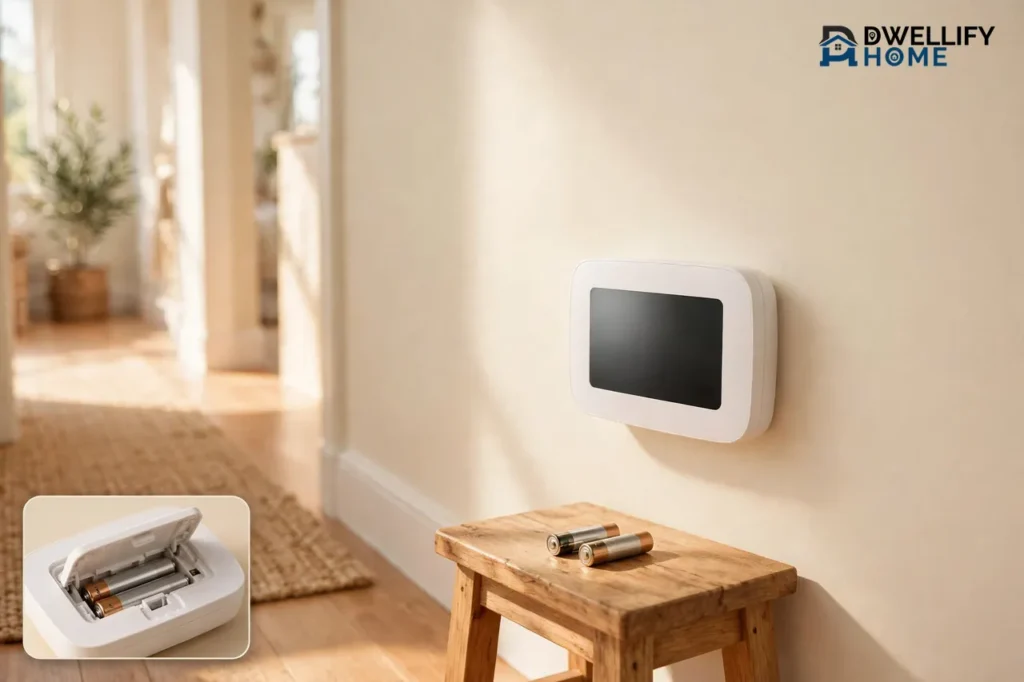
A battery powered thermostat runs its display, temperature sensor, and switching relays on ordinary AA or AAA batteries, so it needs no C-wire and no new cable through your walls. For most basic digital models, a fresh set of alkaline batteries lasts about a year, and the thermostat warns you weeks before they run flat. If you live in an older home with only two or four thermostat wires, a battery model is often the simplest fix.
That simplicity comes with one trade-off you should know up front. When the batteries die completely, a battery-only thermostat goes blank and your heat or air conditioning stops responding until you fit fresh cells. The good news is that this takes two minutes to fix, and a once-a-year battery change stops it from ever catching you out.
How a Battery Powered Thermostat Works
Your furnace or air handler sends 24 volts along the R wire to the thermostat. The thermostat then connects that R wire to the W wire for heat, the Y wire for cooling, or the G wire for the fan. The batteries do not heat or cool anything themselves. They power the brains that make the decision: the screen, the sensor that reads the room temperature, the clock, and the small relay that closes each circuit.
Think of it like a remote control for your heating system. The remote runs on its own batteries, but it still tells the big machine what to do. A battery thermostat works the same way. It sips power in tiny amounts, which is why two AA cells can run it for months.
Most battery models are basic digital thermostats. They show the temperature, hold a weekly schedule, and switch the system on and off. They do not need Wi-Fi, a touchscreen, or a constant power feed. That low appetite is exactly what makes battery power practical.
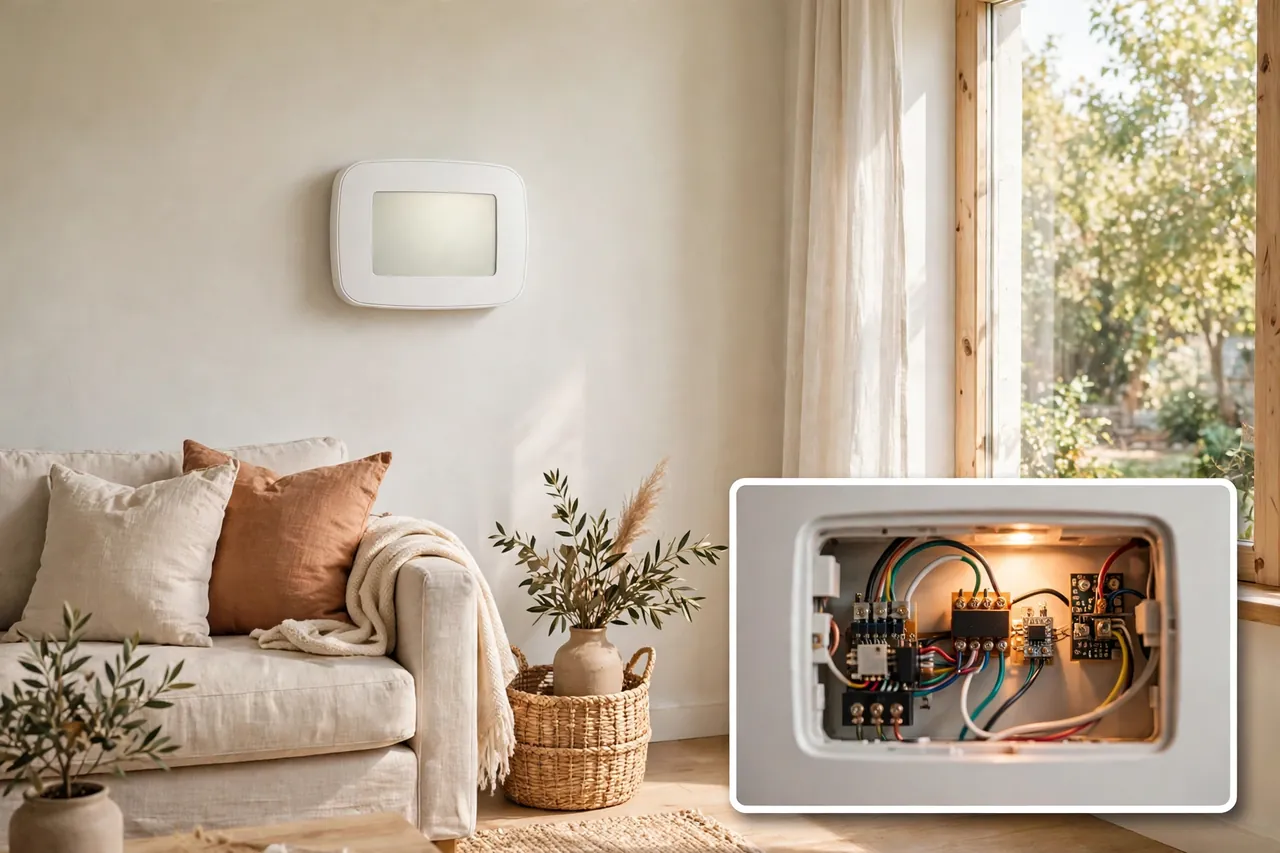
Battery-Only, Dual-Powered, and C-Wire Thermostats: What Is the Difference?
Not every thermostat that takes batteries runs on batteries alone. The three power setups below look alike on the wall, but they behave very differently when the power goes out or the batteries run low.
Table: How thermostat power types compare
| Power type | What powers it day to day | What happens when batteries die |
|---|---|---|
| Battery-only | 2 AA or 2 AAA batteries | Screen goes blank and heating and cooling stop |
| Dual-powered | C-wire, with batteries as backup | System keeps running; you may lose the clock |
| C-wire only | 24-volt power from the HVAC system | Nothing changes; most have no user batteries |
A battery-only thermostat is the right pick when your wall has no C-wire and you do not want to run new cable or fit an adapter at the furnace. A dual-powered model, such as many Honeywell Home T-series thermostats, gives you the best of both worlds. It runs on the C-wire when one is present and falls back to its AA batteries during a power cut, so the display and clock survive.
Smart thermostats with bright touchscreens and always-on Wi-Fi usually need a C-wire, because batteries alone cannot feed that hunger for long. A few smart exceptions run on batteries, and we cover them in the buying section below. If you want the full wiring story, read our thermostat wiring guide, and our explainer on what a common wire does before you buy.
What Batteries Do Thermostats Use?
Most home thermostats use two AA or two AAA alkaline batteries. Some older or smaller models use a single 9-volt battery, and a few smart sensors use a coin cell, but AA and AAA cover the great majority of wall thermostats in American homes. Your model tells you exactly which size it needs, so check the battery door or the manual before you shop.
Use fresh alkaline cells from a known brand. That advice comes straight from the people who answer thermostat support calls every day: the HVAC MORE guide to thermostat batteries warns that rechargeable NiMH cells read as low almost at once, because their voltage runs lower than alkaline cells. Lithium AA cells last longer and handle cold better, and some makers approve them, but they cost more. Never mix an old battery with a new one, and always replace the full set at once.
Here is the quick rule. If the manual says alkaline, fit alkaline. If it also approves lithium, lithium is a fine upgrade for a thermostat in a cold hallway or a vacation home. If the manual says nothing about rechargeables, skip them.
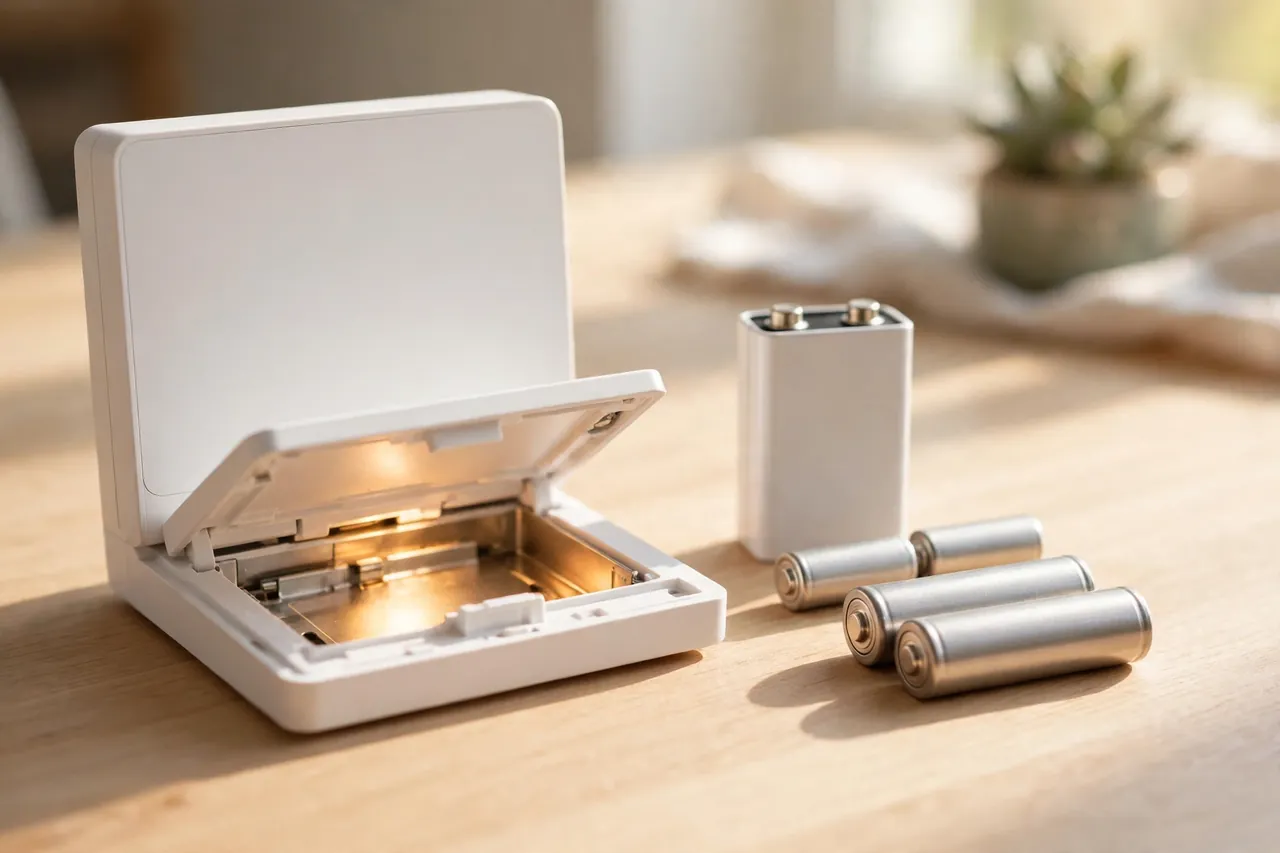
How Long Do Thermostat Batteries Last?
In a battery-only thermostat, a fresh set of alkaline AA batteries typically lasts about a year, and many homeowners see 12 to 24 months of normal use. Dual-powered thermostats on a C-wire can stretch the same cells for several years, because the batteries only work during power cuts. That long life is also why people forget the batteries exist until the clock resets after an outage.
Wi-Fi changes the math. A smart thermostat that stays connected to Wi-Fi around the clock drains AAs far faster than a basic programmable model, so expect more frequent swaps. Heat and cold matter too. A thermostat on a chilly wall or near a drafty door works harder and drains cells faster than one in a steady, conditioned hallway.
Table: Typical battery life by thermostat type
| Thermostat type | Battery type | Typical life |
|---|---|---|
| Basic digital, battery-only | 2 AA or 2 AAA alkaline | About 1 year |
| Basic digital, battery-only | 2 AA lithium | Up to 2 years or more |
| Dual-powered, with C-wire | 2 AA alkaline backup | Several years |
| Smart, Wi-Fi on batteries | 2 AA or 2 AAA alkaline | Months, not years |
Do not wait for the warning to plan your change. Pick a date you already remember, such as the fall clock change or your yearly furnace filter swap, and change the batteries then. A two-dollar habit beats a cold house on the coldest night of the year.
Low-Battery Warnings: The Signs to Watch For
Thermostats warn you well before the batteries go flat, usually weeks to a couple of months ahead. Catch the warning early and the fix is a two-minute battery swap, not an emergency call.
- A “Lo Batt,” “Replace Battery,” or battery icon appears on the display.
- The screen looks dim, flickers, or goes blank for a moment when the backlight comes on.
- The system answers your temperature changes late, or not at all.
- The furnace or air conditioner starts and stops at odd times as the voltage drops.
- On a Wi-Fi model, the app connection drops first, because the radio draws the most power.
- The clock or schedule resets after a short power cut, which means the backup batteries were already dead.
Once the low-battery warning shows, you still have time, but do not stretch it. Most guides put the remaining life at a few days to a few weeks after the warning first appears, depending on the battery type and how hard the thermostat works. Fit fresh cells the same week you see it.
What Happens When Thermostat Batteries Die?
When the batteries in a battery-only thermostat die completely, the thermostat loses the power it needs to close the heating and cooling circuits. The screen goes blank, you cannot read the temperature or change the setting, and the furnace or air conditioner will not turn on or off until power returns. The system often freezes in its last state, so it may sit silent on a cold night or keep running when you do not want it to.
The heating equipment itself is fine. The furnace fan, the compressor, and the control board are not damaged by dead thermostat batteries. The fault sits only in the control circuit that tells them what to do. Fresh batteries restore that link at once in most cases.
On a dual-powered thermostat with a C-wire, dead batteries are a smaller problem. The system keeps running on 24-volt power, and you may only lose the clock during a power cut. On a smart thermostat with a sealed internal battery, such as a Nest Learning Thermostat, a low-battery warning means something else entirely: the thermostat is not getting enough power from the system wires, and it usually needs a C-wire or a power connector, not new batteries you can swap yourself.
If the heat stops on a freezing night, check the batteries first, then the breaker for the furnace. A dead battery is the cheapest fix in home heating, and it solves the problem more often than most homeowners expect.
Which Battery Powered Thermostats Are Worth Buying?
The best battery powered thermostat for your home depends on one question: do you want a simple programmable model, or do you want Wi-Fi control without a C-wire? The three models below cover both answers, and every price here was verified on November 7, 2026. Prices change often, so check the live listing before you buy.
Table: Battery powered thermostats at a glance
| Model | Power | Wi-Fi | Price checked Nov 7, 2026 |
|---|---|---|---|
| Emerson Sensi Lite (ST25) | 2 AAA batteries | Yes | $89.99 list price |
| Emerson Sensi (ST55) | 2 AA batteries | Yes | $129.99 list price |
| Honeywell Home T4 Pro | 2 AA batteries or C-wire | No | $79.99 at Wholesale Home |
Emerson Sensi Lite (ST25): Best Smart Pick Without a C-Wire
The Sensi Lite runs on two AAA batteries and works on most standard heating and cooling systems without a C-wire, which makes it the easiest smart upgrade for an older home. It carries a list price of $89.99, verified from the maker’s own store pricing reported by EcoHome Intelligence on October 14, 2026, and confirmed again in current retailer listings on November 7, 2026. It works with Alexa, Google Assistant, and SmartThings, and it is ENERGY STAR certified.
Know its limits before you buy. Heat-only, cool-only, and most heat pump systems still need a C-wire, and the Wi-Fi radio drains the AAA cells faster than a basic thermostat would. You change schedules in the phone app, not on the thermostat itself. For a standard furnace-plus-AC home with no C-wire, though, it is the strongest sub-$100 smart pick.
Emerson Sensi (ST55): Best Full-Featured Battery Smart Thermostat
The standard Sensi ST55 also runs on batteries on most conventional systems, using two AA cells, and its list price is $129.99, verified from a current retailer listing on November 7, 2026. Amazon listings showed it near $89.99 on November 5, 2026, so shop around before you pay list price. It adds Apple HomeKit support to the Sensi Lite’s Alexa, Google Assistant, and SmartThings, though HomeKit needs a C-wire.
The ST55 suits a homeowner who wants app control, scheduling, and voice control, but whose wall has no spare wire. Its manual says to change the two AA alkaline batteries when the battery icon drops to its low bars, because low batteries are the first thing to cost you Wi-Fi. Heat-only, cool-only, and heat pump systems still need a C-wire here too.
Honeywell Home T4 Pro: Best Simple Programmable Pick
If you do not need Wi-Fi at all, the Honeywell Home T4 Pro is the honest workhorse of this list. It runs on two AA batteries or a C-wire, offers 7-day, 5-2, or 5-1-1 programming with push-button controls, and flashes a low-battery reminder before the cells run out. Wholesale Home listed the TH4210U2002 model at $79.99 in stock on November 7, 2026.
The T4 Pro is the right buy for a rental, a vacation home, or any house where a simple schedule and a clear display matter more than an app. It has no Wi-Fi to drain the batteries, so a set of AAs lasts far longer here than in either Sensi above. If you later want Wi-Fi, the T-series shares one wall plate design, so an upgrade stays simple.
Is a Battery Powered Thermostat Right for You?
A battery model is right for you when your home has no C-wire, you rent and cannot rewire, or you want the cheapest reliable control for a simple heating and cooling system. It is also the right pick for a vacation home or a seldom-used room, where a plain programmable thermostat does the job and nobody needs app control.
Choose a wired or C-wire model instead when you run a heat pump, a heat-only or cool-only system, or a smart thermostat with a color touchscreen and always-on Wi-Fi. Those systems either require a C-wire or drain batteries so fast that the swap habit becomes a chore. The GearBrain guide to thermostats without a C-wire reaches the same conclusion: battery power is the simplest dodge of the missing-wire problem, but Wi-Fi is the catch, because the radio pulls real power from small cells.
Ask yourself three questions before you decide. First, does my wall have a C-wire? Second, do I need Wi-Fi control every day, or is a weekly schedule enough? Third, will I change batteries once a year without fail? If the answers are no, schedule, and yes, a battery thermostat will serve you well for years.
How to Install a Battery Powered Thermostat
Installing a battery thermostat is one of the friendliest DIY jobs in the house, because the batteries remove the hardest part: you do not need to run new wire or fit an adapter at the furnace. Still, you are working around your heating system, so take the safety steps seriously. If any step feels wrong, stop and call a qualified HVAC technician.
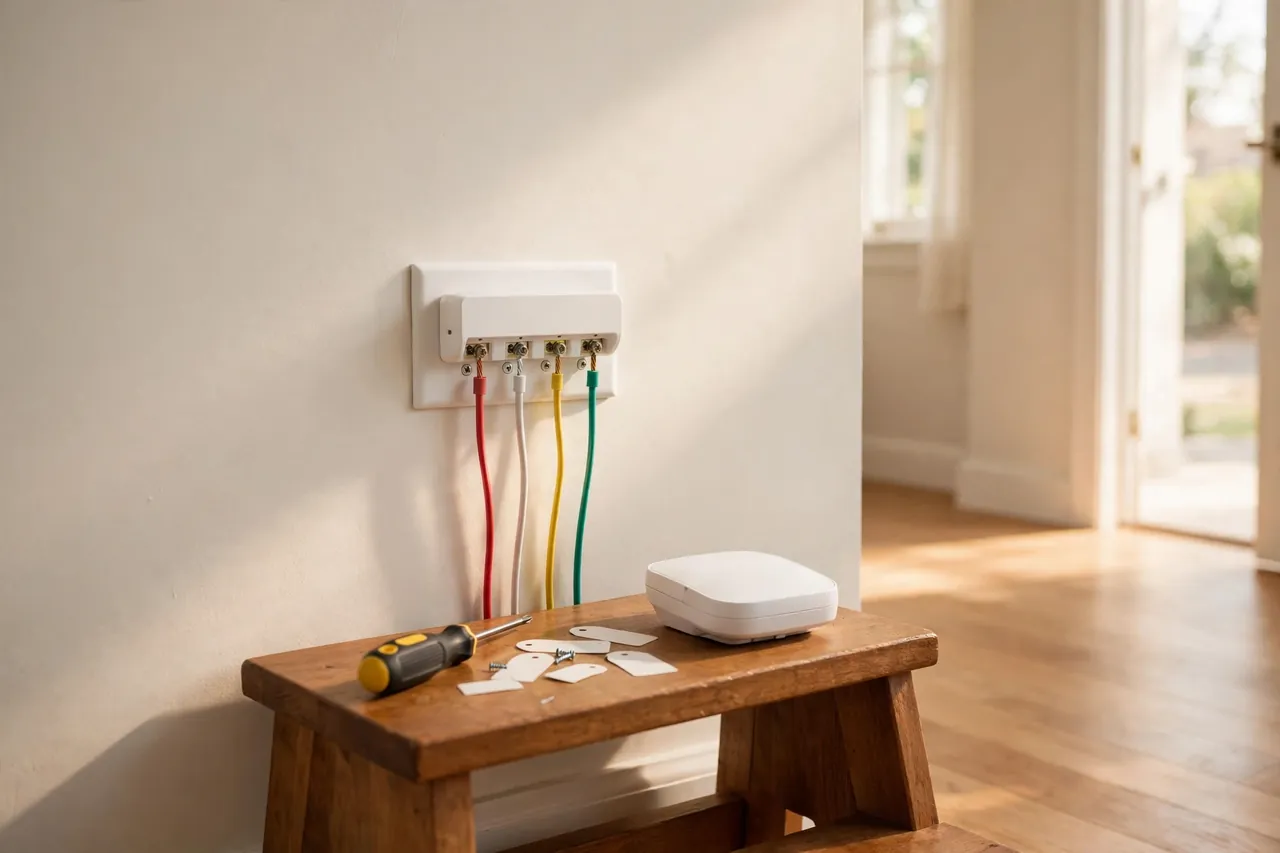
- Turn off the power to your furnace or air handler at the breaker, and confirm the old thermostat screen is dark.
- Photograph the old wiring before you touch a wire, so you can see which color lands on each lettered terminal.
- Label each wire with the stickers from the new thermostat box, then disconnect the wires and remove the old base plate.
- Fix the new base plate to the wall, level it, and connect each labeled wire to the matching terminal.
- Fit fresh AA or AAA alkaline batteries in the compartment, matching the + and – marks exactly.
- Click the thermostat onto its base plate, restore power at the breaker, and set the time, date, and your first schedule.
- Test both heat and cooling. Raise the setpoint a few degrees and listen for the furnace, then switch to cool and listen for the outdoor unit.
Two details save most first-timers trouble. First, never force a wire into a terminal; a loose wire is the most common cause of a new thermostat that does nothing. Second, keep the thermostat away from direct sun, drafts, and heat sources, because a sensor in a sunny spot reads the room wrong all day. For the wiring itself, our thermostat wiring guide walks through each terminal letter in plain words.
How to Replace Thermostat Batteries
Replacing thermostat batteries takes about two minutes, and you do not need tools on most models. Do it once a year and you will rarely see a low-battery warning at all.
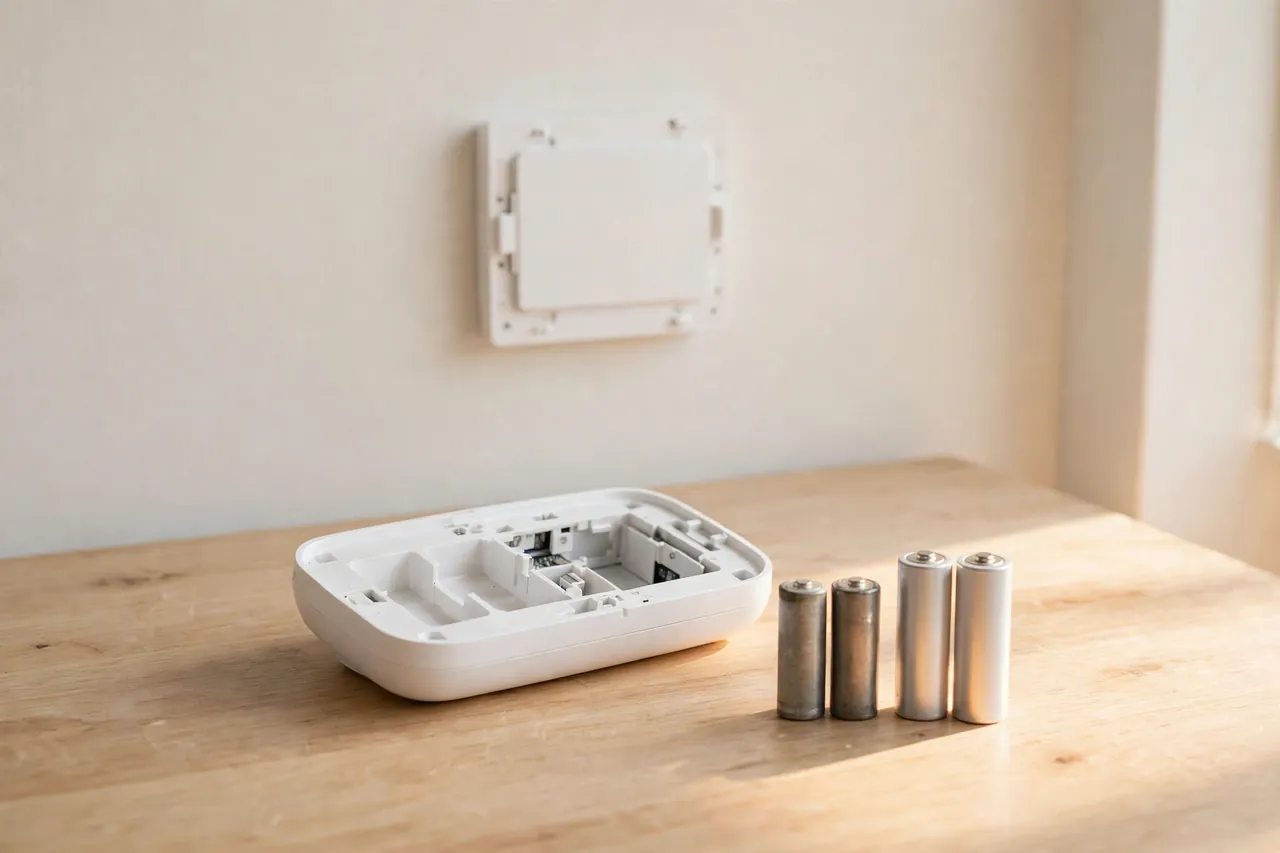
- Pull the thermostat body straight off its wall plate. Some models have a latch at the bottom or a sliding battery door on top, so look for a tab before you pry anything.
- Note which way the old batteries point, or photograph the compartment so the + and – marks are clear.
- Take both old batteries out and fit two fresh alkaline cells of the size your manual specifies, usually AA or AAA.
- Replace both cells at once. Never mix an old battery with a new one.
- Snap the thermostat back onto the plate and check the display. Most models keep your program, though you may need to reset the time and date.
- Watch the screen for a minute. If the low-battery icon is gone and the temperature reads normally, you are done.
Set a yearly reminder the moment you finish. Tie it to the fall clock change or your furnace filter change, and write the date on the battery with a marker so the next person knows when the cells went in. If you use lithium AAs, the same habit still applies, even though the cells last longer.
Troubleshooting Battery Power Problems
Most battery thermostat problems have a short, cheap cause. Work through the list below from the easiest fix to the hardest, and stop at the point where the problem clears.
Table: Battery power problems and what to try first
| Problem | Try this first |
|---|---|
| Blank screen | Fit fresh alkaline batteries, both at once |
| Low-battery warning stays on | Check the battery size and type; swap rechargeables for alkaline |
| Screen fades or flickers | Clean the battery contacts and fit fresh cells |
| Heat or AC will not start | New batteries, then check the furnace breaker |
| Wi-Fi drops before anything else | Fresh batteries; the radio drains power first |
| Clock resets after a power cut | Replace the backup batteries, even if the display works |
If fresh batteries do not bring the display back, the fault usually sits upstream, not in the thermostat. Check the furnace breaker, the service switch on the side of the unit, and the furnace door switch, which kills power to the control board when the blower door is not fully seated. A blown low-voltage fuse on the control board is another common cause after a wiring change.
When the fuse, door switch, and breaker all check out and the screen stays dark, call a technician rather than opening the furnace yourself. The control board and transformer live inside the unit, and a wrong test there costs far more than a service visit. If your thermostat is a Honeywell that stays dark, our guide to a Honeywell thermostat not working covers the brand-specific checks. For wider heating faults, see how to fix a heater and why your furnace quits on the coldest night.
How to Make Batteries Last Longer
Small habits add months to a set of thermostat batteries. Turn the backlight down or set it to turn off quickly if your model allows it. Avoid changing the temperature every hour, since each call wakes the relay and draws a burst of power. Keep the thermostat out of direct sun and away from cold drafts, because wild temperature swings make the sensor and the system work harder than they should.
Buy name-brand alkaline cells and store spares at room temperature, not in a cold garage. Check the date on the pack before you buy, because old stock starts its life half tired. Finally, if your smart thermostat offers a power-saving or battery mode, turn it on when you leave for a trip; the radio can rest while nobody is home to use the app.
Related Guides
If battery power raised a wiring question, these guides pick up where this article leaves off. Read our thermostat wiring guide for every terminal letter in plain words, and our common wire explainer to see whether your home has a C-wire hiding in the wall. For the wider smart home picture, see our smart thermostats for home guide and our wireless thermostat guide. Heat pump owners should read our thermostat and heat pump guide before choosing a battery model, and if your system stops answering at all, start with what to do when your thermostat is not working. If you are weighing a full system change instead, our guide to buying a new HVAC system covers costs and choices.
Frequently Asked Questions
Do all thermostats have batteries?
No. Most non-connected digital thermostats do, as their main power or as backup to the C-wire. Many smart thermostats run entirely on C-wire power, the Nest Learning Thermostat uses a sealed rechargeable cell, and old mechanical dial thermostats have no batteries at all.
Will my furnace stop working if the thermostat batteries die?
Yes, if the thermostat runs on batteries alone. With no power it cannot close the heating or cooling circuit, so the furnace or air conditioner will not start. If your thermostat has a C-wire, the batteries are only backup, and the system keeps running while you change them.
How often should I change thermostat batteries?
Change them once a year for battery-only thermostats, or as soon as the low-battery indicator appears. Dual-powered units on a C-wire can go several years between changes, but an annual swap is cheap insurance against a dead clock or a lost schedule after a power cut.
Why is my thermostat blank with new batteries?
The 24-volt supply is likely interrupted. Check the furnace breaker, the furnace door switch, the blade fuse on the control board, the condensate float switch, and the transformer, in that order. If they all check out, the control board may have failed, and that is a job for a technician.
What kind of batteries do thermostats use?
Mostly alkaline AA or AAA batteries. Some models accept lithium AA cells for longer life. Avoid rechargeable cells unless the manual specifically allows them, because their lower voltage can trip the low-battery warning almost as soon as you fit them.
A battery powered thermostat is a small, honest piece of kit: two cheap cells, no new wiring, and steady control of your home’s temperature. Pick the right model for your system, change the batteries once a year, and it will quietly do its job for years. If your wall has no C-wire and your system is a standard furnace and air conditioner, start with the Sensi Lite or the Honeywell T4 Pro, and check your batteries before the first cold snap.
Disclaimer: Homes, wiring, and heating systems vary, and thermostat wiring involves low-voltage electrical work. Turn off power at the breaker before you touch any wiring, and call a qualified HVAC technician or electrician if you are unsure about your system, your wiring, or any step in this guide.



