
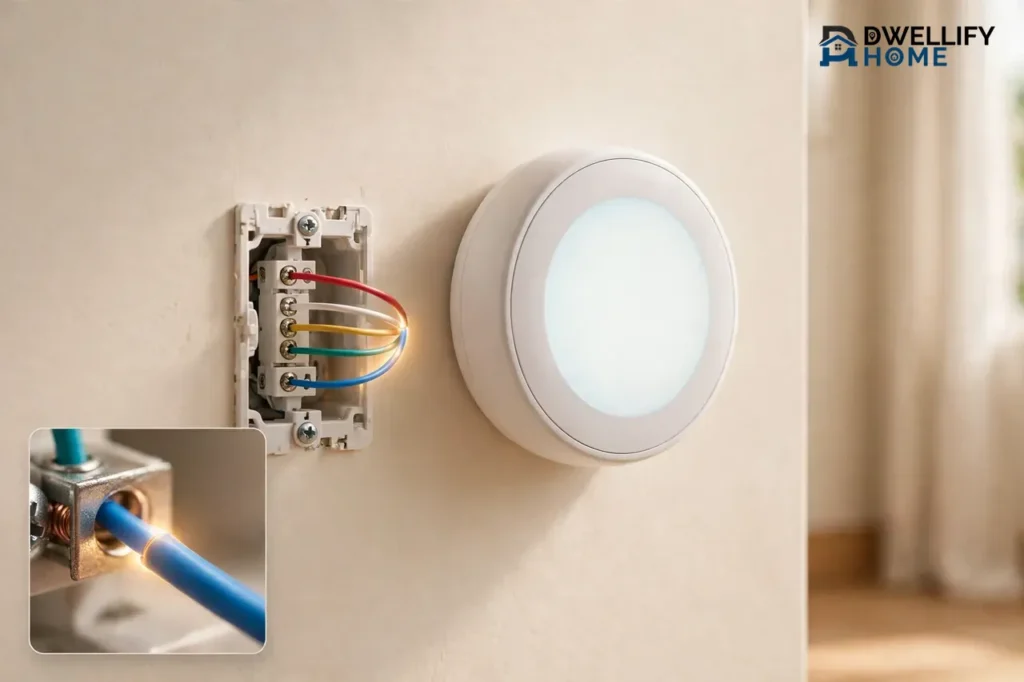
A common wire in a thermostat, usually called a C-wire, is the wire that gives your thermostat steady, nonstop power. It completes the low-voltage circuit between your thermostat and your heating and cooling system, so power flows to the thermostat all the time, not only when the heat or air conditioning runs.
If you are shopping for a smart thermostat, this one thin wire matters more than any other. Most smart models need it to keep their screen, Wi-Fi, and processor running around the clock. Without it, the thermostat may lose Wi-Fi, drain its battery, or make your system switch on and off in odd ways. The good news is that checking for a C-wire takes only a few minutes, and a missing one does not have to stop your upgrade.
What a Common Wire Does in Plain English
Think of your thermostat wires as a small loop. The R wire brings 24-volt power from your furnace or air handler to the thermostat. The other wires carry signals back: W calls for heat, Y calls for cooling, and G runs the fan. The common wire, or C-wire, is the return path that closes the loop.
That return path is the whole job. The C-wire does not turn anything on or off. It simply lets a small, steady current flow through the thermostat itself at all times. Lennox explains it the same way: the C wire provides continuous low-voltage power from your HVAC system to your thermostat, while the R wire supplies the power and the C wire gives the current its way back.
Here is why that matters. An old dial thermostat was little more than a switch. It needed almost no power of its own, so it never needed a return path. A smart thermostat is a small computer with a color screen, a Wi-Fi radio, and sensors. It needs power every minute of the day, even when your furnace and air conditioner sit idle. The C-wire is what makes that possible.
One more point clears up a lot of confusion. The C-wire carries only low-voltage power, about 24 volts. It is not the same as the neutral wire in your home’s 120-volt wiring, and it must never connect to household neutral or ground wires. If you open your thermostat and see thick black wires joined with wire nuts, or any wire marked 120V, stop. That is line-voltage heating, and it works with a different kind of thermostat entirely.
How the C-Wire Fits With the Other Thermostat Wires
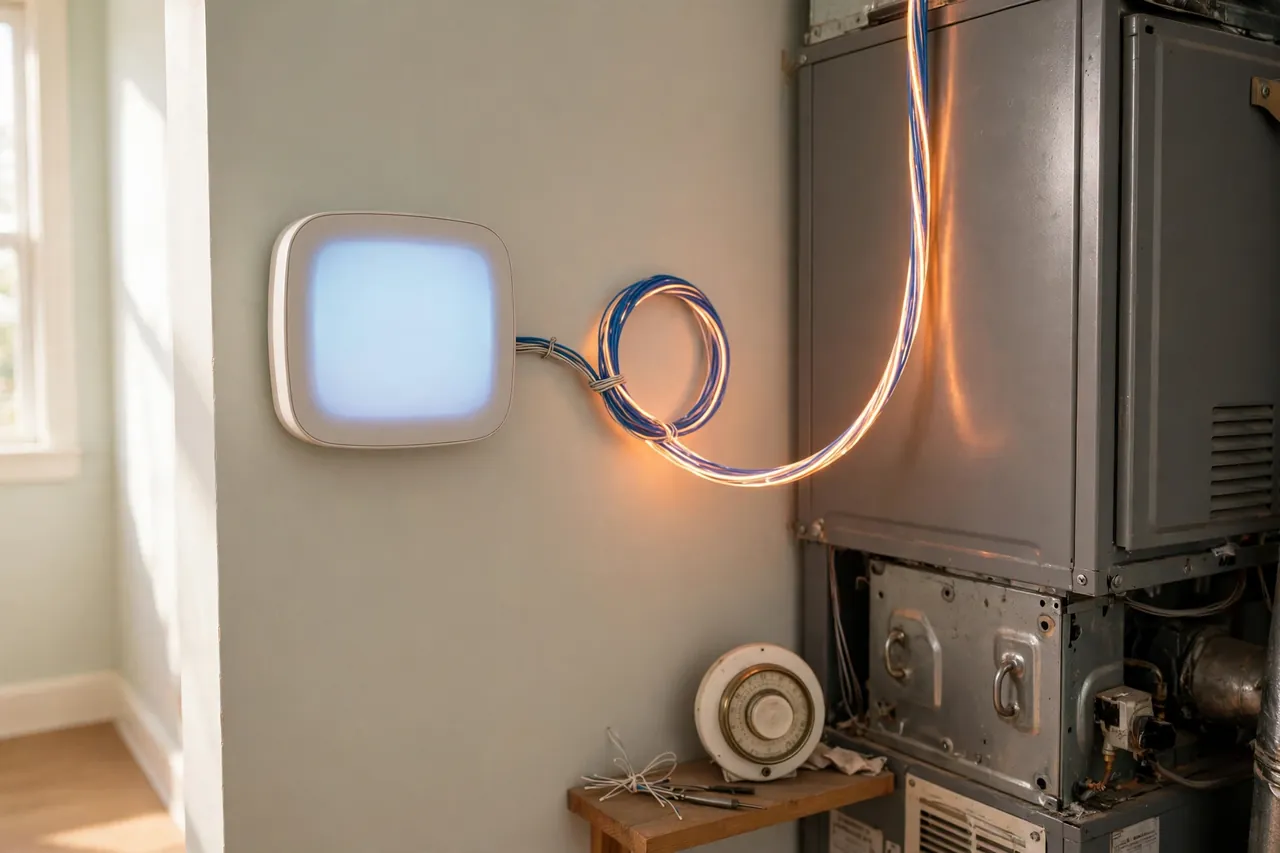
Most homes have four or five thin wires behind the thermostat. Each one lands on a terminal marked with a letter, and the letter tells you what the wire does. Color helps you guess, but the letter is the truth, because installers do not always follow the usual colors.
| Terminal | Usual Color | What It Does |
|---|---|---|
| R | Red | Brings 24-volt power from the system to the thermostat |
| W | White | Calls for heat |
| Y | Yellow | Calls for cooling |
| G | Green | Runs the indoor blower fan on its own |
| C | Blue or black | Common wire: the return path for steady 24-volt power |
The first four wires in that table are switches. They tell your equipment to do something. The C-wire is different. It commands nothing. It only keeps the circuit closed so the thermostat can draw power for itself whenever it needs it.
Color deserves a warning of its own. Blue is the most common color for a C-wire, and black runs second. But no law fixes these colors, and an installer years ago may have used whatever wire was on hand. A blue wire on the Y terminal is a cooling wire, not a common wire. Always read the terminal letter. If you want the full walkthrough of every wire and terminal, our thermostat wiring guide covers the whole set step by step.
Why Smart Thermostats Need a C-Wire
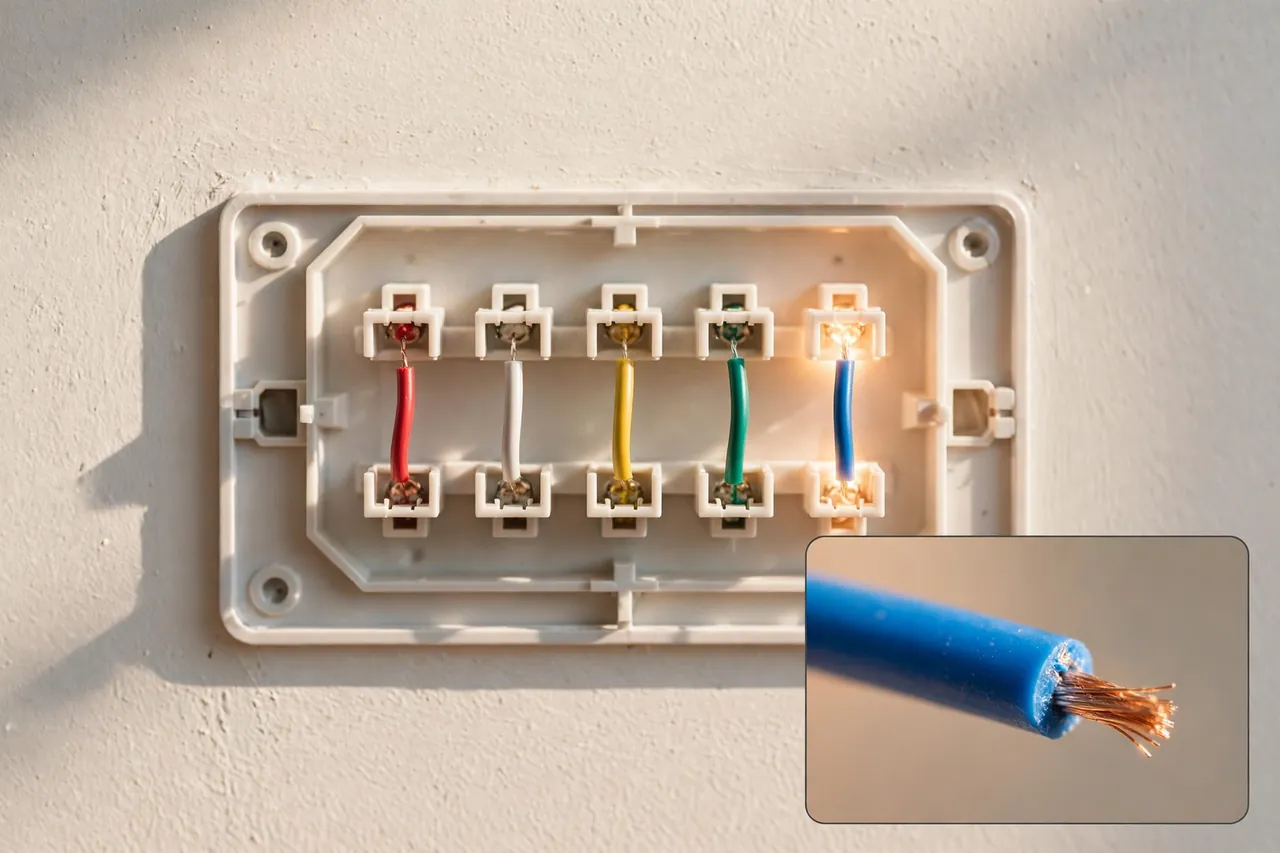
Smart thermostats need a C-wire because they never truly sleep. A Wi-Fi radio must stay connected so you can change the temperature from your phone. The screen must light the moment you walk past. Sensors and schedules must keep running through the night. Batteries alone cannot carry that load for long.
Older thermostats never faced this problem. A manual thermostat used no power at all. An early digital model sipped so little power from its batteries that a set of AA batteries lasted a year or more. Neither one needed a constant feed from the furnace, so most homes built before the mid-2000s were wired with only four wires: R, W, Y, and G. No C-wire, because nothing asked for one.
When a smart thermostat has no C-wire, it tries to borrow power instead. Engineers call this power stealing: the thermostat sips tiny amounts of current through the heating or cooling wires during off cycles and stores it in a small internal battery. Some models handle this well. Others do not, and the symptoms show up fast.
That is why the C-wire question comes up in nearly every smart thermostat install. The thermostat itself is the easy part. The wire behind it decides whether the install takes ten minutes or turns into a small project. If you have already picked a model, read our guide on how to install a smart thermostat next to it, because it walks through the install in the order you will actually do it.
Do All Smart Thermostats Require One?
No, not every smart thermostat requires a C-wire, but most work far better with one. Google’s own support pages say Nest thermostats were engineered to use as little power as possible, so in many cases they do not need a C wire at all. Even so, Google adds that some systems still require one, or the Nest Power Connector, and it lists heat-only, cool-only, and heat pump systems among them.
Other brands take a firmer line. Ecobee states plainly on its support site that the C wire enables the continuous flow of 24-volt power that ecobee thermostats need to operate, and every ecobee ships with a Power Extender Kit for homes that lack one. Honeywell Home and several other brands also require a C-wire or their own adapter kit. The honest rule is simple: check what your chosen model requires before you buy it, not after it arrives.
How to Check Whether You Have a C-Wire
Checking takes about five minutes, a phone camera, and no tools at all. You only look. You do not disconnect anything, and you do not need to touch bare wire.
Turn off the power first. Find the breaker that feeds your furnace or air handler and switch it off. If your system has a separate furnace switch, usually a light-switch-style toggle near the unit, turn that off too. Never pull a thermostat off the wall or open a furnace panel with the power on. A short across low-voltage wires can blow a small fuse on the control board, and that turns a five-minute check into a repair call.
Once the power is off, work through these steps in order:
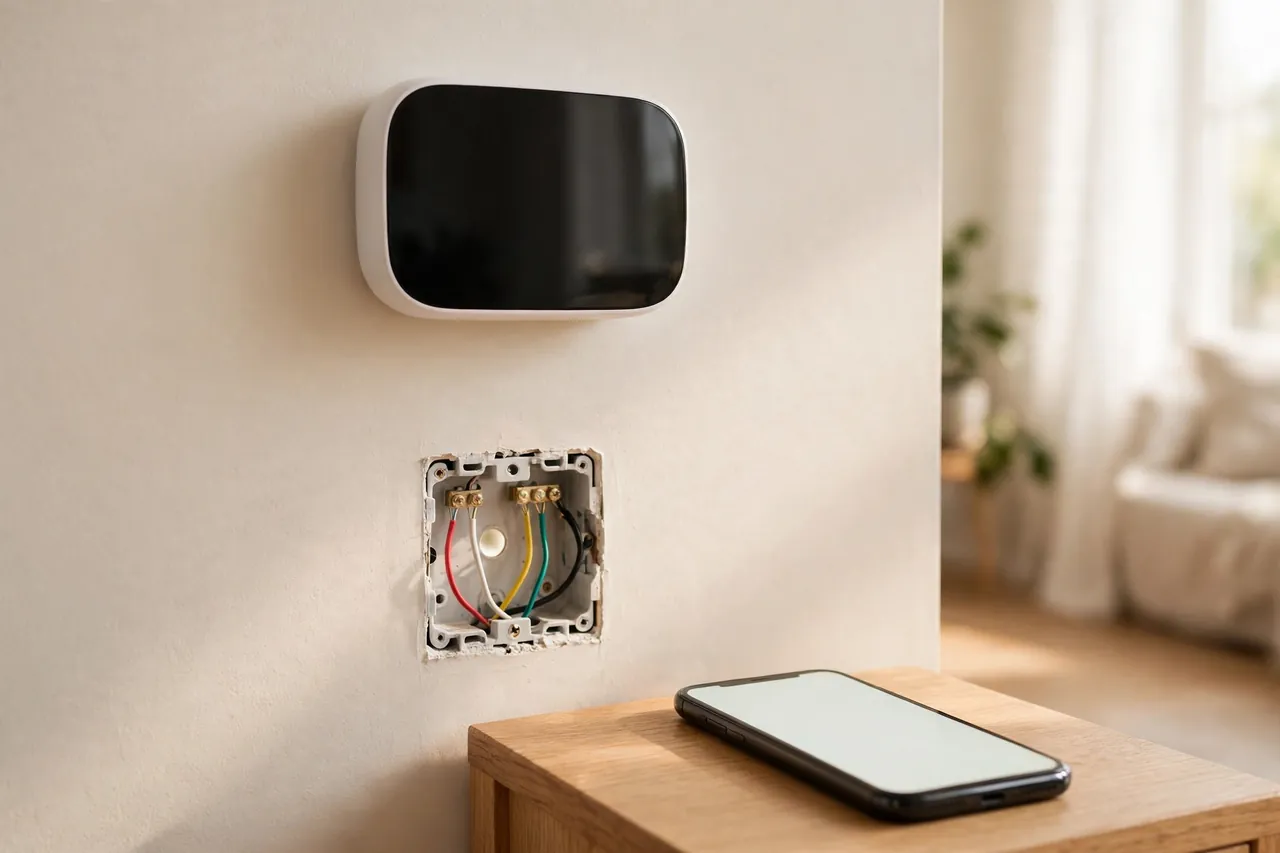
- Take a photo of the wiring before you touch anything. Pull the thermostat face off its wall plate, or lift the cover, and photograph the wires and their terminal letters from straight on. This photo is your way back if anything moves.
- Look for a wire on the terminal marked C. If a wire sits in the C terminal, you have a common wire. Note its color, but trust the letter, not the color.
- Look for a spare wire tucked behind the plate. If the C terminal is empty, gently pull the wire bundle a little way out of the wall. Builders often ran a five-wire cable and left the extra wire coiled behind the plate. A spare blue or black wire is the most common find, and it may already connect to the C terminal at the furnace end.
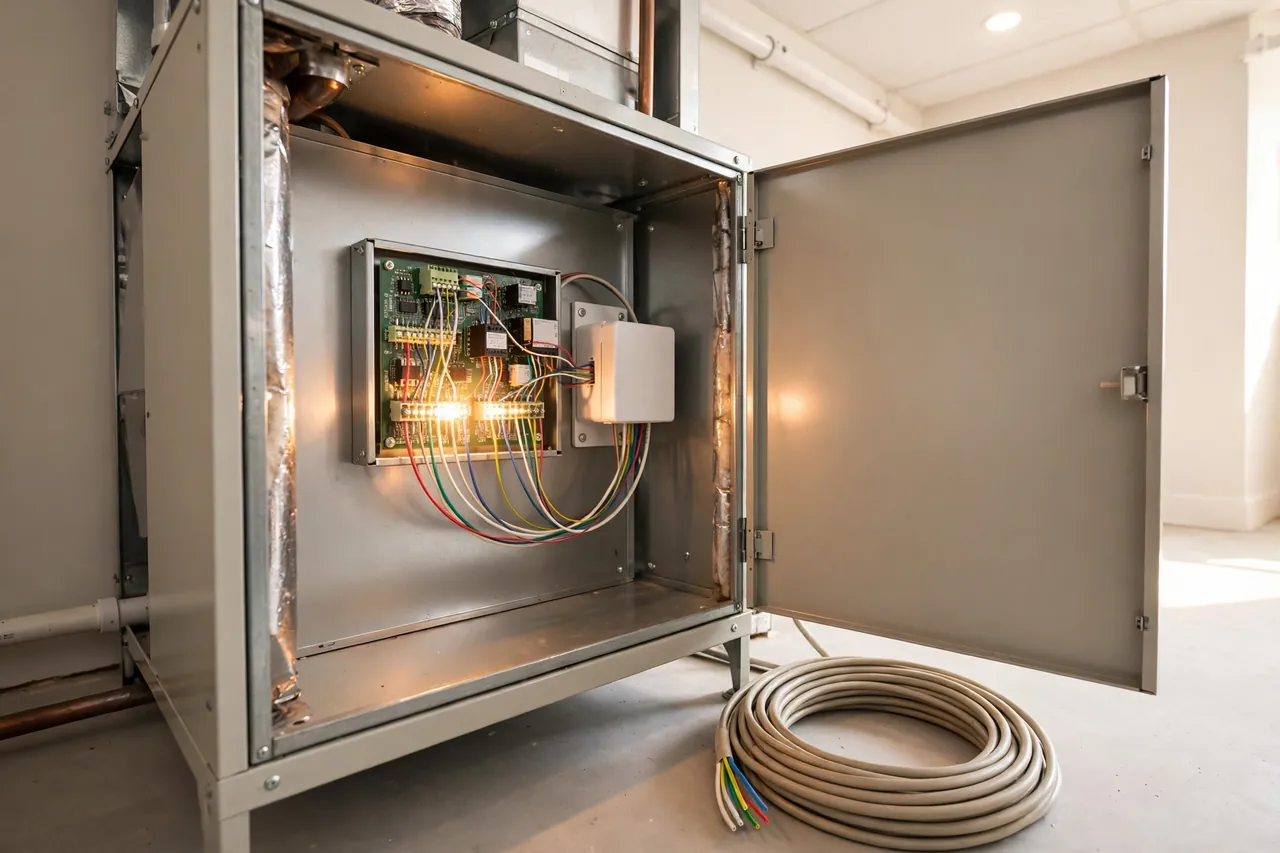
- Check the furnace or air handler end. With the power still off, remove the access panel on your furnace or air handler and find the control board, the small board where the same bundle of wires lands. Look for the C terminal there. If a wire connects to it and the matching wire hangs loose behind your thermostat, you have a C-wire waiting to be hooked up at both ends.
- Turn the power back on and put everything back. Replace the panel and the thermostat face, then switch the breaker and furnace switch back on.
If you found a wire on C at both ends, you are done. Any standard smart thermostat should install cleanly. If you found a spare wire connected at the furnace but not at the thermostat, a technician can usually connect the thermostat end in minutes. If neither end has a C-wire, read the next section before you buy anything.
One test gives a final answer when the visual check leaves doubt. With the power restored, a multimeter set to AC volts above the 50-volt range should read about 24 volts between the R and C terminals. This test uses live power, so if you do not own a multimeter or have never used one, skip it and ask an HVAC technician to confirm instead. A wrong probe slip can short the control board.
What to Do If You Do Not Have a C-Wire
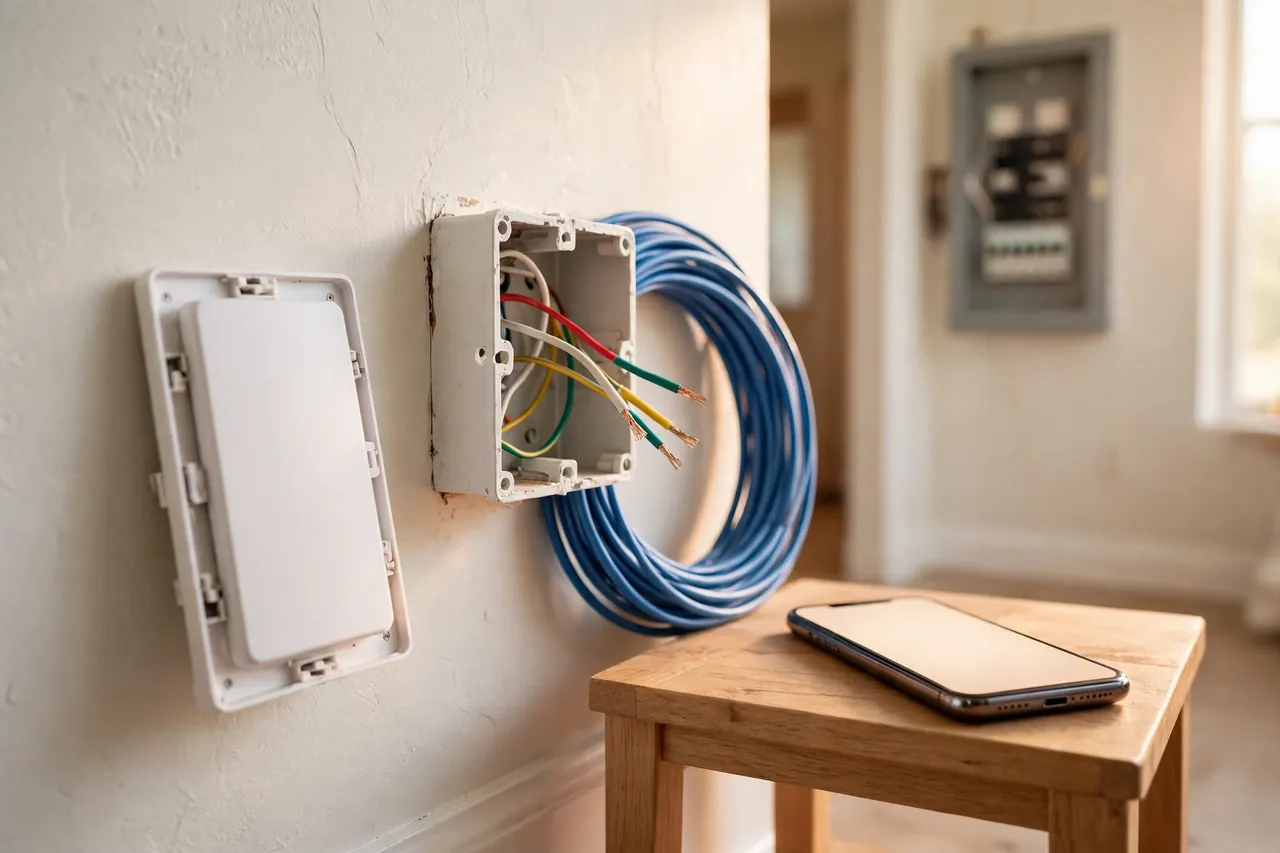
No C-wire does not mean no smart thermostat. It means you pick one of four fixes, and the right one depends on your system, your budget, and how much work inside the furnace cabinet you feel comfortable doing. Cheapest and simplest first.
Option 1: Use a Spare Wire Already in the Wall
This is the best outcome, and it costs nothing. If your check found an unused wire in the bundle, connect that wire to the C terminal on the thermostat and to the C terminal on the furnace control board. You now have a real C-wire, and any smart thermostat will run on it. The catch is that both ends must connect. A spare wire joined at only one end does nothing. If you are not comfortable opening the furnace panel, a technician can make both connections in a single short visit.
Option 2: Install a C-Wire Adapter Kit
An adapter kit, also called a power extender kit, creates a working C-wire from the wires you already have. It installs at the furnace control board and reuses one of your existing wires to carry the return path. Ecobee includes its Power Extender Kit in the box with every thermostat. Google sells the Nest Power Connector separately for Nest models, and Google’s support page notes that it usually costs less and takes less work than running a new wire, though it warns against third-party adapters that claim Nest compatibility and can damage the thermostat. Amazon sells its own C-wire power kit for its smart thermostat.
Adapter kits work well, but they do involve opening the furnace cabinet and moving wires on the control board. The power must stay off while you work, and you must follow the kit’s own instructions exactly, because each brand wires its kit differently. If that feels outside your comfort zone, this is a fair job to hand to a pro.
Option 3: Repurpose the G-Wire
The G-wire runs your blower fan on its own. Some installers move it to the C terminal at both ends, which turns it into a common wire. A small jumper wire then joins the G and Y terminals at the furnace, so the fan still runs whenever cooling runs.
This fix works, but it costs you something real: you lose the fan-only setting. You can no longer run the blower by itself to circulate air without heating or cooling. For many homes that trade is fine. For homes that use fan-only mode to even out hot and cold rooms, it is a real loss. Treat this as a workaround, not the ideal fix, and never attempt it if your system is a heat pump, because heat pump wiring uses the fan wire differently. Our guide to thermostat wiring for heat pumps explains why that system needs its own approach.
Option 4: Run a New Thermostat Wire
The permanent fix is a new cable. An 18-gauge, five-conductor cable, sold as 18/5, runs from the thermostat to the furnace and gives you a proper C-wire plus room for future wires. If the wall path is open, an experienced homeowner can sometimes fish the cable through in an afternoon. If the path runs through finished walls, floors, or a tight attic, it becomes a professional job fast.
Cost is the honest question here. Angi reports that professional C-wire installation typically costs $120 to $200, with another $20 to $75 if the job needs drywall patching or a new transformer, based on its pricing guide updated July 9, 2026 and checked November 6, 2026. That range covers a straightforward run. A long or difficult run can cost more, so get the quote before the work starts, not after.
Which option should you pick? This table sums it up:
| Option | Best When | Trade-Off |
|---|---|---|
| Spare wire | An unused wire is already in the wall | None; this is a real C-wire |
| Adapter kit | No spare wire and you want a quick fix | Work inside the furnace cabinet |
| G-wire repurpose | You never use fan-only mode | You lose independent fan control |
| New wire | You want the permanent, clean fix | Highest cost and most wall work |
When in doubt, call a licensed HVAC technician. That is not a dodge. Furnace control boards, heat pumps, zoned systems, and older two-transformer setups each carry their own wiring quirks, and a wrong connection can damage the board or the thermostat. A short pro visit costs far less than a new control board.
Signs Your Thermostat Is Starving for Power
Sometimes the C-wire problem announces itself after the install, not before it. A thermostat running short on power shows a familiar set of symptoms, and they all point the same way. If you see one or more of these, a missing or weak C-wire is the first suspect, not a broken thermostat.
- The Wi-Fi drops again and again. The thermostat disconnects from your network, then reconnects, then drops once more. The radio is the hungriest part of the device, so it fails first when power runs short.
- The screen goes dark or reboots. The display blanks out, restarts, or shows a low-battery warning even though the thermostat is wired in.
- The battery drains fast. A model with a rechargeable battery never seems to hold a charge, or it asks for fresh batteries every few weeks.
- Your system cycles on and off for no reason. Power stealing can trick the furnace or air conditioner into short cycling, which wears parts out and wastes energy.
- Heating or cooling stops responding. The thermostat looks fine but the system ignores its calls, or it runs long past the set temperature.
Before you blame the wiring, rule out the simple causes. Check that the breaker is on, the furnace switch is on, and the thermostat wires sit firmly in their terminals. A loose wire mimics a power problem exactly. If everything is snug and the symptoms stay, work through our thermostat not working troubleshooting guide, which covers the full checklist in order. And if your home heats with electric heat, the wiring picture changes a little, so our guide to electric heat thermostat wiring is worth a read before you change anything.
C-Wire Quick Reference
Keep this short reference beside you while you shop or check your wiring. Every fact in it appears in full earlier in this article.
| Question | Short Answer |
|---|---|
| What is a common wire? | The return path that gives a thermostat steady 24-volt power |
| What does it do? | Completes the low-voltage circuit so power flows all the time |
| Which terminal? | C, on the thermostat and on the furnace control board |
| Usual color? | Blue, sometimes black; the letter C is the real proof |
| Who needs one? | Most smart thermostats; old manual and battery models do not |
| No C-wire fix? | Spare wire, adapter kit, G-wire repurpose, or a new cable run |
| Pro install cost? | Typically $120 to $200, per Angi, updated July 9, 2026 |
| First safety step? | Switch off the HVAC breaker before touching any wiring |
Related Guides
Thermostat Heat Pump Guide: Settings, Aux Heat, and Choosing the Right Thermostat · Bluetooth Thermostat: What It Does, How Far It Reaches, and Who Should Buy One · Furnace Not Working? Fix It Fast With These Safe Checks First
- Thermostat Wiring Guide — every wire, terminal, and color code in one walkthrough.
- How to Install a Smart Thermostat — the install itself, step by step.
- Thermostat Not Working — the full troubleshooting checklist when things go wrong.
- Thermostat Wiring for Heat Pumps — why heat pump systems need their own wiring approach.
- Electric Heat Thermostat Wiring — what changes when your home heats with electricity.
- 3 Ton AC Unit: Cooling Power, Cost & Home Size Explained — the cooling system your thermostat controls, and what it costs to run.
Frequently Asked Questions
What color is the C wire on a thermostat?
Usually blue, sometimes black. But color is only a convention, not a rule. The reliable answer is whichever wire lands on the terminal marked C at the thermostat base or on the furnace control board. Check both ends before you assume, because installers sometimes reuse colors differently.
Do all thermostats need a C wire?
No. Many basic battery-powered thermostats run fine without one. Most smart thermostats need continuous power, so they either require a C wire, ship with an adapter, or use battery-assisted workarounds that can cause odd furnace behavior. For any model with a display and Wi-Fi, a proper C wire is the reliable answer.
Do I need a C wire for a smart thermostat?
Most smart thermostats require a C wire for continuous power. Without it, the thermostat may lose power off and on, drop its Wi-Fi connection, or fail to work properly. Some models, such as Nest, can run without one on many systems, but even those work more reliably with a real C wire in place.
Can I install a smart thermostat without a C-wire?
Yes. Some models power-steal through the heating and cooling wires, and brands such as ecobee include an adapter kit that creates a working C-wire from your existing wires. You can also repurpose the G-wire or run a new cable. If your system is a heat pump or zoned, check the model’s requirements first, because those systems are more likely to need a real C-wire.
Is a C-wire necessary for a smart or WiFi thermostat?
Not always, but it is strongly recommended. Older manual and programmable thermostats typically do not need one at all. Many smart thermostats do require a C-wire to work correctly, and some models can run without one only at the cost of features, battery life, or steady Wi-Fi. A C-wire gives the thermostat a constant power source, so the screen stays lit and the connection stays up.
What happens if you install a smart thermostat without a C wire?
The thermostat may fail to power on at all. If it does start, it will likely lose its Wi-Fi connection often or drain its internal battery quickly. On power-stealing models, the heating or cooling system may also switch on and off in short, erratic cycles, which adds wear to the equipment over time.
A short note before you start any wiring work: this article explains low-voltage thermostat wiring for learning purposes. Your home, system, and local codes may differ, and a wrong connection can damage your furnace control board or thermostat. If you feel unsure at any step, or your system is a heat pump, zoned, or line-voltage setup, hire a licensed HVAC technician. A short pro visit is the safest way to get a reliable C-wire.
So, what is a common wire in a thermostat? It is the quiet wire that keeps a smart thermostat alive around the clock. Check for it before you buy, and if your home does not have one, pick the fix that fits your system and your comfort level. Your thermostat will thank you with steady Wi-Fi, a bright screen, and a heating and cooling system that behaves itself.



