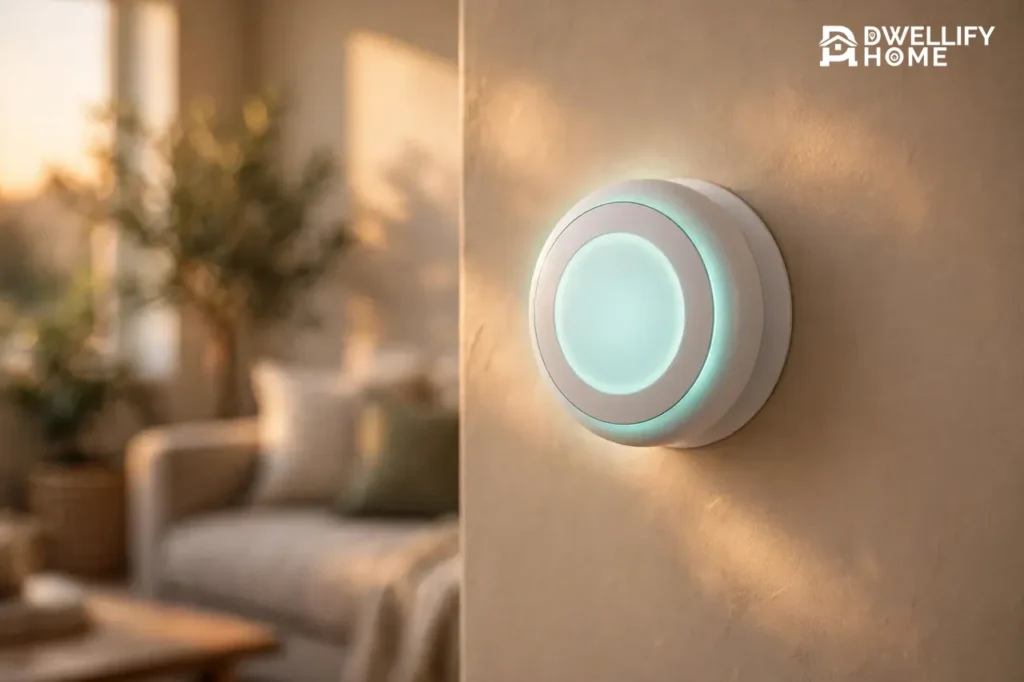
A smart thermostat is a Wi-Fi thermostat that learns your schedule and adjusts your heating and cooling on its own. ENERGY STAR reports that certified models save about 8% on heating and cooling bills, or roughly $50 a year. It replaces the dial or buttons on your wall with a device you control from your phone, and it keeps learning from how you live.
One setting quietly wastes the most energy in most homes, and it is the schedule almost nobody changes. You will find it in the settings section below, along with the exact numbers that show whether a smart thermostat pays for itself in your home.
How a Smart Thermostat Actually Works
A smart thermostat reads your home’s temperature with built-in sensors, talks to your heating and cooling system through the same low-voltage wires as an old thermostat, and connects to your Wi-Fi so you can control it from your phone. Learning models watch when you adjust the temperature and when you come and go, then build a schedule from those habits.
It watches your home with built-in sensors that track temperature, humidity, and motion. Some models add room sensors you place in a bedroom or office, so the thermostat heats or cools based on the room you actually use instead of the hallway where it hangs.
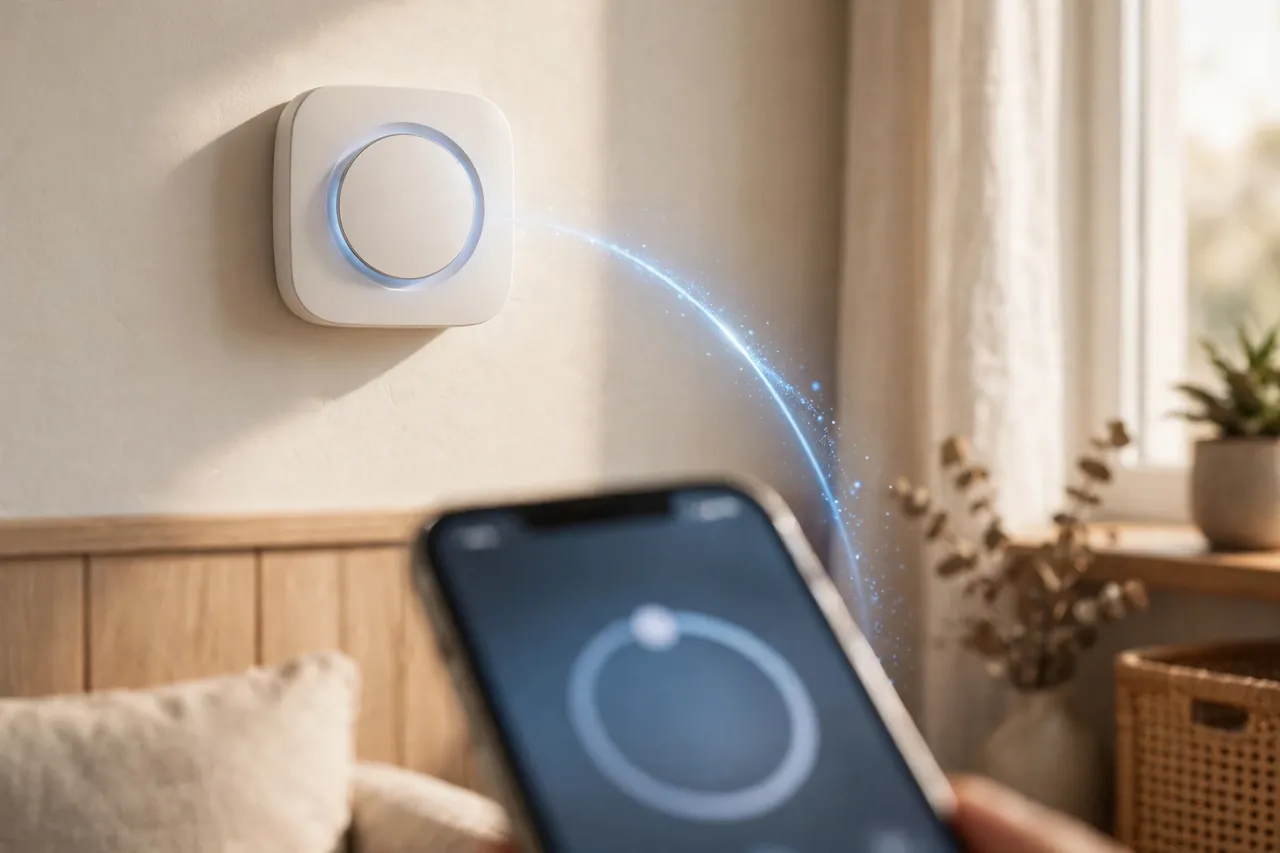
With geofencing, your phone’s location tells the thermostat when you are on your way home. It starts warming or cooling the house before you arrive, and it eases off when the last person leaves. No button pressing, no remembering to turn it down.
The thermostat also talks to the weather. On a mild day it holds off the heat a little longer. On a hot afternoon it runs the air conditioning earlier, in short bursts, instead of blasting it all at once when you get home. That is where most of the savings come from: less runtime when nobody needs it.
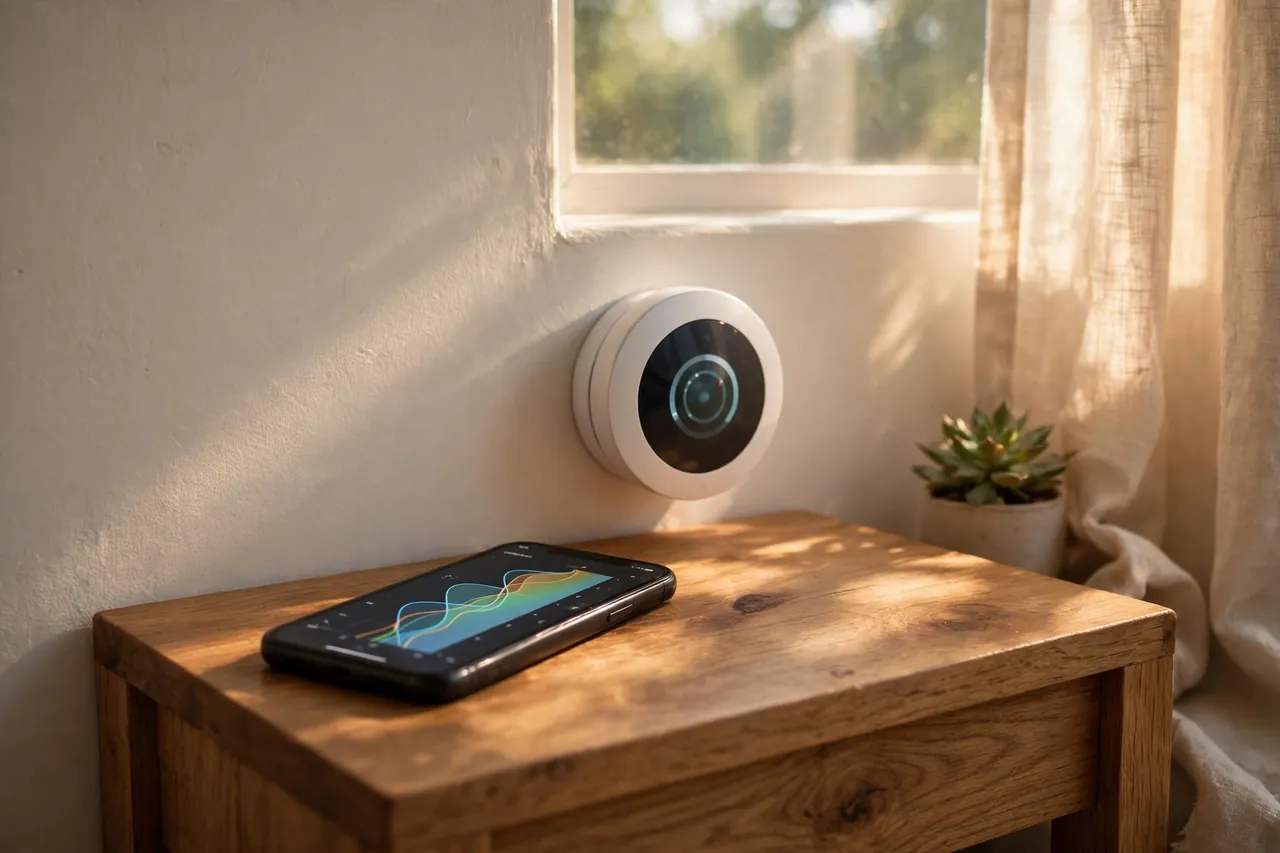
You see all of this in the app. Most models show a simple energy report each month: how many hours the system ran, when it ran, and how that compares with last month. If the numbers look wrong, that report is the first place to check. Carrier’s own guide to smart thermostats describes the same picture: built-in sensors and software deciding when the system runs, instead of a fixed schedule doing the same thing every day.
Knowing how it works is the easy part. The harder question is whether it beats the thermostat you already have, and the answer is not what most ads say.
Smart vs Programmable vs Manual: The Real Difference
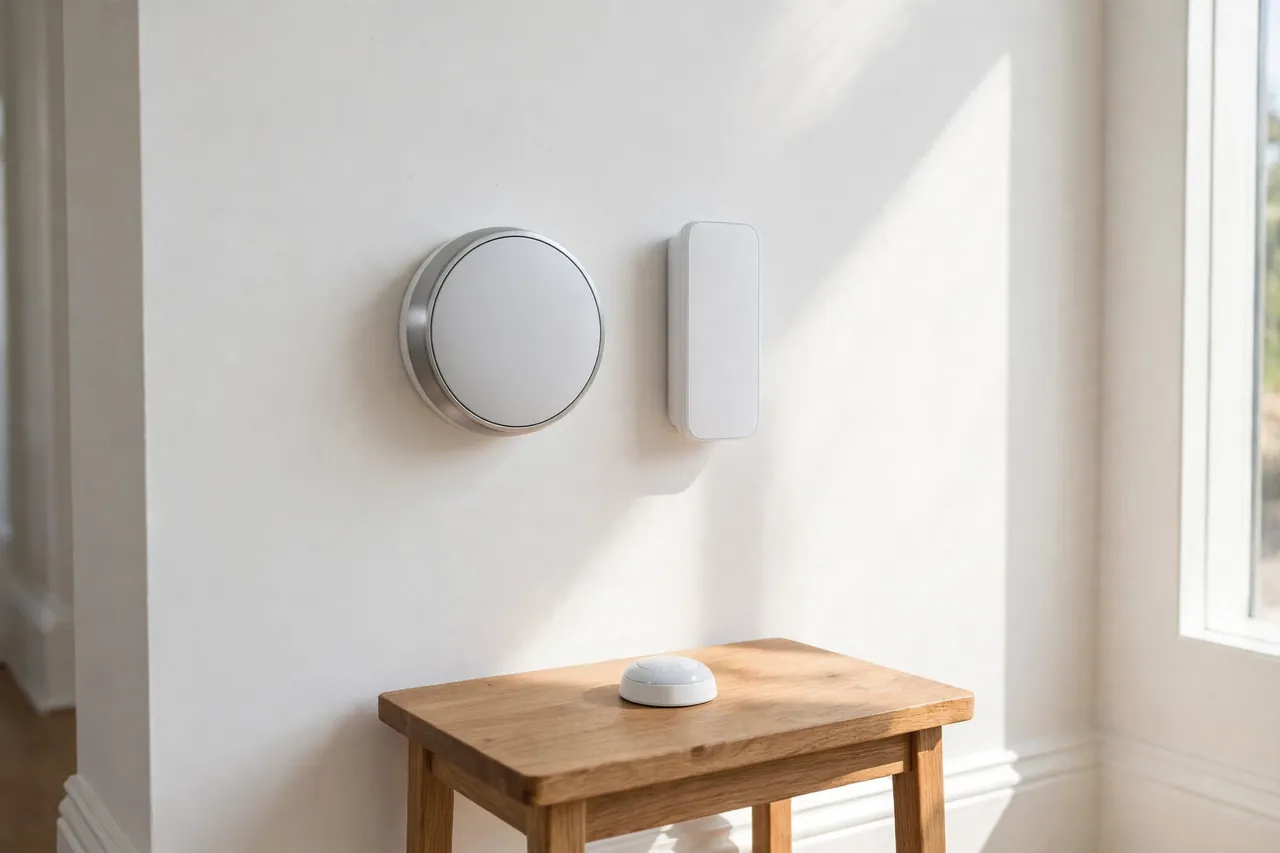
A manual thermostat holds one temperature until you change it. A programmable thermostat follows a schedule you set, and it never changes on its own. A smart thermostat does both jobs and adds Wi-Fi control, occupancy sensing, and learning, so it adjusts itself when your day changes.
The gap between programmable and smart is bigger than it looks. ENERGY STAR points out that many homeowners never program their programmable thermostat at all, because the menus are confusing and life changes faster than a fixed schedule. A schedule nobody programs saves nobody anything.
How the three types compare
| Feature | Manual | Programmable | Smart |
|---|---|---|---|
| Control | Dial or buttons | Set schedule | App, voice, auto |
| Schedule | None | Fixed, by hand | Learns and adapts |
| Remote control | No | No | Yes, anywhere |
| Learns habits | No | No | Yes |
| Energy reports | No | No | Yes, monthly |
| Typical price | $20-$50 | $30-$80 | $80-$280 |
A smart thermostat earns its price only if it changes how your system runs. If your days are exactly the same every week and you already program your thermostat well, a smart model adds convenience, not savings. If your schedule shifts, you travel, or you keep forgetting to turn the heat down, that is where it pays.
The comparison looks like an easy win for smart models. But there are several kinds of smart thermostat, and buying the wrong kind is the most common expensive mistake.
Types of Smart Thermostats: Which Kind Fits Your Home?
Smart thermostats come in four main kinds: learning models that build their own schedule, Wi-Fi programmable models that follow the schedule you set, models with remote room sensors that fix hot and cold rooms, and battery-powered or wireless models for homes without a C-wire. The right kind depends on your wiring and your routine, not on the price tag.
Learning thermostats
A learning thermostat watches you for a week or two, then writes its own schedule. The Google Nest Learning Thermostat is the best-known example. You turn it up and down by hand at first, and it notices the pattern: up at 7 in the morning, down at 9, back up at 6 in the evening. After that, it runs the pattern itself and keeps refining it. This kind suits people with a routine that repeats but shifts a little day to day.
Wi-Fi programmable thermostats
A Wi-Fi programmable thermostat does everything a learning model does except the learning. You set the schedule in the app, and you change it from your phone whenever you want. The Google Nest Thermostat and the ecobee Smart Thermostat Essential sit in this group, and they cost less than learning models. They suit people who like to set a schedule once and control it from the couch. Our guide to smart thermostats for home compares the most common models side by side.
Models with remote room sensors
Remote room sensors fix the oldest complaint in home heating: the bedroom is freezing while the living room is fine. A small sensor in the cold room tells the thermostat the real temperature there, and the system runs until that room is comfortable. The ecobee Smart Thermostat Premium includes one sensor in the box, and the Nest Learning Thermostat includes one as well. If your home has one room that never feels right, start with a sensor model. Read our guide on a thermostat with a remote sensor to see how placement changes the result.
Battery-powered and wireless models
A battery-powered thermostat runs on AA batteries instead of a C-wire, which makes it the fallback for older homes with only two or three wires at the wall. A wireless thermostat goes further and talks to the system over radio instead of wires. Bluetooth models pair with your phone at close range, and you can read how a Bluetooth thermostat behaves when you leave the house. Zigbee models join a wider smart-home network with a hub, and our guide to Zigbee thermostats explains when a hub is worth it. If your home has no C-wire, a battery-powered thermostat is often the simplest way in, but it trades some features for that freedom: the screen sleeps more, and the Wi-Fi radio rests between check-ins.
Picking the type is half the job. The other half is the wire behind your wall, and it decides more than the brand does.
The C-Wire: The One Thing That Stops Most Installs
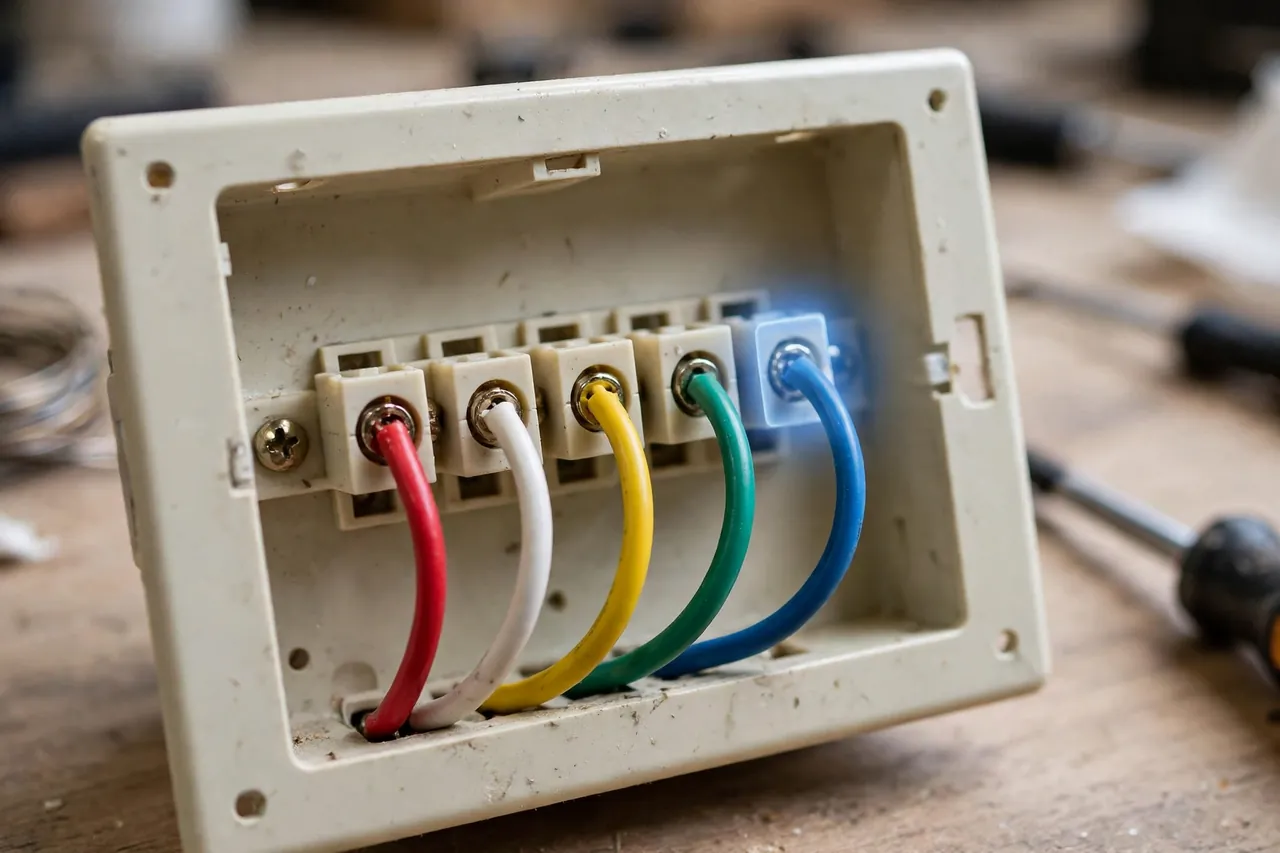
The C-wire, short for common wire, gives a smart thermostat steady 24-volt power around the clock. Older thermostats ran on batteries or borrowed tiny pulses of power, so they never needed it. A smart thermostat keeps a screen, a Wi-Fi radio, and a small computer running all day, and it needs a real power supply to do that.
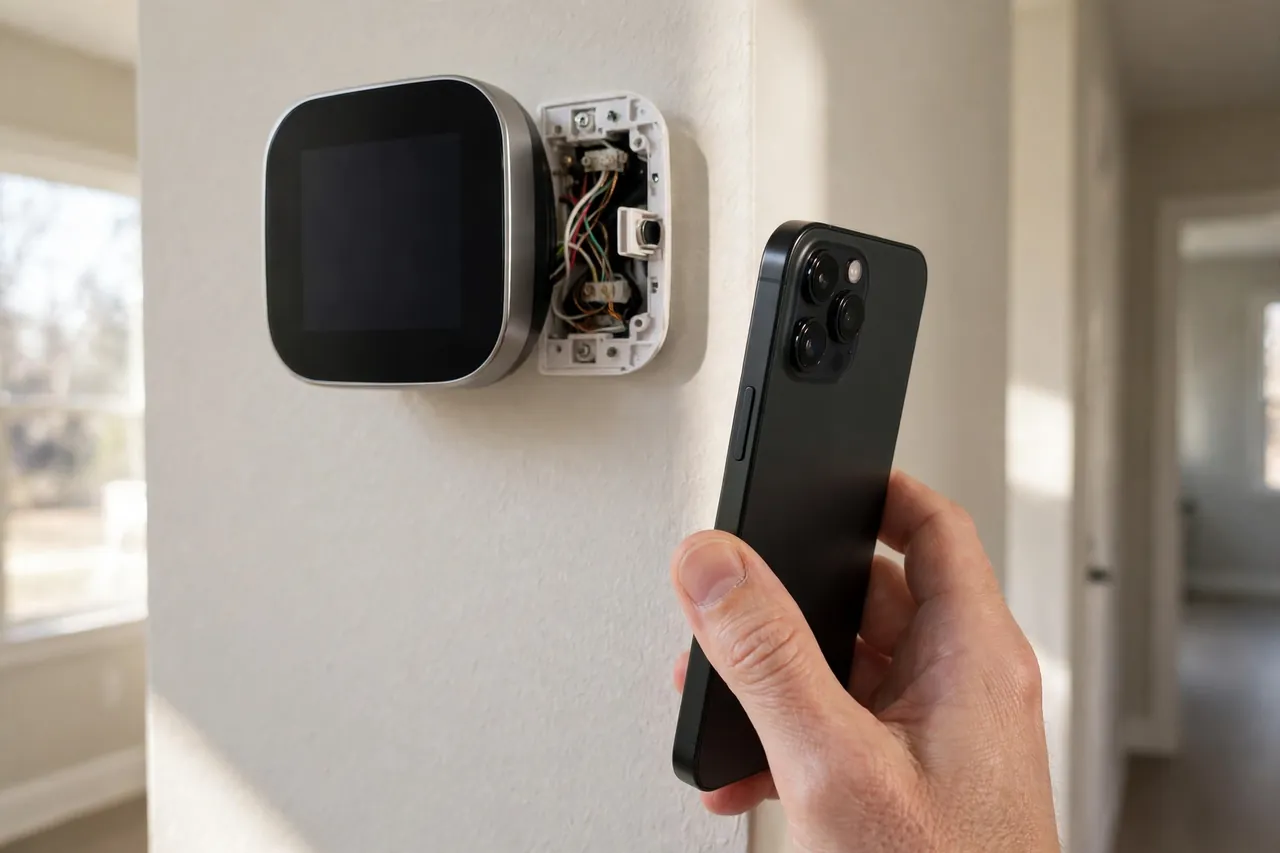
Without a C-wire, a smart thermostat may work for a week and then start dropping Wi-Fi, rebooting on its own, or flashing a low-power warning. The symptoms look like a broken thermostat, but the cause is usually the missing wire. If you open the wall plate and see no wire on the terminal marked C, that is the first thing to check.
What each wire does
| Terminal | Usual color | Job |
|---|---|---|
| R | Red | Power from the system |
| W | White | Calls for heat |
| Y | Yellow | Calls for cooling |
| G | Green | Runs the fan |
| C | Blue or black | Common wire, steady power |
Wire colors are a convention, not a law, so always trust the letter on the terminal, not the color of the wire. Our full thermostat wiring guide walks through every terminal, and our explainer on what a common wire in a thermostat is covers the C-wire in more depth.
If you have no C-wire, you still have three good options. First, look for a spare wire tucked behind the wall plate: many homes have an unused blue or black wire already in the wall, and it only needs connecting at both ends. Second, use a C-wire adapter or power extender kit, which borrows power from the wires you already have. The ecobee Power Extender Kit comes in the box with the Smart Thermostat Premium and Enhanced models, and ecobee explains on its own site that the kit lets you power the thermostat reliably without running a fifth wire. Third, pick a model that works without one: the Nest Learning Thermostat uses power sharing and usually needs no C-wire at all.
One hard limit: a smart thermostat built for 24-volt control must never go on a line-voltage system. If your heat comes from electric baseboards or wall heaters running on 120 or 240 volts, a standard smart thermostat is not compatible, and you need a line-voltage model made for that job.
The wire question decides the install before the box is even open. The next question decides whether the thermostat fits the equipment behind that wire.
Will It Work With Your Heating System?
Most smart thermostats work with the most common home systems: a gas or oil furnace with central air, a heat pump, and a multi-stage system. They do not work with every system, and the two that cause trouble are electric baseboard heat on line voltage and older millivolt systems like some gas fireplaces and floor furnaces.
Start with the furnace. A single-stage gas furnace with central air is the easiest case, and nearly every smart thermostat supports it. If the furnace runs but the house stays cold, the problem is rarely the thermostat, and our guide to a furnace not working walks through the checks in order.
Heat pumps need more care. A smart thermostat must handle the heat pump’s reversing valve and its backup heat, or auxiliary heat, correctly. Set it up wrong and the expensive electric backup heat runs when the heat pump alone would have done the job. Our guide to a thermostat for a heat pump explains the settings that keep backup heat in reserve.
Electric heat is the tricky middle. A heat pump with electric backup, electric radiators on a low-voltage relay, and ductless mini-splits can all work with the right model, but plain electric baseboards on line voltage cannot. If your home heats with electricity, read our guide to a heat and electric thermostat before you buy, because the wrong thermostat on an electric system can damage the equipment.
Multi-stage systems are a quiet win for smart thermostats. A two-stage furnace or a variable-speed heat pump runs gently most of the time and only steps up when the house needs it. A smart thermostat that understands staging keeps the system on its low, efficient stage longer, which is steadier and cheaper than short blasts at full power.
Before you buy any model, run the manufacturer’s compatibility checker and take a photo of your wires. The checker takes two minutes. The photo saves you a second trip to the wall plate, and it is the first thing any support agent will ask for.
Compatibility is settled. Now the question most people actually ask first: what does all of this cost?
How Much Does a Smart Thermostat Cost?
A smart thermostat costs $80 to $280 for the device itself, depending on the model and its features. Professional installation adds $100 to $250 in most areas, although many homeowners install one themselves in about 30 minutes. Many electric and gas utilities offer rebates of $25 to $100 for an ENERGY STAR certified model, which can cut the real price in half.
What the main models cost
| Model | List price | Best for |
|---|---|---|
| Amazon Smart Thermostat | $79.99 | Budget, Alexa homes |
| Google Nest Thermostat | $129.99 | Simple schedules |
| ecobee Smart Thermostat Essential | $139.99 | Apple Home, Alexa, Google |
| ecobee Smart Thermostat Enhanced | $199.99 | Room sensors, no air monitor |
| ecobee Smart Thermostat Premium | $259.99 | Sensors plus air quality |
| Google Nest Learning Thermostat (4th gen) | $279.99 | Learning, Google homes |
Prices are manufacturer list prices checked on November 10, 2026. Sale prices change often, and the Nest models in particular go on sale around holidays, so check the current price before you buy.
Rebates change the math more than sales do. Before you buy, search your utility’s name plus “smart thermostat rebate” and check the ENERGY STAR rebate finder. Some utilities sell the thermostat directly at a discount through their own online store, and a $100 rebate on a $130 thermostat leaves you paying $30 for the device.
Installation is the other cost people forget. A straightforward swap on a system with a C-wire takes most people 30 minutes: breaker off, photo the wires, swap the plate, connect the wires, breaker on, set up the app. A missing C-wire, a system with no spare wire, or a heat pump with unusual wiring is the point where a $150 professional visit is cheaper than a Saturday of guessing.
The price tag is only half the story. The other half is what it gives back every month on the bill.
Do Smart Thermostats Really Save Money?
Yes, for most households, but modestly. ENERGY STAR reports that certified smart thermostats save about 8% on heating and cooling bills on average, or roughly $50 a year, based on real-world field data from homes across the United States. That is the honest number to plan around, and it comes from the EPA’s own certification testing, not from a manufacturer.
The savings come from runtime, not magic. A smart thermostat cuts the hours your system runs when nobody is home, when everyone is asleep, or when the weather is mild. The U.S. Department of Energy notes that turning the temperature back 7 to 10 degrees Fahrenheit for 8 hours a day can save up to 10% on heating and cooling costs each year, and a smart thermostat is the device that actually does that setback every day without you remembering.
Manufacturer studies report bigger numbers, and you should read them as best cases. Ecobee’s analysis of more than four million thermostat users found homes using smart scheduling and occupancy sensing saved an average of 26% on heating and cooling compared with homes running one constant temperature. That 26% is ecobee’s own study of its own users, not an independent test, and it compares against the worst habit: leaving the heat on all day.
When do the savings shrink? Three cases. First, if someone is home all day, there is no empty-house period to save on. Second, if you already program a thermostat well and turn it down every night, a smart model has little left to fix. Third, mild climates spend less on heating and cooling to begin with, so 8% of a small bill is a small number. ENERGY STAR says the same: homes with big temperature swings through the year save the most.
Do the payback math before you buy. A $130 thermostat saving $50 a year pays for itself in under three years, and a $100 utility rebate cuts that to under a year. A $280 premium model with no rebate takes more than five years on the same savings, so it has to earn its price on comfort and features, not on the bill alone.
Savings are real but they are not automatic. The settings decide whether yours lands near 8% or near zero, and the next section is the one that makes the difference.
Installation Basics: What to Check Before You Buy
Installing a smart thermostat takes most homeowners about 30 minutes, and the whole job is a wire swap, not a rewiring project. The work happens in five steps, and the only step that causes trouble is the one people skip: checking the wires first.
Turn off the power at the breaker before you touch anything. The thermostat circuit is low voltage, but the furnace or air handler next to it is not, and the breaker is the only safe way to be sure. Tape the breaker or tell everyone in the house to leave it alone while you work.
Take a photo of the old wiring before you remove a single wire. That photo is your map back if anything goes wrong, and it is the first thing a support agent will ask to see. Label each wire with the stickers that come in the box, using the letter on the terminal it came from.
Check for a C-wire while the plate is off. If a wire sits on the C terminal, you are ready. If the terminal is empty, look for a spare wire tucked in the wall, and read the C-wire section above for the three fixes that work. Our step-by-step guide on how to install smart thermostats covers the full swap with photos of each step.
Mount the new plate level, connect the wires to the matching letters, and turn the breaker back on. The thermostat will walk you through Wi-Fi setup and a system test: it calls for heat, then cooling, then the fan, and you confirm each one actually runs. If a stage does not start, stop and recheck the wires against your photo before you blame the device.
One rule covers the whole job: if the wiring looks different from every diagram, if there is no C-wire and no spare, or if the system is line voltage, call a heating professional. A $150 visit costs less than a burned-out control board.
The device is on the wall. Now it needs a schedule that actually saves, and that is where most people leave money on the table.
Settings and Schedules That Actually Save
The schedule is the setting that decides your bill. A smart thermostat saves money by turning the temperature back when nobody needs comfort: while you sleep, while you work, and while you travel. The rest of the settings support that one job.
Set three temperatures and leave them alone. A waking temperature you like, a sleeping temperature 7 to 10 degrees lower in winter, and an away temperature lower still. In summer, flip the logic: warmer when you sleep and away, cooler when you are home. The Department of Energy’s 7-to-10-degree setback is the size that saves without making the house take forever to recover.
Turn on Home and Away sensing and let the thermostat do the work. Occupancy sensors and your phone’s location switch the house to an energy-saving temperature when everyone leaves, and they bring it back before you return. This is the feature that separates a smart thermostat from a programmable one: the schedule follows your life instead of the clock.
Use the fan setting with care. Auto runs the fan only when heating or cooling, and it saves the most. On, or circulate, runs the fan between cycles and evens out hot and cold rooms, but it uses more electricity. If one room always feels stuffy, try circulate for a week and watch the bill before you leave it on.
If your model measures humidity, use it. A thermostat with humidity control can run the air conditioning a little longer to pull moisture out of the air, which makes 76 degrees feel like 72. In winter, the same sensor warns you when the air gets dry enough to bother your skin and your wood floors.
Check the energy report once a month and change one thing. If the system ran all night, your sleep setback is too small. If it ran hard every afternoon, your away temperature is too close to your home temperature. One change a month is enough, and the report shows whether it worked.
The schedule is set. But even a good thermostat acts up sometimes, and the fixes are usually simpler than they look.
Troubleshooting: When Your Smart Thermostat Acts Up
Most smart thermostat problems have boring causes. Wi-Fi drops, reboots, and wrong temperatures usually trace back to power, placement, or a setting, and the fix takes minutes once you know where to look.
Start with the Wi-Fi. If the thermostat keeps disconnecting, check the signal strength in its settings menu. A thermostat on a far wall or behind a metal cover may show one bar where your phone shows three. Moving the router closer, or adding a small access point on the same floor, fixes more Wi-Fi problems than any setting ever will.
Rebooting on its own almost always means a power problem. A thermostat that restarts, flashes a low-power warning, or loses its settings is usually running without a C-wire and stealing power in bursts. Check the C terminal first, then read the C-wire section above for the fixes. Our guide to a thermostat not working covers the full checklist, from the breaker to the control board.
A temperature that reads wrong is usually a placement problem. A thermostat in direct sun, above a lamp, or next to a drafty door measures its own little bubble, not your house. A reading that is off by two or three degrees is normal; a reading off by ten means the thermostat is in the wrong spot or a remote sensor is doing the measuring instead.
Short cycling, where the system turns on and off every few minutes, wastes energy and wears out equipment. The usual causes are a temperature swing setting that is too tight, a clogged air filter choking airflow, or a system that is oversized for the house. Change the filter first, because it is free and it fixes the problem more often than anyone expects.
If the furnace runs but the house never warms up, or the air conditioning blows warm air, the thermostat is probably not the problem at all. Check the system itself before you replace the device, and if hot water is the issue instead of heat, our guide to a hot water heater not working covers that side of the system.
One rule covers every fix: change one thing at a time and watch what happens. Change three settings at once and you will never know which one worked.
What Most People Get Wrong About Smart Thermostats
The most common mistake is treating the thermostat like a gas pedal. Turning the temperature up to 85 degrees does not heat your house faster than setting it to 72. A thermostat is a switch, not a throttle: it turns the system on at full power until the house reaches the setting, and a bigger number only means it runs longer, not harder.
The second mistake is buying features instead of fit. A learning algorithm does nothing for a house with a fixed routine, and a remote sensor does nothing if the thermostat already sits in the room you use most. The right model is the one that matches your wiring and your day, and the most expensive model is rarely the right one.
The third mistake is installing it and forgetting it. A smart thermostat saves money because it keeps adjusting, and it can only adjust if the schedule, the sensors, and the Home and Away features are actually turned on. A smart thermostat with everything left on default behaves like a $280 programmable thermostat, and that is the most expensive way to change nothing.
None of these mistakes is permanent. A wrong setting takes a minute to fix, and a wrong model can usually go back within the return window. The expensive mistake is the one you never notice, so check the energy report in the first month and believe what it says.
Is a Smart Thermostat Worth It for You?
A smart thermostat is worth it for most homeowners, and it is a clear win in three cases. Your schedule changes from day to day, so a fixed program never fits. You travel or spend long days away, so the house sits empty for hours. Or your home has rooms that never feel right, and a sensor model can finally fix them.
It is a weaker buy in two cases. Your routine is exactly the same every day and you already program your thermostat well, or you rent and the landlord will not allow a swap. In those homes, a smart thermostat still adds comfort and remote control, but it will not pay for itself on the bill, and you should buy it for the convenience, not the savings.
The decision in one line: if your day changes, buy one; if your day never changes, buy the cheapest model that fits your wiring, or keep the thermostat you have.
Start with the two-minute check. Photograph your wires, run the manufacturer’s compatibility checker, and look for a utility rebate. If the wires fit and a rebate covers half the price, the decision is already made.
Related Guides
Everything in this cluster, so you can go deeper on any part of the topic:
- Wireless Thermostat — when wires are not an option at all
- Hot Water Heater Not Working — when the problem is the water heater, not the thermostat
- Thermostat Wiring Guide — every terminal, every wire color
- How to Install Smart Thermostats — the full swap, step by step
- Thermostat Not Working — the full troubleshooting checklist
- Thermostat With a Remote Sensor — fix the cold bedroom problem
- Smart Thermostats for Home — the main models compared
- Furnace Not Working — when the furnace is the problem
- Thermostat for a Heat Pump — settings that protect your backup heat
- Bluetooth Thermostat — close-range control without Wi-Fi
- Heat and Electric Thermostat — electric heat done right
- What Is a Common Wire in a Thermostat? — the C-wire explained
- Battery-Powered Thermostat — no C-wire, no problem
- Thermostat With Humidity Control — comfort is more than temperature
- Zigbee Thermostats — for a hub-based smart home
Frequently Asked Questions
What is the difference between a smart thermostat and a programmable thermostat?
A programmable thermostat follows a fixed schedule you set by hand, and it never changes on its own. A smart thermostat learns your habits, senses whether anyone is home, and adjusts itself when your day changes. ENERGY STAR notes that many people never program their programmable thermostat at all, which is why the smart version saves more in practice.
Does a smart thermostat really save money?
Yes, for most households. ENERGY STAR reports that certified models save about 8% on heating and cooling bills, or roughly $50 a year, based on real-world data. Savings are bigger in homes with changing schedules and extreme seasons, and smaller if someone is home all day or the thermostat was already programmed well.
Are smart thermostats worth it?
For most homeowners, yes. They cut heating and cooling bills by about 8%, add remote control and room-by-room comfort, and pay for themselves in one to three years with a utility rebate. They are a weak buy only if your routine never changes or you rent and cannot swap the thermostat.
Do smart thermostats require a C wire?
Most do, because a C-wire gives the thermostat steady 24-volt power for its screen and Wi-Fi radio. Without one, some models work with a power adapter or an extender kit, some run on batteries with fewer features, and the Nest Learning Thermostat usually needs no C-wire at all thanks to power sharing. Check the C terminal before you buy.
Can smart thermostats help you save money on energy bills?
Yes, by cutting the hours your system runs when nobody needs it. They turn the temperature back while you sleep, while you are away, and on mild days, and they report the savings each month. The Department of Energy notes that a 7-to-10-degree setback for 8 hours a day can save up to 10% a year, and a smart thermostat applies that setback automatically.
Your next step takes two minutes: photograph the wires behind your thermostat, run the manufacturer’s compatibility checker, and search your utility’s name plus smart thermostat rebate. If the wires fit and a rebate covers half the price, you have your answer. A smart thermostat is a small device, but it is the one upgrade that watches your house, learns your day, and quietly pays you back every month.
Stay safe: always turn off the power at the breaker before touching thermostat wiring, and never work on a line-voltage system yourself. If the wiring looks unfamiliar, if there is no C-wire and no spare, or if anything about your system is unclear, call a licensed heating professional.